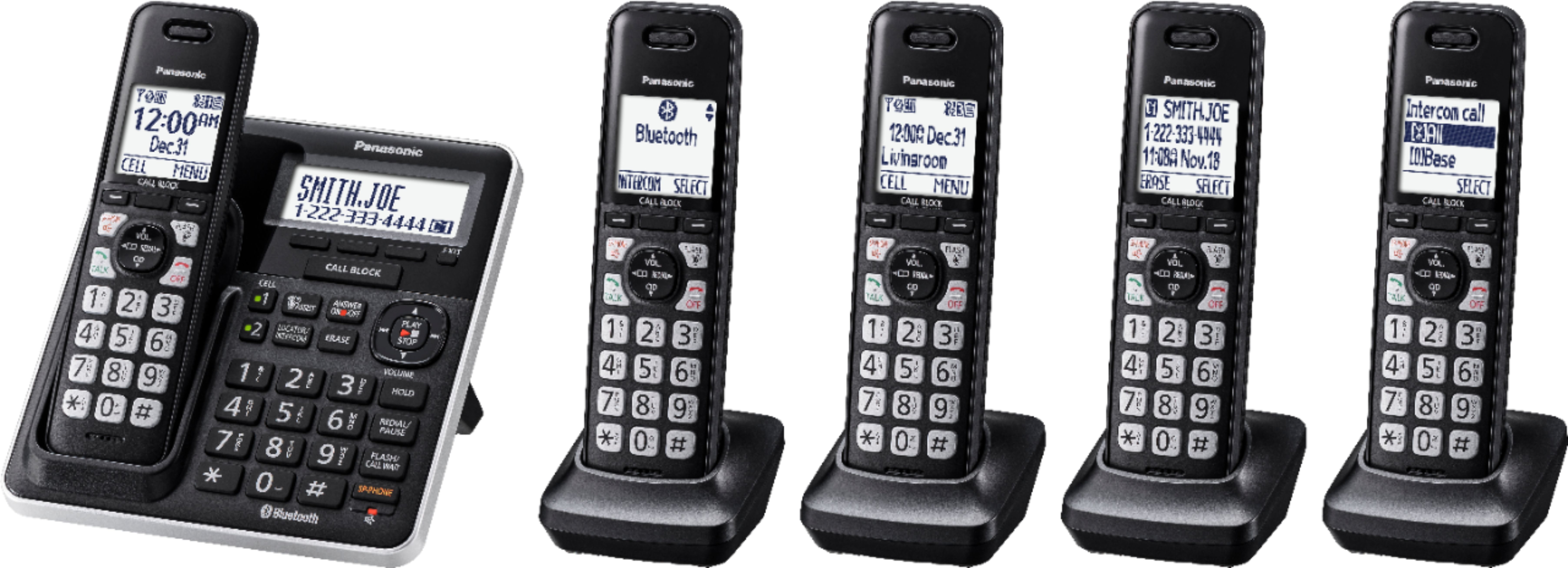
A:AnswerThank you for reaching out! Kindly be informed that the KX-TGA407B is compatible with this telephone system. The B at the end stands for the color Black, however it's the same model of range extender.
A:AnswerThank you for reaching out! In regards to your question, kindly be informed that the Caller ID displayed for an incoming call depends mainly on your Caller ID Service with your landline provider. In consequence, we would recommend you to check with them, in order to make sure the service is enabled and working properly from their end.
A:AnswerWe have a KX-TGF775S and I believe it has the code capability you are asking about. It is referenced in the Instruction manual at pp. 76-79 under "Advanced new message alerting features." One is "New message alert by call" and another is "Remote operation."
A:AnswerDear customer, the range of the device depends on different factors, thick walls, radiators, metal shelving, etc, avoid positioning the unit close to objects that will interfere with reception. We also recommend installing the unit in a raised position (such as on a wall). You can extend the range by purchasing a Range Extender.
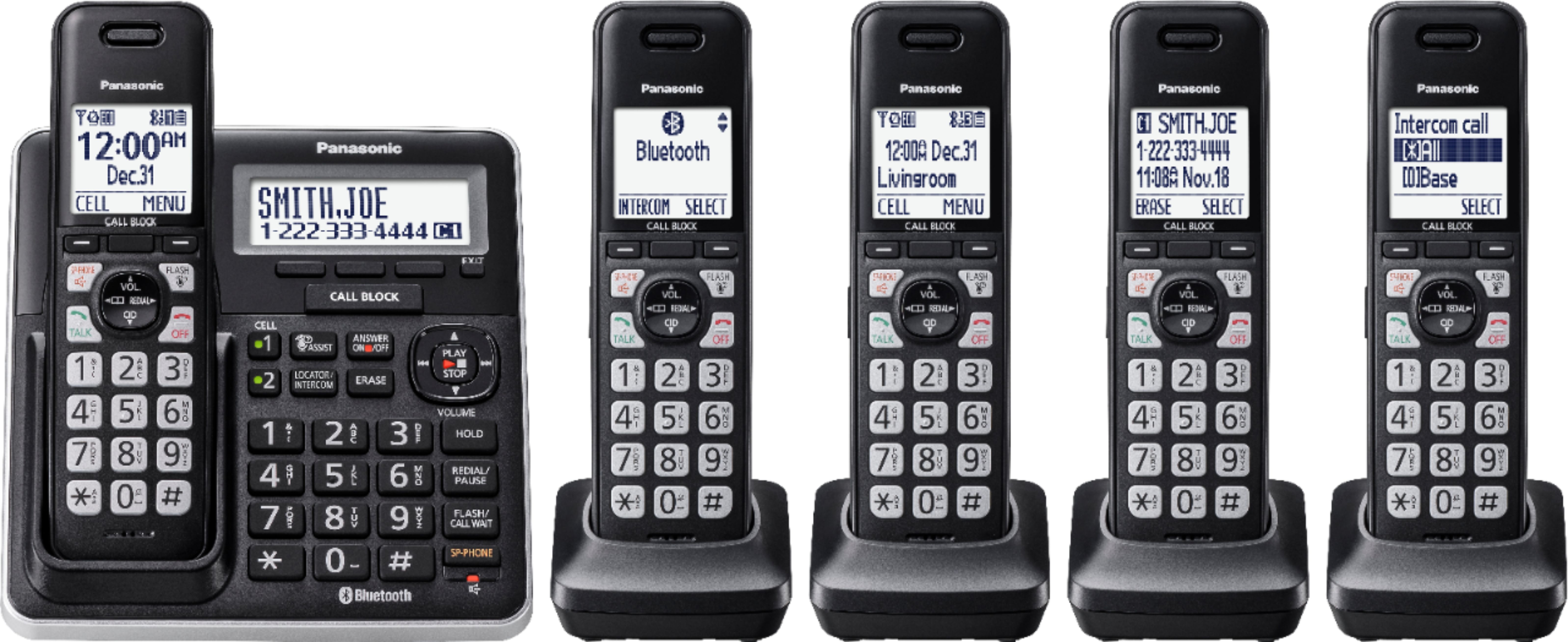
A:AnswerThank you for your question. KX-TGF775S is a newer model, released in 2019. The difference between it and the KX-TGF575S is that KX-TGF775S has Answer by voice command, a feature that allows you to answer incoming calls automatically with your voice. Another feature that this model has it is Automated call block, with this the unit screens incoming calls before ringing for allowed calls or ends the calls without ringing for calls identified as robocalls, telemarketing calls, or other undesirable calls (Caller ID subscribers only). The unit will play the greeting message for automated call block and prompt the caller to enter an access code in order for the unit to identify whether the call is automated.
A:AnswerDon't know about the Samsung. Have not tried that feature. Yes, voice messages - have only had one message so far, and we listened and deleted it on the main unit, but I think you can. The best feature is call blocking, which you can do as call is coming in or afterwards from CID.
A:AnswerWe would be more than happy to look into it further. Please contact our Customer Service Team via Live Chat on the Panasonic Website, Contact Us option, Mon-Fri, 9am-5pm EST. -M