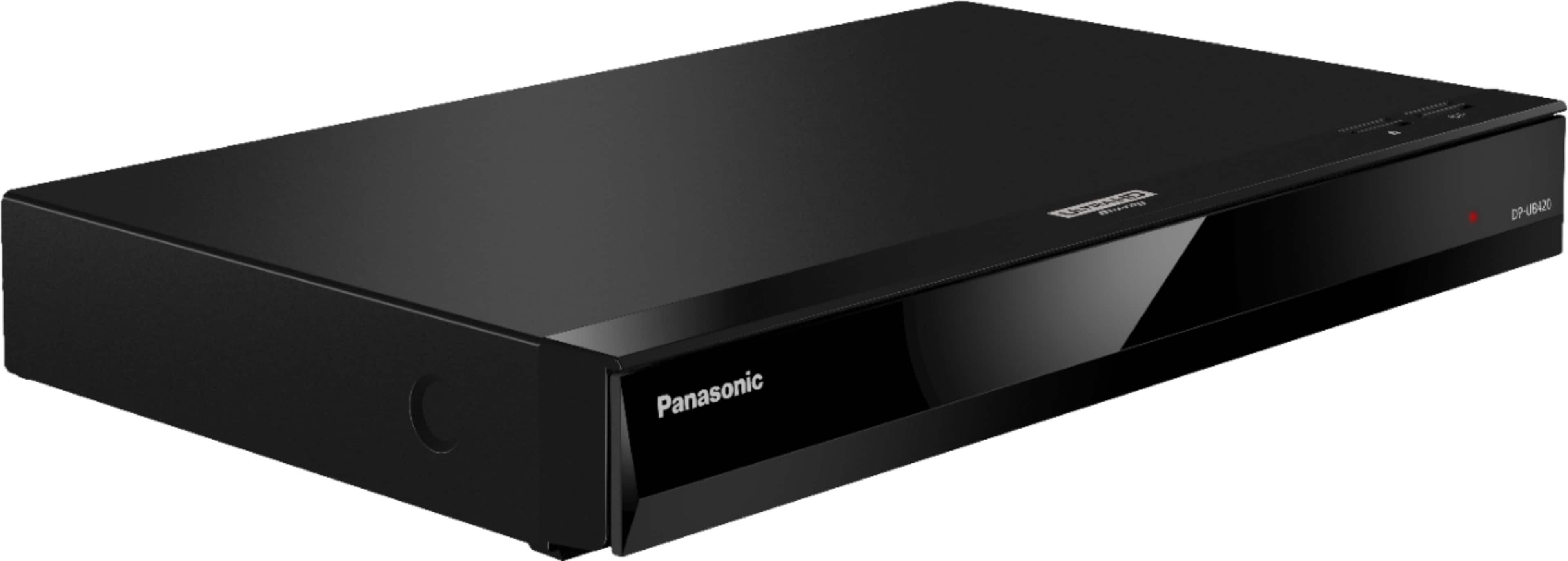
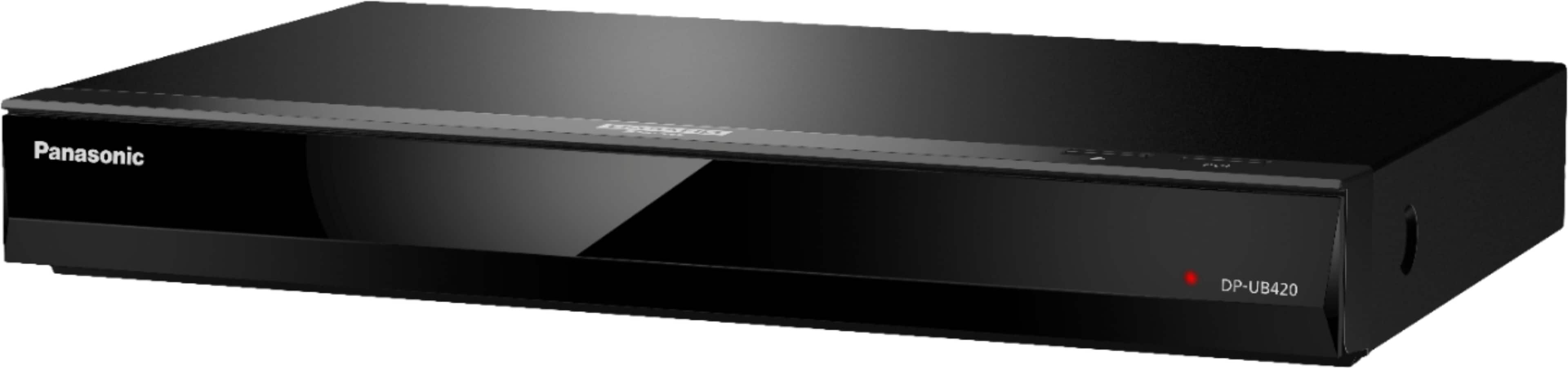
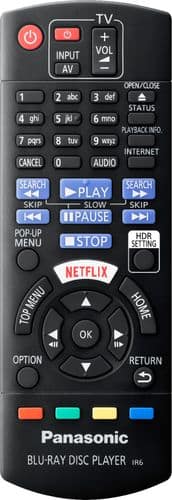
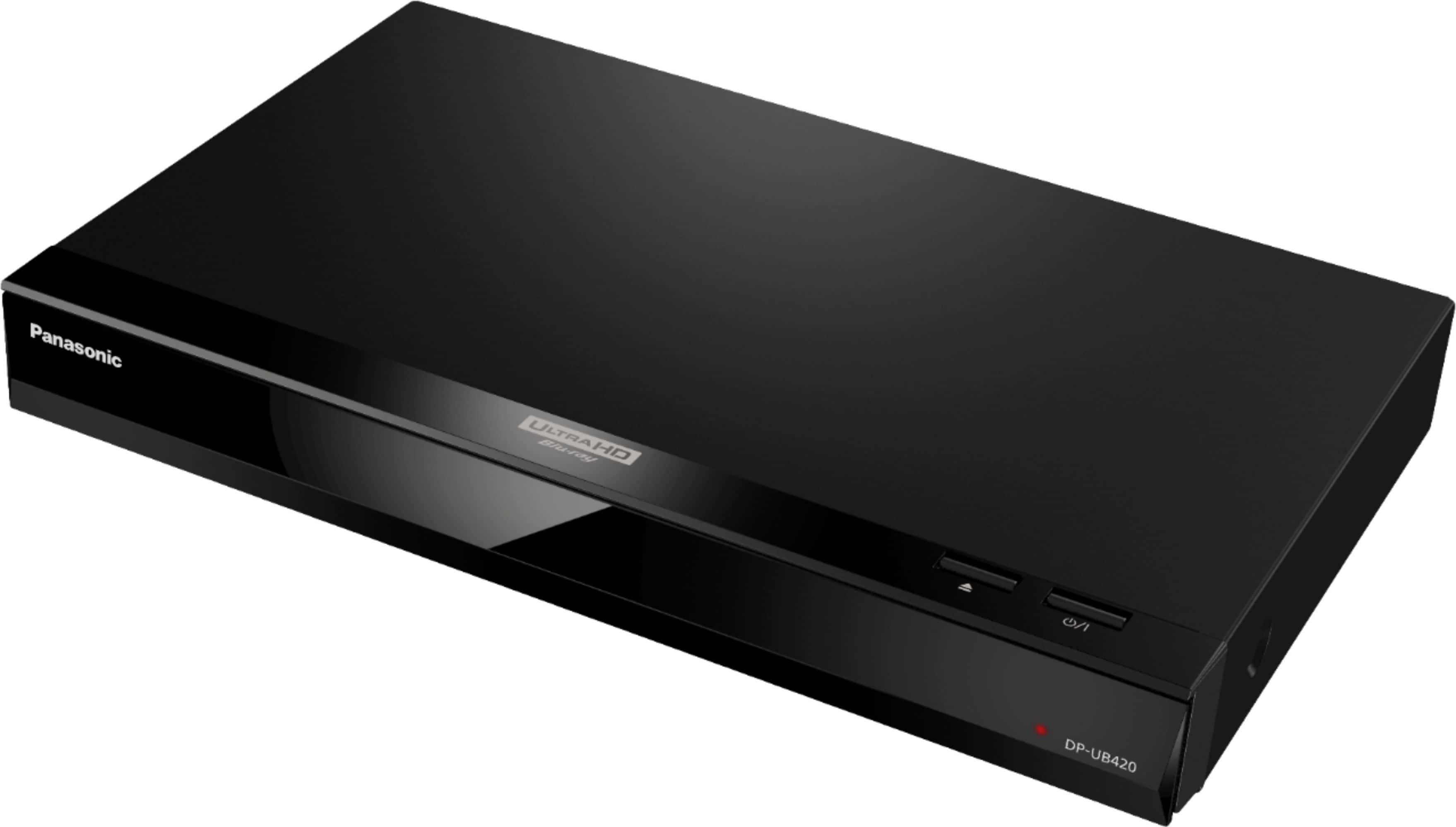
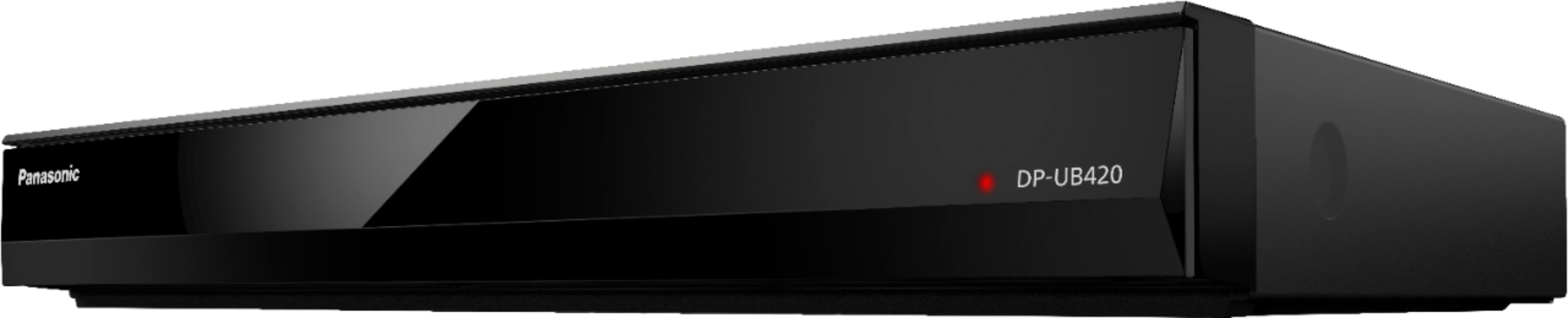
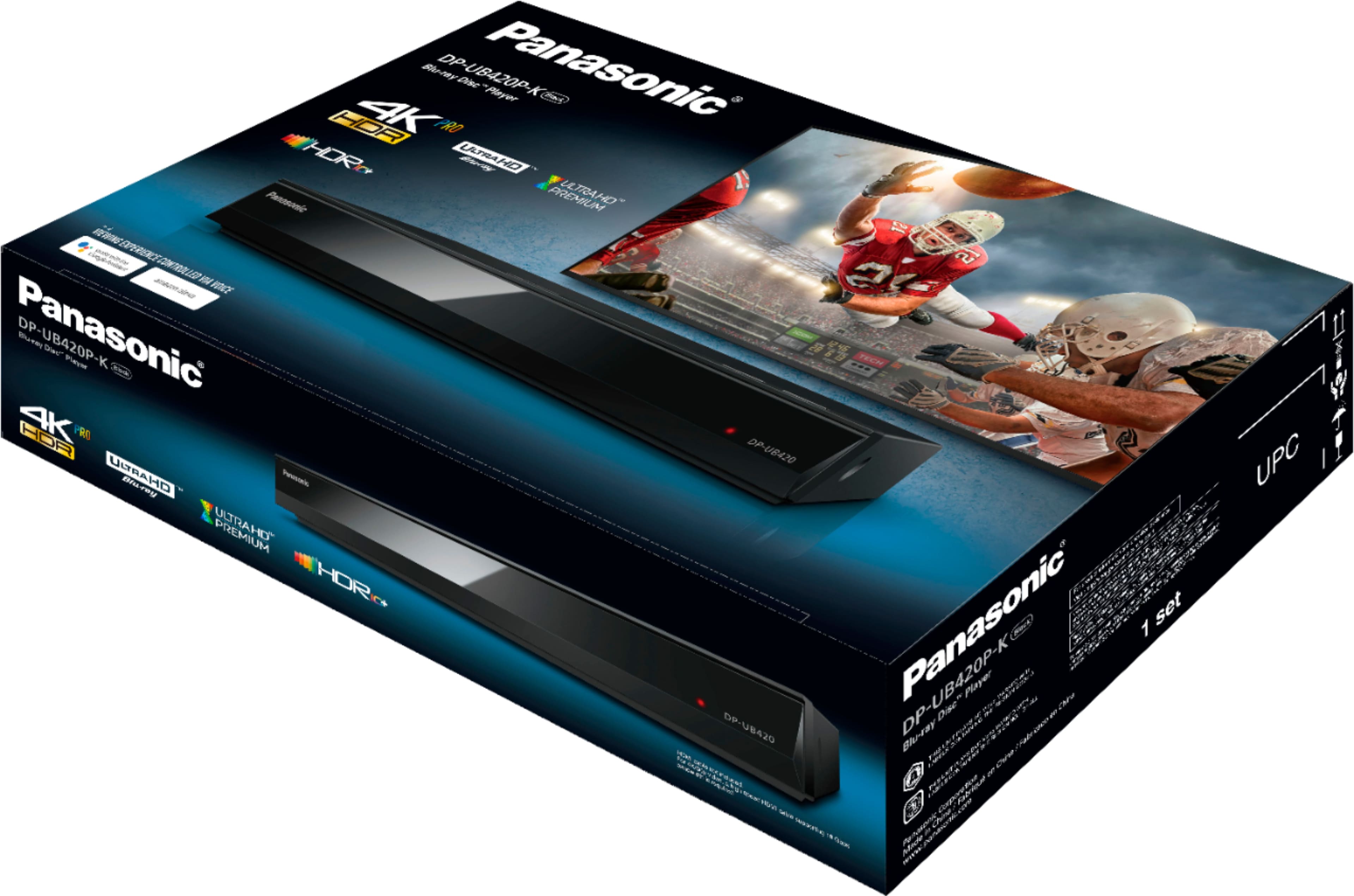
A:AnswerHello! No, the unit will not record. However, any DVD-R/RW/R DL, +R/+RW/+R DL and CD-R/RW that are recorded by a recorder need to be finalized by the recorder to play on this unit. Please refer to the recorder’s owner’s manuals. If you require further assistance, please contact the Support Team via Live Chat on the Panasonic Website, Contact Us option, Mon-Fri, 9am-5pm EST. -C
A:AnswerHi! The product is designed for the US power specifications and is compatible with a 120V power source, based on this we cannot assure you that it will work for different power sources. -C
A:AnswerHello! No, Vudu is not an Internet application available for this Blu-ray. Some of the Video & Movie applications available are Prime Video, Fireplace, Viaway TV, Netflix. If you require further assistance, please contact the Support Team via Live Chat on the Panasonic Website, Contact Us option, Mon-Fri, 9am-5pm EST. -C
A:AnswerHello! If you have a home network with a 5G router, you may be able to connect the DP-UB420 to your network via Ethernet or Wi-Fi to access online streaming services such as Netflix or YouTube. -M
A:AnswerHello! We would need more details to have a better understanding of your question. Please reach out to our Support Team via Live Chat on the Panasonic Website, Contact Us option, Mon-Fri, 9 am-5 pm EST. -C
A:AnswerAccording to the Basic Owner's Manual the player supports the following formats from various sources: Ultra HD Blu-ray, Blu-ray, DVD, JPEG, MPO, MKV, AVCHD, AAC, AIFF, ALAC, DSD (DFF, DSF), FLAC, MP3, WAV, WMA, MP4, MPEG2, CD-DA
A:AnswerHello! We would need more information in order to have a better understanding of your inquiry. If you’re open to discussing it further, please contact the Support Team via Live Chat on the Panasonic Website, Contact Us option, Mon-Fri, 9am-5pm EST. -C
A:AnswerHi! We advise you to get in touch with our Support Team via Live Chat on the Panasonic website -> Contact Us option, Mon–Fri, 9 am–5 pm EST, as we would need more information to further review this. -C