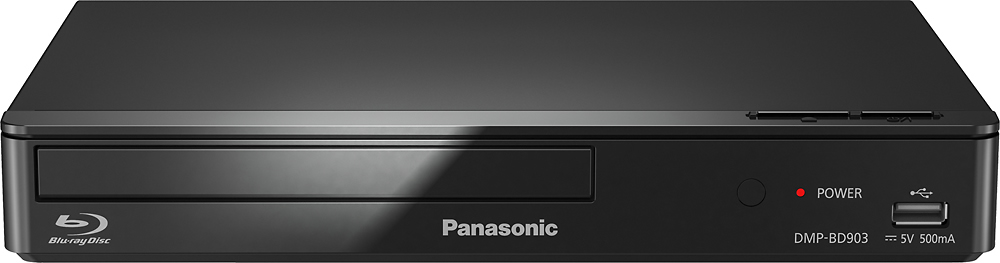
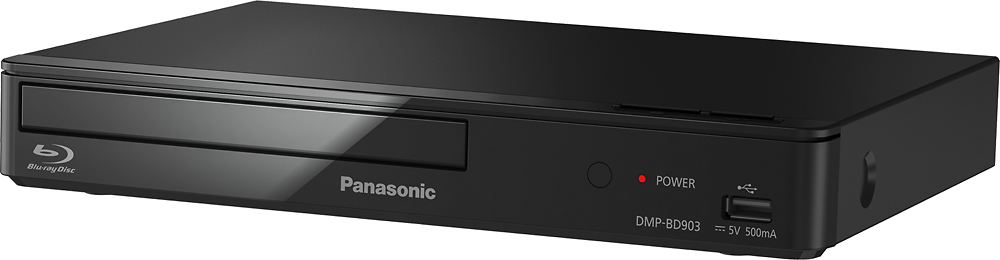
A:AnswerHello there! This is a Blu-ray player and it should not freeze as long as you use compatible Region A or Region 1 disks. If you are experiencing freezes, we could recommend resetting the player's settings. We hope this helps! - F
A:AnswerHello there! This player model number was released originally in 2015 and continued to be made since, however, we cannot tell the year the player you are going to get will be manufactured in. We hope this helps! - F
A:AnswerHi there! Thank you for your question! We do not have the specific 4-digit code for this DVD/Blu-ray player. We recommend reaching out to the manufacturer of your universal remote control for assistance. - S
A:AnswerHello! No, this unit does not have RCA L/R analog audio outputs. We appreciate your feedback about showing the back of the unit and will share it with our team for consideration. - S
A:AnswerHi Lenn! Thank you for your question. This Blu-ray player can be connected to a TV as well as an amplifier or receiver, allowing integration with a surround sound system. - S