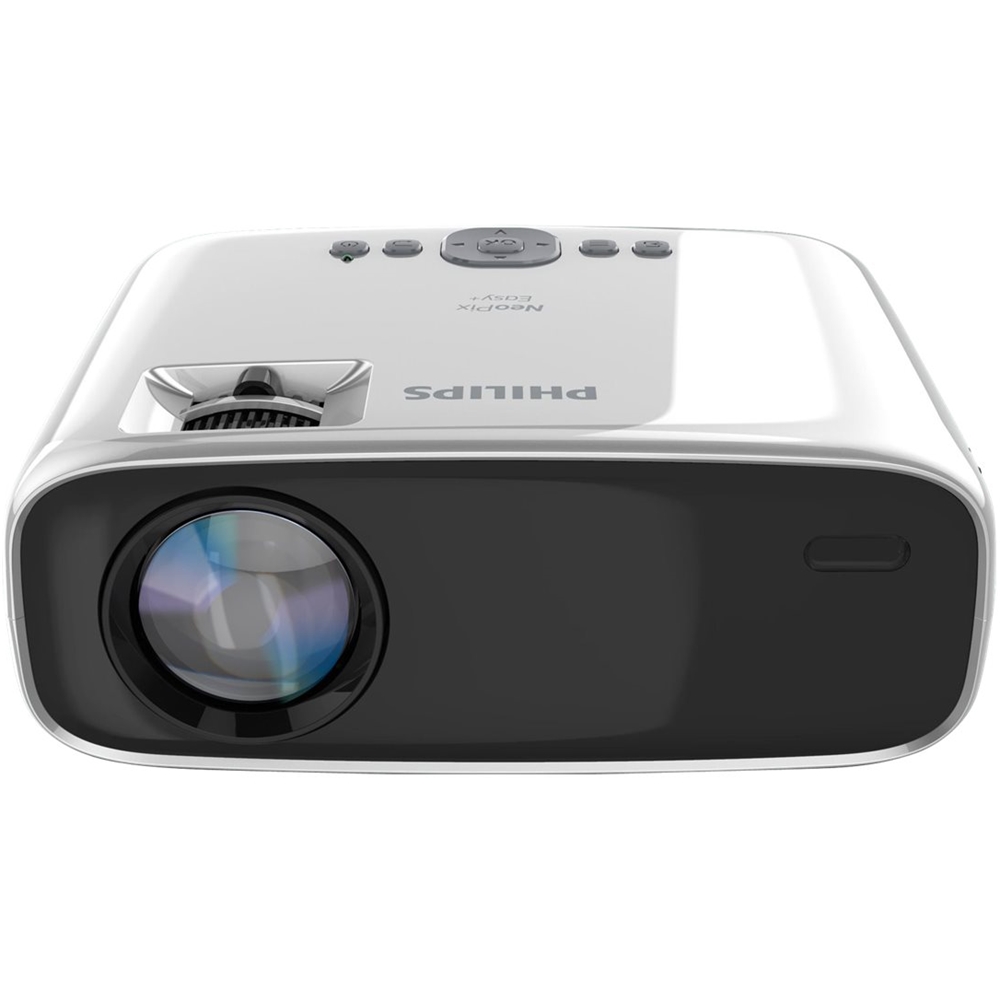
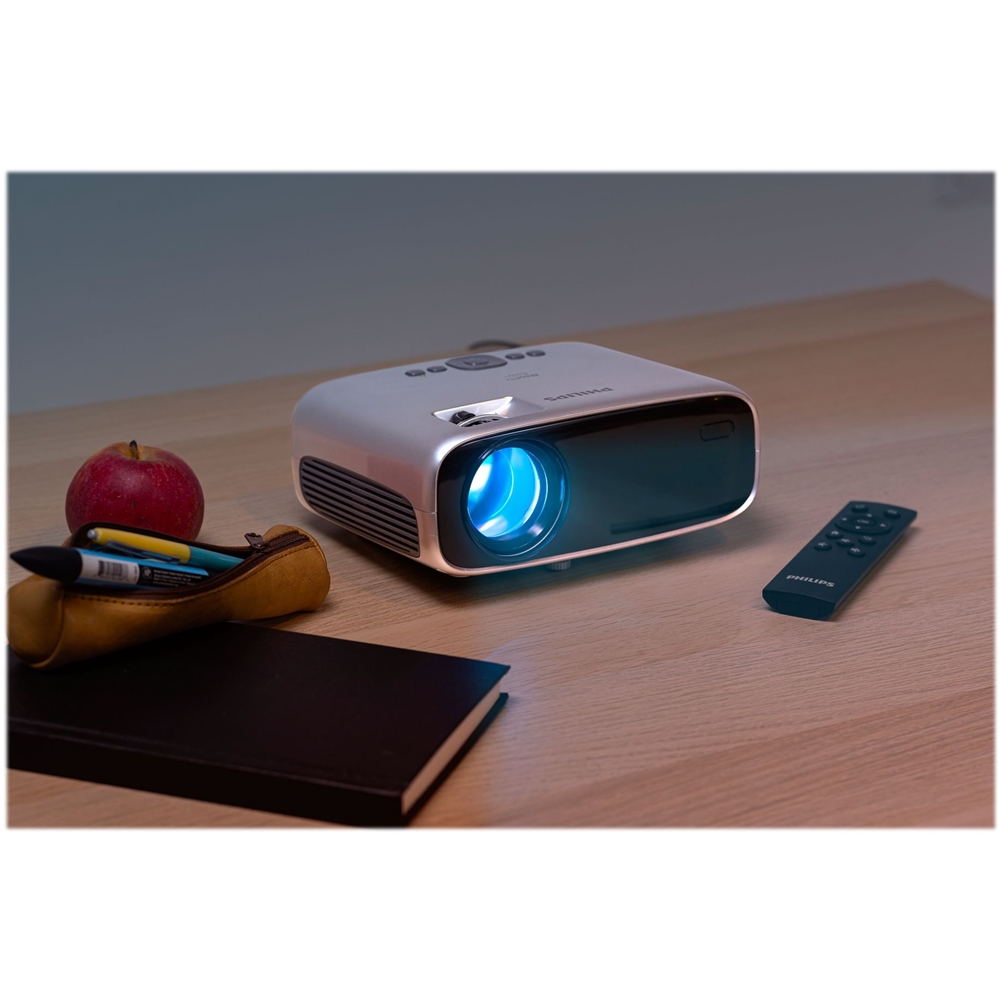
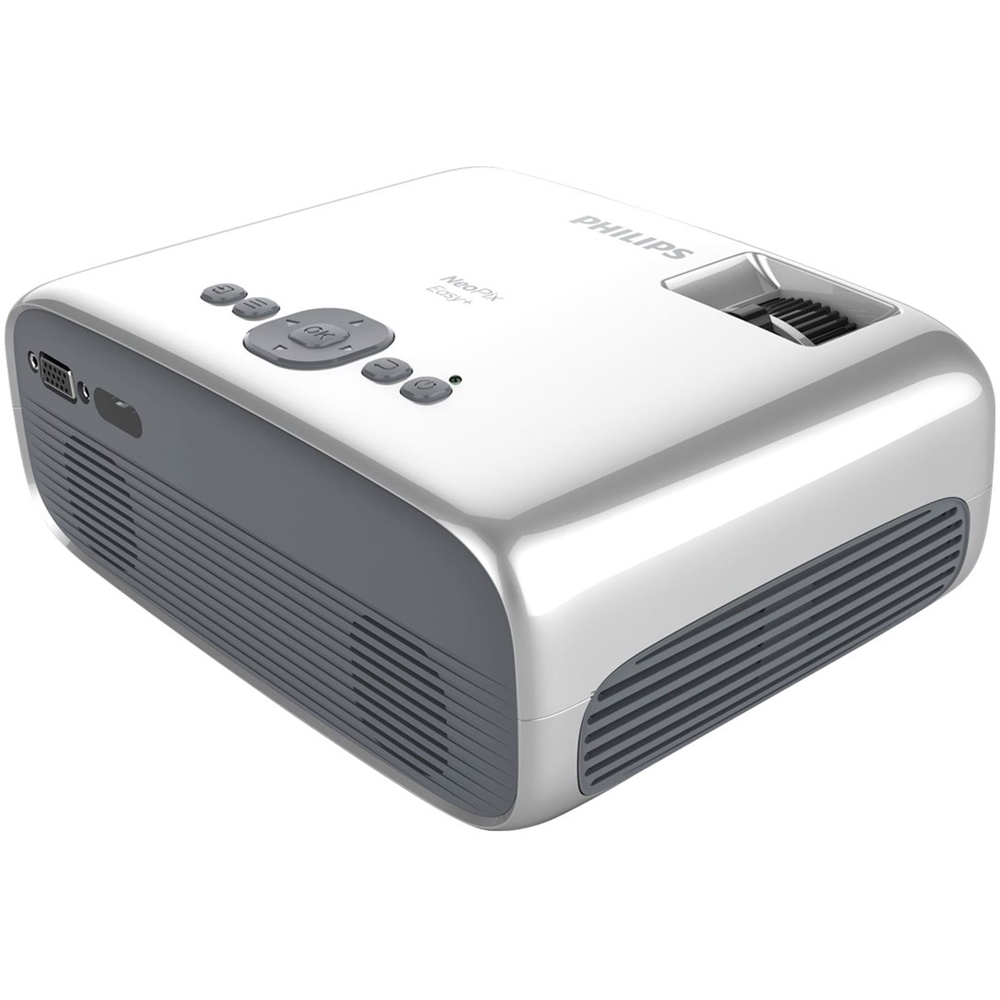
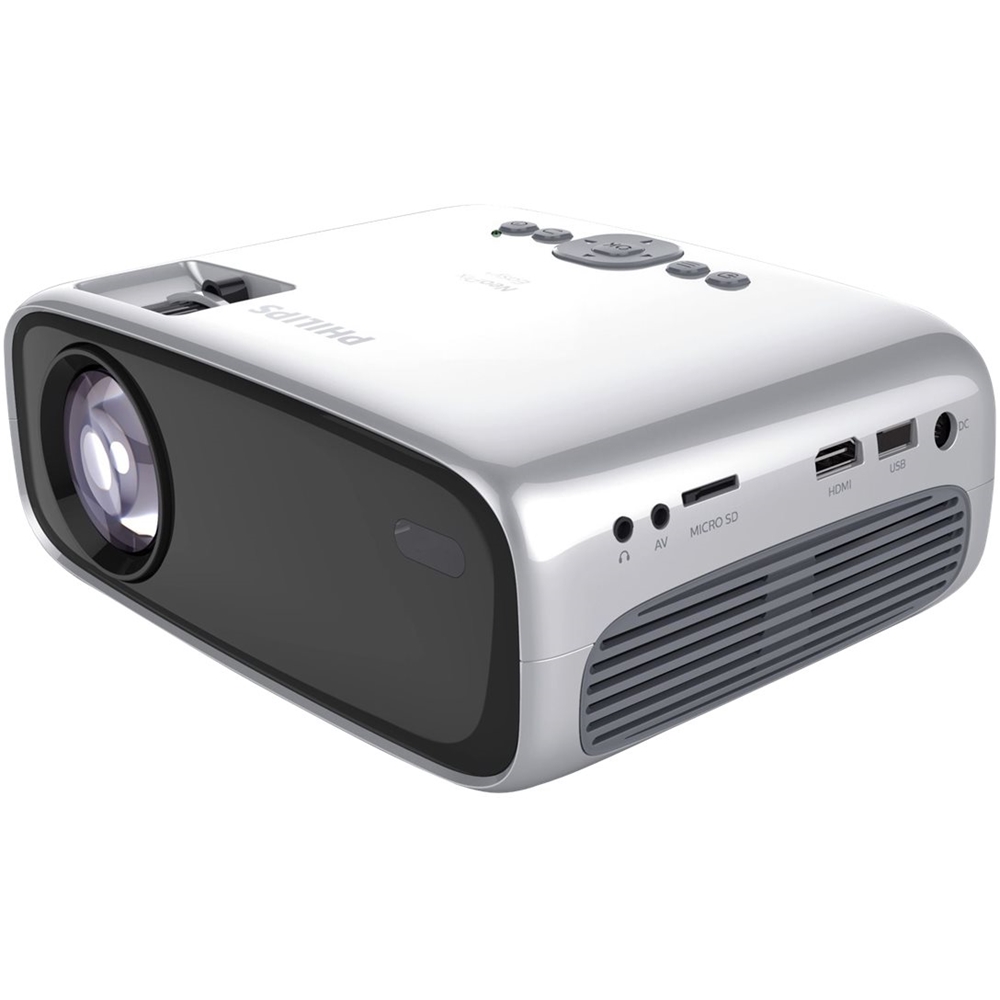
A:AnswerYou would need an adapter for your MacBook so that you can connect it to the projector with an hdmi cable. For your phone it connects without needing a cable
A:AnswerI've been displaying to the ceiling for 1 week now and
no problems yet but see the limitations below.
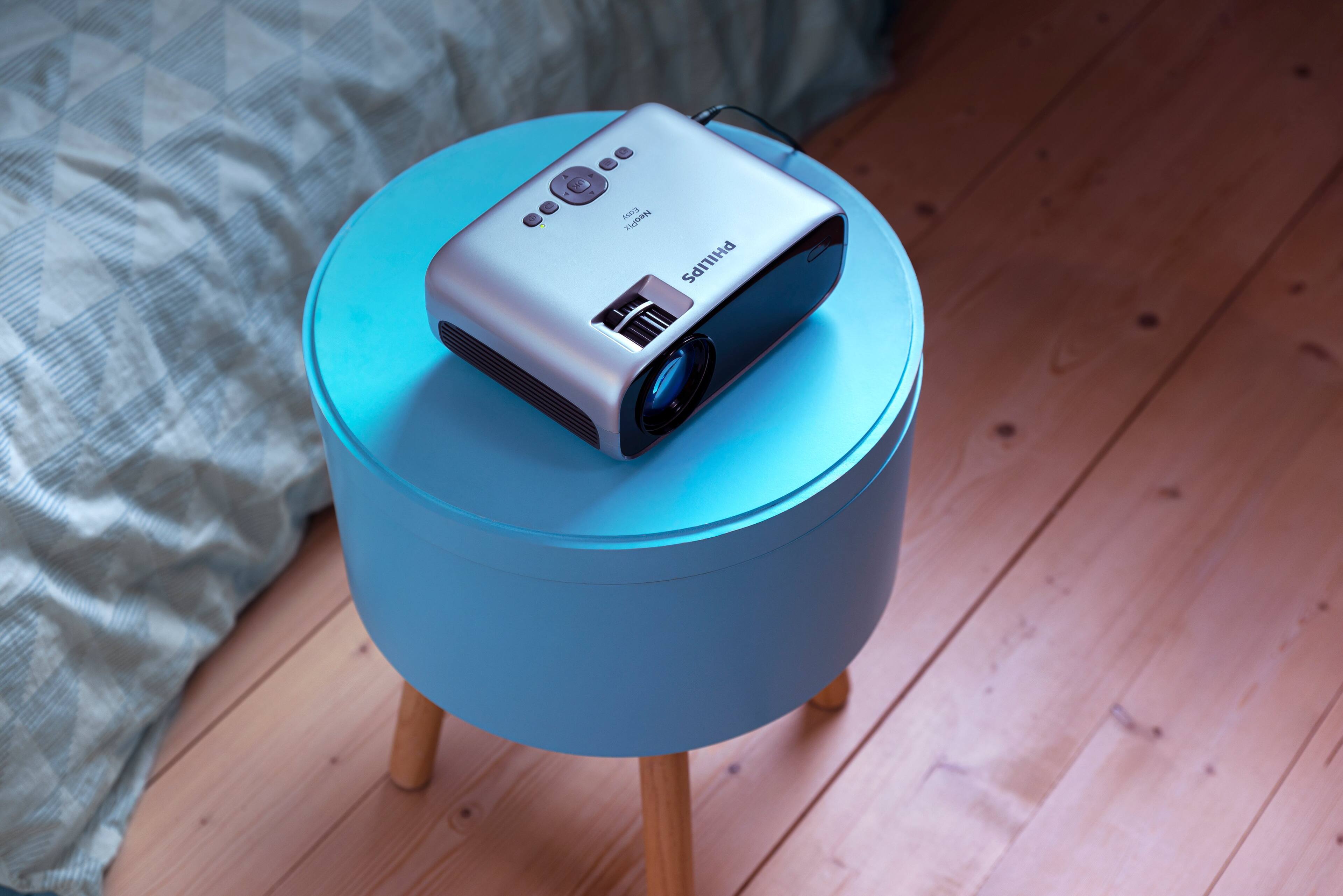
The fan openings are on the sides so no problem there.
The back has the 2 speakers, so if you display to the ceiling,
the device's audio is limited.
Also on the back is the VGA connector but that's the only
input on the back.
There is an IR sensor on the back for the remote but there is also
an IR sensor on the front. I've been able to get the remote to
work while the unit is on its back.
A:AnswerHello,
You can watch all the streaming content from your Ipad/Iphone laptops with an HDMI connection.
But those services restrict to watch them via Wi-Fi screen mirroring.
You can find the lightning to HDMI adapter on the bestbuy website :-)
A:AnswerHello, unfortunately not.
Any DRM protected content cannot be streamed via Wi-Fi but needs HDMI.
You can use a lightning to HDMI cable for that!