A:Answeryes sure! You just need an HDMI connection from your phone to the projector using a Lightning to HDMI cable (iphone) or USB-C to HDMI (for Android phone equipped with a USB-C video port)
A:AnswerThis depends on the distance between the projector and the wall. The image can be 30" to 120" but we recommend 65" to get the best brightness and contrast
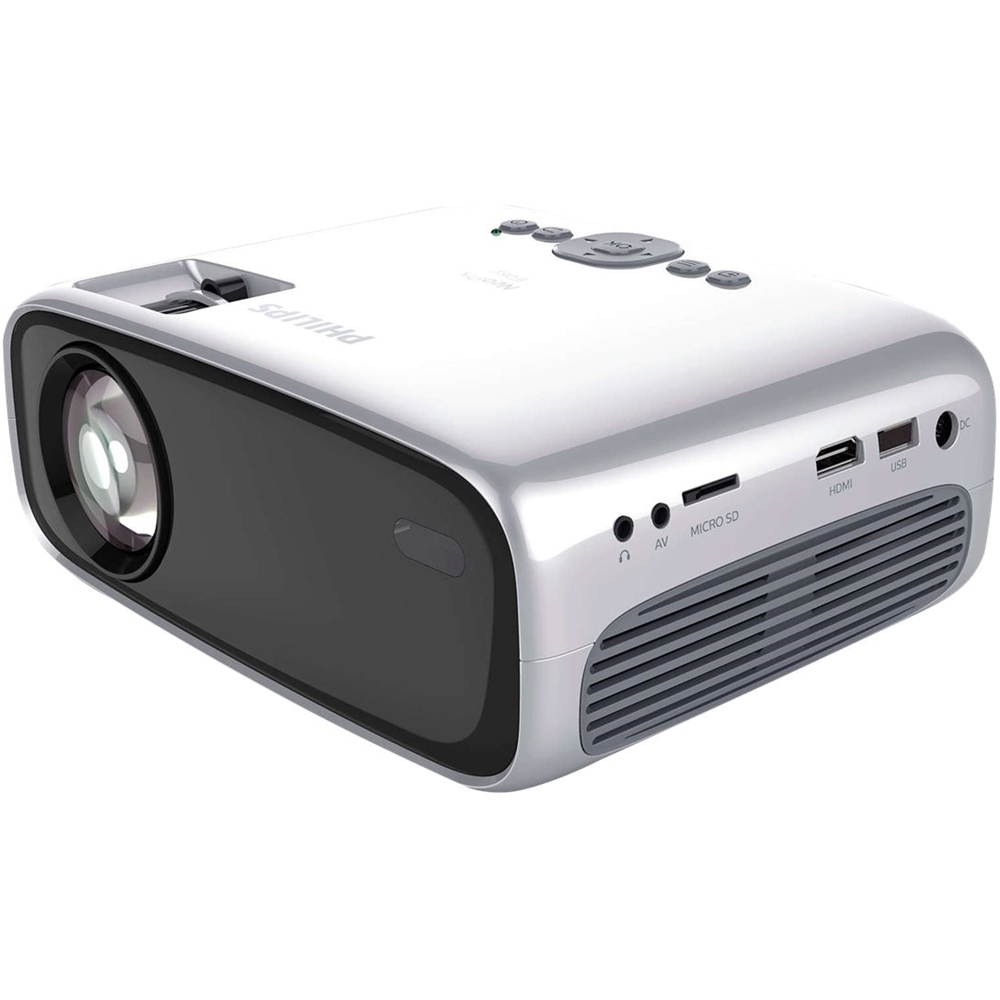
A:AnswerIt has a HDMI input that I use an adapter and plug my iPhone into. You can also plug a “fire stick”, “Apple TV” or PS/Xbox/Nintendo directly into it.
If you have hard wire cable, I would check the cable box for an HDMI output.
A:AnswerHello,
For outside use, be sure that this is totally dark and you use a pretty nice white or grey projection green.
Concerning Vudu: yes you can play anything if you connect your player via HDMI.
A:AnswerNo the projector doesn’t come with any cables just a remote control. There is an HDMI outlet on the projector. Since I wanted to use a DVD player with the projector I bought HDMI cables to plug it into the projector. It works fine.
A:AnswerThe speakers on the projector are not that loud. I purchased a Bluetooth speaker to boost the sound. The projector does support Bluetooth if you read the Manuel that can be downloaded.You might also be able to connect a speaker via one of the jacks on the protector.
A:AnswerHello! Thanks for your interesting question.
Easy+ has exactly the same specs compared with Easy BUT it has Wi-Fi and Bluetooth
Wifi: for wireless screen mirroring
Bluetooth: to connect your external BT speakers