
Appliances Presidents’ Day SaleEnds 2/25. Limited quantities. No rainchecks.Shop now

Main Content

Questions & Answers

Your price for this item is $169.99
The comparable value price is $309.99
Page Showing 1-16 of 16 questions
  • QuestionWhich apps are already installed? Thank you

    Asked by Justme.

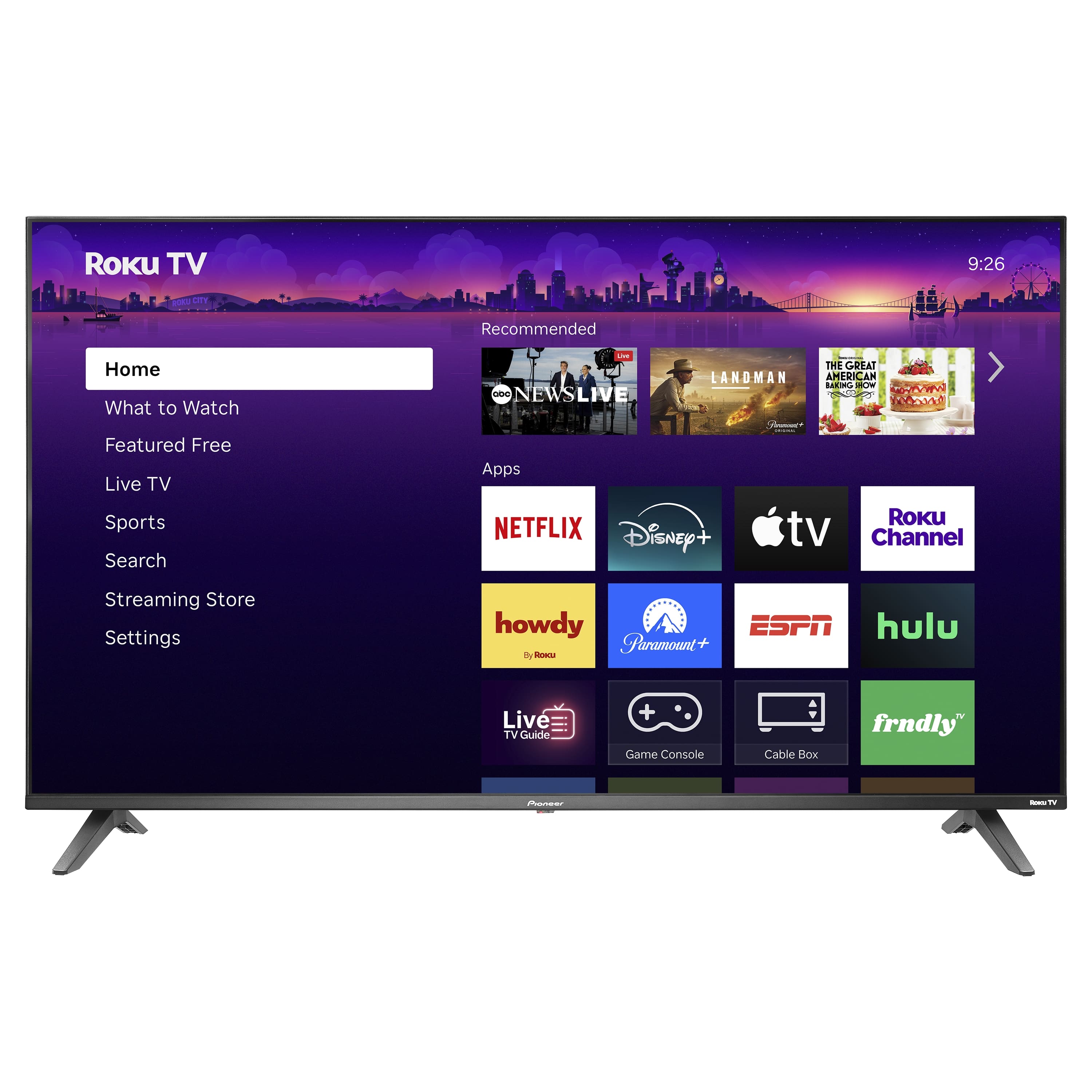
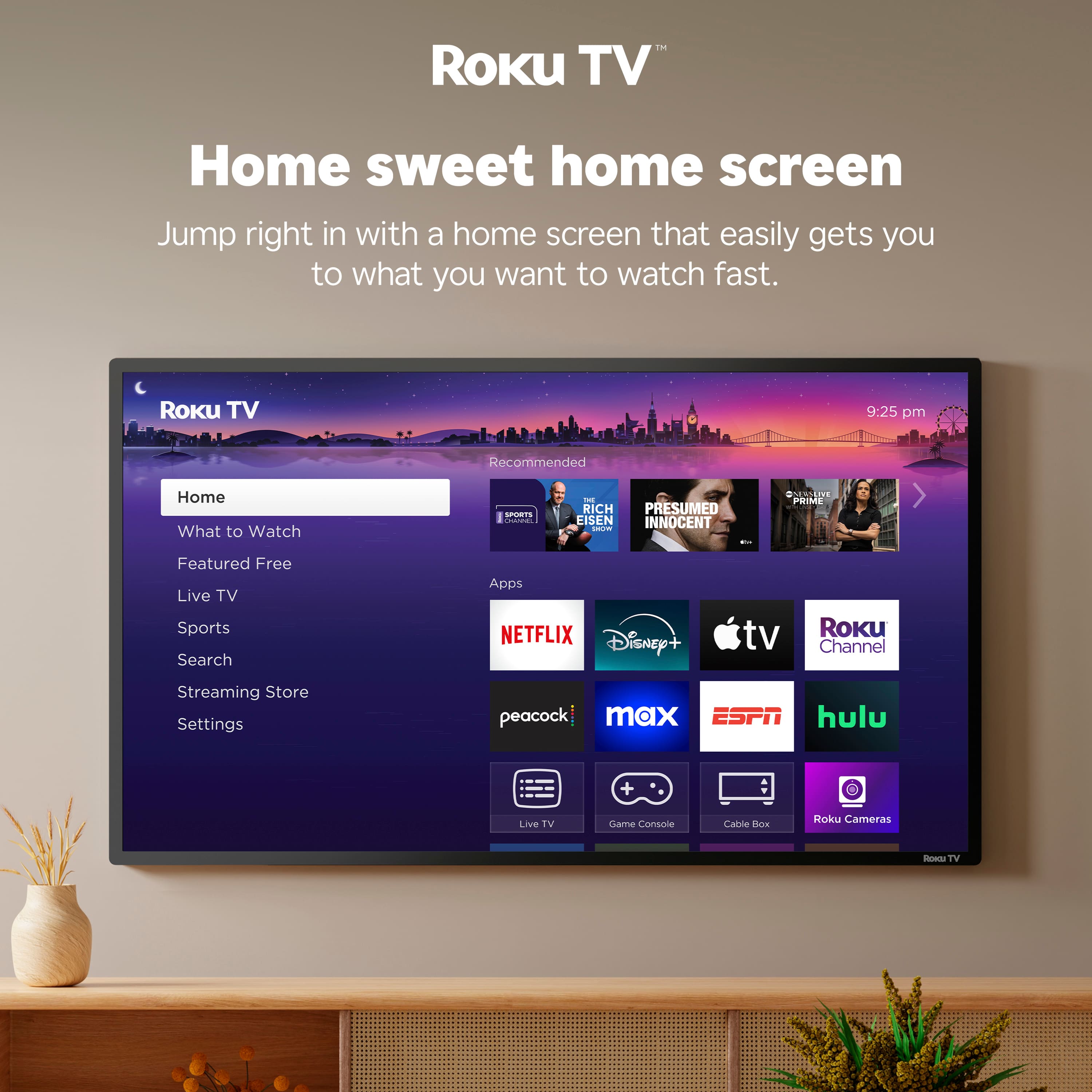
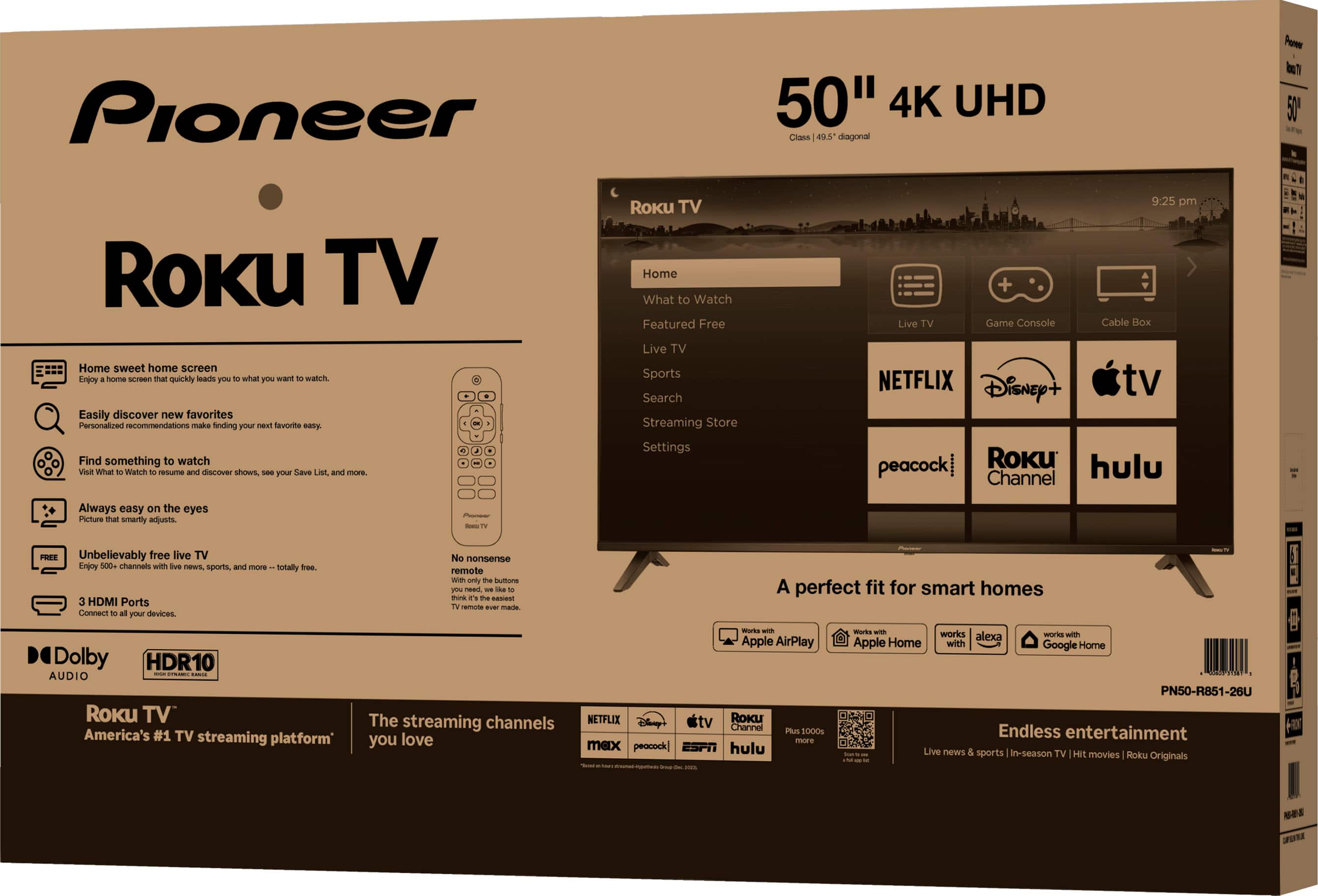
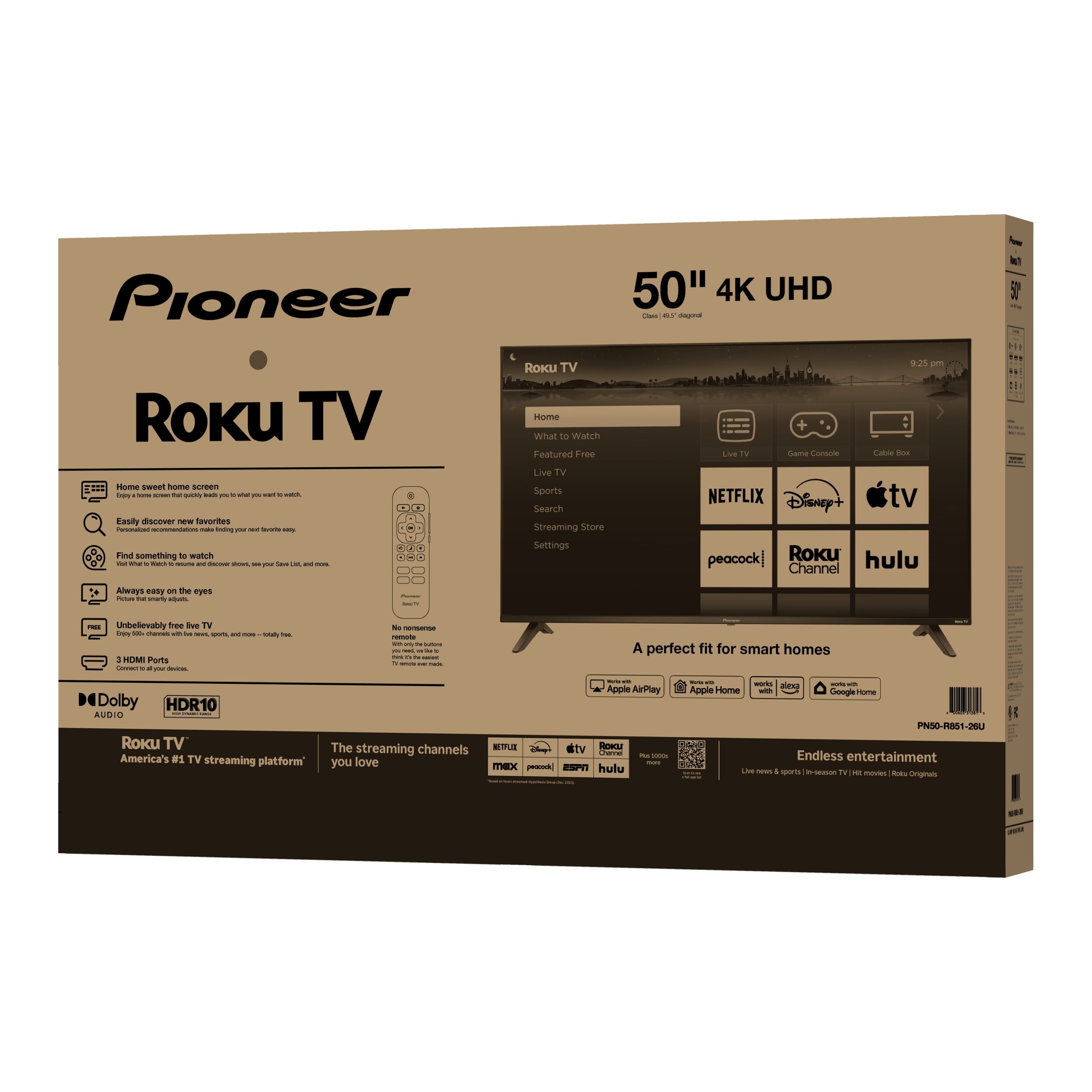
    • Answer Hi, Thank you for reaching out. The Pioneer -50" Class LED 4K UHD Smart Roku TV, comes with the standard Roku OS apps preinstalled, including Netflix, YouTube, Prime Video, Disney+, Apple TV, Hulu, Max, Peacock, The Roku Channel, and the usual Roku system apps ready to go. If you have any questions or need further assistance, please don't hesitate to reach out. Mueez | Pioneer Products

      Answered by PioneerCustomerSupport

  • QuestionCan you use a firestick with it? Also, how many hdmi connections does it have?

    Asked by firestick.

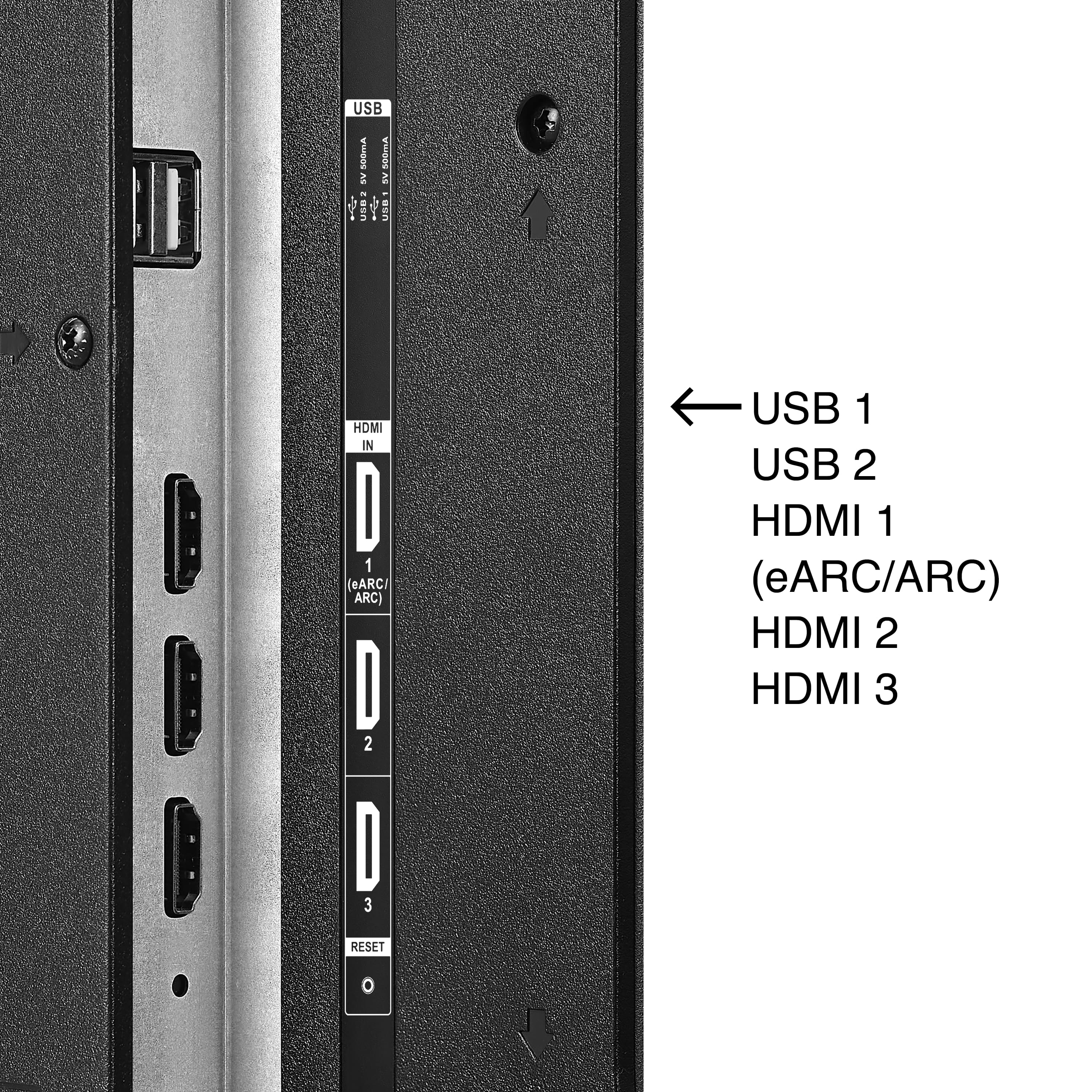
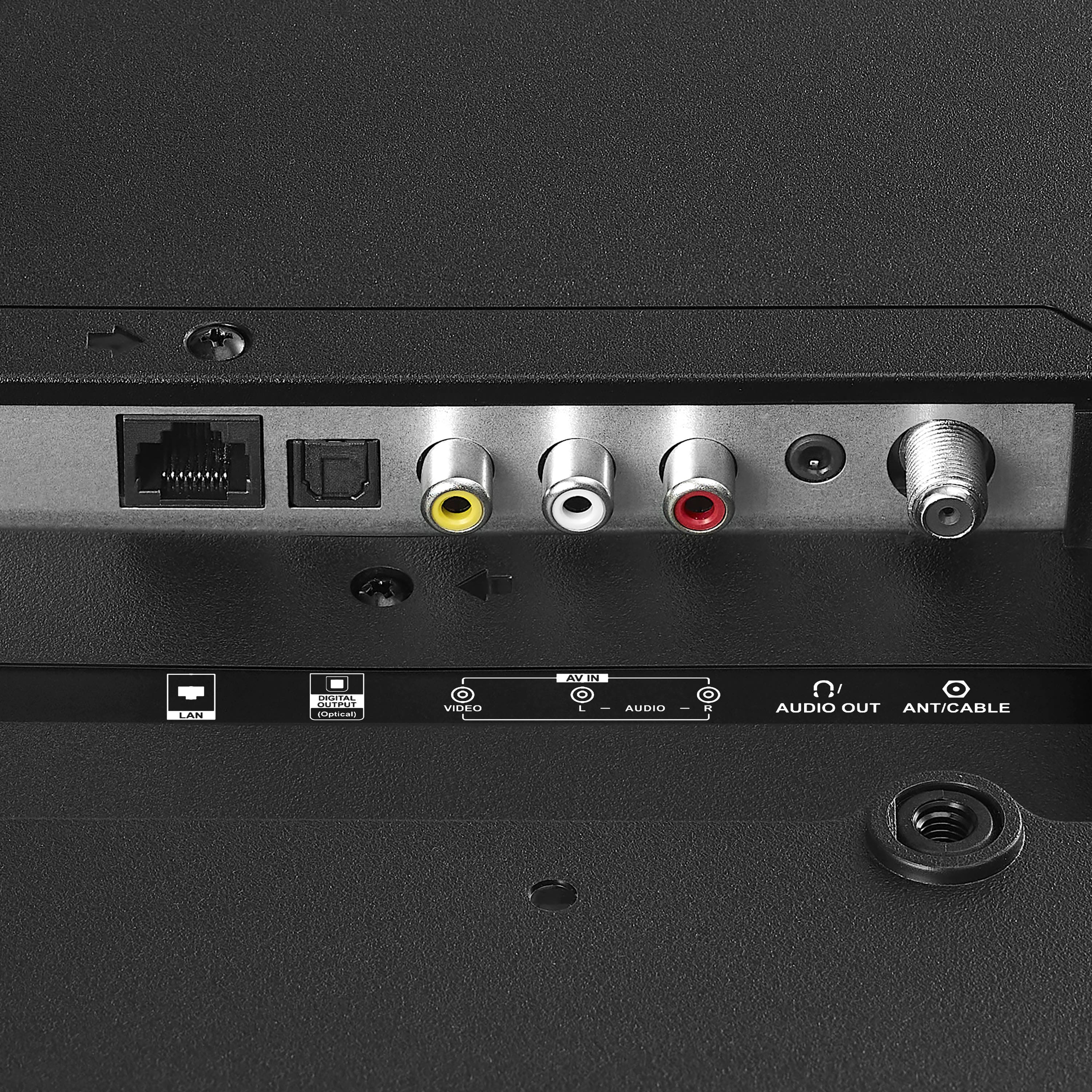
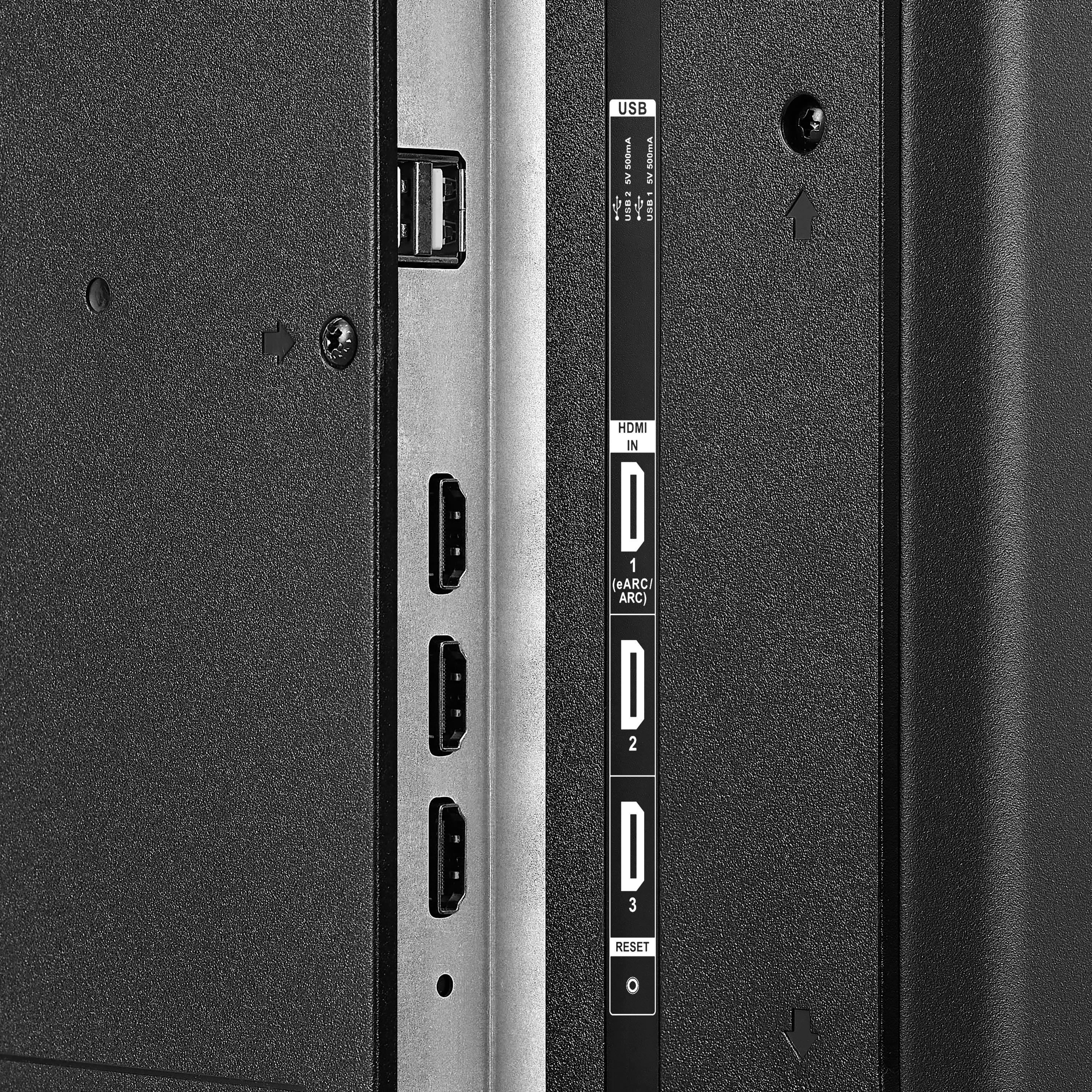
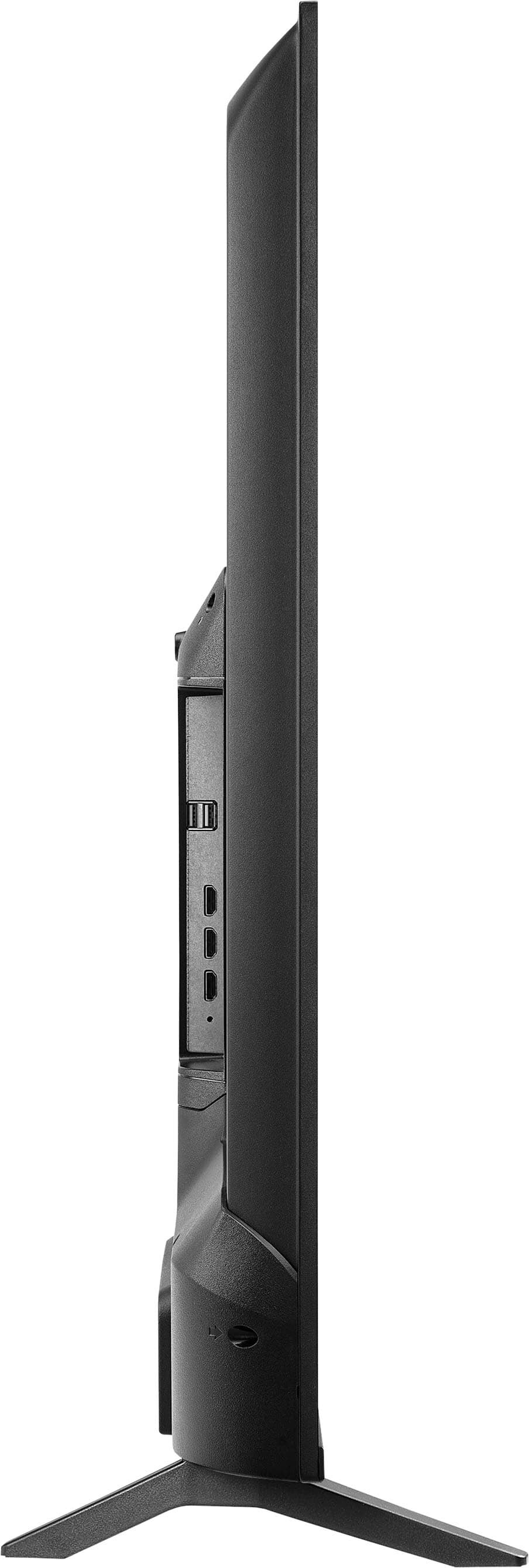
    • Answer Hi Pioneer Customer! Yes, you can use the Amazon Firestick with the Pioneer 50" Class LED 4K UHD Smart Roku TV by plugging it into one of the HDMI ports. This TV includes three HDMI connections, giving you flexibility to connect multiple devices like a Firestick, gaming console, or Blu-ray player. Even though the TV has Roku built-in, the Firestick works perfectly if you prefer its interface or apps. Patricia | Pioneer Support

      Answered by PioneerCustomerSupport

  • QuestionDoes this model support windows casting (using wifi)?

    Asked by WindowsCasting.

    • Answer Hi there, thanks for reaching out. Pioneer Roku TV does support screen‑mirroring through Roku OS’s built‑in screen‑mirroring feature for Windows devices. If you do have more questions or need further assistance our team is always here to assist. Mueez | Pioneer products

      Answered by PioneerCustomerSupport

  • QuestionCan I connect this TV directly to my wireless internet in my house or do I need a cable?

    Asked by Melissa.

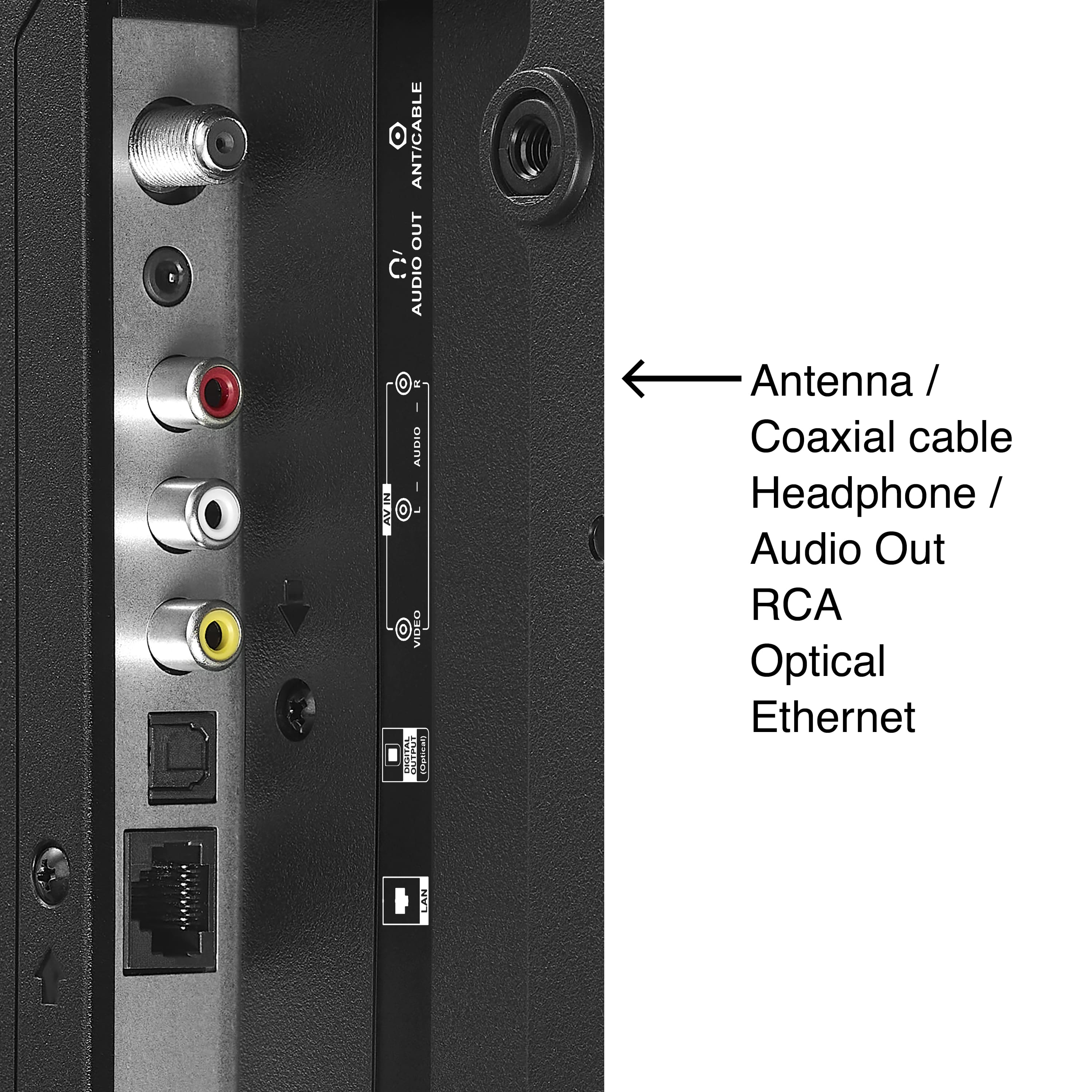
    • Answer Hello, Thank you for your question. The Pioneer 50" Class LED 4K UHD Smart Roku TV includes built‑in Wi‑Fi, so it can connect directly to your home’s wireless internet without the need for any physical cable. During the initial setup, the TV will prompt you to select your Wi‑Fi network and enter your password. Narendra | Pioneer Products

      Answered by PioneerCustomerSupport

  • QuestionDoes this tv bluetooth capable ?

    Asked by Lucart19.

    • Answer Hey Lucart, thanks for your question. The Pioneer 50" Class LED 4K UHD Smart Roku TV (PN50‑R851‑26U) isn’t Bluetooth‑capable. It relies on Wi‑Fi and Roku’s built‑in wireless features instead. Pramodh | Pioneer Products

      Answered by PioneerCustomerSupport

  • QuestionOrther.than just remote with tv .is there.an.on off swich on tv

    Asked by 662323.

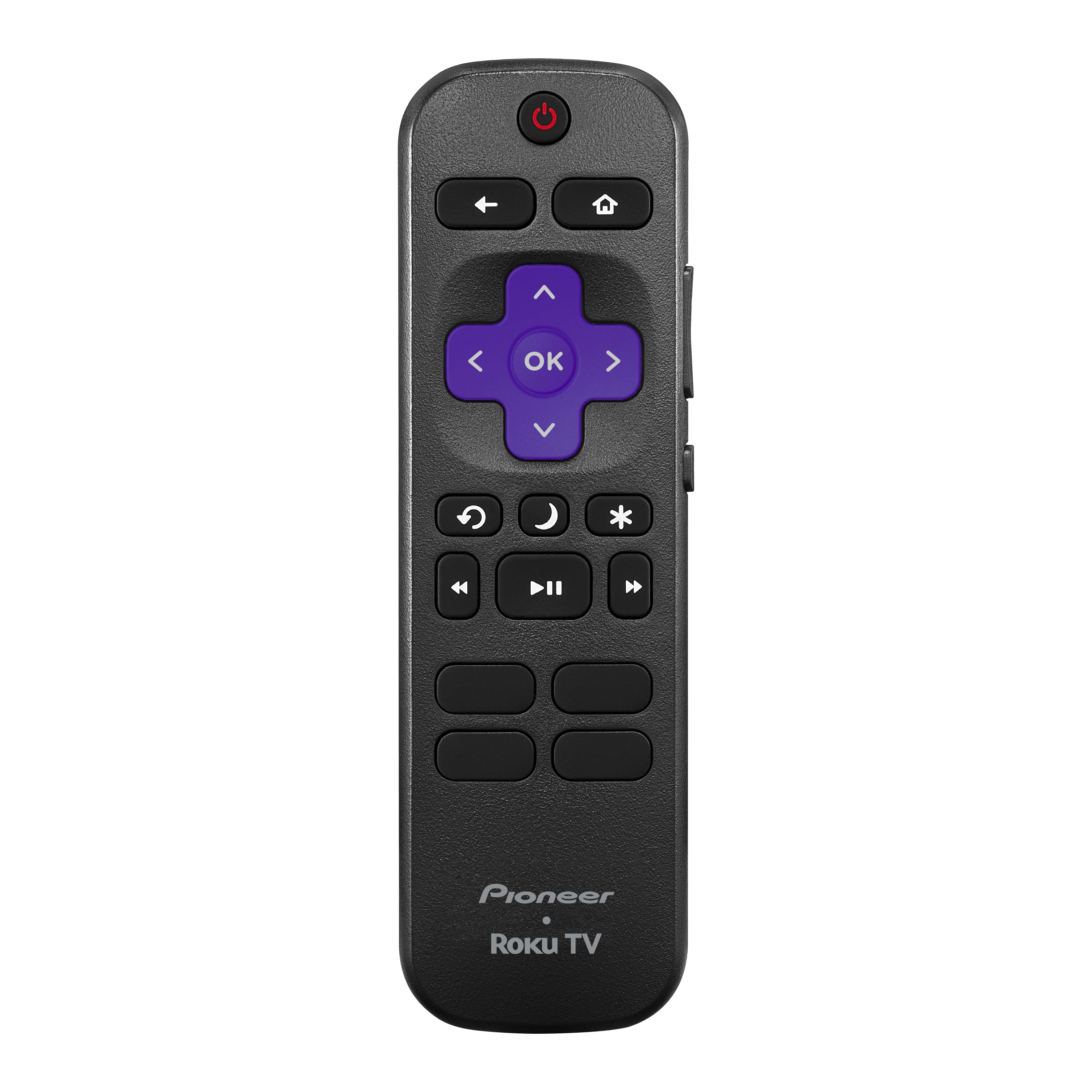
    • Answer Hello Pioneer Customer! Thank you for reaching out. Yes, in addition to using the remote, there is a physical power/input button located on the bottom of the TV. This button can be used to turn the TV on or off and to switch inputs if the remote is not responding. Darshan | Pioneer Products

      Answered by PioneerCustomerSupport

  • QuestionDoes this tv have a web browser?

    Asked by tvman.

    • Answer Hi there! Thank you for reaching out with your question. The Pioneer 50" Class LED 4K UHD Smart Roku TV (Model PN50‑R851‑26U) does not include a built‑in web browser. Roku TVs are designed primarily for streaming apps, but you can still browse the internet by screen‑mirroring from a phone, tablet, or computer. If you need help setting that up, we’re happy to assist! Have a great day. Vennila | Pioneer Products

      Answered by PioneerCustomerSupport

  • QuestionCan this TV fit on a 49 inch table top? Or what is the minimum width table required?

    Asked by RP.

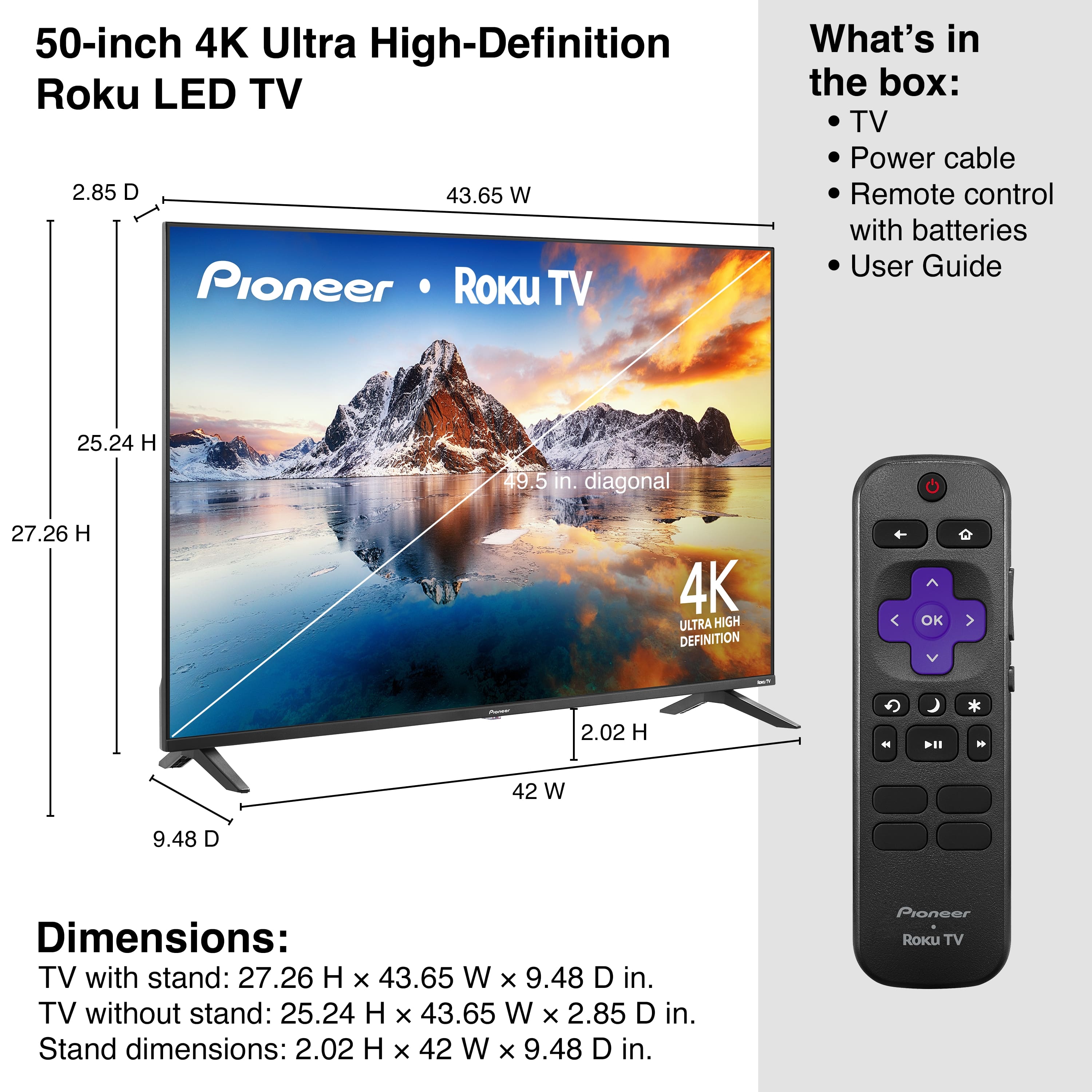
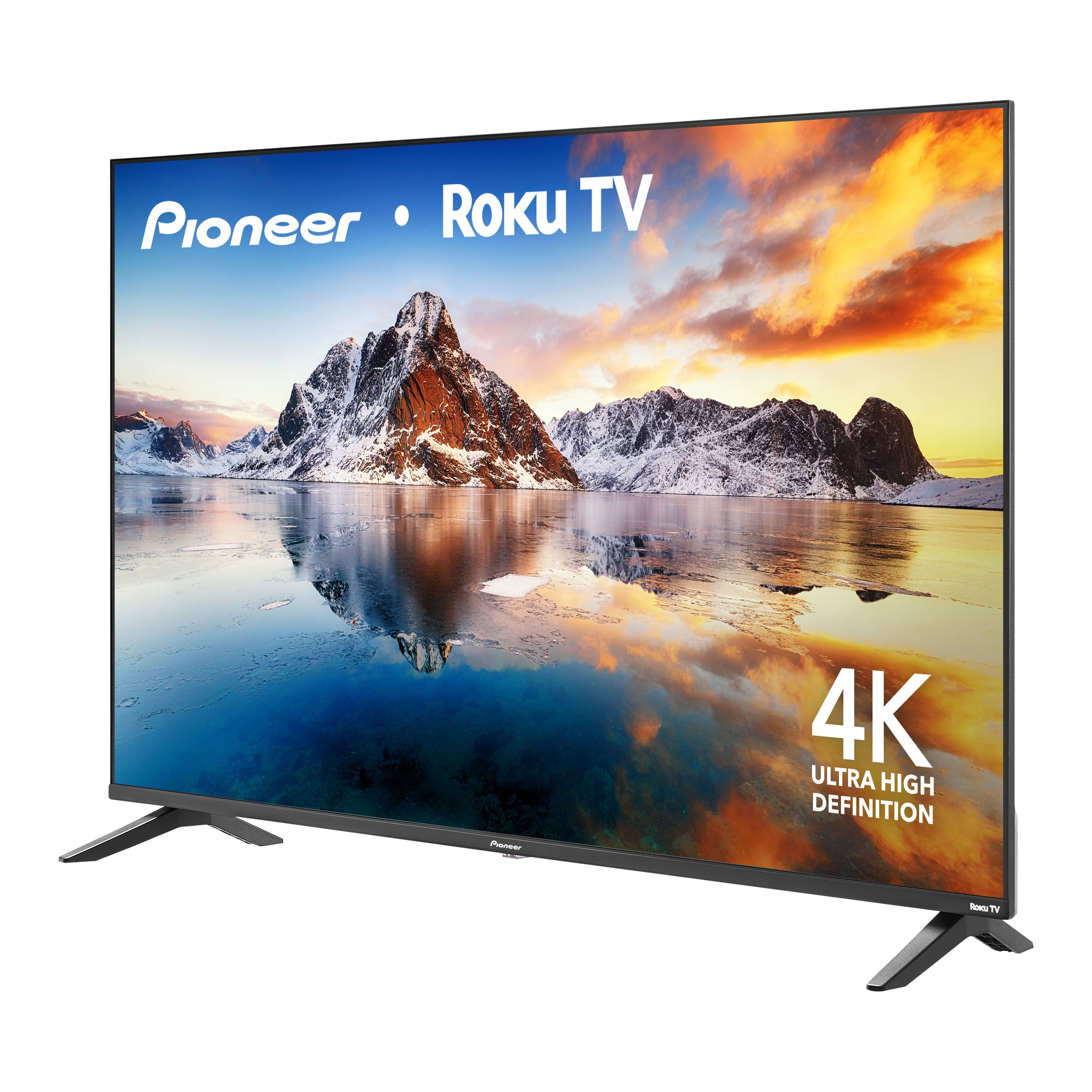
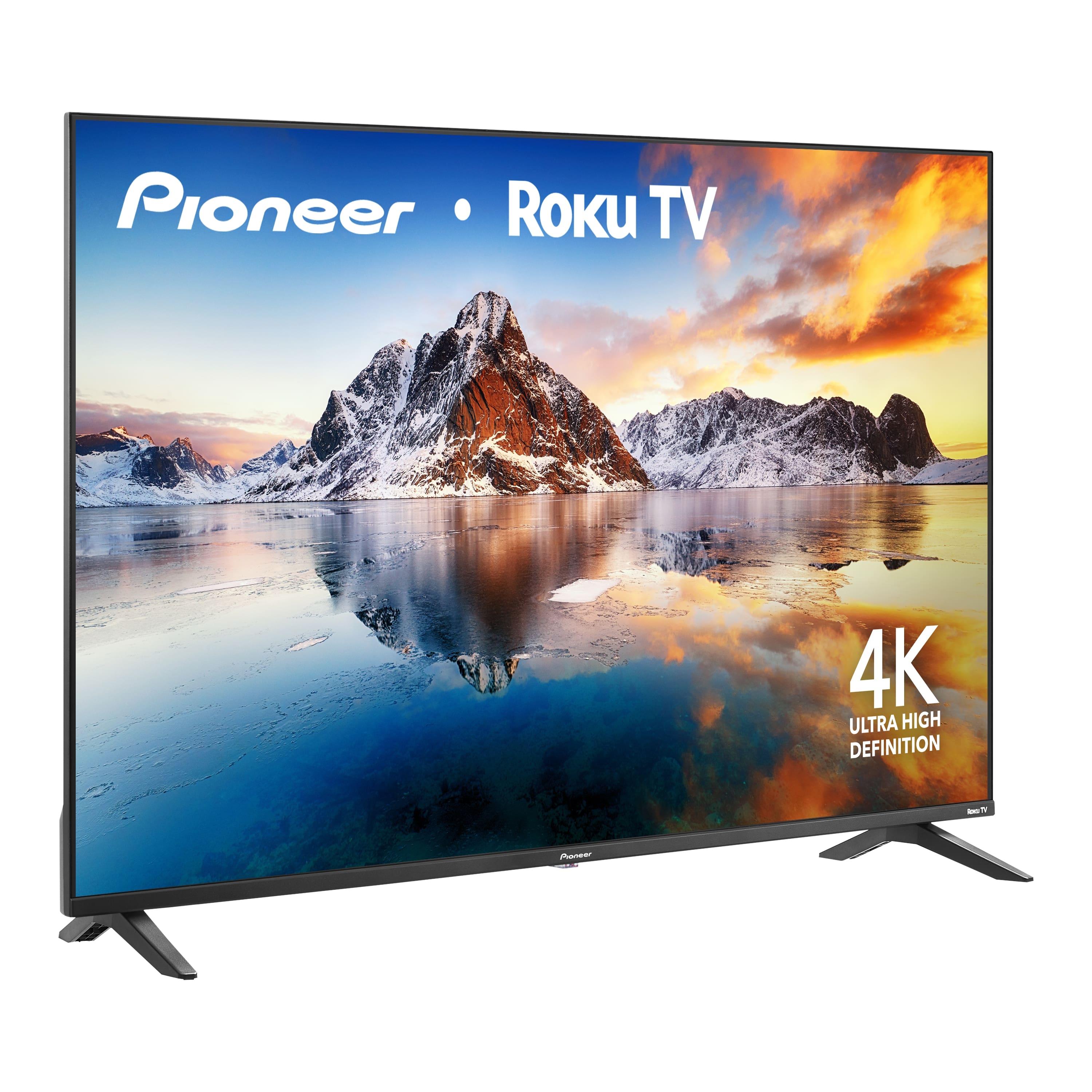
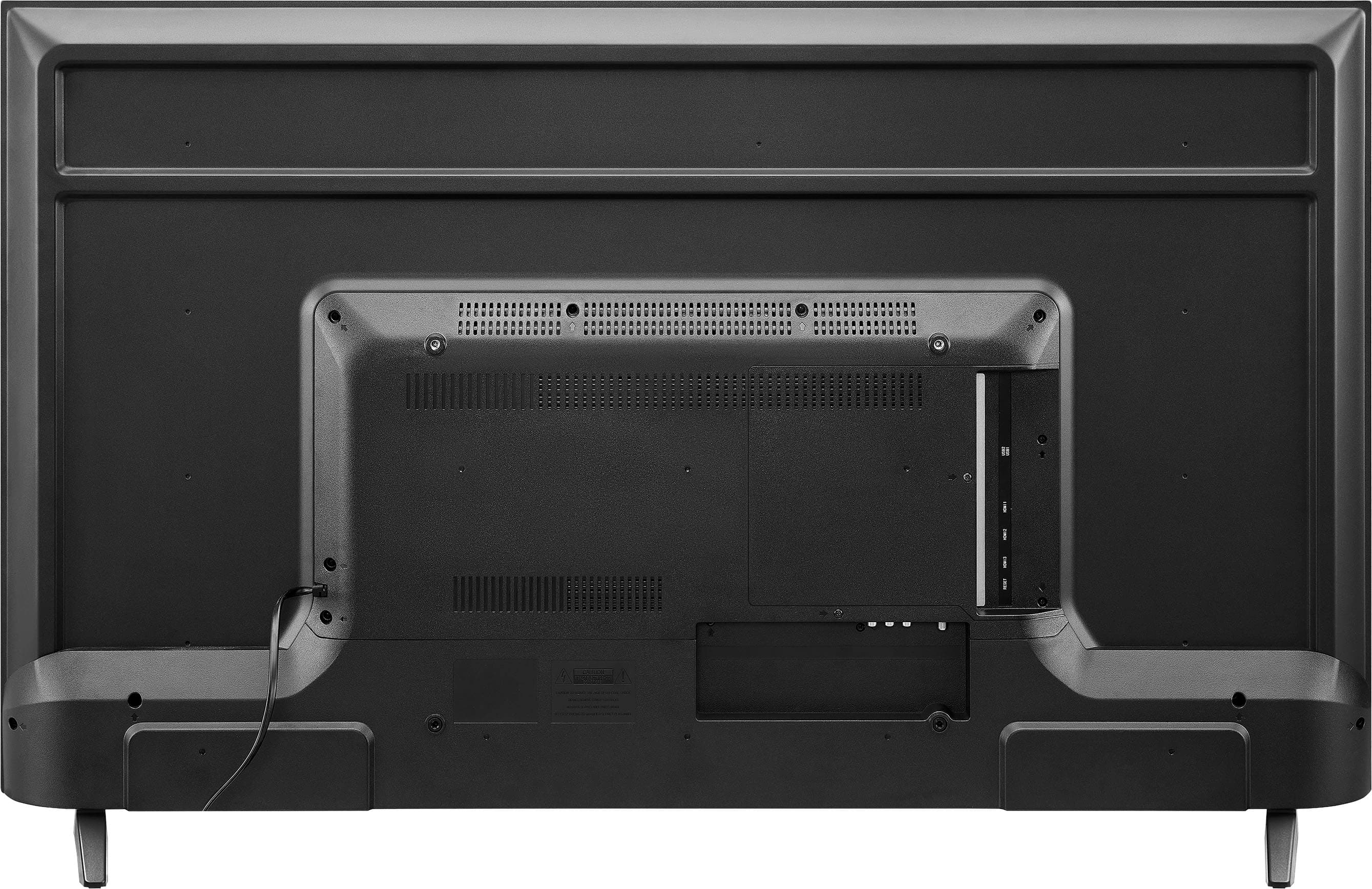
    • Answer Yes, it will fit. A 49-inch table provides enough space for this model. The TV's feet are approximately 40.5 inches apart, meaning a minimum table width of 41 inches is required. On your 49-inch tabletop, you will have roughly 4 inches of clearance on each side. - Ed | Pioneer Support

      Answered by PioneerCustomerSupport

  • QuestionWhat are the sleep timer options? 30, 60, 90, 120? Some don't have 90mins. How refined can one do the sleep timer?

    Asked by GMGC.

    • Answer Hi, GMGC! For more refined control, you can use the Roku Voice Remote or the free Roku Mobile App to set a custom time. By holding the microphone button, you can say commands like "Turn off TV in 45 minutes" or "Set sleep timer for 11:15 PM" to bypass the standard 30-minute blocks. -Ed| Pioneer Support

      Answered by PioneerCustomerSupport

  • QuestionWhat is the depth (front to back) of the mounting legs?

    Asked by Nad.

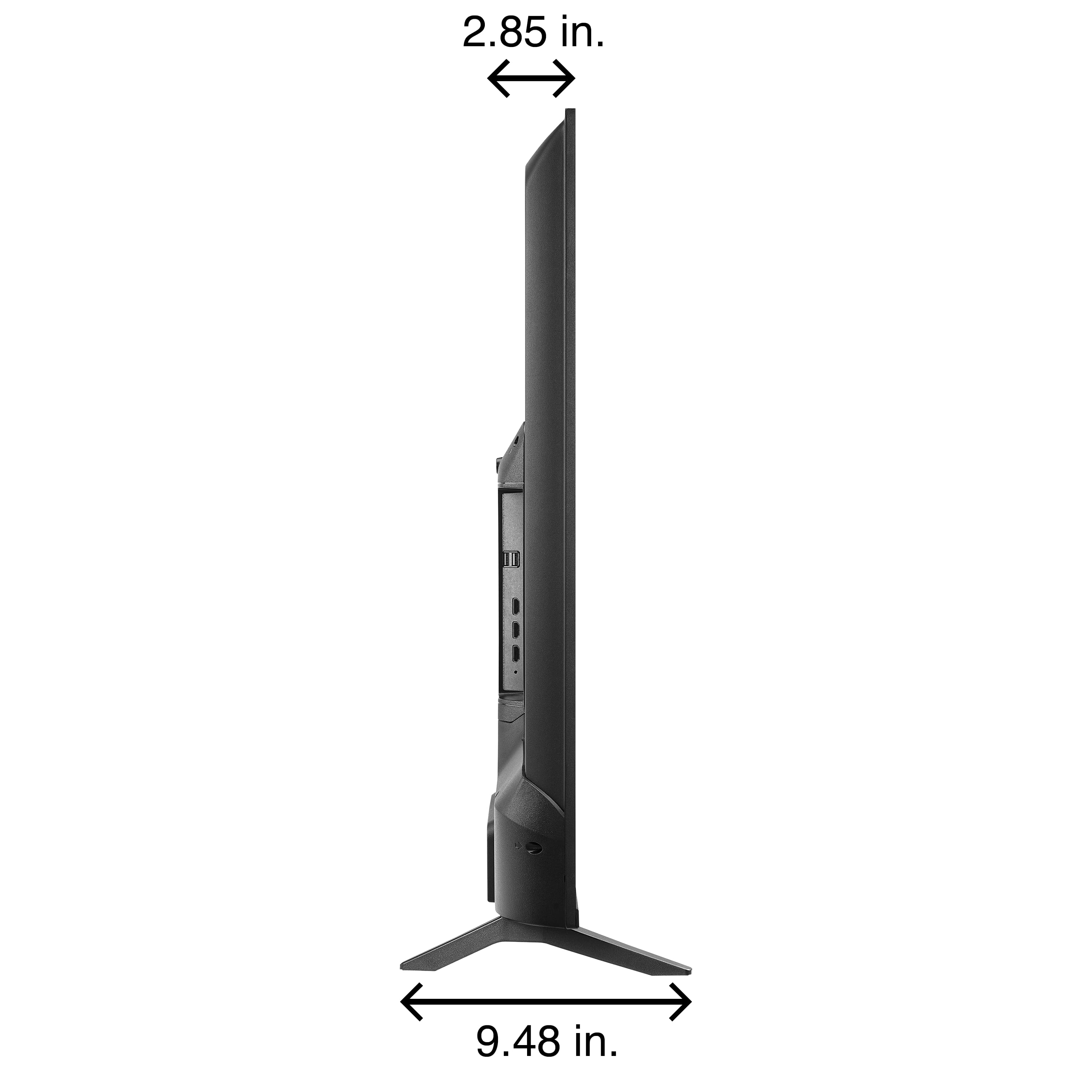
    • Answer About 10"

      Answered by DavidS

  • QuestionWhat screws are required for mounting?

    Asked by Youknow.

    • Answer Hi, The Pioneer 50" Class LED 4K UHD Smart Roku TV uses M6 screws for mounting. The length depends on your wall mount and whether you use spacers, but typically 12–16 mm works for most standard mounts. Always check your mount’s instructions to ensure proper fit and safety.

      Answered by PioneerCustomerSupport

  • QuestionWhen pairing with headphones (wired or Bluetooth) is sound still available through the TV speakers (multi audio)?

    Asked by Robert.

    • Answer Yes sound is amazing when connected to headphones

      Answered by kimi78209

  • QuestionDoes this tv work with YouTube Tv?

    Asked by Bree.

    • Answer Yes

      Answered by TerryB

  • QuestionIs the Pandora app already available on this tv? If not, will I be able to download it?

    Asked by Anonymous.

    • Answer Hi Pioneer Customer, Thanks for reaching out! The Pandora app does not come pre‑installed on this TV. Since it’s a Roku TV, you can download Pandora directly from the Roku Channel Store. Darshan | Pioneer Products

      Answered by PioneerCustomerSupport

  • QuestionDoes it have Bluetooth?

    Asked by Anonymous.

    • Answer Yea

      Answered by Kelek

  • QuestionDoes this tv have the capability to mount to the wall?

    Asked by Anonymous.

    • Answer Yes it

      Answered by Kelek






