Questions & Answers
- Model:
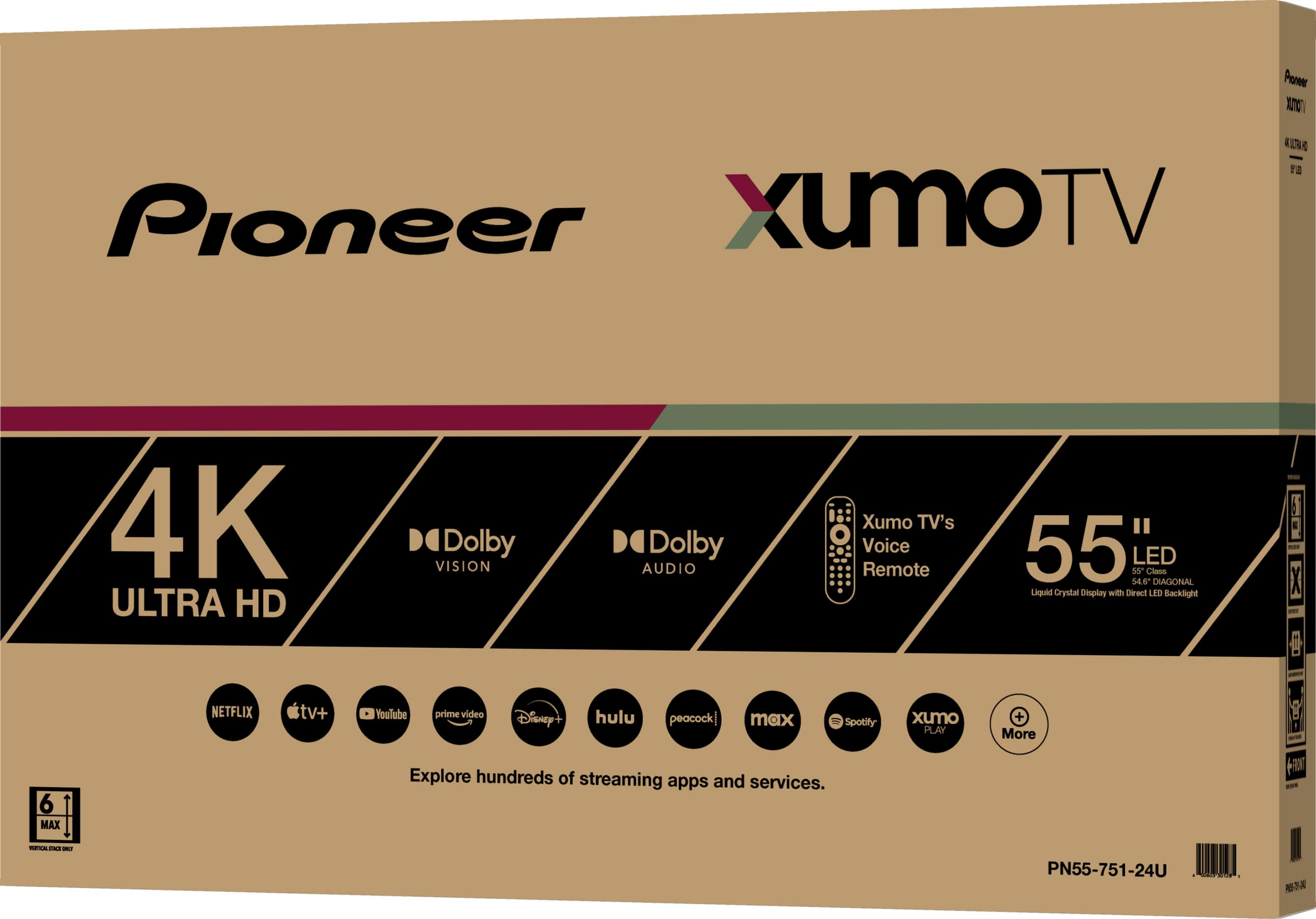
- PN55-751-24U
- |
- SKU:
- 6546909
Highly rated by customers for: Picture Quality, Price, Ease of use
$254.99Your price for this item is $254.99
Clearance
Comp. Value: $299.99
The comparable value price is $299.99
Page Showing 81-100 of 179 questions
Q: QuestionIs tis Roku compatible?
Asked by Anonymous.
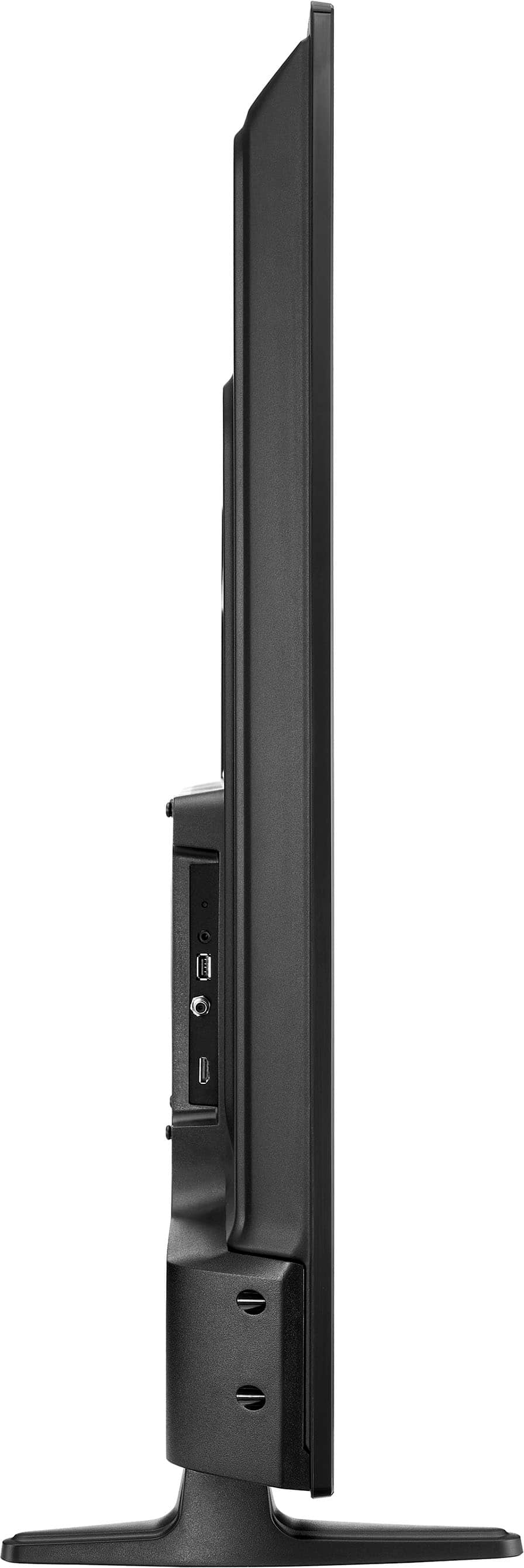
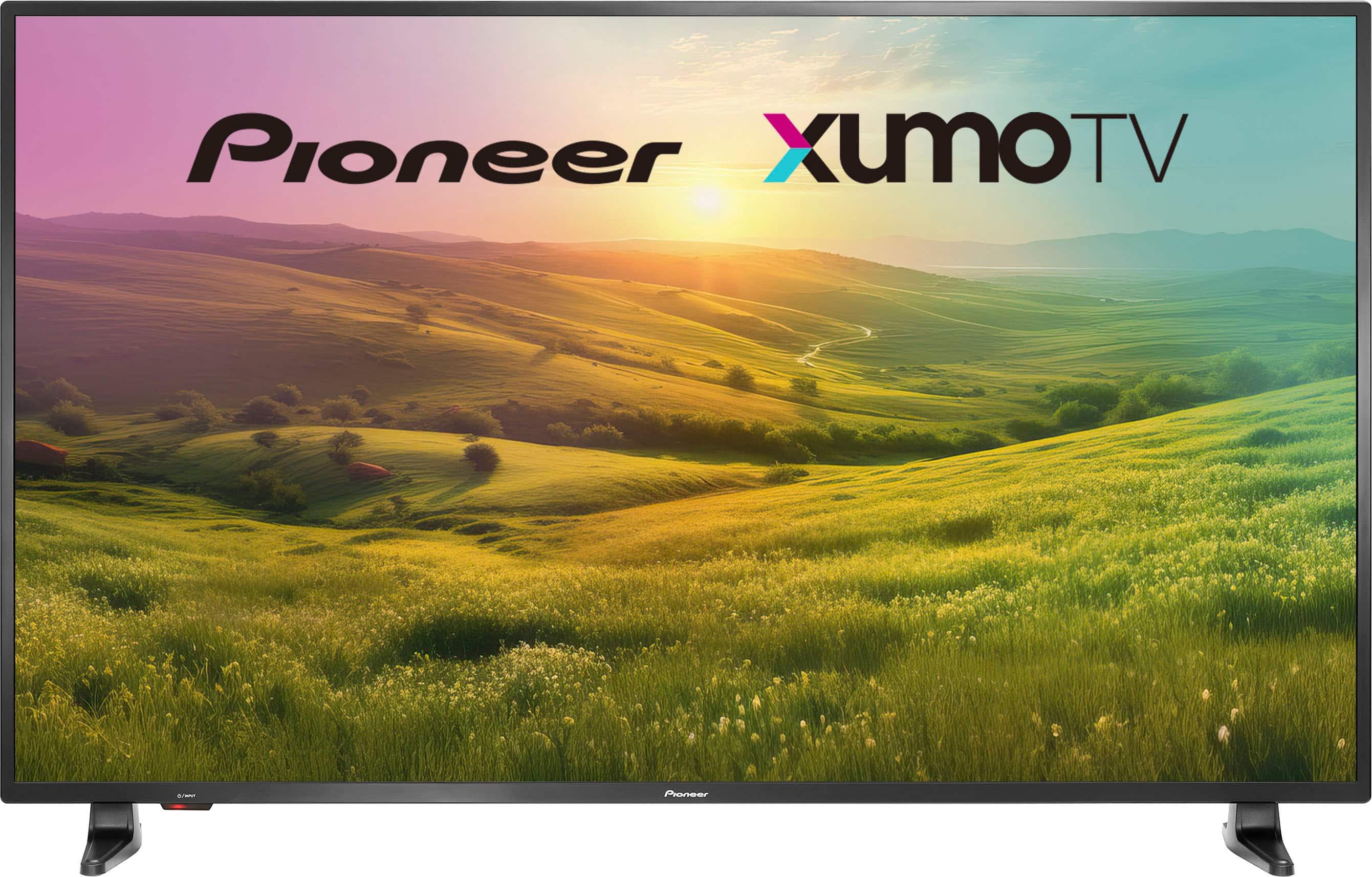
- A:Answer The Pioneer 55" Class LED 4K UHD Smart Xumo TV is not directly compatible with Roku as it uses the Xumo TV platform for its smart features. However, you can still use a Roku streaming device by connecting it to one of the HDMI ports on the TV. Patricia | Pioneer Support
Answered by PioneerCustomerSupport
Q: QuestionWhich Store location do I pick up this TV from?
Asked by location.
- A:Answer To find out which store location you can pick up your Pioneer 55" Class LED 4K UHD Smart Xumo TV from, you can follow these steps: 1. Check Your Order Confirmation: Your order confirmation email from Best Buy should include the pickup location details. 2. Best Buy Website: Log in to your Best Buy account, go to your order history, and check the details of your recent purchase. The pickup location should be listed there. 3. Contact Customer Service: If you can't find the information online, you can contact Best Buy customer service for assistance. They can provide you with the exact store location for your pickup. If you have any other questions or need further assistance, feel free to ask!
Answered by PioneerCustomerSupport
Q: QuestionCan you download the Roku app on this tv?
Asked by Mike.
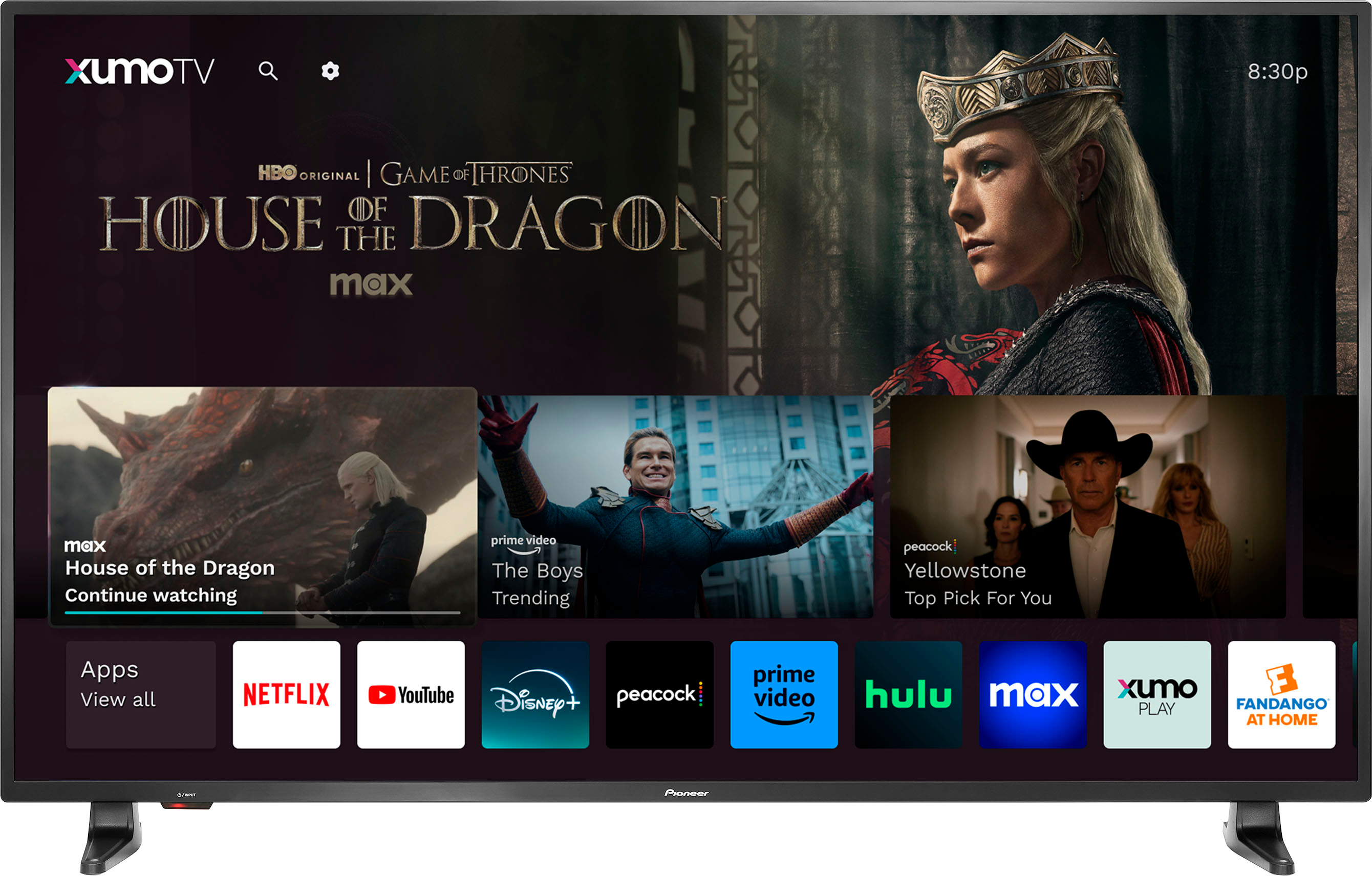
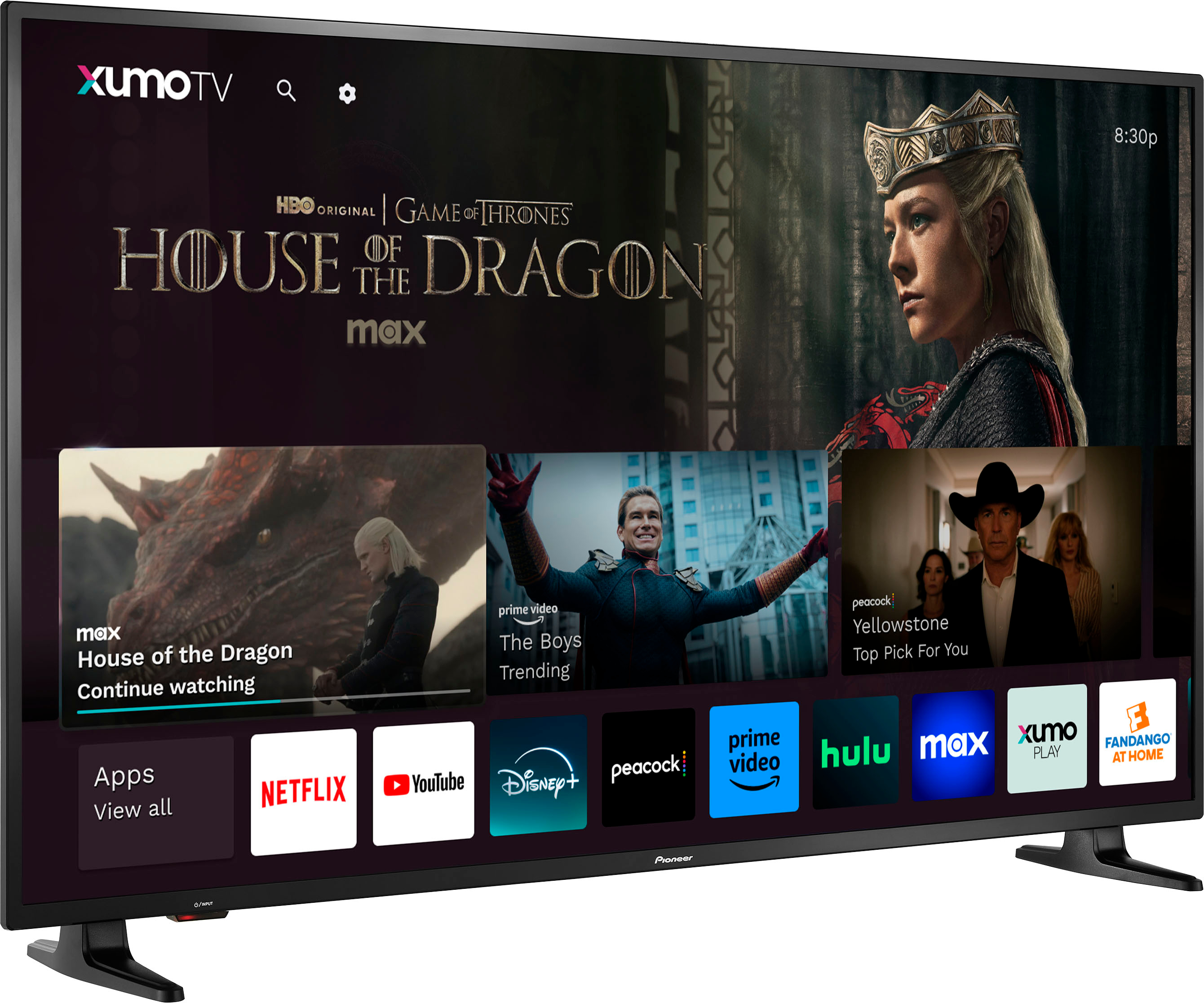
- A:Answer Hi Mike! Unfortunately, the Pioneer 55" Class LED 4K UHD Smart Xumo TV (PN55-751-24U) does not support the Roku app directly. The Xumo platform has its own set of pre-installed apps and channels, and it doesn’t include the Roku app. However, you can still use a Roku streaming device with your TV. Simply connect the Roku device to one of the HDMI ports on your TV, and you’ll be able to access all the Roku features and apps. Jeth | Pioneer Support. https://www.bestbuy.com/site/pioneer-55-class-led-4k-uhd-smart-xumo-tv/6546909.p?skuId=6546909
Answered by PioneerCustomerSupport
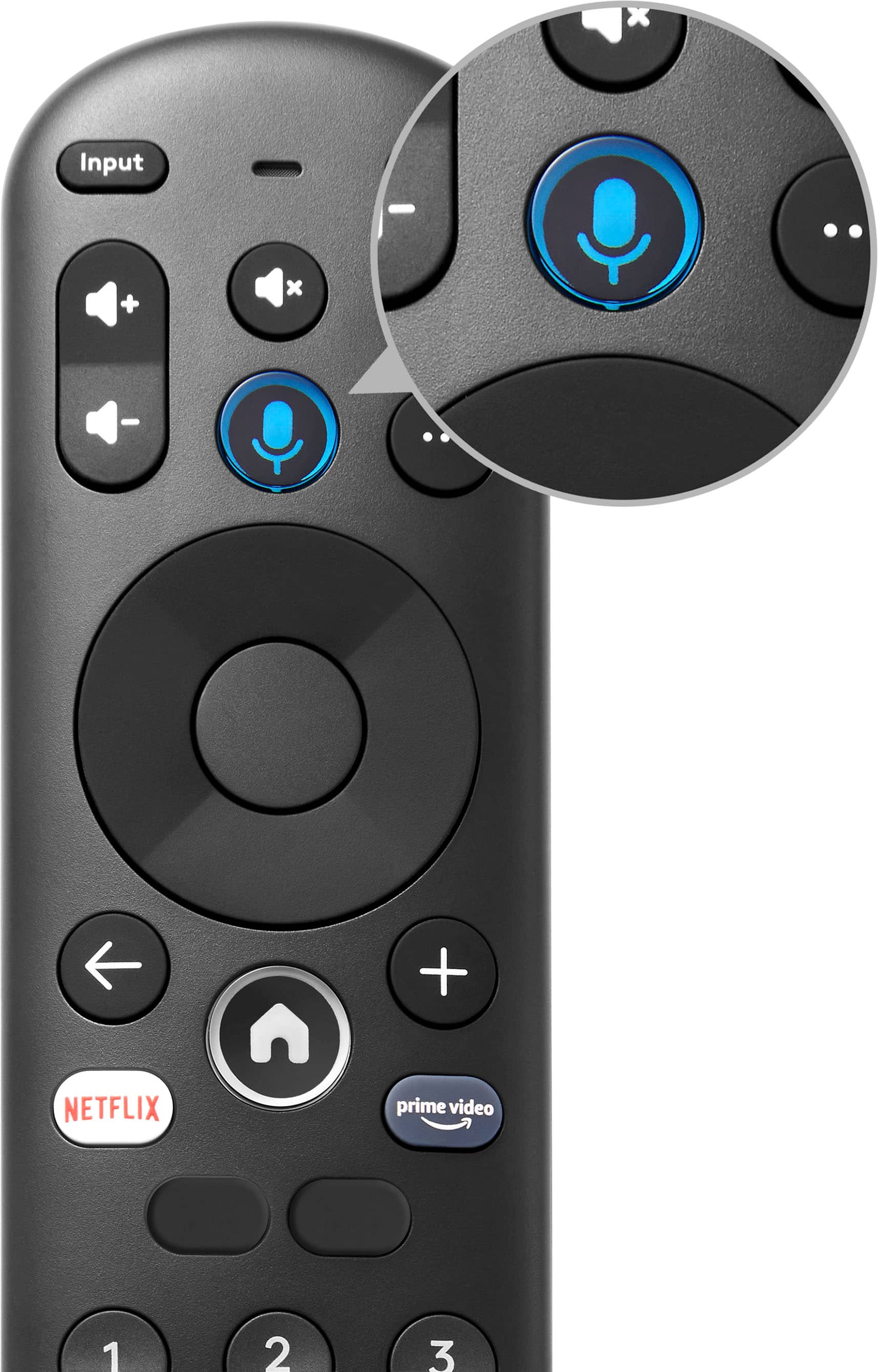
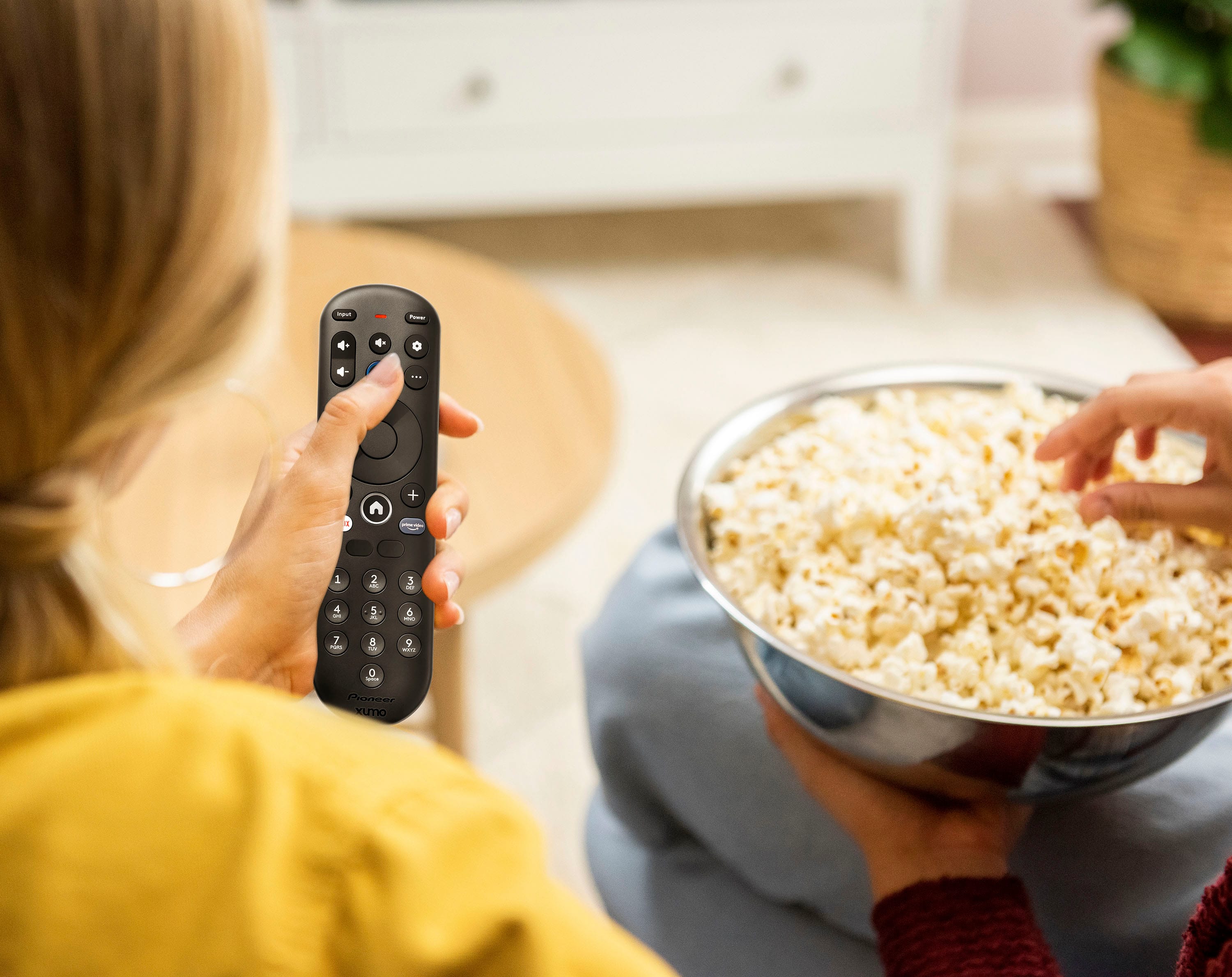
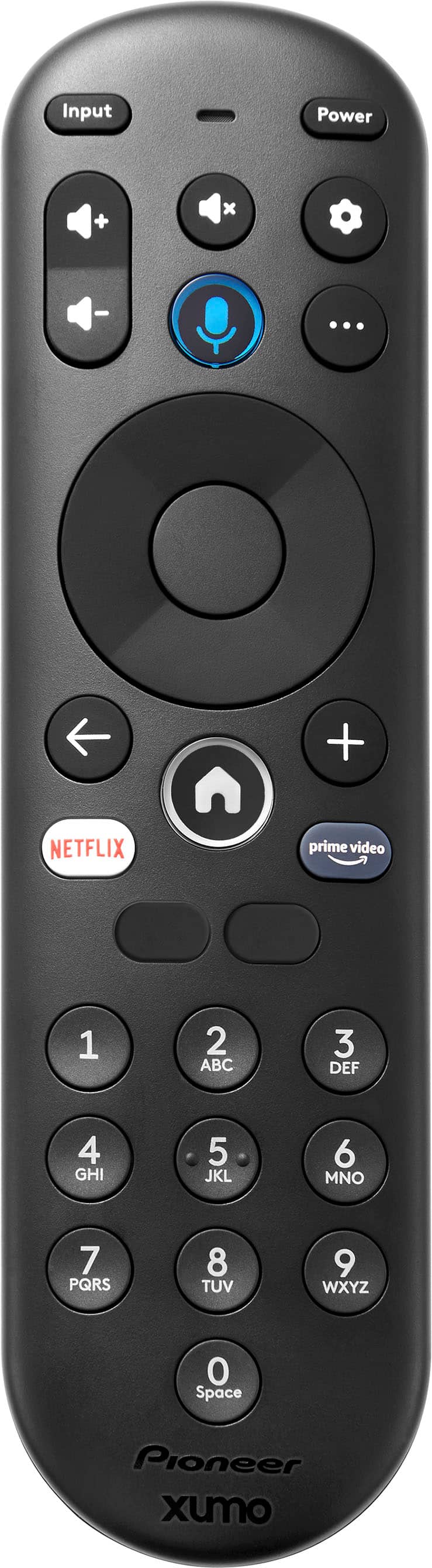
Q: Questionwhere can i buy a replacement remote ? can you change the volume or channels with no remote ?
Asked by TerryG.
- A:Answer My remote is great
Answered by CassandraC
Q: QuestionCan Tubi be streamed on this tv?
Asked by Tubi.
- A:Answer Yes, you can stream Tubi on the Pioneer 55" Class LED 4K UHD Smart Xumo TV. The Xumo TV platform supports a variety of streaming apps, including Tubi. Patricia | Pioneer Support https://www.bestbuy.com/site/pioneer-55-class-led-4k-uhd-smart-xumo-tv/6546909.p?skuId=6546909
Answered by PioneerCustomerSupport
Q: Questioncan I use a dvd player with this tv? if so how?
Asked by Dipsykat.
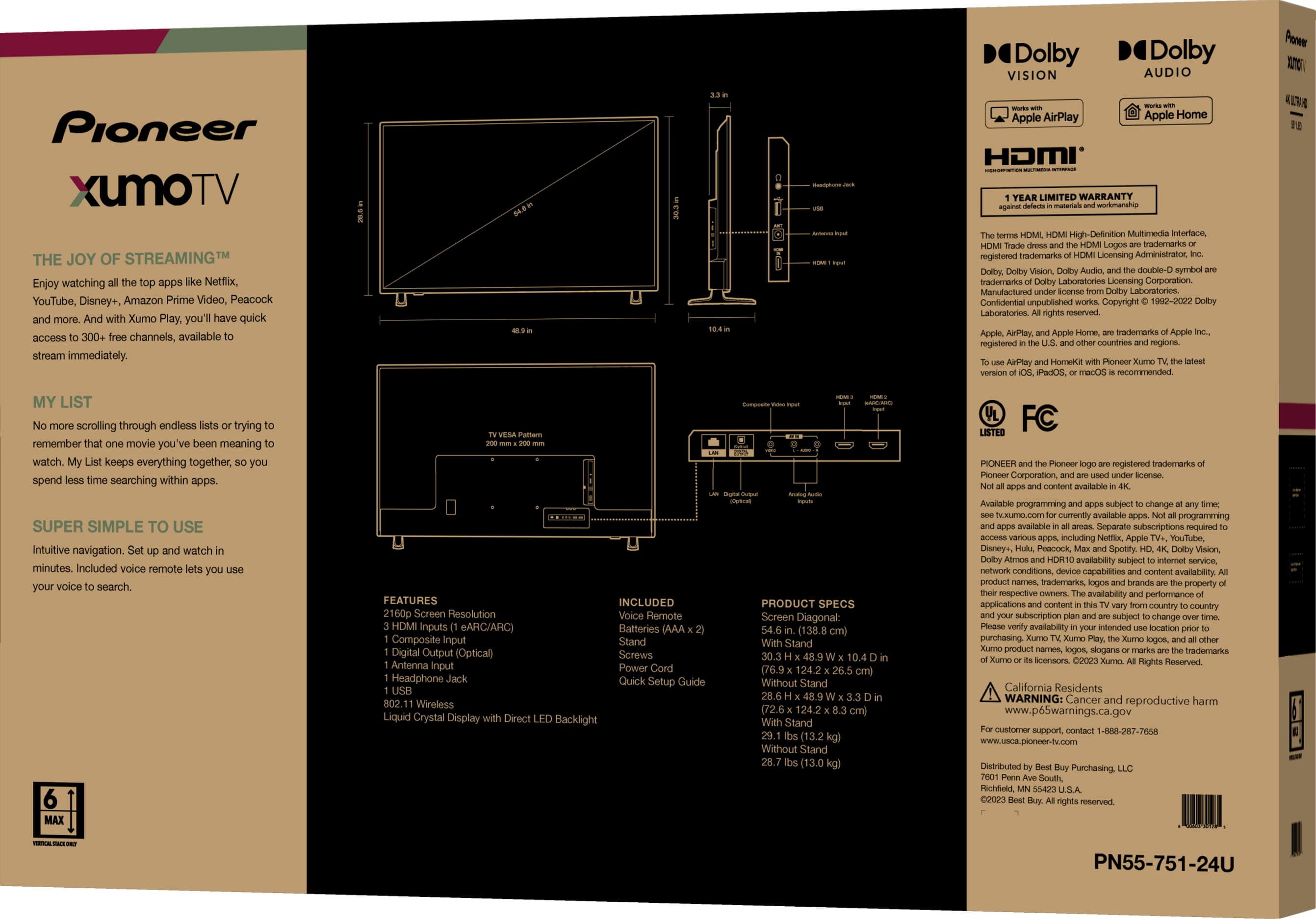
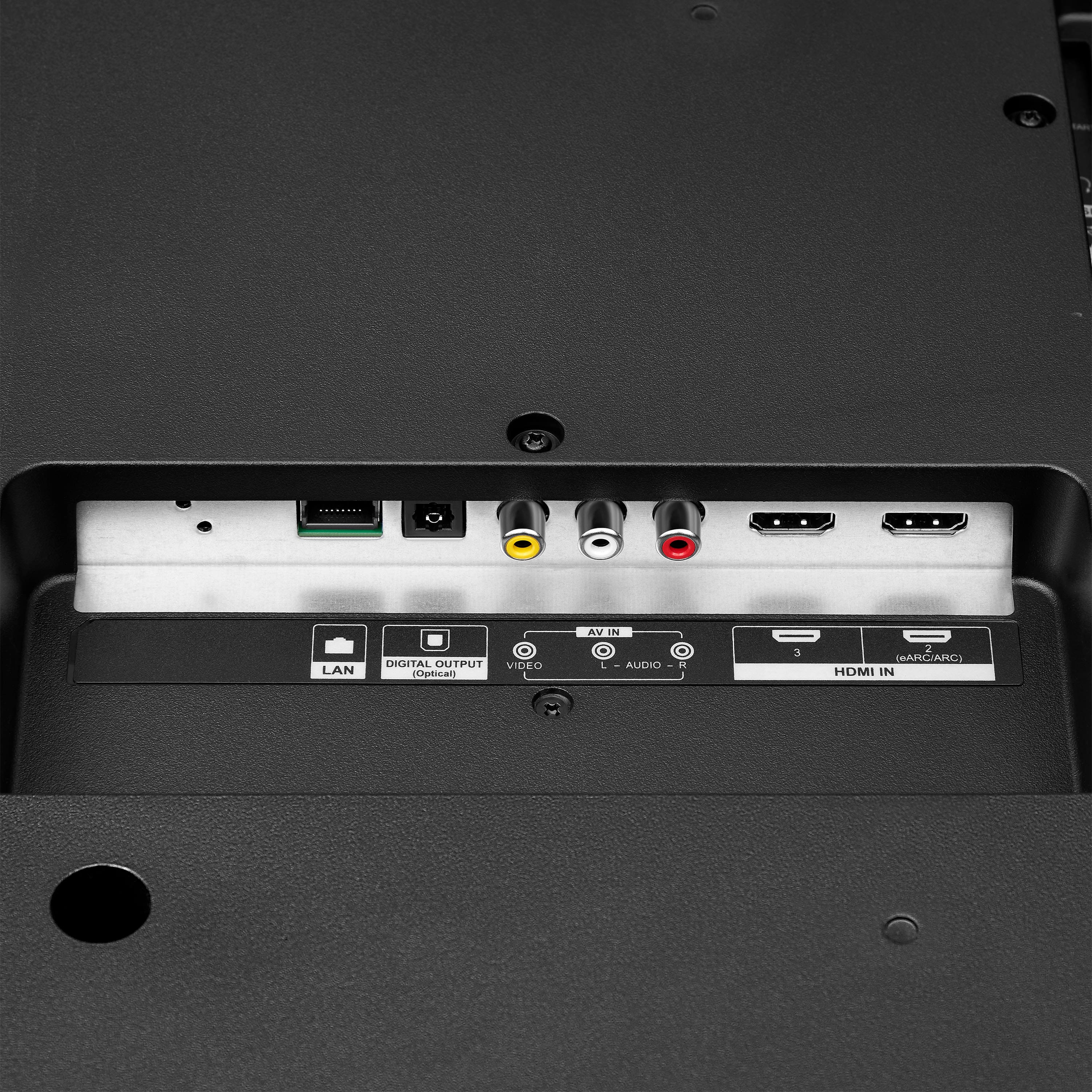
- A:Answer Yes, you can use a DVD player with your Pioneer 55" Class LED 4K UHD Smart Xumo TV. Simply connect the DVD player to the TV using an HDMI cable, then select the corresponding HDMI input on your TV to start watching. Patricia | Pioneer Support https://www.bestbuy.com/site/pioneer-55-class-led-4k-uhd-smart-xumo-tv/6546909.p?skuId=6546909
Answered by PioneerCustomerSupport
Q: QuestionIs it true you cannot download apps for this TV?
Asked by MichaelZ.
- A:Answer False
Answered by DonithaM
Q: QuestionDoes this TV support Variable Refresh Rate/VRR?
Asked by Sparky.
- A:Answer The Pioneer - 55" Class LED 4K UHD Smart Xumo TV does not support Variable Refresh Rate (VRR). While it offers excellent picture quality and a range of smart features, VRR is not included in its specifications. If you have any other questions or need further assistance, feel free to ask!
Answered by PioneerCustomerSupport
Q: QuestionDoes the usb port stay powered on even if the tv is off? I would like a TV where the USB automatically shuts off power if the tv is off.
Asked by Chris.
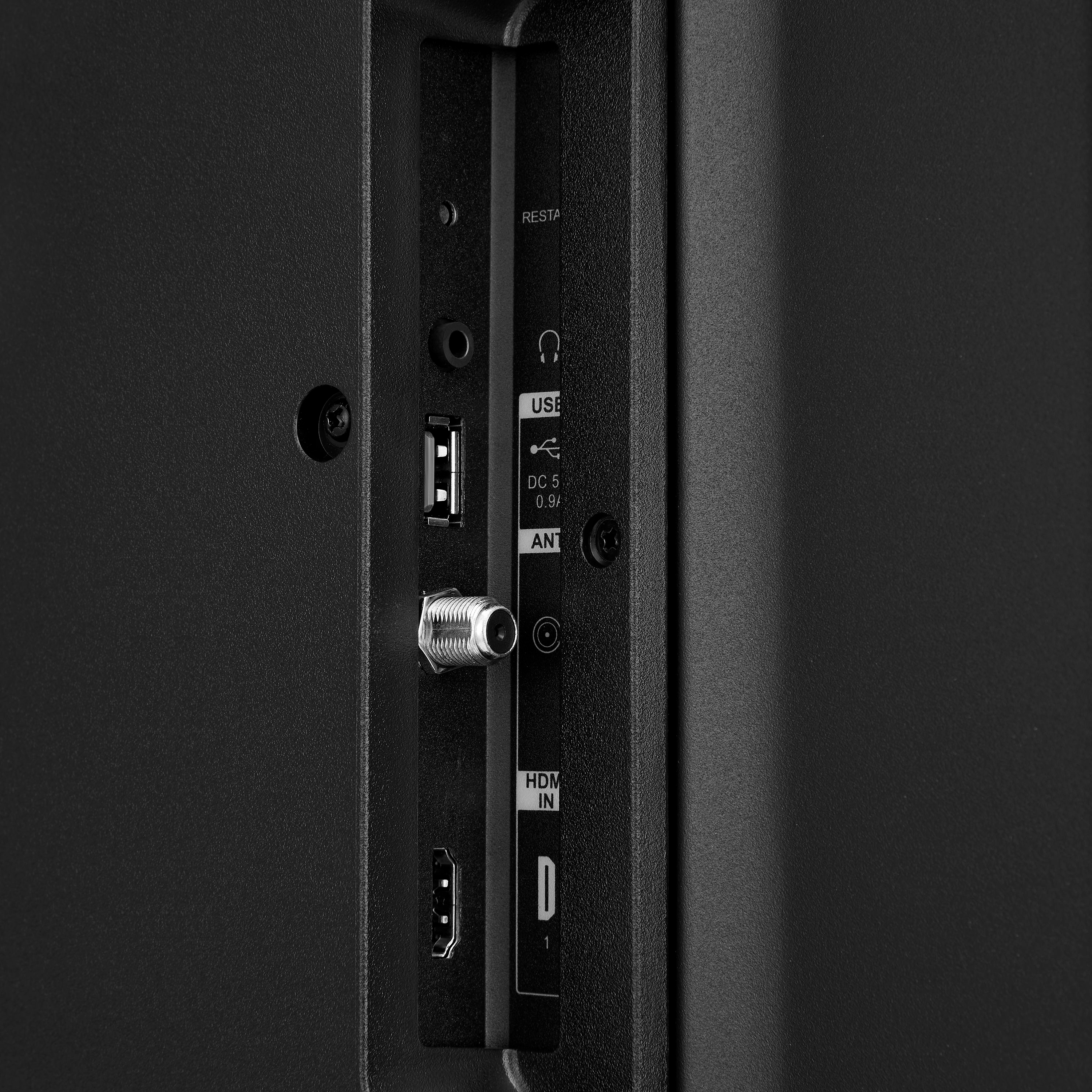
- A:Answer Thank you for your inquiry! The USB ports on the Pioneer 55" Class LED 4K UHD Smart Xumo TV typically remain powered even when the TV is turned off1. This is common for many modern TVs to allow for features like quick start and powering external devices. Keith | Pioneer Support
Answered by PioneerCustomerSupport
Q: QuestionCan I use this tv with a cable box? Also the box is connected with a hdmi cable
Asked by Dave.
- A:Answer Hello Dave! Yes, you can use the Pioneer 55" Class LED 4K UHD Smart Xumo TV (PN55-751-24U) with a cable box. The TV has HDMI ports, so you can connect your cable box using an HDMI cable. Jeth | Pioneer Support. https://www.bestbuy.com/site/pioneer-55-class-led-4k-uhd-smart-xumo-tv/6546909.p?skuId=6546909
Answered by PioneerCustomerSupport
Q: QuestionCan everyone in the room see a clear sharp image. All angles?
Asked by LaJaDe.
- A:Answer Yes
Answered by Nitin
Q: QuestionCan you turn off the smart TV on this unit? (Dumb tv)
Asked by Scott.
- A:Answer Simply skip your Xumo account creation, and the TV will work in dumb mode - displaying whatever it is fed via inputs (HDMI or a good old coaxial cable). I suppose if you're already logged into your Xumo account, there must be an option to log off, but can't confirm.
Answered by Boris
Q: QuestionIs there a way to disable the start up menu? I have Comcast cable and would like for the tv to cut on with the cable feed opened directly without having to press buttons to get it full screen. It is plugged into HDMI 3 if that makes any difference.
Asked by Anonymous.
- A:Answer I am afraid not. I am very sorry.
Answered by Ryan
Q: QuestionHow do I add Direct TV stream to my TV. It doesn't look like you can add apps
Asked by stacey.
- A:Answer Unfortunately you cannot add apps, you have to stick with the pre-downloaded apps, you can not install or delete any apps.
Answered by ryan
Q: QuestionCan this TV be made to turn on and off with a PC video signal like a PC monitor or must it be turned on by hand with the remote or power button?
Asked by Lanceness.
- A:Answer EVERY 4 HOURS
Answered by MycoleS
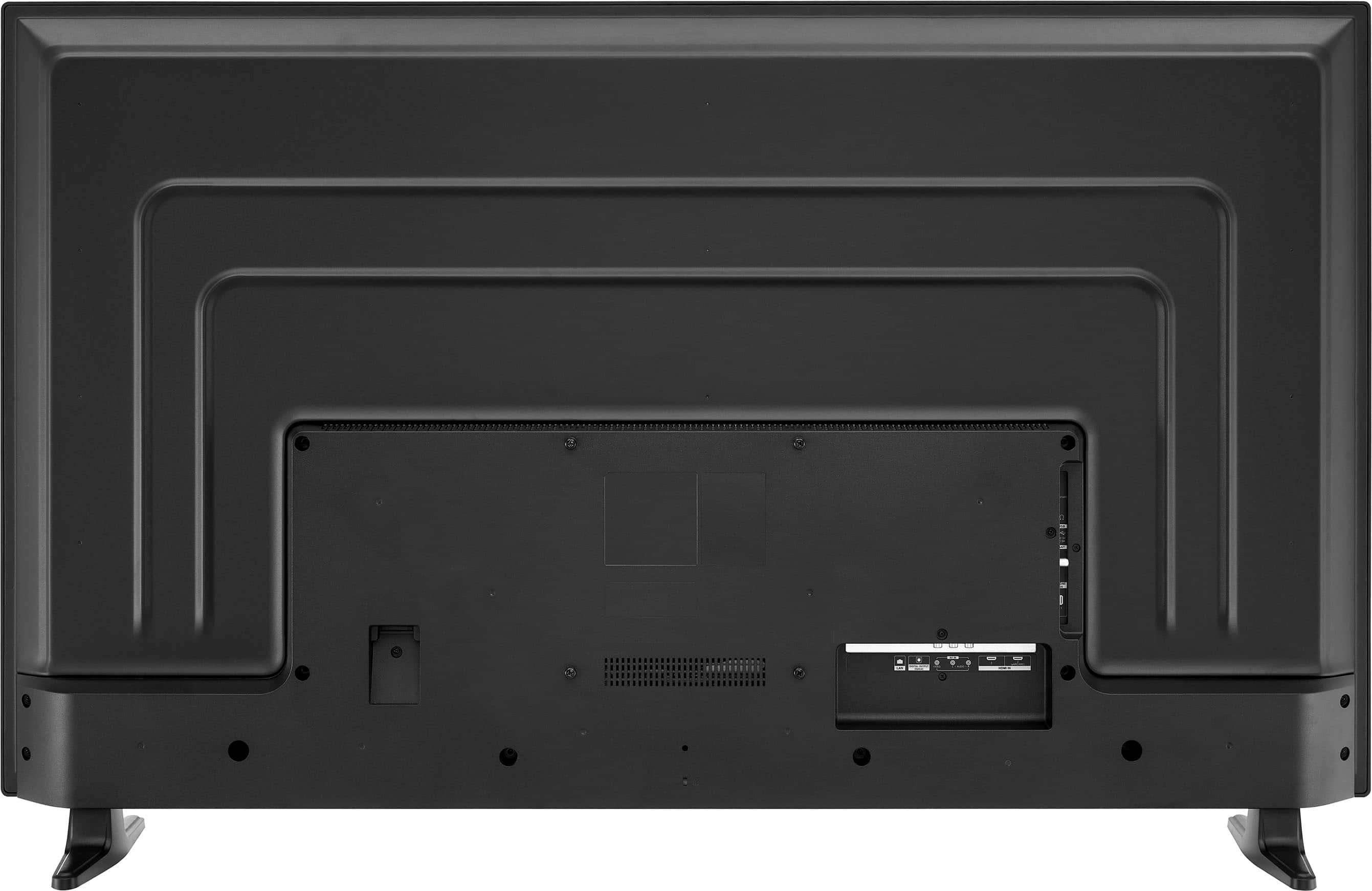
Q: QuestionNo stand screws!! So frustrating. What size screws do I need to go waste my time and money buying?
Asked by Barry.
- A:Answer I purchase 3 and none of them have screws for the stand feet. I'm replacing TCL tvs, and their screws do not fit the Pioneer. Ridiculous!
Answered by TraceyW
Most-viewed items
- $449.99Your price for this item is $449.99$899.99The comparable value for this item is $899.99
- Winter Sale Deal$899.99Your price for this item is $899.99
- Winter Sale Deal$329.99Your price for this item is $329.99
- Winter Sale Deal$1,399.99Your price for this item is $1,399.99
- Winter Sale Deal$449.99Your price for this item is $449.99
- $1,999.99Your price for this item is $1,999.99$3,699.99The comparable value for this item is $3,699.99
- $199.99Your price for this item is $199.99$349.99The comparable value for this item is $349.99
- Winter Sale Deal$329.99Your price for this item is $329.99
- Winter Sale Deal$199.99Your price for this item is $199.99
- Winter Sale Deal$279.99Your price for this item is $279.99
- Winter Sale Deal$79.99Your price for this item is $79.99
- $249.99Your price for this item is $249.99$379.99The comparable value for this item is $379.99
- $1,050.99Your price for this item is $1,050.99$1,999.99The comparable value for this item is $1,999.99
- $599.99Your price for this item is $599.99$999.99The comparable value for this item is $999.99
- $1,399.99Your price for this item is $1,399.99$2,499.99The comparable value for this item is $2,499.99
- Winter Sale Deal$139.99Your price for this item is $139.99
- Winter Sale Deal$109.99Your price for this item is $109.99
- Winter Sale Deal$999.99Your price for this item is $999.99
- $379.99Your price for this item is $379.99$699.99The comparable value for this item is $699.99
- $229.99Your price for this item is $229.99$299.99The comparable value for this item is $299.99