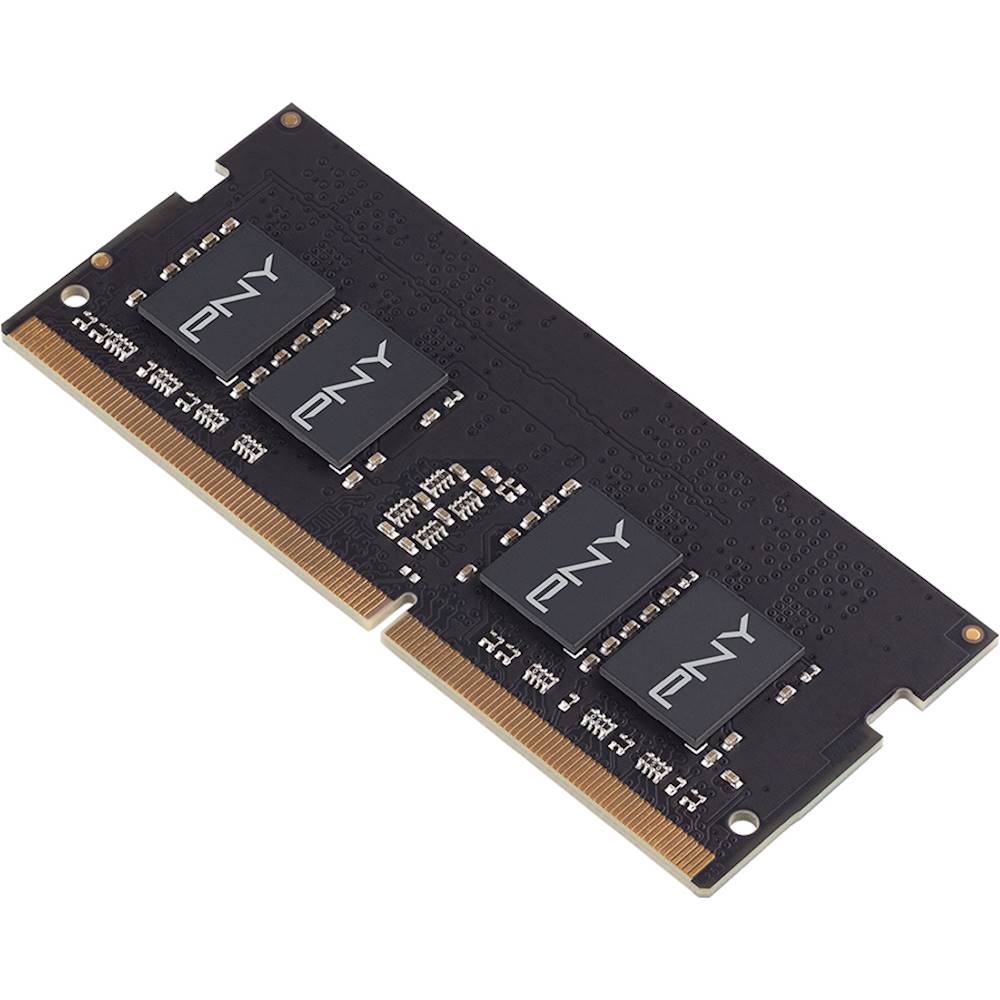
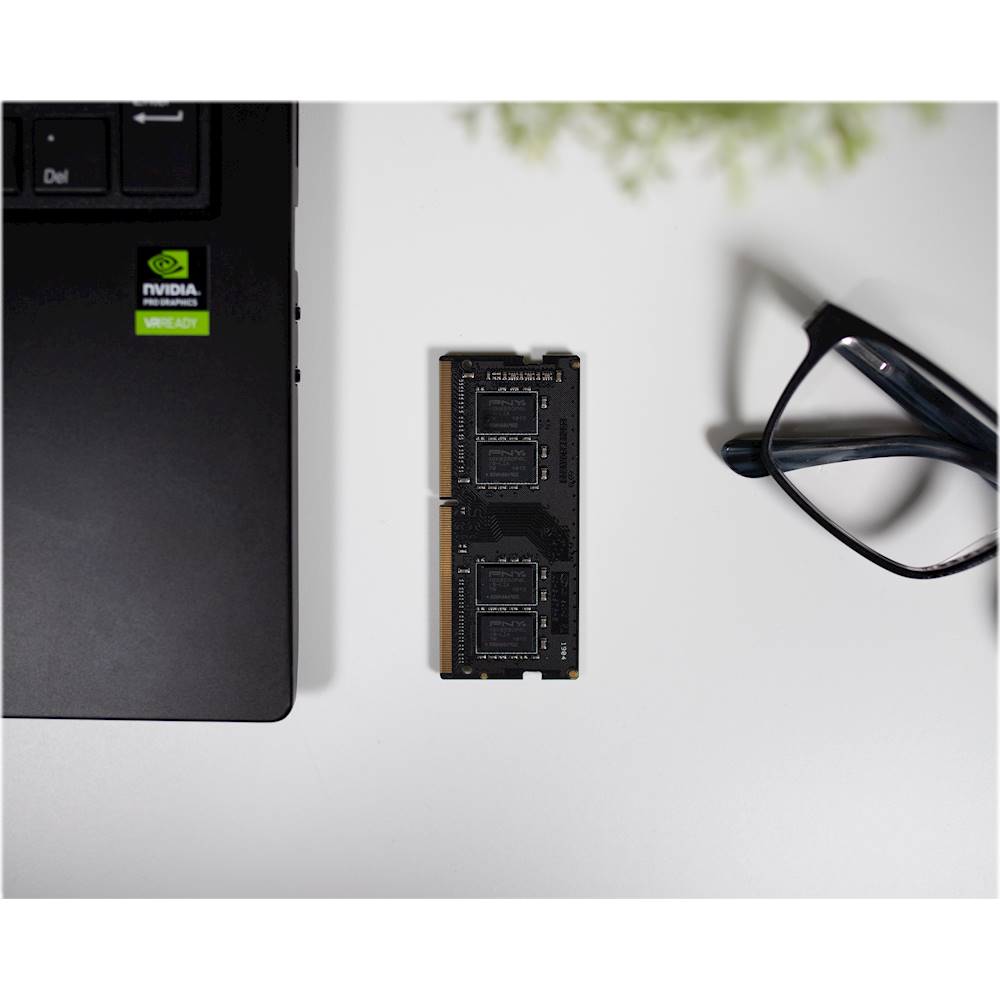
A:AnswerIt is best, but certainly not a requirement, for your ram sticks to be matching in stats. I do my best to always install equal sizes in each port when working on a PC.
A:AnswerDDR4-2400 • CL=17 • NON-ECC • SODIMM • 260-pin • 1.2V • 1Rx8 • PC4-19200
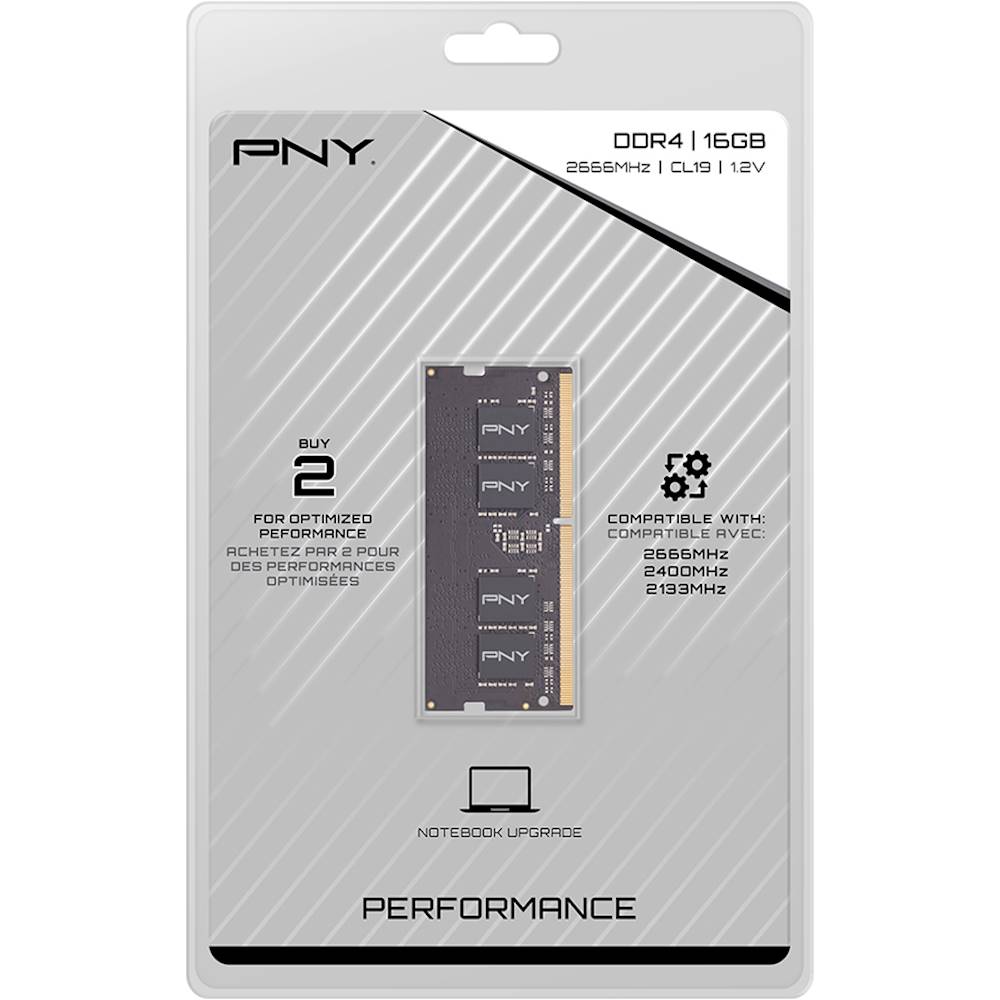
That's what your specific machine calls for but the PNY is also 260 pin, DDR4 and PC4(just faster) Both SODIMM 1.2V. Should have no problem but...you can get what Dell recommends for cheaper.
A:AnswerThe processor in laptop cannot handle 64GB of RAM. That laptop cannot be upgraded at all. It's a very basic system for checking email and working with documents. Sorry to be the bearer of bad news.
A:AnswerI have the same PC and am also looking at this item. I am deciding if I want to get just the one, or buy a set as you know we're using 1 of 2 slots. I see this was asked 3 months ago and was wondering if you found out by now or have any advice/tips on what option you decided to go with? Looking at the specs, i'm pretty sure it is compatible but I will probably take the stock one out as it may cause problems with both in and being different.
A:AnswerHi Logan, No, this RAM would most likely not work with your Laptop.
Long answer:
Depending on the configuration of your laptop, you might not be able to upgrade the RAM at all. And even if you can upgrade the RAM, with the Intel Pentium N4200, the RAM can only be upgraded to 8GB's total. That means you would only want an additional 4GB of DDR3L (PC3-14900) to max out the RAM for your device.
I would recommend confirming if your laptop RAM can be upgraded before you buy any additional RAM, you can do this or have a laptop repair servicer perform the check.
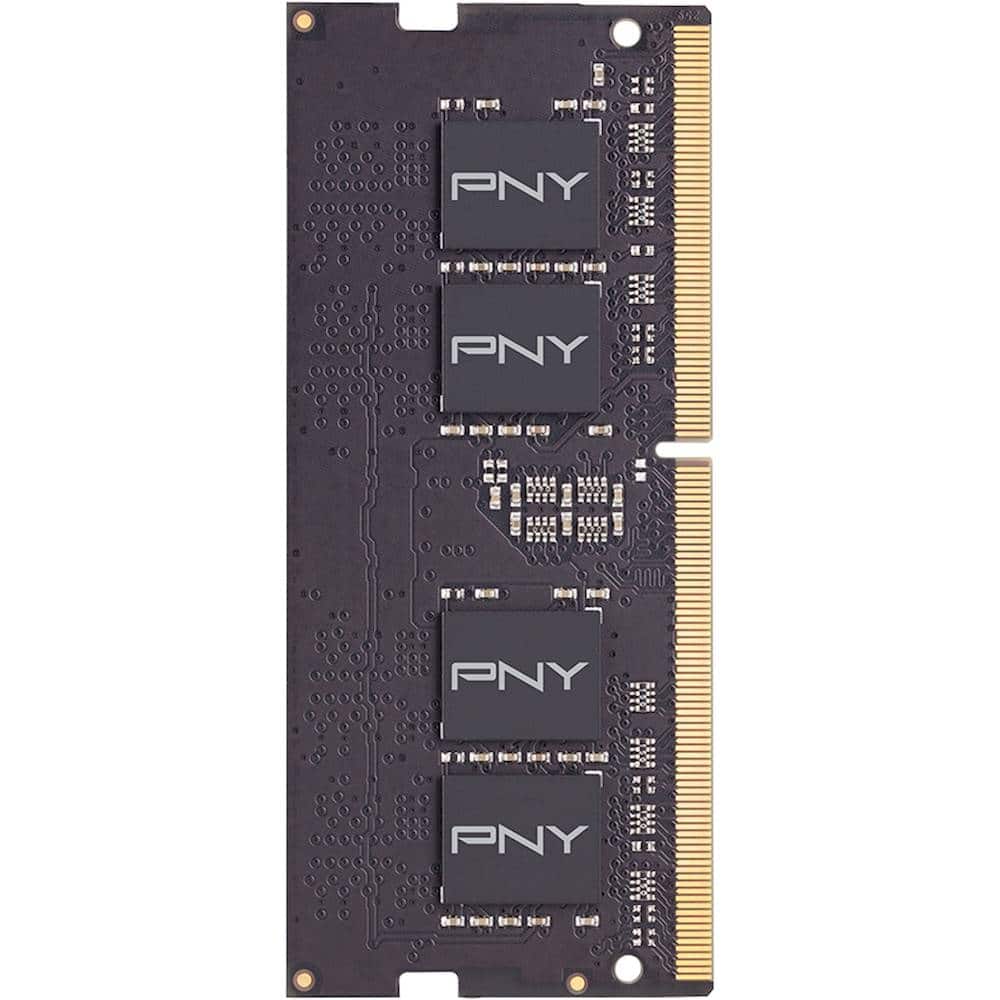
A:AnswerYes but just to be sure check your laptop for the max gb of ram that it can hold just to be safe i beleive the 1043 dx takes 32 gb of ram im not sure about the 1033