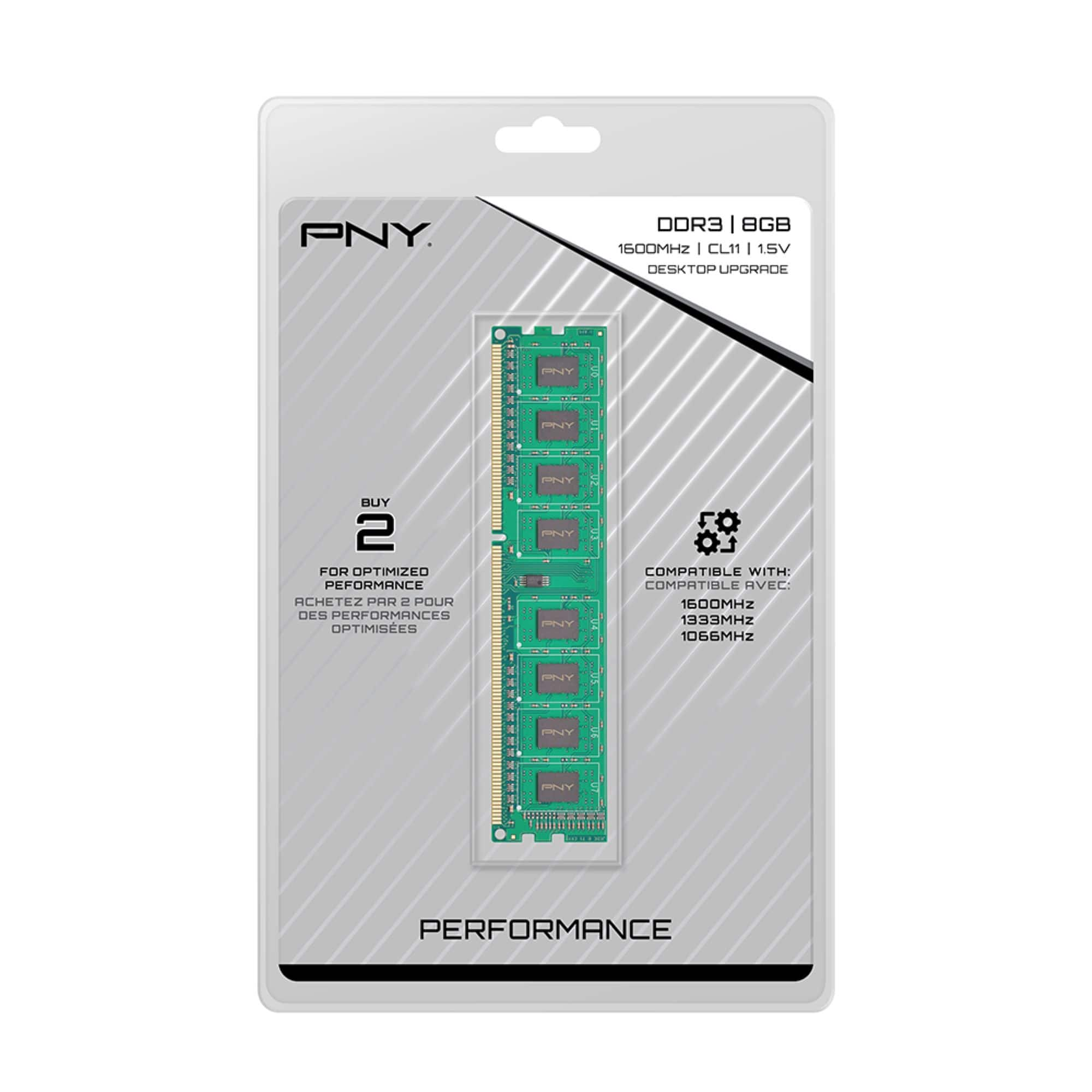
A:AnswerYes, so long as you have the 3020 Mini Tower (MT) or 3020 Small Form Factor (SFF) type. This will not fit the Micro 3020 which requires SO-DIMM RAM.
A:AnswerA quick google search shows that your computer has four memory slots and a maximum of 32 gigs of DDR3/1600mhz. If you have 16 gigs, I suspect you have two 8 gig modules. Did you take the side off your computer and check things out? I'm guessing that you have two open memory slots. Just add memory to the open slots.
A:AnswerThe OptiPlex 790 specs states: “ Up to four DIMM slots; Non-ECC dual-channel 1333MHz DDR3 SDRAM, up to 16GB“ which mean each slot max memory is 4Gb. This one is 1666Mhz which I talking these ones might cause unintended behavior and could damage the ram.
https://i.dell.com/sites/csdocuments/Shared-Content_data-Sheets_Documents/en/us/optiplex-790-customer-brochure.pdf
A:AnswerYour best answer will come from the manufacturer. Google the Make, and Model of your computer. That should tell you the RAM capacity and how much you can add. The strip you mentioned might be ok if it is mentioned in the parameters of your model. Do you know how much RAM your computer has at this time? A quick system check will tell you if you are not sure.