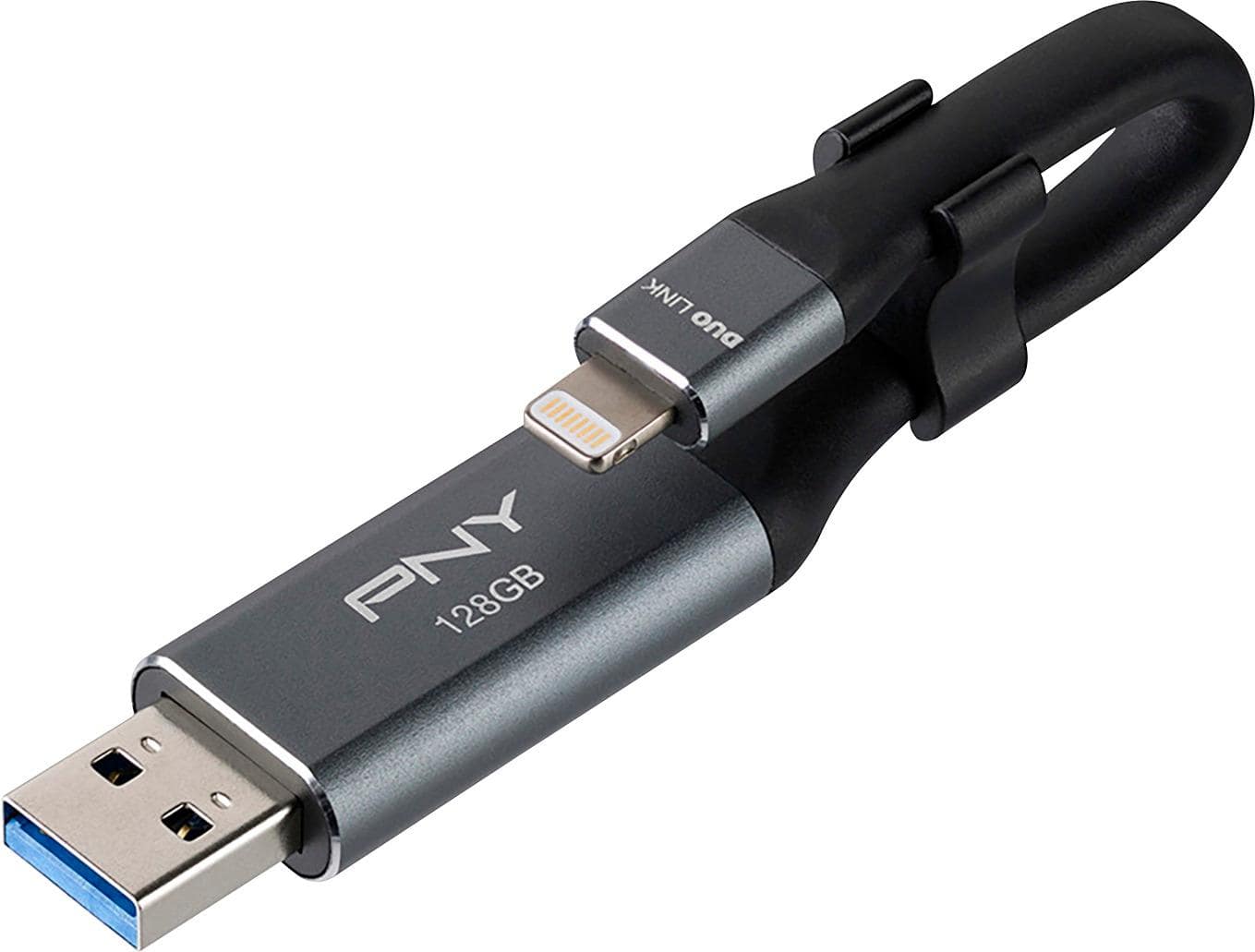
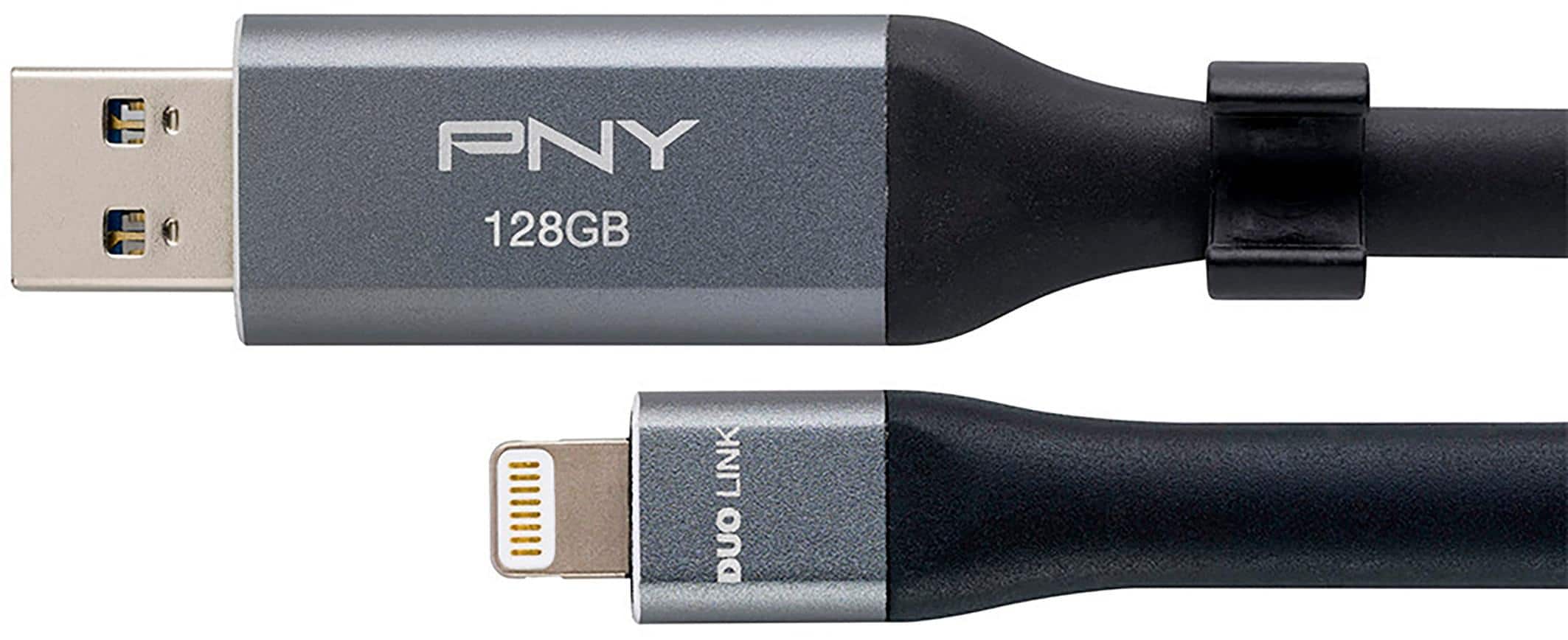
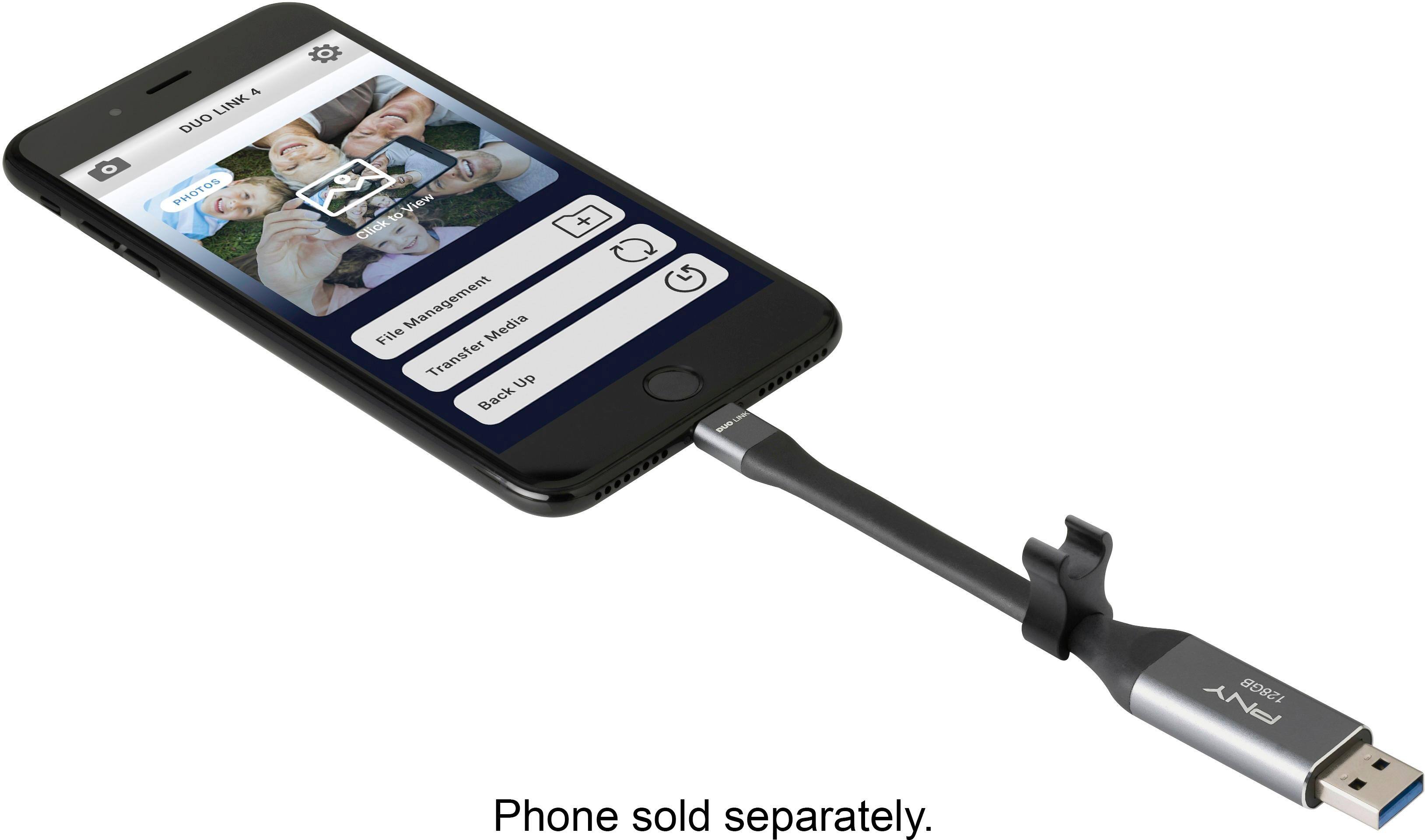
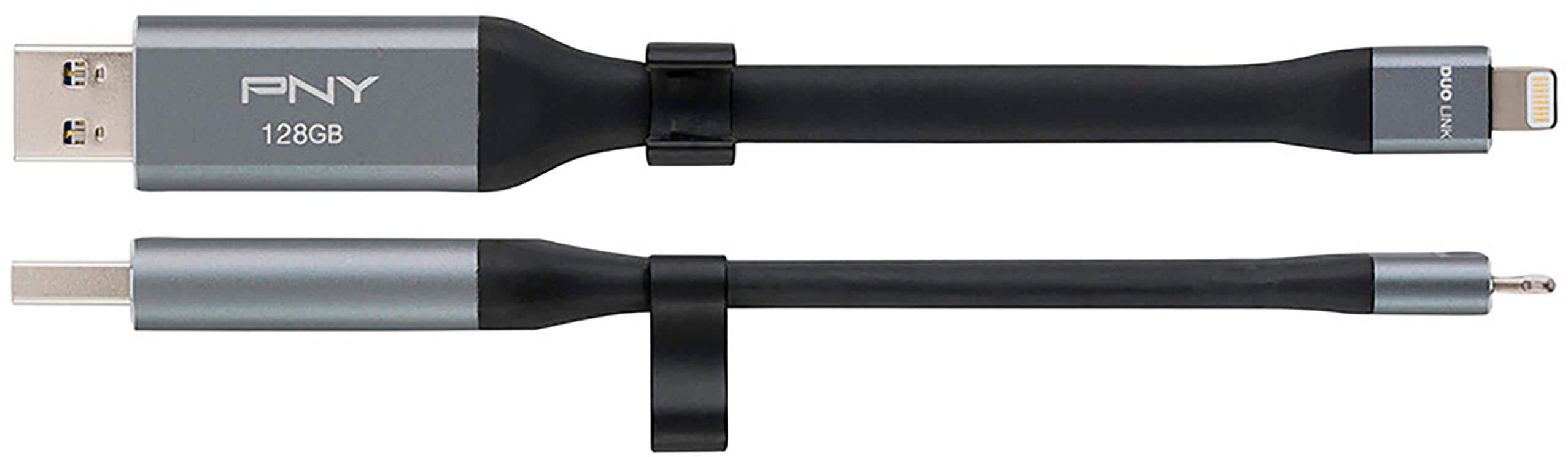
A:AnswerUnless the iPhone 6 has a different Connector at the bottom it shouldl work.
I use mine with a 6s, and a iPad Pro.
Side Note
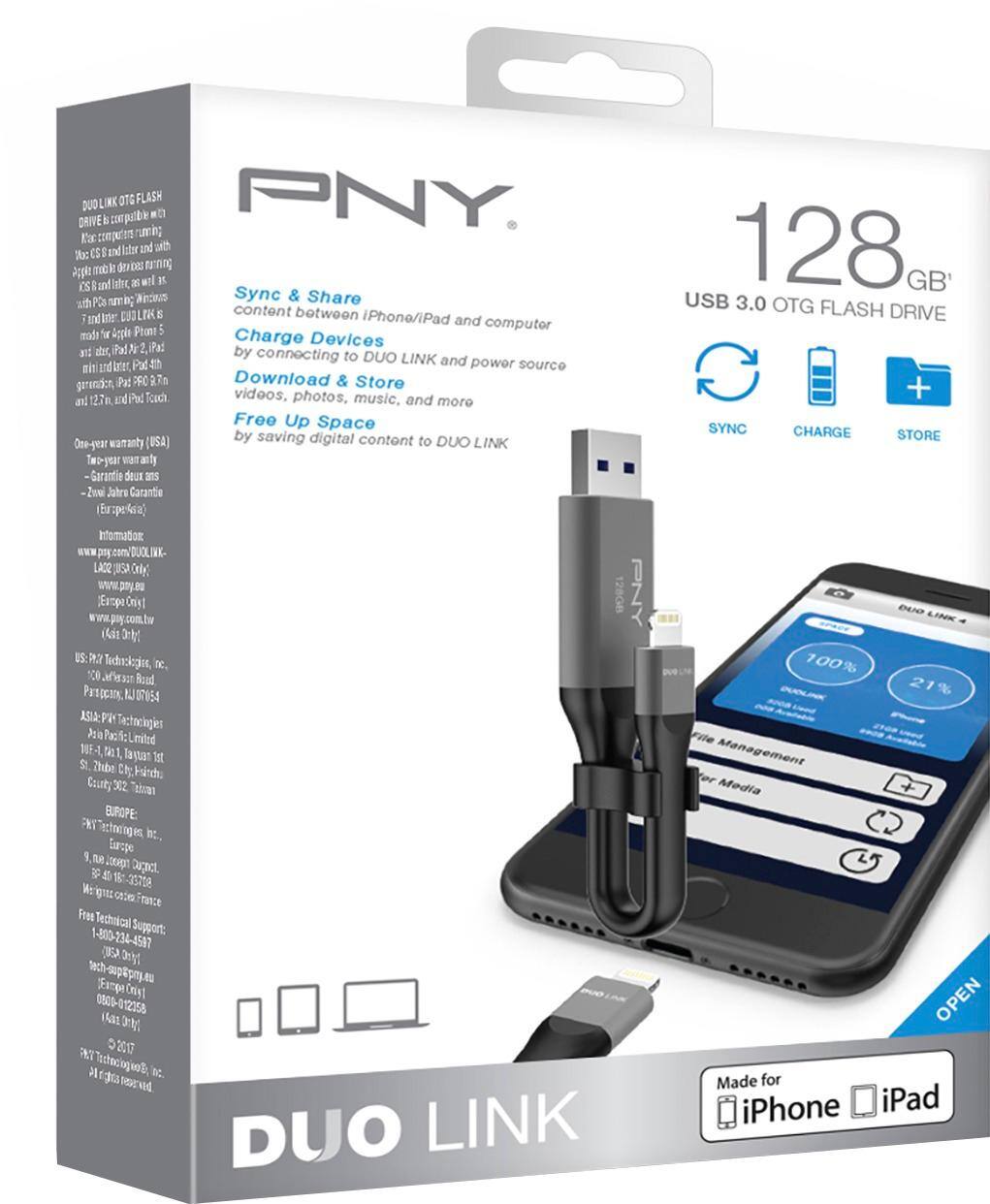
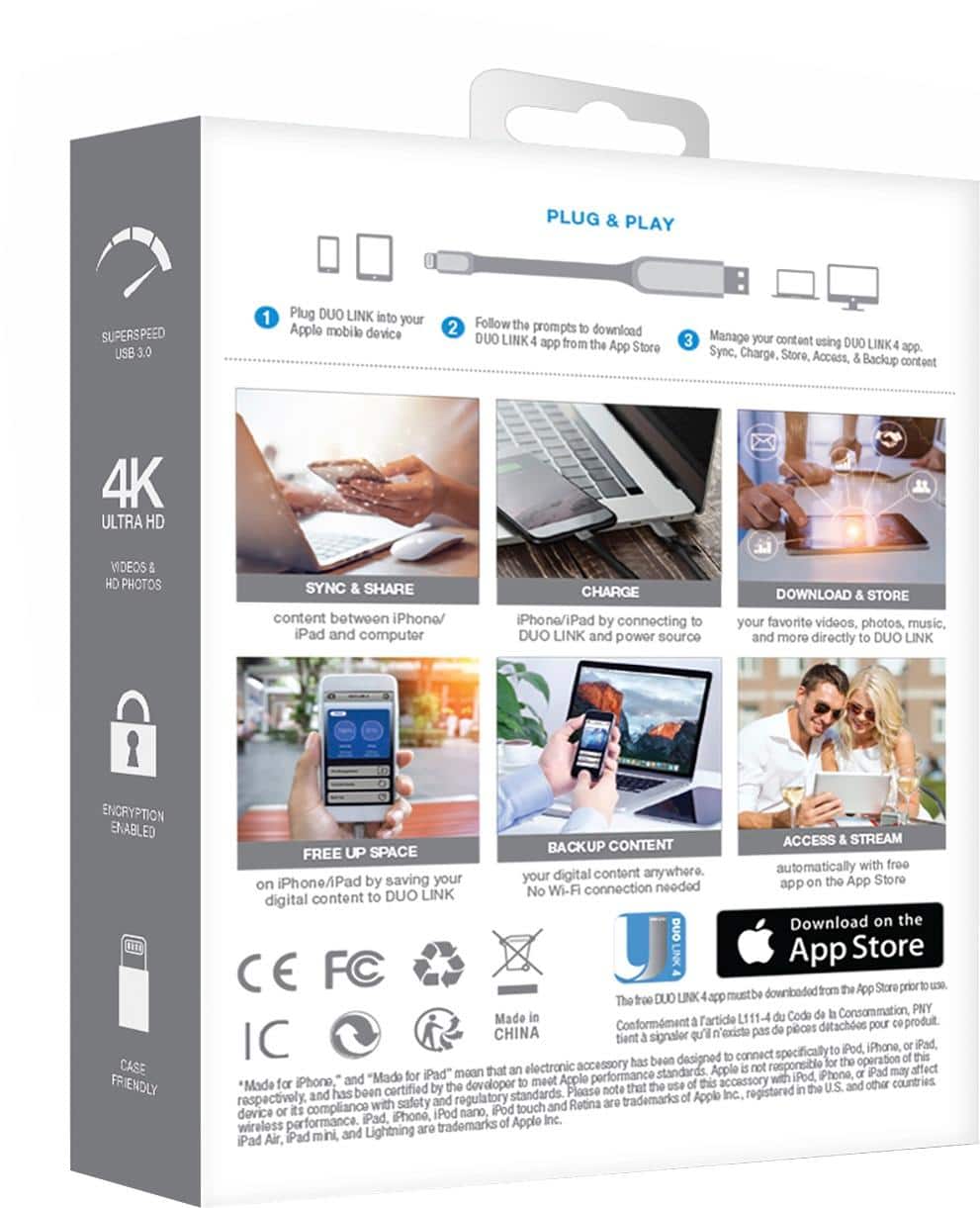
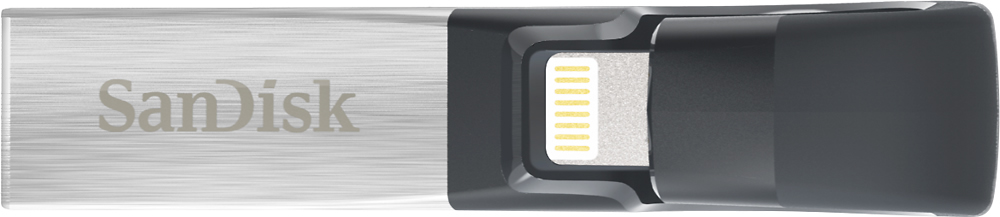
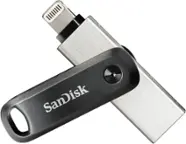
I have both a Sandisk iXpand and this PNY.
Bought PNY as it was in sotre with 128GB (SanDisk is 64bit)
I find it easy to xfer files from pc to iPad/iPhone usuing the Sandisk
PNY is being difficult as I want to transfer movies but it keps either playing them or renaming themIMG.....mp4
I am about to RETURN the PNY and buy the SanDisk 128GB due to PNY software is difficult
On the other hand if you only want to backup/restore using the PNY it works fine.
You alsom might consider a wifi option but this takes longer with large files (like videos).
A:AnswerYes. You can transfer any media stored on your device and preview it from the flash drive while it’s plugged in, it’s just not as fast as previewing directly from your device but still not bad
A:AnswerThis devise will hold any data file via the USB 3 connection, what files your phone or device will read are another matter. I attached the main transfer screen.
A:AnswerIn my experience, this works like a typical USB drive when connected to a computer and similarly through the application via the iPhone. You can manually select which photos to move, copy, or delete etc.
A:AnswerThis charger is not compatible with the iPhone SE. it is also not compatible with the iPhone 12.
The charger may work on some newer laptops that charge with USB-C, but not all laptops with Windows will be compatible.