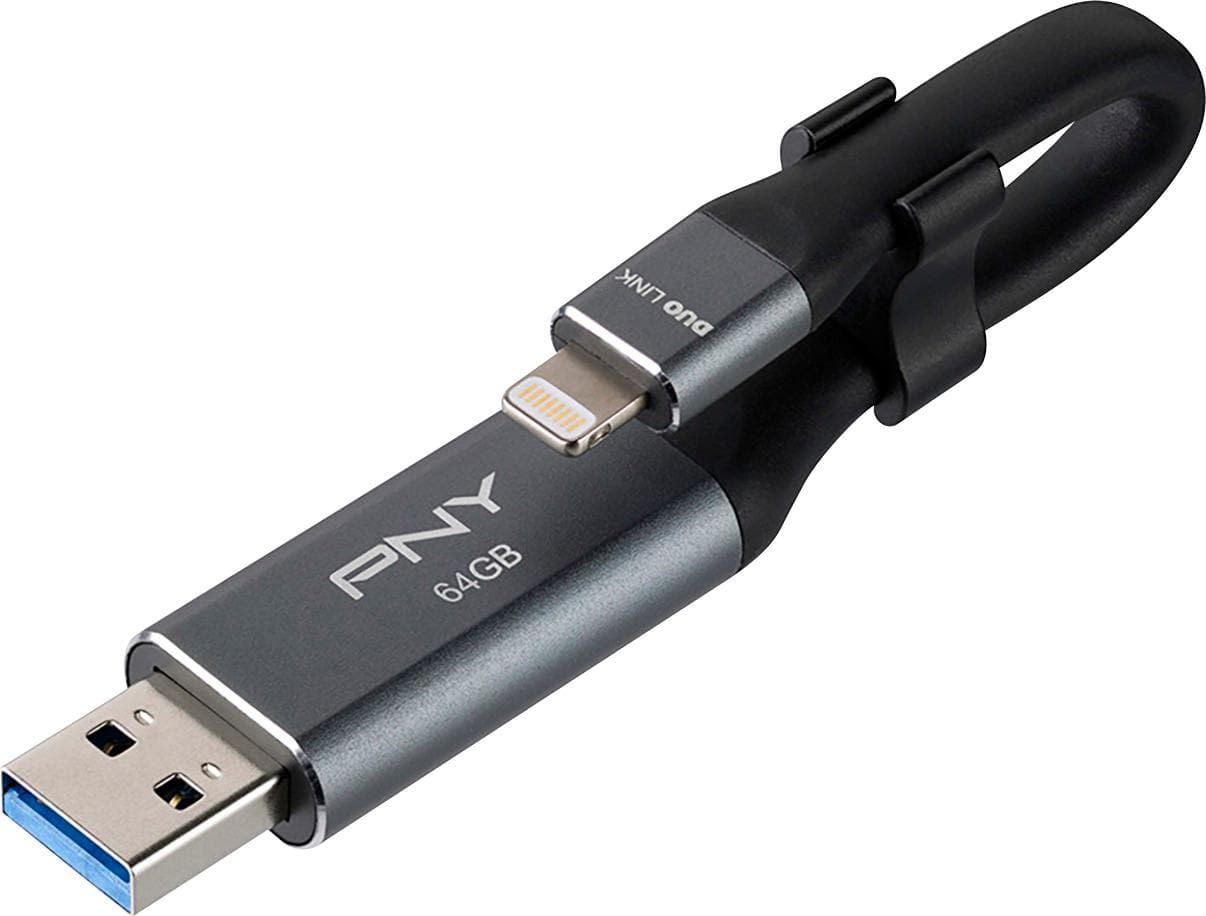
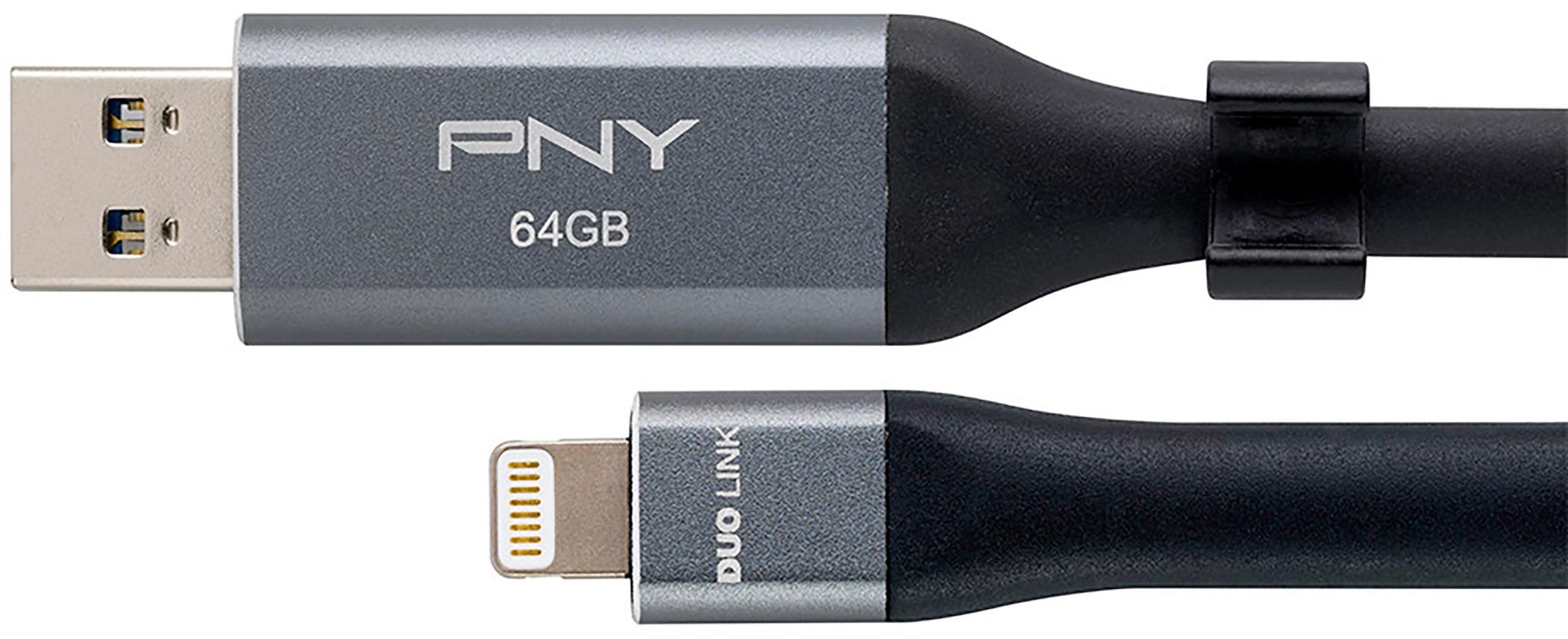
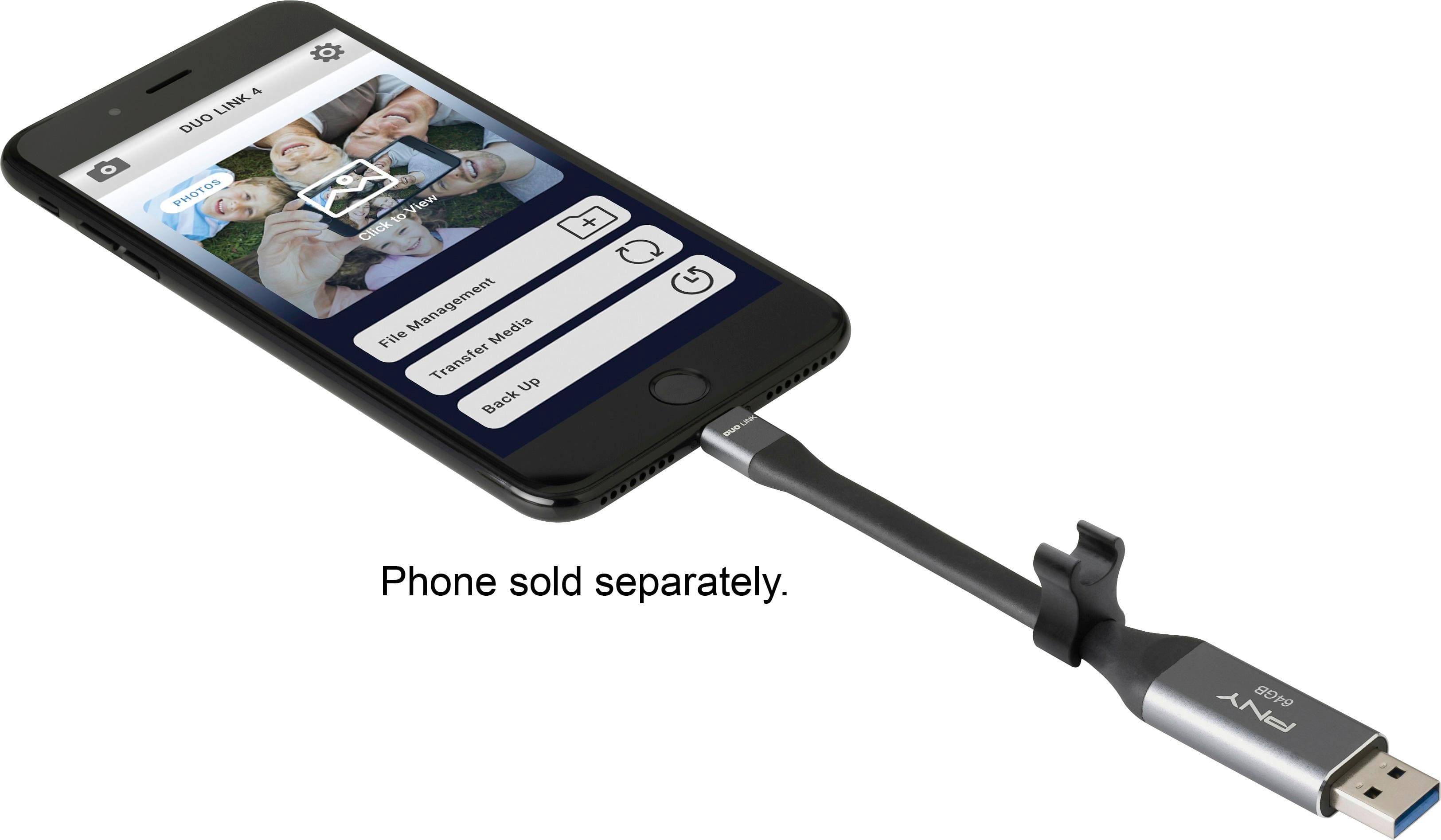
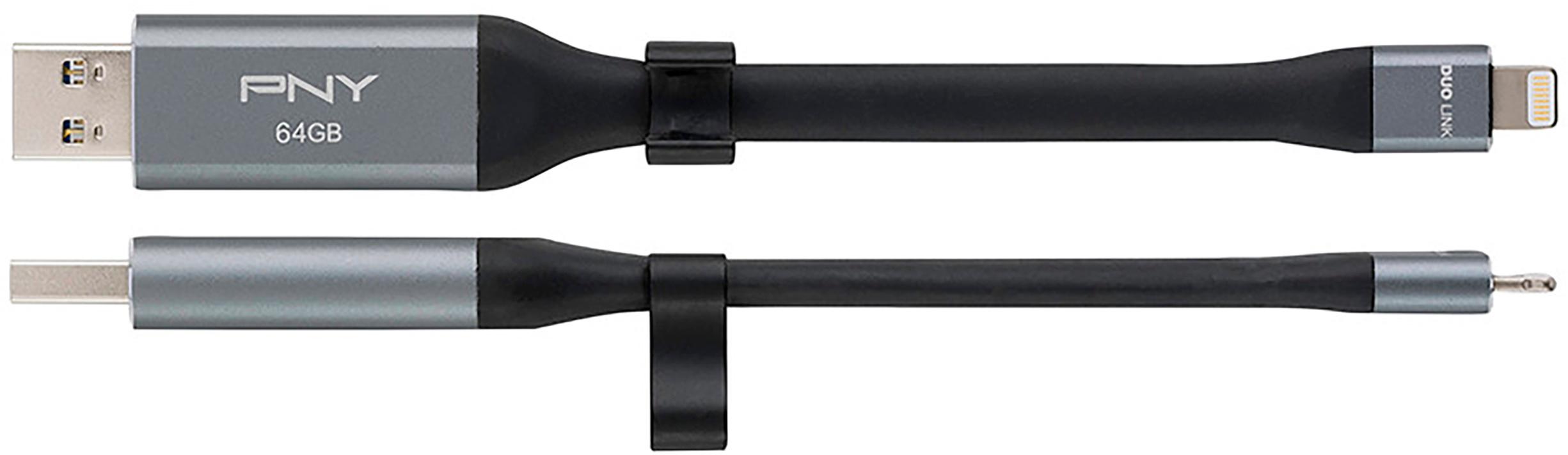
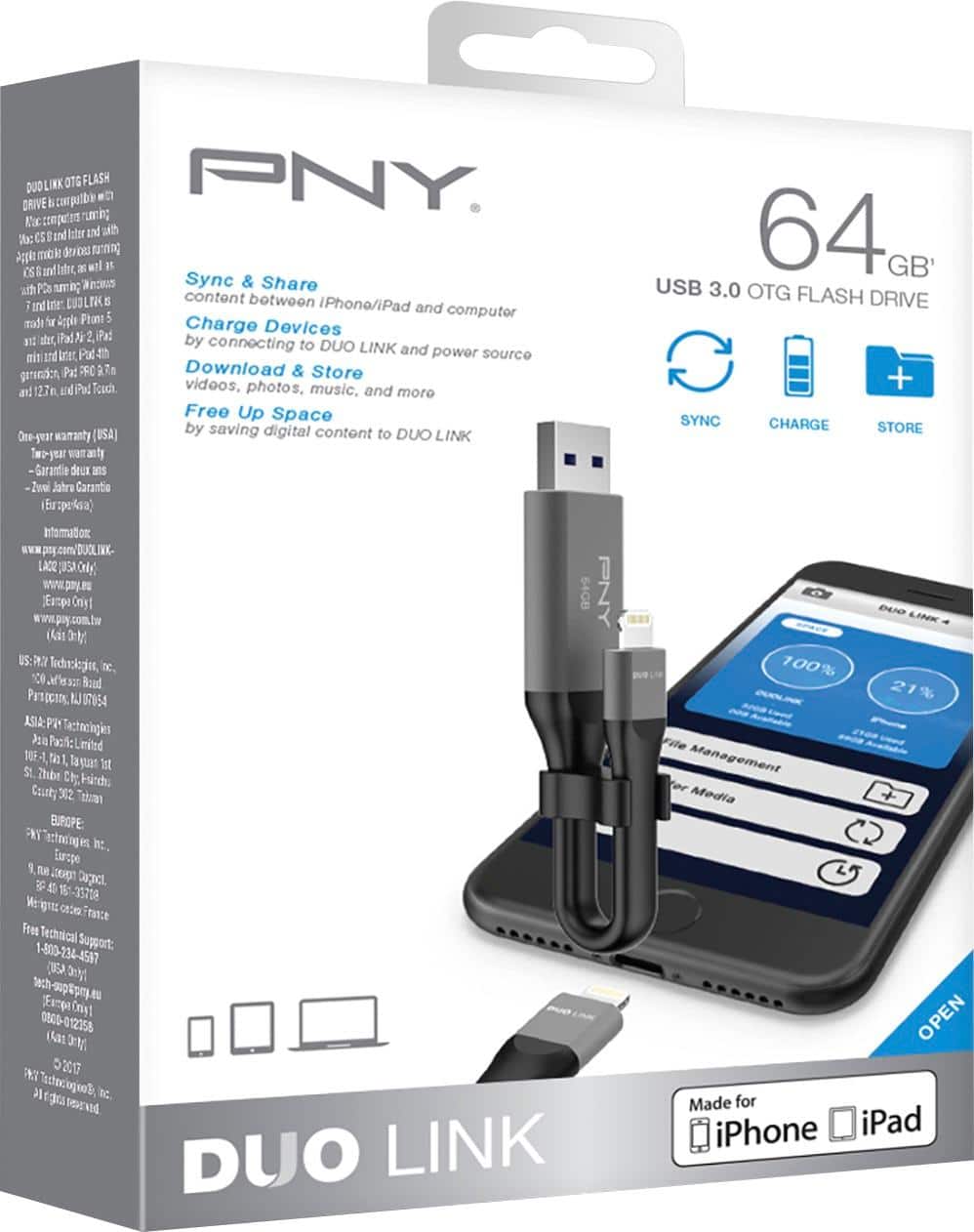
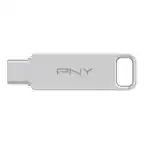
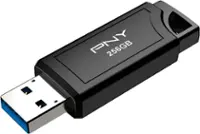
A:AnswerYes you can down load photos to your phone and continue to add after. This product will allow you to download photos to your phone and transfer photos from your phone to USB using their app. The good thing is that is really simple to use and will download faster that using your PC.
A:AnswerYour iPhone format setting is creating the heic format. Go to Settings, Camera, Format and change to “Most compatible”. You can download a free convert, to convert from a heic to jpg, I believe it’s called iConvert.
A:AnswerYes you can use this device where ever there is an USB pluger. As for backing it up it's up to you after you transfer your stuff to this device!