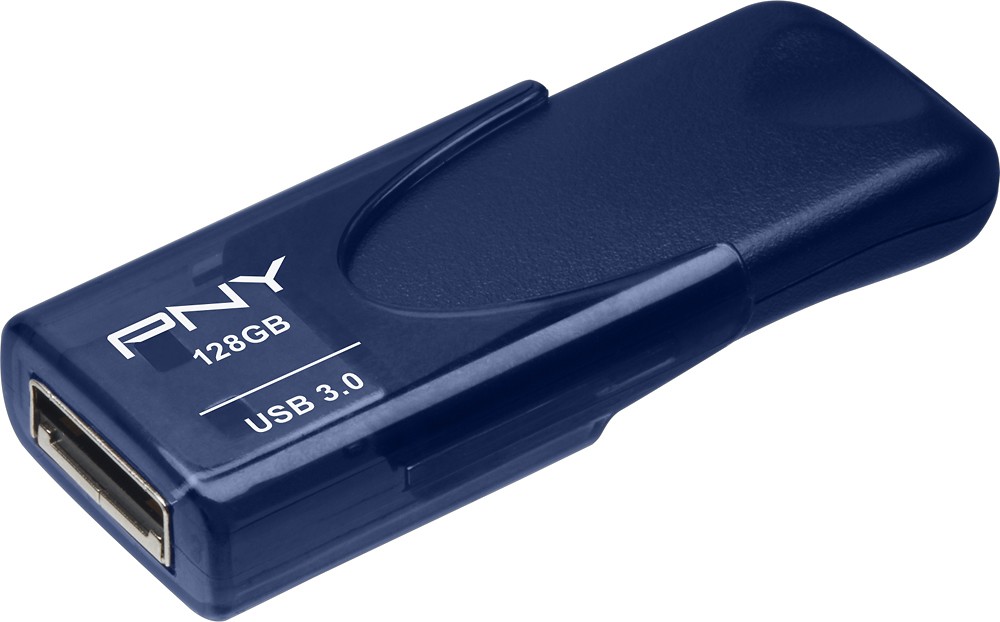
A:Answer Type A is your standard USB connector.
There is a Type B (more square with 2 corners angled instead of squared) connector that is commonly found on the end of printers. Usually you have these connected to a PC with a Type A to Type B cable.
In addition, there is now a Type C connector which is similiar in size to a Micro USB connection but is the same oval shape all the way around so you can connect the cable without worrying about orientation and thus not damaging the connection by forcing it in.
In the picture I've added the connectors are as follows from L to R:
Micro USB, Lightning (Apple products), Type C (the probably new standard on non-Apple phones), Type B and Type A.