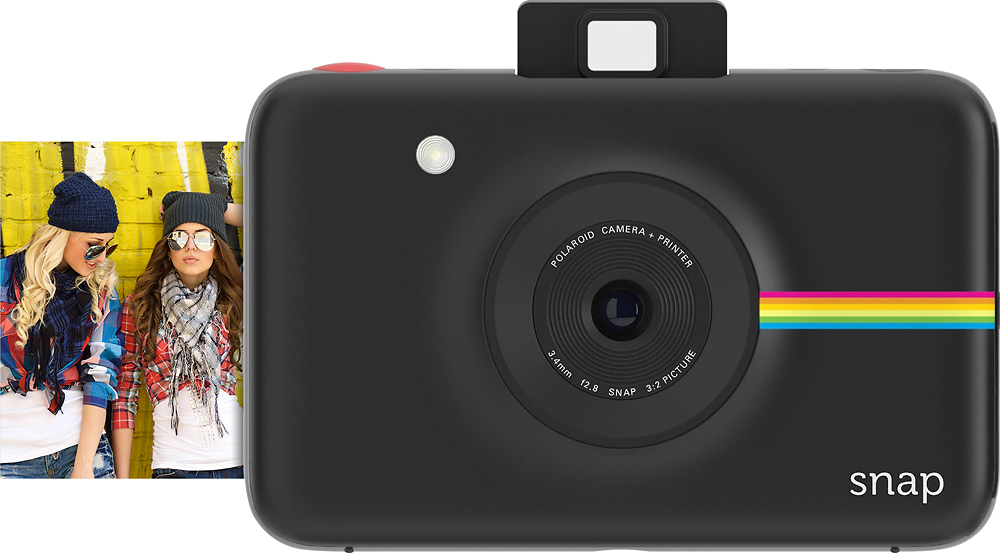
A:AnswerIt has a microSD slot, so you can save the photos you take and then connect to a computer via USB and transfer the photos. If you don't put a USB card in it, the on-board memory only is large enough for 1 picture, so it will overwrite your previous photo with the current one you are taking, so I recommend putting a microSD card in the camera :)
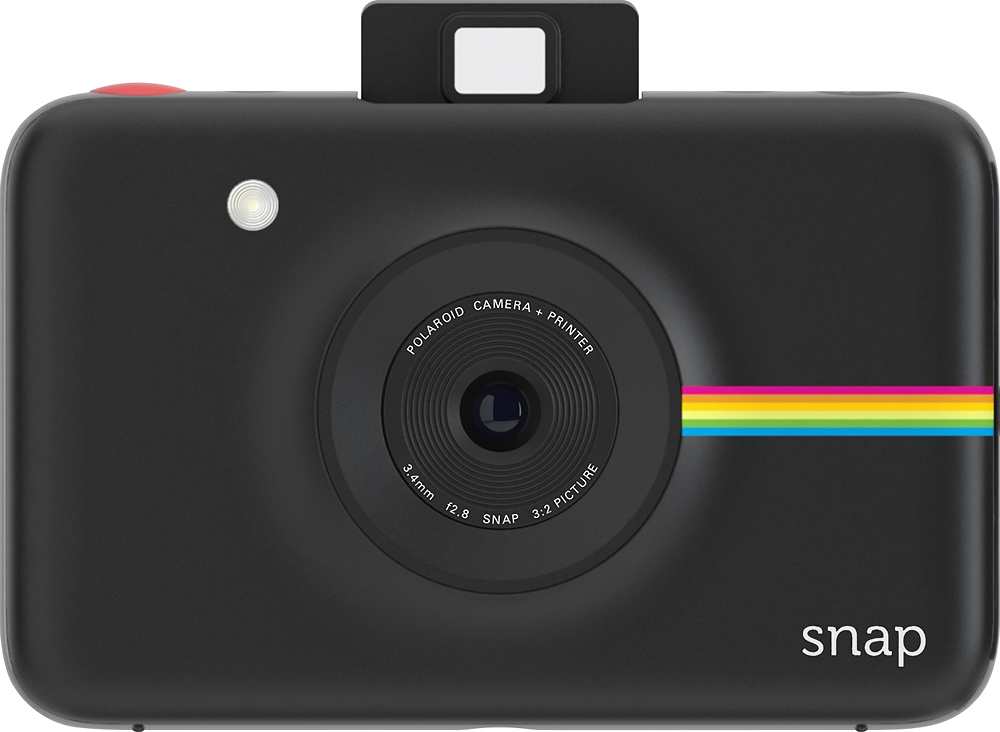
A:AnswerWhen you take a picture with the Snap, if you have a micro sd card inserted in the camera, your image will be saved on the card. If you have Zink paper in the camera, it will automatically print the picture you just took as well as storing it on the card. If there is no paper in the camera, the image will still be saved on the card. You cannot upload anything to the camera. It just takes pictures.
A:AnswerI have the fujifilm instax instant camera its a good camera but i assume the Polaroid snap is better because its 10 mega pixels and the fujifilm instant camera is lower quality then that and the snap has instagram filters and has a memory card slot but im still happy with the fujifilm.
A:AnswerIf you have photo paper Loaded the picture you take will automatically print. Generally with all the cameras that print in camera once you take the image if you don't have paper in the camera you can't print it through the camera after. However if your image is saved on the memory card then you can print the saved image using an external printer.
A:AnswerYes, there is a timer option on the camera. The camera does generate its own wifi, so you can download an app on your smartphone to can control everything from your phone. You can set the camera up, walk away, and take pictures by pressing the corresponding button on the app.
A:AnswerHope you got Best Buy's protection plan. If not, call and ask them if covered but I don't believe the manufacturer warranty covers accidental drops.
A:AnswerYou probably put the paper in upside down or didn't take off the lens cap. The Glossy side of the paper should be face up when you put it in the camera.