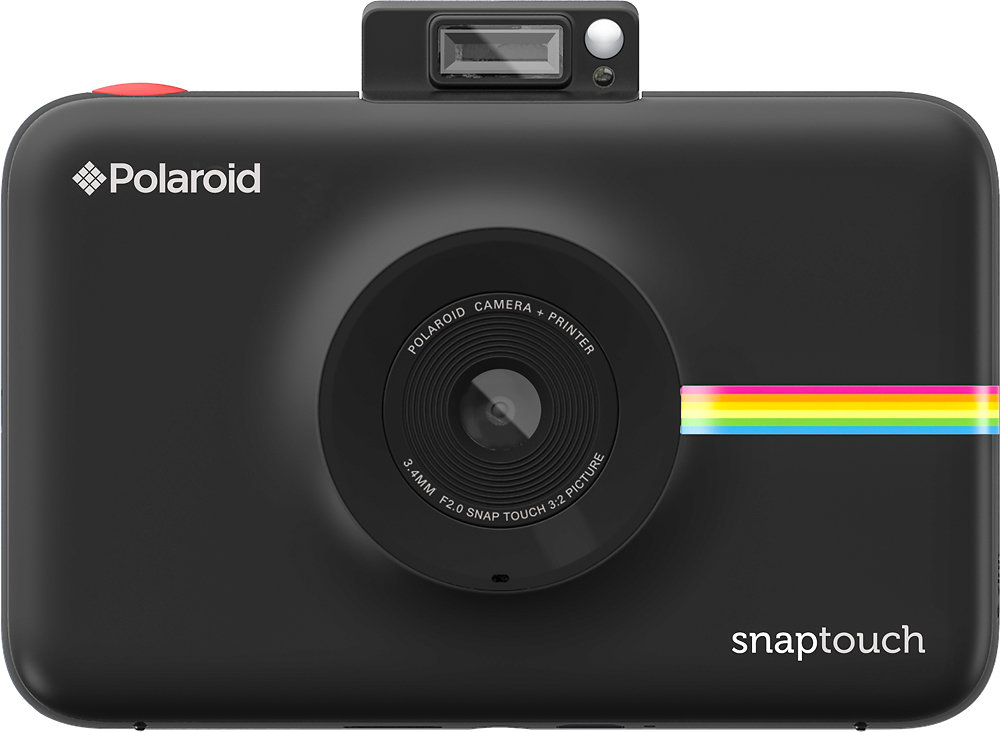
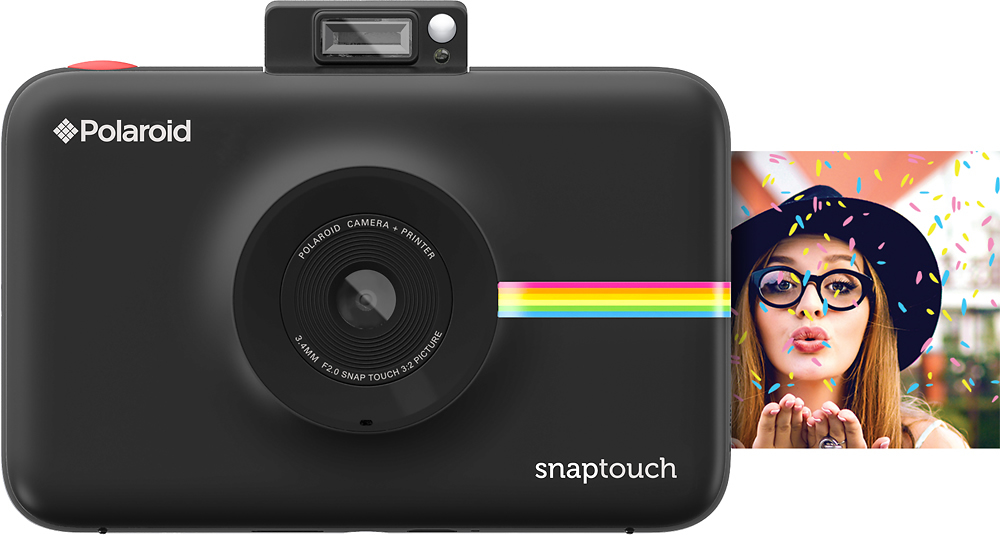
A:AnswerYes, it has a flash. It is at the top of the viewfinder flip-up on the Touch. The original flash is located below the viewfinder in the actual camera body.
A:AnswerYou do not need to purchase batteries, it comes with its own battery pack and a charger. You probably do need to purchase a memory card. I bought my camera on bestbuy.com on Black Friday as part of a special deal that did include the memory card, but it was a special deal that they may no longer offer. When I first saw this camera at bestbuy.com it did not include the memory card. Always check the details first.
A:AnswerIf you have troubles with your camera, please contact our support at [email protected] and we'd be happy to help!
Patrick Tobin
Customer Support Manager - North America
Polaroid Originals
A:AnswerIf the case is black you will see black, just as black paint would make a white house look black. Also, how would you see the screen if it were covered in black? Of course it doesn't cover/protect the screen. You need a screen protector for this.
A:AnswerYes. Is like a digital camera. You take a picture and it saves it. If you want to print, you select the picture and select print and how many you want. But it also has an “auto-print” option if you would like for all your photos to print instantly like an original Polaroid camera would do.
A:AnswerThis camera will only work with Zink paper. I’m not sure if they sell versions of it with borders. The “polaroid” type of film with the borders that instax/polaroid 300 use is a different type of film and WILL NOT work. Is a different technology. You would need to purchase a device that prints photos with that type of film.
A:AnswerYes, it Does! It comes with 15 sheets. I bought an extra box of film pretty cheap at BB too. 30 sheets for like $19 bucks!! Love it. It comes with a charger, and the camera. We bought a camera bag (looks just like a Polaroid too) It was only $8.00.
A:AnswerNo, but if you go to the filters and stickers there is one that gives it a border (you can do white or other colors/designs). It will cover the edges of the photo to put the border on top so make sure the main part of the picture is in the middle.