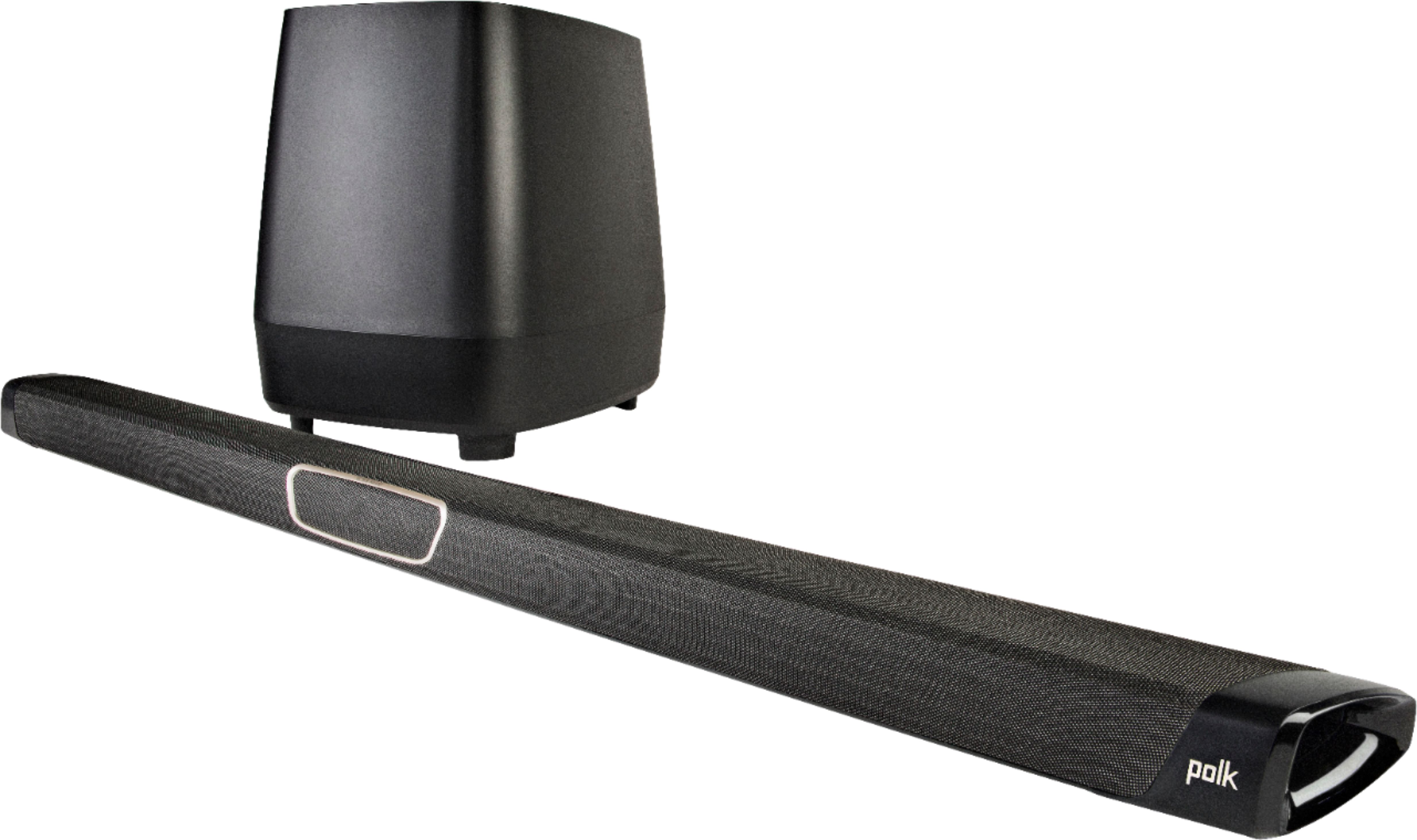
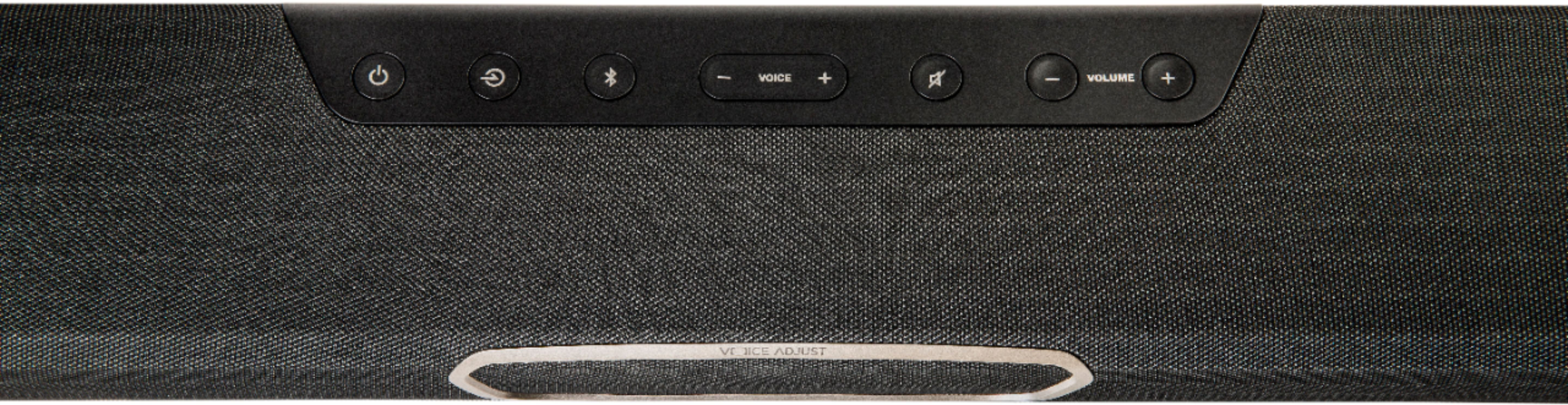
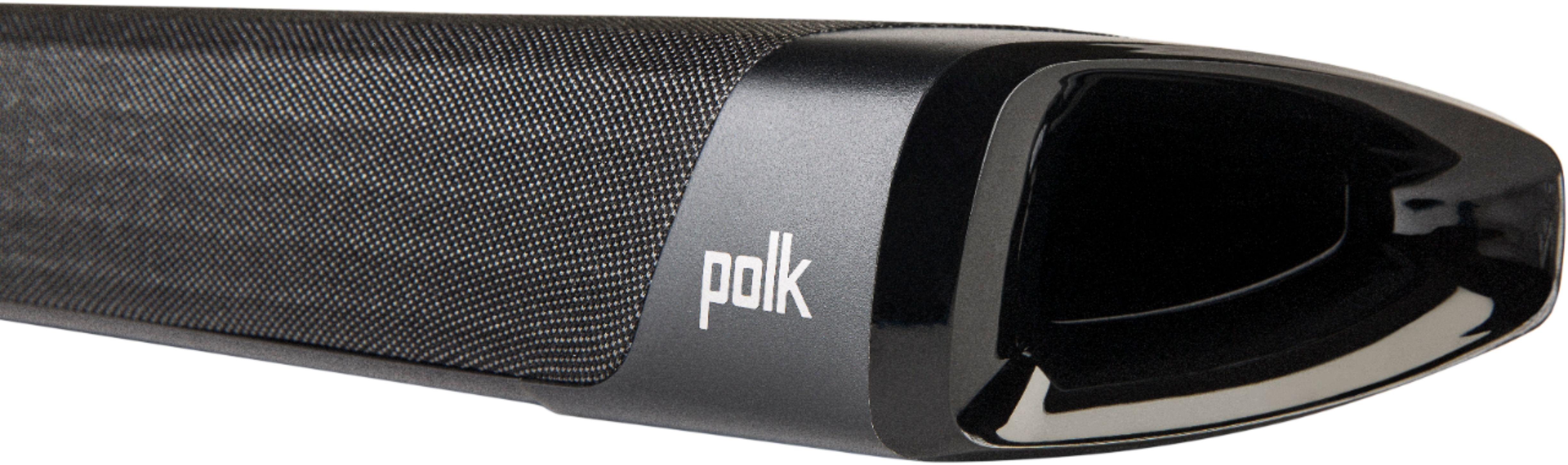
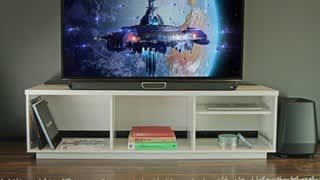
A:AnswerThis is very strange , We haven't had this problem with our Polk Magnifi Sound bar.
It could be the type connection you are using, HDMI is the best then optical, then the old type video yellow red white wires.
We are using the ARC (HDMI) connection which is best between a modern TV and a sound bar with no problems. Optical connection is also very good.
Have you tried updating the firmware of the sound bar?
Have you tried resetting the whole system and re sync the sound bar and sub?
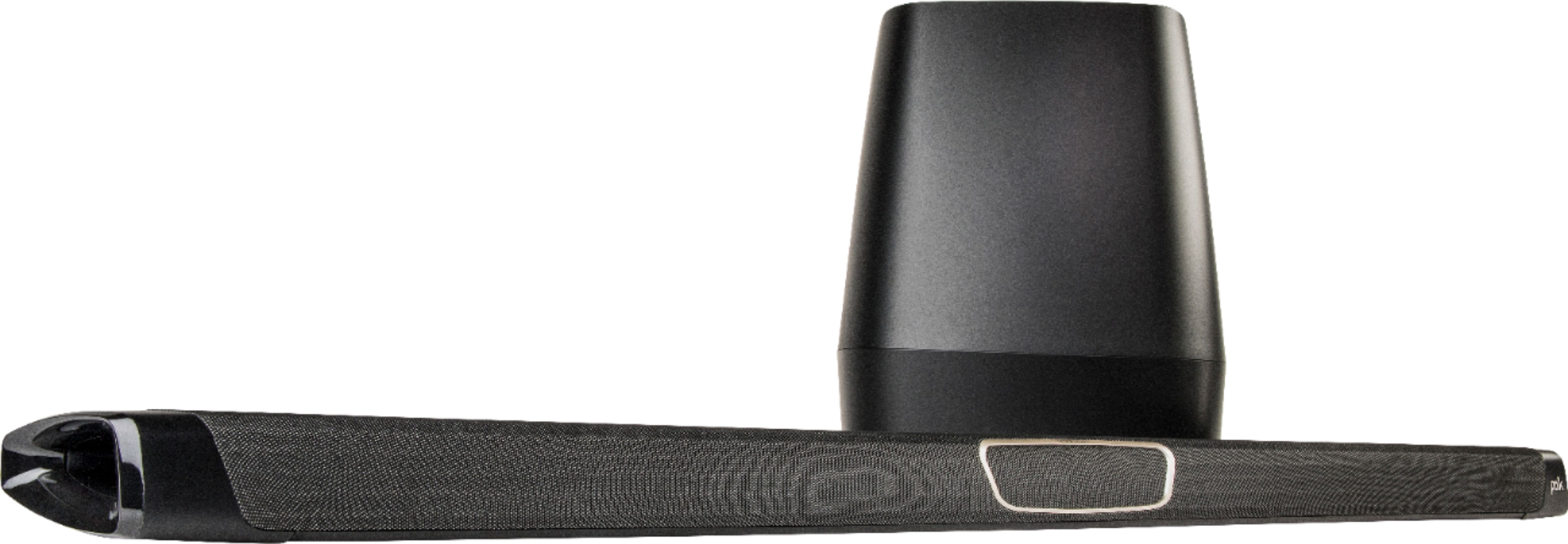
A:AnswerThis sound bar is not easily mounted underneath a TV with a product like the RocketFish Soundbar mount. The wall mount included with the soundbar is essentially 2 hooks that slide into the soundbar in the back on the left and right of the connections. Each hook has two mounting holes configured horizontally. Screws are required in both mounting holes or the hook would "twist out" of the back of the soundbar. The hooks appear specific to Polk soundbars and seem to be required for any mounting application.
This advice is specific to the Rocketfish mount, but it requires a single mounting hole per side (as mentioned, this soundbar has 2 per side). You would need to fabricate a piece per hook that turned the 2 mounting holes into one with a piece of metal, and 3 different bolts/nuts/lock washers.
So the answer is... How ambitious are you?
A:AnswerPolk Magnifi Sound Bar and Subwoofer
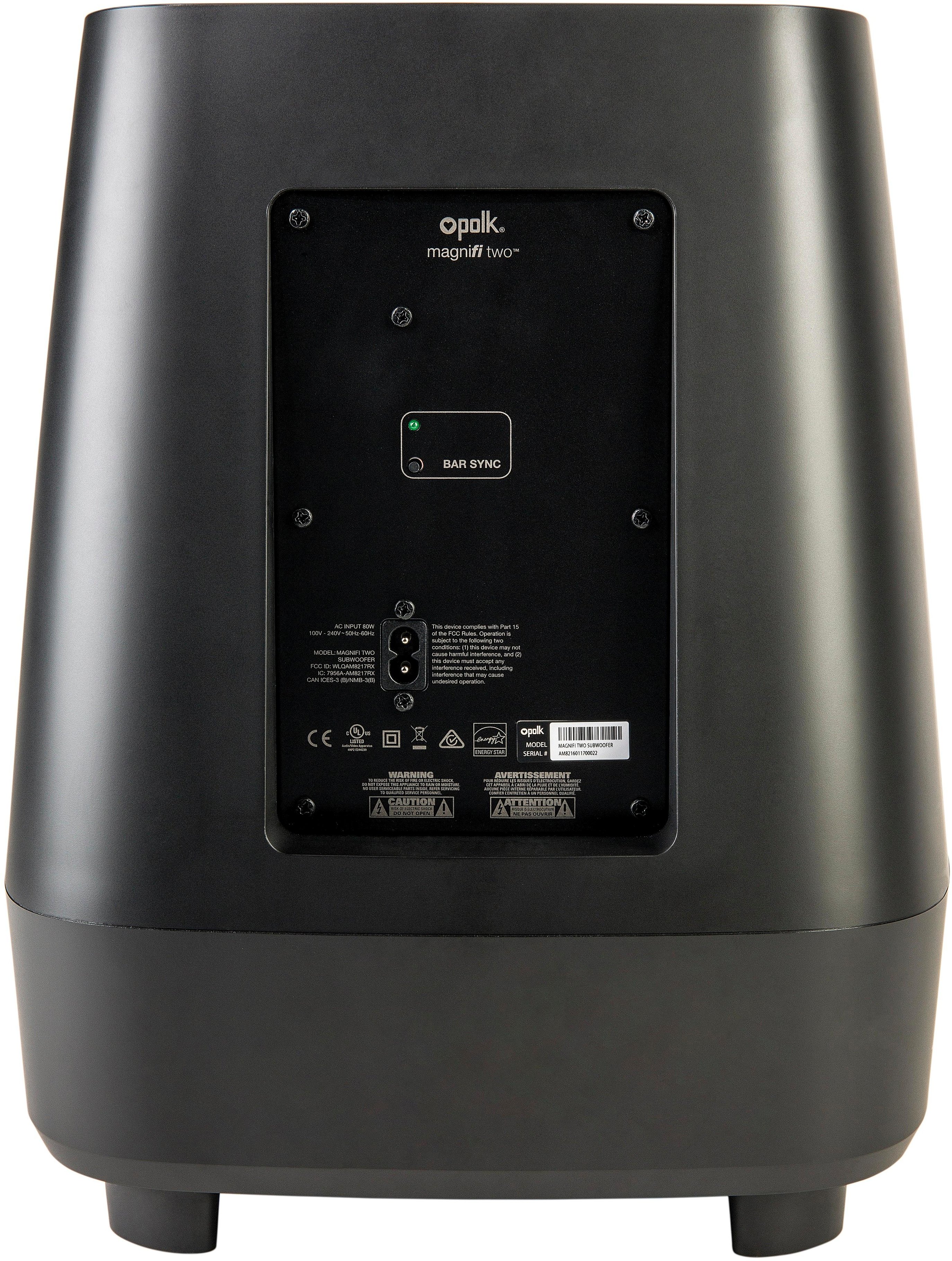
1. Turn off the subwoofer’s AC Mains switch.
2. Press the SYNC button on the back of the bar and hold for
three (3) seconds.
3. The LED on the back of the bar will blink, indicating that the bar and the
subwoofer are ready to be connected.
4. Turn on the subwoofer’s AC Mains switch. When the subwoofer LED turns
solid green, the bar and subwoofer are connected and ready to use.