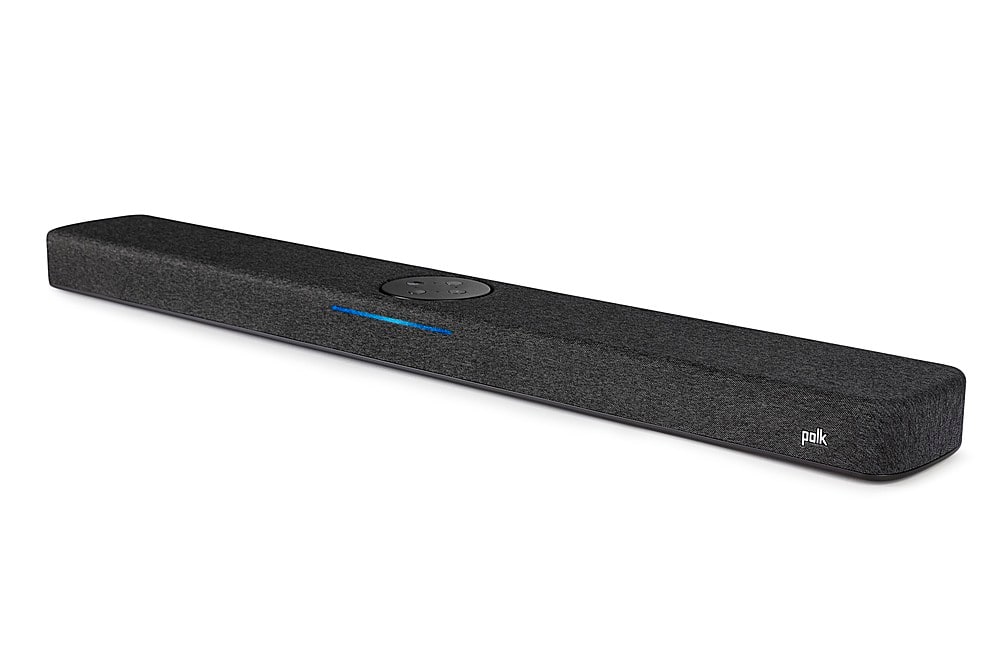
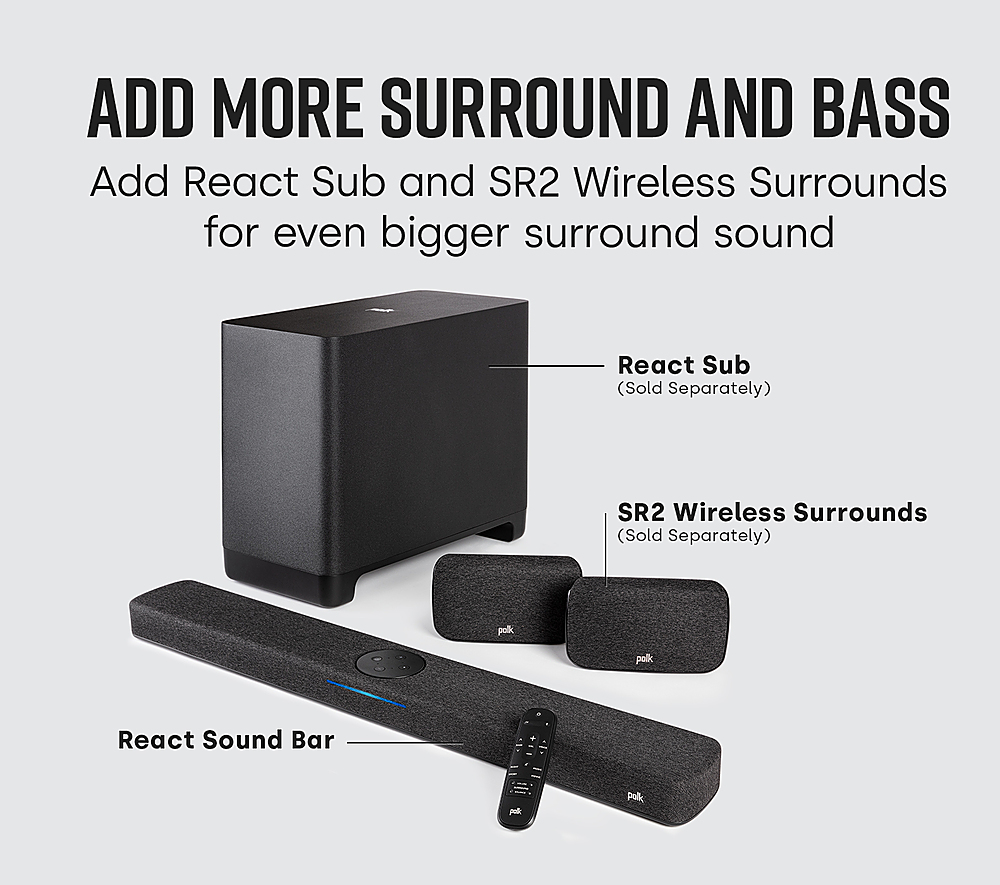
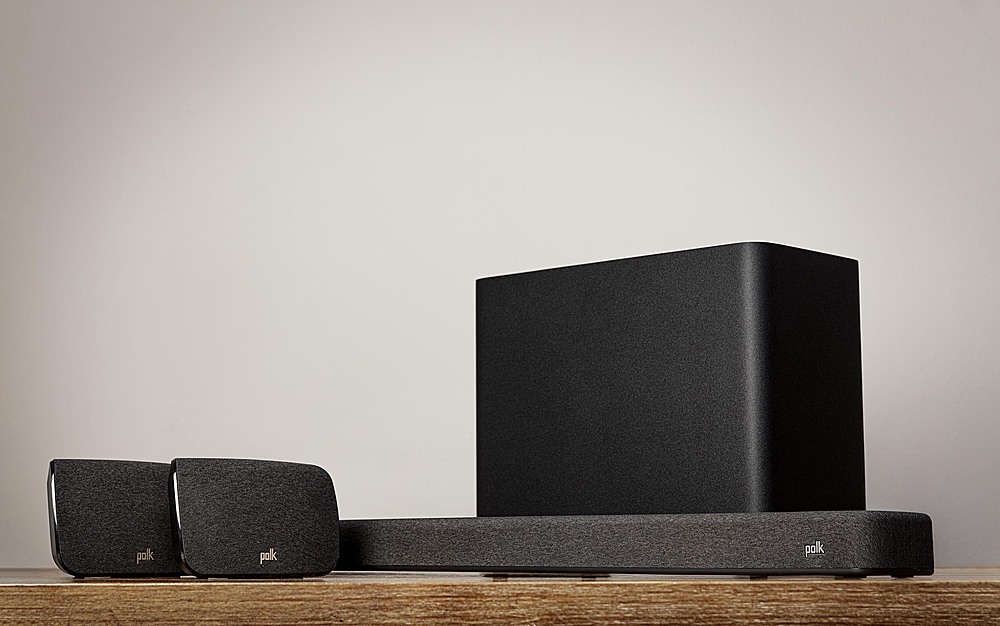
A:AnswerHello, keyholes are provided on the back of the Polk Audio React soundbar for mounting. A TV soundbar mount is required for mounting to a television. Best Buy offers Soundbar TV mounts. The Polk Audio SR2 wireless surround speakers are compatible and can be added to the React soundbar. The subwoofer is not needed. However, the React Subwoofer will add a more impactful bass response elevating the listening experience.
A:AnswerWe appreciate you reaching out to us with your question. In order to get the best performance and compatibility out of the React line of products we recommend using the Polk React Sub. This subwoofer is designed to work specifically with the Polk React Soundbar. Additionally, you can also pair the unit with the Polk SR2 Wireless Surrounds in order to get even more out of your system. Please let us know if you have any other questions!
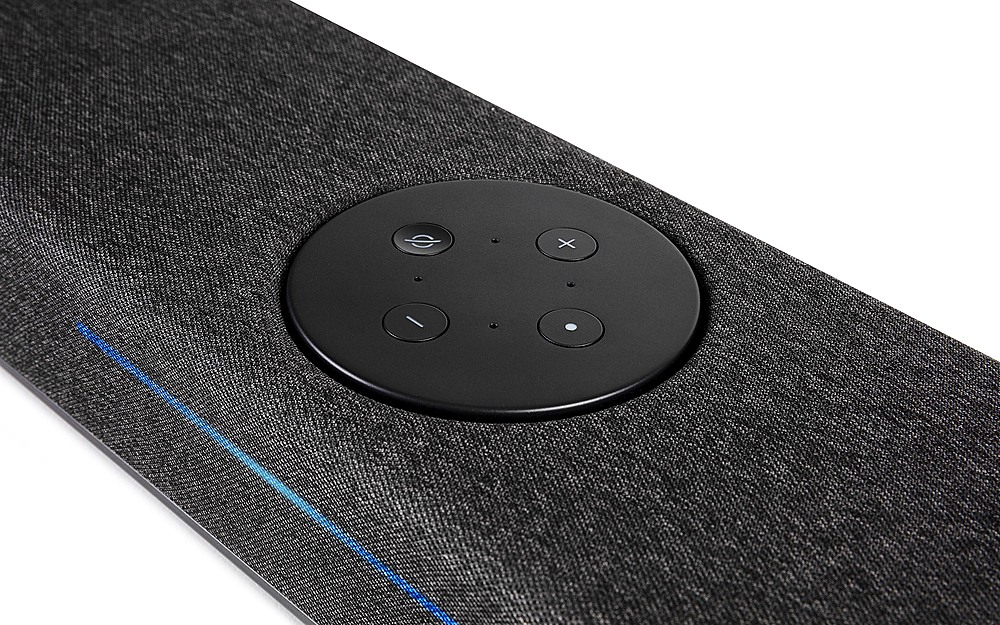
A:AnswerHello, all active drivers in the Polk Audio React Soundbar are located on the front of the Soundbar. The Passive bass radiators are located on top.
A:AnswerHello, your guess is correct. Soundbars are made to be used without a receiver. Passive 3-channel speaker bars are available through Best Buy. You may want to consider the Polk Audio ES30 center channel paired with a pair of ES15 bookshelf speakers.
A:AnswerSorry to hear that you are experiencing issues with your MagniFi Soundbar. React Soundbars are compatible with the SR2 wireless surround speakers. The MagniFi Max Soundbar is compatible with the SR1 speakers. I encourage you to please get in touch with our customer support team so that we may assist in troubleshooting the Soundbar. https://support.polkaudio.com/
A:AnswerHello, the Polk Audio React Sound Bar can receive Bluetooth signals but does not retransmit the Bluetooth signal to headphones. After market Bluetooth devices can be purchased designed to be connected to the TV audio output.
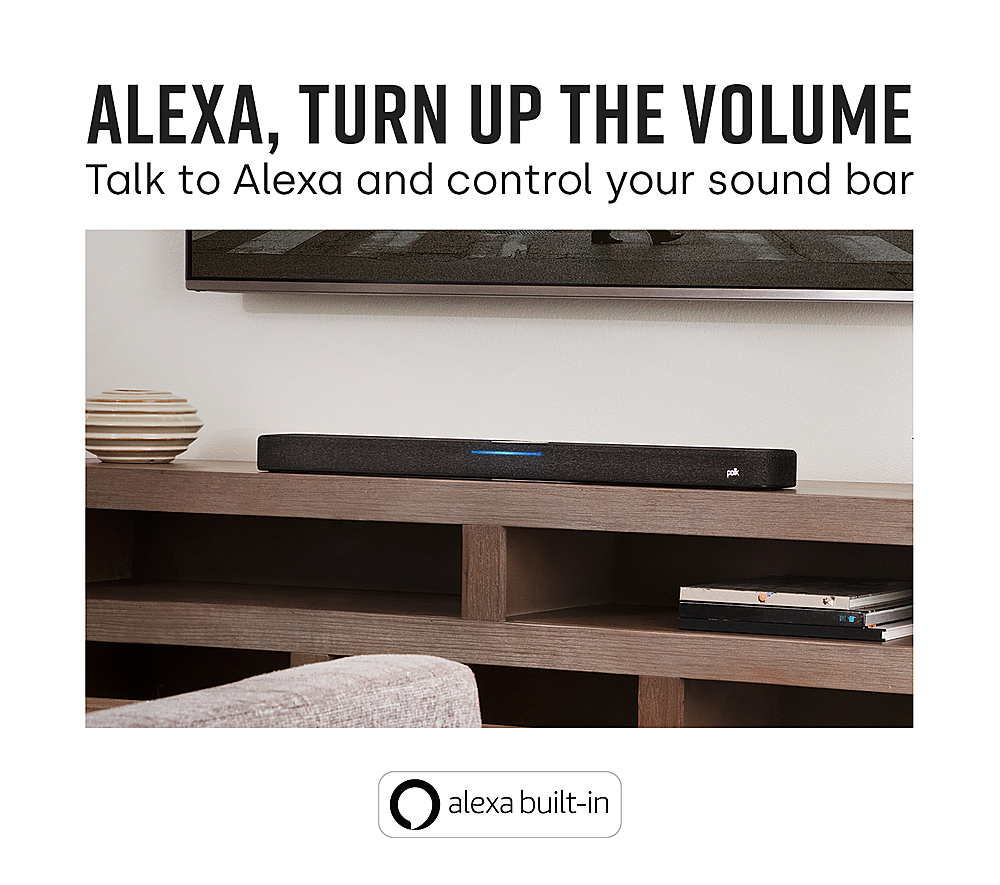
A:AnswerHello and hank you for your question. Yes, there are a couple of ways to control the React Sound Bar. If possible, I recommend connecting the Polk Audio React Sound Bar to the TV via HDMI ARC. Control the React volume via Roku remote once configured to the TV.
A:AnswerHere are the listed inputs. (1) HDMI (ARC) output, optical input for TV audio, Bluetooth, (1) USB-A (for firmware updates), Bluetooth.
The Polk Audio React soundbar comes equipped with HDMI ARC not eARC.
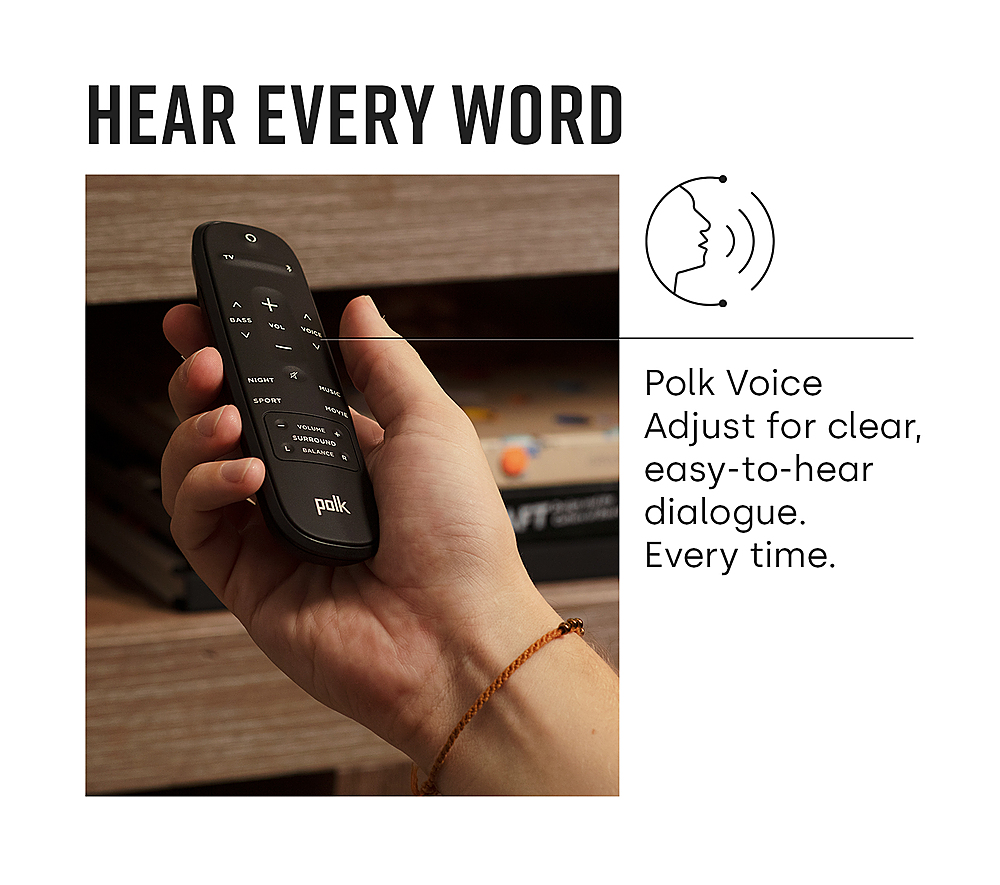
A:AnswerTwo ways to control the Polk Audio React soundbar. 1. If the your TV has HDMI ARC, connect the TV to the soundbar via HDMI ARC and the TV's remote will control the soundbar. The soundbar also has the ability to learn IR commands making it compatible with virtually any TV.