A:AnswerHad same issue, now have both arc and optical connected and somehow this works, can use the tv remote again, but somehow need optical connected
A:AnswerIf you dont have arc you'll need to use optical or bt. Downside : You will not be able to use the remote from the tv to change the volume in most cases
A:AnswerIf you use an HDMI 2 into one adapter. Most recievers cannot use 2 HDMI ports at the same time so your projector and this soundbar need to share the same port.
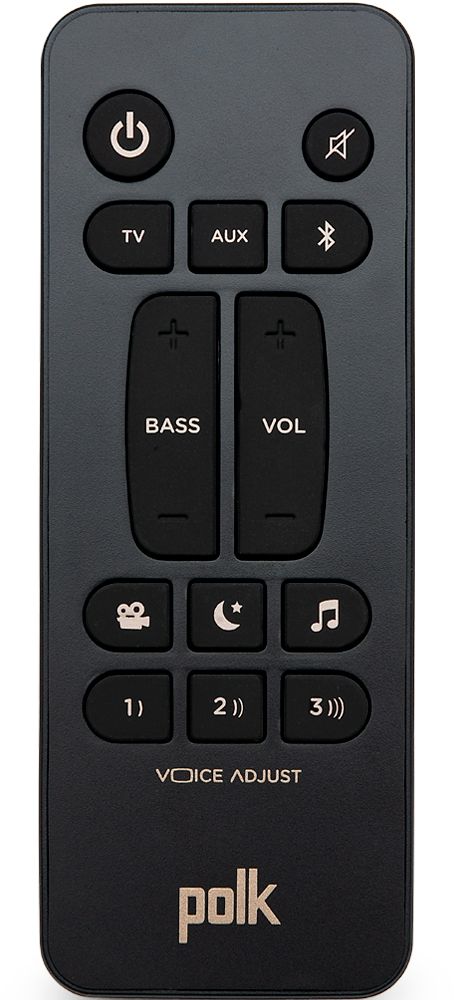
A:Answeryes you can connect using just optical cable but because it is not HDMI cable with ARC, you will not be able to adjust the volume and turn the soundbar on/off using only the original TV remote. You'll have to use both the TV and soundbar remote or use a seperate universal remote.
A:AnswerOnce it stops detecting a sound signal(such as tv or sound source being powered off or paused), it will auto shutoff after a short time. Just have to push power button on remote again is all.
A:AnswerI'm not entirely sure, but there is a process for resyncing the powered sub via the Bluetooth should it lose it's factory set sync I know. It's in the setup guide that came with the soundbar. The sub had a sync button on it and then you press a corresponding button on the soundbar. It might work for a Bluetooth speaker system if it had a similar syncing setup process, maybe?
A:AnswerCouldn't find it online anywhere. Went to BB and asked the clerk and he had no clue what it is either. This model actually sounded better than the LG 2.1 300W model though in my opinion.