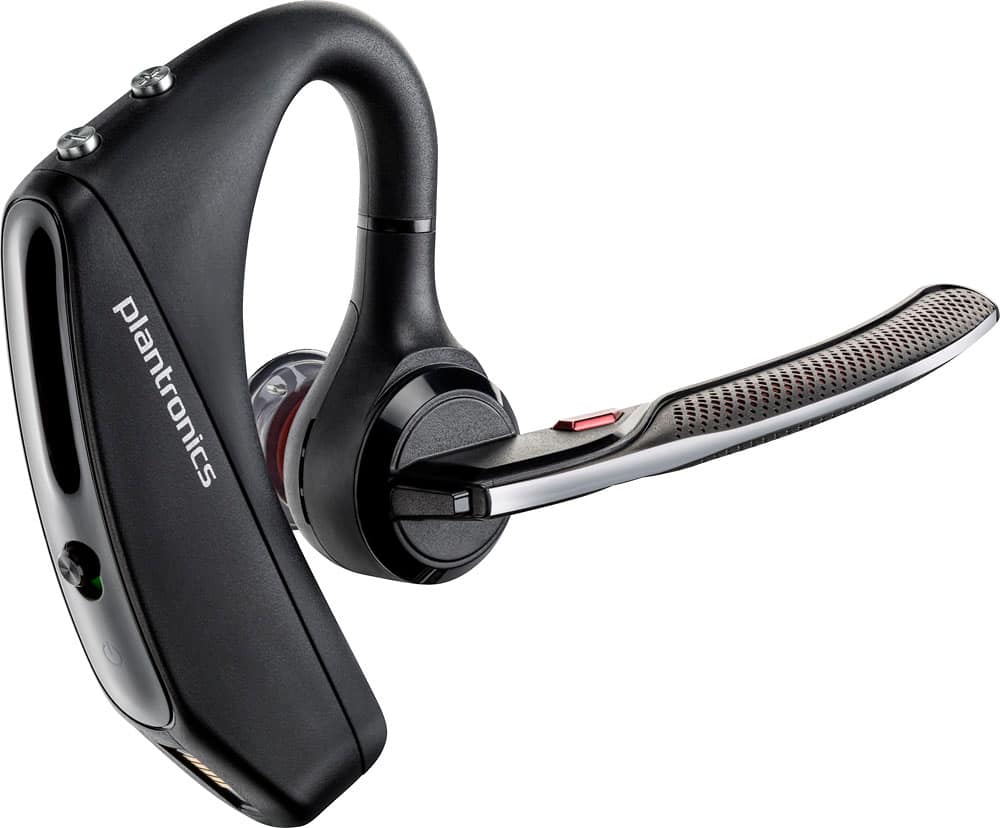
A:AnswerYes, this has a media start/re-start button, but it works as long as the phone app supports the AVRCP profile. Push and hold the call button for 2 seconds to pause, and then do the same to restart.
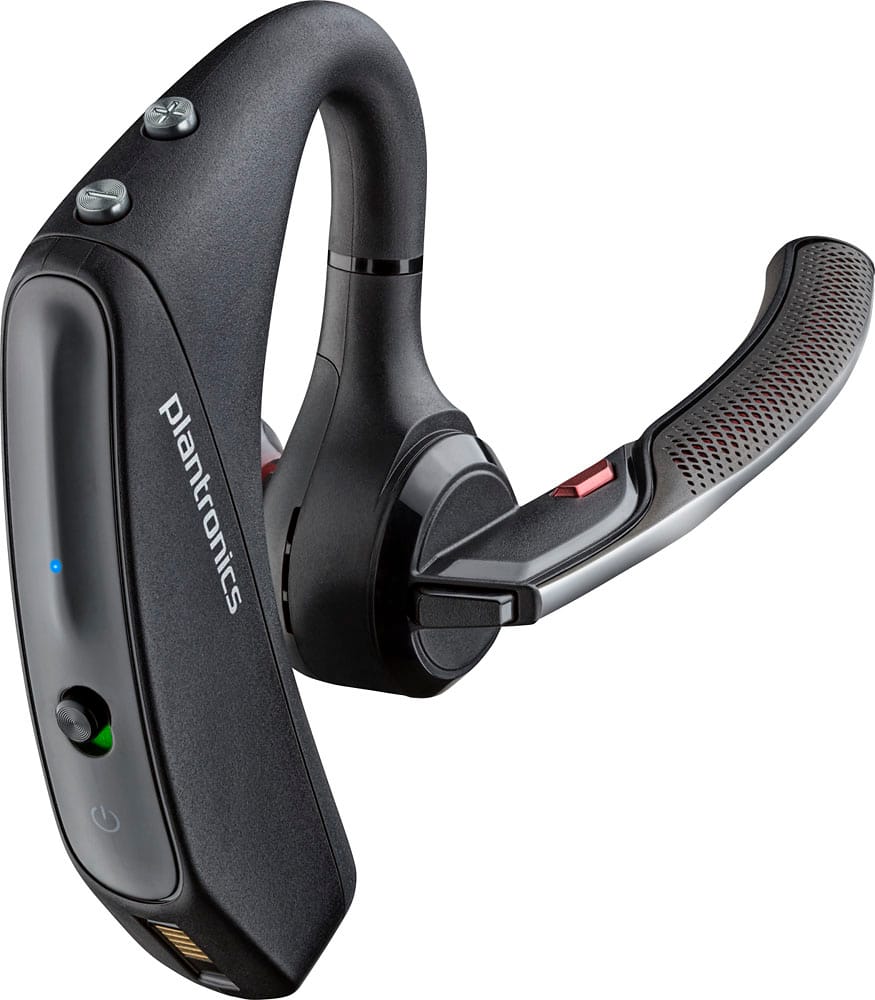
A:AnswerI have a S8 and an iPhone doing milti-link with no issues at all with either phone. Had to make sure the phone was seeking outside bluetooth (visible to all other devices) and that the 5200 Series unit is in Pairing mode (red/blue flashing LED). While 5200 unit is on, hold the "answer" button until it says "pairing" and the LED blinks red/blue. Accept it on the phone when asked. Then it should all be connected.
A:AnswerHi! Most likely the Voyager 5220 will not pair with a speaker since the earpiece has the same function as a Bluetooth speaker. The earpiece works as an extension of audio from a device (master), whether it is a phone or a tablet where you can select the actual earpiece as an audio device. For more detailed information related to this product: https://goo.gl/8P9CjL. Feel free to contact our Customer Care Team at: https://www.plantronics.com/us/en/support/contact if you have any other questions!
A:AnswerYes, but you have to follow the Motorola directions implicitly. Make sure the radio tech sets up the radio's bluetooth mode. They may have to pair it too. Point of note. If used with a 2-way radio, dedicate (and label it properly) the earpiece to that radio only. Do not do an APX handheld as well as the mobile unit to the same earpiece. It will bounce back and forth between radios depending on proximity and signal strength; not good.
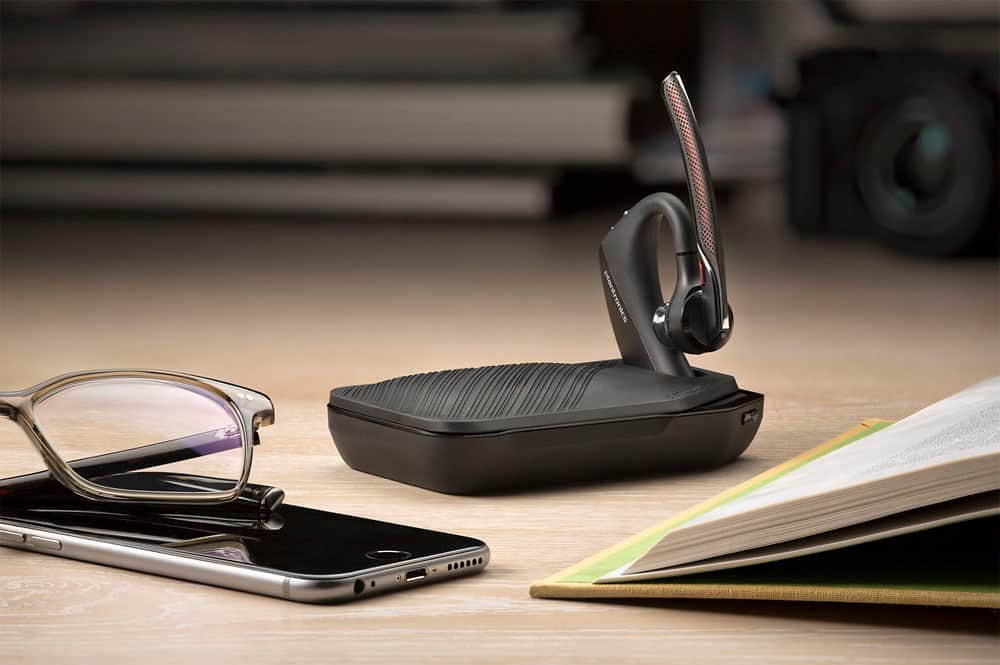
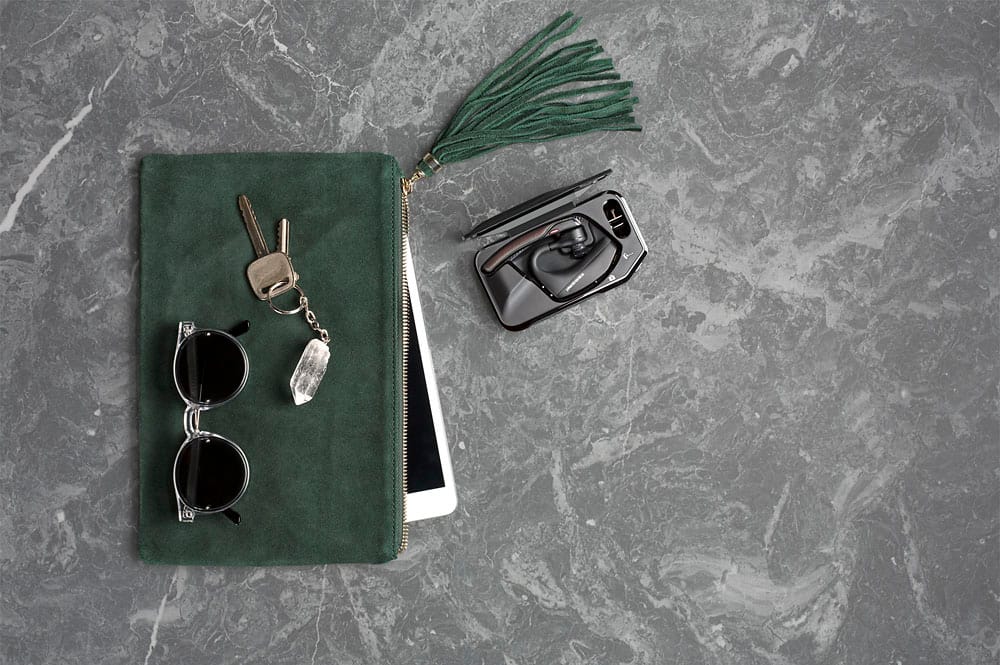
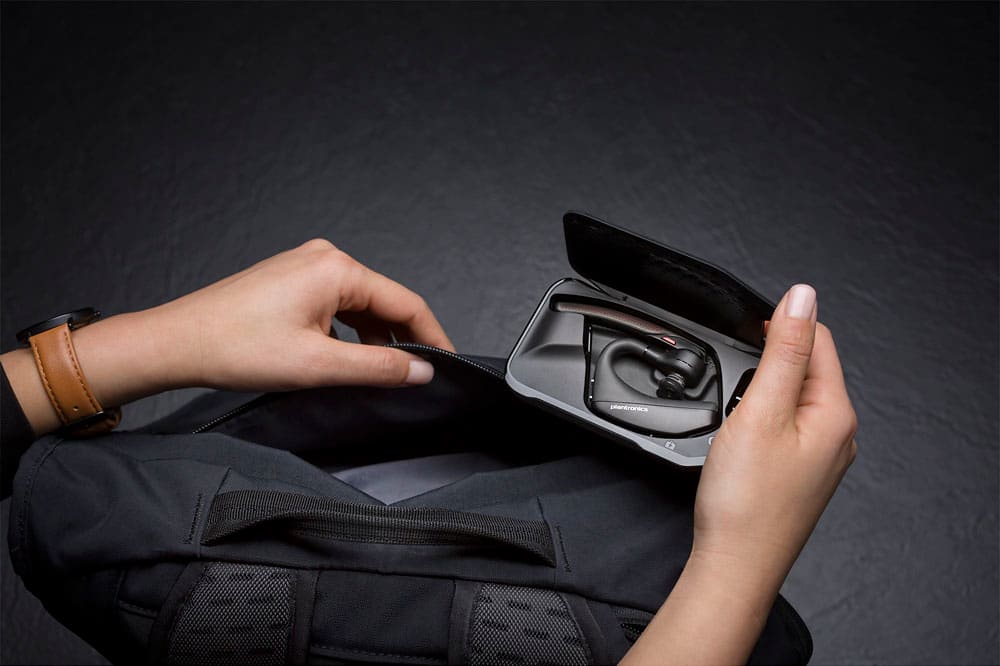
A:AnswerAppears to be out of stock: https://www.bestbuy.com/site/plantronics-charging-and-carrying-case-for-voyager-5200-series-black/4988900.p?skuId=4988900 YMMV with other sites.