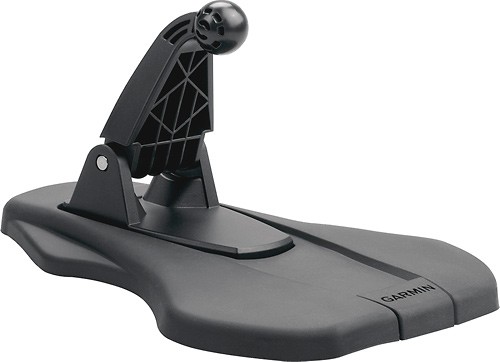
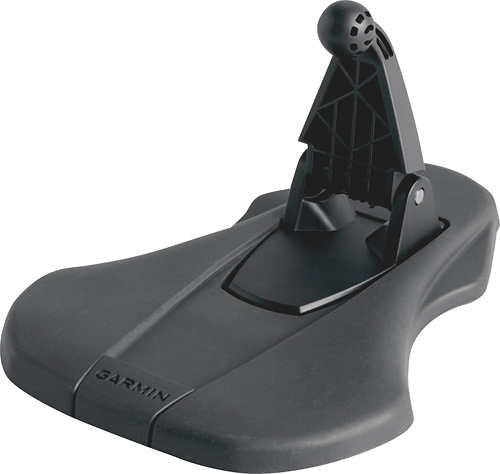
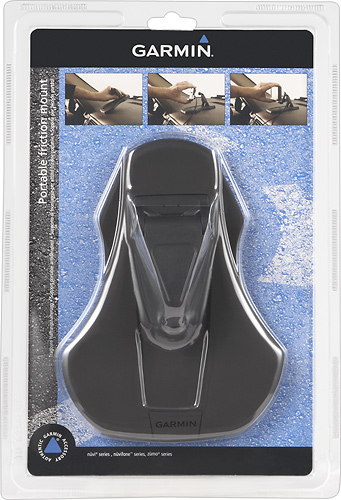
A:AnswerGlued it to my Garmin Drive 51LM 5 gps. Placed it on my dashboard, easy viewing, sound is excellent too. Sometimes you have to improvise to make it work.
A:AnswerHas anyone confirmed these answers? This doesn't make sense. I have a Garmin DriveAssist 51 LMT-S. The camera on the unit is located just below the ball socket. So it seems that the arm of the friction mount would block the camera.
A:AnswerYes, it works well on dash of my car. My Garmin came with a mount for the windshield but because of issues I have with my shoulders it was painful to use. I’m very happy with my purchase.
Plus, you can just leave it there or put in console. Hope this helps with your decision to make purchase.
A:AnswerMy bean bag mount tended to move around on the dash. This mount doesn't move around at all once you remove the backing and apply it to the dash.
A:AnswerAccording to the Garmin premium store site this friction mount is listed as an accessory for the unit. I could not find the location of the optical eye on the unit. Assuming that this mount is listed as an accessory mount, it should work.
A:AnswerI have 4 of the units that say fit certain models. The only difference I see is the size of the mounting ball. The last two I bought were for newer GPS models than mine. The mounting ball seems a very small amount smaller. In my experience they still work just not as tight a mount as older model. But have not fallen off or caused problems. Take yor GPS into store and try the fit. Easy to do.