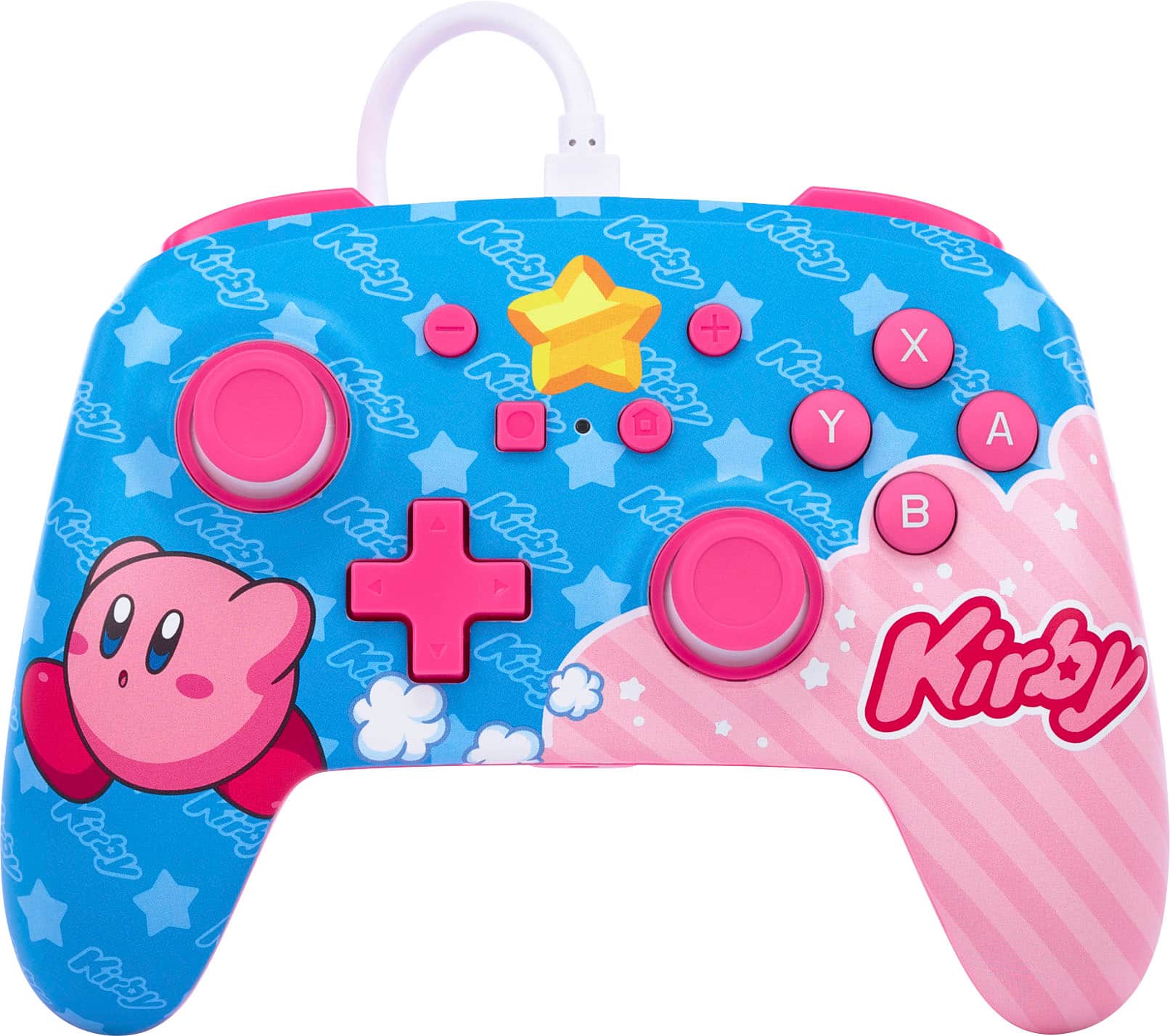
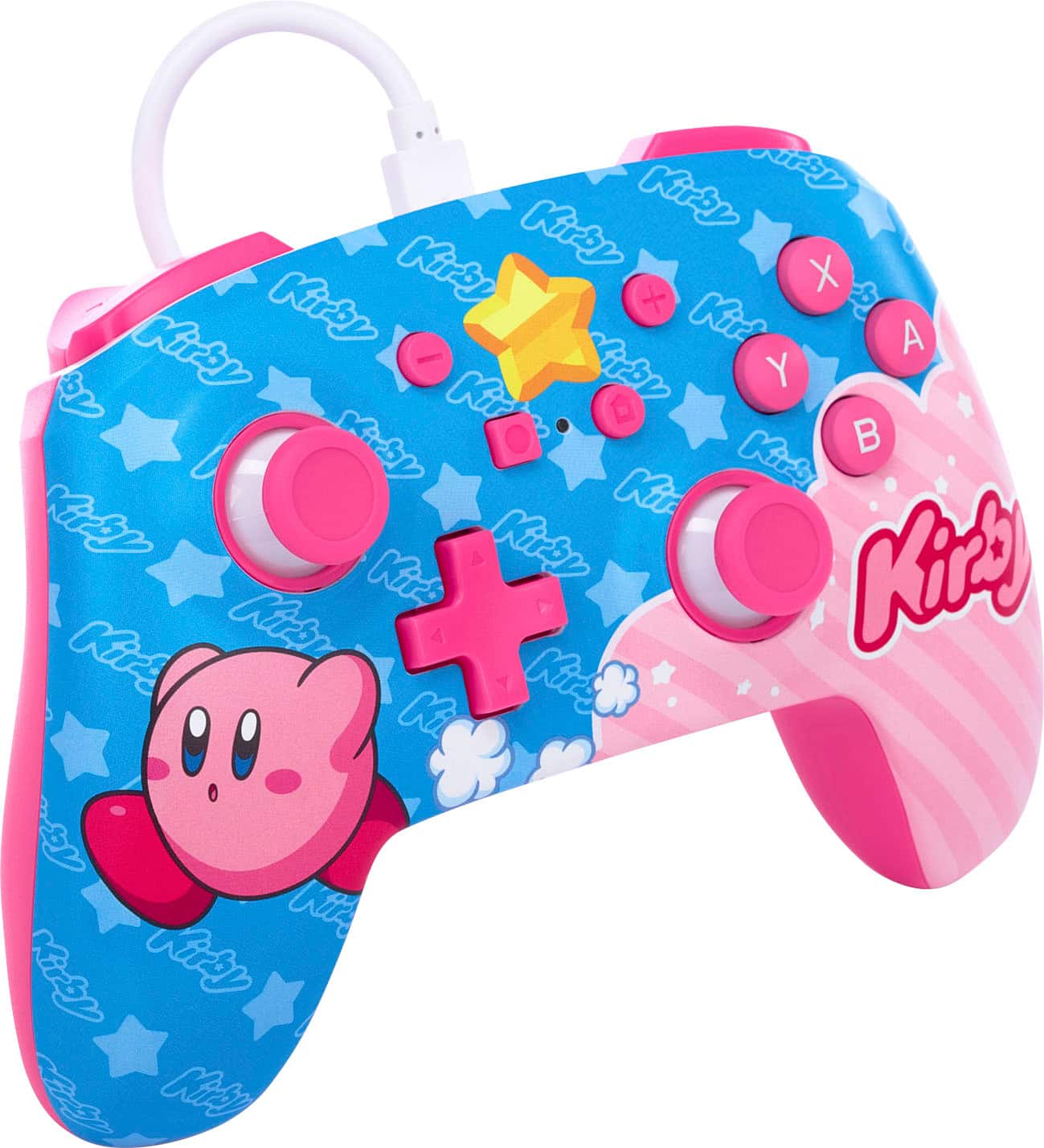
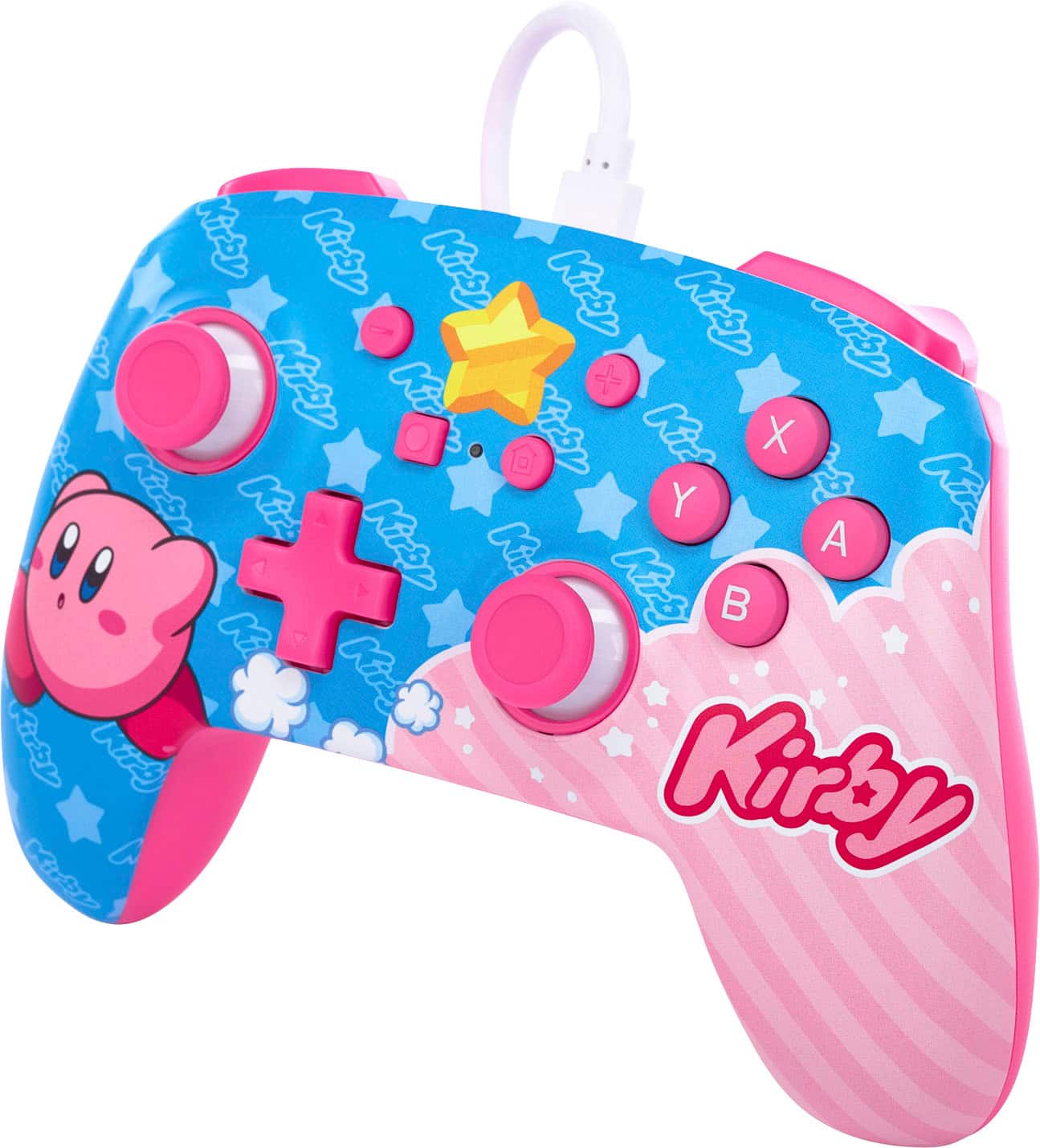
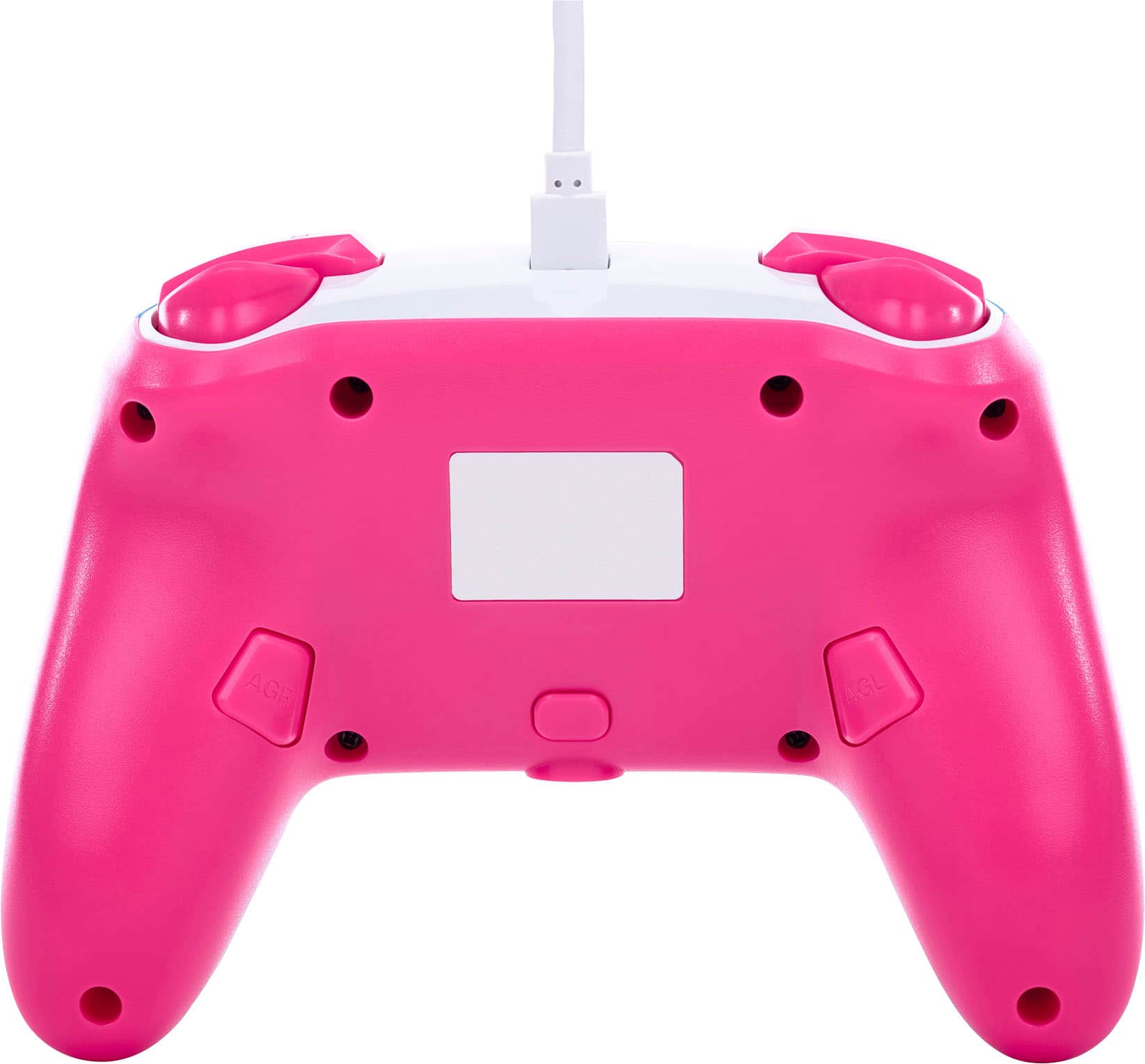
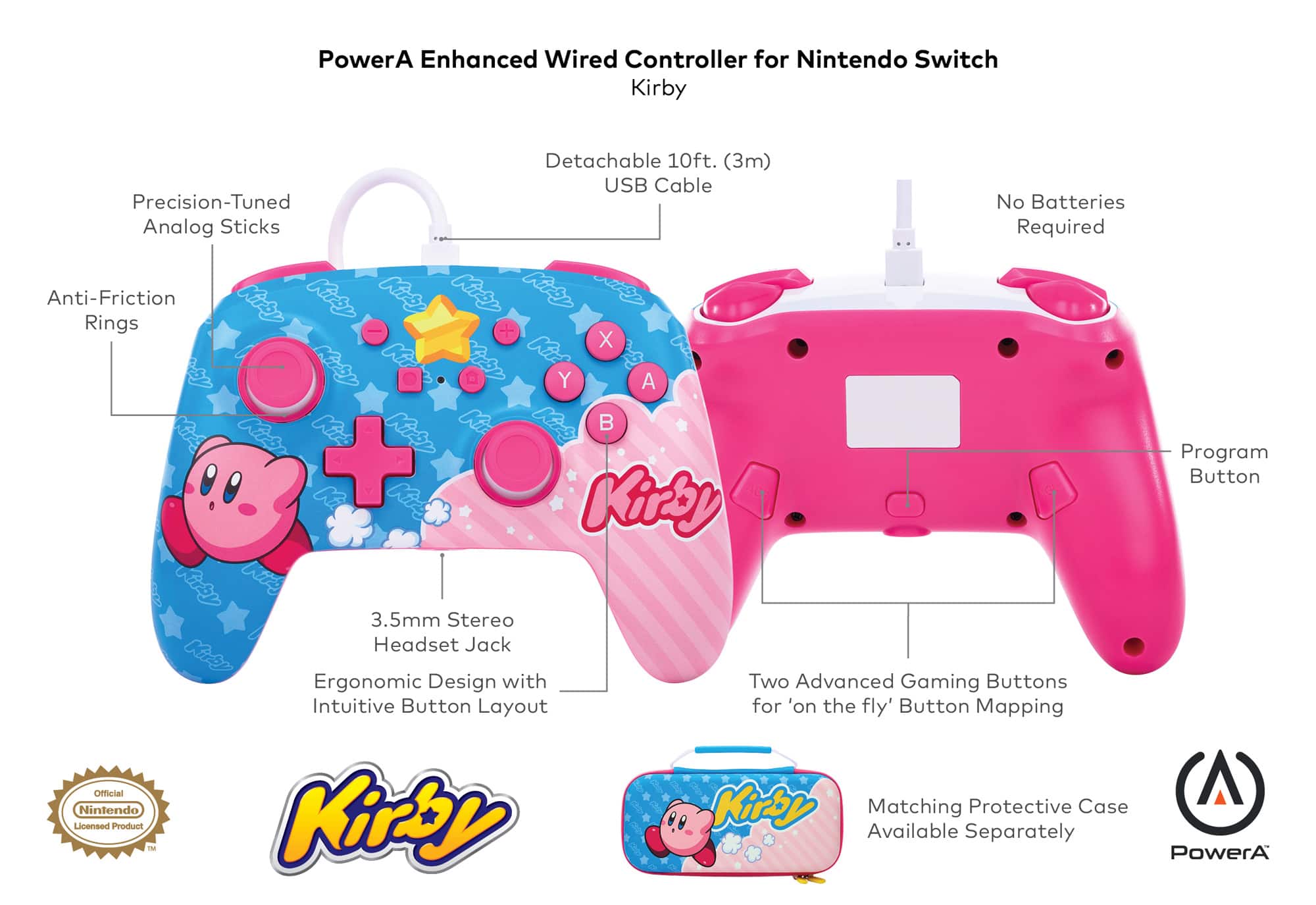
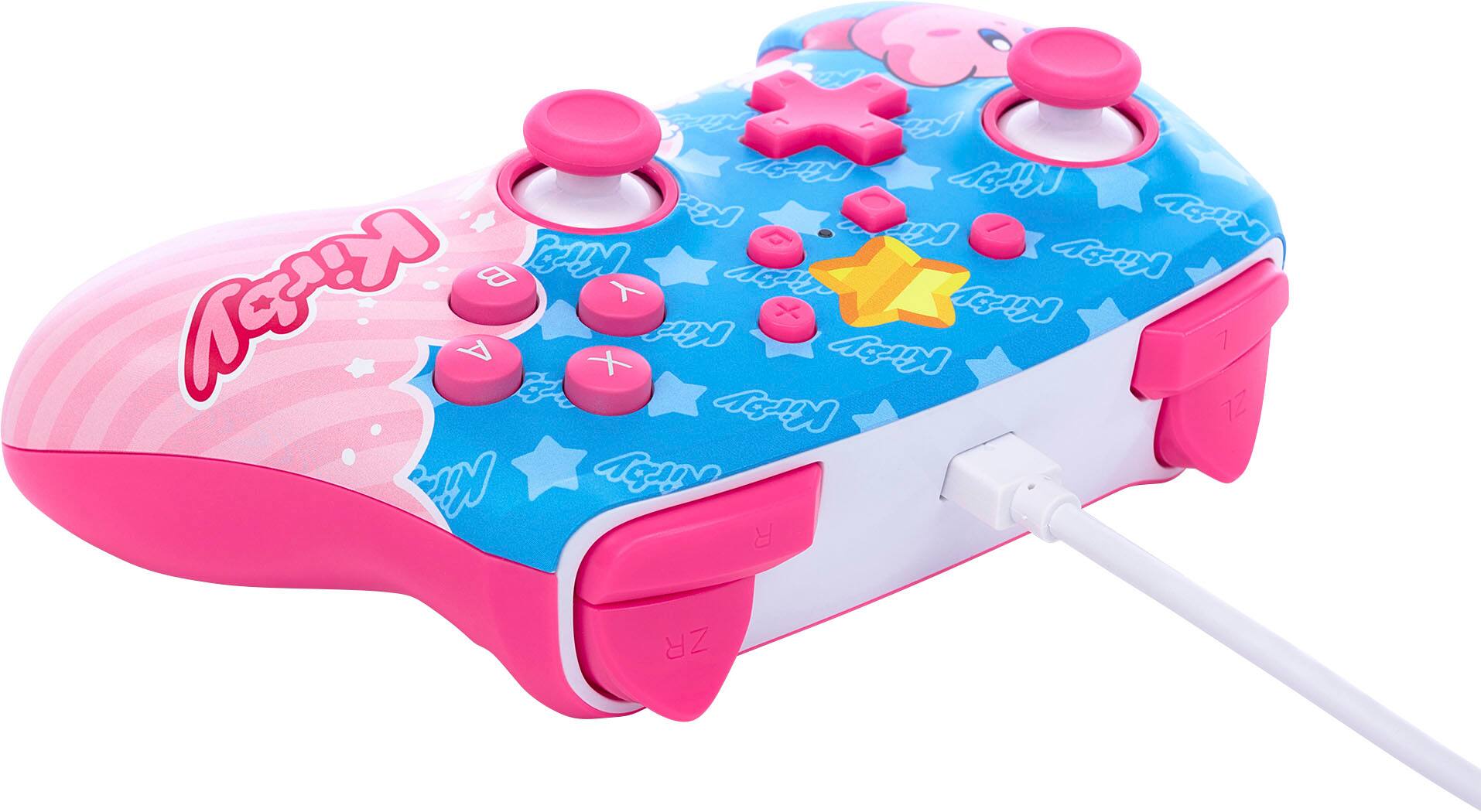
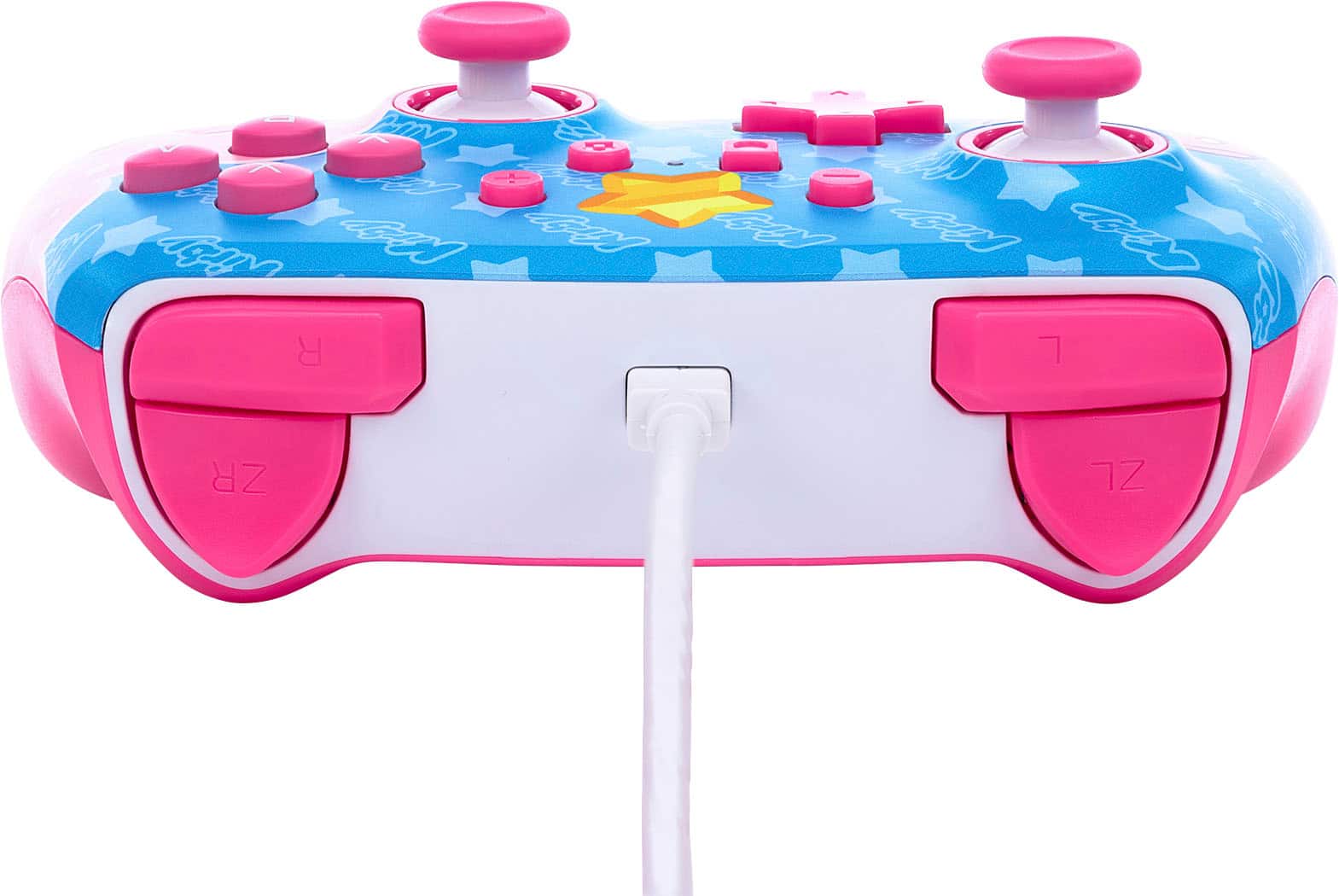
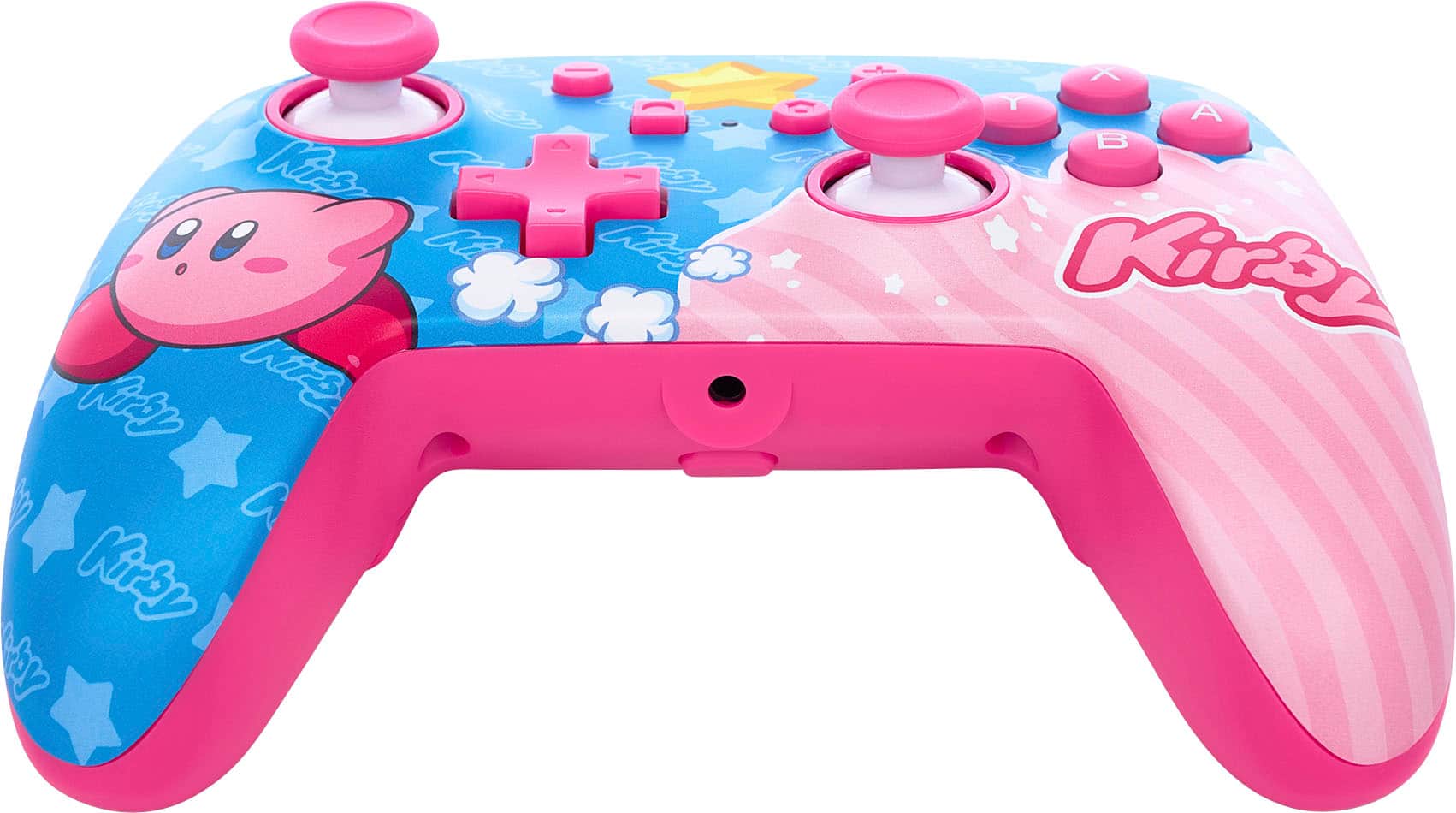
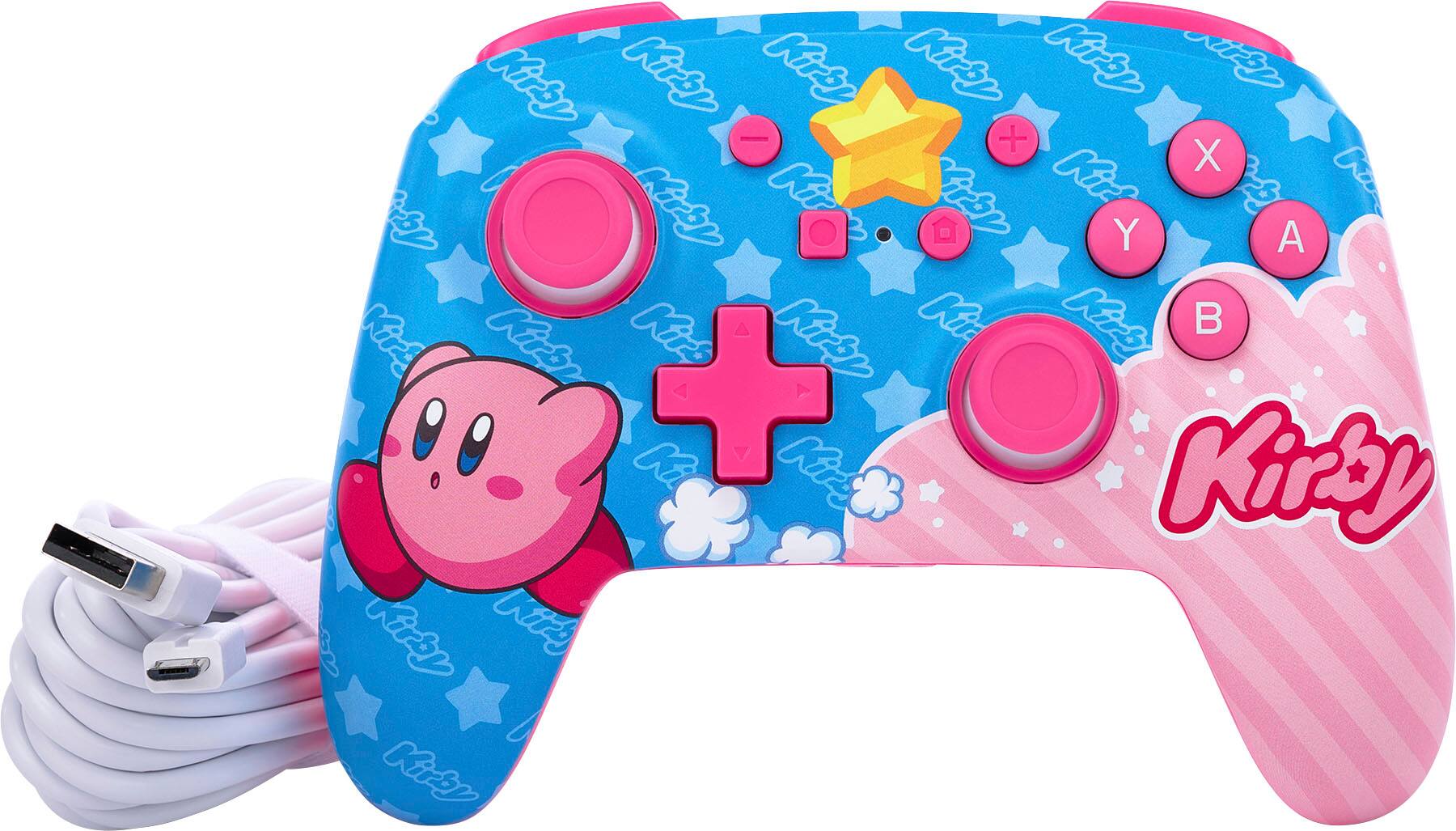
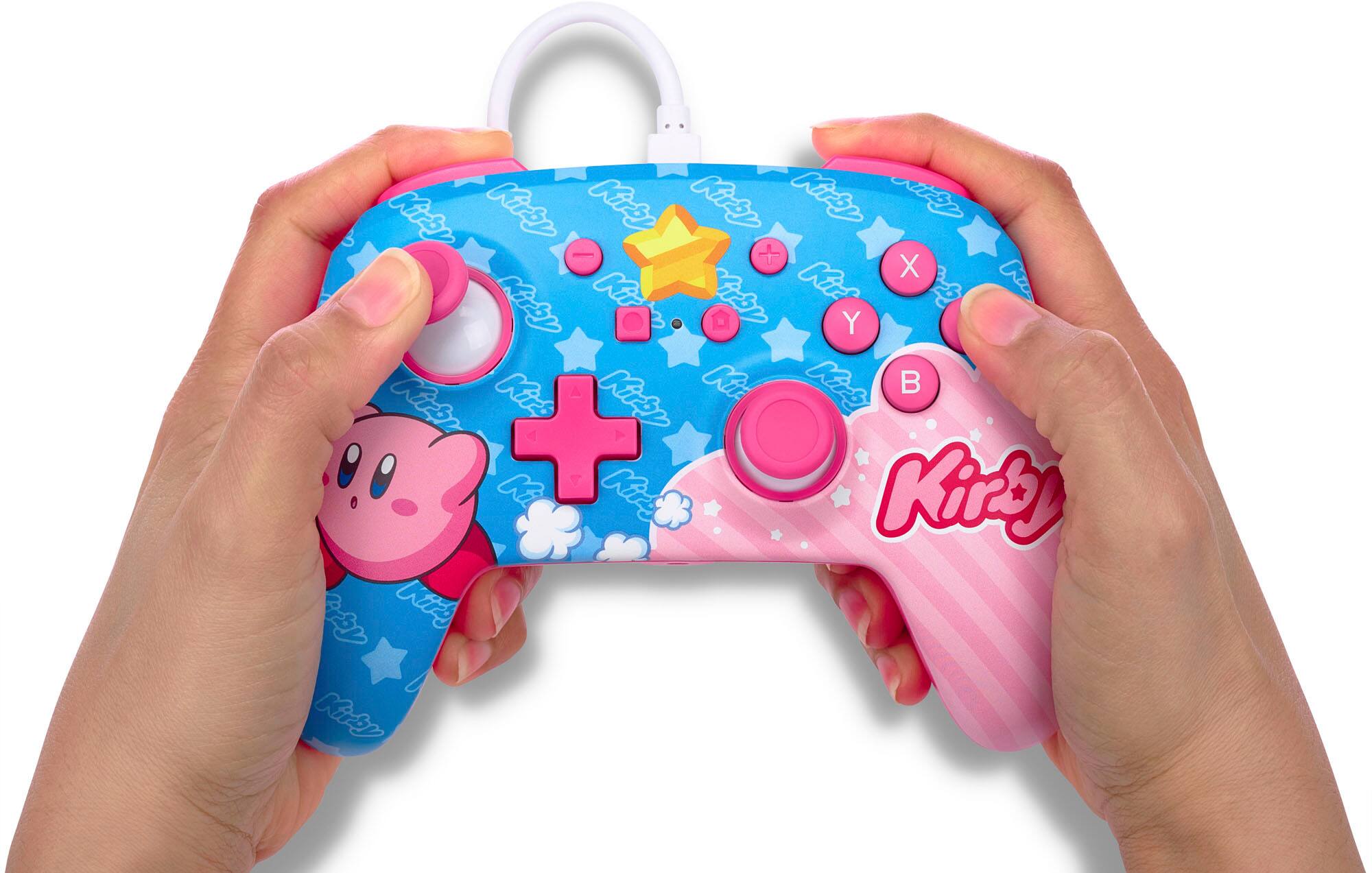
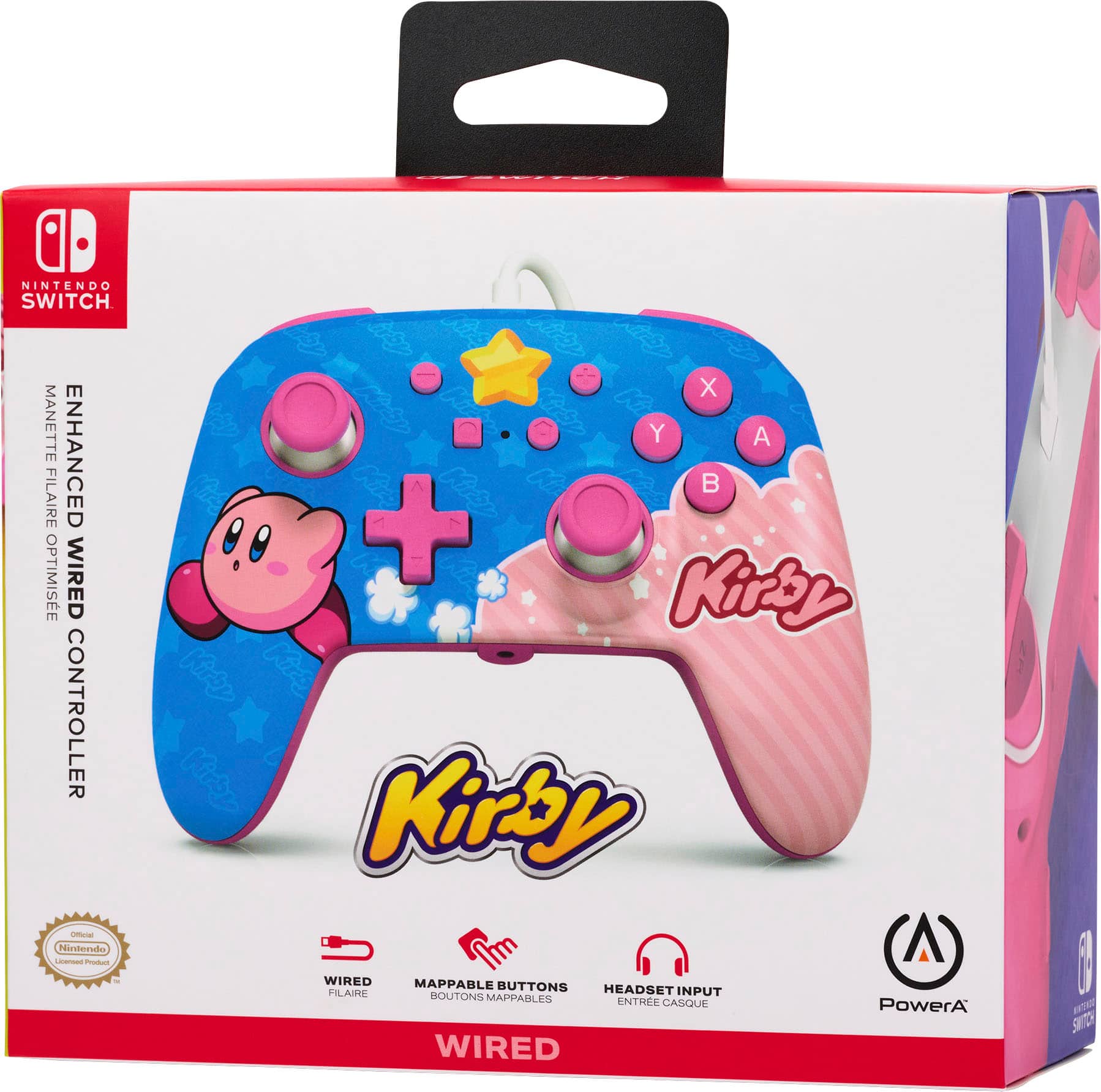
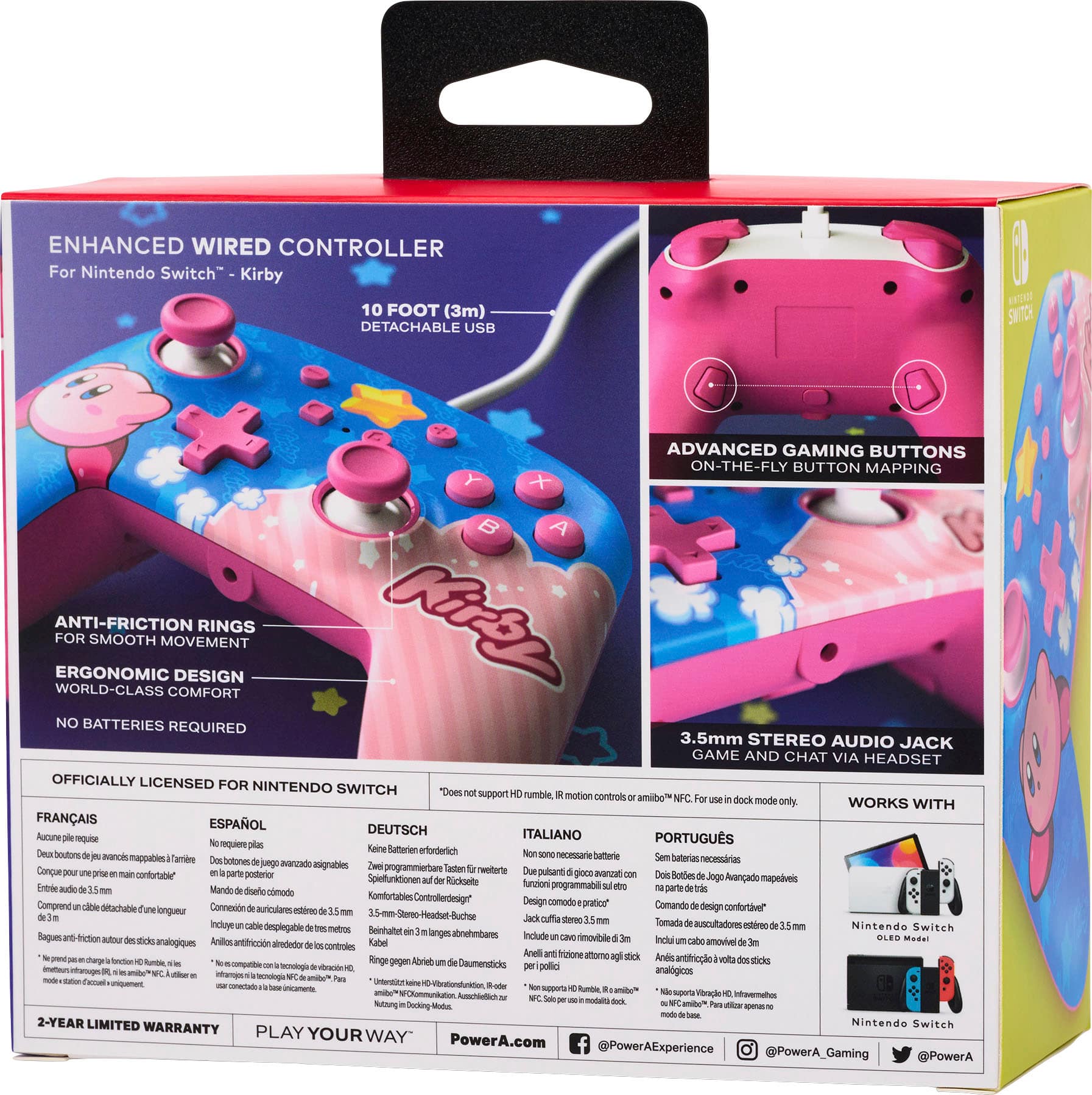
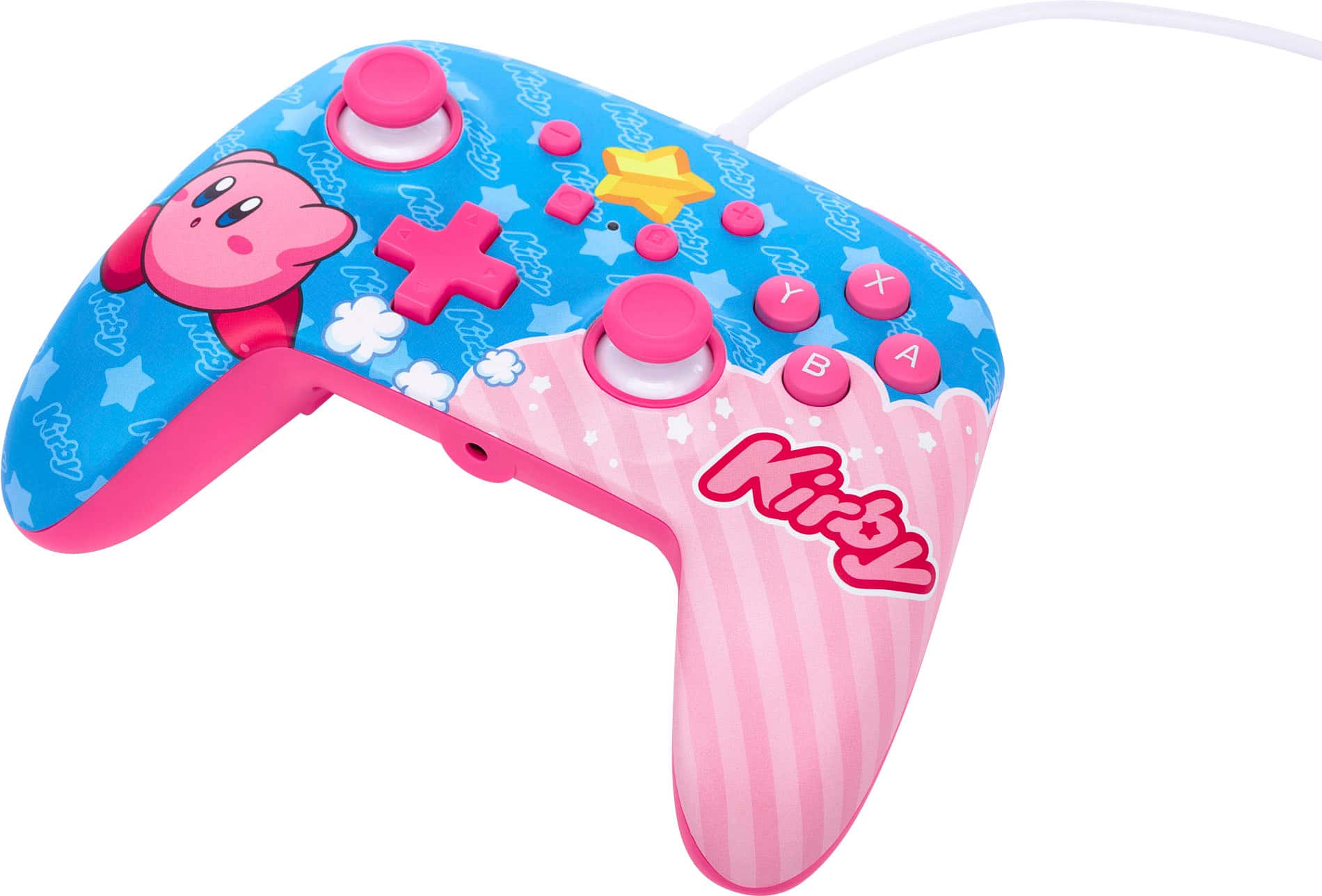
A:AnswerYes you can play on the tv with this controller. There is a door on the back of the docking station. It’s where the power cable plugs in. You’ll see a USB port that this controller plugs in to beside the power plug on the docking station. Just plug in the cable to the controller in the USB port and you’re good to go. Follow the on screen prompts and you should be able to use the controller with no worries.
A:AnswerHi, if you are referring to the charging cable of this controller, please know that it includes a 10ft (3m) USB cable. If you have further questions, please submit a ticket to https://www.powera.com/support/submit-case-request/
A:AnswerOne would assume it's only for TV gaming due to the fact that it is a standard USB cord. BUT i would see potential to use it while hand held if you had a usb converter that would plug it into the type c port on the switch itself. This would make standing it up to play hands free difficult though as the port is on the bottom of the switch not the top.
A:AnswerYes you can use it with the Switch Lite, but you will need a USB-C male to USB-A female dongle or adapter to connect the controller to the Switch Lite, which are easy to find