Main Content

Questions & Answers

$69.99
Save $20
The comparable value is $89.99
Page Showing 1-2 of 2 questions
  • QuestionI cant get it to take a charge

    Asked by nuck.

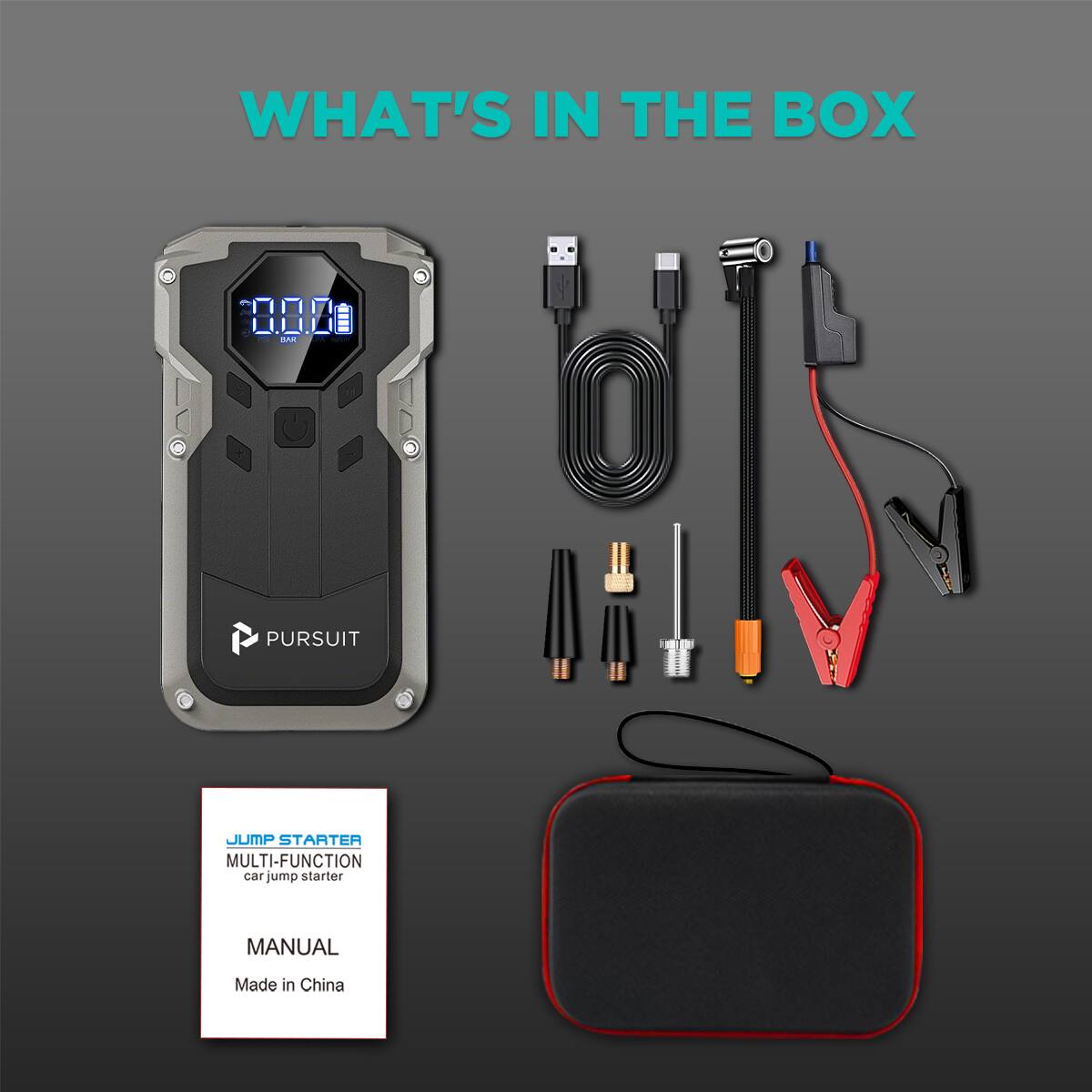
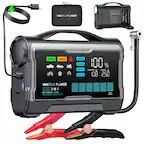
    • Answer Please rest assured that your product is not faulty. The situation you described is actually a harmless visual effect related to the LCD screen, and we’d like to explain what happened: 1. Why does it look like there is only one bar of battery? Due to the backlight characteristics of some LCD screens, one segment of the battery indicator may appear slightly brighter than the others depending on the viewing angle. This is an optical characteristic of the screen material and does not affect its function or lifespan. The device is actually fully charged (all bars are on), but that one brighter bar creates the illusion that only one bar is lit. 2. Why didn’t the bars blink when I charged it? This is actually the key point that proves your device is working perfectly! Our product is designed so that the battery bars only blink when the device is charging AND is not yet full. If the battery was low: Plugging it in would cause the bars to blink, indicating it is actively charging. If the battery is full: To protect the battery, the device automatically stops charging. Therefore, the bars remain solid (non-blinking) , indicating the battery is already at 100%. So, the fact that the bars did not blink when you plugged it in actually confirms that the device was already fully charged when you first looked at it. How to verify this: To put your mind at ease, please try this simple test: Use the device normally (power bank or inflator) to drain the battery slightly. Plug in the charger again. You will then see the battery bars blinking normally, confirming that the charging function is working perfectly.

      Answered by Pursuit