A:AnswerHey there,
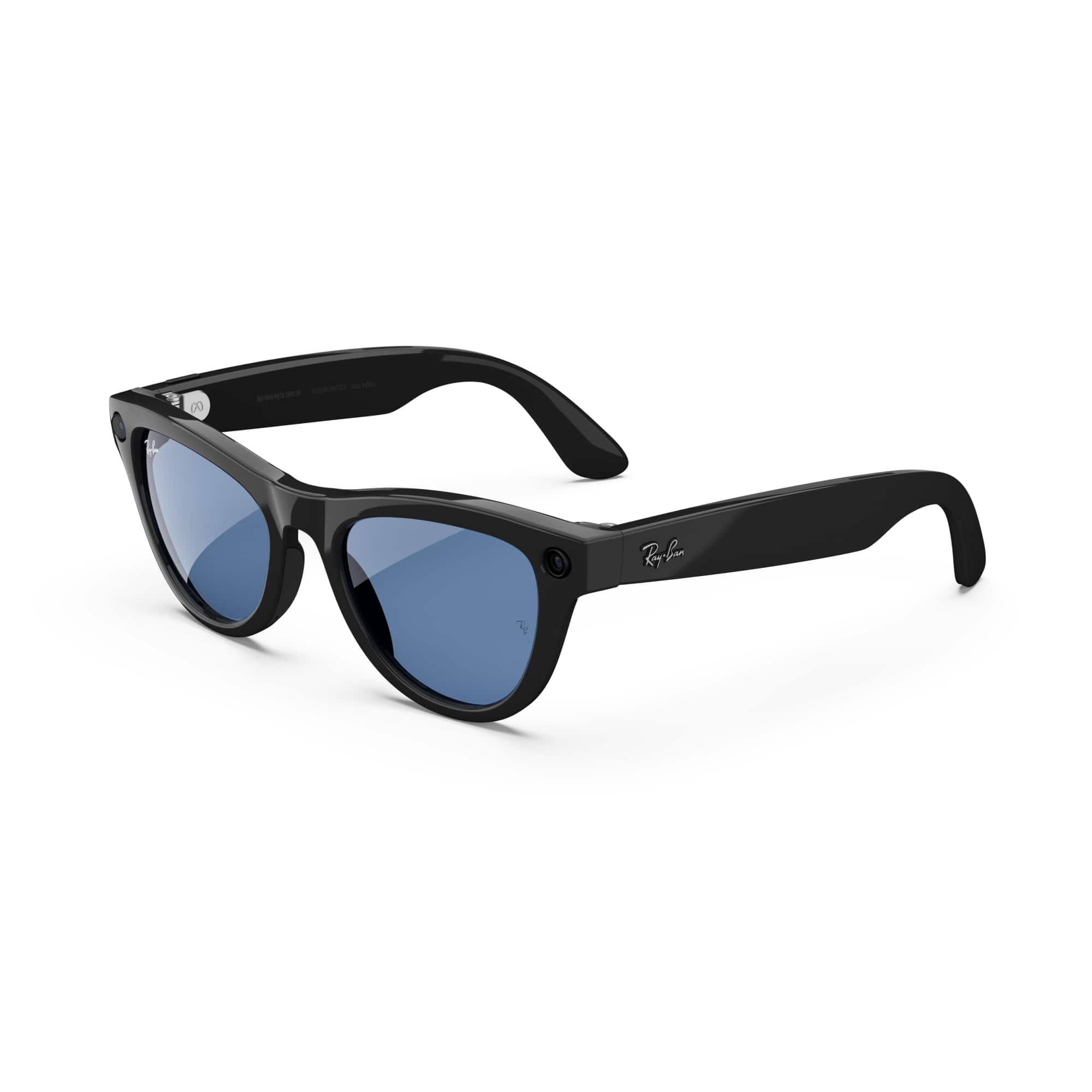
The Ray-Ban Meta Skyler glasses wouldn't have subtitles available, although the Meta Ray-Ban Display glasses would have this option!
We hope this helps.
A:AnswerNot all configurations are polarized — it depends on the specific lens option you choose. The basic Green Lenses on the Gen 2 Skyler model are not polarized by default. If you want polarized lenses, some versions of the Skyler are offered with polarized green (e.g., G-15 polarized) on certain models or configurations.
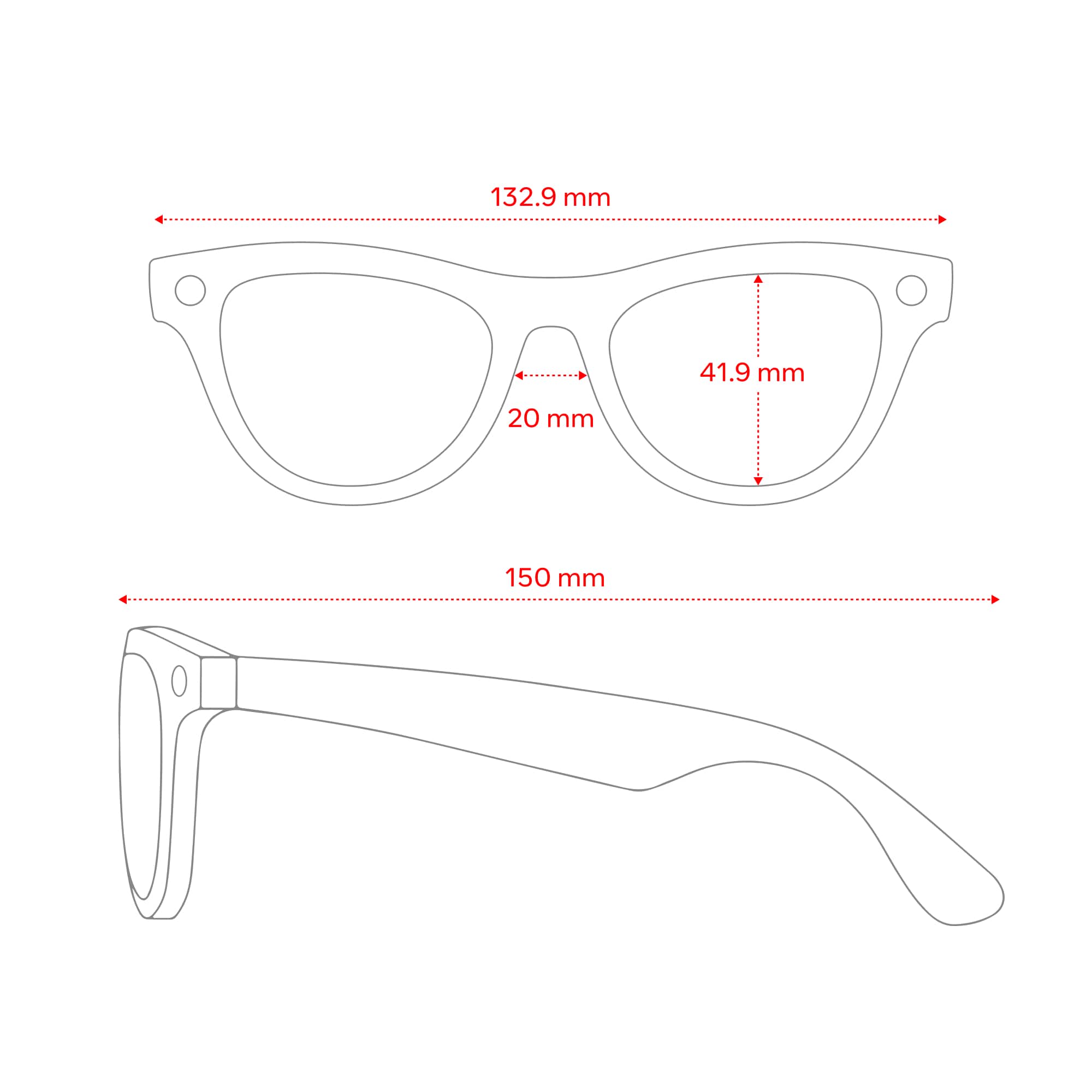
A:AnswerHi there Toya, thank you for the great question! We had a quick look into this for you and we just we just wanted to let you know that the Ray-Ban Meta standard wayfarer glasses are 131MM hinge to hinge and the large are 137mm hinge to hinge. You can find more information on this from our website in the AI glasses section, if you click on a pair of glasses and go to 'size guide' you can find the measurements for all of our glasses there. we hope this helps!
A:AnswerYes, Ray-Ban Meta smart glasses can be fitted with progressive prescription lenses. When ordering through Ray-Ban’s official site, you’ll have the option to upload your prescription including progressive lenses and customize the glasses to your vision needs.
Just be sure to provide accurate measurements (like pupillary distance) during the ordering process to ensure the best fit and visual clarity.
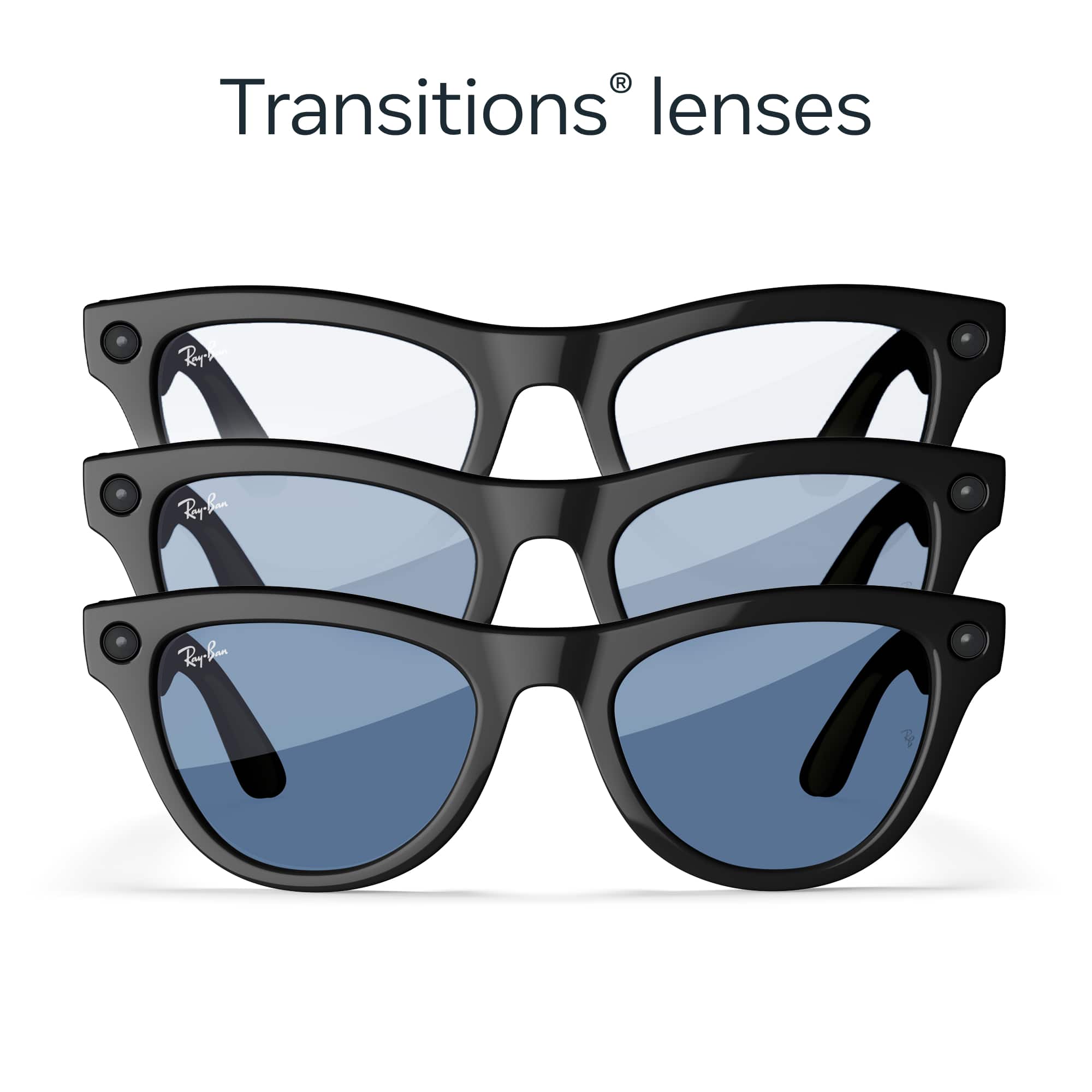
A:AnswerI've heard you can but I think you would need to order directly from the Meta website if you want it with subscription. But whichever way you go, I highly suggest the transition lenses.
A:AnswerHello Curioso!
We can see that you have a question regarding the Ray-Ban Meta Glasses.
Ray-Ban Meta glasses can still perform some functions without Wi-Fi, including capturing photos and videos, listening to audio from connected apps, and using limited voice controls. However, full voice control, importing captures, and software updates require Wi-Fi or a mobile data connection.
Here's a more detailed breakdown:
Without Wi-Fi:
Capturing Photos and Videos:
You can use the capture button on the glasses or voice commands like "Hey Meta, take a photo" to take photos and videos.
Audio Streaming:
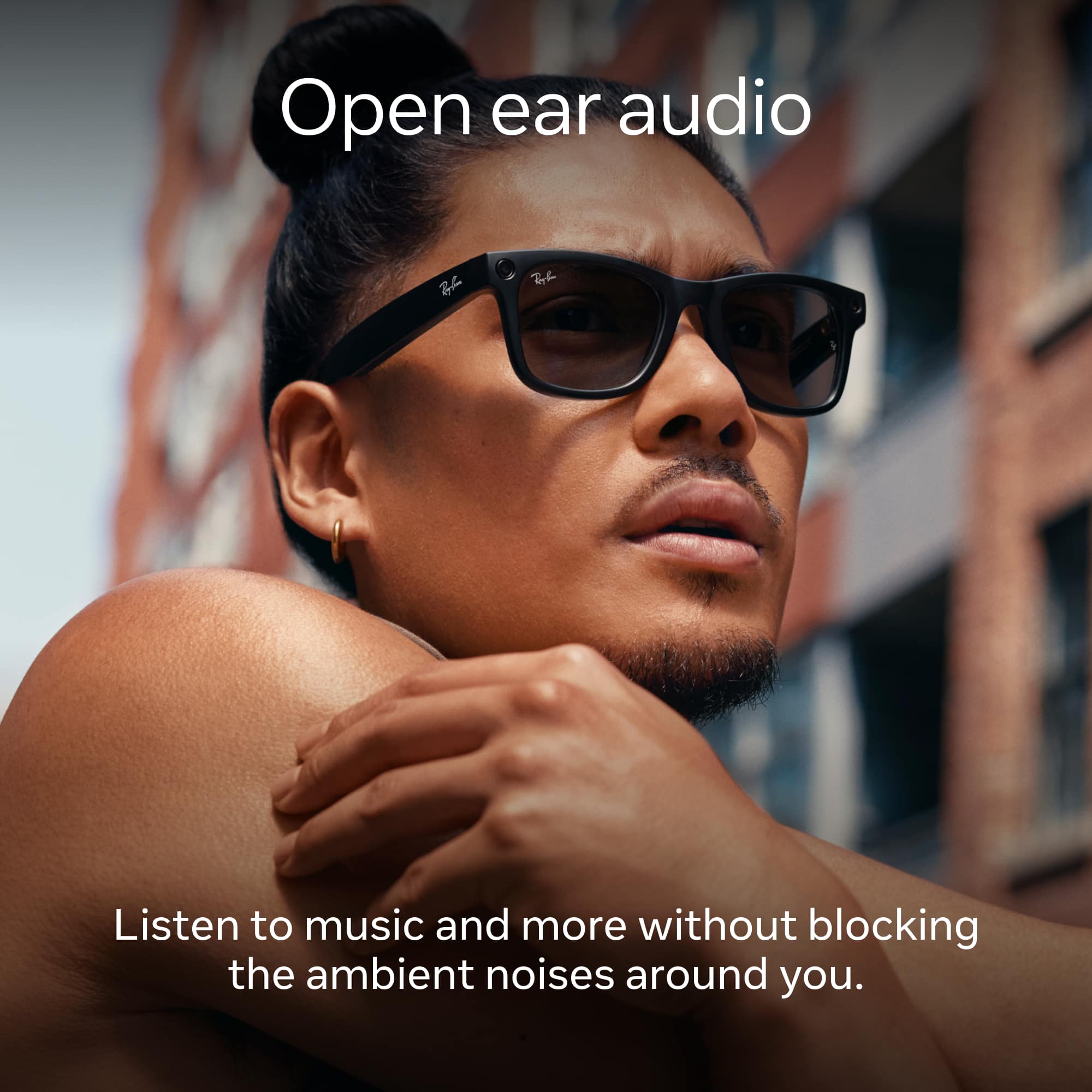
You can listen to music from Spotify, Apple Music, or other connected apps.
Limited Voice Control:
Some basic voice commands might work without Wi-Fi, but for full AI functionality, you'll need a network connection.
Calling and Messaging:
While you can make calls and messages using your phone's connection, the glasses themselves can't operate independently for these functions without Wi-Fi.
We hope this answers your question, if you have more queries, please contact our wonderful Meta Store Support. We will be happy to help you.