A:AnswerNeed exact model of the laptop, but if it's Dell Vostro 3590 or Latitude 3590 - no, both lack Thunderbolt 3 port. You need TB3 port, not just USB-C.
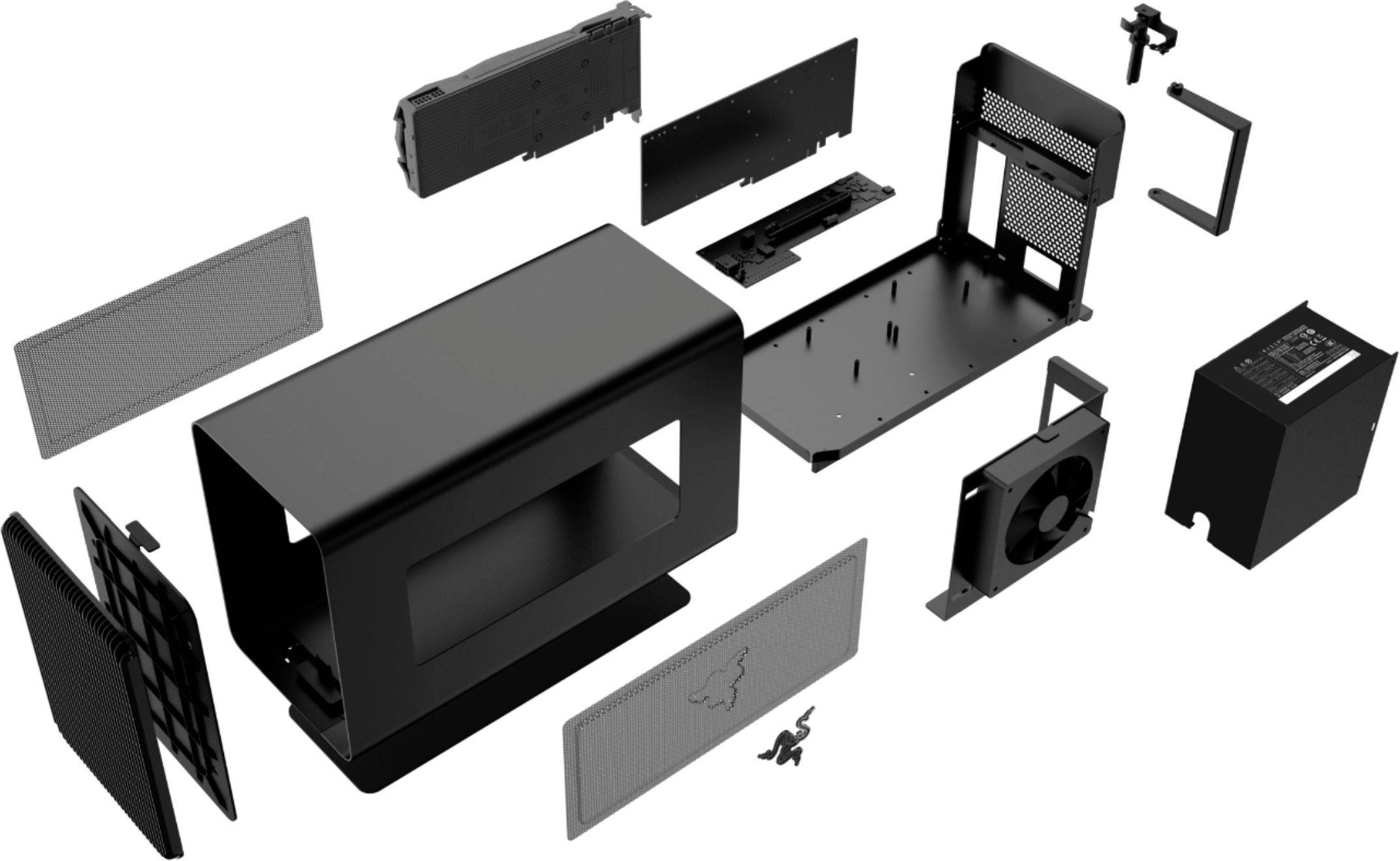
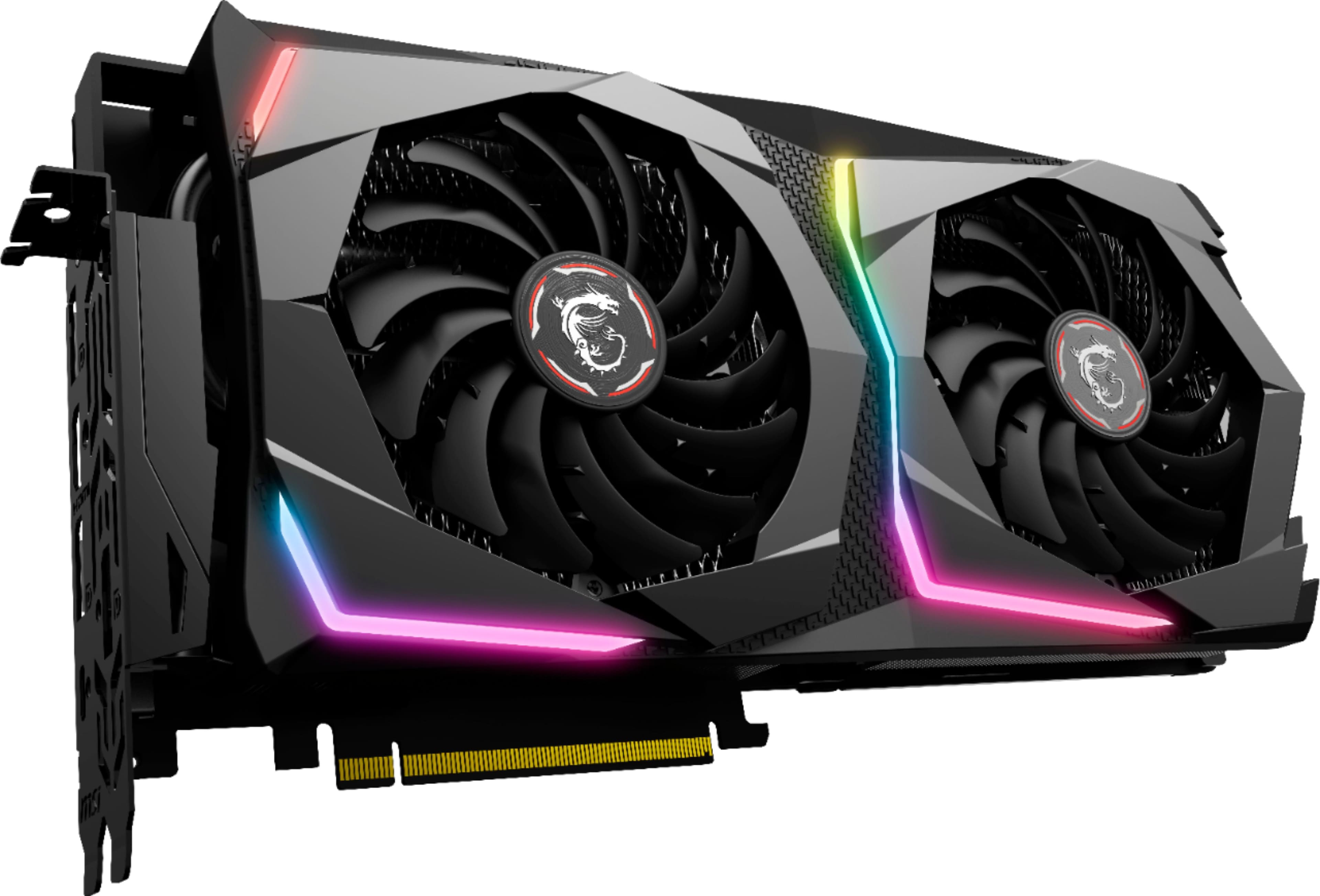
A:AnswerYOU NEED TO BUY THE GPU SEPARATELY. Otherwise, it comes with everything you need to power it and connect it to your laptop. However, I would not suggest using this for mining even if you have no power costs. If that's something you're interested in I would suggest looking into dedicated mining systems that are much more efficient at mining and are meant to do so 24/7.
A:AnswerUnfortunately, no. USB-C and Thunderbolt 3 are two completely different standards that happen to share a connection type. The eGPU needs to run on a Thunderbolt 3 connection because of its 40 Gbps transfer rate. The USB-C 3.1 standard maxes out at 10Gbps--just one-quarter the speed of Thunderbolt 3. So while you can definitely find adapters to let you do USB-C through a T3 port, the reverse won't work.
A:AnswerYou'll need a graphics card too. Be aware that CoreX is only compatible with Razer laptops. It may still work with yours, but Razer won't support or honor warranty, so you're on your own.
A:AnswerSupport for applications typically depends on the desktop graphics card that you would install and also the operating system you are using (Windows 10 or macOS).