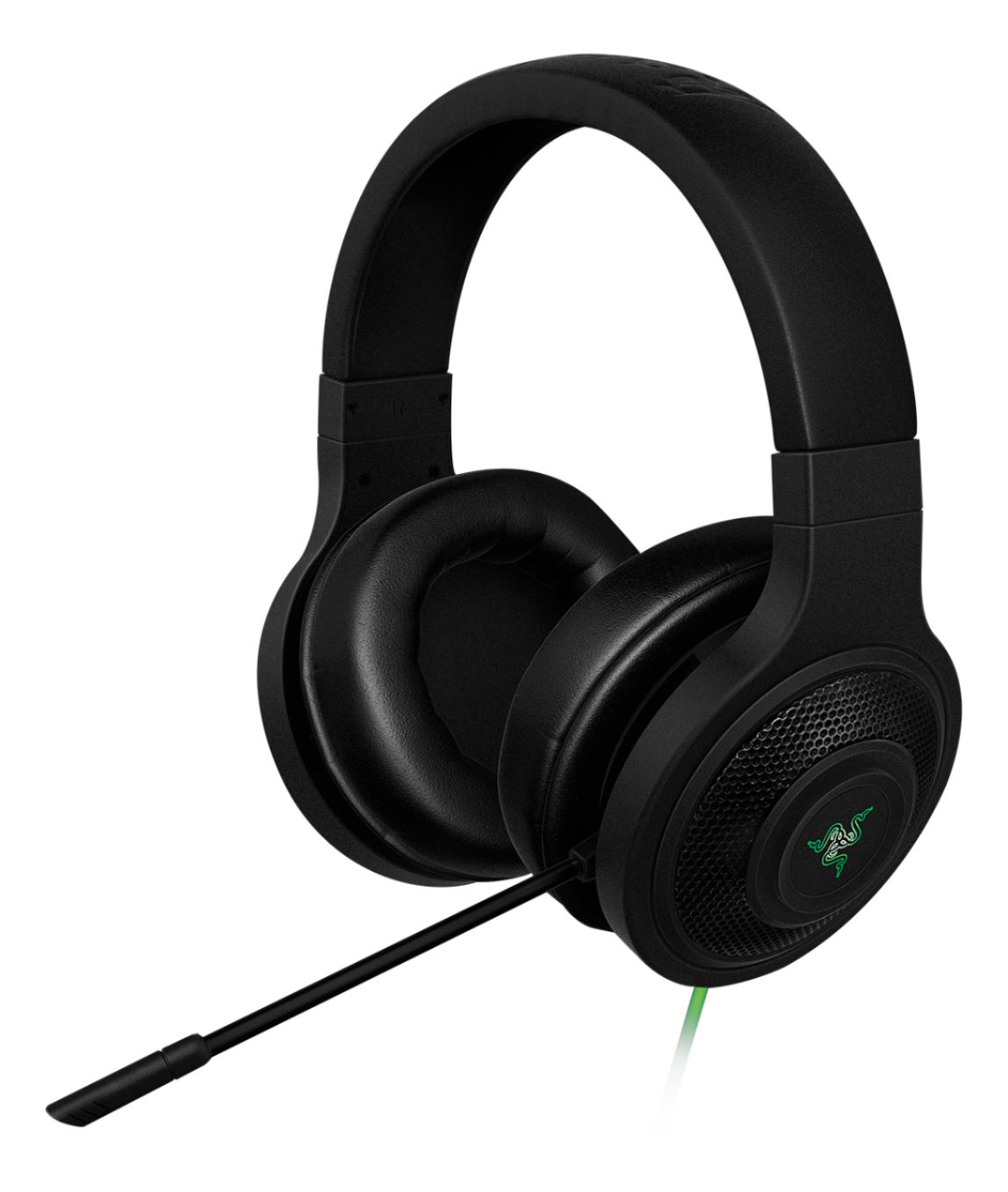
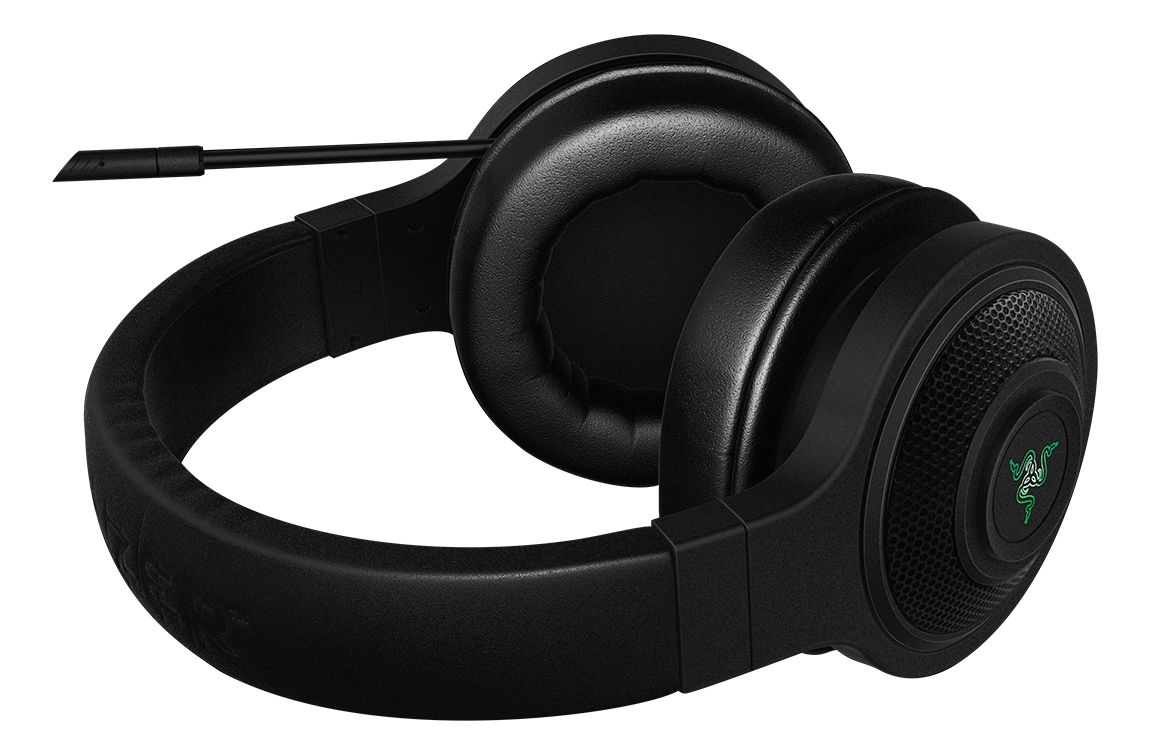
A:Answer Just get a long USB extender and plug the headphone into it and it into the PS4 and the audio jack into your controller. This is highly likely because my studio microphone, which is USB driven, works on PS4 and I can plug any pair of headphones into my Mic and I get sound. NICE SONY! A++, but the problem is here you probably don't have a Blue Yeti Pro..... This next statement is from online searches.
After researching I found that the headset DOES indeed work with PS4, BUT many people as of December 2015 said they experienced low volume, which was reported to be an issue with sonys latest update (I believe November 2015 in this scenario), though, looking later into the results of that problem, it appears to be completely fixed, and audio for headphones can now be adjusted in the PS side panel (hitting the PS button)
if you want to read what I read here is a link to the forum I found, I recommend reading the first few comments on page one then scrolling down to switch to page four, but there may be a little more info in between them, but from what I read on the first and fourth page seemed pretty legit to me.
The forum: https://insider.razerzone.com/index.php?threads/razer-kraken-7-1-ps4-compatibility.789/
I hope you found this helpful, and I hope you enjoy your new Razor experience if you decide to buy the headphones.