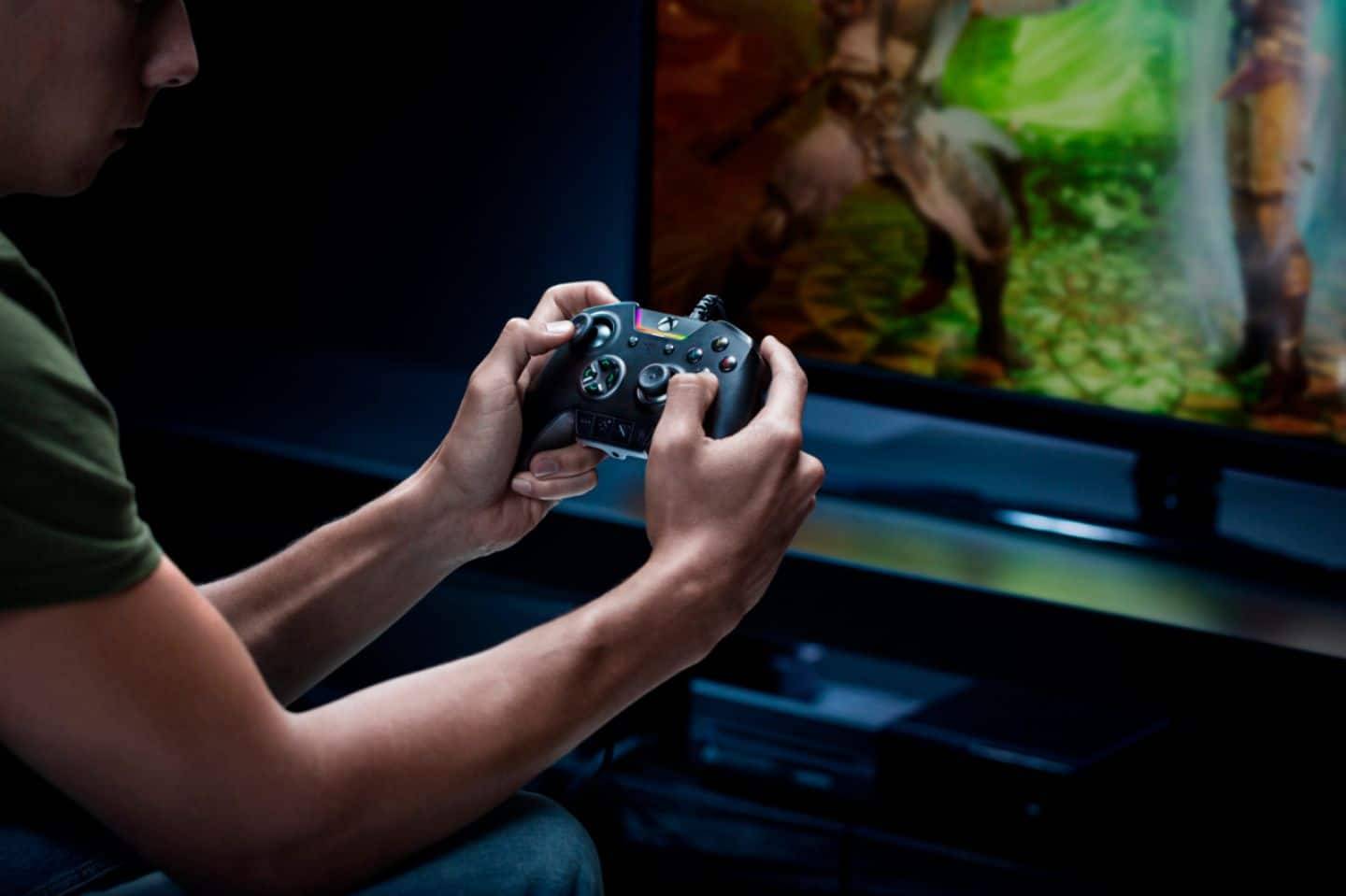
A:AnswerThis controller is made of durable material as our technical team had it exposed to friction and wear to test the durability of materials and coating for the following reason:
* Abrasion Test: Withstand different items being rubbed over body, logo, and buttons.
* Sweat & Salt Mist Spray: Spraying of the saltwater solution.
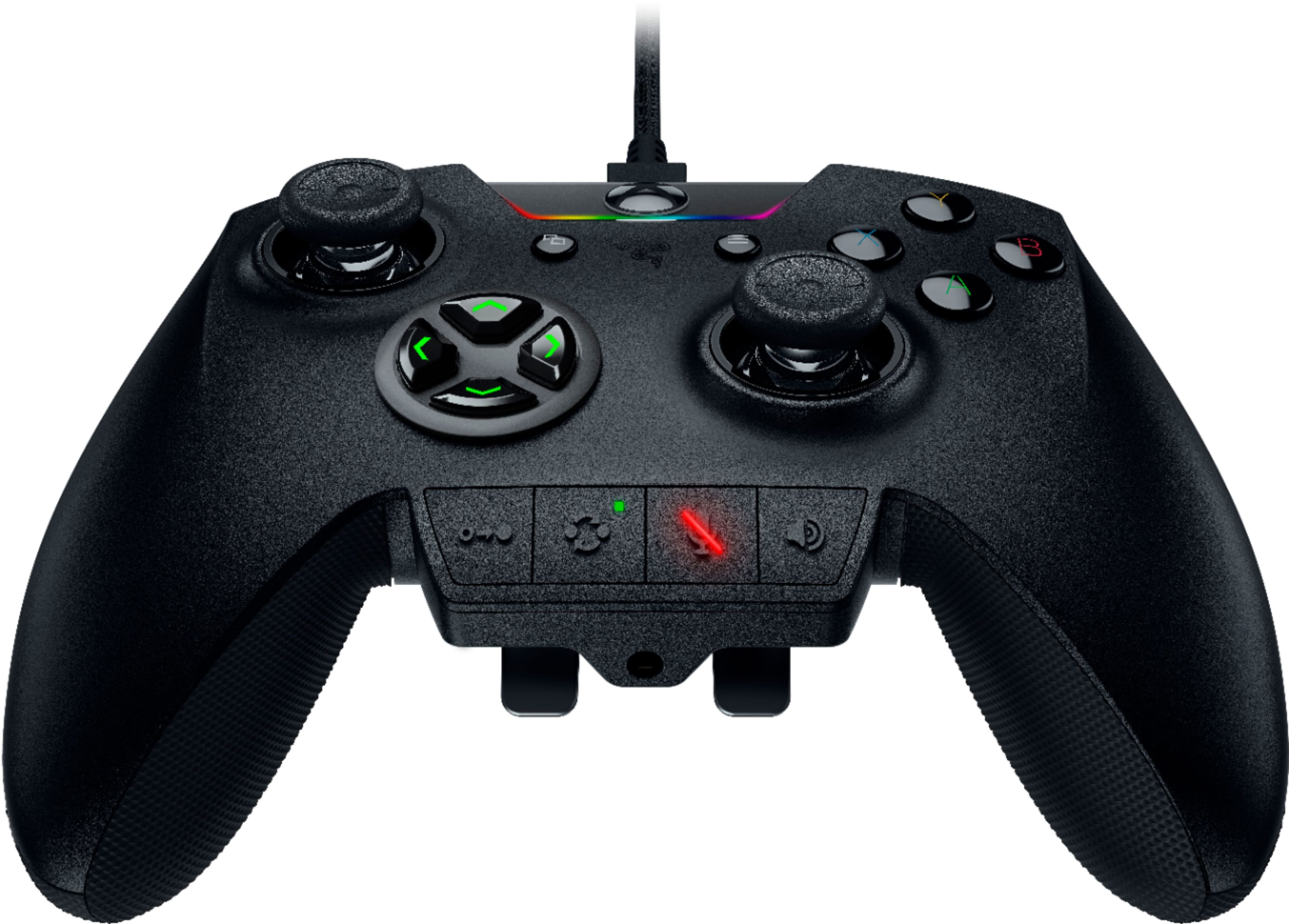
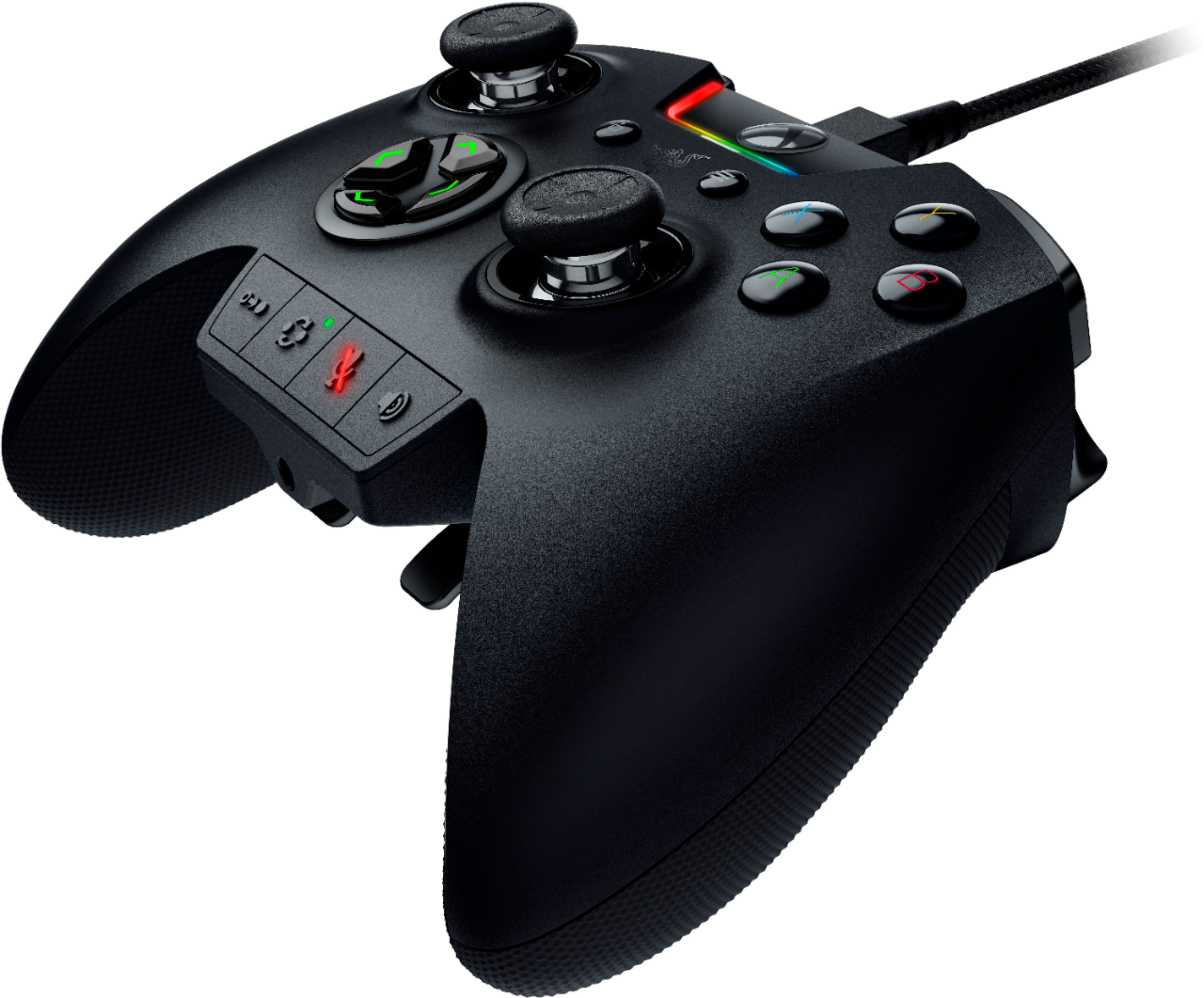
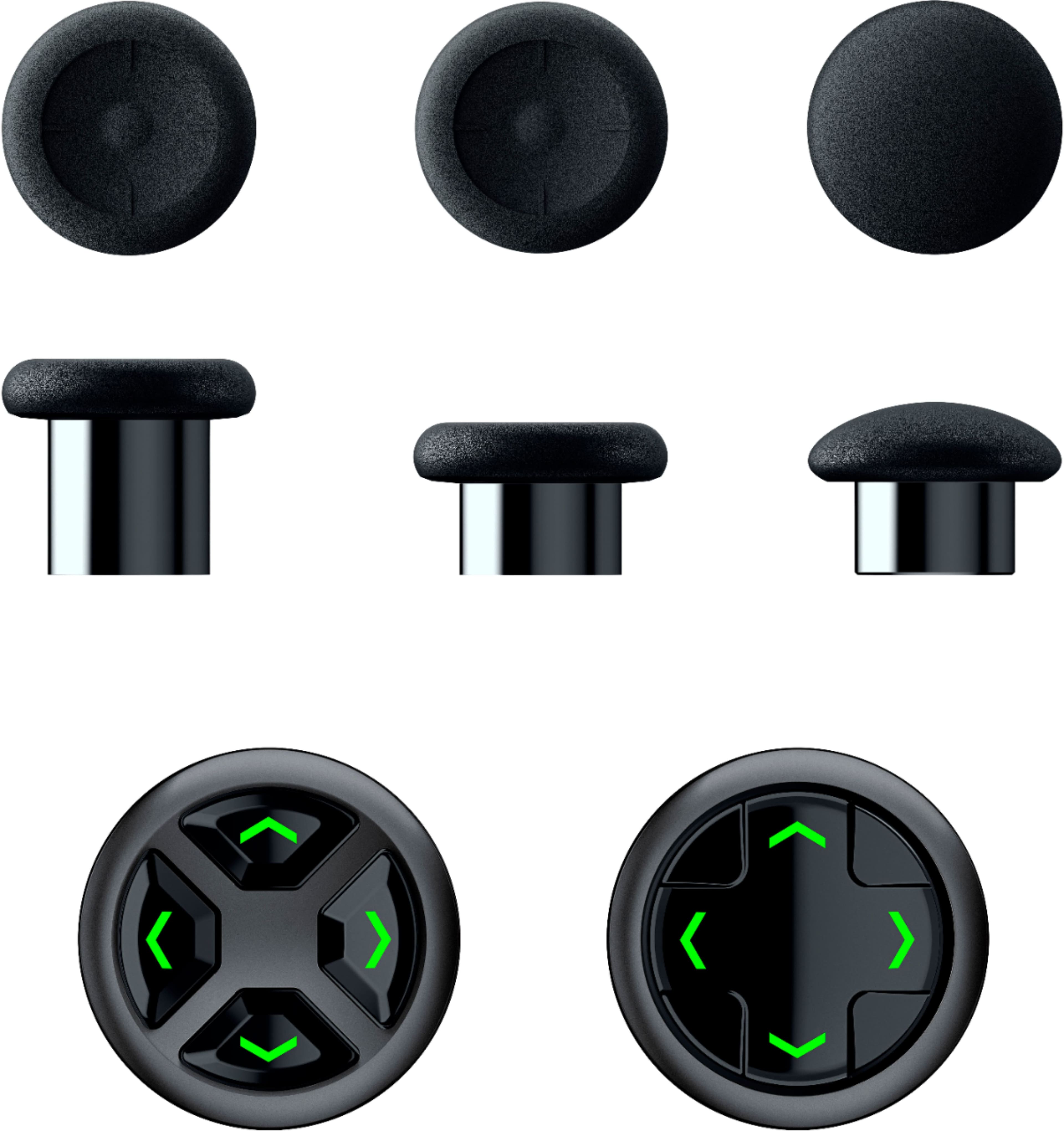
A:AnswerIt comes with a carrying case that is pre-included on its package content together with the tilting d-pad and the detachable thumbstick modules.
A:AnswerYes, it should. "How do I use my Razer controller on PC?
Press and hold the OPTIONS and PS buttons for at least 5 seconds. When the status indicator changes from slow to rapid blinking, it is now in pairing mode. 3. On your PC, go to Settings > Devices > Bluetooth & other devices > Add Bluetooth or other device > Bluetooth and select Razer Raiju Ultimate."
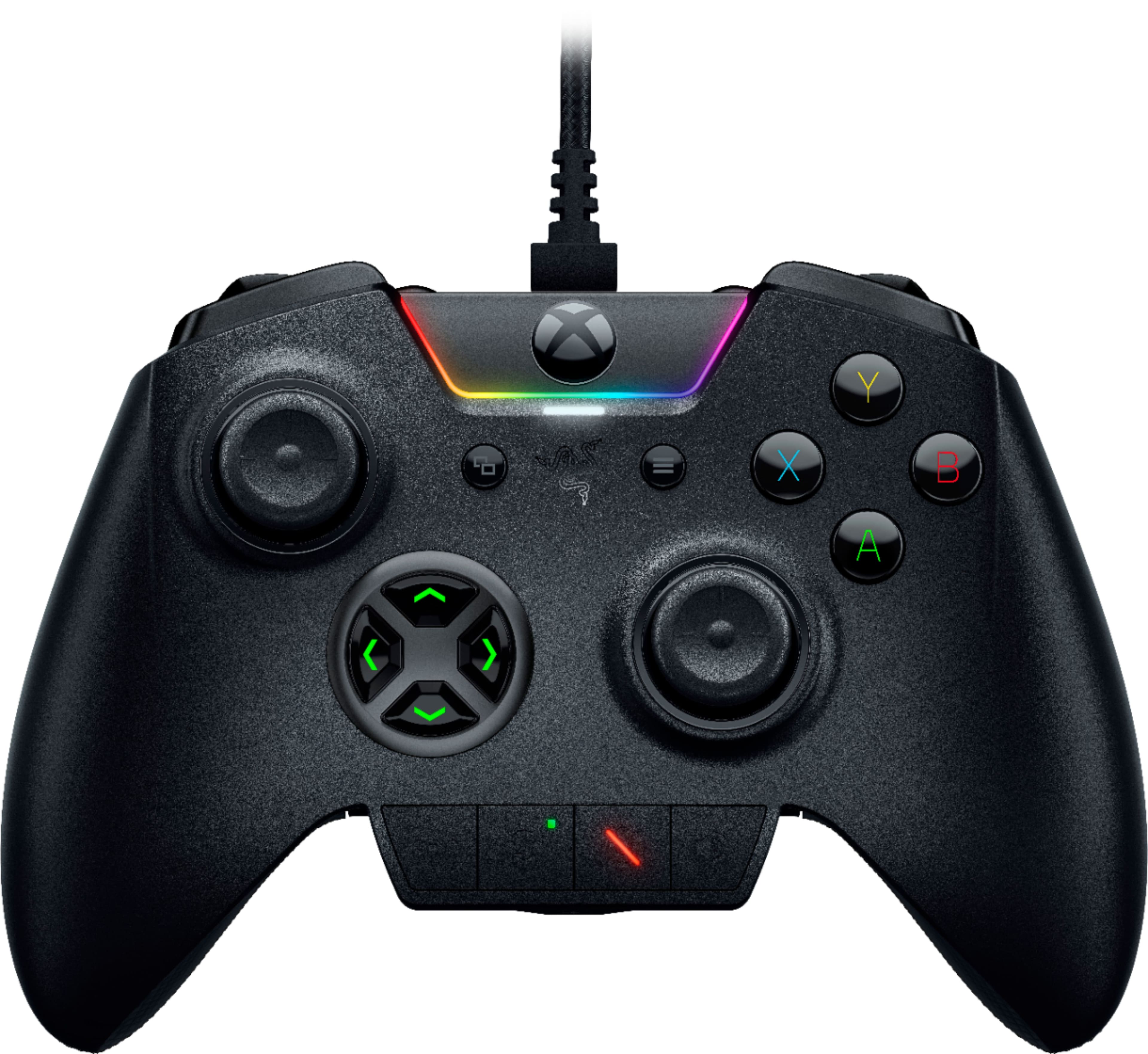
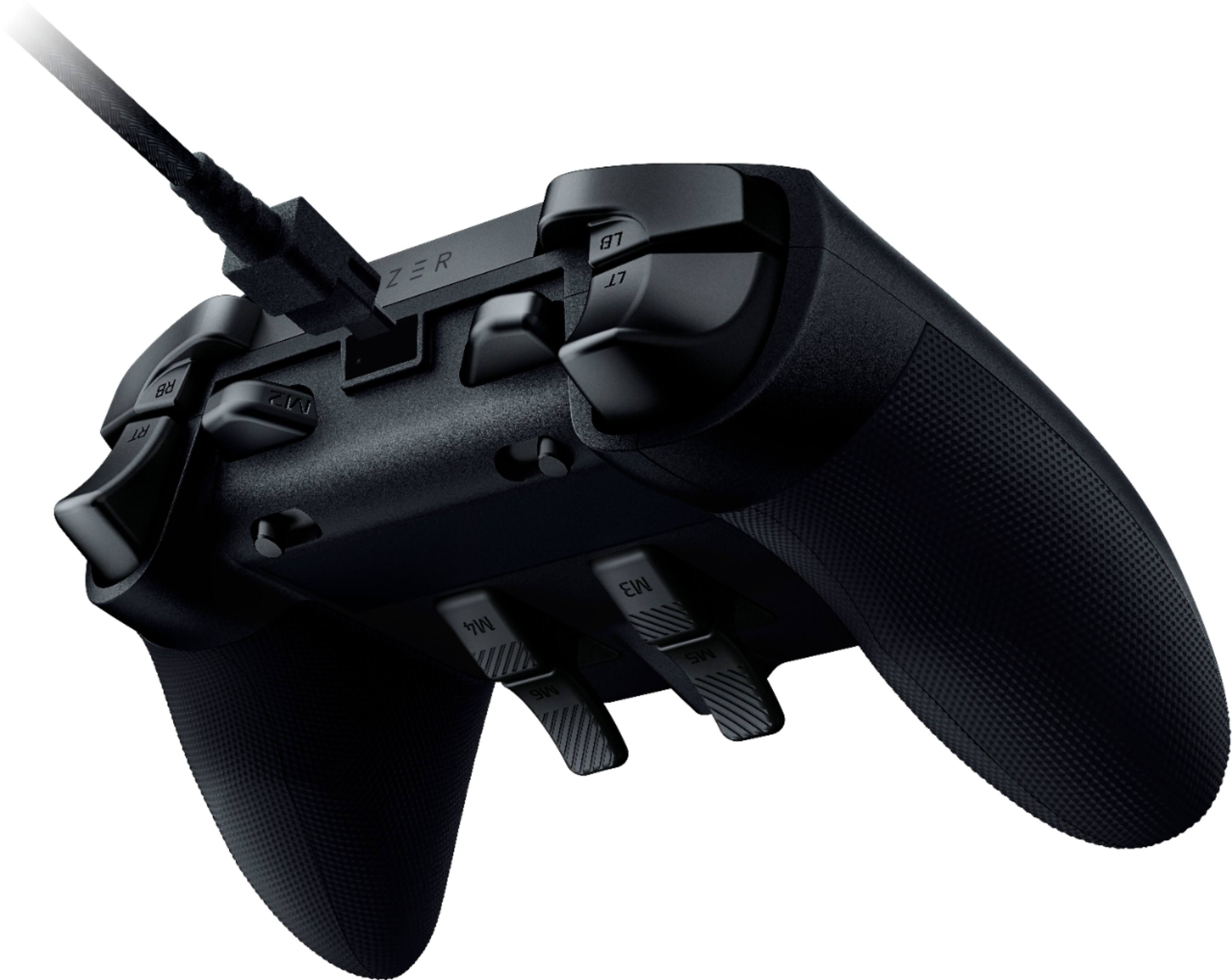
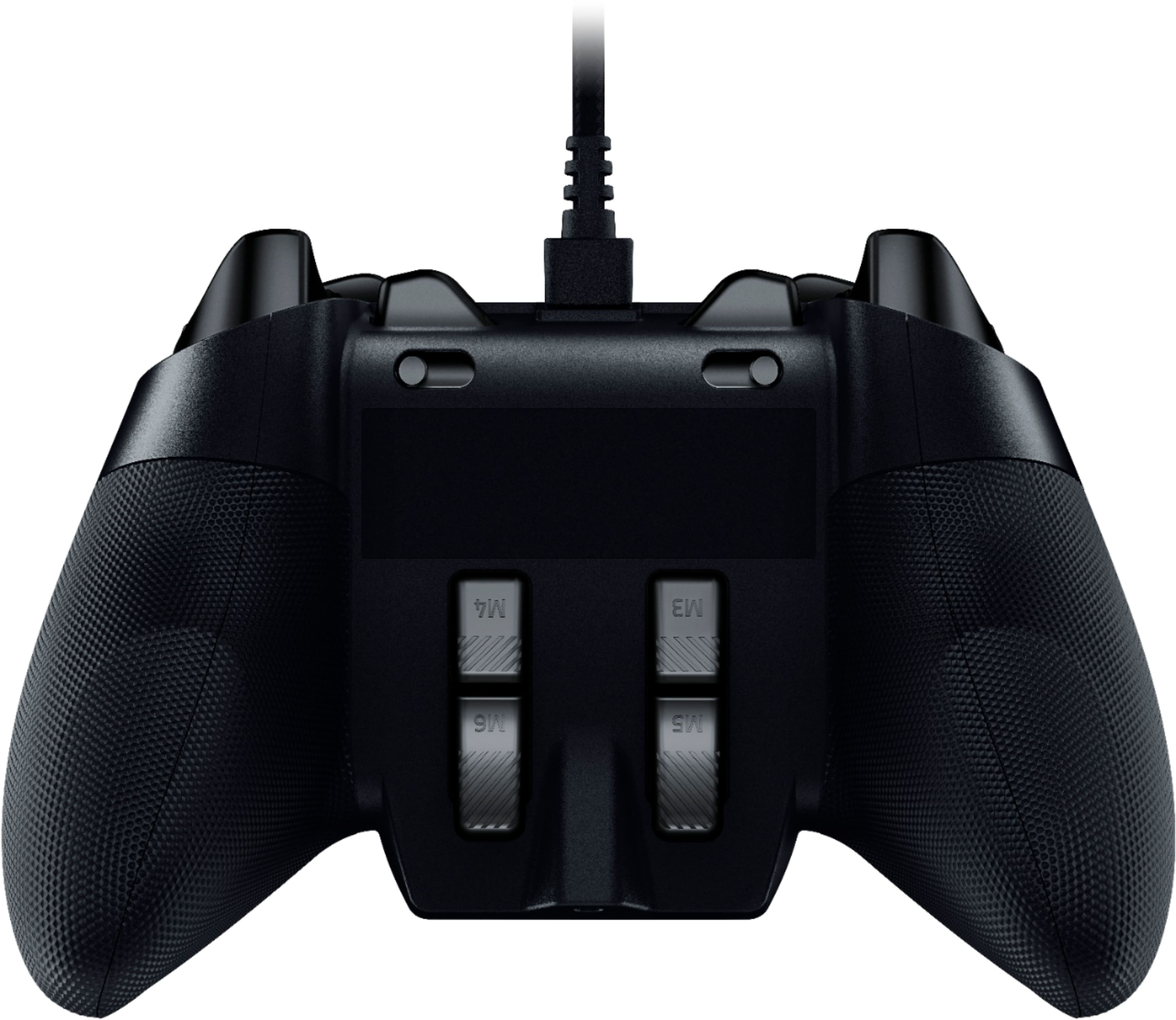
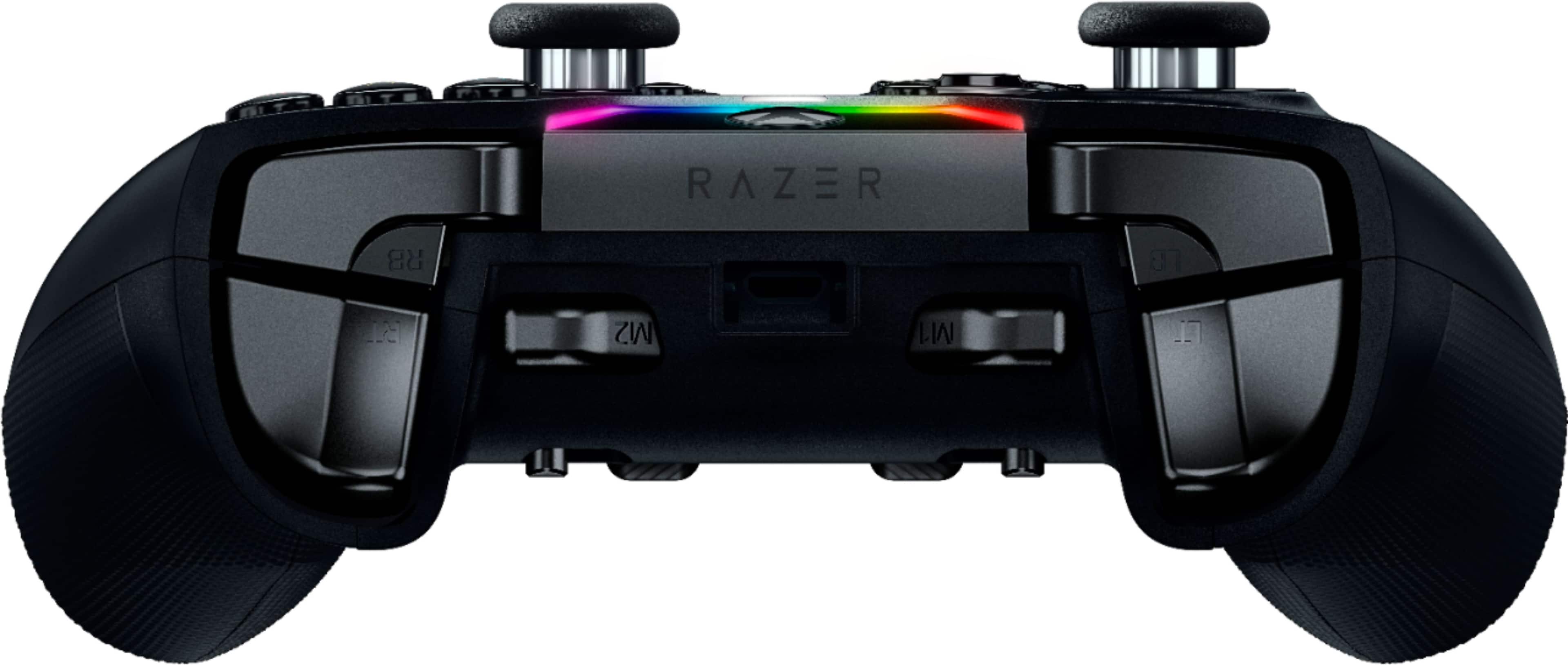
A:AnswerYes, there's a Razer Controller Setup app. You don't need this as there is a quick remap button on the bottom of the controller. Hold it and press the two buttons you want to map together simultaneously.