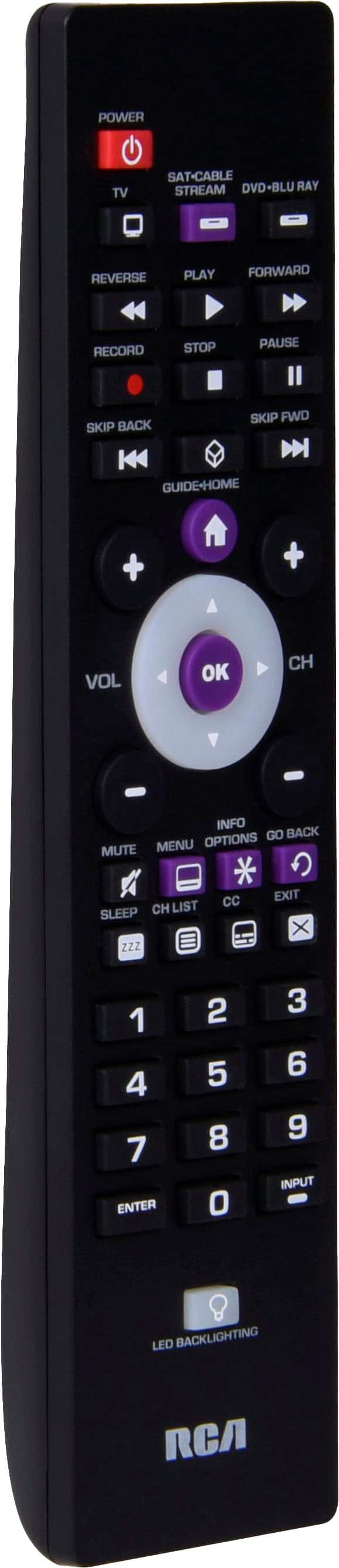
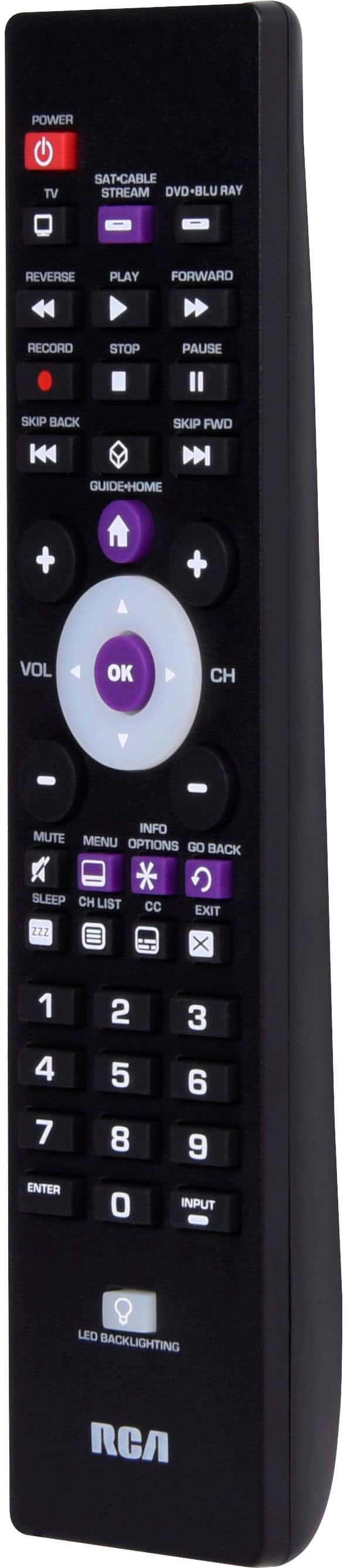
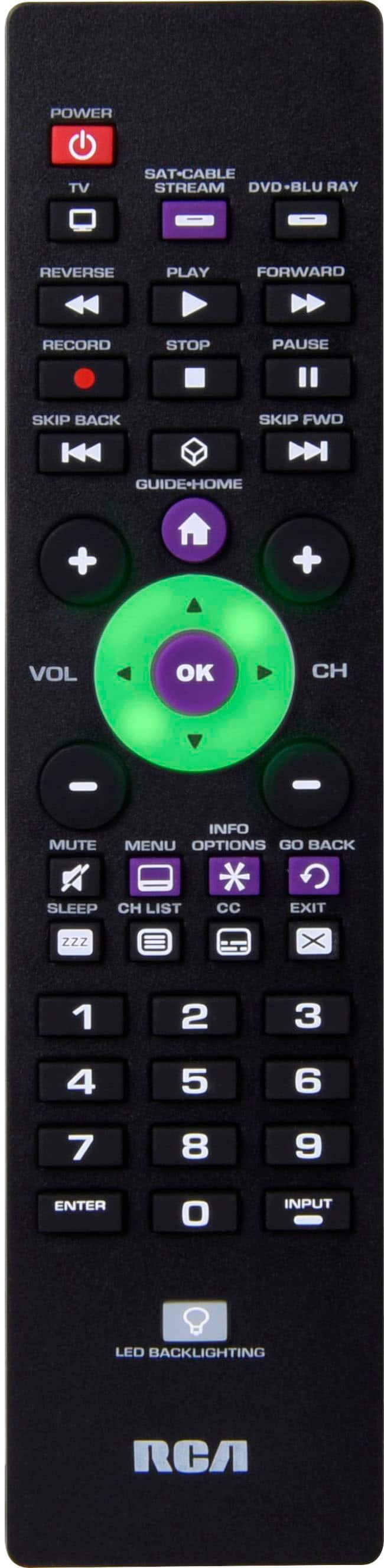
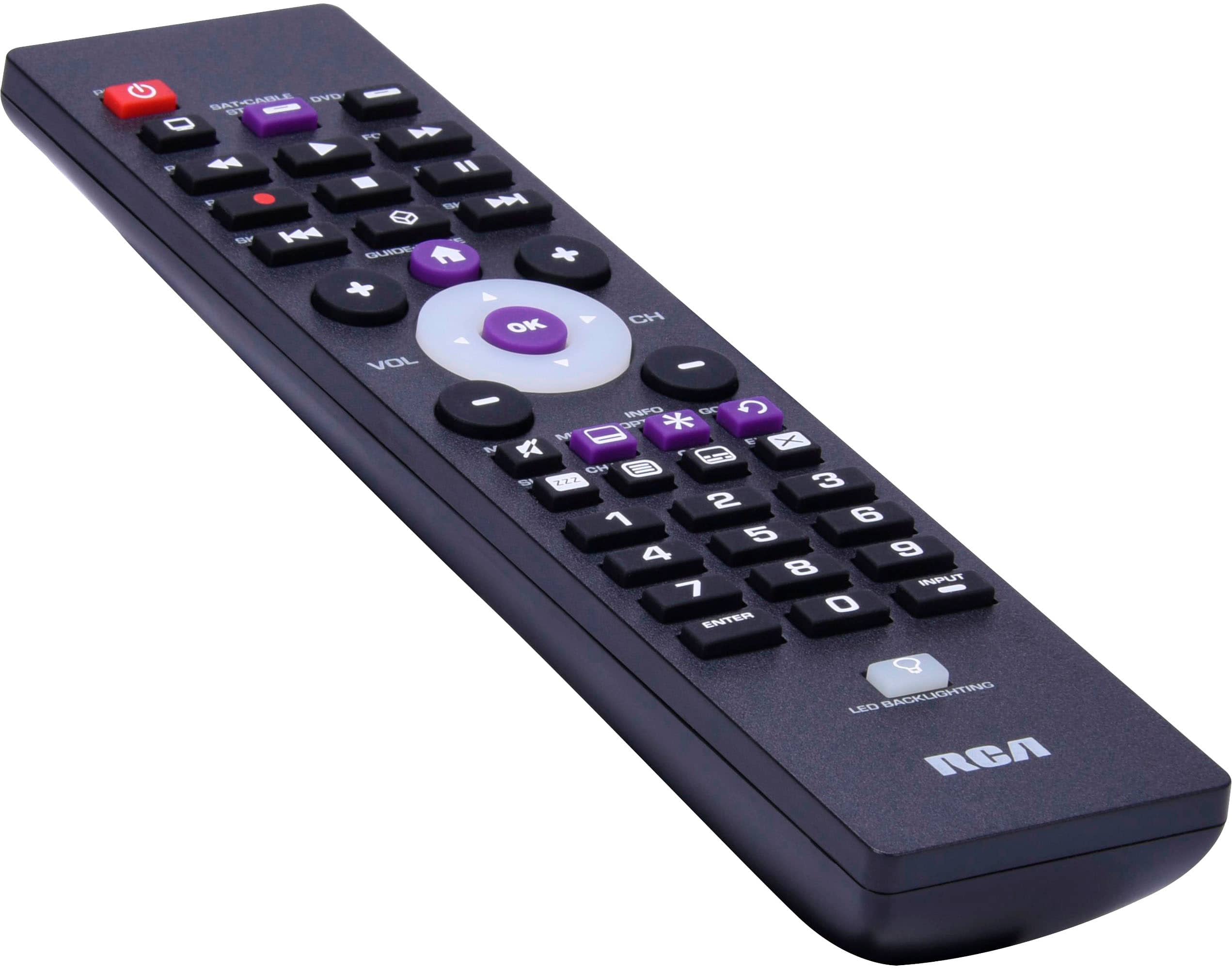
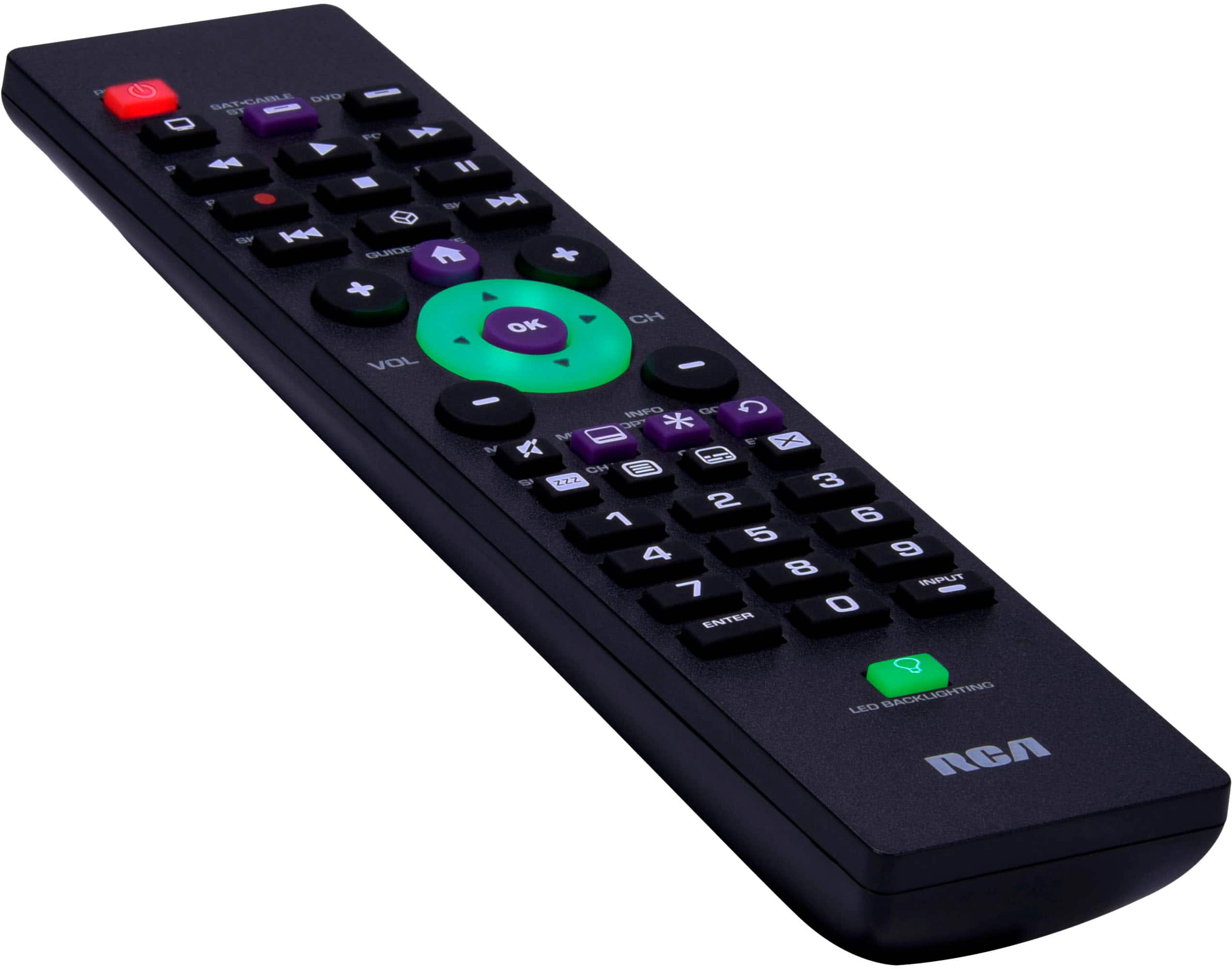
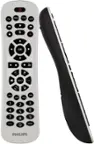
A:AnswerHello Smokyjack- I would ensure that you have the backlight illumination function turned on. You can turn it on by pressing the backlight key at the bottom of the remote. Backlighting stays on as long as keys are being pressed and it will turn off five seconds after the last key press.
A:AnswerHello - Unfortunately, it is impossible to tell if a universal remote is going to work with a specific make and model of television. Usually, if we have codes listed for your brand of TV, then it will work. We do have codes for Sansui, so it is very likely that we would be able to program the remote to your TV.
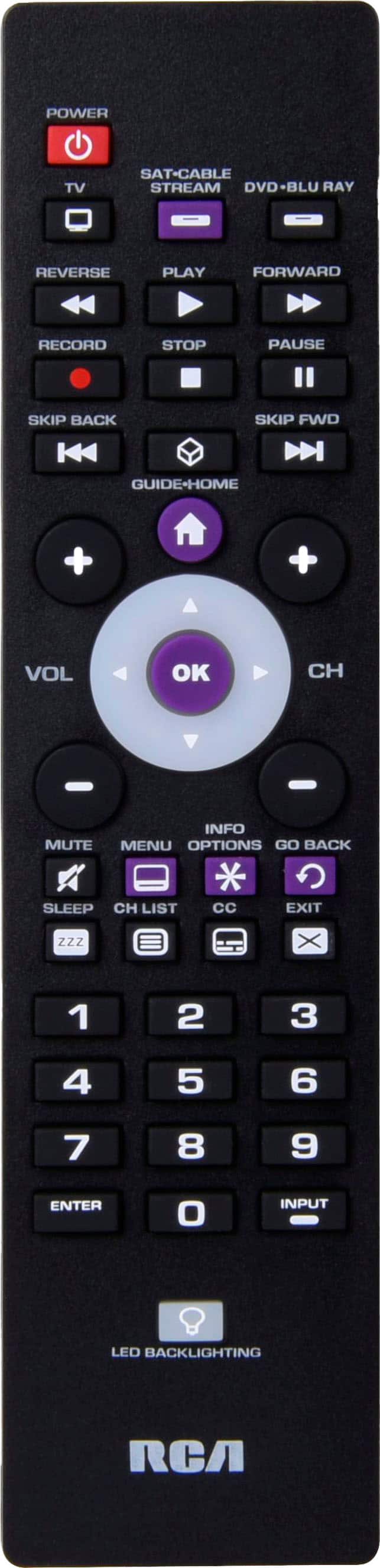
A:AnswerIt is not fully functional with Toshiba model #32L310U18. The remote will turn the TV on and off, and with the use of the arrow buttons, select channels and control volume, but does not allow you to use the input button to switch to streaming or DVD.
A:AnswerHello Penguin - The remote will work with most major brands including Sharp. If for some reason one of the listed Sharp codes do not work, we have an Auto Code Search function that searches all the TV codes that are stored on the remote.