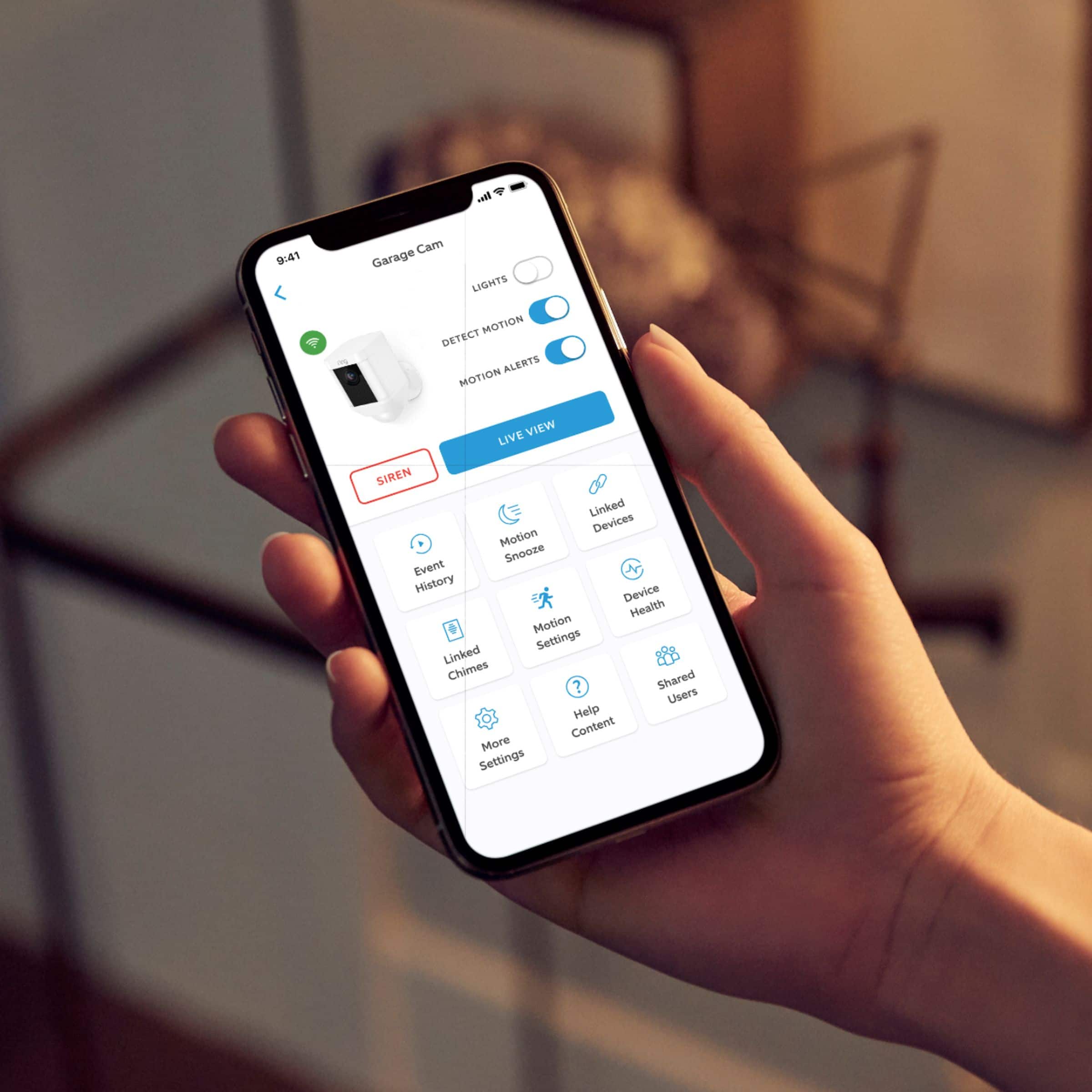
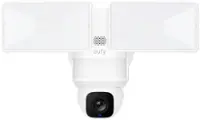
A:AnswerAs long as you set your ring account up thru your home WiFi and download the ring app to your phone, you can access the spotlight or any ring product anywhere.
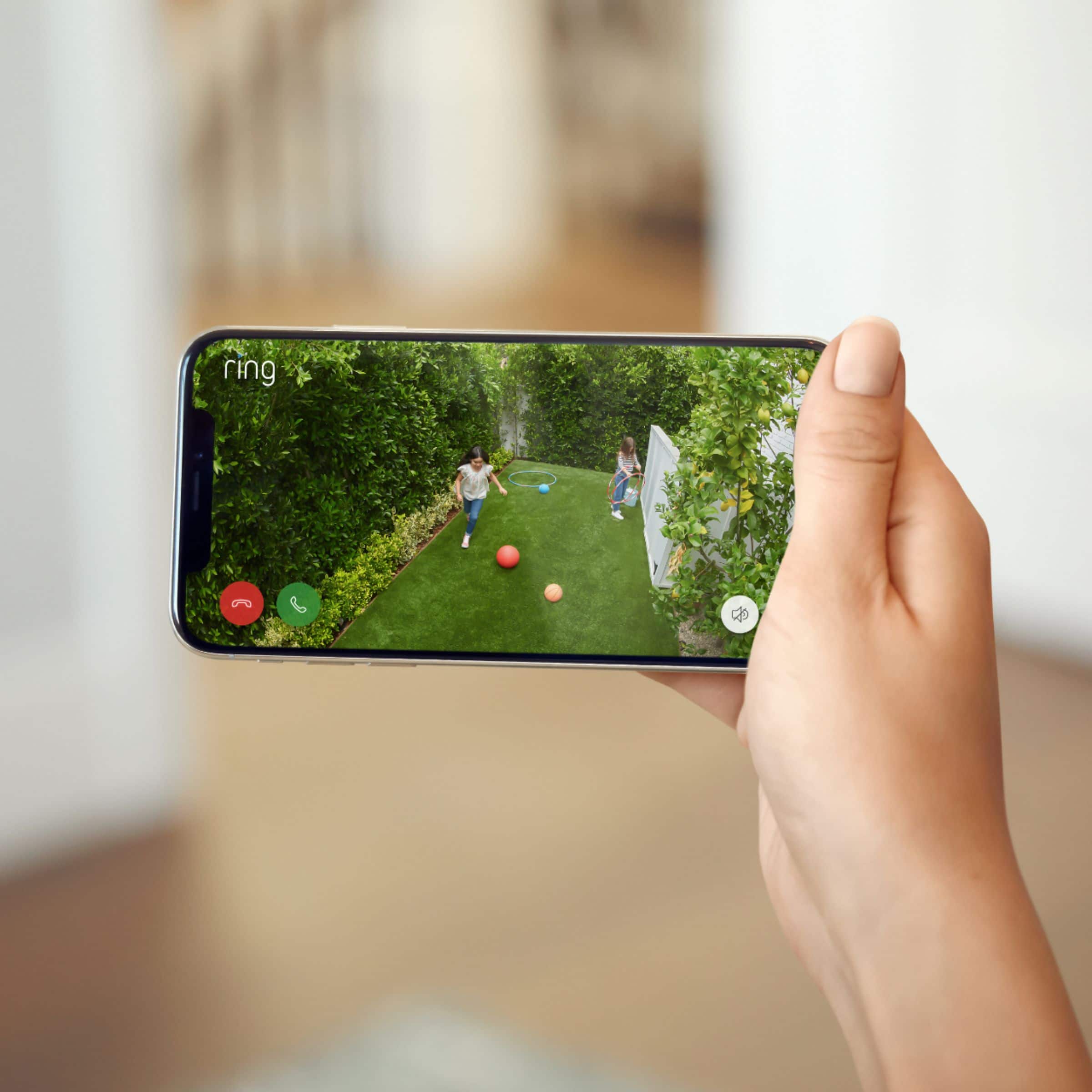
A:AnswerMy boyfriend had his phone on showing our puppies play in the backyard and I had the video playing off my monitor at the same time so yes, you can use more than one item at the same time.
A:AnswerYes, there is a port for the plug on the back of it. It’s still battery operated, but will help keep the battery last longer with the solar charge.
A:AnswerHi Dotgrand,
Great question!
If you purchase our Spotlight Cam Solar, batteries are still needed, however, you should not have to charge the batteries because the Solar Panel is meant to hold the charge. Additionally, our Spotlight Cam puts out 700 Lumens, whereas the Floodlight Cam puts out 1,800 Lumens each.
If you have any more questions please feel free to contact me directly at [email protected].
Kaitlyn R., Neighbor Satisfaction Specialist
[email protected]
A:AnswerHi Jade,
Thanks for writing me!
The Ring Spotlight Cam Wire- free puts out approximately 700 lumens.
If I can assist you any further please feel free to contact me directly at [email protected].
Thanks,
Kaitlyn R., Neighbor Satisfaction Specialist
[email protected]
A:AnswerIt comes with one battery, The camera actually takes two batteries and I highly recommend you purchase an additional battery. I bought an extra battery for the convenience of always having a charged battery to easily switch out depleted battery. That is happening TOO frequently, so I will use my extra battery as a second battery in camera. My other camera works great with one battery and a solar panel!
A:AnswerHello RAO,
Great question!
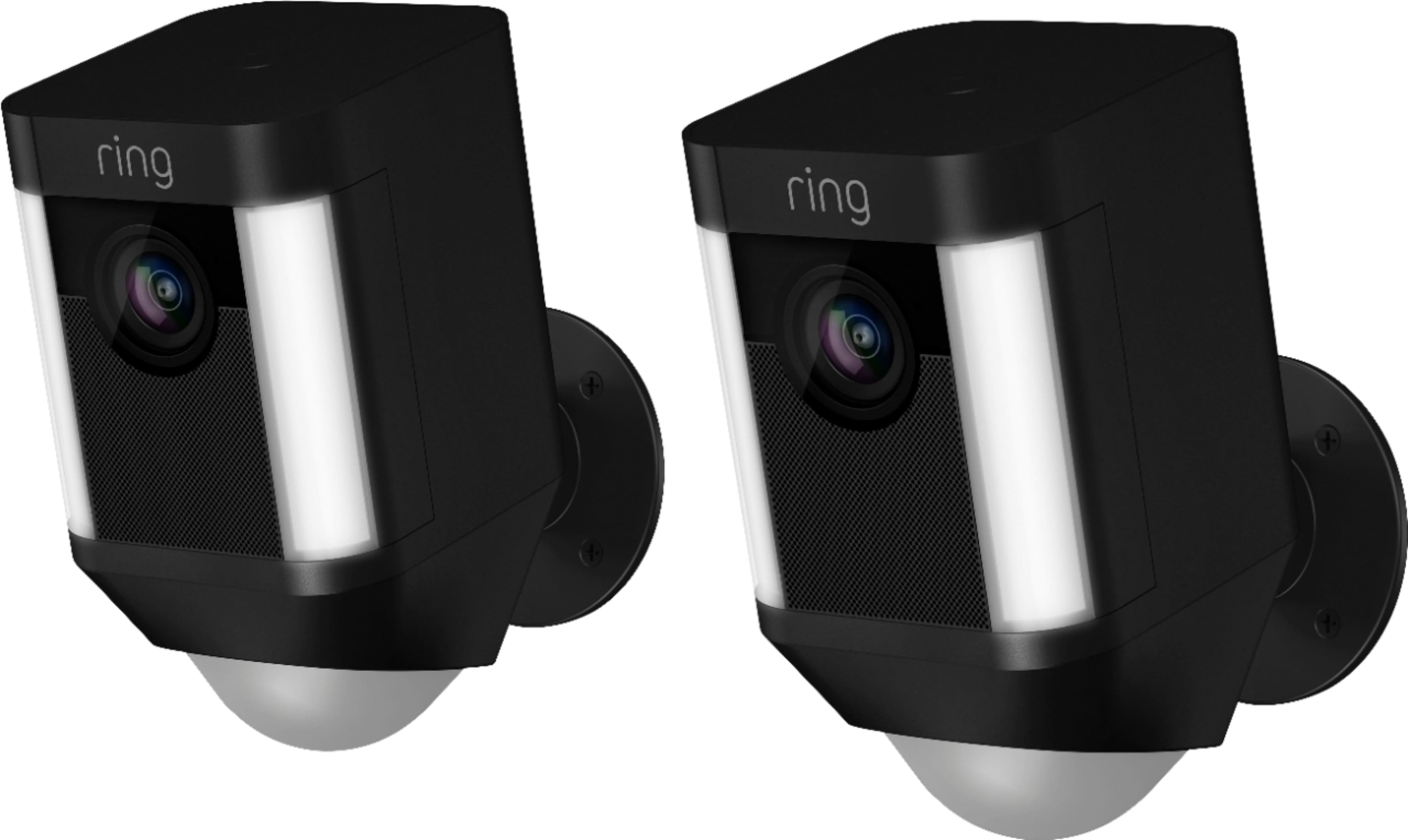
Our Spotlight Cam Wire- Free Includes one 6,000 mAH Ring battery pack.
Additionally, Our Spotlight Cam Wire- Free does have the ability to hold two Ring battery packs for long-lasting battery life. If one dies, the device automatically switches to the second battery for power (additional batteries are $29(US) each).
If you have any additional questions please feel free to contact me directly at [email protected].
Thanks,
Kaitlyn R., Neighbor Satisfaction Specialist
[email protected]
A:AnswerHi Eddy,
The Ring App will function on Windows desktops, laptops, and tablets running Windows 10 Fall Creators Update (version 1709) or newer however, new device setup must be done on a mobile device running Android or iOS.
Bilan J, Customer Satisfaction Specialist
[email protected]
A:AnswerIt can be installed by person buying the camera depending on how you decide to install it. You may need additional tools than what is provided. You don’t need Alexa but will have to download Ring Application and have access to wifi.
A:AnswerInstalling a second camera won't confuse the system, they will be named differently. To make the most of it try to arrange the second camera to cover area that your doorbell camera can't see, just overlapping the sight area of your doorbell camera a little so you don't have blind spots.
A:AnswerOne app for all Ring branded products, including their security system. I really wish you could also view the Blink cameras with this app (which Amazon also owns).
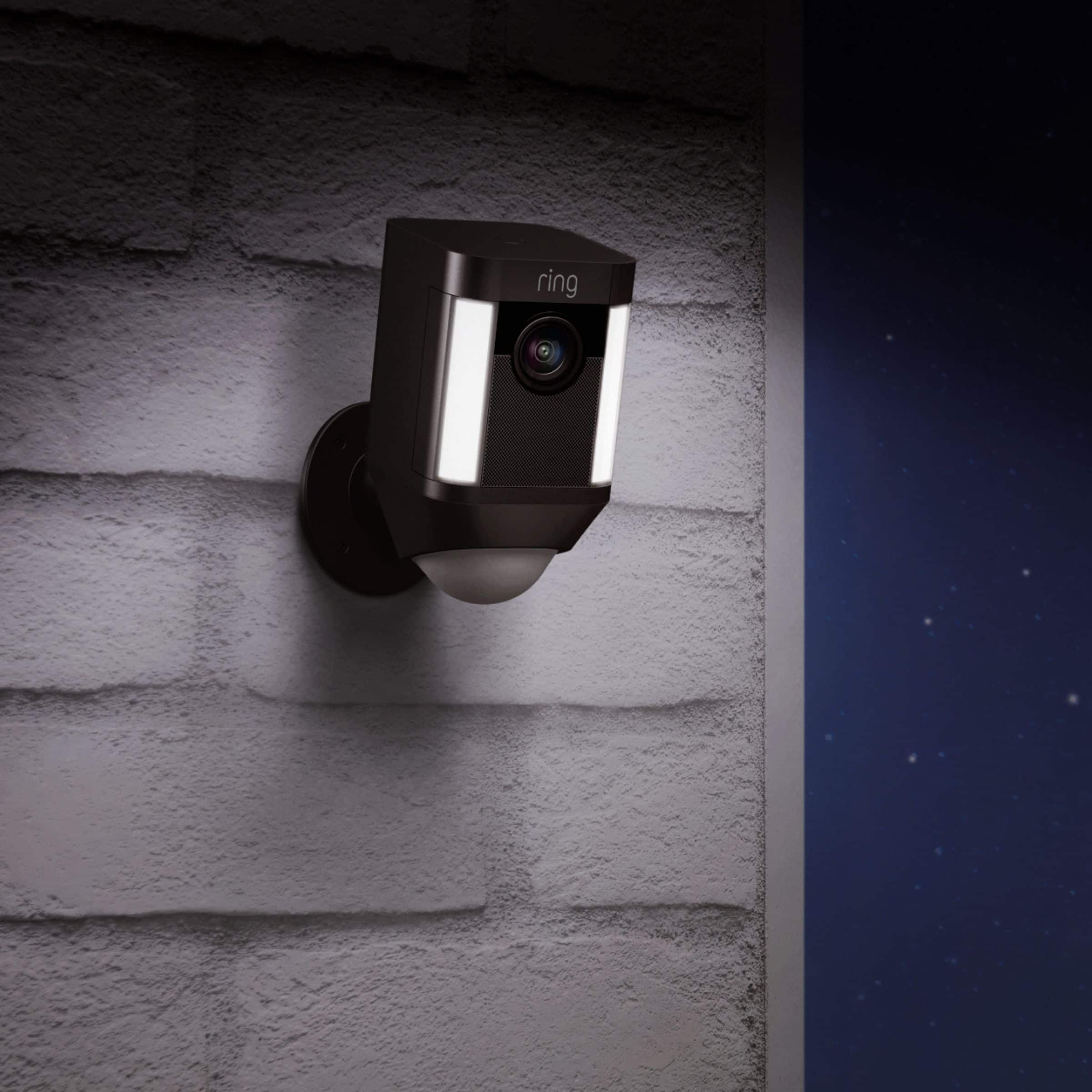
A:AnswerYes you can install indoors.
Yes you can turn off the spotlight thru the app.
No on the continuous recordings, activated on motion or you can go to a live viewing but it is not continuous.
Yes it does keep a log of recordings if you purchase the plan.
A:AnswerIt's free for 30 days.
Once you activate the camera with the Ring app, you will have cloud storage for 30 days free. 5 or 10 days remaining on the trial, you will start to get notification to sign up for cloud storage by paying $3/month or $30/year. You can also sign up on the website or by phone. It requires a Credit Card for the transaction.