A:AnswerHi Elle,
Yes, it is! Stick Up Cam Battery is for those who want to place the security camera in areas that may not have power easily available. Ring Stick Up Cam Battery is powered by a rechargeable battery vs via PoE or micro-USB.
Bilan J, Customer Satisfaction Specialist
[email protected]
A:AnswerHello Lisamarie,
Great question! This device is rated to withstand temperatures of -5°F to 120°F (-20.5°C to 48.5°C) and is weather resistant. Although, extremely cold weather has unfortunate effects on lithium-ion batteries such as those used in Ring devices. As the temperature drops, these batteries begin to have trouble holding a charge and if it gets cold enough, they'll stop working altogether. As a result, at certain temperatures, the batteries in your Ring device may run out of power faster than expected and may need to be recharged more often. Here is a helpful article that describes in further detail the effects of cold weather: https://support.ring.com/hc/en-us/articles/360042686872-Cold-Weather-and-Battery-Powered-Ring-Cameras.
For any additional questions or concerns, please feel free to reach out on our community forum at https://community.ring.com/. We look forward to hearing from you soon!
Thank you,
Alexis with Ring
A:AnswerI’m not sure of the distance from your apartment to your carport but my Spotlight Mount (hardwired) version is approximately 60 feet away from my router and it works flawlessly. I will add though that I have a Ring Chime Pro (49.99) in between the router and camera that helps with extending the signal of the WiFi. Also, I didn’t buy the Ring Chime Pro for only this camera. I installed the Ring Chime because I have three cameras down in this area and I didn’t want the demand of the three cameras to over power the signal of the WiFi. Essentially as long you have WiFi on your phone while you are down in your carport I think you would be fine. Hope this helps.
A:AnswerHello InTheDark,
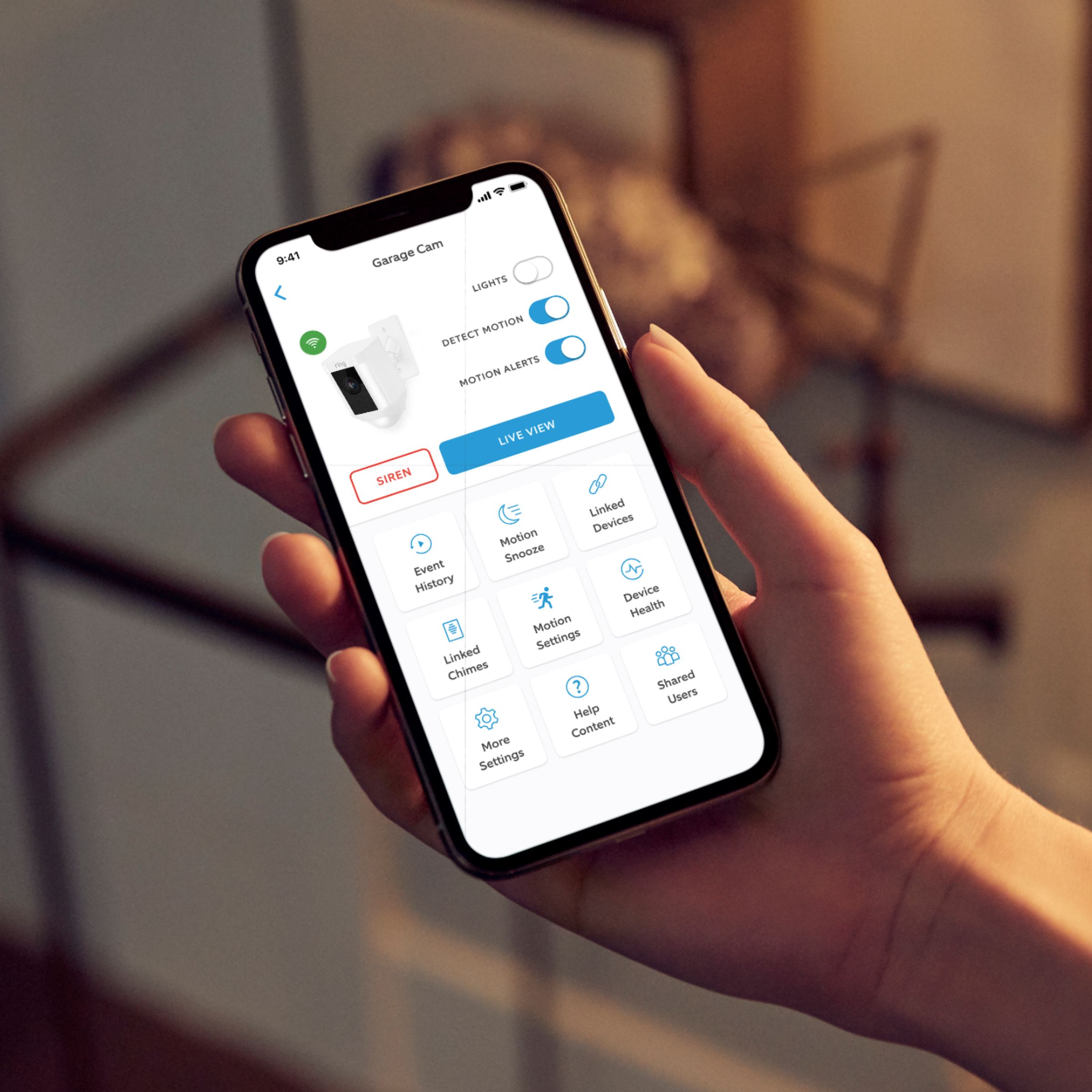
Yes, the lights on the Ring Spotlight Cam can be controlled independently from within the Ring app. You can also use Alexa to turn on the light. Once you enable the Ring skill in the Alexa app, you can just say: "Alexa, turn on the spotlight."
More details can be found here: https://support.ring.com/hc/en-us/articles/360031246412-Ring-Supported-Alexa-enabled-Devices
Also, Ring Community was launched to help deliver the most current news and educational information to our neighbors. This online forum is divided into four categories: Product Boards, Ring Updates, Tips + Tricks, and a Moderators’ Corner. The Product Boards are where you can begin new topics with your questions or feedback; there is also a search option that helps you find topics that have already been posted by other neighbors. We invite you to visit our site at https://community.ring.com/ today!
All the best,
Antonio from Ring
A:AnswerHello Shopper777543.
Great question! Yes, you can set your Ring Spotlight Camera to turn on when your Ring Doorbell detects motion through the Linked Devices feature in the Ring app. Device linking works with all Ring devices including Video Doorbells, and Security Cams. The function is found on the Ring app with the latest Android or iOS system. This article will answer common questions about Linked Devices: https://support.ring.com/hc/en-us/articles/360033904271-Linking-your-Ring-devices-together-for-enhanced-security-.
We also invite you to visit the Ring Community. It launched in March 2019 to help deliver the most current news and educational information to our customers. You can find tips and tricks from other Ring users at https://community.ring.com/. This peer-to-peer forum allows our neighbors to share their feedback and experiences to assist each other in resolving their concerns.
All the Best,
Nicole with Ring.
A:AnswerHi Aurora2001.
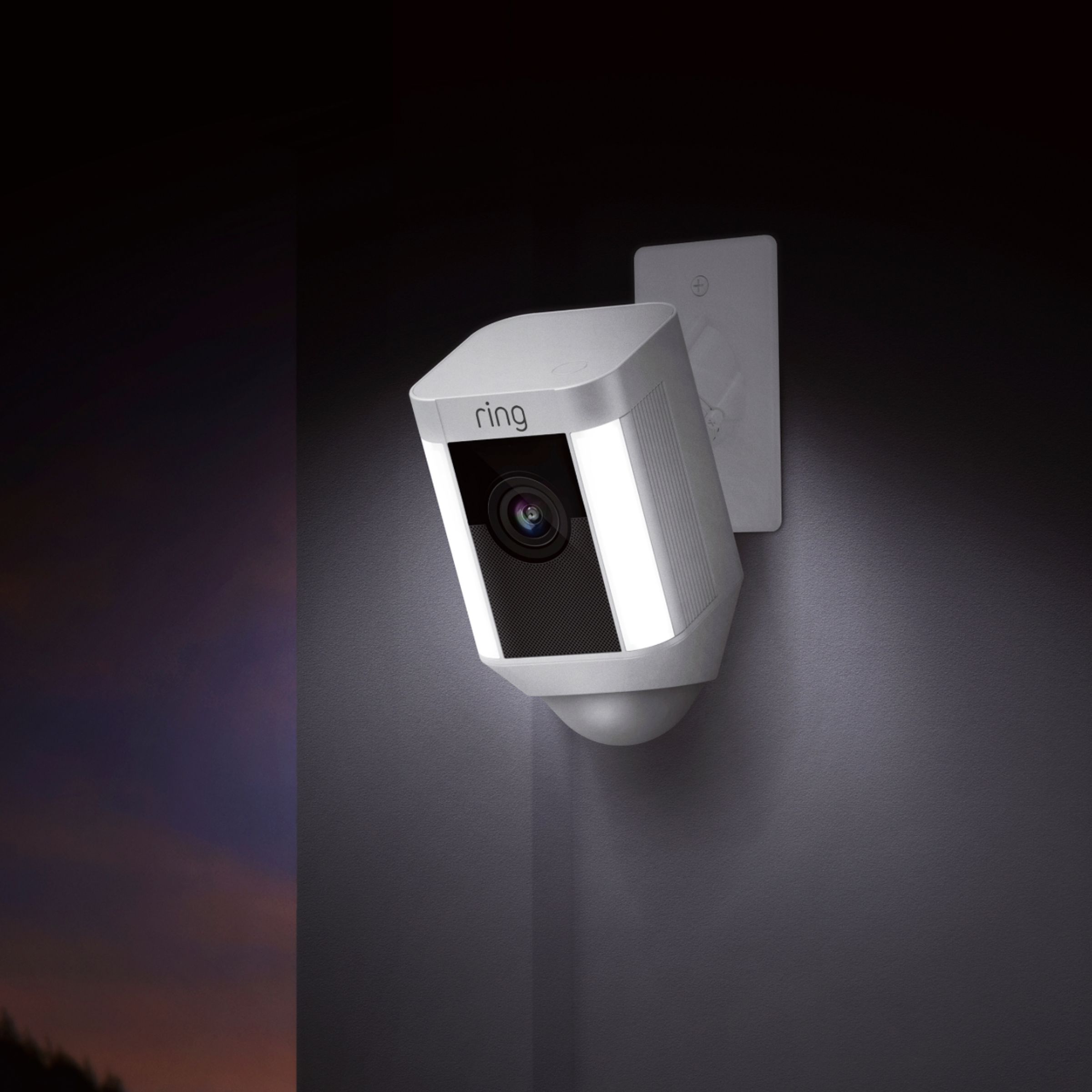
Good question. The Ring Spotlight Cam measures 4.96 inches by 2.72 inches by 2.99 inches. The versatile Ring Spotlight Cam Mount comes with three flush mounting brackets and all the tools you need to set it up in just a few minutes.
We invite you to reach out to our Community if any additional information is needed regarding your question. The Ring Community is our first peer-to-peer community forum, giving our customers the ability to help one another by sharing their feedback and experiences with each other.
All the best,
Nicole from Ring.
A:AnswerHi Shan.
Thank you for asking! With an optional Ring Protect Plan, motion events and live view requests will be recorded to the cloud for you to review, download, or share. Without a Ring Protect Plan, you can still view real-time video for cameras and answer motion notifications when they happen, but you don’t get video recordings of those events. Learn more here: https://support.ring.com/hc/en-us/articles/115001671383-General-Information-on-Ring-Protect-Subscription-Plans.
If any additional information is needed regarding your Ring question, please reach out to our Community. Ring Community is our first peer-to-peer community forum, giving our customers the ability to help one another and share their feedback and experiences directly with Ring. You can find it here: https://community.ring.com/.
All the best,
Nicole from Ring.
A:AnswerHi Jim.
Great question. Don't be afraid to mount your Spotlight Cam battery too low. It will capture clear video of visitors' faces and cover a wide visual area. You'll be more likely to capture the events you want to know about and be notified as soon as they happen. Learn more about proper positioning here: https://support.ring.com/hc/en-us/articles/115003821023-Proper-Positioning-for-Your-Spotlight-Cam-Battery.
We invite you to reach out to our Community if any additional information is needed regarding your question. The Ring Community is our first peer-to-peer community forum, giving our customers the ability to help one another by sharing their feedback and experiences with each other. You can find it here: https://community.ring.com/.
All the best,
Nicole from Ring.
A:AnswerHi Suzie. You'll want to reach out to Best Buy directly to ask about what Geek Squad installation services are available in your area. We also have the installation instructions for the Spotlight Cam Battery in our Help Center article here: https://support.ring.com/hc/en-us/articles/115003340986-Ring-Spotlight-Cam-Battery-Installation. All the best, Ashley from Ring.
A:AnswerGreat question, CJ21. The motion recording length is customizable on the Ring Spotlight Camera for intervals of 15 seconds to 120 seconds. When conducting a live view on Ring devices, the video feed will end after 10 minutes. Here is a helpful article with more detailed product information: https://support.ring.com/hc/en-us/articles/115003802183-Ring-Spotlight-Cam-Information. We invite you to reach out at https://community.ring.com/ if any additional information is needed regarding your question. Ring Community is our first peer-to-peer community forum, giving our customers the ability to help one another by sharing their feedback and experiences with each other. Thank you. Alexis, with Ring.
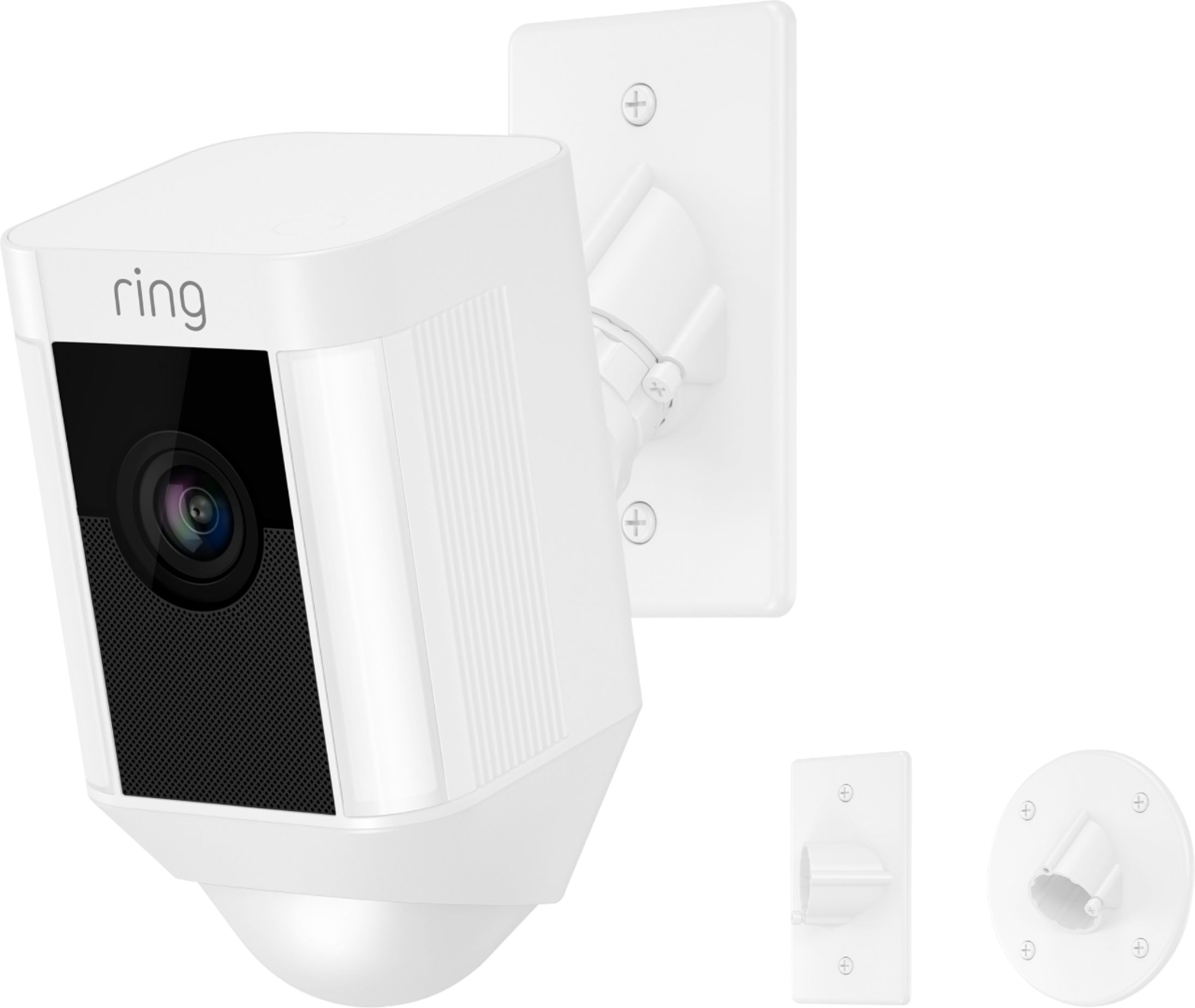
A:AnswerYou should be able to do so. As shown in the marketing picture this Ring camera comes with one round mounting plate and two rectangular mounting plates. One of these is for a box installed vertical and the other horizontal. The camera is moumted to this bracket with a coupler that will swivel slightly up and down or side to side.
A:AnswerHello InfraredLighting,
Thank you for reaching out with this question. Smart Lighting integration is a great step to enhancing your home security. We do offer Smart Lighting integration with our Ring Spotlight Cam Wireless. To pair the Ring Camera with our Ring Smart Lighting, you will need to connect them via the Ring Bridge. The Ring Bridge can support up to 50 Smart Lighting devices. These devices can all be in one Group or multiple Groups.
We offer a list of FAQ's on our Help Center regarding the Ring Bridge, and how you can set this up for your home security. https://support.ring.com/hc/en-us/articles/360025181851-Ring-Smart-Lighting-Bridge-Information#Do_the_devices_sold_with_the_Bridge_come_paired
Please feel free to reach out to us if you have any additional questions or concerns. https://support.ring.com/hc/en-us/articles/213608406-Contact-Us
Thanks,
Caitlin with Ring
A:AnswerHello Jackie,
Motion Zones allow you to define a specific area that you want your Ring device to cover while ignoring everything outside that area. By selecting Motion Zones to cover only areas you want the Ring device to monitor, you can effectively monitor the area you want, and reduce the number of unnecessary motion alerts, such as cars driving by.
A Solar Panel accessory is not an option for this device, it does require to be plugged in to power on and function properly.
Here is a helpful article regarding the Ring Skill and Alexa integration: https://support.ring.com/hc/en-us/articles/115003247146-Integrating-Amazon-Alexa-supported-Devices-with-Ring-Devices.
For any additional questions or concerns, please feel free to reach out on our community forum at https://community.ring.com/.
Thanks,
Alexis with Ring
A:AnswerHello Jeff,
Great question! No, this device does not have an internal battery backup if it loses power. Here is a list of other Ring models, some that are completely battery operated, that would work for you in this situation: https://support.ring.com/hc/en-us/articles/115004687606-Ring-Security-Camera-Product-Comparison.
Battery life in our devices is dependent on device features enabled, local weather conditions, and customized motion settings.
For any additional questions or concerns, please feel free to reach out on our community forum at https://community.ring.com/.
A:AnswerHello,
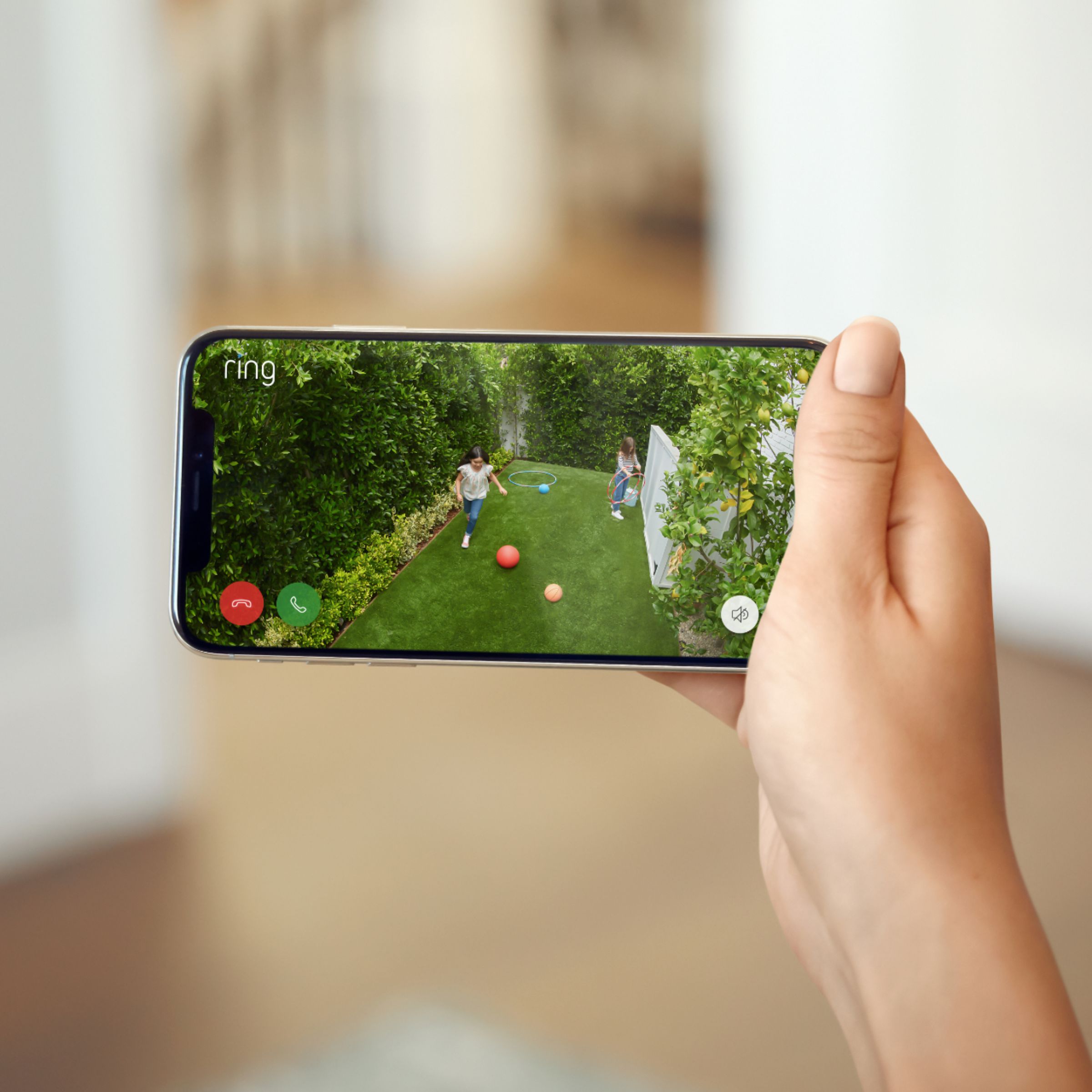
The battery in the Ring Spotlight Cam can go months between recharges with normal use. This is dependent on a number of factors in your home's environment such as the local weather, signal strength, and the number of activities captured. The more events captured by the Ring Spotlight Cam, the more your battery is used to power the live 1080p HD video stream to your device.
If you have any additional questions please reach out to us at [email protected]. Our Ring product specialist would be happy to help.
Sincerely,
Danielle from Ring
[email protected]
A:AnswerHello frustrated,
Great question! The Ring - Spotlight Indoor/Outdoor 1080p Wi-Fi Wireless Security Camera uses only 2.4 ghz WIFI and is unable to connect to 5ghz network. If you need further assistance please reach out to us at 18006561918. -Jamila at Ring.
A:AnswerHi Peggy,
Yes, the Ring Spotlight Wireless Cam is a hardwired security camera that offers DIY installation. The camera comes with three flush mounting brackets and all the tools you need to set it up in just a few minutes. Please visit the link below to learn more about mounting your Ring Spotlight Wireless Cam.
https://support.ring.com/hc/en-us/articles/115005721643-Spotlight-Cam-Mount-Installation
With two-way talk, motion activated alerts, and 1080p HD video you will be able to see, hear and speak to anyone on your property. Its built-in night vision, LED spotlights, and siren alarm allow you to protect your home around the clock. If you have any additional questions, please reach out to us at https://community.ring.com/.
Thank you,
Danielle from Ring
A:AnswerHello Jazzman,
No, Ring does not have contracts. Our optional Ring Protect Plans offer additional features for our security devices. While subscribed to one of these plans, you will be able to access videos from every motion and live view event for up to 60 days (in the US). You can also access, download, and share past Ring videos. In addition, the Ring Protect Plus Plan allows you to have 24/7 monitoring if you have a Ring Alarm system at your home. You can choose to cancel your subscription at any time.
Without this service, you will still receive real-time video alerts on your smartphone as well as have access to the Live View feature. To learn more about our Ring Protect Plans, please visit the link below. https://support.ring.com/hc/en-us/articles/115001671383-General-Information-on-Ring-Protect-Subscription-Plans
If you have any additional questions, please visit our community forum at https://community.ring.com/.
Sincerely,
Danielle from Ring
A:AnswerYou can schedule motion notifications but do not see (currently) a way to schedule the light. The only settings currently for the light is how long it stays on once motion is detected, the brightness, and the ability to choose the light zone size or turn off. The app is always adding new features though and may be something they add later.