A:Answer - Option 1: One Modem + Two Routers
- Connect the coax to a single modem.
- From the modem, connect to a router.
- If you want two routers, you can chain them (router → router) or run them in different modes (e.g., one as a main router, the other as an access point).
- Option 2: Separate ISP Accounts
- If you truly want two independent routers each with their own internet, you’d need two separate ISP lines/accounts (e.g., one for Xfinity, one for Verizon/DSL). Each would have its own modem/router.
- Option 3: Mesh or Access Points
- Instead of two routers fighting for control, use a mesh Wi‑Fi system or configure one router as an access point. This gives you seamless coverage without conflicts.
⚠️ Important Note
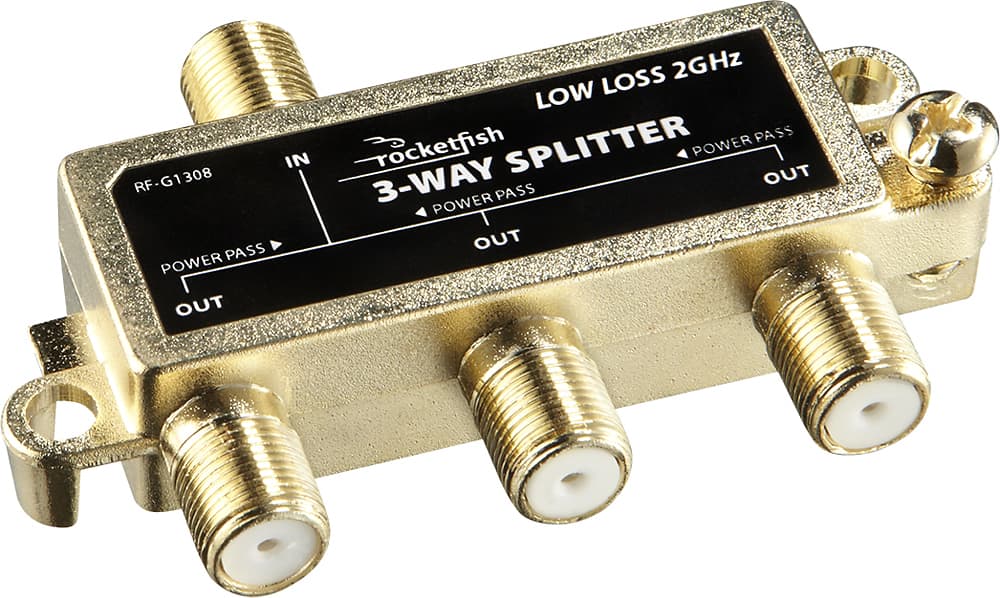
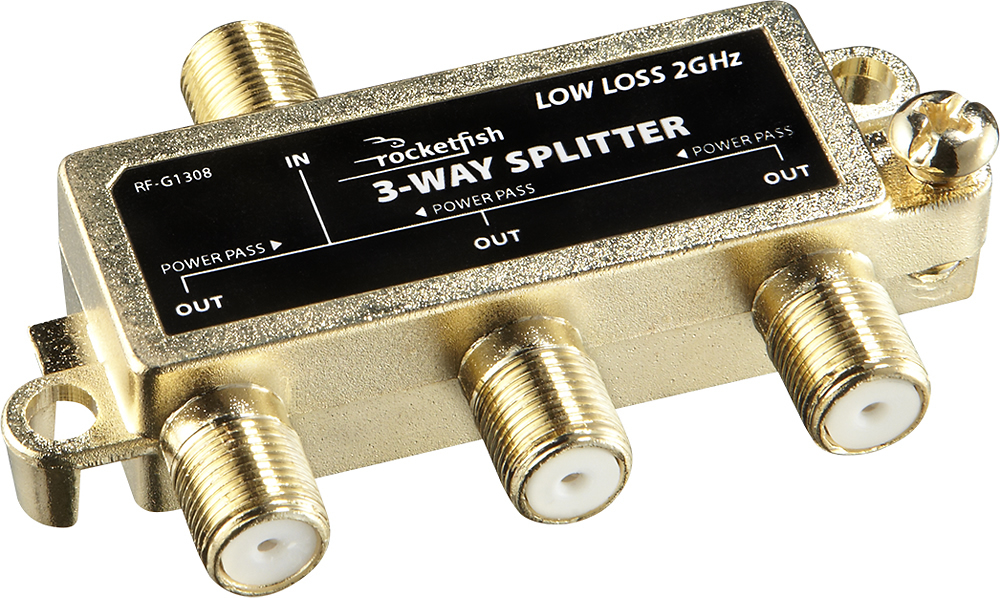
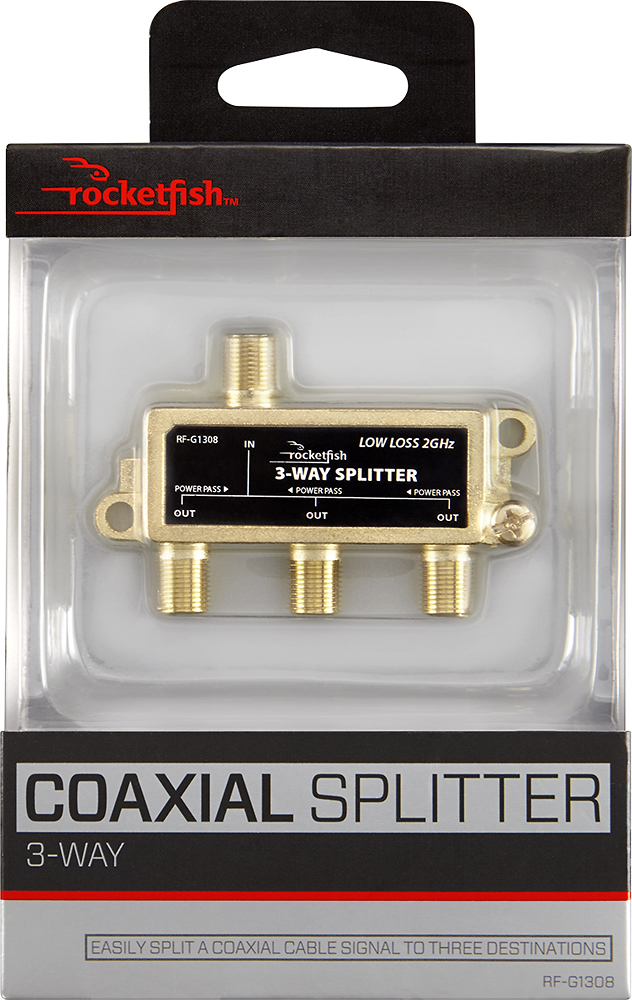
If you try to split the coax and connect two modems/routers to the same ISP line, the ISP will usually block one of them. Only one device can be provisioned at a time.
Bottom Line: You can’t connect two different routers directly to the same coax cable feed. You need one modem, then distribute the connection through a router (or multiple routers configured properly). If you want two truly separate routers, you’ll need two separate ISP lines.
Would you like me to sketch out a diagram showing the clean way to run two routers off one modem (one as the main router, one as an access point) so you can see how it’s wired?