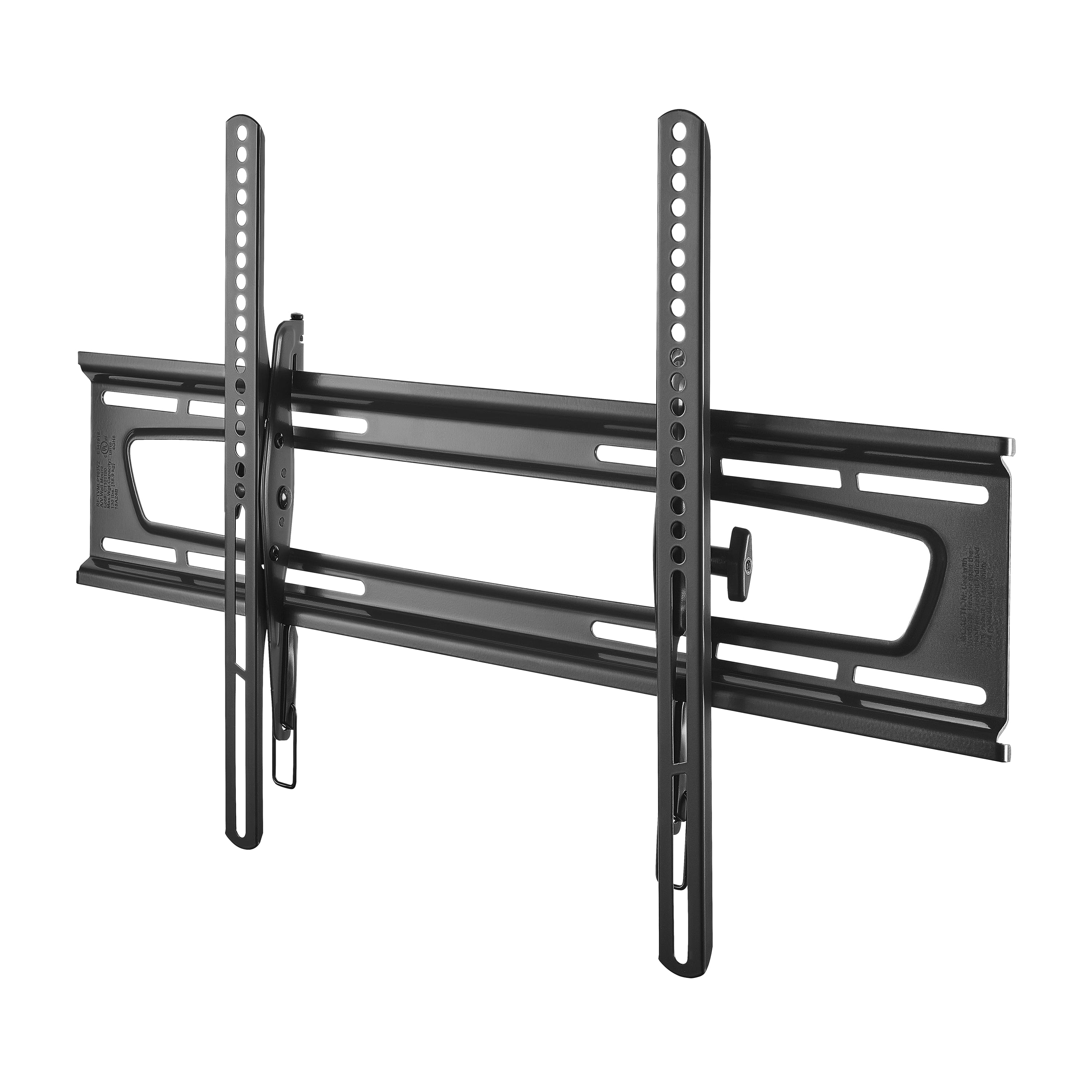
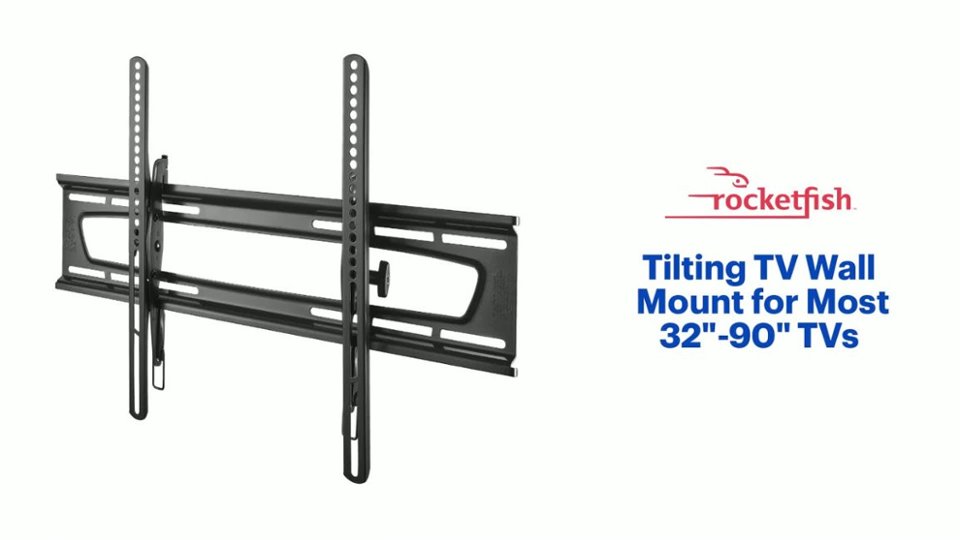
A:Answer The 4 lag bolts included in the package are intended for wooden studs unfortunately. You are not out of luck installing this mount however. Instead of using wood screws or lag bolts as you would use in wood studs, use toggle bolts that you can purchase fairly cheaply at any hardware store. Starting from the center of the stud, make progressively larger holes in the drywall and stud until the toggle bolt will fit through. Follow the instructions as if you were putting it through just drywall. You could likely get away with only using 2 top toggle bolts, but for extra security I would personally go ahead and install toggles for all four holes.
Hope this helps you. Good luck!