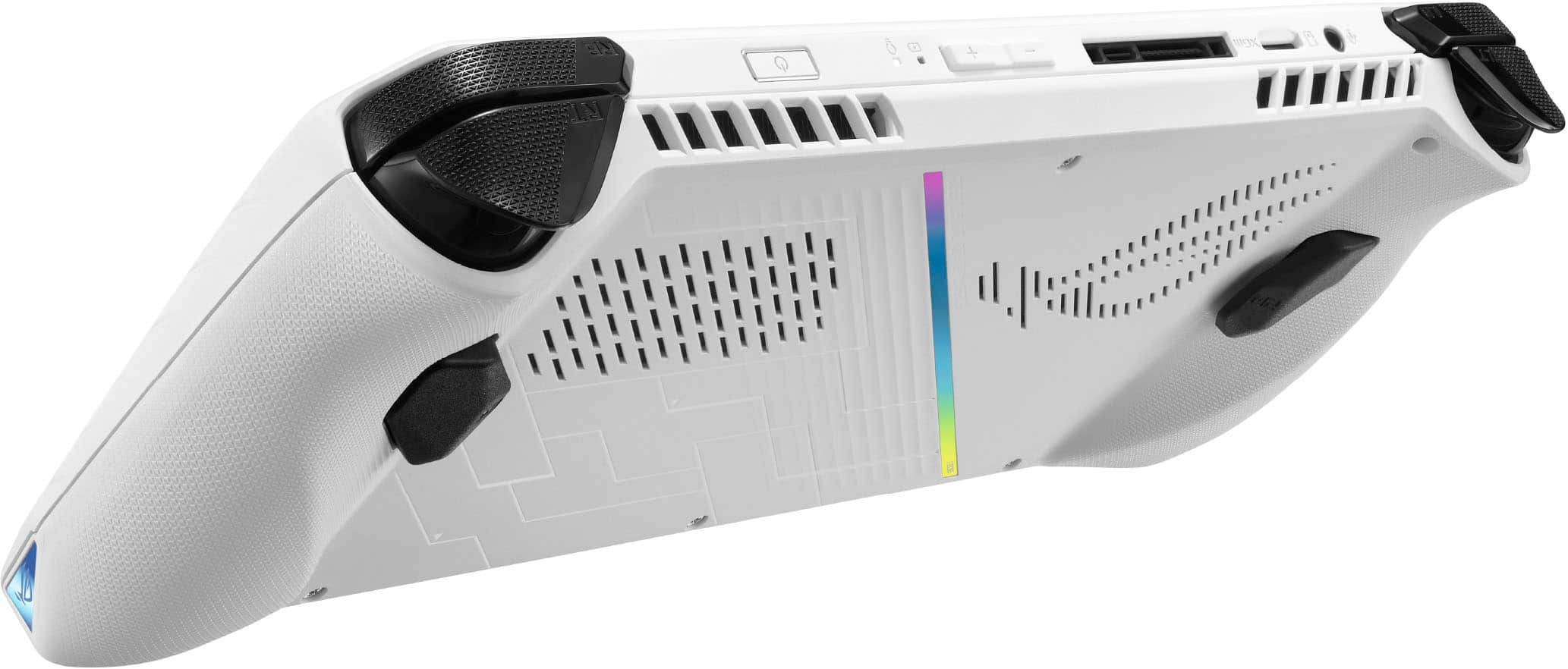
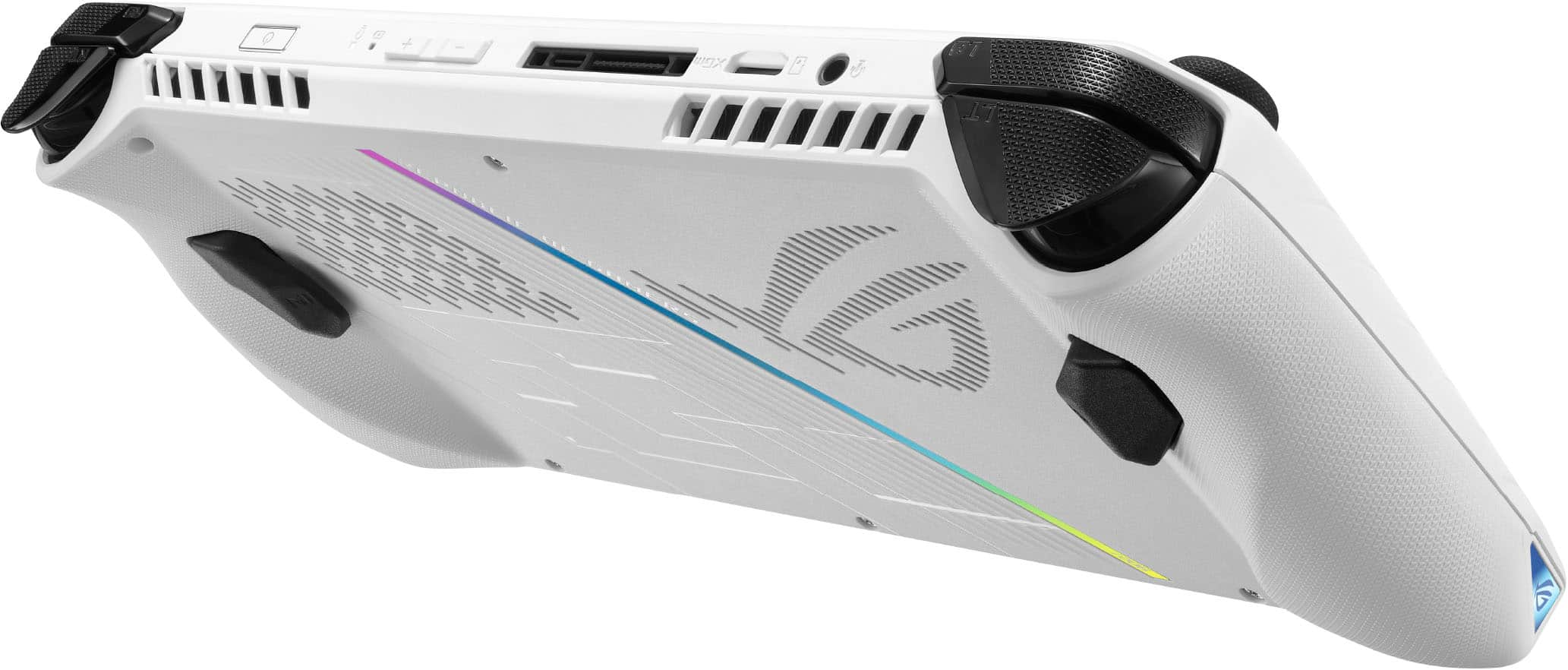
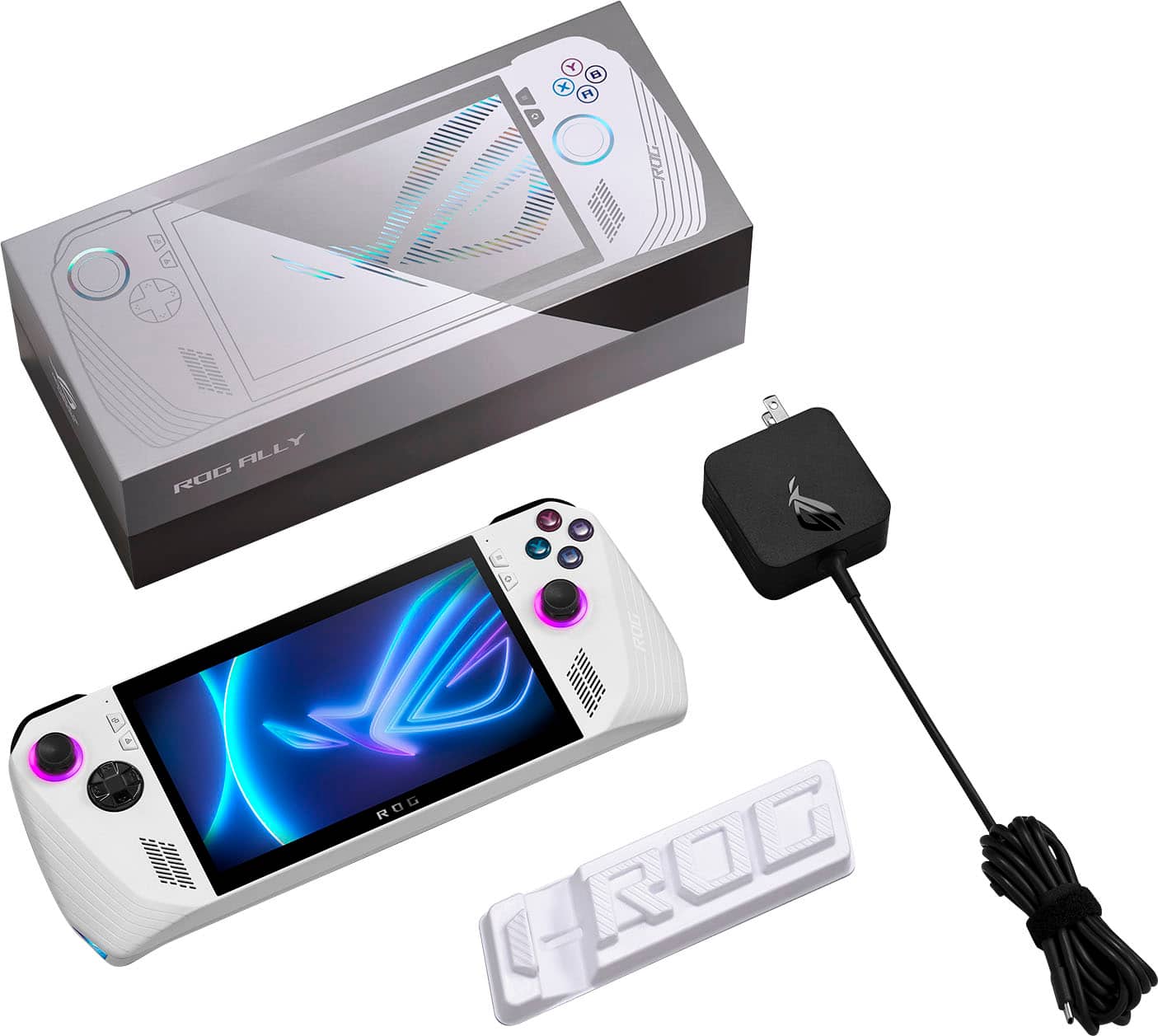
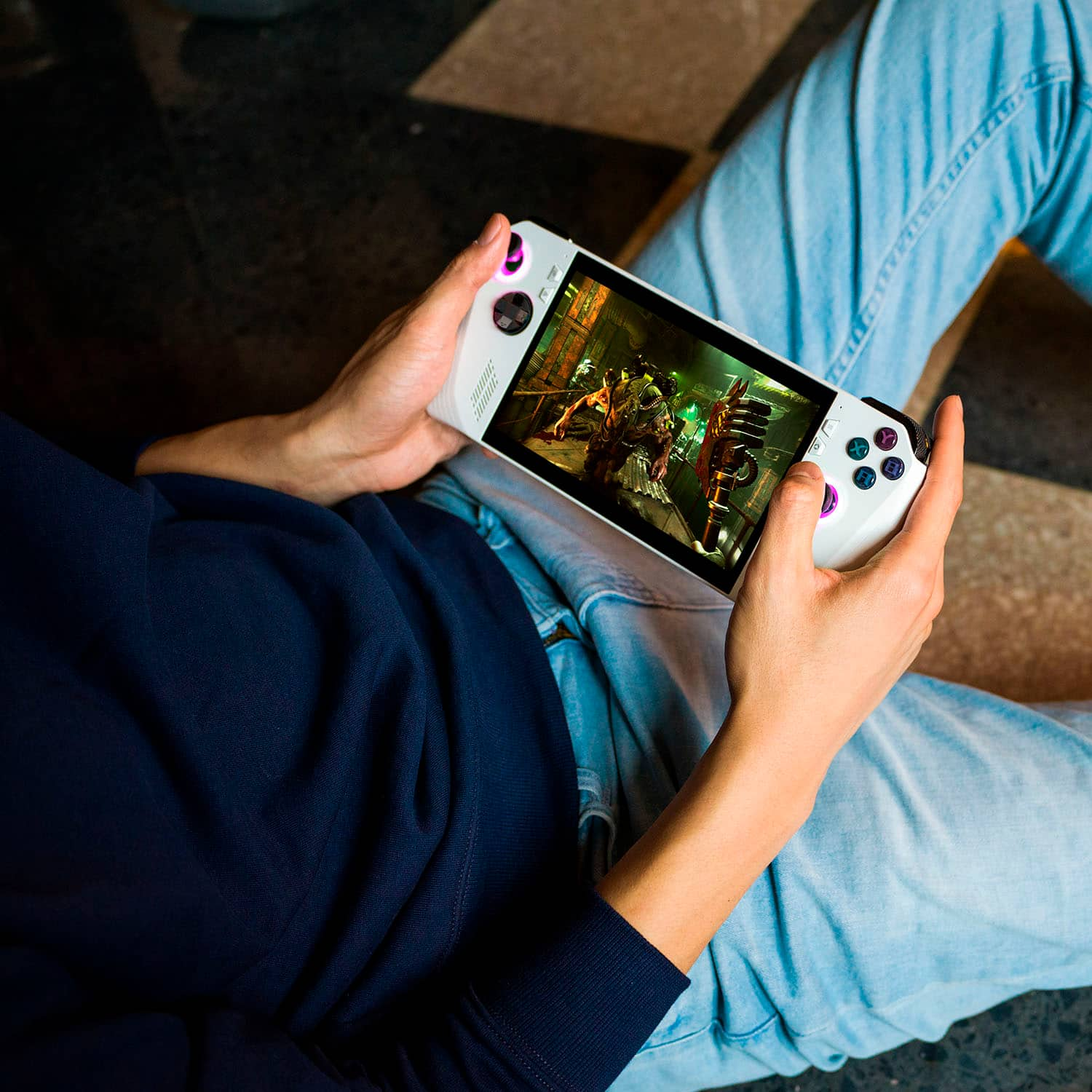
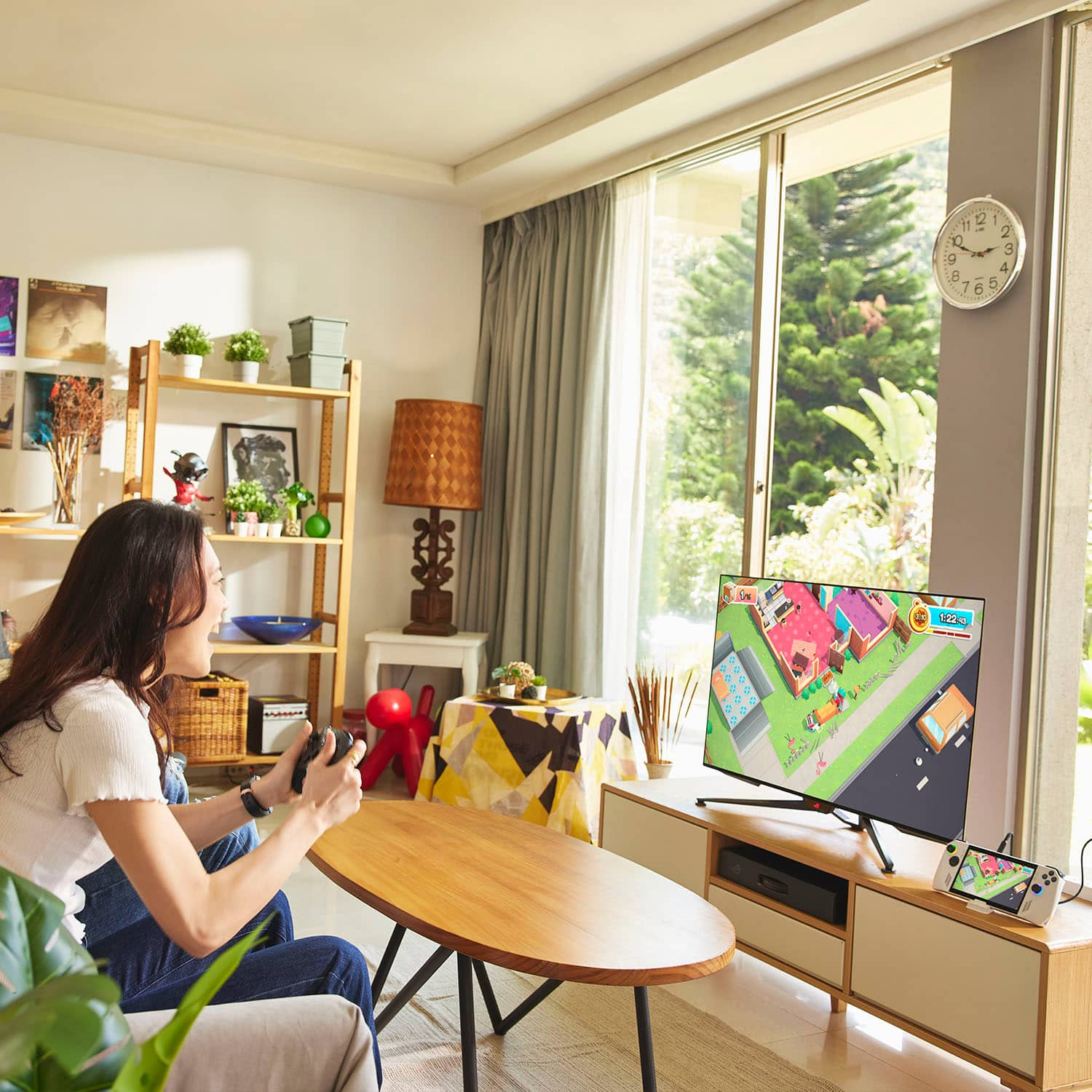
A:AnswerIt’s a fully functional windows 11 computer, though while it can do it, I would personally use a capture card on a second computer so you can get full performance on your games. But if you are just streaming lightweight games, should work great.
A:AnswerWill be able to confirm on the 13th when I pick up my preorder, but from what I’ve seen, if docked to an XG mobile dock you can connect to 2 directly from that. Making assumptions from here, but the usb 3.2 gen 2 port supports up to 4k 60hz on a single display, so I don’t think it would have an issue with multiple 1080p displays on the right dock.
A:AnswerIt's a PC encased by the shell with controllers. When you boot it up, it loads Win11. So yes you can play GTA RP. Just watch out for the mods because it could eat up the RAM.
A:Answeryes you can disable them
To stop automatic updates on Windows 11, you can do it by stopping Windows update services. Check how to do it below.
Press Windows + R, type services.msc in Run dialog, and press Enter to open Windows Services.
Scroll down in the services list and find Windows Update service. Double-click Windows Update service to open its properties window.

Under General tab, next to Startup type option, you can click the drop-down icon to select Disabled option.
Click Apply and click OK to apply the changes. In this way, it will permanently disable Windows 11 automatic updates.
A:AnswerCompared to the original OneXPlayer, the Ally is more powerful on all fronts. Though the onexplayer has more I/O.
As of right now any other windows handheld that is not at least using an AMD R7 7840U APU is going to be less powerful. The Z1 Extreme looks like a modified version of the 7840U and depending on how much and how fast of ram it’s paired with the 7840U handhelds will perform better or worse than the Ally.
But, if you go with them, you lose the option for bestbuy accidental damage coverage, and Asus support coverage.
A:AnswerThe official page only shows a white model. So I do not think there is any plans for other colors right now. Dbrand will likely make skins for it. So you can change the color that way.
A:AnswerIt has a Ryzen Zen 4 processor with 8-core/16-thread and a 5.1Ghz boost clock so it should be able to handle computer programming with no issue. You will need a USB-C dock to hook up keyboard/mouse (or Bluetooth peripherals) and output to an external display.
A:AnswerThe ASUS ROG Ally is a gaming handheld designed for high-performance gaming rather than traditional smartphone functions. While it runs Windows, allowing access to apps like Discord, web browsers, and messaging platforms, it does not support cellular connectivity or native phone features like calling and texting.
A:AnswerGamepass works. So you can play anything on PC gamepass if you have ultimate. Also some Xbox games are “play anywhere” so those would be downloadable from the store. PlayStation games will not work on this period. You can buy some Sony games on steam like Last of us, Ratchet, Returnal and more but you have to purchase those again.
A:AnswerHi If you want to enjoy your gaming experience, the Asus ROG Ally Z1 Extreme is a significantly better purchase. It’ll play more games, and it’ll run them smoothly (for the most part). On the Z1 ROG Ally, some games, such as Returnal, wouldn’t even run without tweaking the settings in a major way. Other titles, like Starfield, offered such pitiful frame rates that they were almost unplayable.