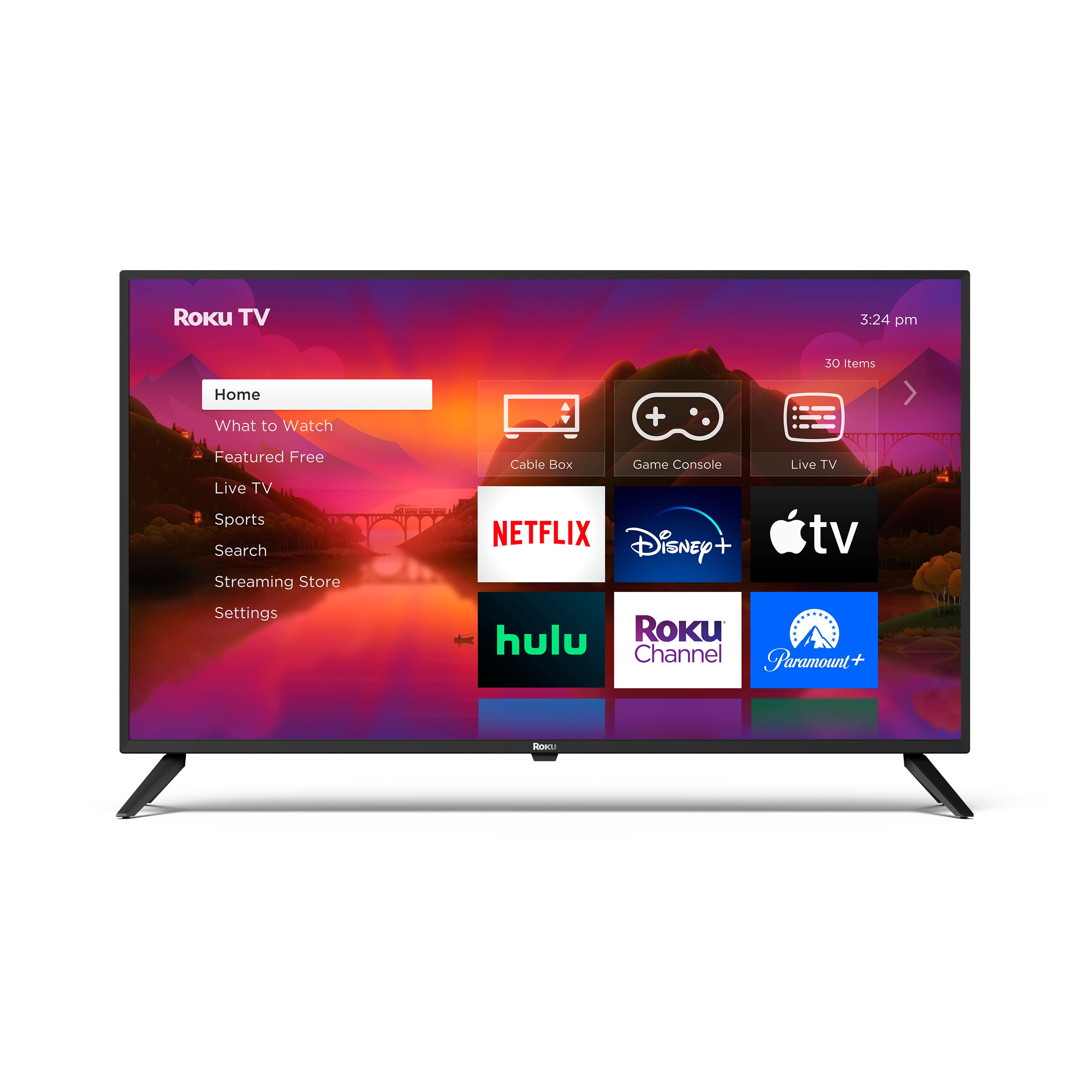
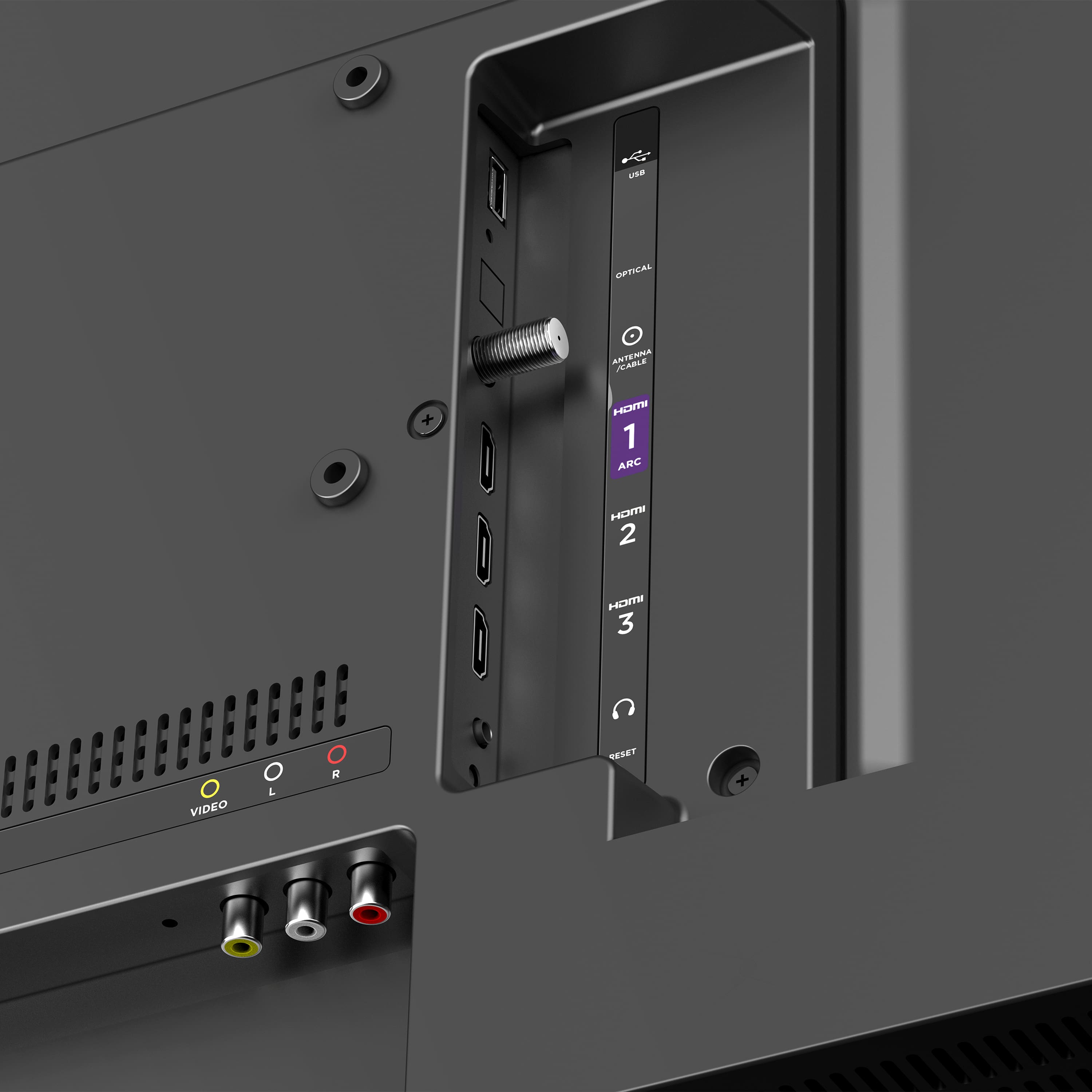
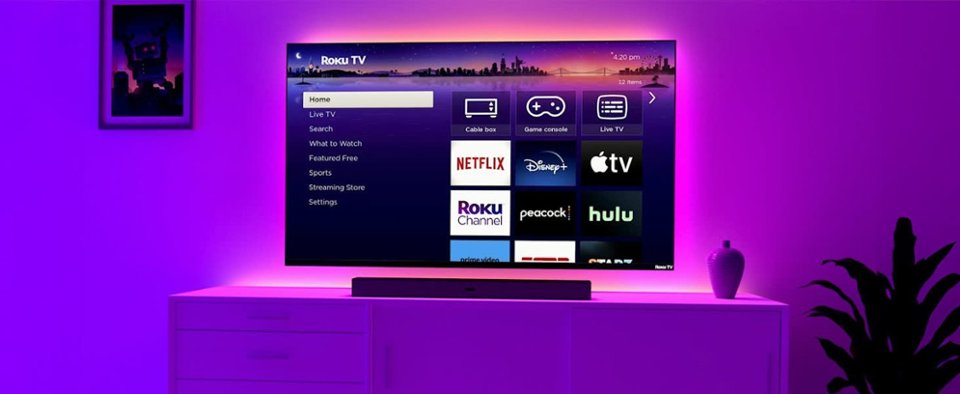
A:Answer Hello Antenna! A Roku TV does rely on internet connectivity for most features. You can watch content from cable or satellite services, play DVDs or Blu-Rays, and use other devices like gaming consoles without needing an internet connection. However, keep in mind that features like streaming apps, software updates, and certain interactive functionalities would require internet connection. If you don't plan to use the smart features or apps that rely on the internet, you can still use a Roku TV for basic television functions without being connected to the internet.