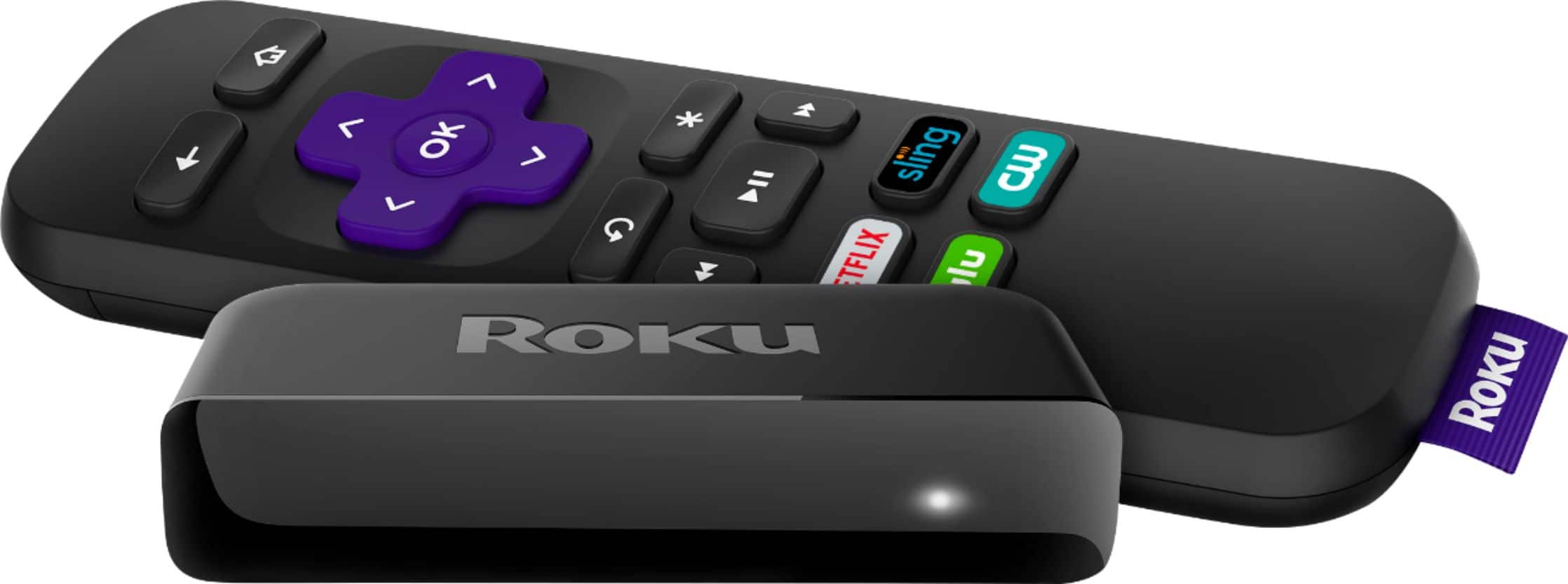
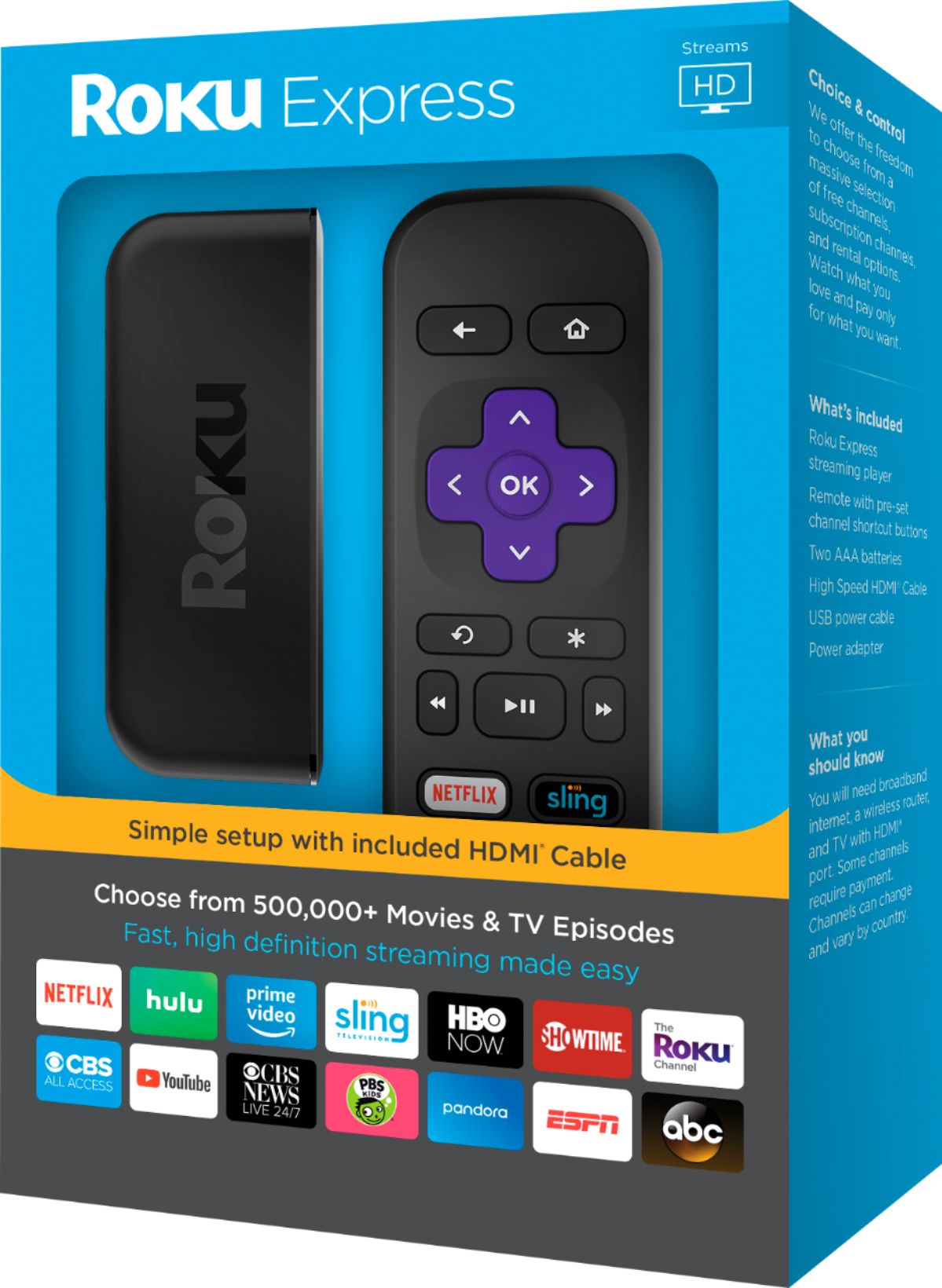
A:AnswerIf your older TV doesn't have an HDMI port (which it probably doesn't) then you must purchase the Roku Express+ (instead of this Roku Express). The "plus" version has composite outputs which can be used to plug into an older TV that doesn't have HDMI.
A:AnswerThe major difference is each is made by a different company and run different software. Amazon sells the Firestick that connects to Amazon Prime and Roku sells their products to the Roku store. Each may support connected to third party source streams play video.
A:AnswerYes, if you want them to operate at the same time you would need two. If you are only going to watch in one room at a time you can physically move it.
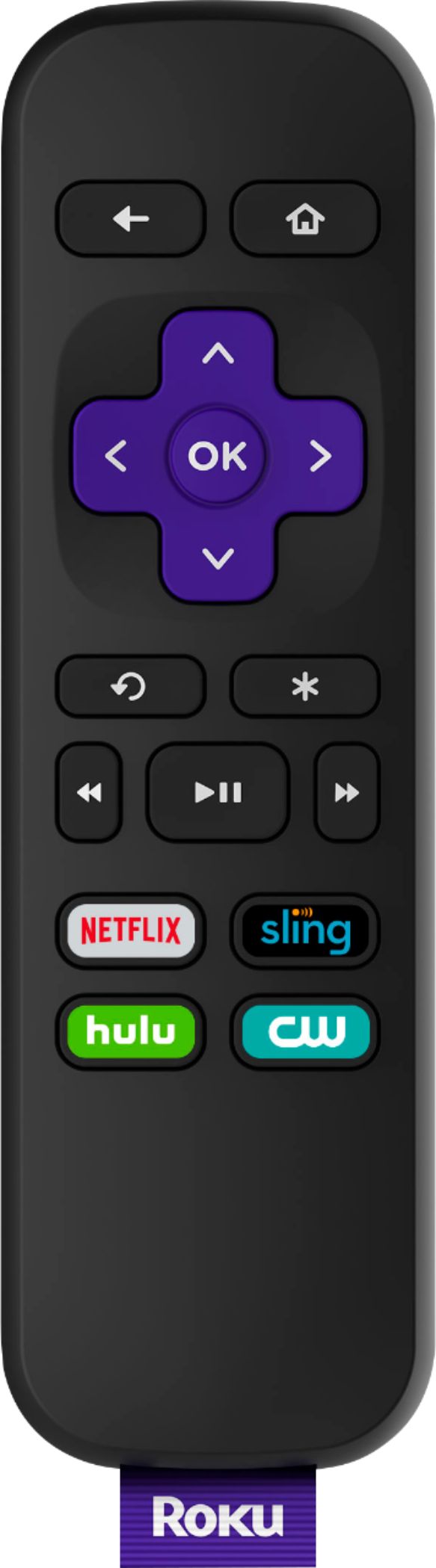
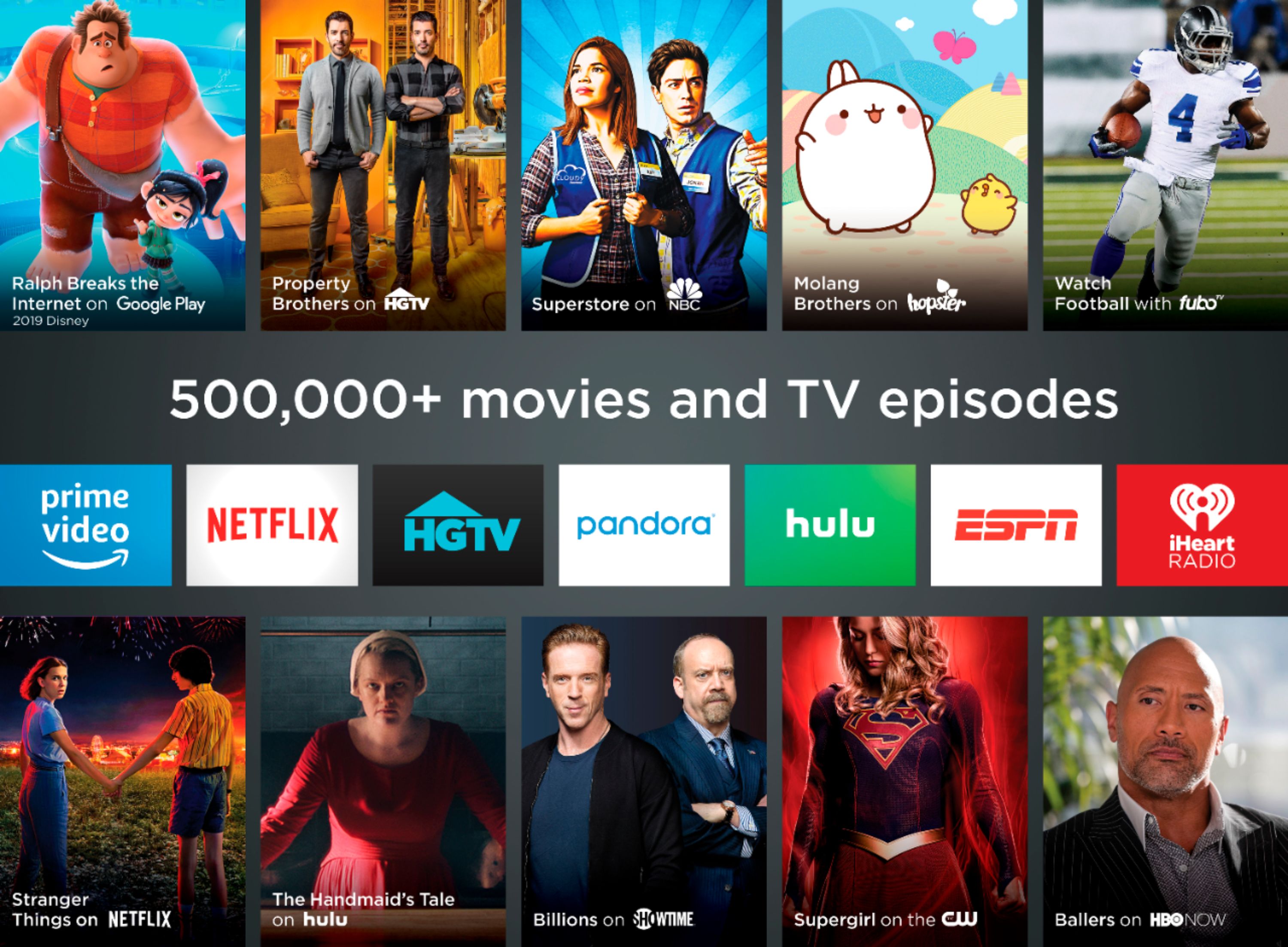
A:AnswerYou can watch Netflix and YouTubetv. You can move your apps, such as Netflix, in order to fit your needs. I got tired of scrolling and moved the apps that I watch most to top.
A:AnswerYes. I had the large bundle like that too and got tired of being raked every month. I canceled my cable bill kept the phone and Wi-Fi, and have roku's on all my TV's. It's great!
A:AnswerRoku requires internet access. HD antenna gets you local channels that air for free. You may be able to connect Roku to your cell phone Hot Spot but not sure how that will work.
A:AnswerIt would be best to get wi-fi for your TV to work properly. Try Pluto TV on Roku you can get free over the air TV through that.You might be able to use smartphone depending on TV hookups and those on phone but wi-fi will give you better signal.