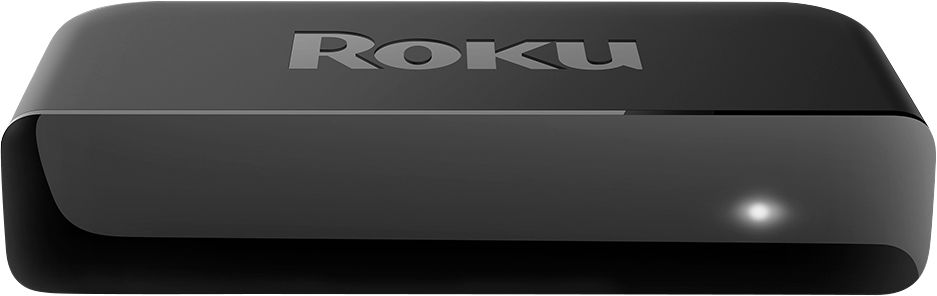
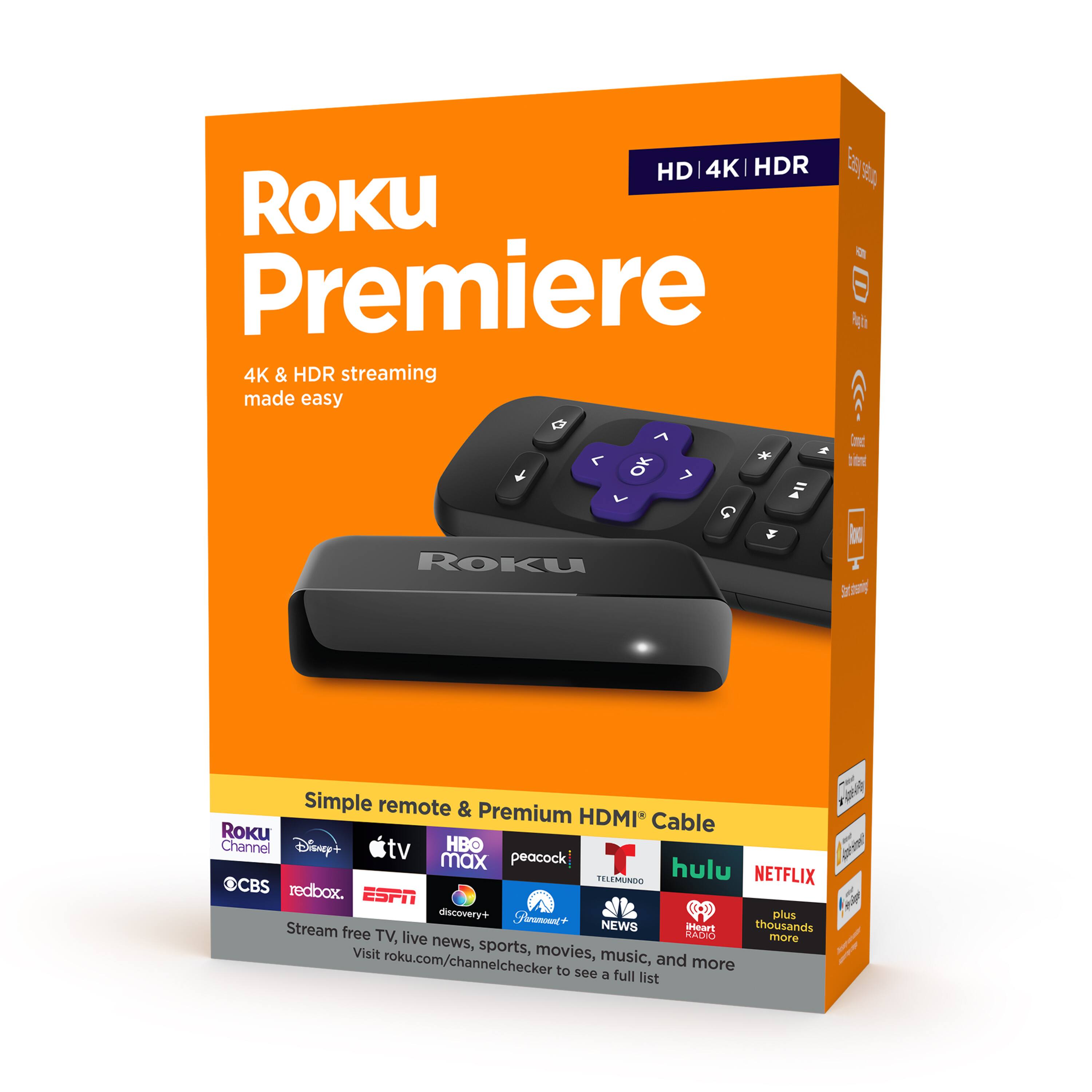
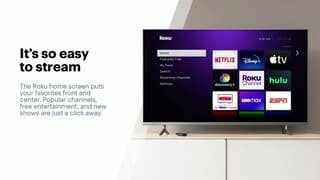
A:AnswerThe Premiere and Express are very similar. The Premiere is an upgrade because it offers 4K Streaming Content if you have a 4K TV. Other than that they are the same.
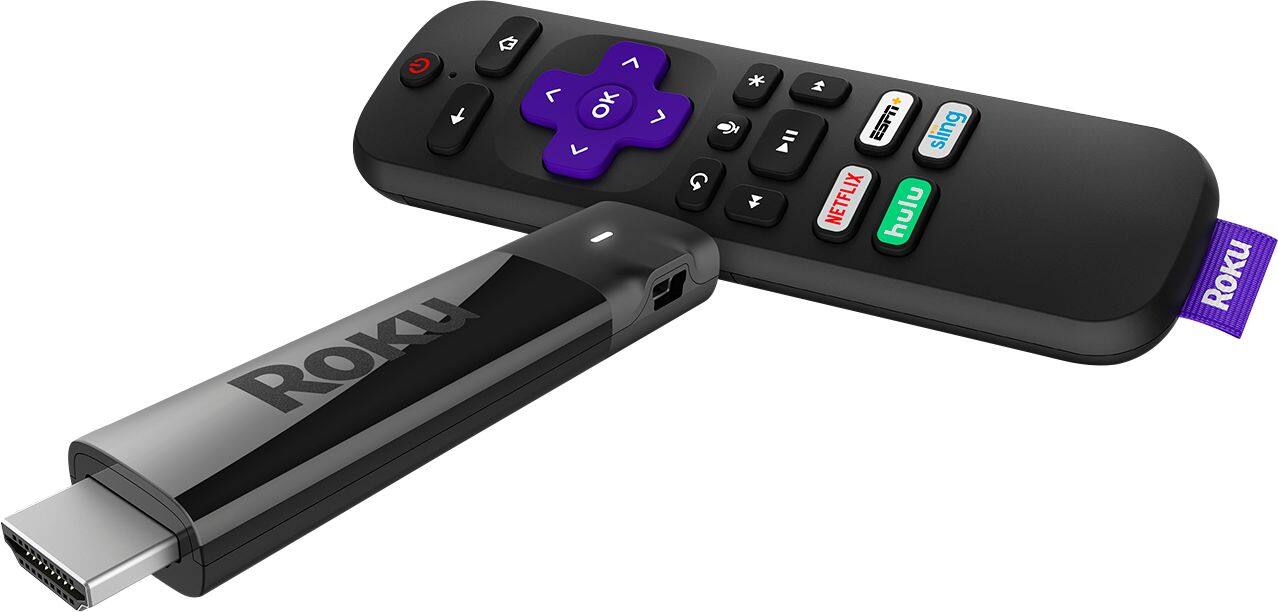
A:Answerif you have a USB or HDMI connection on your Sony, then you can use a Roku Stick (I'm not sure what type of connection a Roku stick has), but you'll definitely need one of these connections on your TV
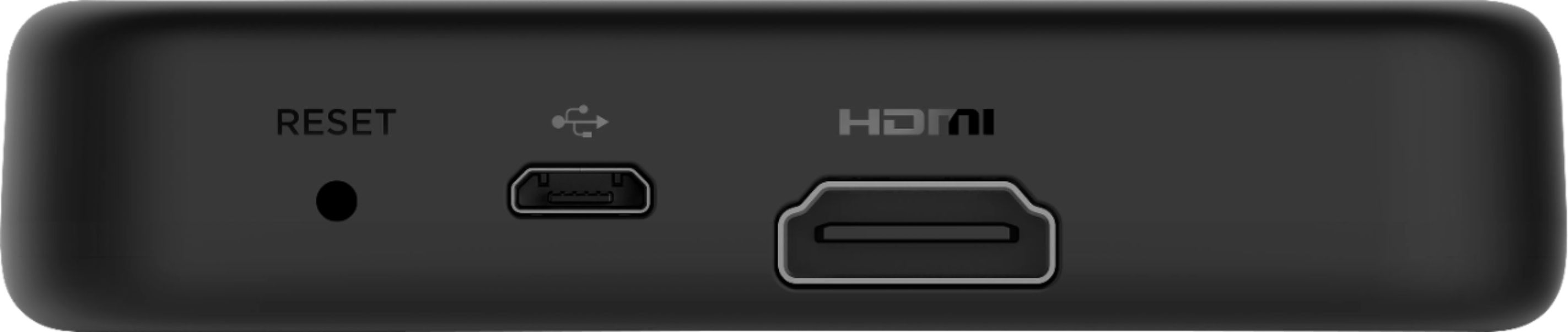
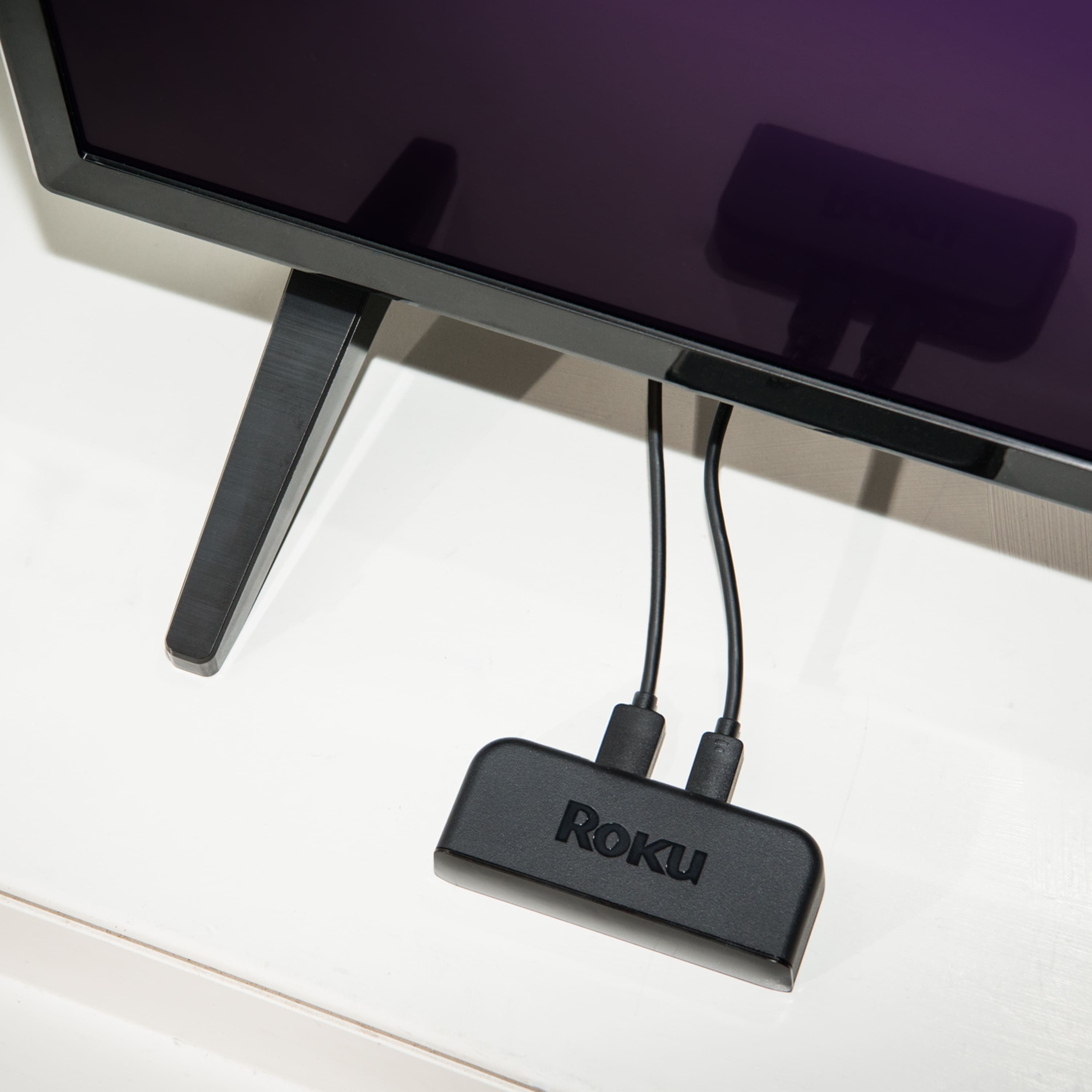
A:AnswerBoatman, I am sorry I don't completely understand the question. What do you mean the Roku wouldn't connect with your TV WIFI? The Roku Premiere connects to your TV via the HDMI cable and connects to the internet via WIFI. https://support.roku.com/article/223372348
A:AnswerNot sure but saw this on the internet:
While Roku is the first tv streaming device to carry Philo, not all Roku devices are supported at this time. Below is a list of supported devices that was posted on the official Roku blog (support for other Roku devices is reportedly in the works):
Roku Ultra (4660x, 4640x)
Roku Streaming Stick+ (3810x)
Roku Streaming Stick (3800x, 3600x)
Roku Express (3900x, 3700x)
Roku Express+ (3910x, 3710x)
Roku Premiere+
Roku Premiere
Roku 4
Roku 3
Roku 2 (4210x)
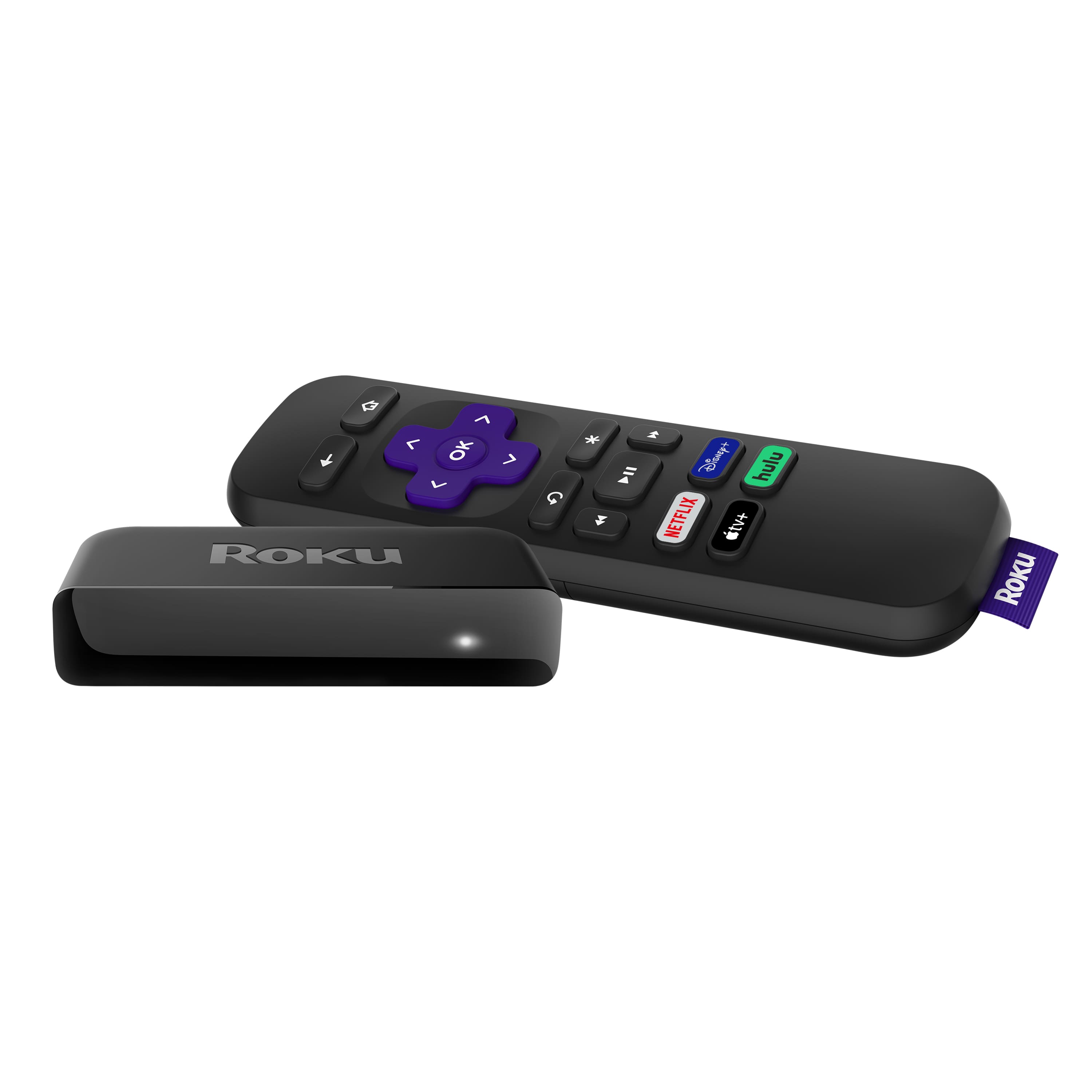
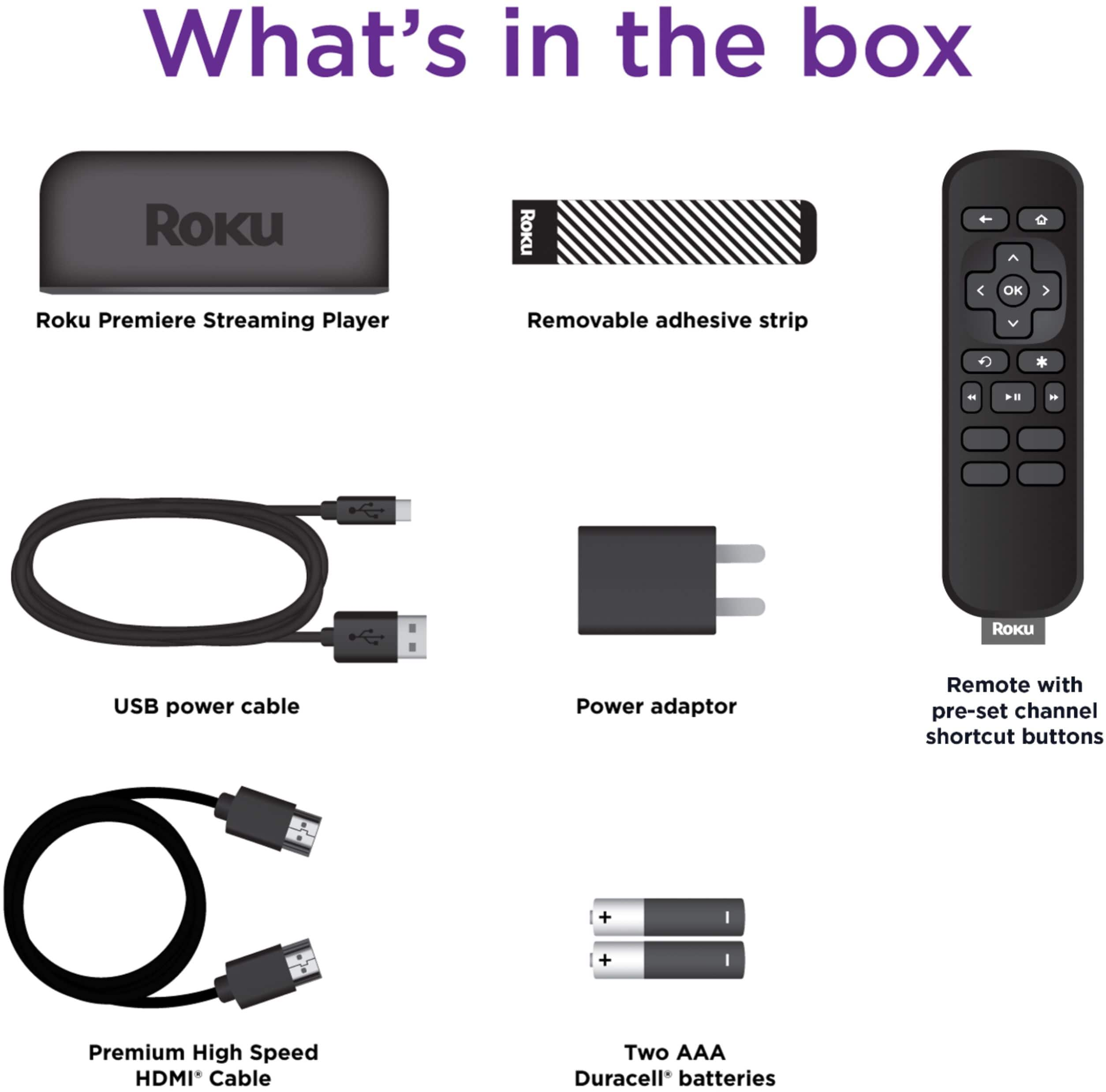
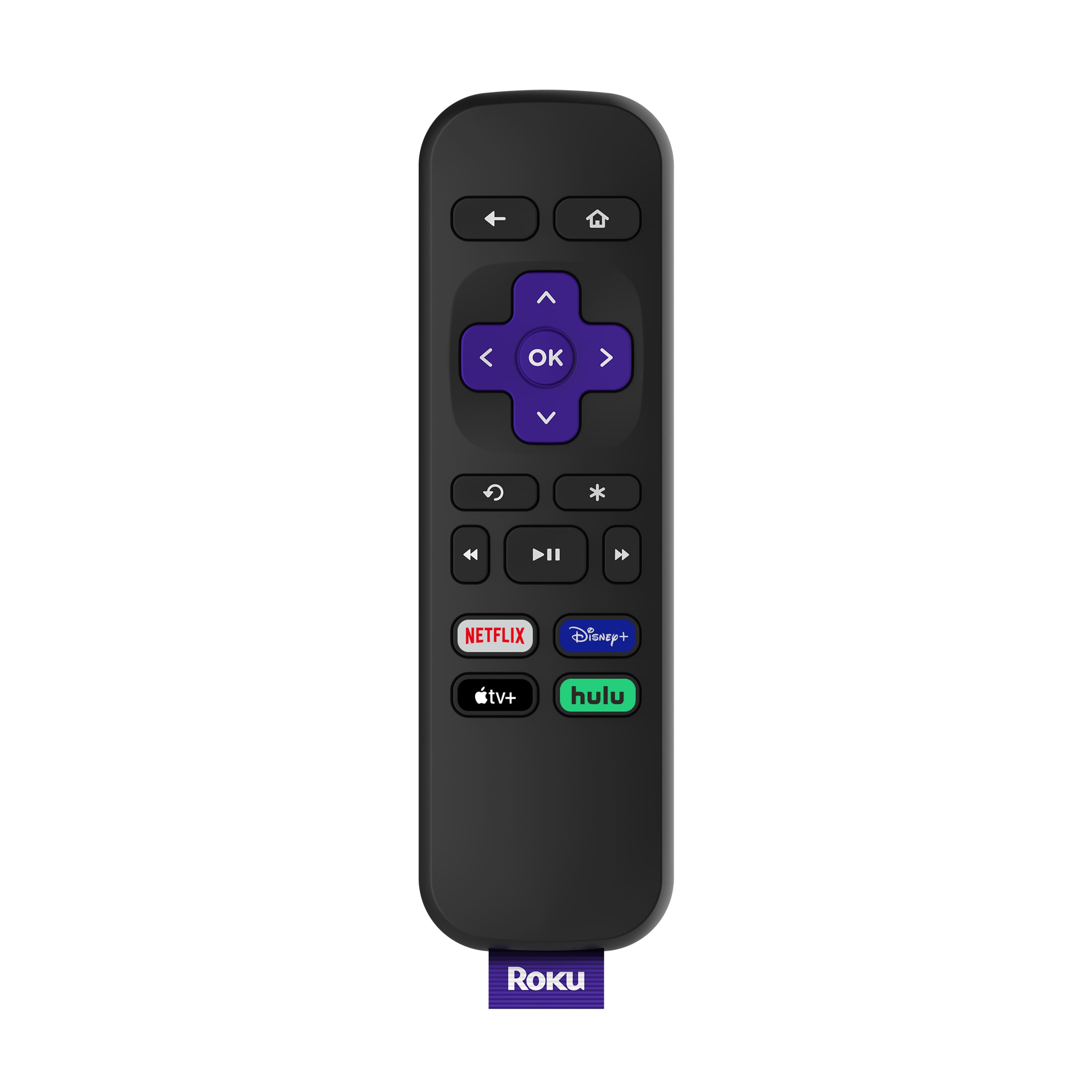
A:AnswerThey are very similar devices, they stream the same content, have the same remote and connect to the TV the same way. The difference is that the Express only streams HD content, the Premiere does both HD and 4K content.
A:AnswerKim, the Premiere does not have a headphone jack. However, you can use any headset with the Roku Mobile App.
The Roku® mobile app is a free application for iOS® and Android™ devices that turns your mobile device into a control center for your Roku streaming device. Private listening is a feature of the Roku mobile app that allows you to listen to the audio from streaming channels and live digital broadcast television on the earbuds, earphones, or headphones connected to your phone or tablet.
A:AnswerIdk about downloading movies specifically bur you'll have access to Amazon Prime and more. My Smart TV is outdated as well and the Roku helps with keeping up to-date with streaming apps. You'll have to log into all your accounts though.
A:AnswerFor the best picture quality you'll need an HDMI to COMPONENT video converter which will have red, blue & green RCA connectors. HDMI to COMPOSITE (a single yellow RCA connector) will also work based on the available inputs of your TV but at a lower resolution than component video. Both of these converters will also include analog audio outputs (red & white RCA connectors).
Another option would have been a Roku Express+ (if you can find one) from a few years ago (Model 3910) which included composite video and analog audio outputs but has been discontinued. The current Roku Express+ (Model 3931) no longer have these outputs and only offers HDMI for audio & video.
The best solution (if possible) would be to upgrade your TV.
A:AnswerWith the Premiere, you can only do the private listening with the Roku mobile app; The Ultra and Streaming Stick+ HE edition are the 2 models that have the headphone jack in the remote
A:AnswerFor this model, the remote will NOT control your TV's volume; The remote that comes with the Ultra, Streaming Stick+, and Streaming Stick will have the TV power and volume controls on it. You can also buy the remote by itself, and that one will have the volume controls (though it would be cheaper to buy the Streaming Stick+, instead of buying the Premiere AND Voice remote)
A:AnswerThe HDMI cable is a standard HDMI cable and size, if a HDMI cable fits in the TV's area, then it will work; also for your stick you have already, you can get a HDMI extender from Roku.com for free for that exact issue
A:AnswerHi Chris,
I just did what you are thinking about doing. I had 4 TV's, only 1 of which was a smart TV. I actually just replaced one of the older ones that was so old I couldn't even use it anymore. I use Roku sticks with 2 of the TV's. I realized that I had to have good internet speed all over my 2 story house. I bought a new mesh system (Eero) and continued with Xfinity internet. I chose YouTube TV after trying it free for 2 weeks. It's $50/month plus tax. I add on Showtime for an extra $11/mo. Instead of paying $177/mo. for DirecTV, I'm now paying less than $66/month. I love the fact that there aren't all the fees, DVR rental, etc. My DVR is in the cloud and free!
Good luck.