A:AnswerYou can purchase a new remote and pair it with the device. The app should work. I set up all of mine with app since it's easier to use a keyboard instead of the on screen keyboard. Make sure the phone or tablet is on the same network as the roku.
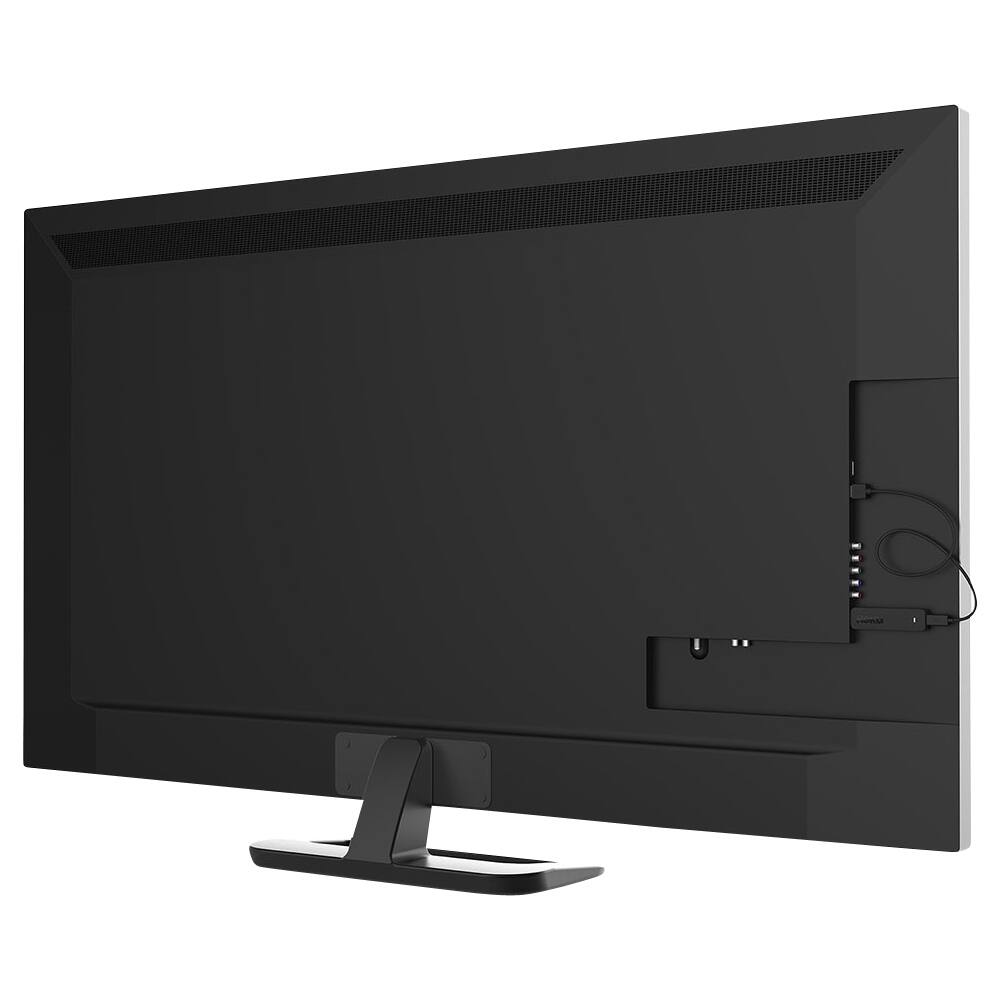
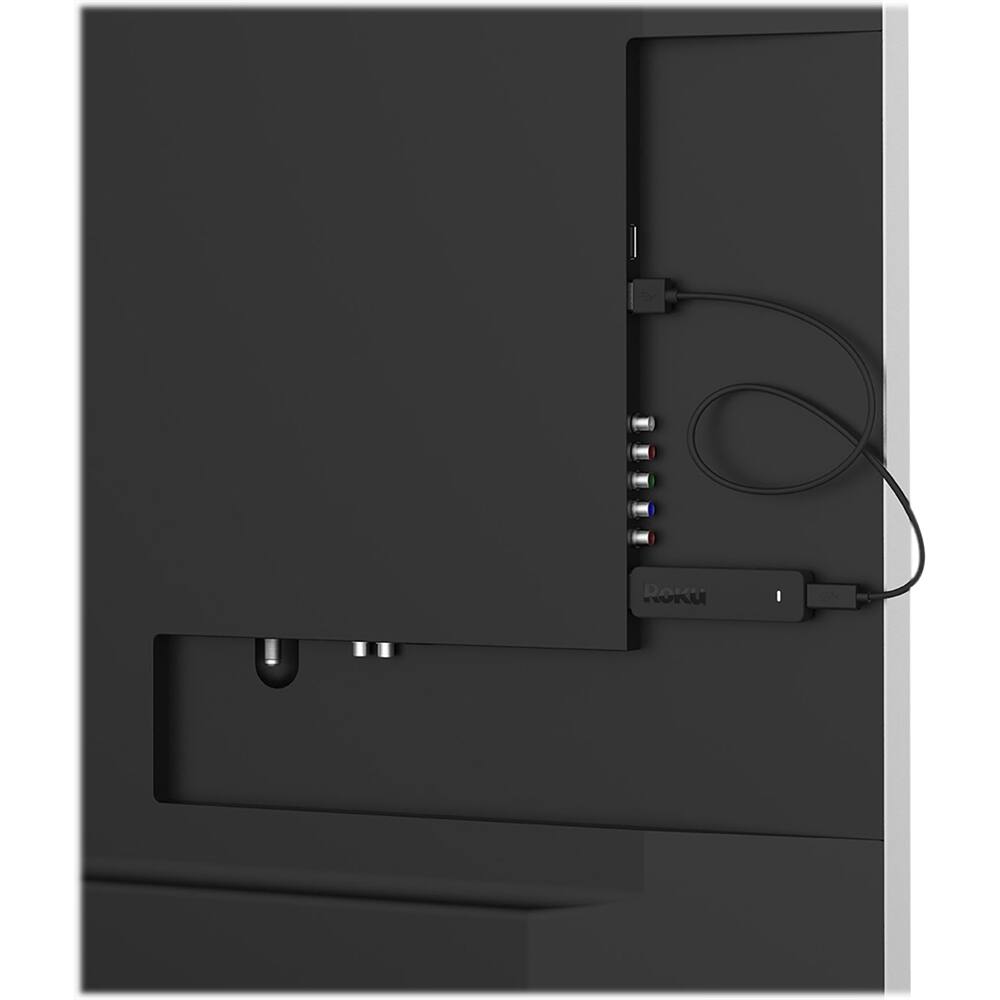
A:AnswerYou can buy an HDMI adapter cable with one female end that you can plug the streaming stick into and a male plug at the other that you can plug into your TV.
A:AnswerIt should, as long as the hotel offers wifi fast enough to stream. There is a way to get Roku to temporarily connect to a hotel wifi, without changing your default home settings. I THINK you may have to download the Roku app (for iOS or Android), but I'm not sure.
A:AnswerYes you can! We were paying about $150.00 a month for cable. We now pay about $48.00 a month for more than we can ever watch. There are limitations depending what you want to subscribe to or with this there is free options as well. We subscribe to Netflix, Hulu and CBS All Access for movies and TV shows that are on demand and some even available next day on new ones. We subscribe to Sling TV for live TV which has most of the channels you mentioned. They have three options to choose from. Only thing that's a little rough where we live is local channels but if you are in an area that some of the new flat antennas will work you are set for local news and the like for about $10.00 to about $100.00 depending on what and where you buy. Hope this helps. We haven't missed a beat on our viewing.
A:AnswerYes you can watch Game of Thrones with a roku stick without cable. However you would need a subscription to HBOnow and Internet service. HBOnow is a stand alone service, meaning you pay for HBO and not all of the other channels you never watch.
A:AnswerThe stick is not 4K, but will work fine with a 4K TV. If your TV up converts the signal, it will look almost as good as true 4K. Roku does make 4K products, but they are more expensive.
A:AnswerDSL is horribly slow. Only the provider selling it to you calls it "high speed internet", which simply means it's not dial-up.
Only cable providers and FIOS offer true high-speed in most home internet.
A:AnswerI hope you are aware that in order to use ROKU, you have to suscribe to a content provider like SLING TV, APPLE TV, YOU TUBE TV, etc. You need to check which provider streams that network on line.
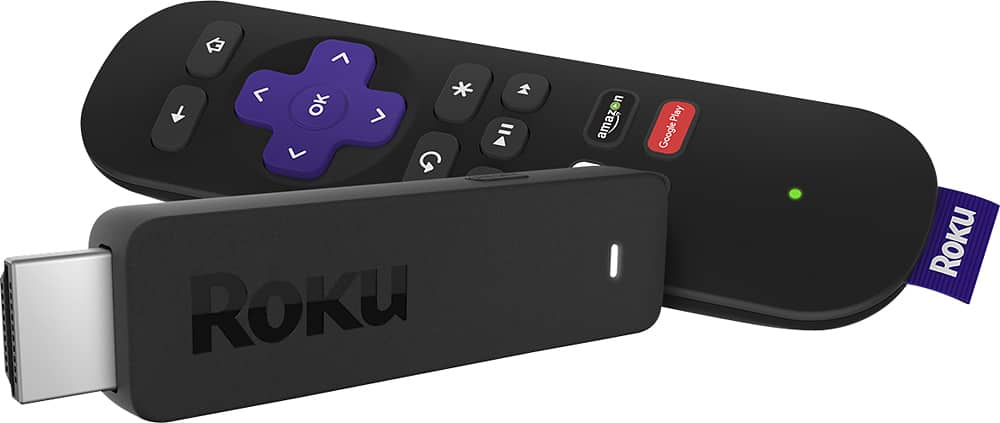
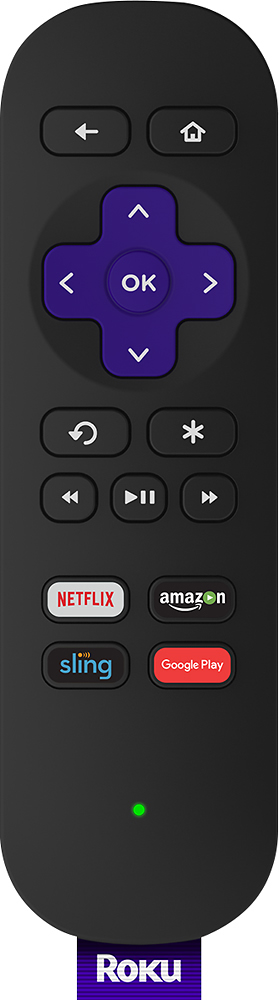
A:AnswerRoku gets paid fairly heavily from their sponsors. So yes the time that the item was purchased and the device type will determine what shortcuts are on the remote. I have researched to try and find a way to set them to whatever you want to no avail.
A:AnswerThat all you need is the wifi. I too don't have cable but it will pick up hundreds of different channels plus it can download apps from internet like vidangel if your trying to get movies that are edited and clean for family viewing. Plus you can buy and download movies and TV show like Apple TV but with more variety. Not sure if all are gonna be free but I don't think you'll be disappointed with it. Just make sure you get the more expensive Apple TV looking type and not the streaming stick as it overheats a lot and will cut your viewing time to very little because once it overheats too many times it stops altogether. Also would recommend putting a warranty protection on this product cause if it dies from overheating you'll at least be able to get a new one and not have to fork out another $100 for something that wasn't in your control.