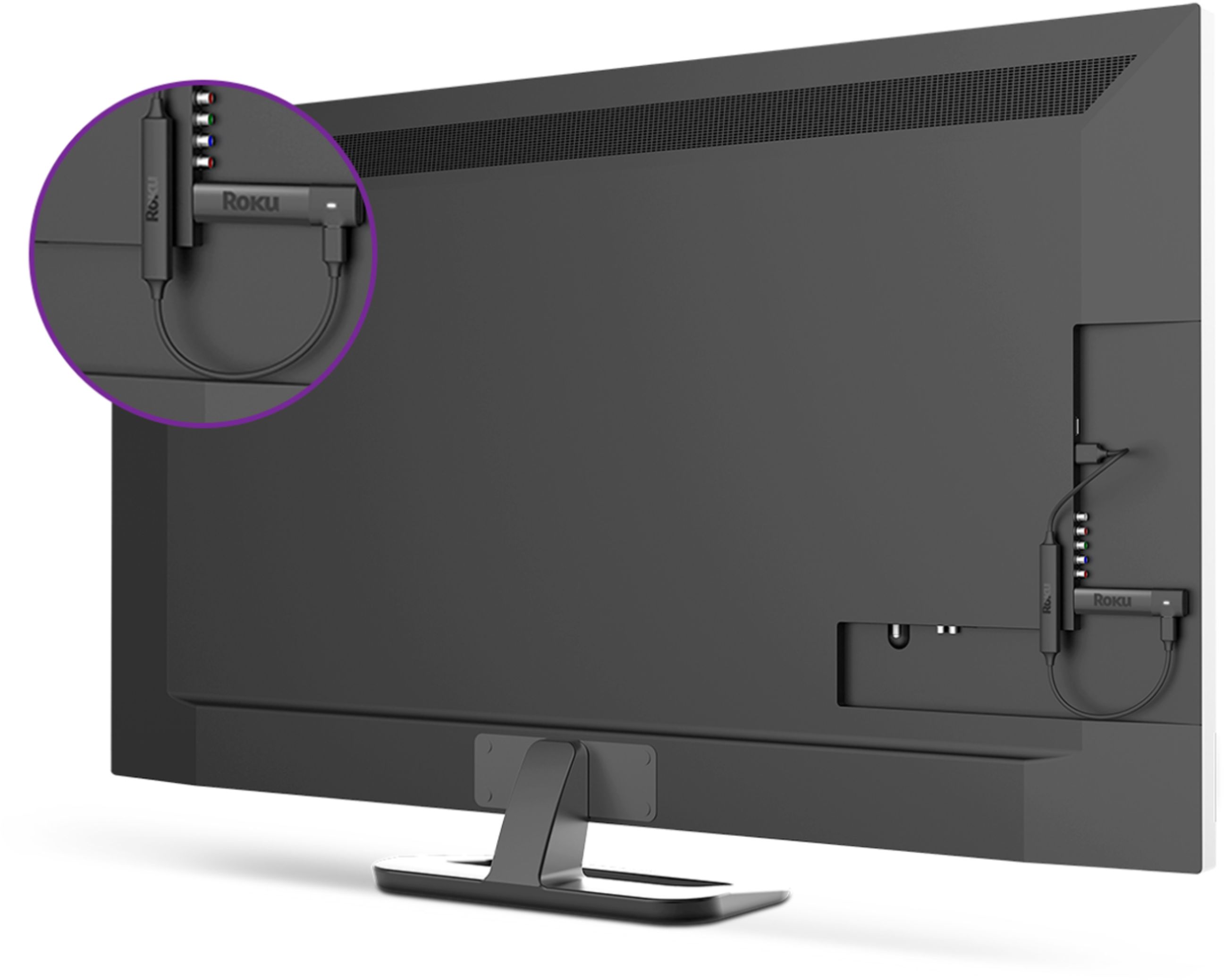
A:AnswerIf you have a HDMI input on your laptop then it should. But I have never seen a laptop with a video input. Plus, a Roku streaming stick doesn't do anything a laptop can't.
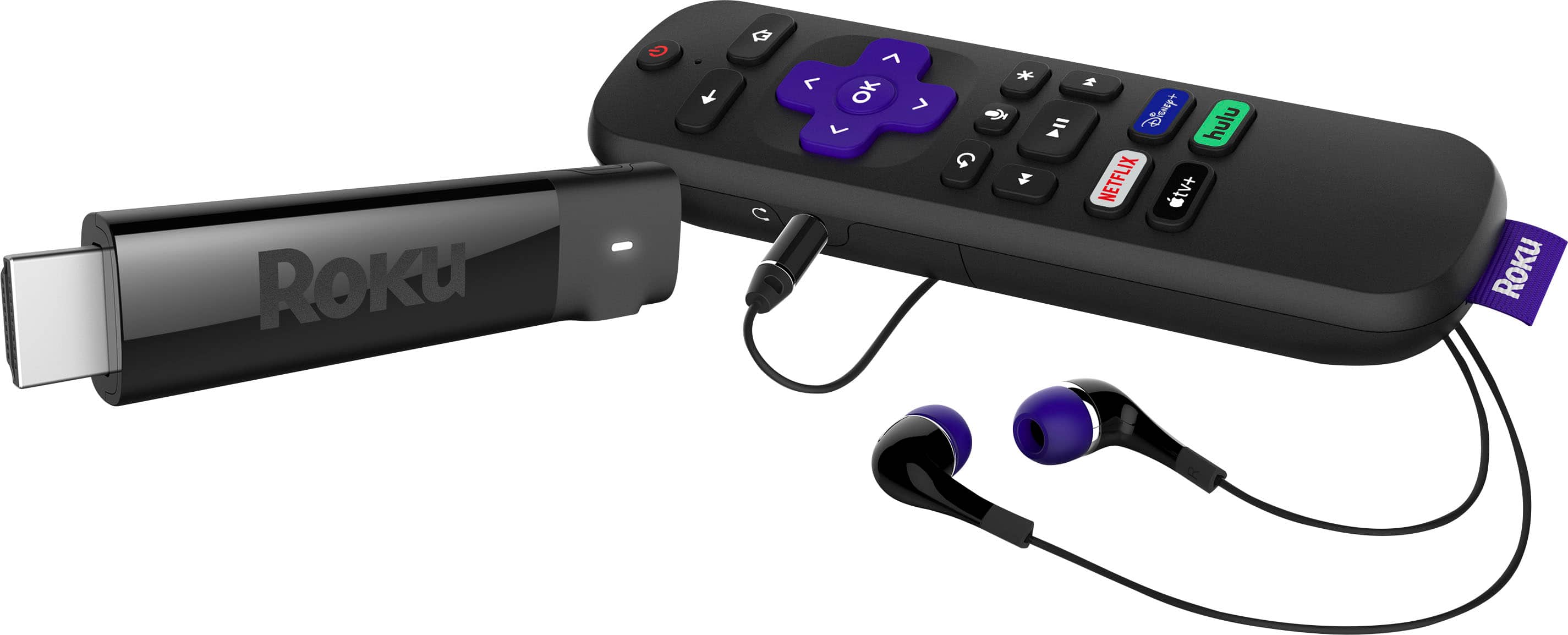
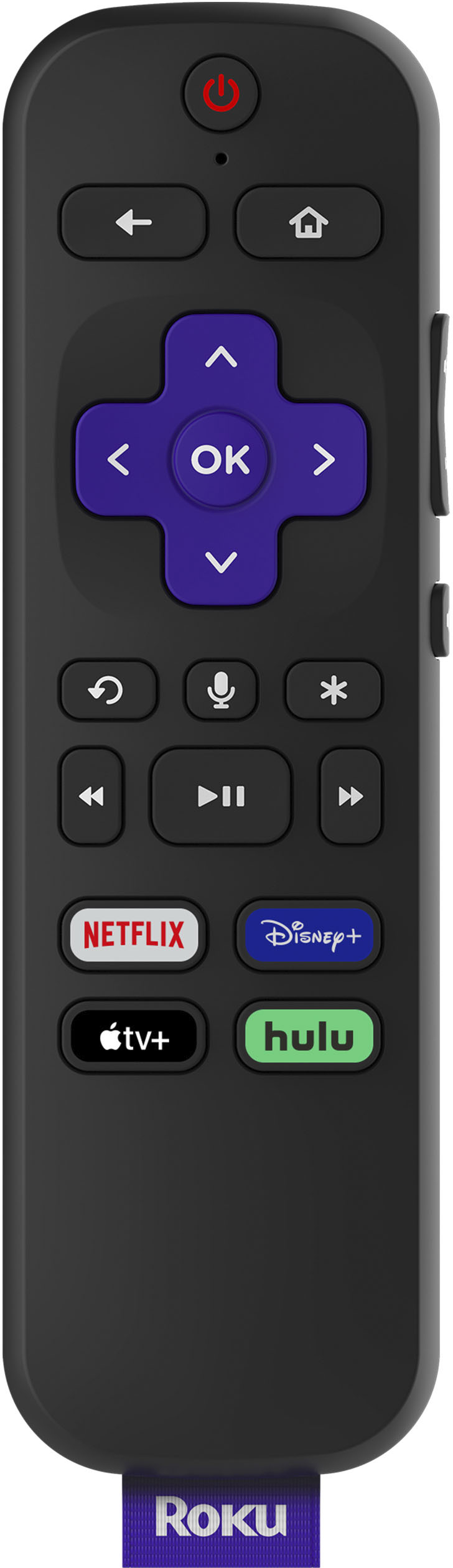
A:AnswerHi Sanyo47! The Roku Streaming Stick+ Headphone edition remote can be setup to control TV functions for power, volume and mute. Additionally, Roku offers the Voice Remote Pro and Voice remote (sold separately) which are compatible with most Roku TVs. These remotes are a direct replacement option for your Roku TV remote and will allow controls for all functions on your Roku TV. You can purchase the Roku Voice Remote Pro and Roku Voice Remote here: https://www.roku.com/products/accessories
A:AnswerHello John! The Roku platform provides the flexibility to Add and Remove Channels directly from the Home Screen interface. You can also browse all of the available channels online at: https://channelstore.roku.com/browse
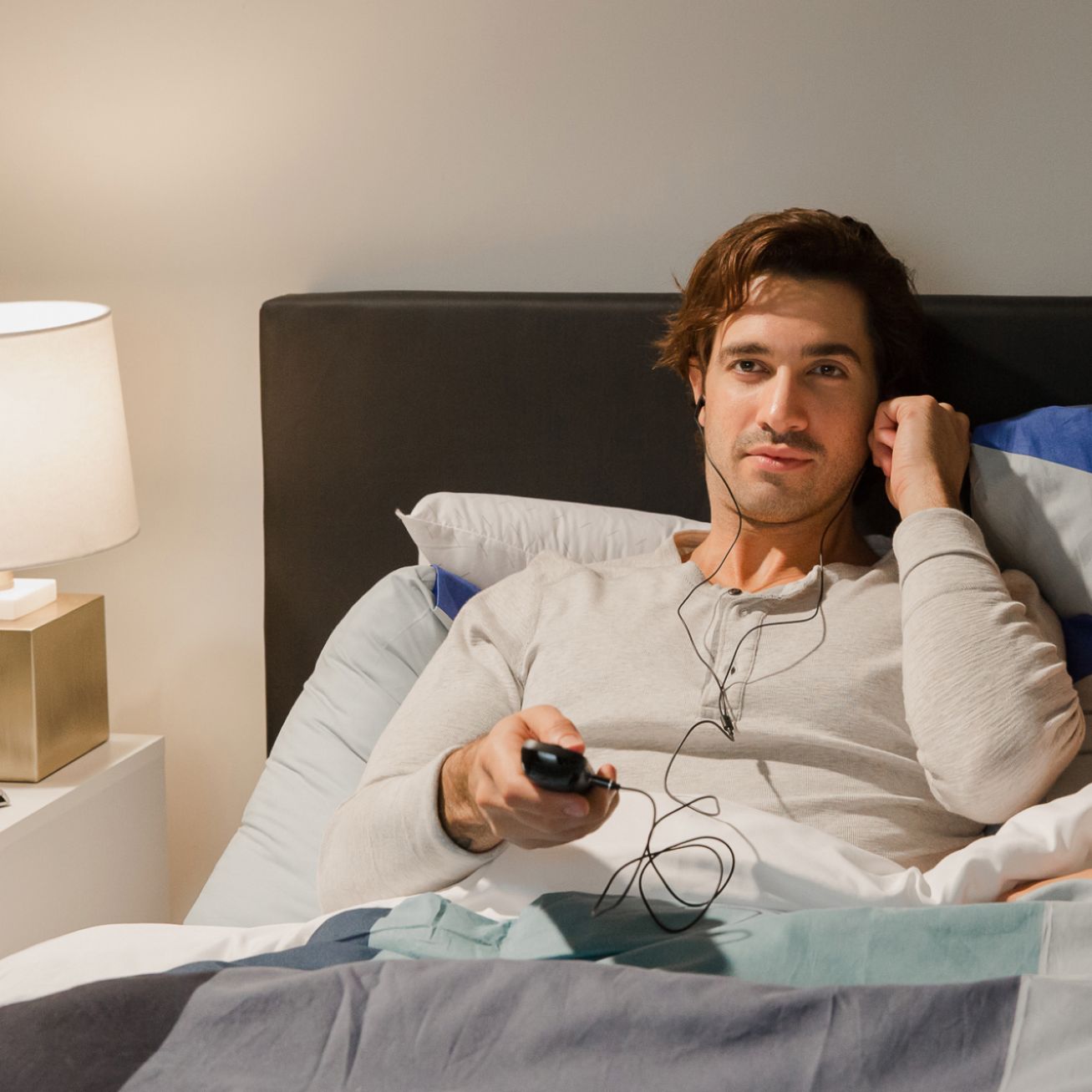
A:AnswerI have found in using headphones with battery powered Roku remote that I need to change batteries every 4-6 days.
That's expensive and Roku is great but I just bought the rechargeable Roku Voice Pro (not 2nd edition, it has no headphone jack) meaning I can recharge anytime and use the headphones while I recharge!
I hope this helps someone else.