A:AnswerYou enter a credit card in case you want to purchase movies or shows where there is a charge. If you never do that, you will never pay anything.
A:AnswerI would say the majority of the cable channels have streaming channels on the Roku. In most cases you will need to subscribe to those same channels in a cable TV package to watch the content free on the Roku. For example you can get the HBO Roku channel. If you do not subscribe to HBO you can watch for free for a month then $14.99 a month. Fox network and Fox news require a cable subscription. (Streaming service may also qualify , not sure)
A:AnswerTry upgrading your download speed on your cable provider and make sure your wi fi signal is strong enough . I had the same problem on a weak WIFI signal
A:AnswerOnly for the apps that you want to use with the Roku Streaming Stick. I use the SlingTV app, and it has all the channels that cable has without the junk channels. Way cheaper than cable. If you use Netflix or Hulu, you can get these apps too those apps have their own subscription cost. If you compare the Roku Streaming Stick with the Amazon Firestick, the Roku Stick is much more user friendly. Of course that is my opinion. Just pick the apps you want to pay for. But there is no monthly fee for the Roku Stick itself. You do have to have internet though because it is wireless. My husband and I love our Roku Streaming Stick.
A:AnswerCheck if your tv has a sound or audio menu. If so turn volume up to a good test level. Adjust your tv speaker on and off settings until you find a setting that gives you the sound you want. If you have external speakers that you are using for tv sound look for a setting called sound/speaker/audio variable. Try setting it off or on to see if that fixes the sound issues.
A:AnswerHi David! You can connect the Roku Streaming Stick to your TCL TV and use the private listening feature on the free Roku Mobile App. Private listening is a feature of the Roku mobile app that lets you listen to your TV on headphones that are connected to your phone or tablet. When others nearby do not want to be disturbed, you can still enjoy the sound from streaming channels and live digital broadcast television on wired headphones plugged into your mobile device, or Bluetooth headphones that are connected wirelessly.
A:AnswerHi ! With Roku you can access 140+ sports channels. Watch Live College Basketball on; Paramount+, NCAA March Madness Live, Hulu, fuboTV, Sling TV, DIRECTV Stream, Xfinity, CBS, truTV, TBS, TNT and more. Please note some channels are free and others require a subscription. For additional information on watching live sports check out the link to the Roku Blog article "Streaming live sports on the Roku platform" linked here : https://www.roku.com/blog/live-sports
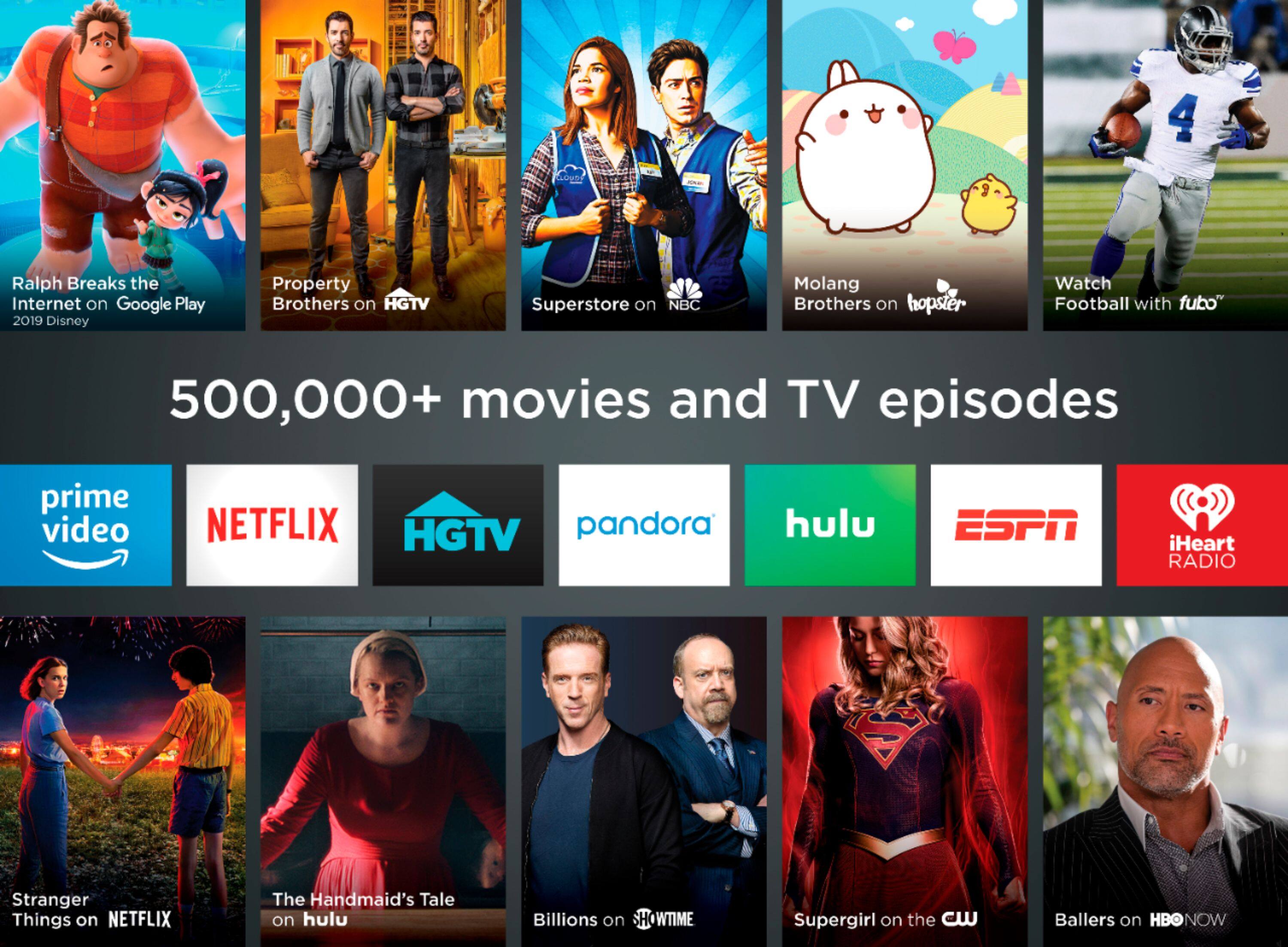
A:AnswerHi, Yoyo! You can access tons of free content with Roku, so you can stream just about anything. You can always search or browse channels on The Roku Channel store using this link: https://channelstore.roku.com/es-mx/browse
A:AnswerHi! rikraq , If you have tried using the free HDMI extender with your Roku Streaming Stick and are still getting an on screen message "Your device is overheating" there are a couple of other steps you can try that may resolve the issue. Find a cooler location for your Roku player. Avoid placing the unit; Inside a cabinet or other closed space, On top of other electronic devices such as cable boxes, routers, or audio/video receivers or In direct sunlight. If you've taken these additional steps and continue to have a overheating issue with your Roku Streaming Stick you can contact Roku Customer Support for additional assistance using the link here https://support.roku.com/contactus
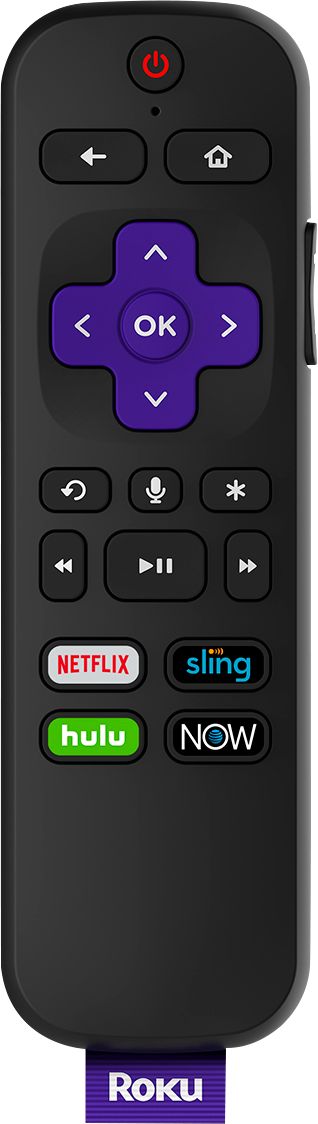
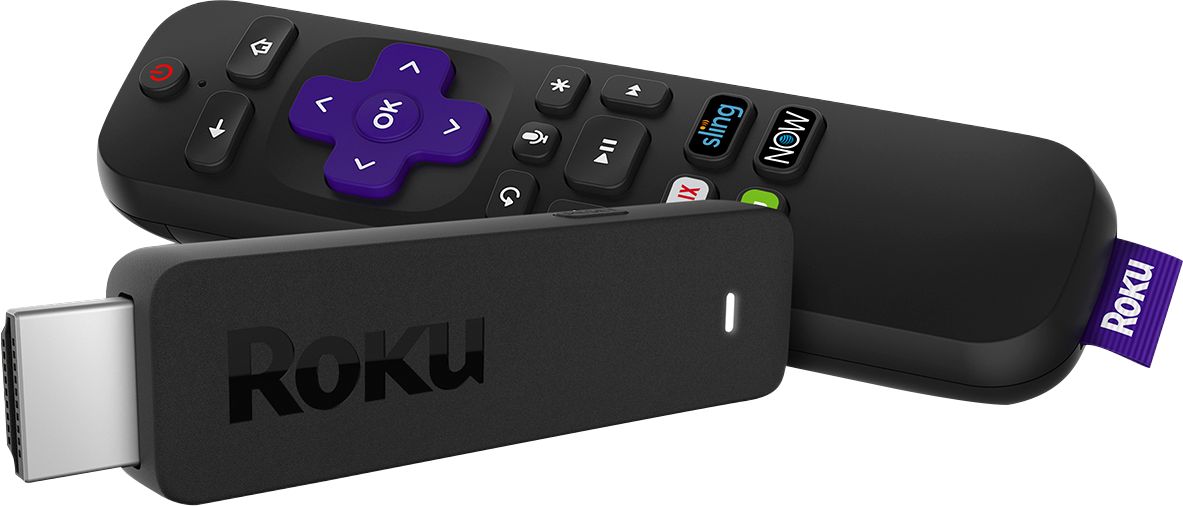
A:AnswerHi there! The pre-programmed shortcut buttons on your Roku Streaming Stick cannot be re-programmed to another channel. However the Roku Voice Remote Pro does have personal shortcut buttons. With personal shortcut buttons, you can easily set up one-touch control to perform one of these often-used push-to-talk or hands-free voice commands with the single press of a button.In addition the Roku Voice Remote Pro features a lost remote finder, private listening with connected headphones, and a rechargeable battery—all with our best remote. Plus, use your voice to play entertainment, control your streaming, and power up your TV. For additional information on the Roku Voice Remote Pro or to Order a Roku Remote visit the page linked here :https://www.roku.com/products/accessories/streaming-stick