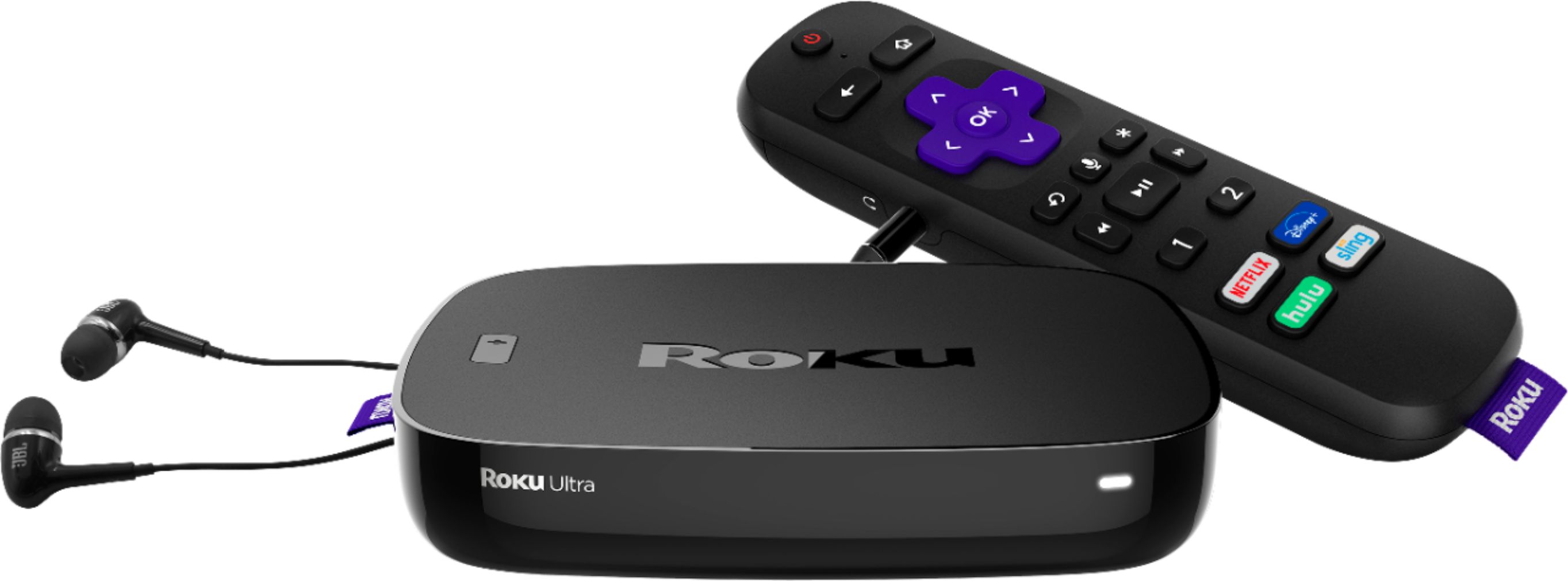
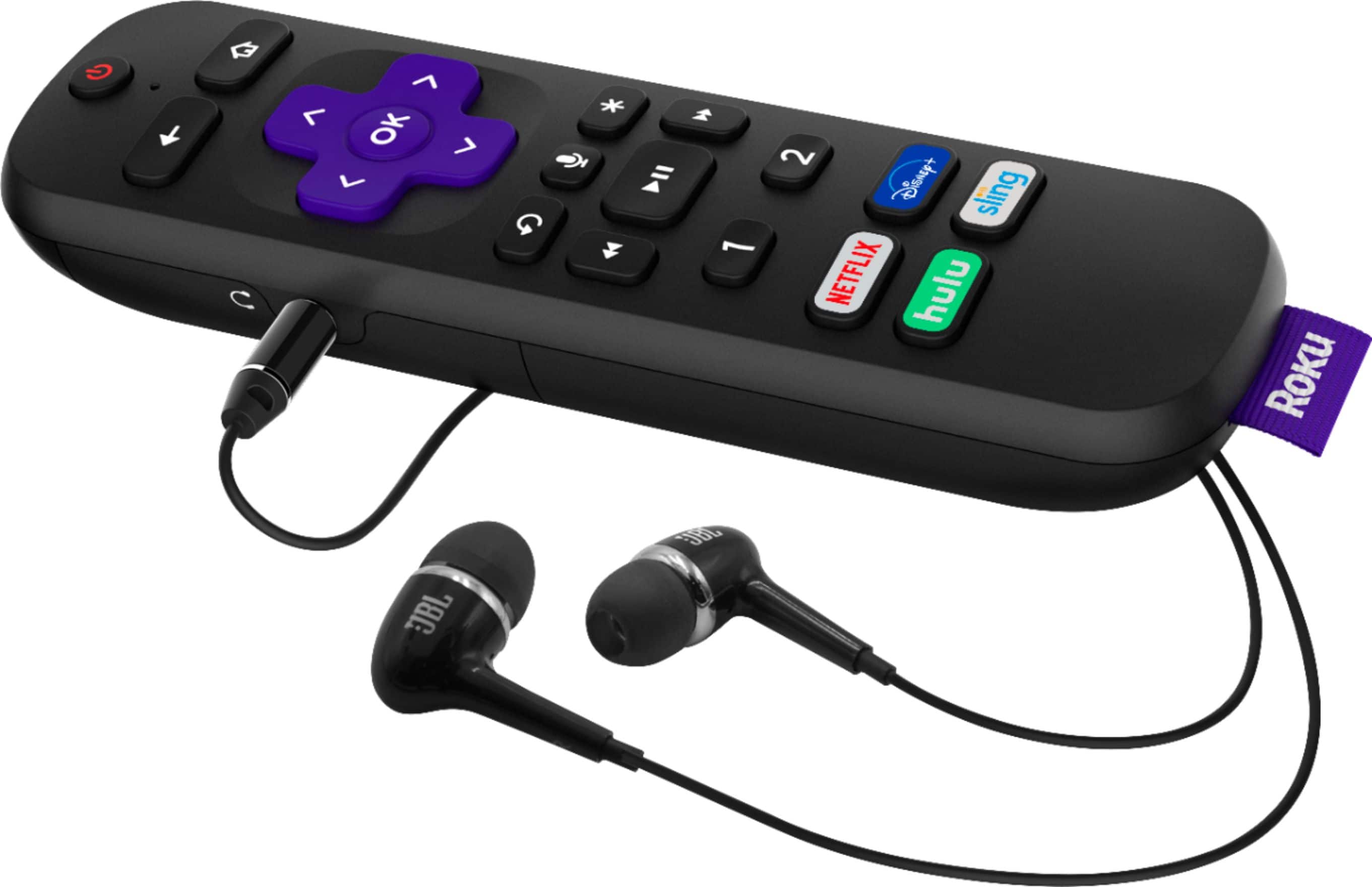
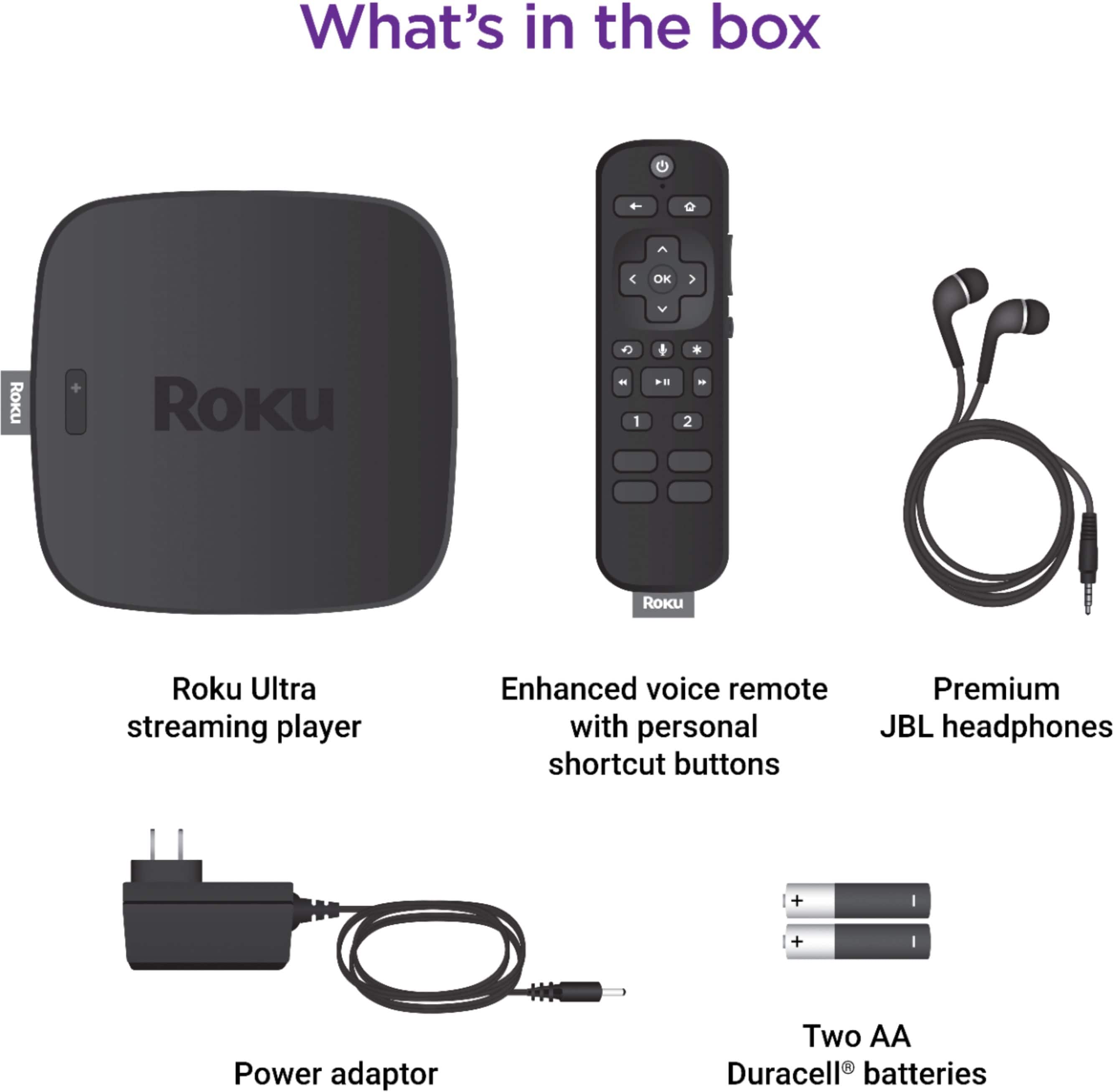
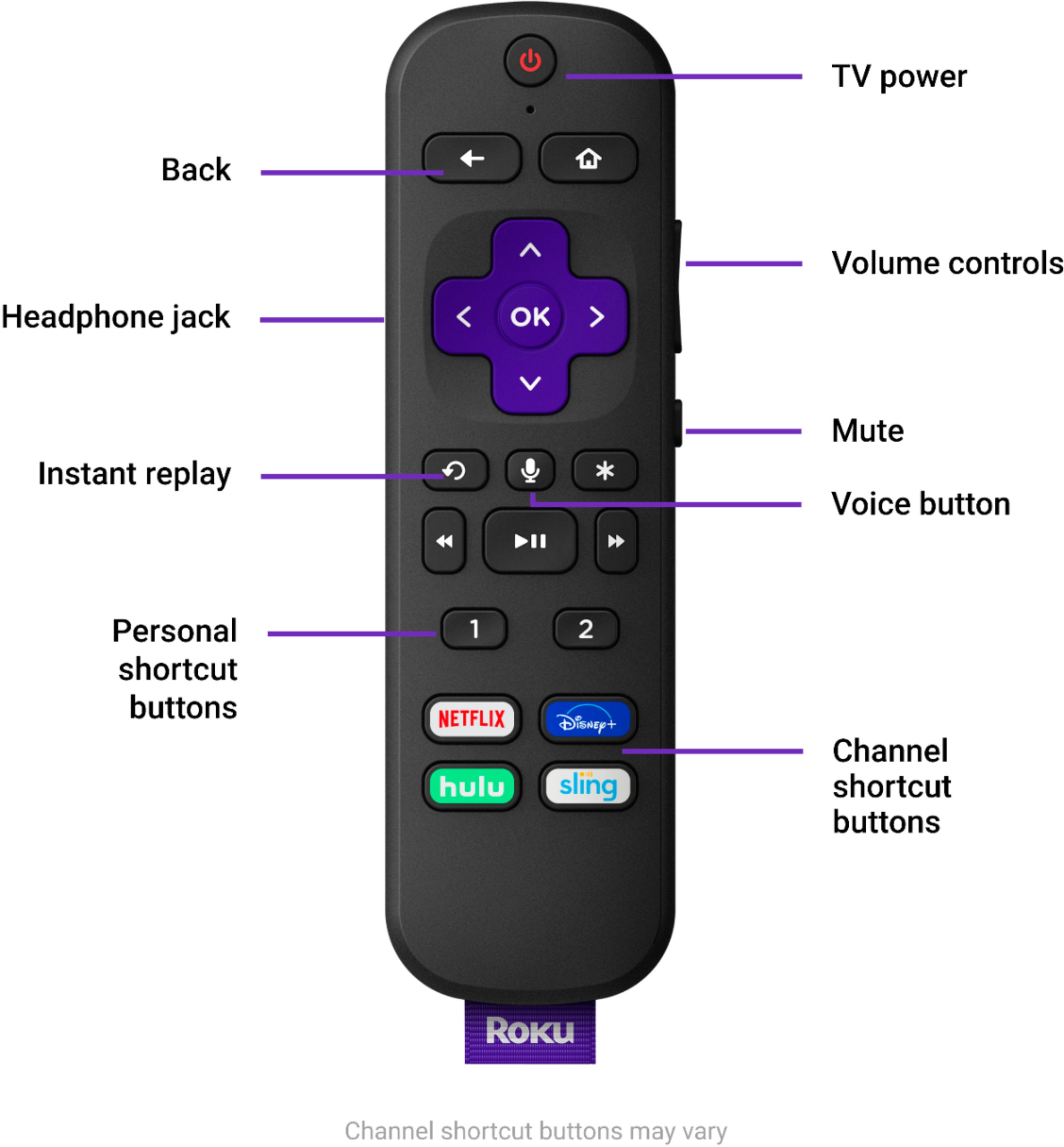
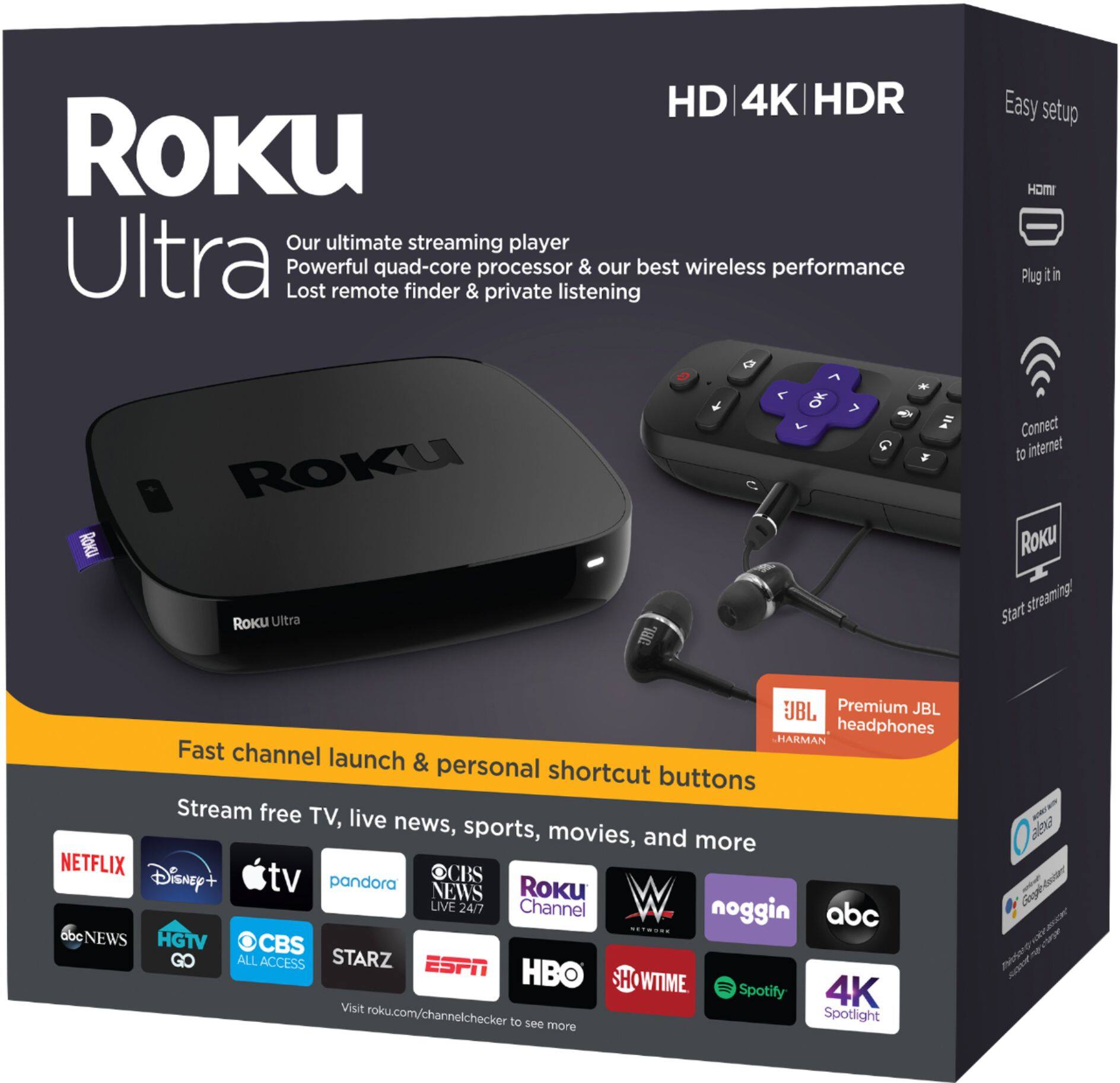
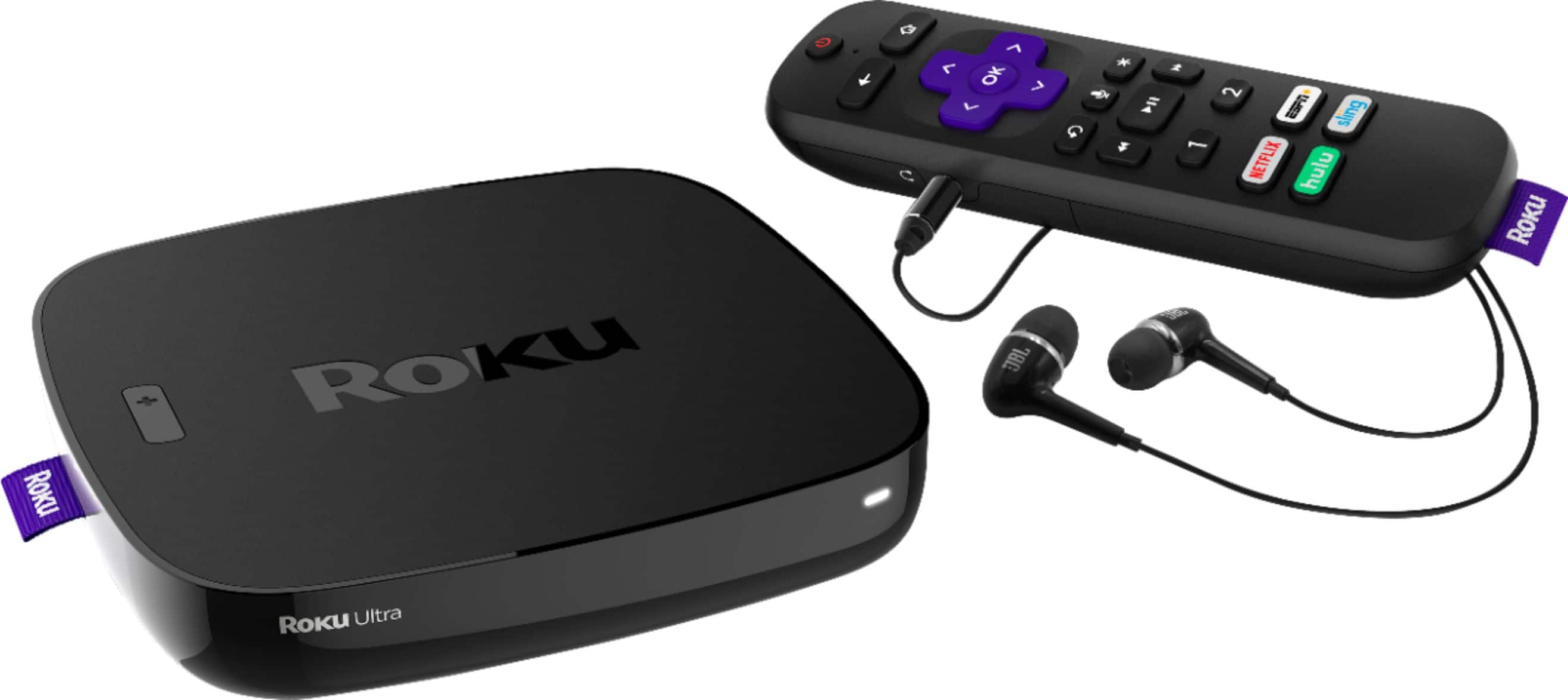
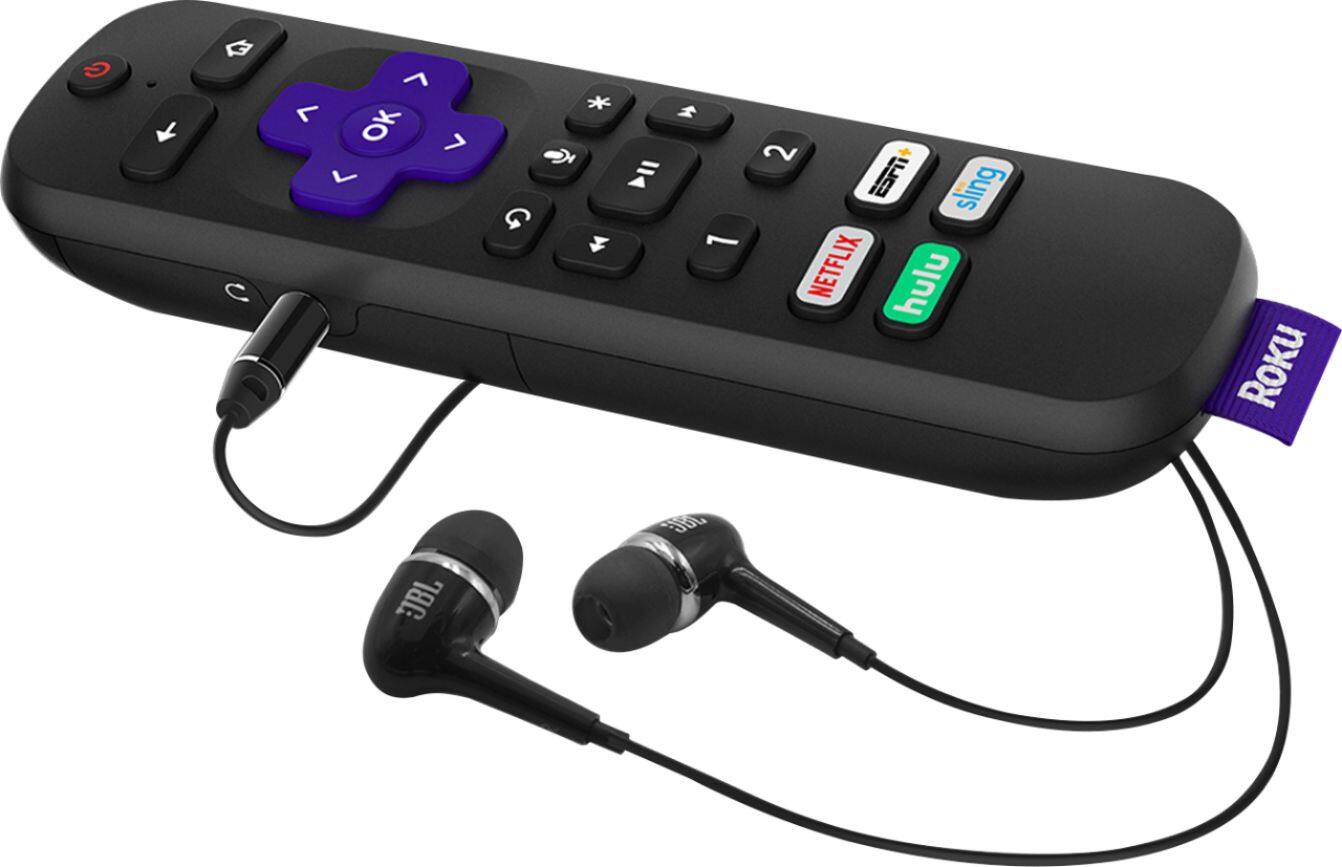
A:Answer Since your TV is wall mounted, do you have a connection box for connecting devices to the TV or do you have to reach under/behind it? May want to get help. The Roku Ultra uses an HDMI connector to connect to devices. As long as your TV has an HDMI input, you shouldn't have any problem. Just connect an appropriate HDMI cable from the Roku to the TV. (Type 1.2 or 2.0 probably, since your TV is older). The Roku itself connects to the Internet to obtain streaming content using wifi (just like connecting a laptop or phone), so you will need to set that connection up using the Roku "Settings-Network-Set up connection-Wireless menu". That's pretty much it. You should make sure your cable provider supports Roku devices, otherwise, you can watch streaming content from the Roku apps, but you may not be able to watch cable TV using their app. I like the Roku Ultra. Bought two to replace cable convert boxes (and avoid paying rental fees).