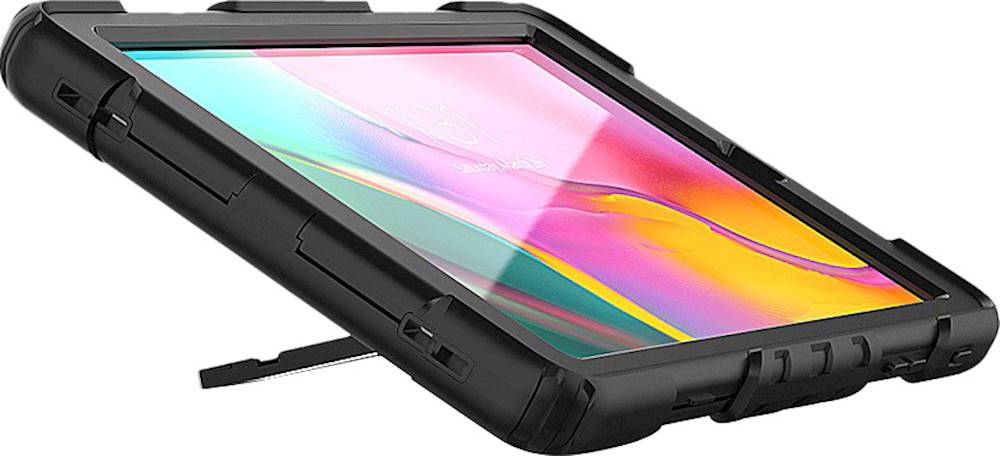
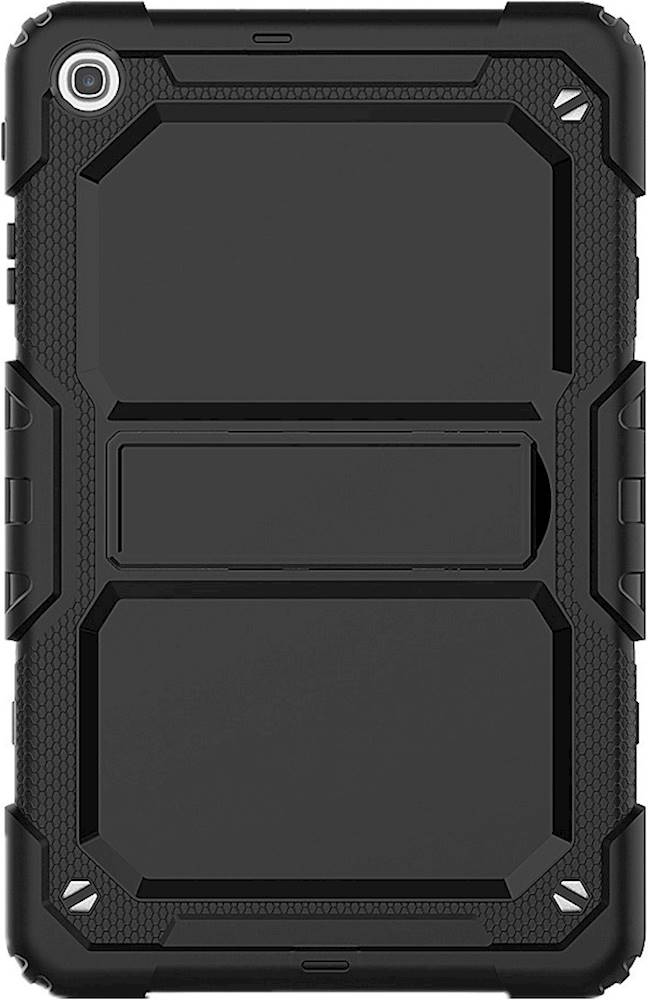
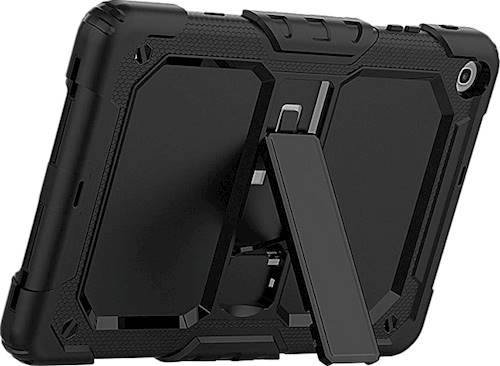
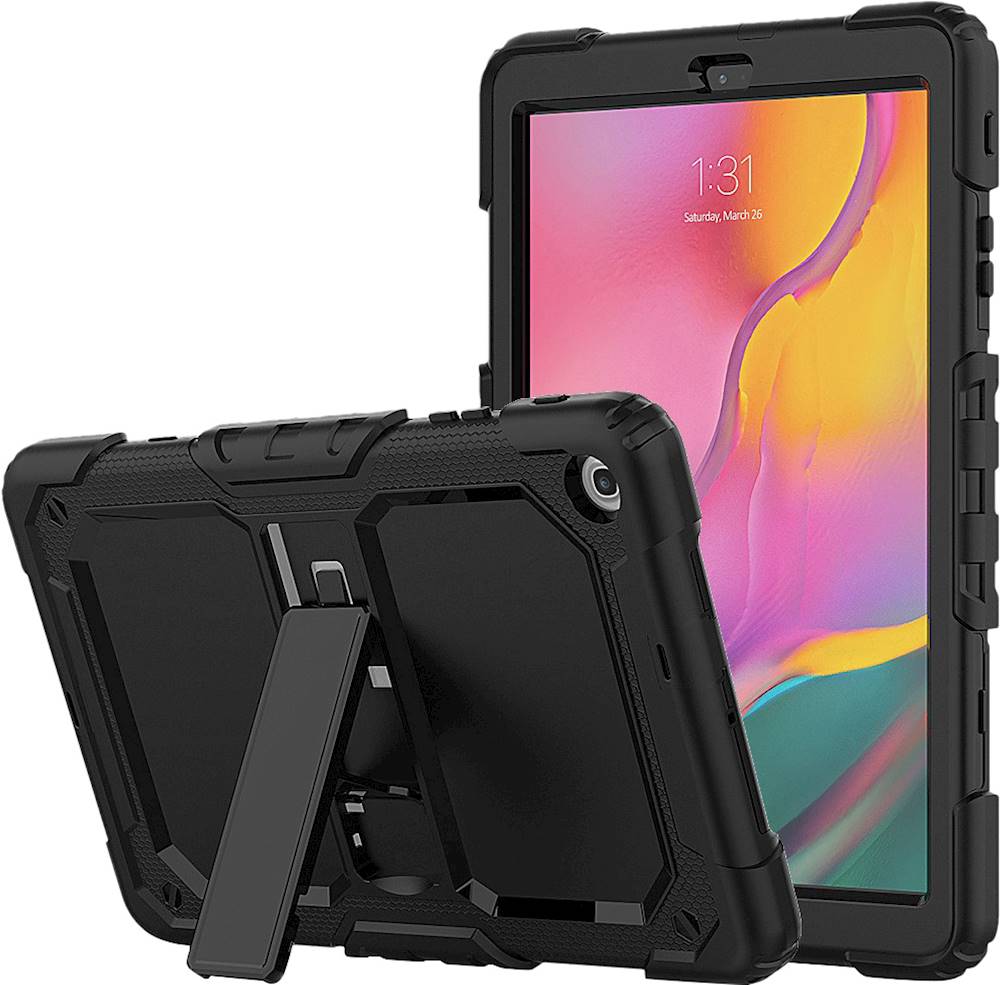
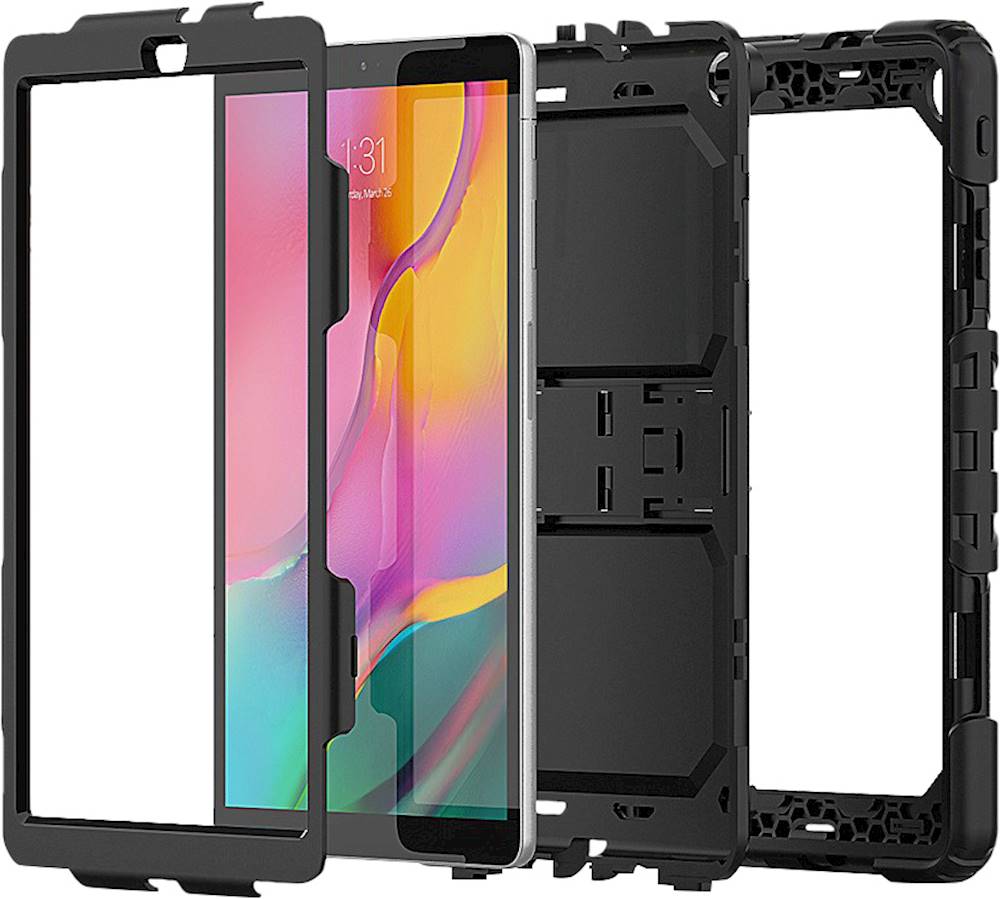
A:AnswerHello, to take the rubber off you will have to go on the side of the case and peel off the rubber part and once you take that off then you get the 2 plastic pieces and take those apart. Take the bottom plastic piece and put the tablet in it and then put the rubber around the tablet then get the 2nd piece of plastic and put it on the tablet.
A:AnswerI returned it cus it was loose fitting and kept falling off even thou it stated it was for my galaxy tab. Plus the stand didn’t support the tab while in use.
A:AnswerThe correct Tab A 10.1 hae the rear camera in the upper left corner if you are looking at the back. The TabA from 2015 9.7 has the camera centered in the upper back. Not sure on the 2018 Tab A 10.5. Hope that helps you.
A:AnswerHello, the SaharaCase - Protection Case for Samsung Galaxy Tab A 10.1" (2019) - Black was designed to only fit the Samsung Galaxy Tab A 10.1" (2019).