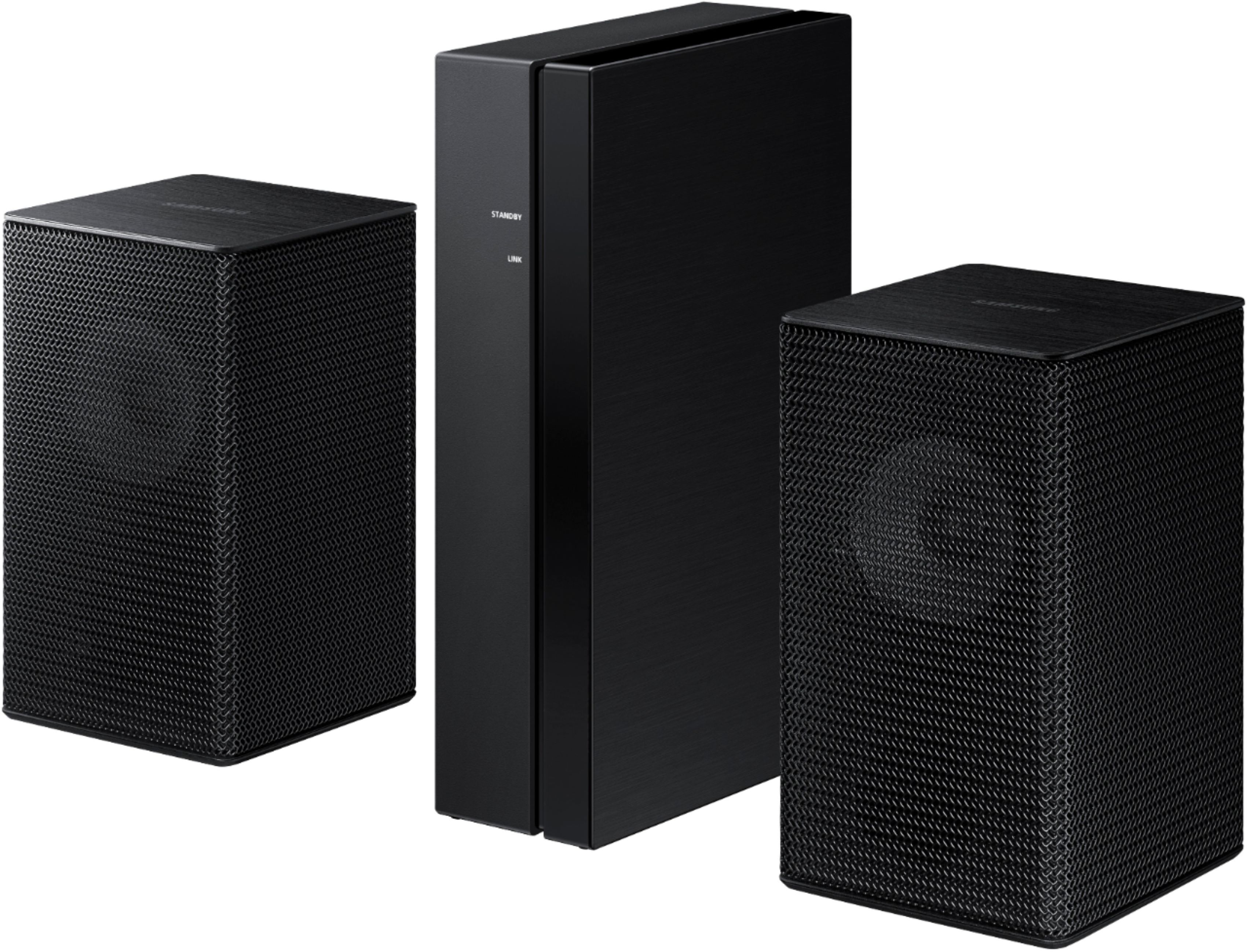
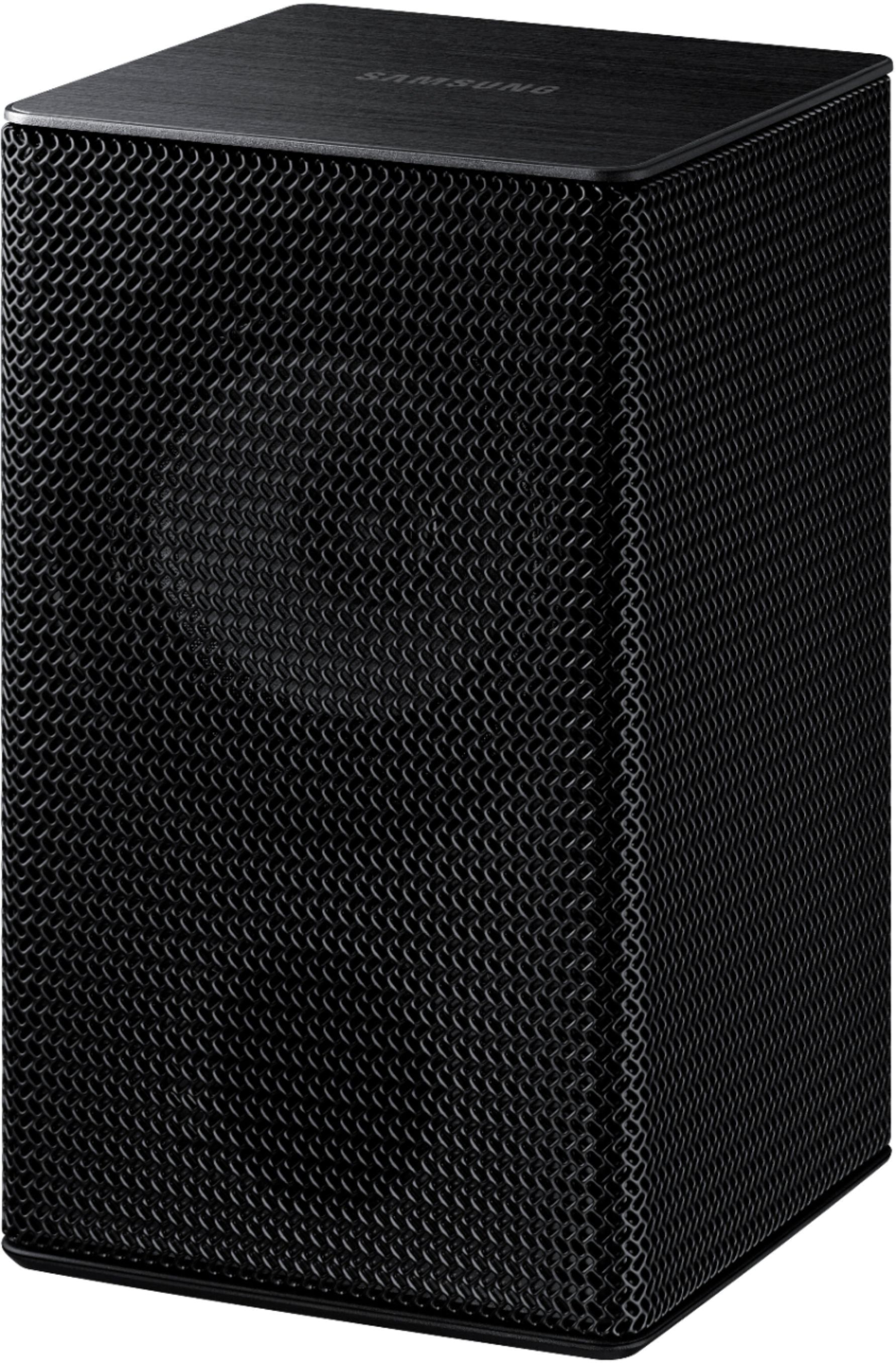
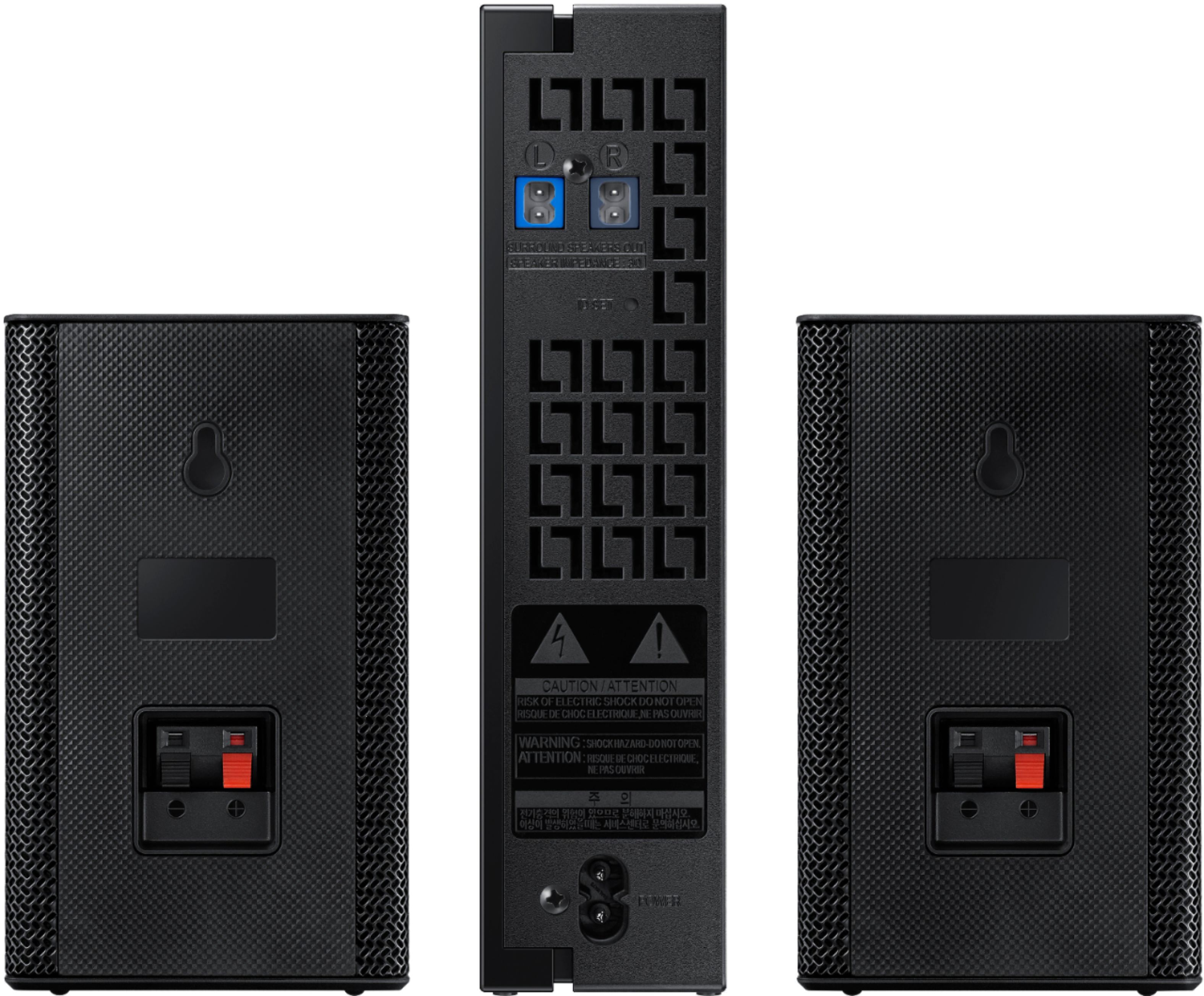
A:AnswerHi! The SWA-9100S rear speaker kit does not feature top firing speakers for Dolby Atmos. Check out the SWA-9500S compatible with the HW-Q700A or above for rear speakers including top firing audio. ^Tim
A:AnswerHi Sodgirl! The SWA-9100S is not compatible with the HW-N450 soundbar. The rear speaker kit is compatible with select 2021 Samsung soundbars, and backwards compatible with the following 2020 Samsung soundbar models: Q900T, Q800T, Q70T, S60T. ^Tim
A:AnswerHi Katie! The SWA-9100S is not compatible with the HW-T60C soundbar. The rear speaker kit is compatible with select 2021 Samsung soundbars, and backwards compatible with the following 2020 Samsung soundbar models: Q900T, Q800T, Q70T, S60T. ^Tim
A:AnswerHi Bobz!
The SWA-9100S is a rear speaker kit designed to pair with compatible Samsung Soundbars and does not feature built in Airplay, this may be a feature of the Soundbar itself.
So that we can better troubleshoot towards a solution, please reach out to Samsung Support at: 1-800-SAMSUNG (ask for Soundbars), available 8AM -12AM EST, 7 days a week, text HELP to 62913, LiveChat on Samsung.com, or Email: https://www.samsung.com/us/support/#contact_us_for_support0
We look forward to hearing from you.
^Tim
A:AnswerHi Bobz!
The SWA-9100S is a rear speaker kit designed to pair with compatible Samsung Soundbars and does not feature built in Alexa, this may be a feature of the Soundbar itself.
So that we can better troubleshoot towards a solution, please reach out to Samsung Support at: 1-800-SAMSUNG (ask for Soundbars), available 8AM -12AM EST, 7 days a week, text HELP to 62913, LiveChat on Samsung.com, or Email: https://www.samsung.com/us/support/#contact_us_for_support0
We look forward to hearing from you.
^Tim
A:AnswerHi Bobz!
By design, the surround speakers are supposed to simulate sounds happening behind the viewer. Therefore, most of the time the surround channels are only used for ambient sounds, which are naturally lower in volume.
If you would like to increase the volume level of the surround speakers, use the Sound Control button on the Soundbar remote control. Press the Sound Control button on the soundbar remote (looks like a gear), then select REAR LEVEL and use the Up/Down buttons to adjust the volume within a -6 to +6 range.
Should you need further assistance with this issue or have any questions, please contact Samsung Customer Support at 1-800-SAMSUNG, available 8AM - 12AM EST, 7 days a week.
^Tim
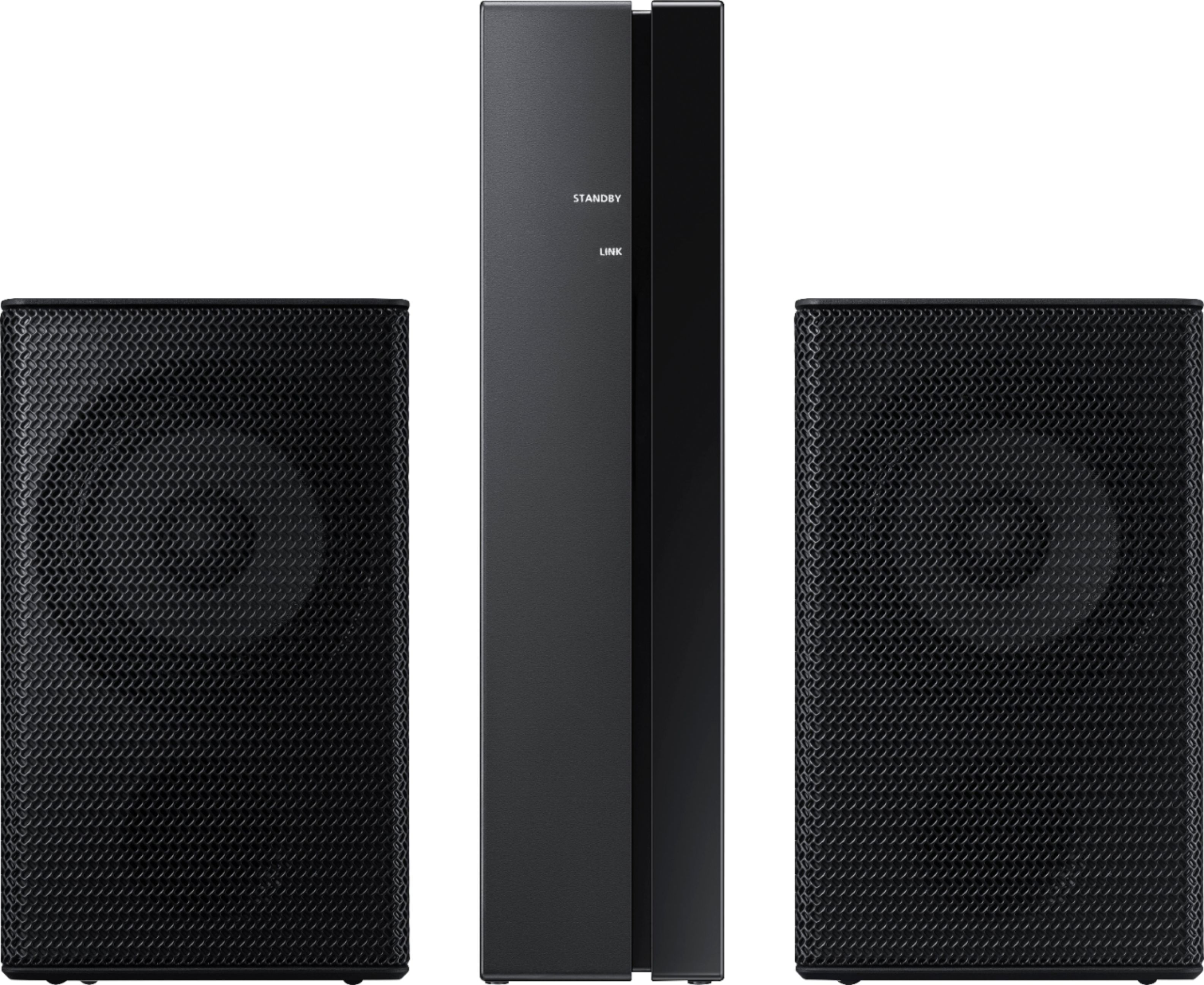
A:AnswerHi Wanfa! The HW-Q700A Soundbar is compatible with the SWA-9500S Rear Kit. See it here at Best Buy: https://www.bestbuy.com/site/samsung-swa-9500s-2-0-2ch-wireless-speaker-with-dolby-atmos-black/6456115.p?skuId=6456115 ^Gina
A:AnswerHi Marv - The HW-R650 Soundbar is only compatible with the SWA-8500S Rear Kit. Adding the SWA-8500S Rear Kit to your soundbar will provide you with a 3.1.2 channel surround setup. ^Gina
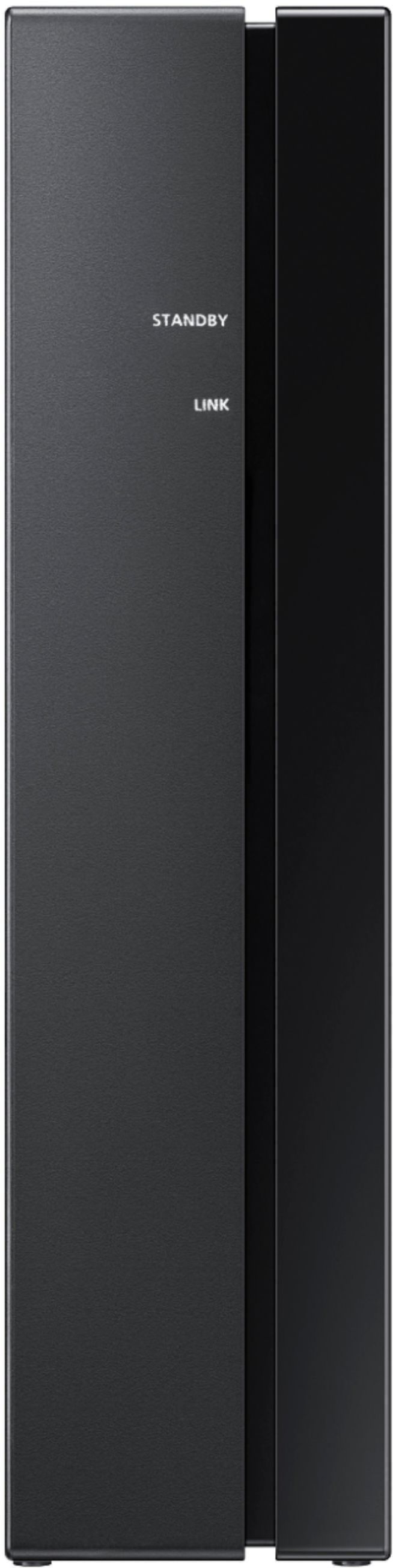
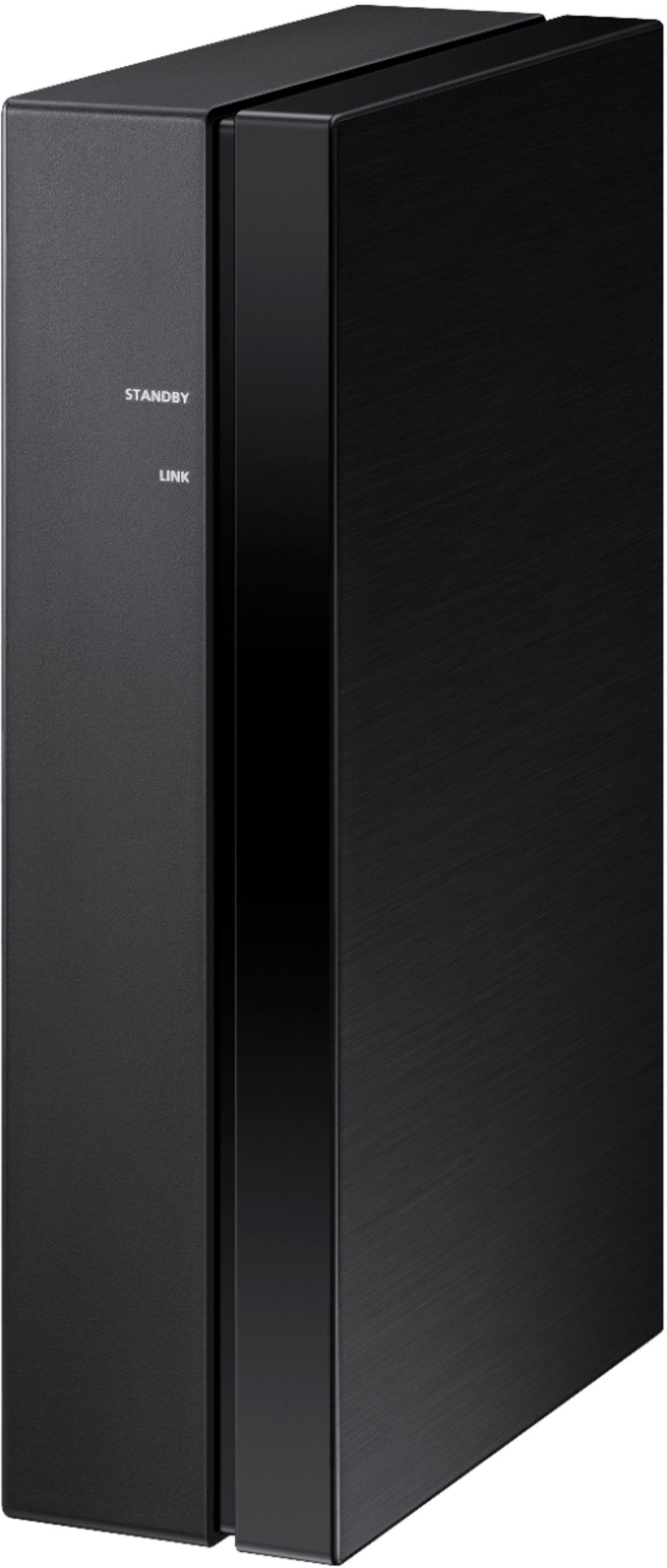
A:AnswerAviv - Both the SWA-9100S and SWA-9000S Rear Kits are the same; however, the SWA-9100S Rear Kit doesn’t require a dongle to be connected to the soundbar like the SWA-9000S does. Both Rear Kits will require speaker wire to be connected from each speaker to the wireless module included. ^Gina
A:AnswerHi Ace! The Samsung SWA-9100S wireless rear speaker kit is compatible with the following Samsung soundbars: HW-Q600A/ZA, HW-S60A/ZA, HW-S50A/ZA, HW-A650/ZA, HW-A550/ZA, and HW-A450/ZA. ^Patty
A:AnswerHi there! The HW-Q60T Soundbar is compatible with the SWA-8500S Rear Kit. See it here at Best Buy: https://www.bestbuy.com/site/samsung-wireless-rear-loudspeakers-black/5754510.p?skuId=5754510 ^Gina
A:AnswerWhat I did is on the instructions it will list a web page, I went to that. And it had step-by-step directions and plenty of videos to walk me through it. My eyes are not great so I had to use a magnifying glass to see the web page. It makes it all much easier.
A:AnswerHi Dave! The SWA-9100S is not compatible with the model number provided. Please contact Samsung Customer Support so we can assist in identifying the correct kit for you. Reach us at: 1-800-SAMSUNG (ask for Soundbars), 8AM -12AM EST (Mon-Fri), 9AM – 6PM EST (Sat), text HELP to 62913, LiveChat on Samsung.com, or Email: https://www.samsung.com/us/support/#contact_us_for_support
We look forward to hearing from you.
^Tim