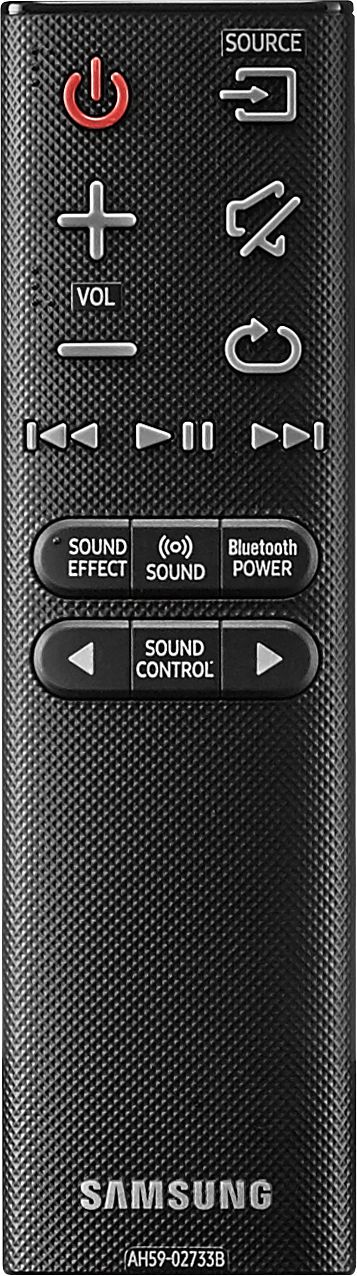
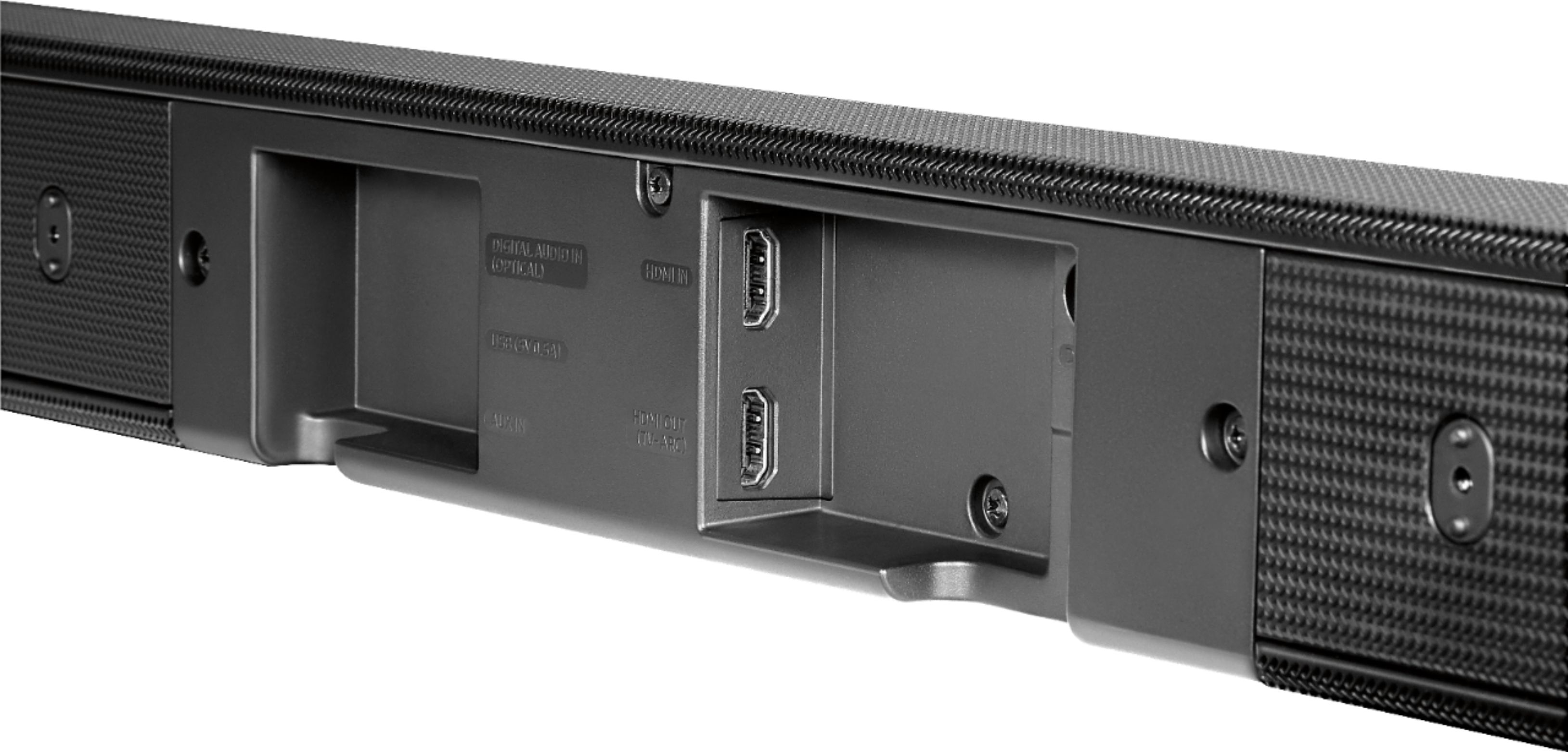
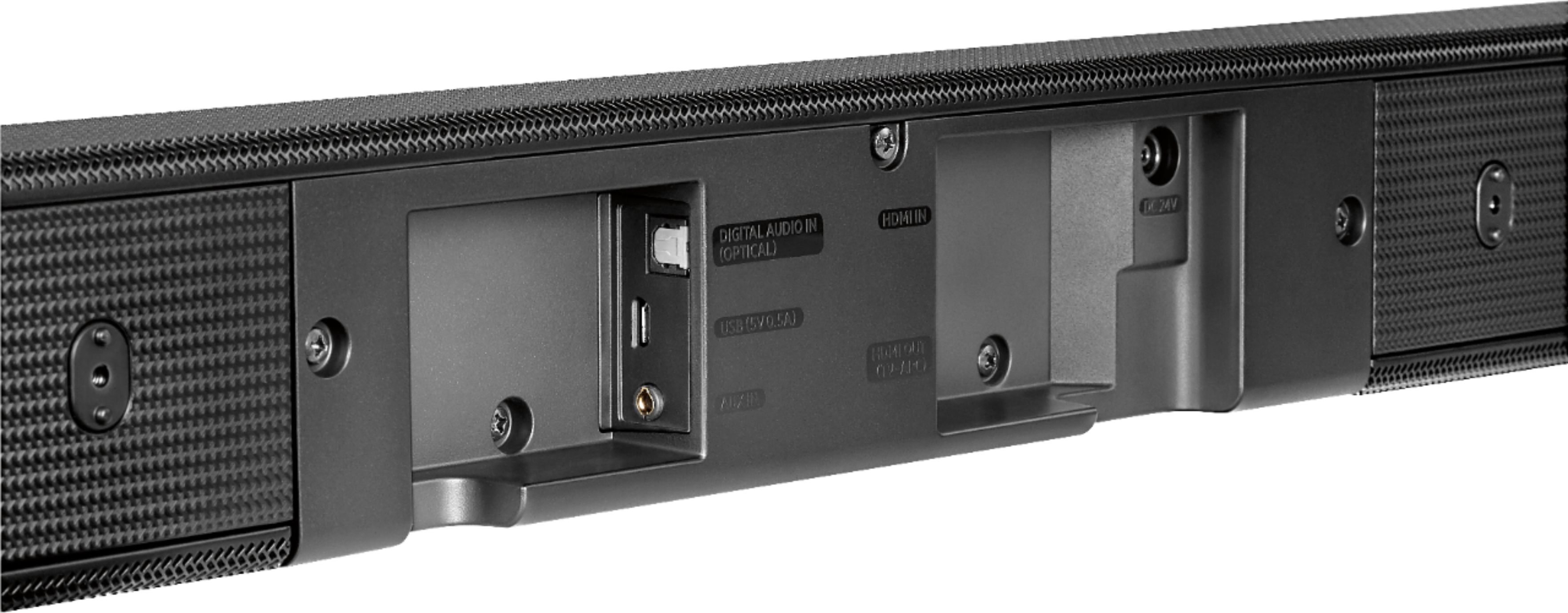
A:AnswerThe soundbar will only work if the HDMI connection is ARC (Audio Return Channel) compatible. Check your TV's manual or look at the HDMI connections to see if "ARC" is written next to one of them. If you do not have HDMI ARC, you can still connect the soundbar through the optical connection.
A:AnswerIf you hook up your tv and sound bar with the optical cable, it will all become connected. I then went into my tv settings and changed the speakers to external so the sound only comes through the sound bar
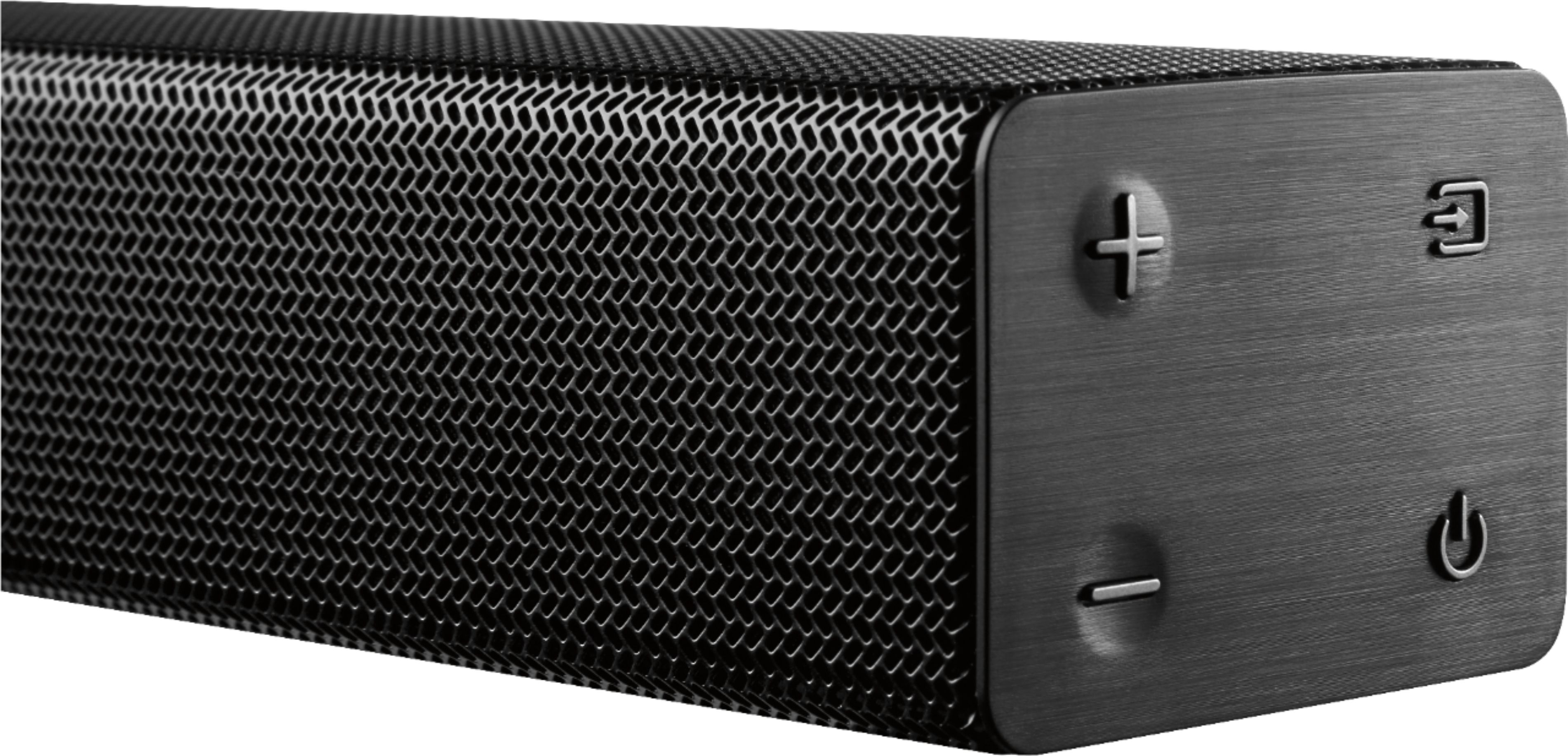
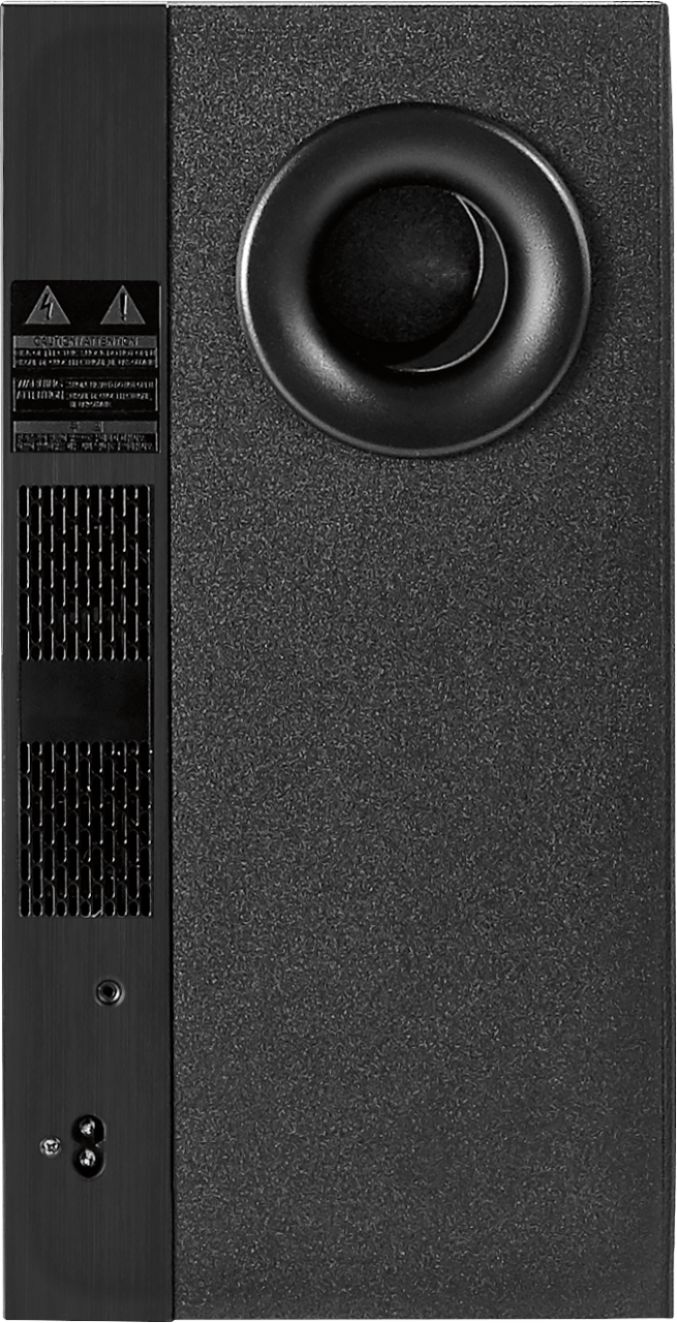
A:AnswerYes that's correct with the night mode option. The sub can't be turned all down in the soundbar control but you can customize it in your Tv with the equalizer option.
A:AnswerJust in case anyone else has this question... I am the person that posted this question in the first place and yes, it worked. My video card does have 2 outputs but they're actually a HDMI port and a DisplyPort. The HDMI goes to my TV (which I use as a monitor) so I bought a DisplyPort-to-HDMI cable and used that to connect my PC video card's DIsplayPort to the HDMI port on the sound board and it works fine.
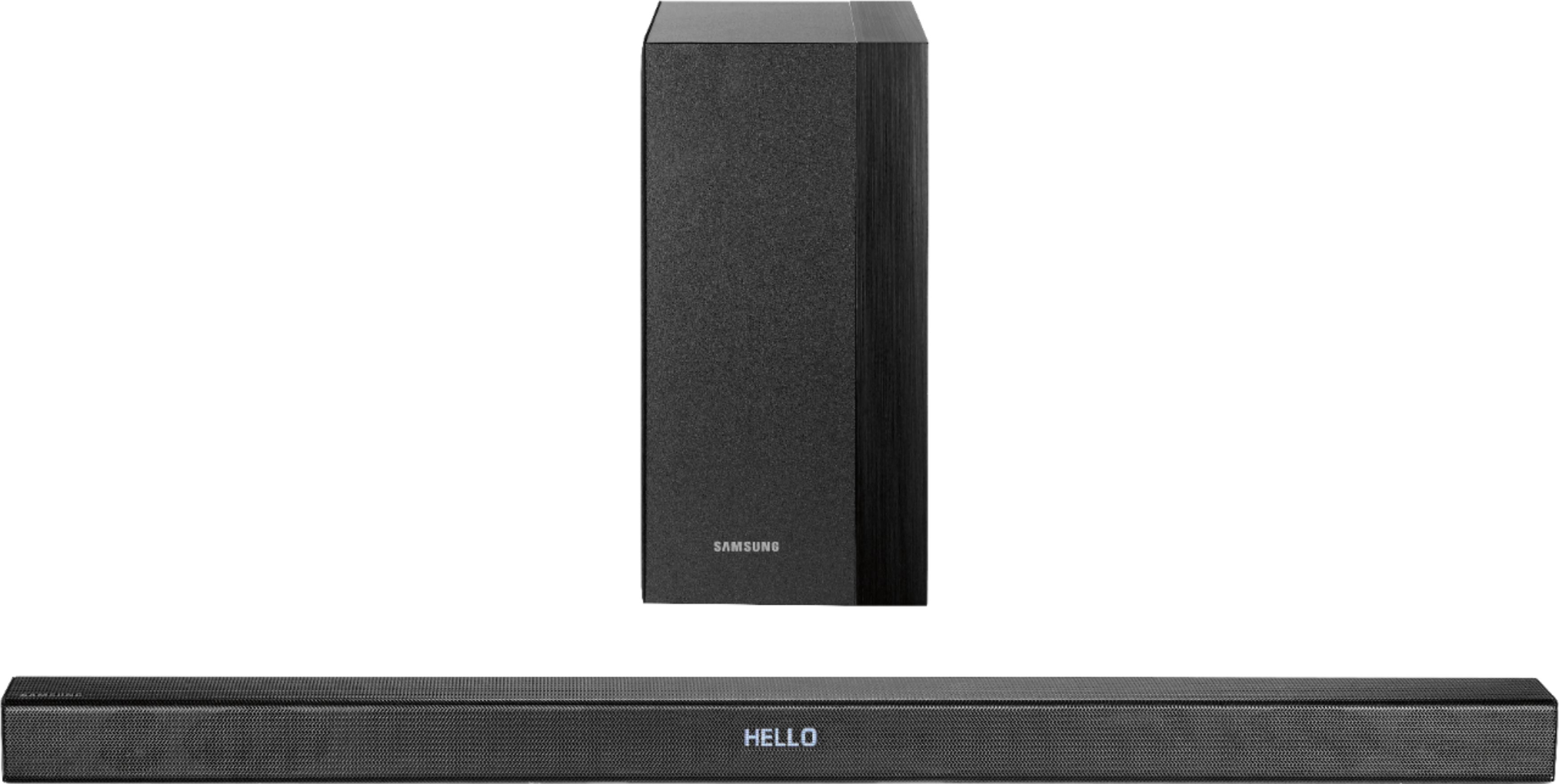
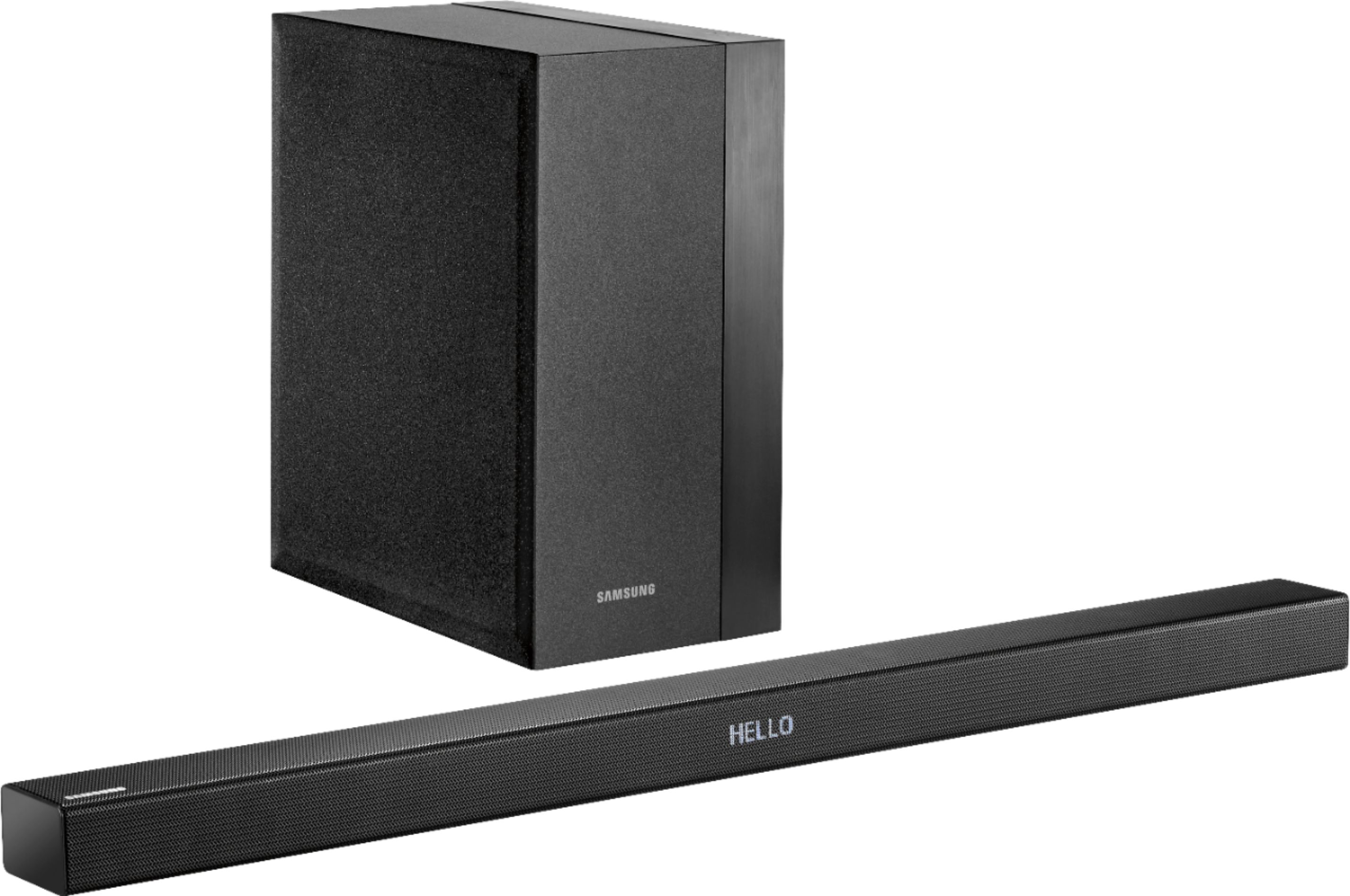
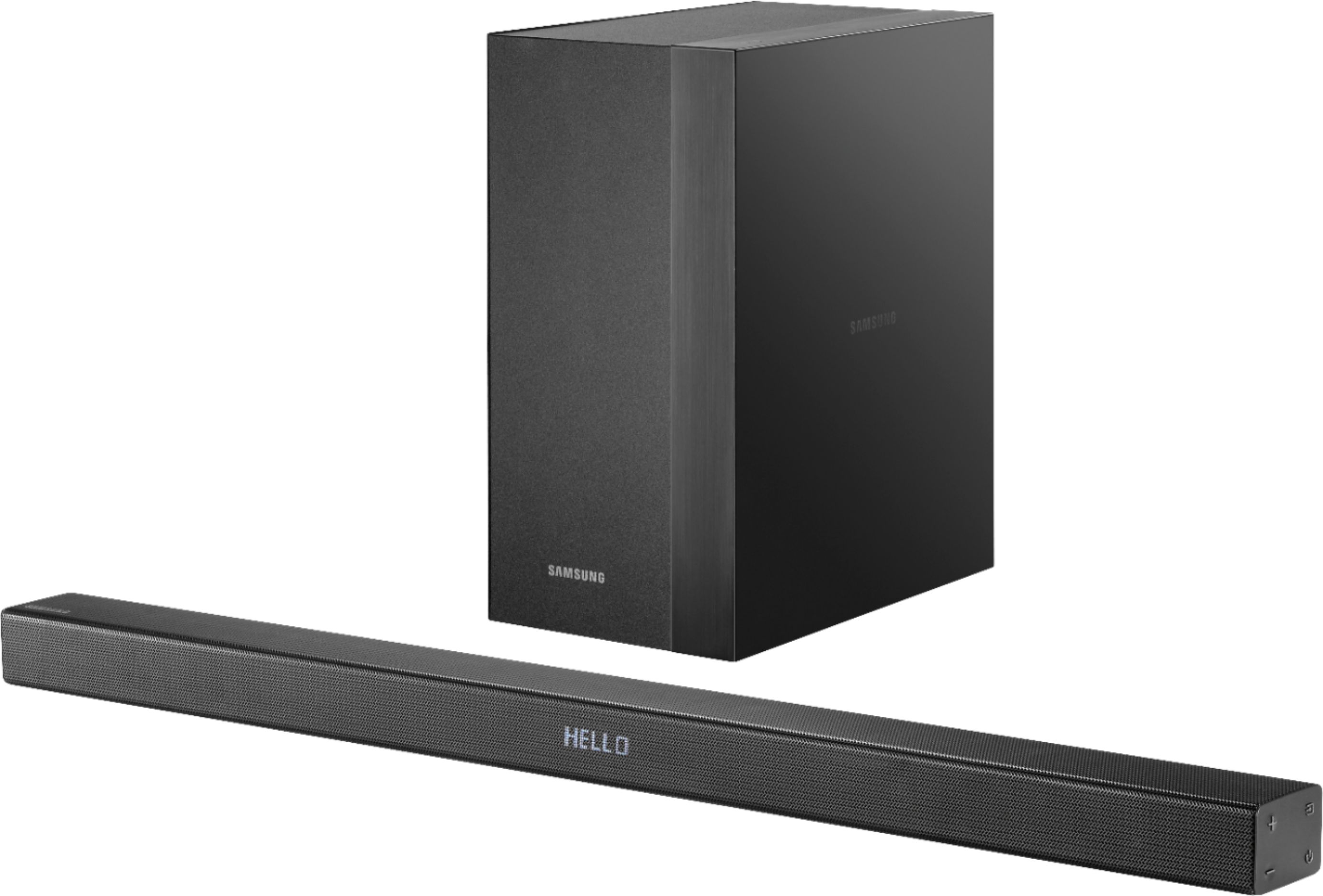
A:AnswerThe subwoofer would need to be placed on a shelf, but the soundbar has brackets and sleeves that mount to a wall. It comes with a roll of paper as a template for sleeve locations.
A:AnswerThis HW-K460 sound bar is not designed to be mounted to a TV. It is designed to mount on the wall. And the instructions say when mounting on the wall to make sure the sound bar is at least two inches away from the TV. They provide a stick on paper guide for drilling the holes in the wall. When mounted on a wall the speaker will face outward as designed.