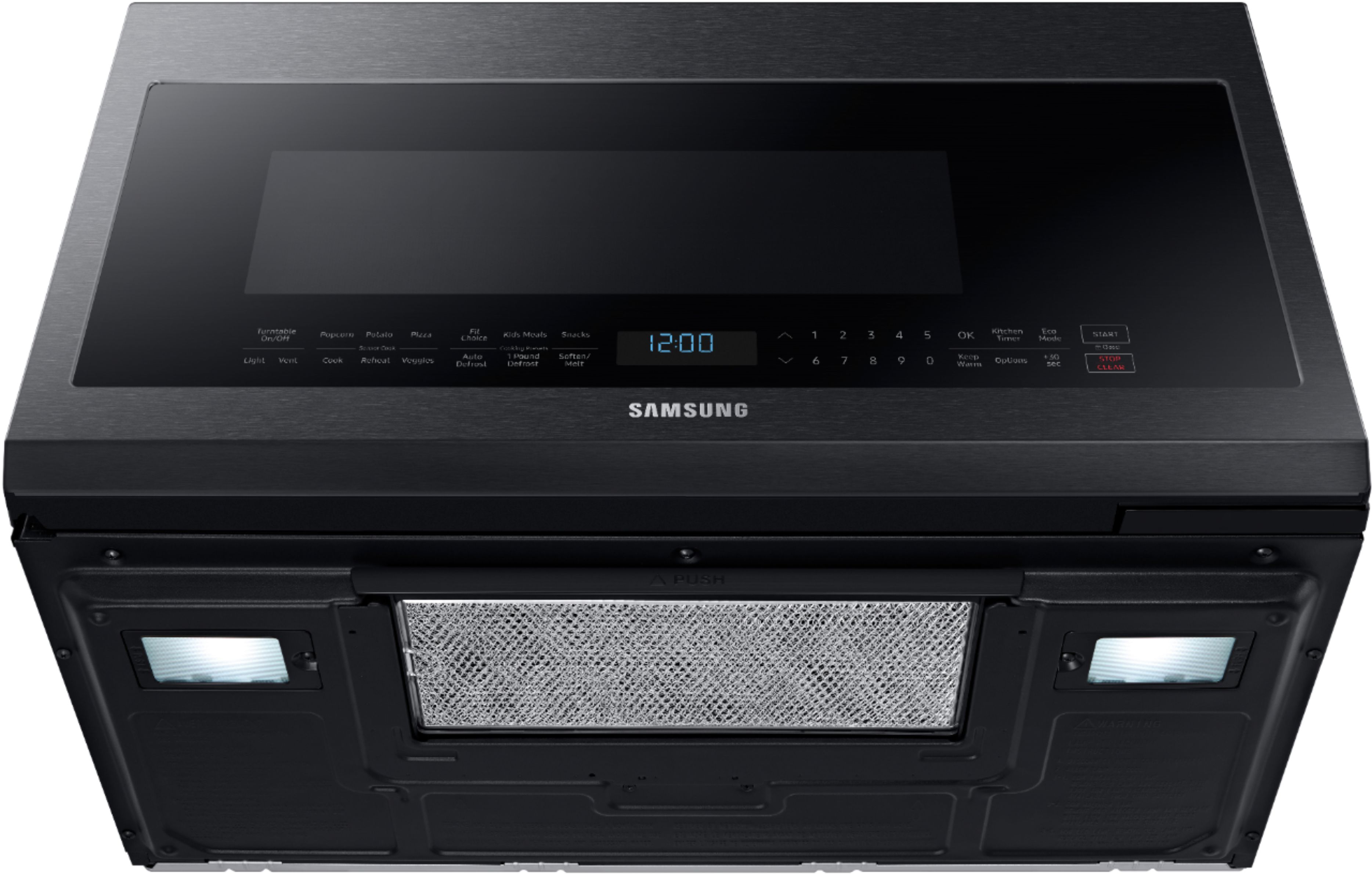
A:AnswerVent works great. They give you three options for ventilation, front, back and recirculate through the front. The motor has multiple speeds and is quiet.
A:AnswerAs is often the case today you download the full manual and print it yourself. The goodwill/positive perception of the product is distorted by the failure to include the printd manual.Many features are not useable with out the manual.
A:AnswerDear Valued BestBuy Client,
To better assist you with this, don't hesitate to get in touch with our Best Buy Customer Service department at (888) 237-8289. We are available 24 hours a day. They can answer your question or transfer you to your local store to answer your specific inquiry about the unit's availability for purchase.
Have a great day.
^Charles
A:AnswerHi Toni,
To turn on this microwave, kindly hit the enter/start button on the control panel.
You can also check the model's user manual link below for the steps to use this microwave on pages 9–17.
https://downloadcenter.samsung.com/content/UM/202309/20230914141643234/O_ME7000H_ME21R7051S_AA_AC_EN.pdf
Thank you for choosing Samsung and have a great day!
^Rainly
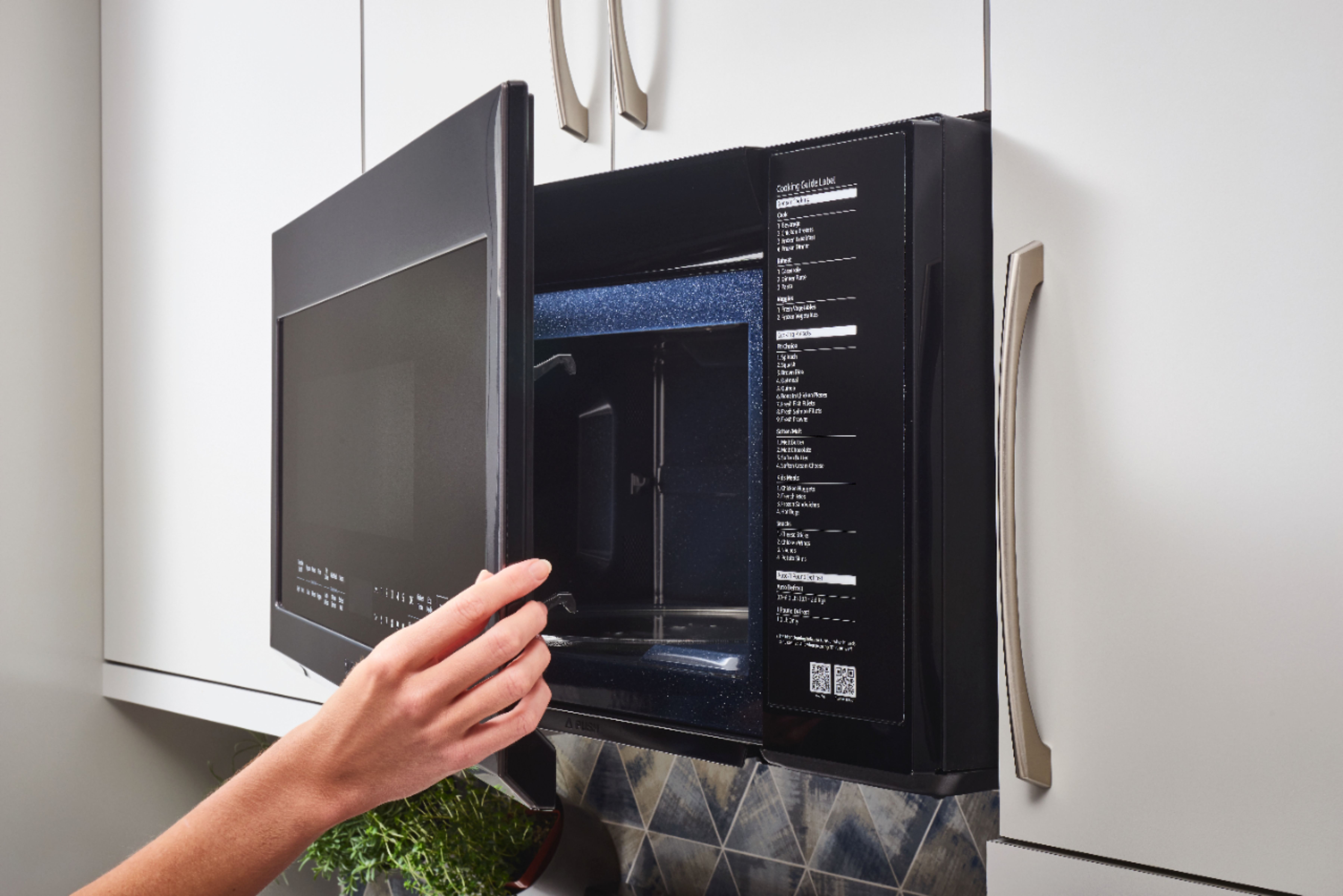
A:AnswerYes it will still work but it will look strange because the case of the microwave isn't finished, because it is supposed to be covered by the cabinets.
A:AnswerHi Marlynn,
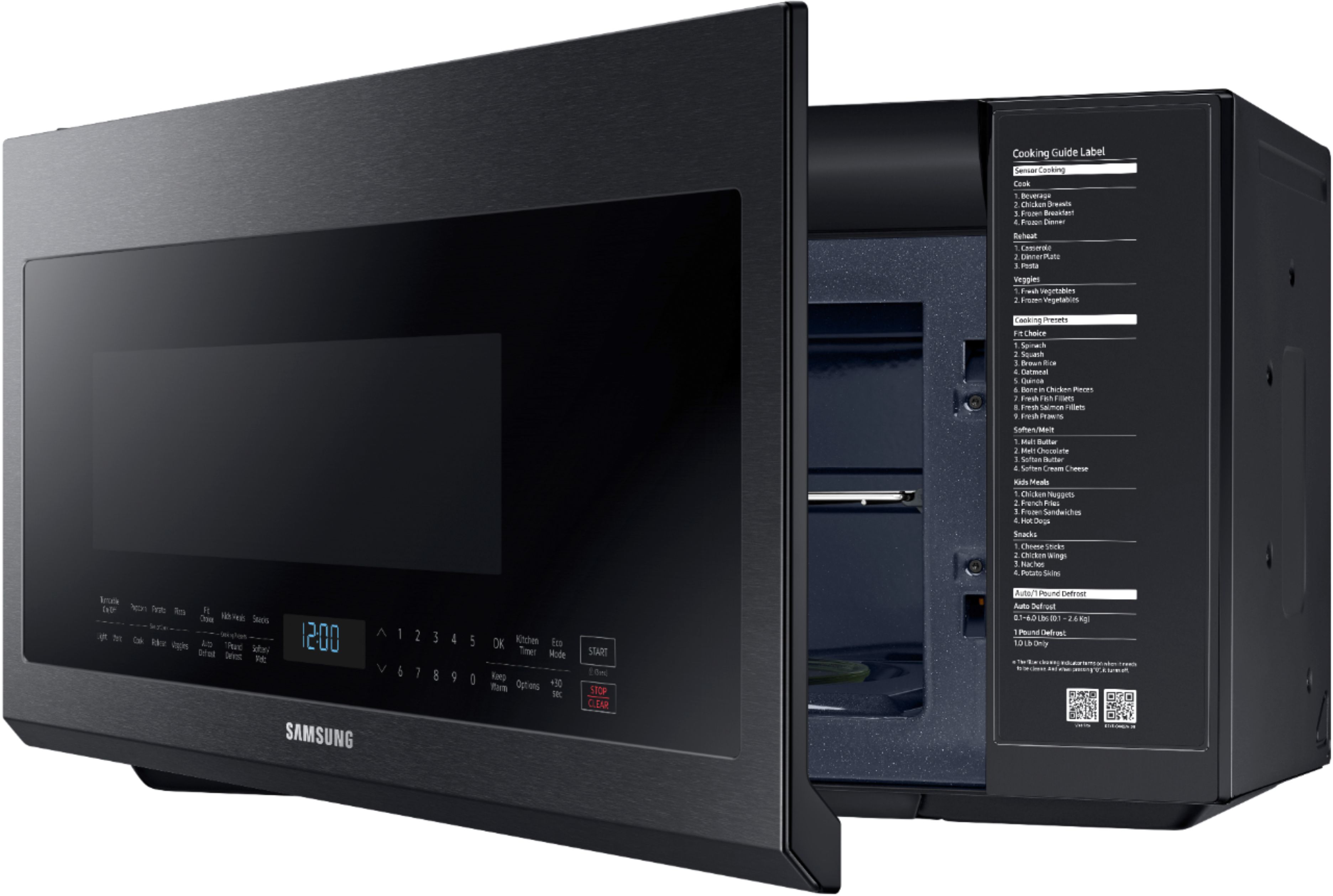
You can select the cook no. 3 when cooking frozen breakfasts like bacon.
Thank you for choosing Samsung and have a great day!
^Rainly
A:AnswerDon't bother. It's basically a very poor design. The unit I received came with an instruction booklet for a different unit and the display is the worst I have ever encountered.
A:AnswerHi there,
Let me provide you with the information you need with your microwave.
Please see pages 18 to 20 of the Using your microwave section for the exact details on how the preset button works.
https://downloadcenter.samsung.com/content/UM/202309/20230914140355282/O_ME21M706BA_ME21R706BA_ME21A706BQ_AA_EN.pdf
Should you still need support after the steps, please don’t hesitate to reach out to us through the channels below.
1. Facebook Messenger: http://m.me/samsungsupport
2. Twitter: https://twitter.com/messages/compose?recipient_id=18768513
3. Samsung Community: https://us.community.samsung.com/t5/Samsung-Community/ct-p/us
When you message us, provide us with this reference number (1146661275), and it will help our team pull up your information.
^Rodel
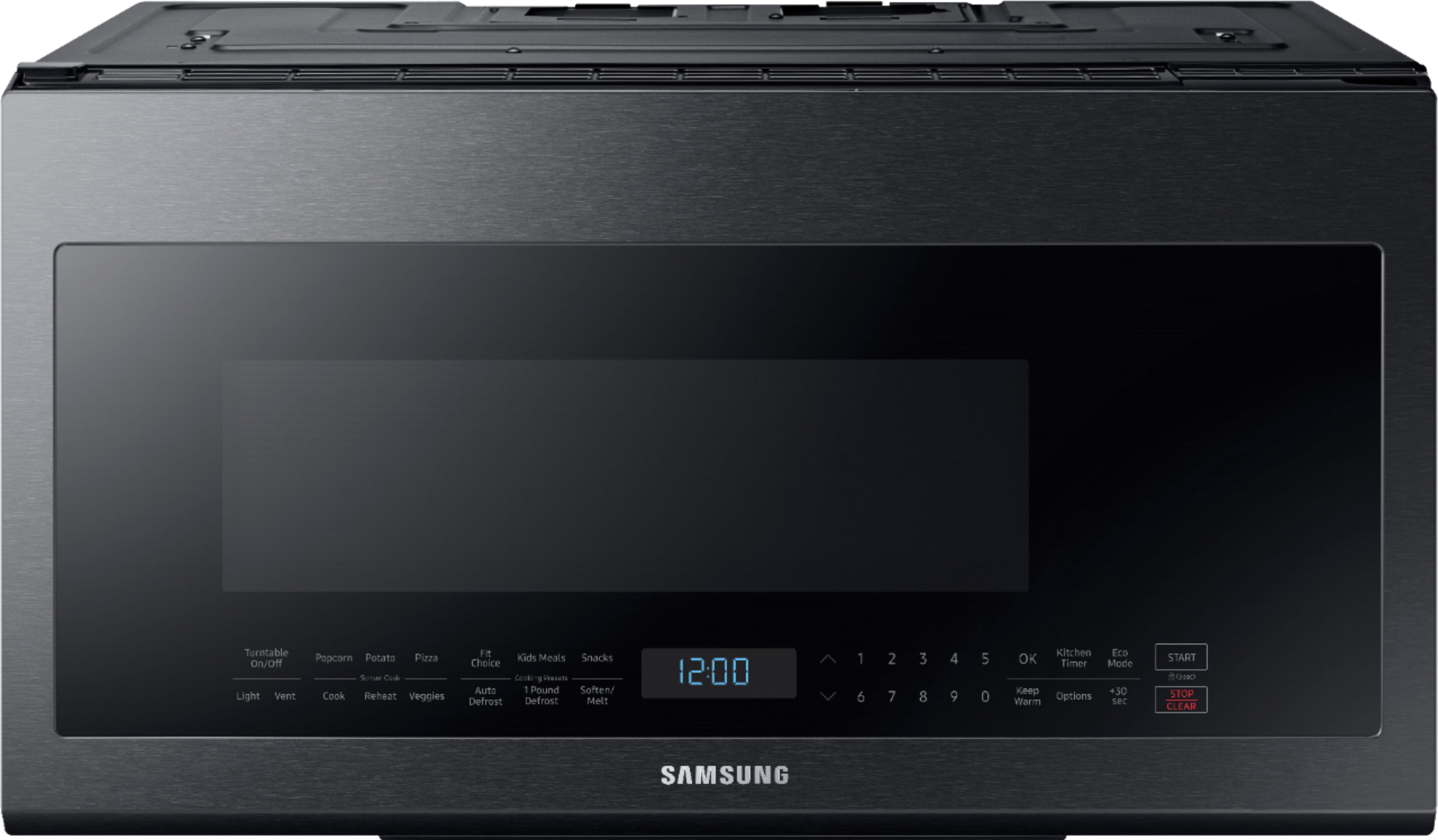
A:AnswerYes there is one - I use it regularly .. look in the manual I think it’s called cook timer. You maybe confused it with how long you are cooking for but it’s the timer
A:AnswerHi there,
Yes, Bespoke Microwave 1.9 and 1.1 have a Smart Control feature, which allows the unit to be connected to wifi and remotely operate the microwave using the Smartthings app.
Have a great day.
^Aloe
A:AnswerDear Valued Best Buy Client,
Thank you for asking. To better assist you with your query, please contact the Best Buy customer service department at P. (888) 237-8289 H.24 Hours a Day. They can either answer your question or transfer you to your local store to answer your specific concerns. They can either answer your question or transfer you to your local store to answer your specific concerns.
Have a great day.
^Camille