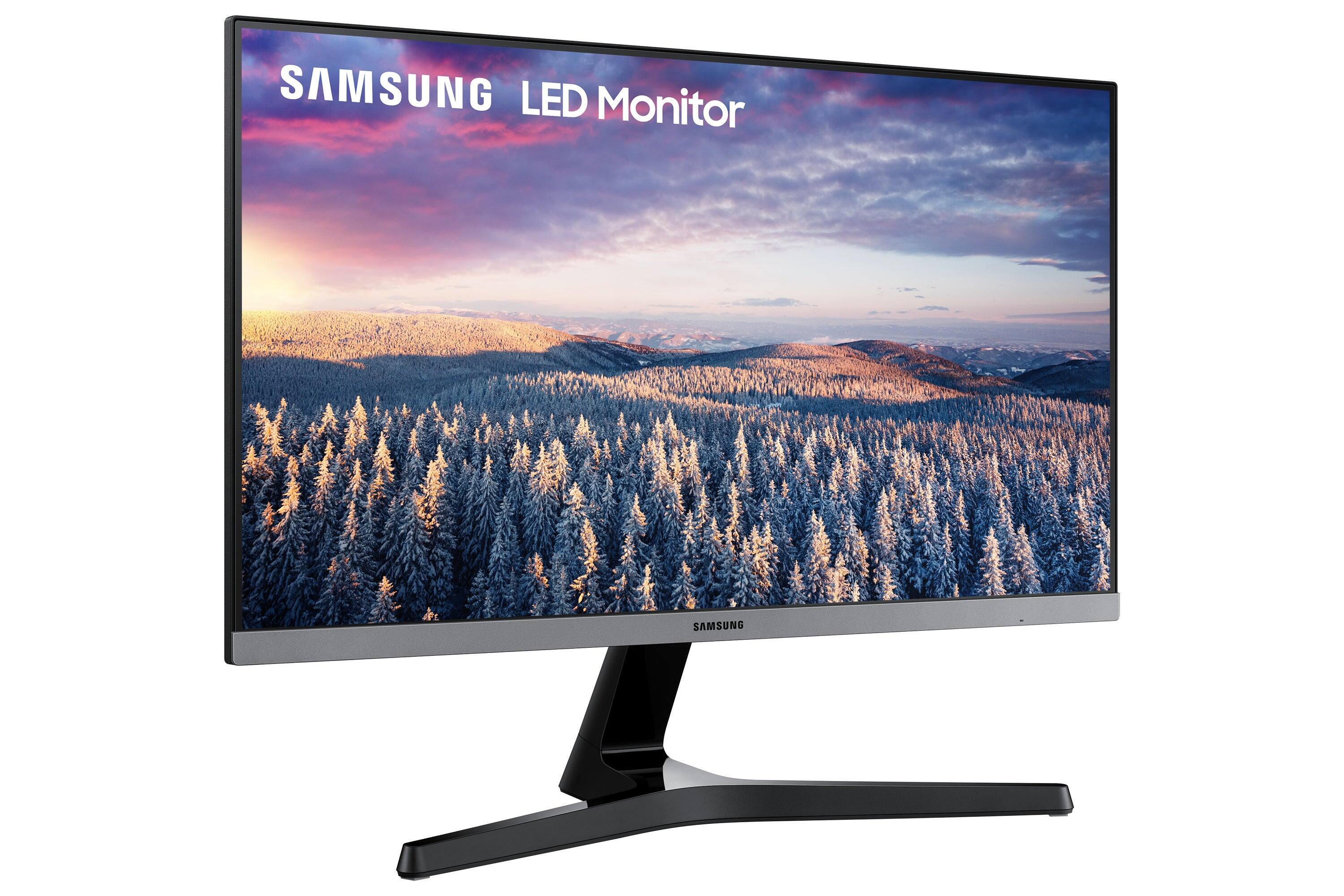
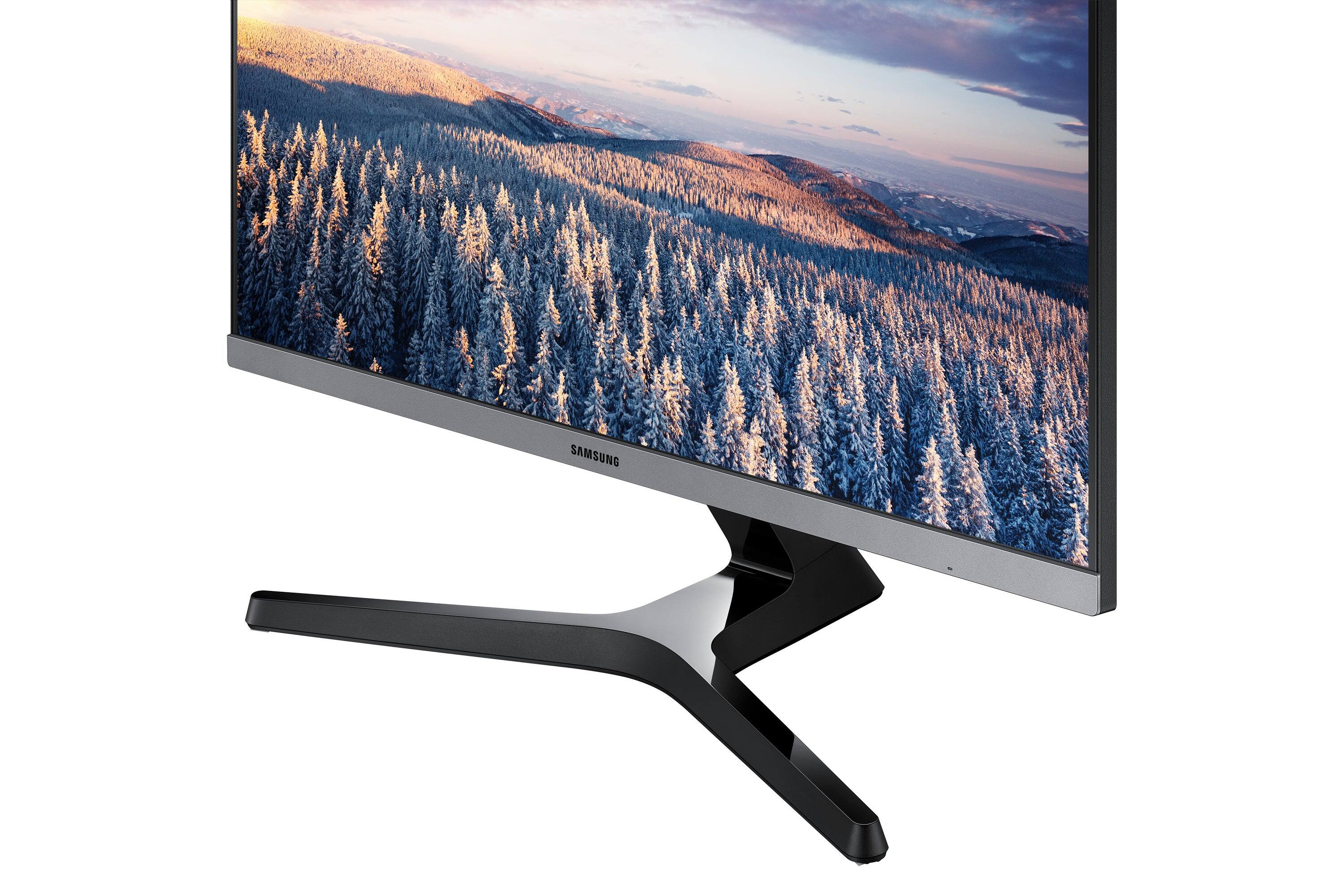
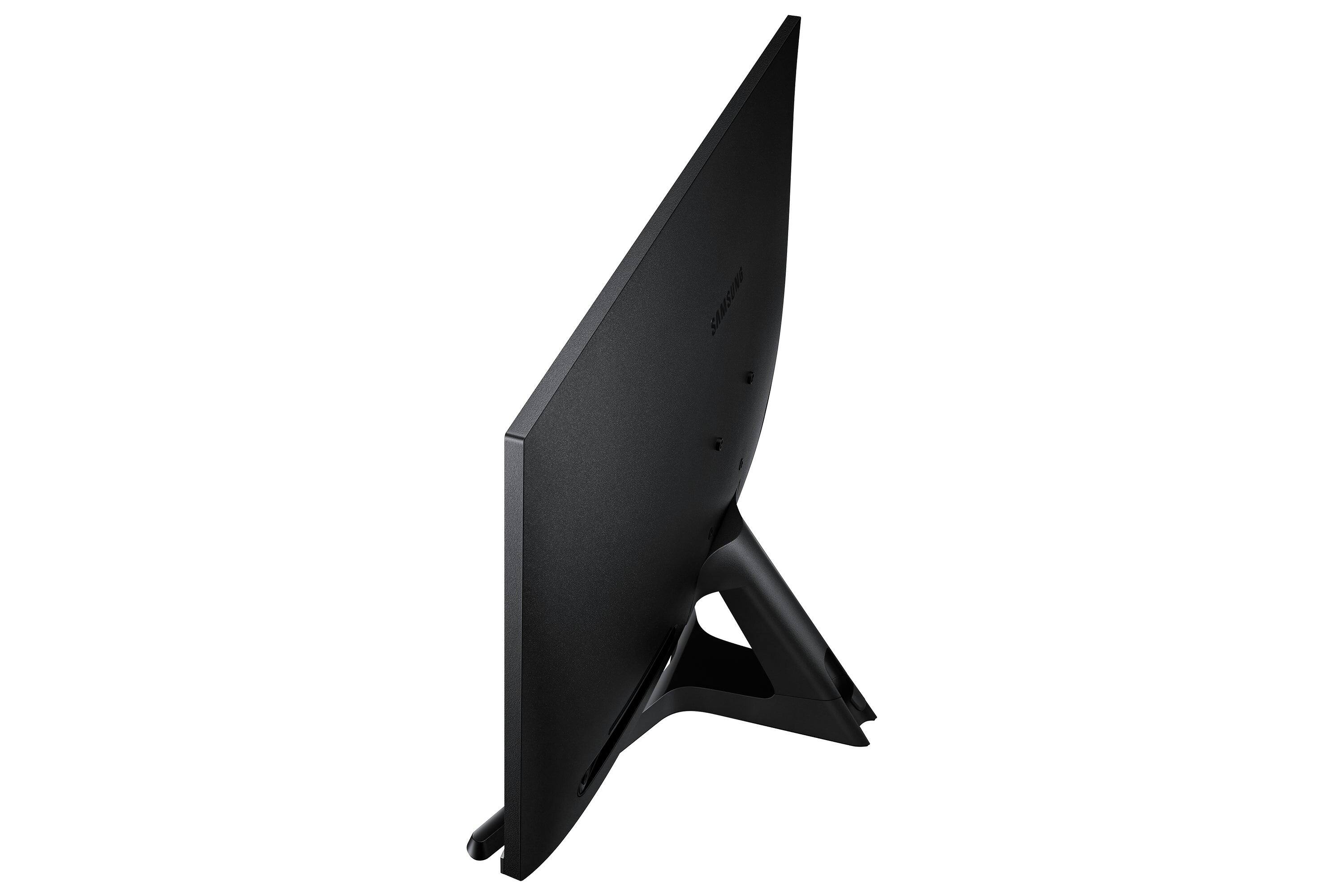
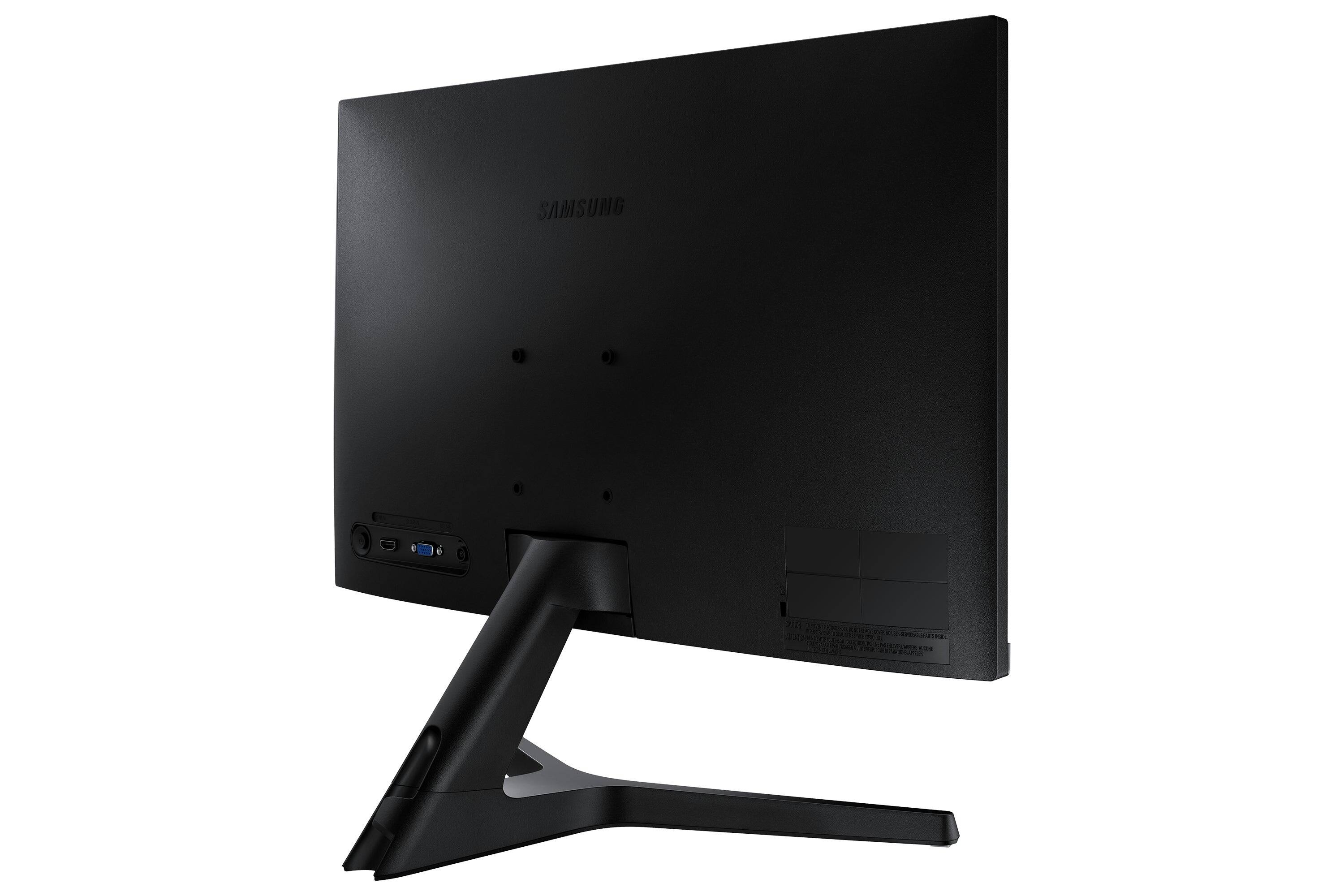
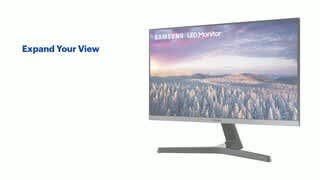
A:AnswerThis really isn't a question about this product. These go to owners of the product. It is a monitor so it is not going to download apps-- that you need a smart tv. It will show you whatever you have on your connected computer. so you can use it as a second screen and put the spectrum app on your computer-- and pull it over to this screen and work on your computer doing other things. But if you want help picking out a product that works for you- you should go tot he store- or use the chat option to talk to best buy directly about your options.
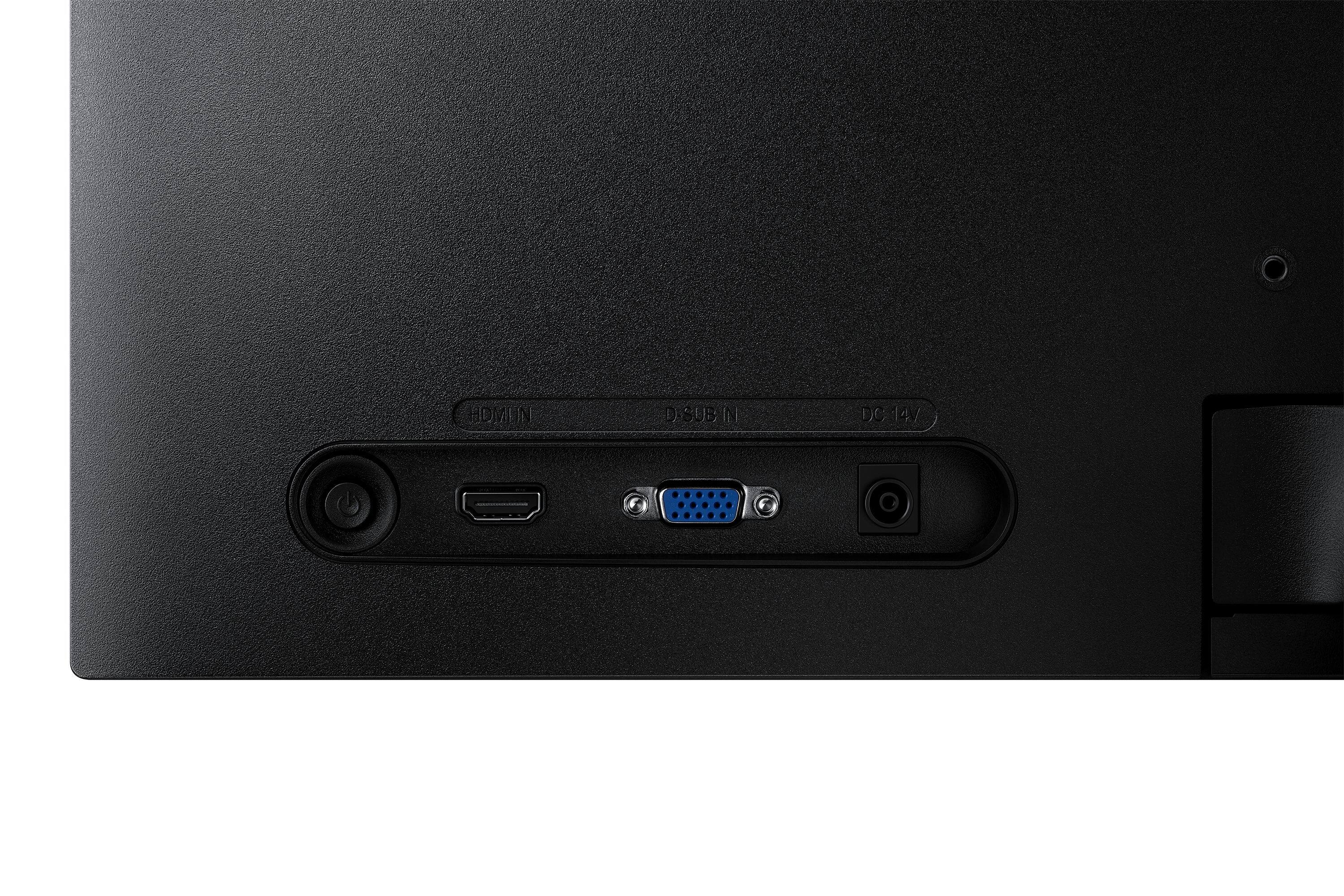
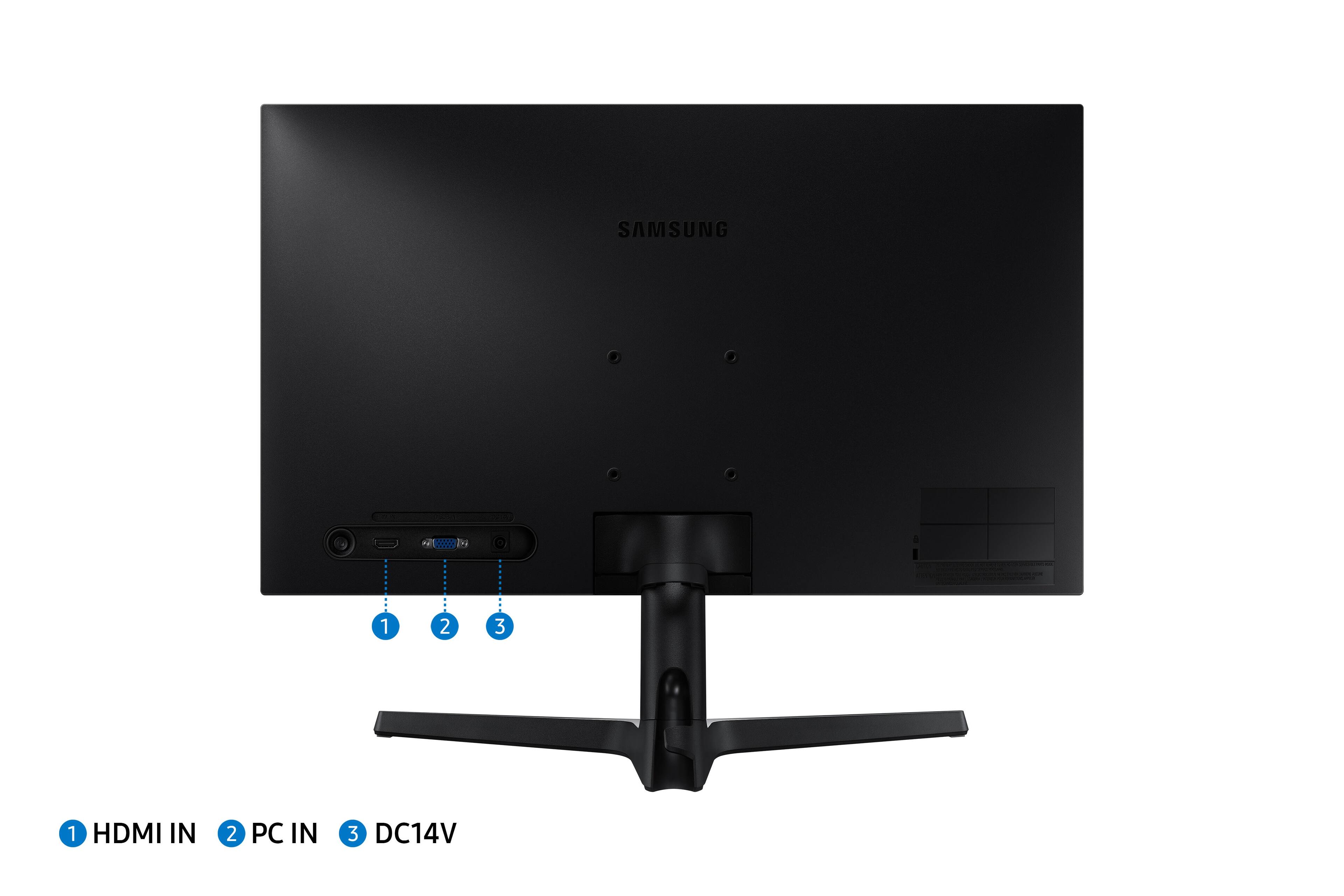
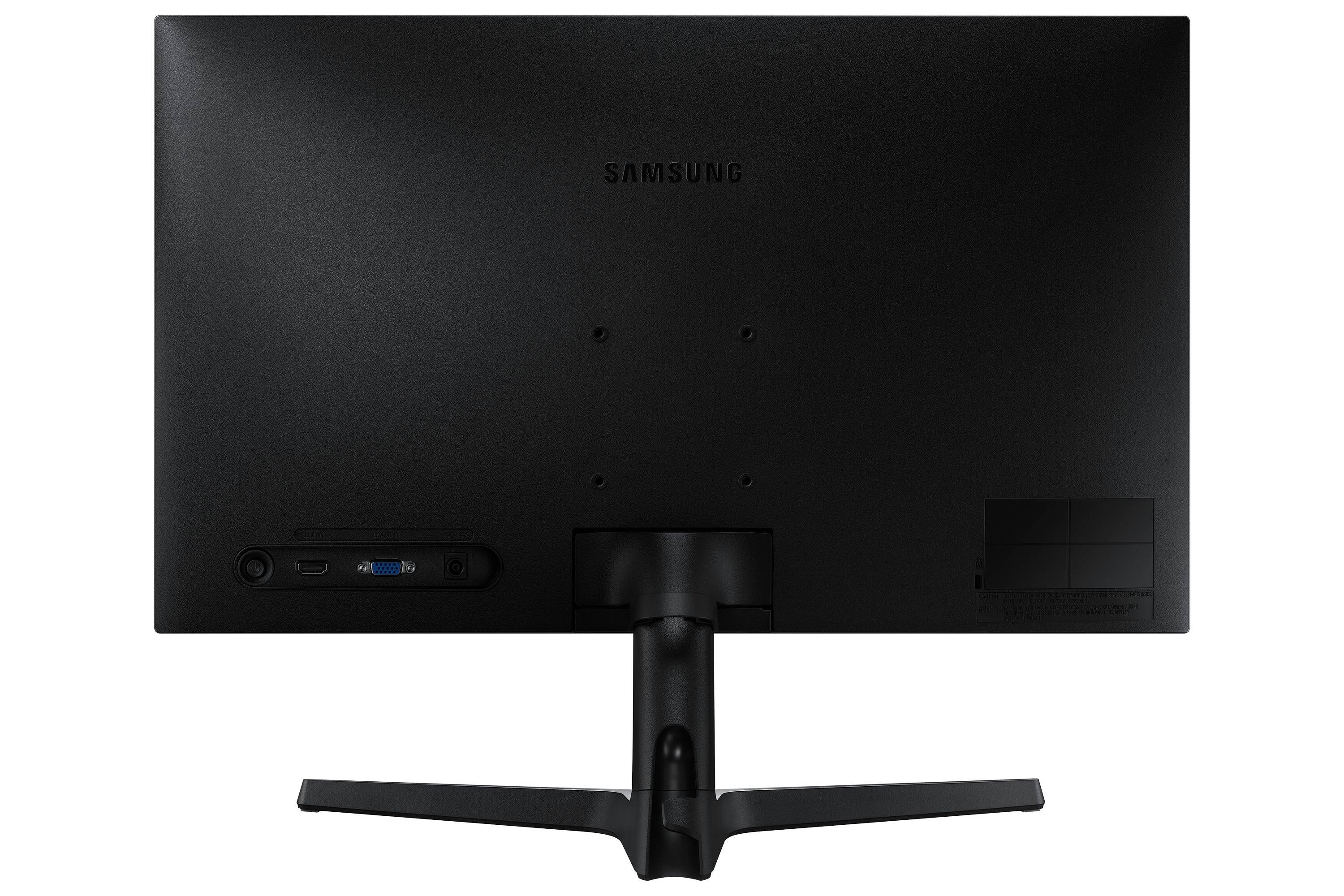
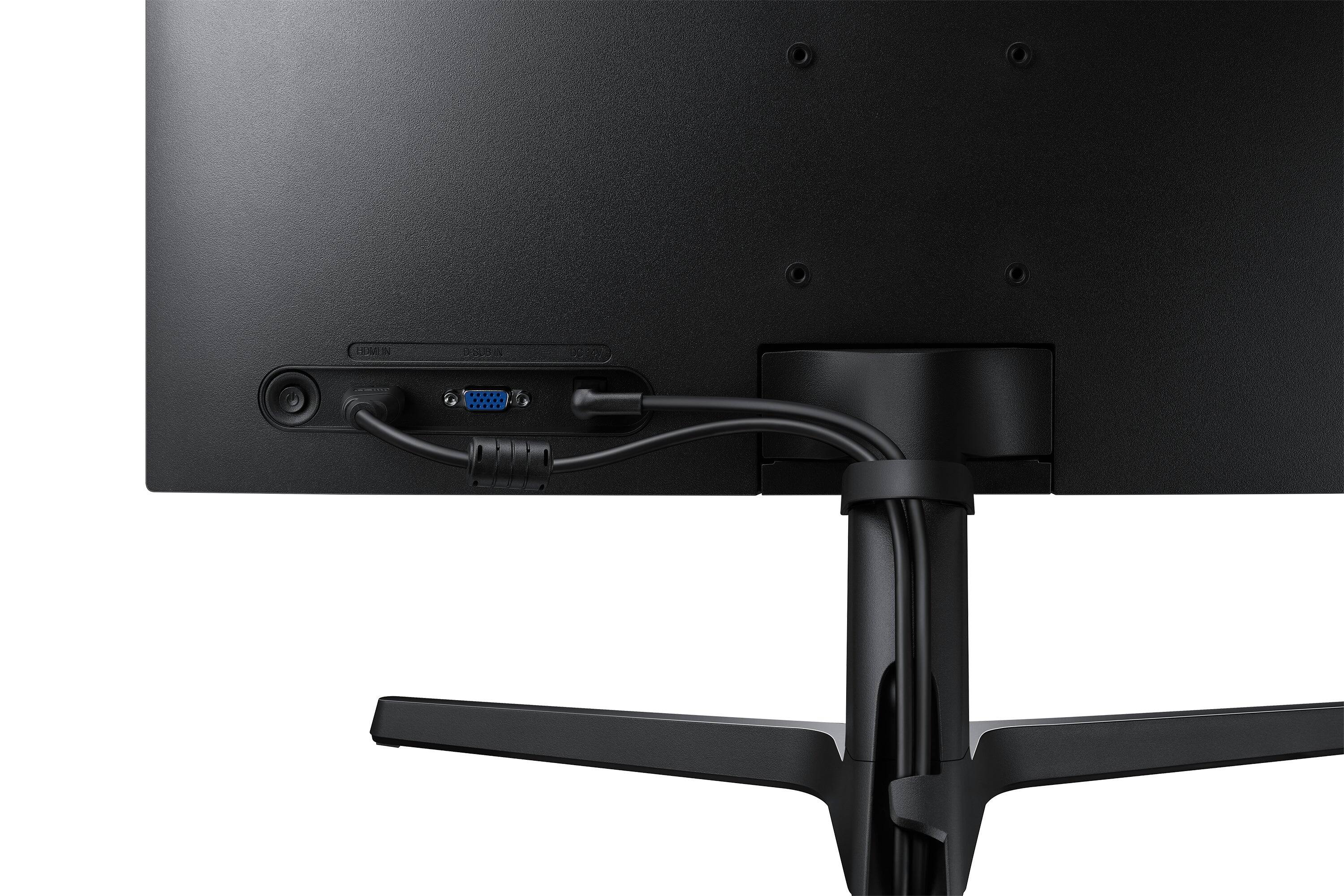
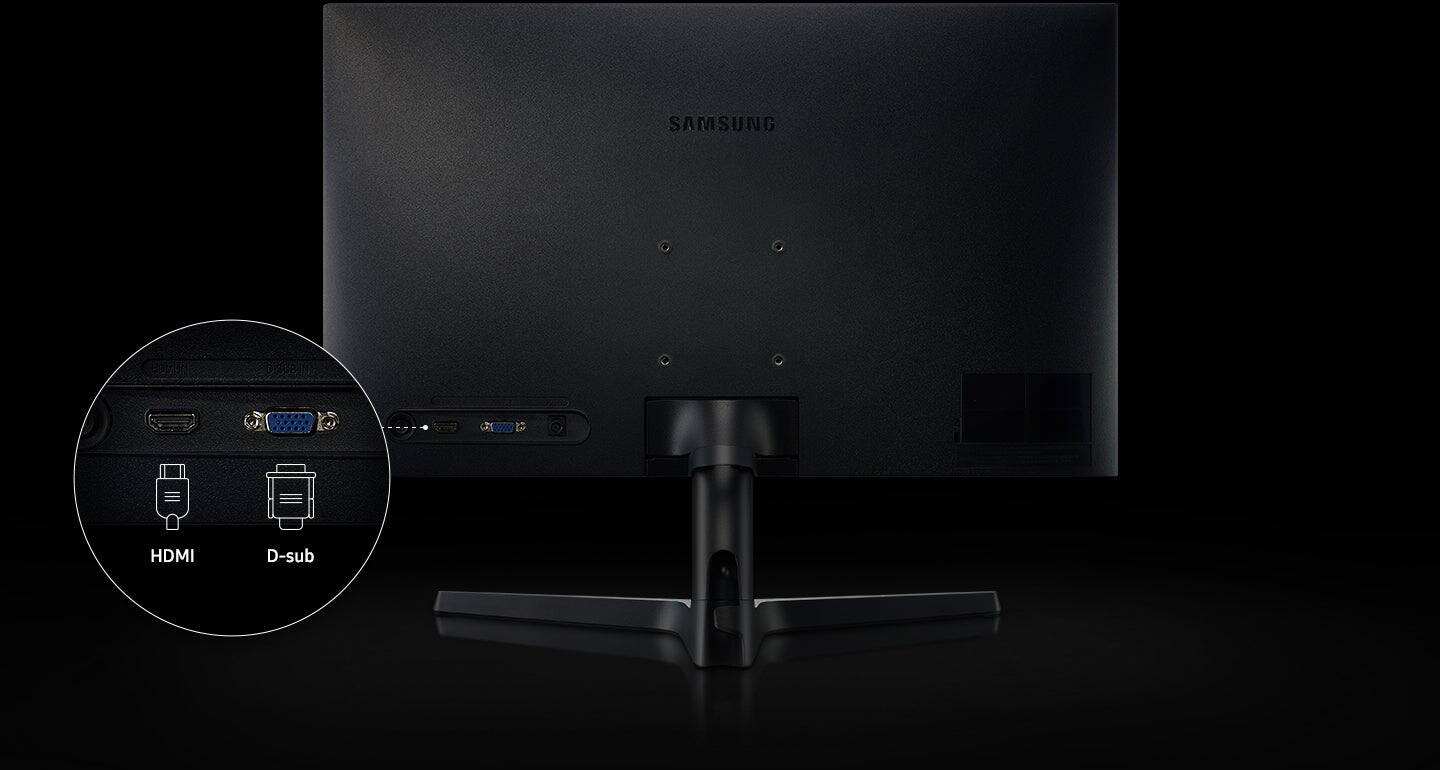
A:AnswerThe Monitor cannot function without the HDMI port being connected to another computer or device. I have a HDMI to DisplayPort cable that connects to a laptop. The monitor will display a black screen if just plugged in.
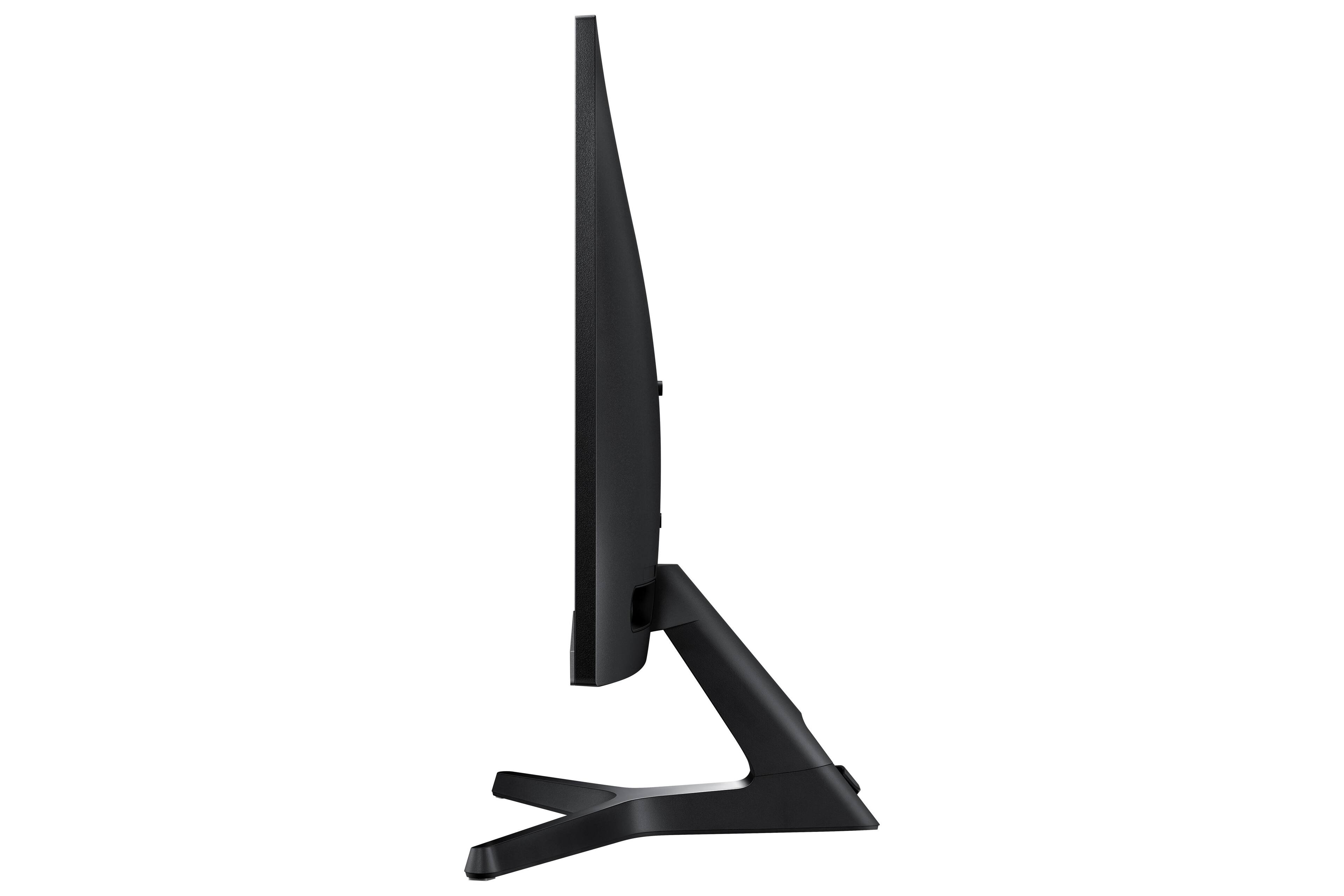
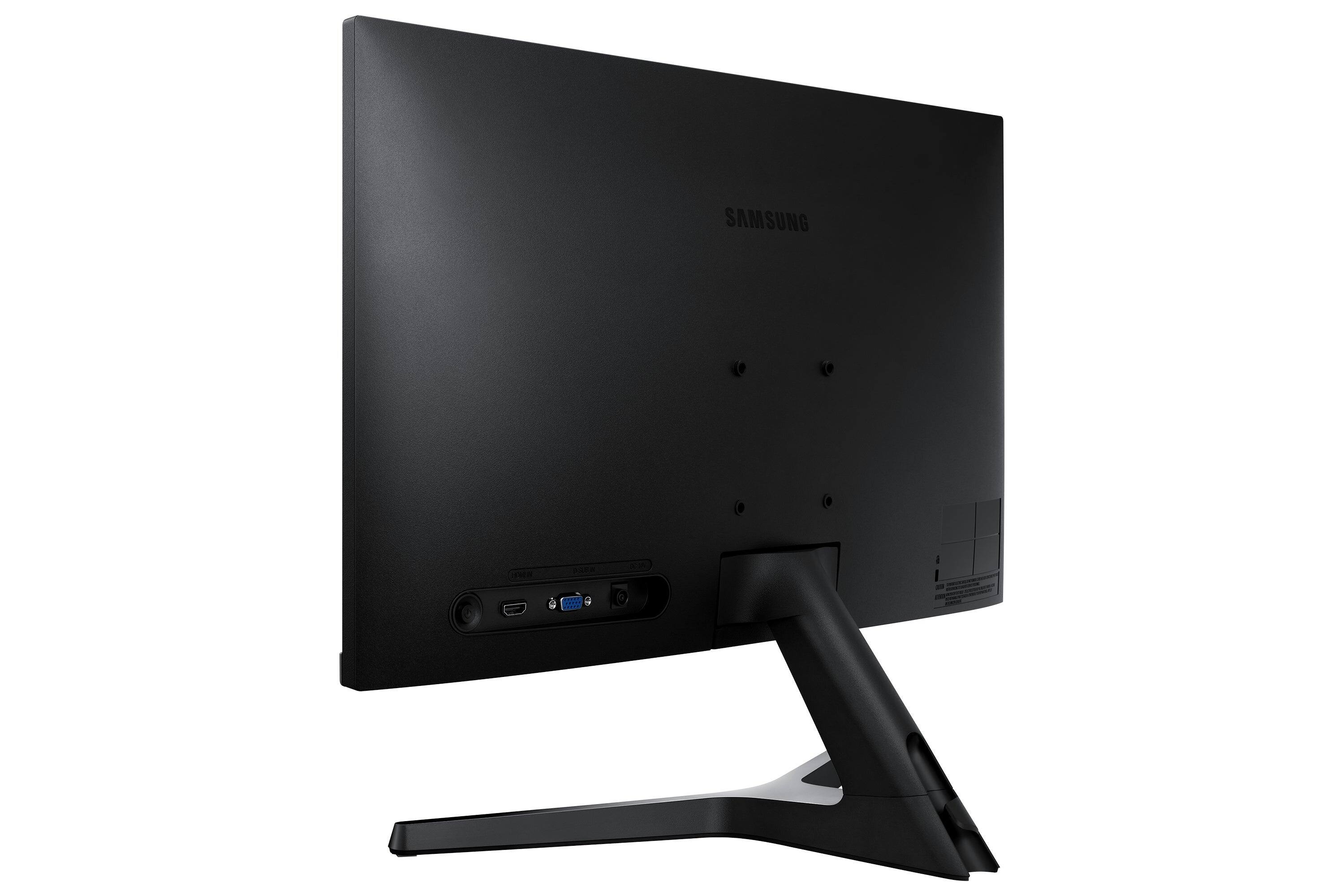
A:AnswerThe included monitor stand does not allow the portrait position. However, a display stand with 75X75mm VESA standard bracket can be used to mount the display in portrait position. Windows will allow users to set the display orientation in landscape or portrait.