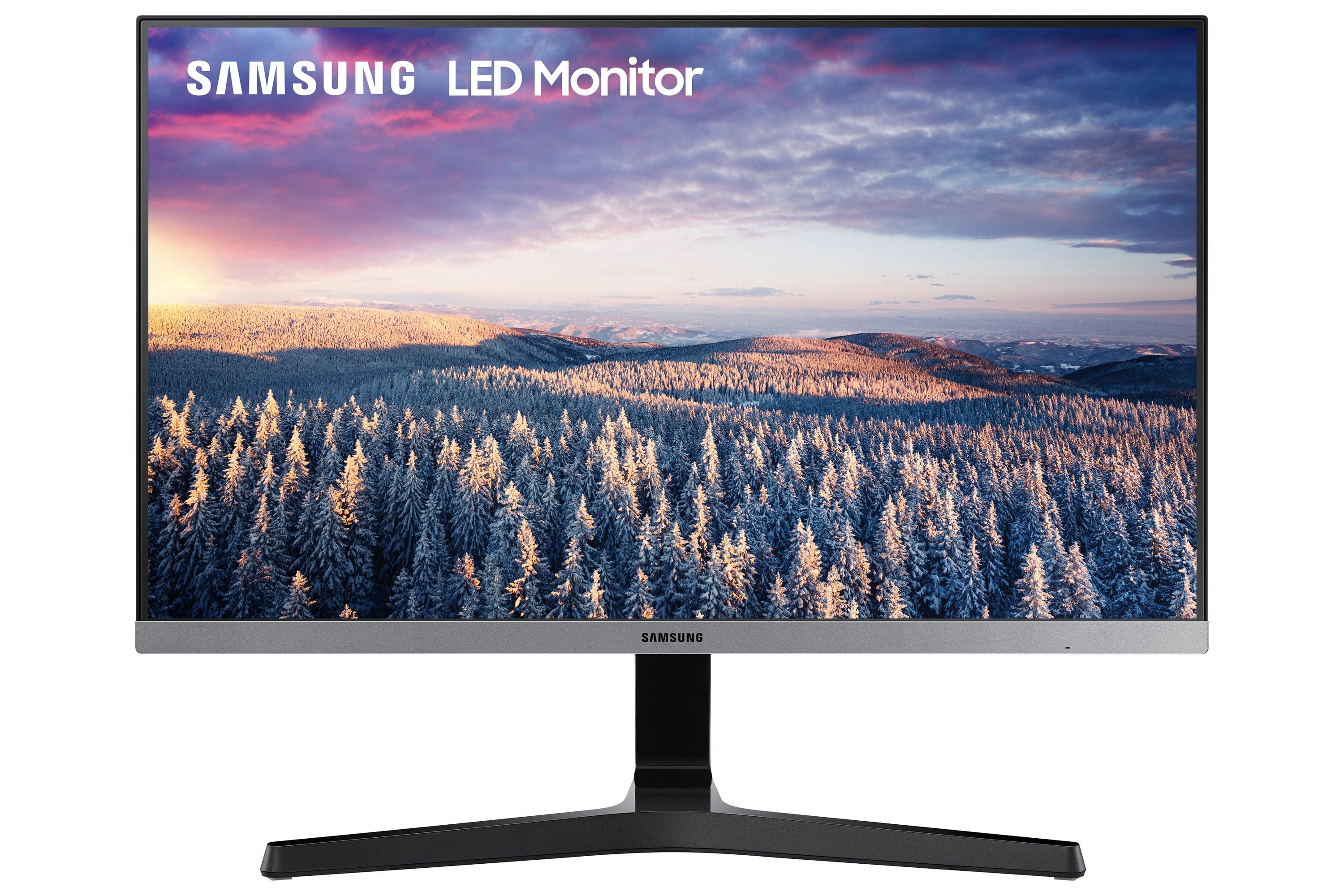
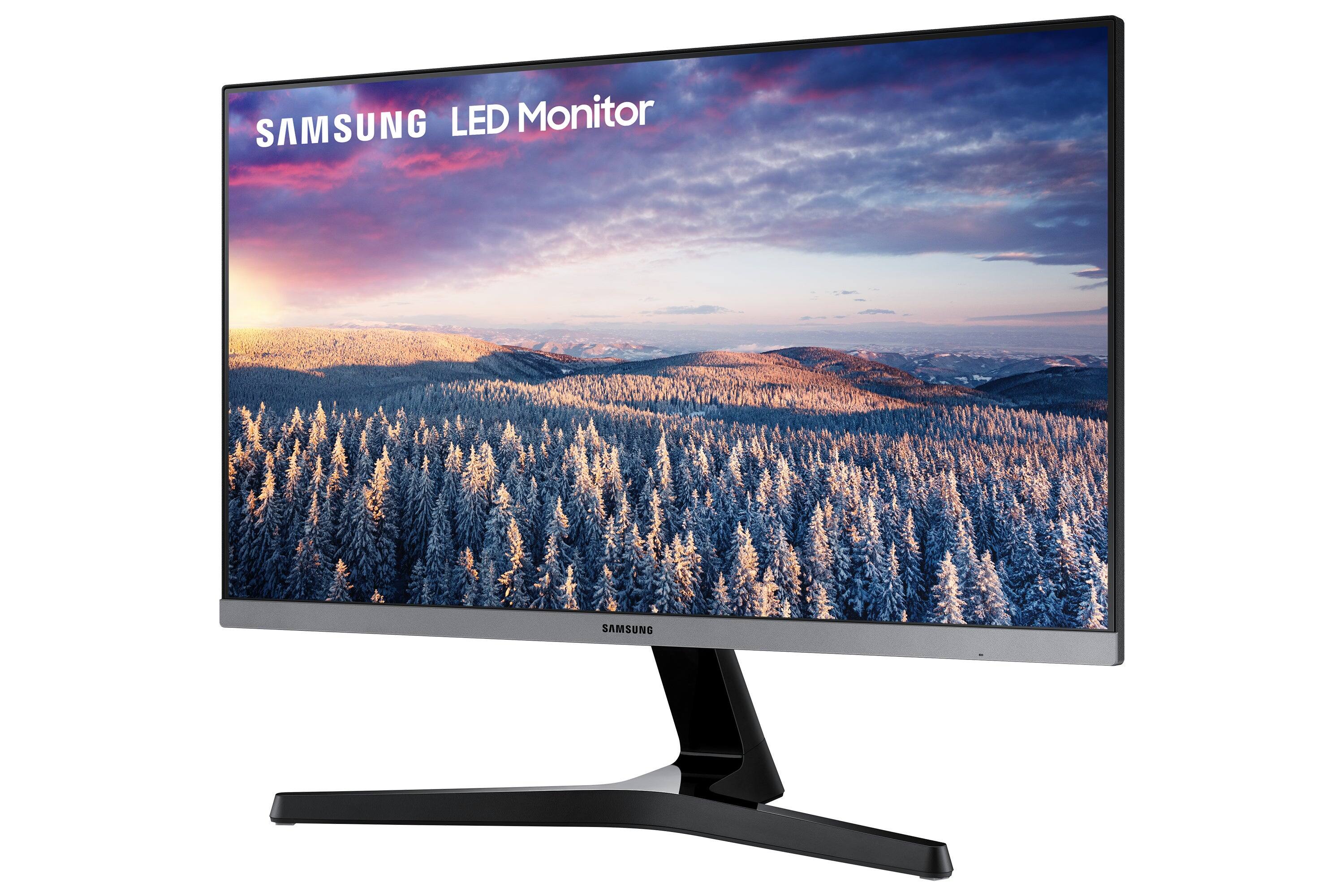
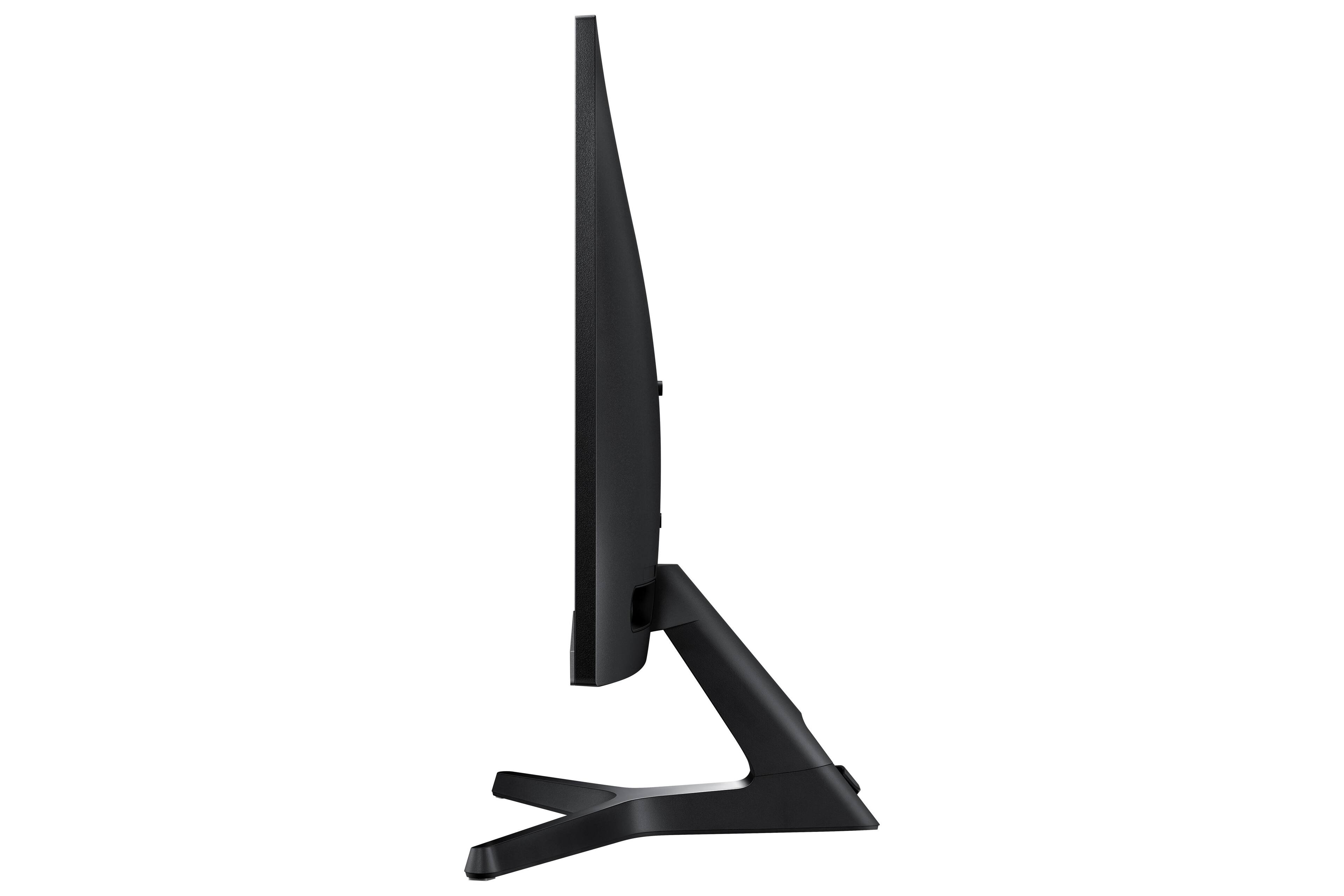
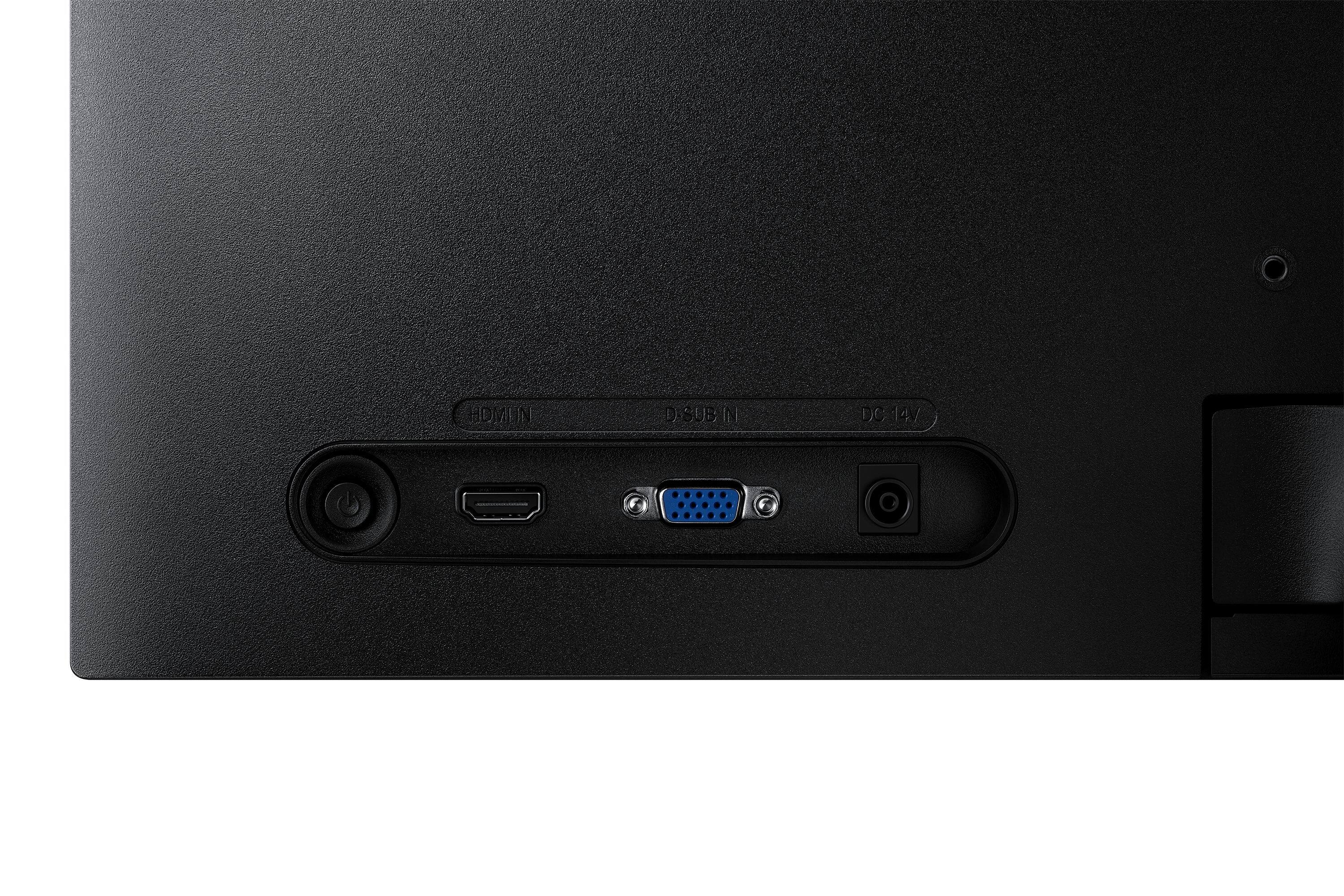
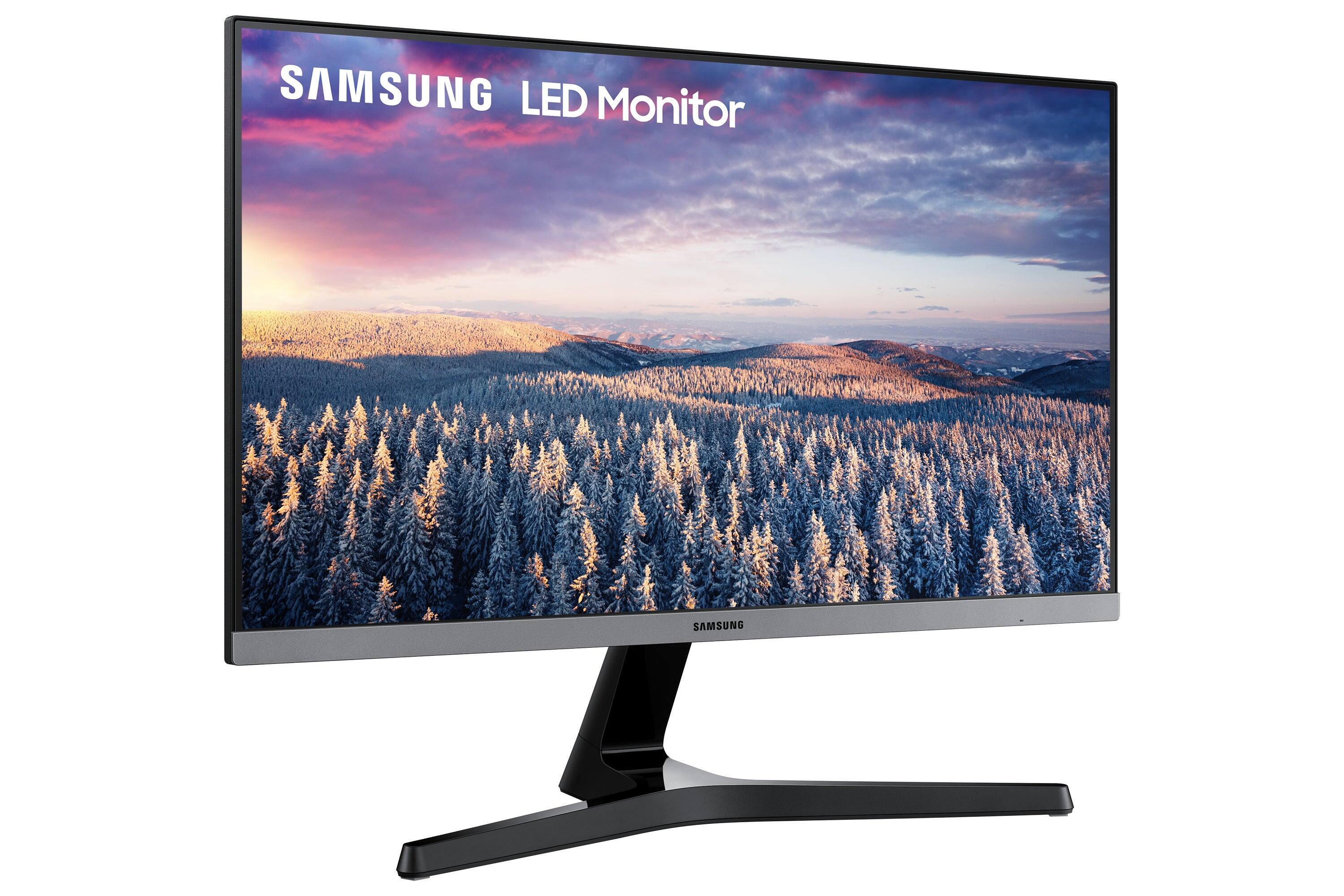
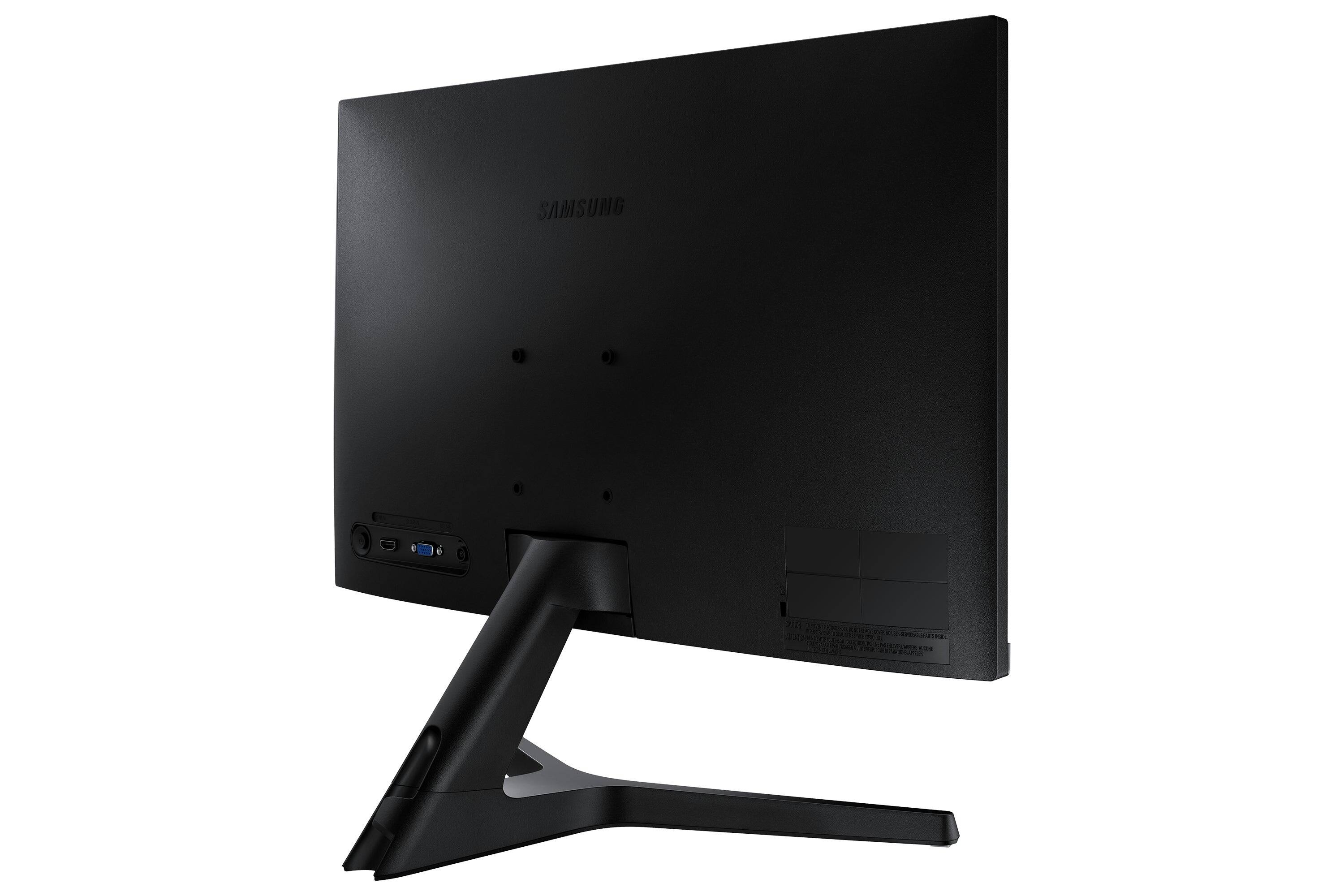
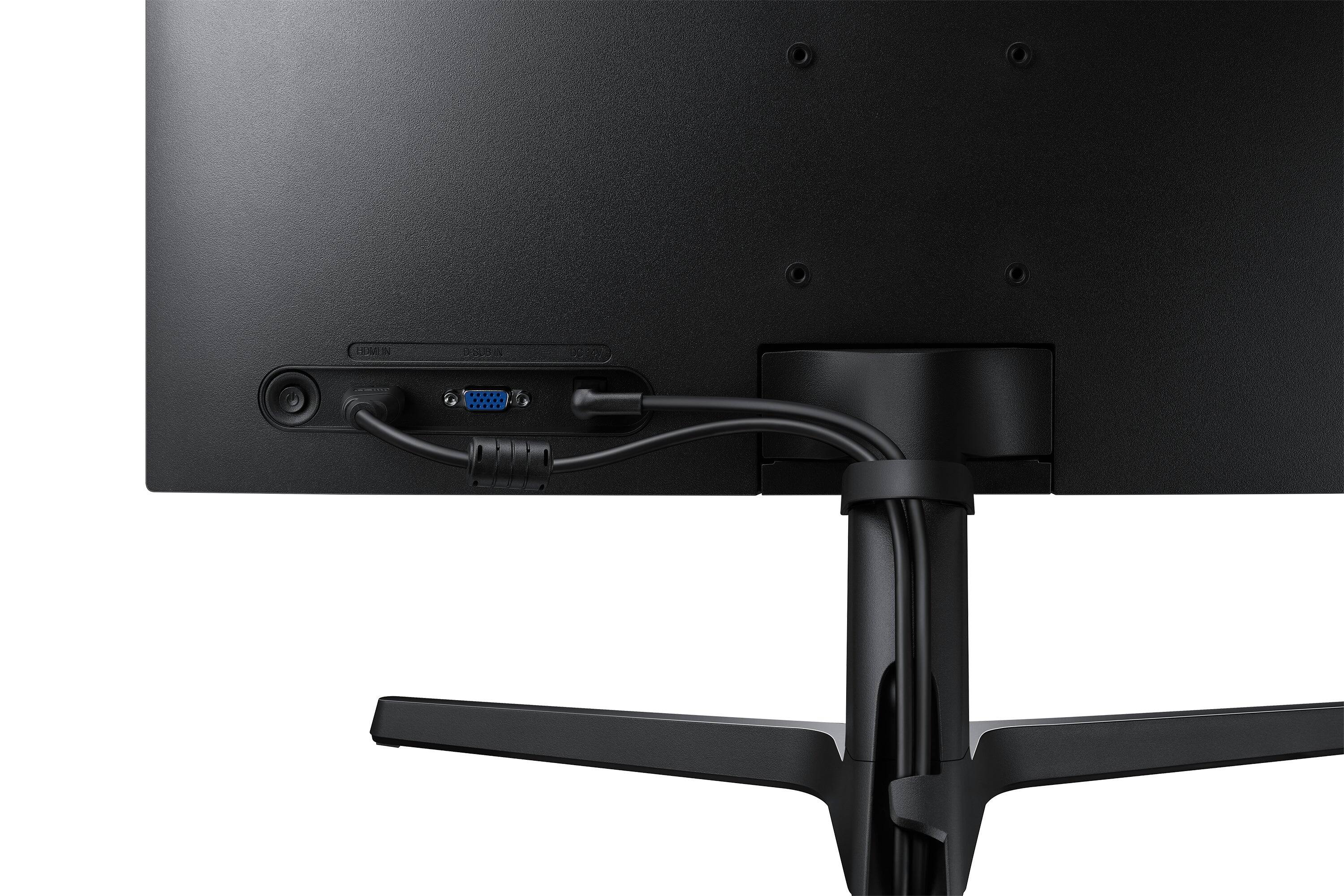
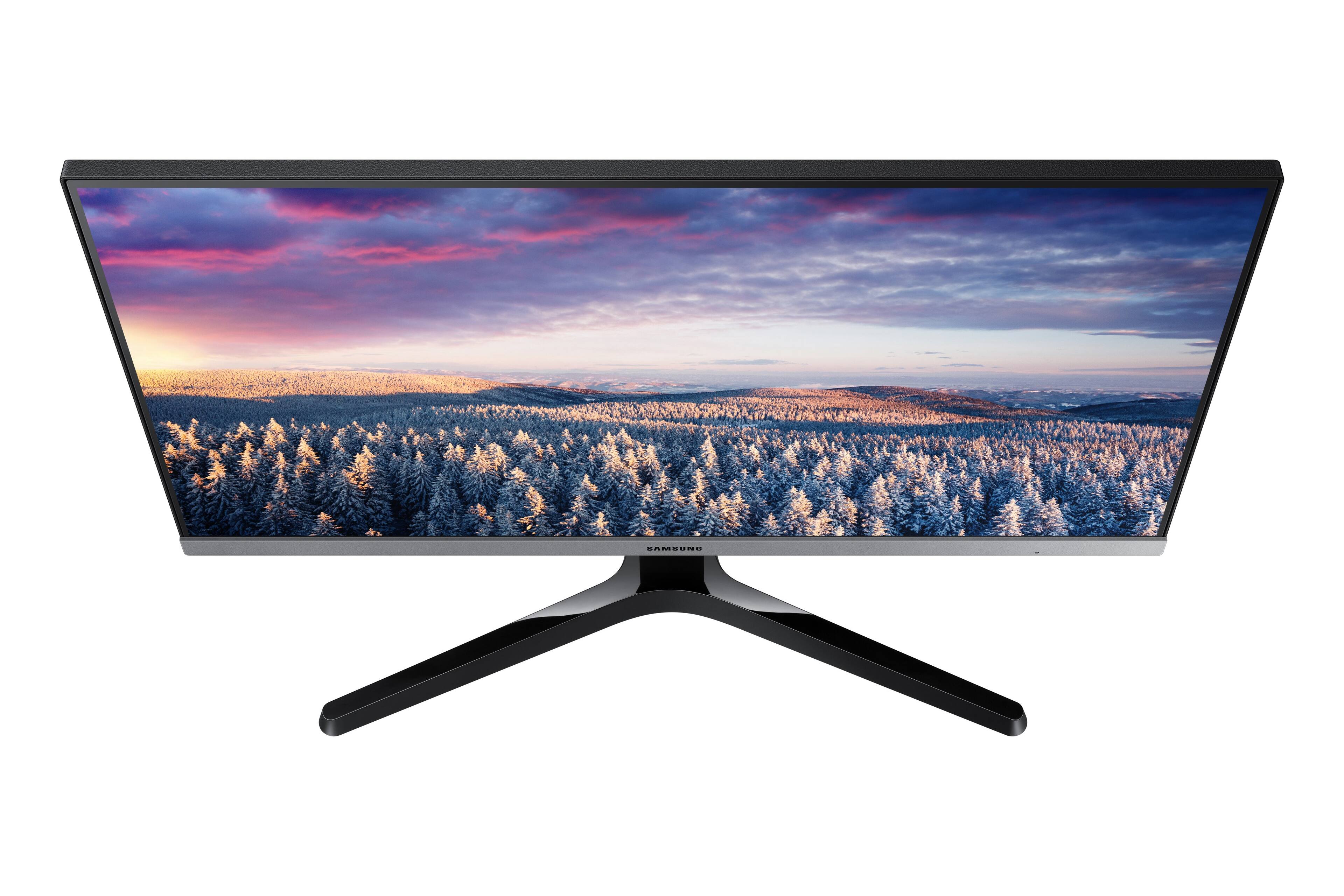
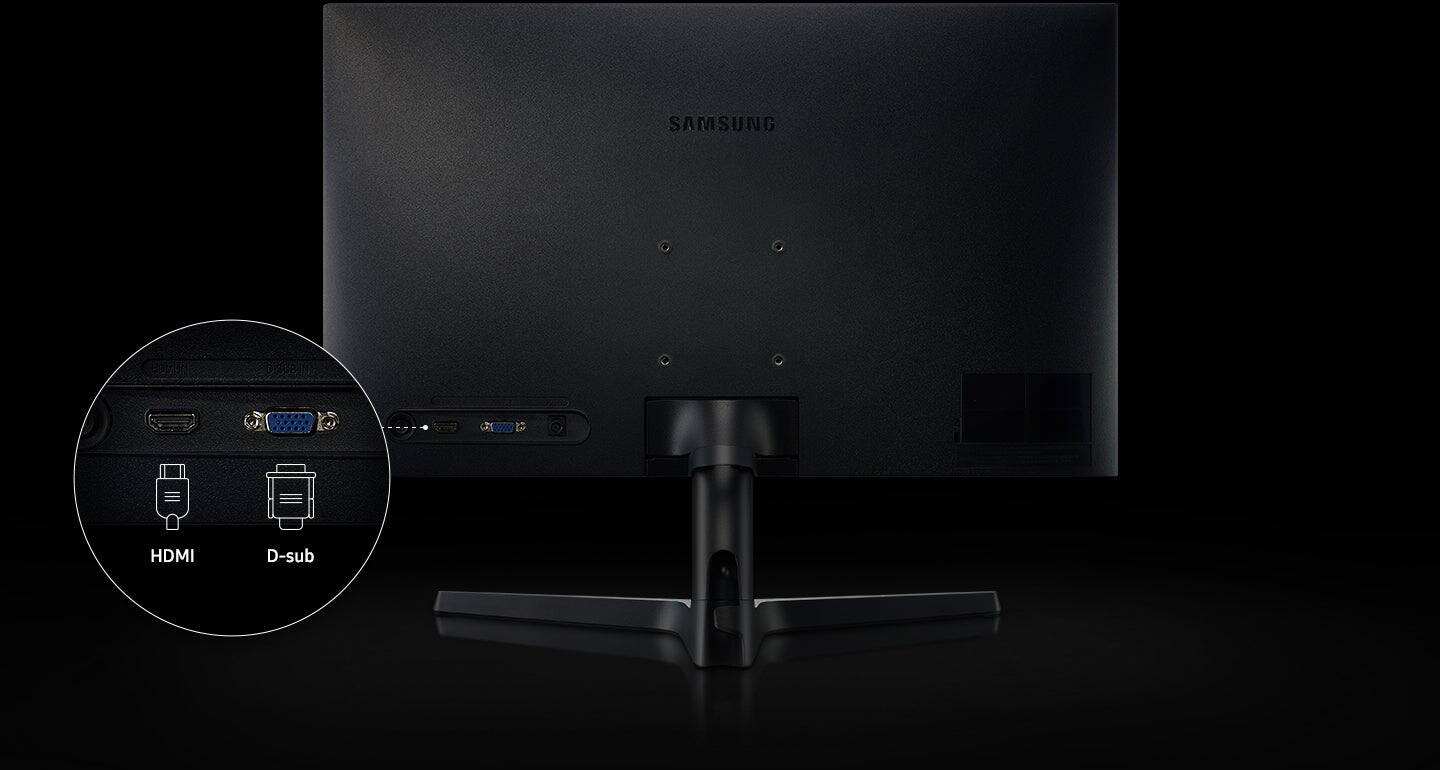
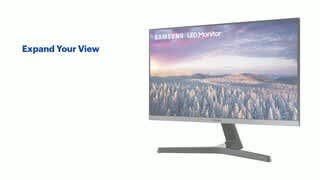
A:AnswerYes you’d have to get your own speakers or they have a slightly more expensive version with the built in one. I think this monitor is great for adding to additional setup like a laptop or second/third screen
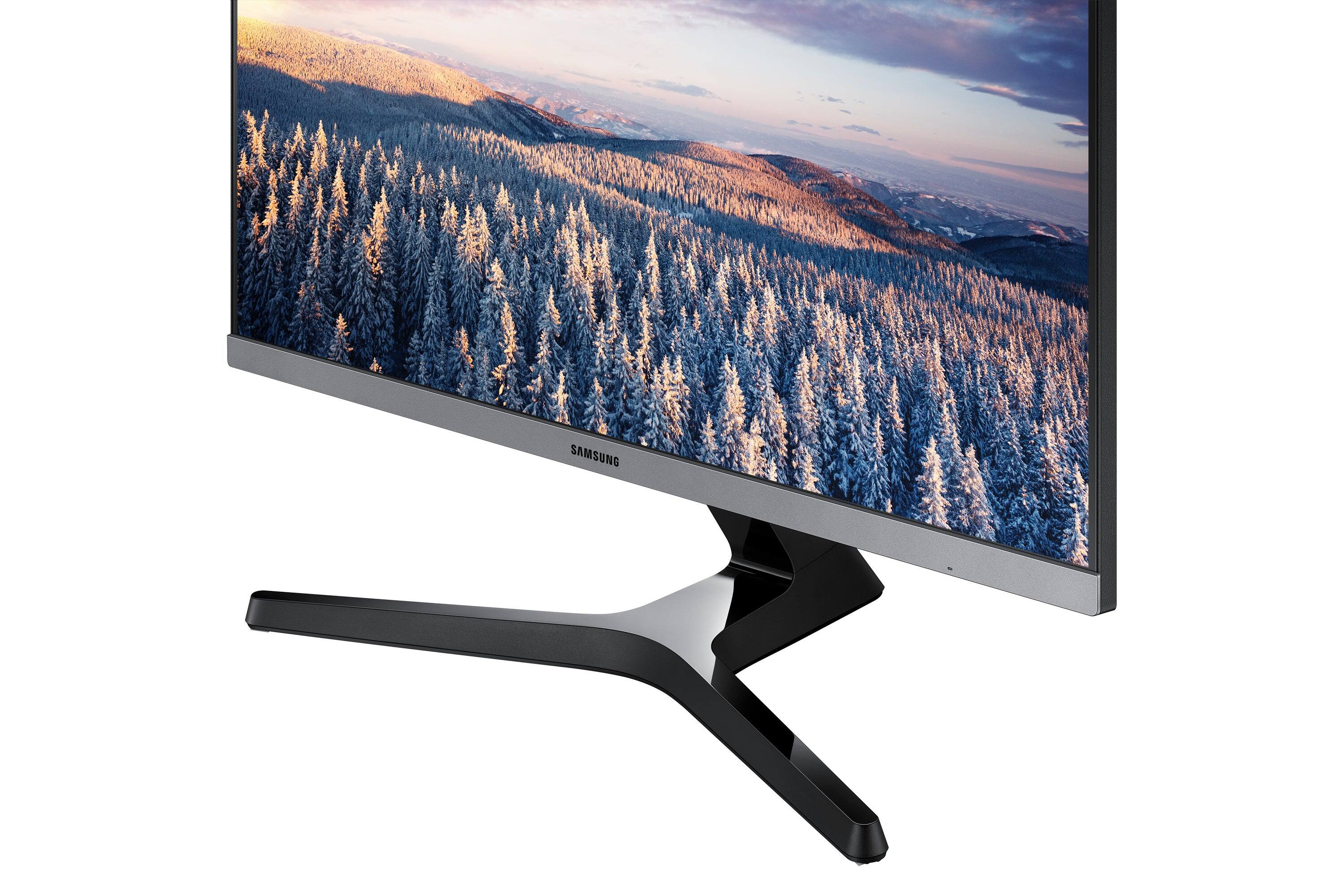
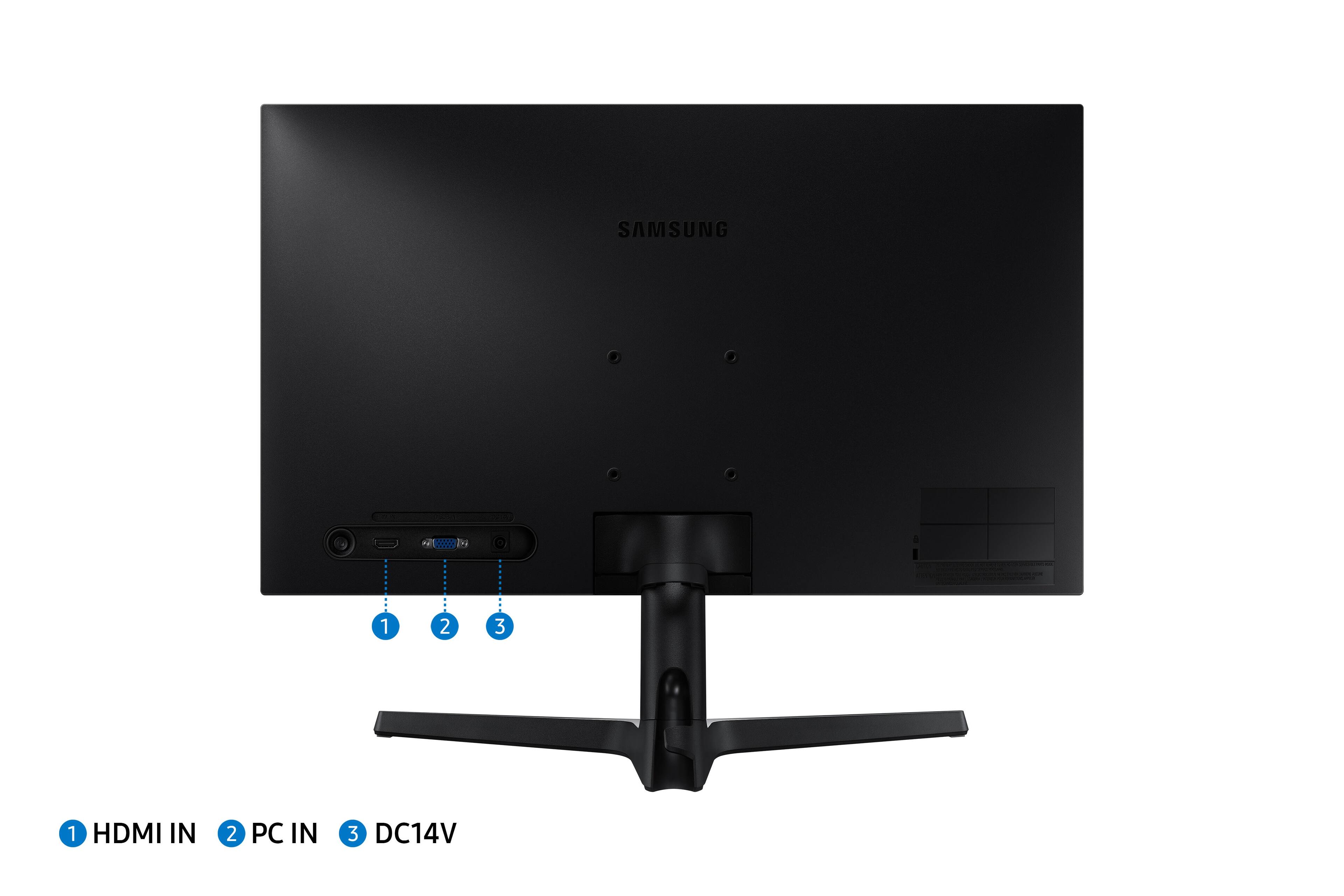
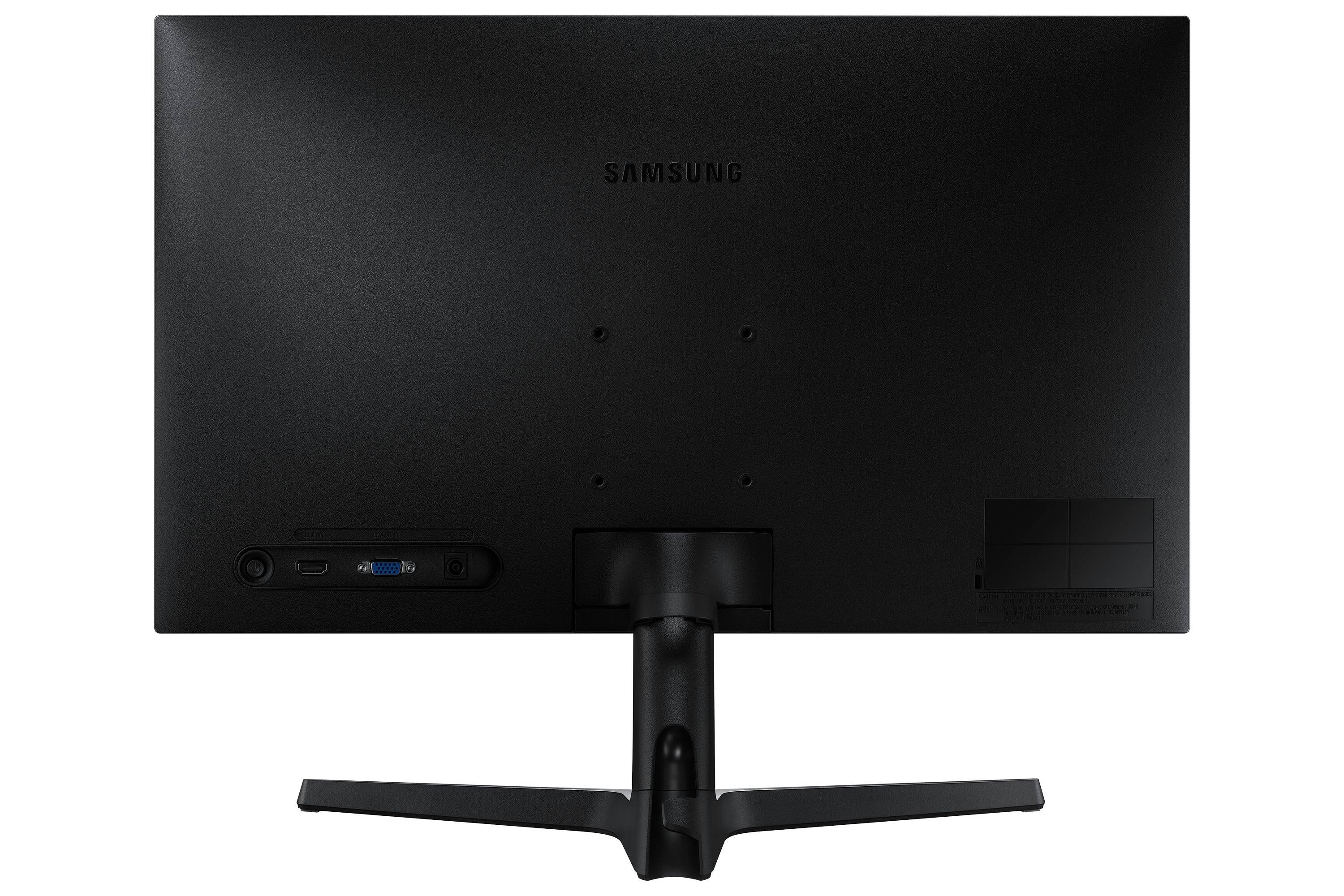
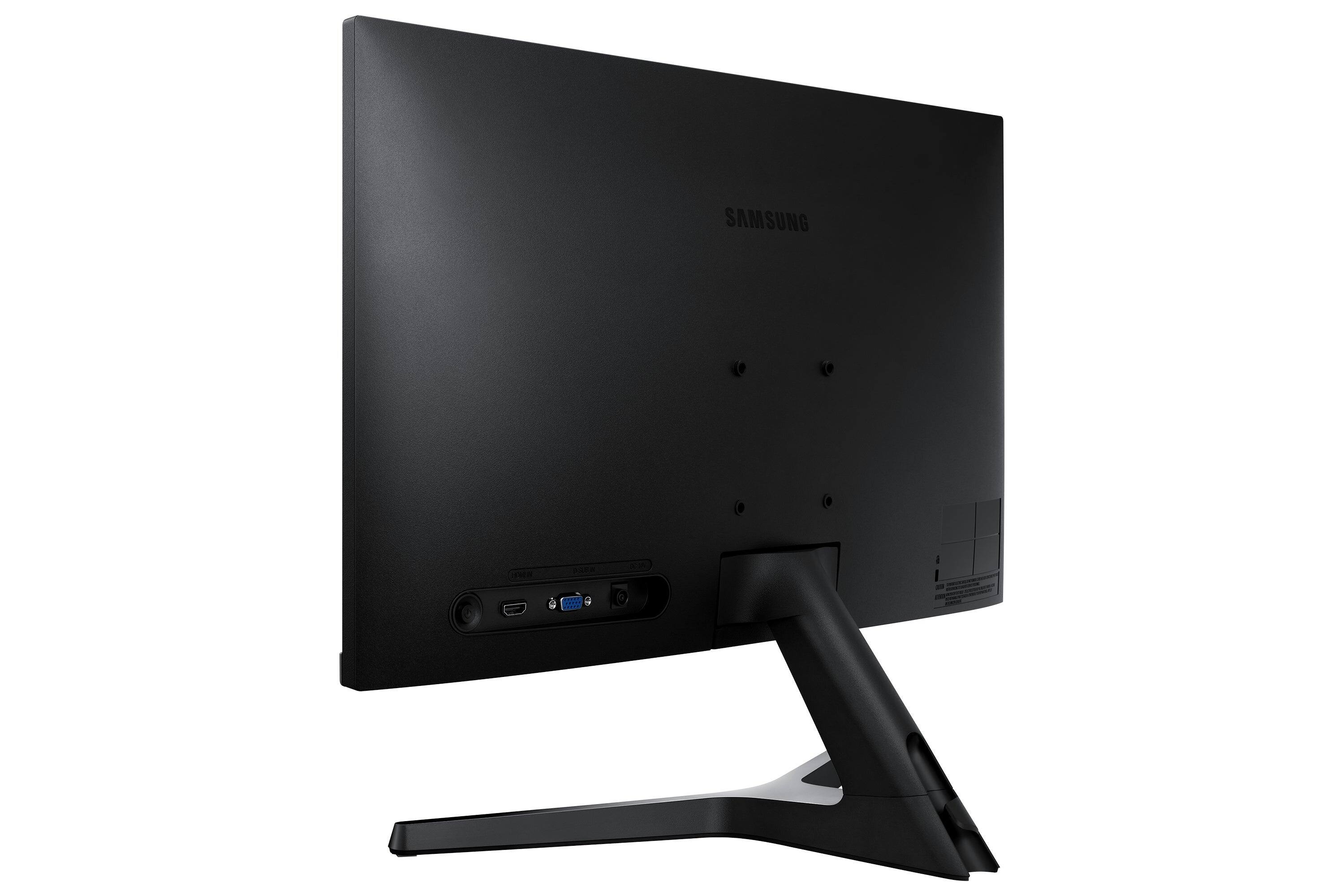
A:AnswerOn the lower right corner there is a button (power) also acts as a rocker button. There are several presets but contrast, brightness, and sharpness can be configured manually also.
A:AnswerIt goes off automatically after a few seconds without a signal. The amount of time can be adjusted. It comes back on as soon as it notices it has an incoming signal.