A:AnswerConnect using the Optical Cable (supplied with the system) and connect using the TV remote. After linking, the system should turn off and on with the TV remote and stay connected.
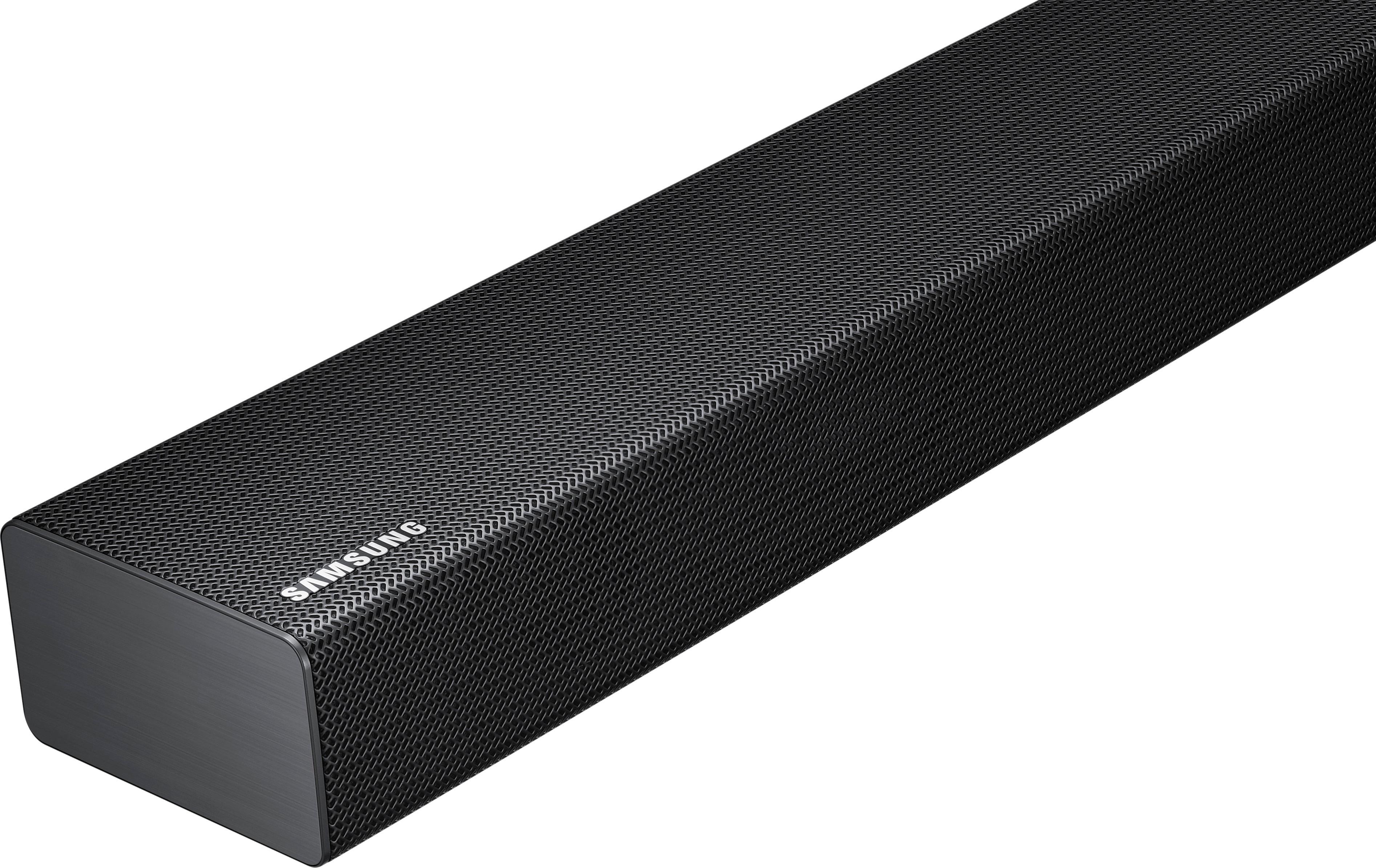
A:AnswerBluetooth devices can connect to this soundbar. However, you cannot connect more than 1 Bluetooth device at a time. But I'm trying to understand what it is you want to do. It sounds like you want to listen to your TV, with your wireless headphones, through the sound bar, right? I don't think that will work, simply because you have to switch the source for the sound bar to Bluetooth to connect to your headphones which would disconnect your TV. Best Buy Geek Squad could clarify if what you want to do is possible.
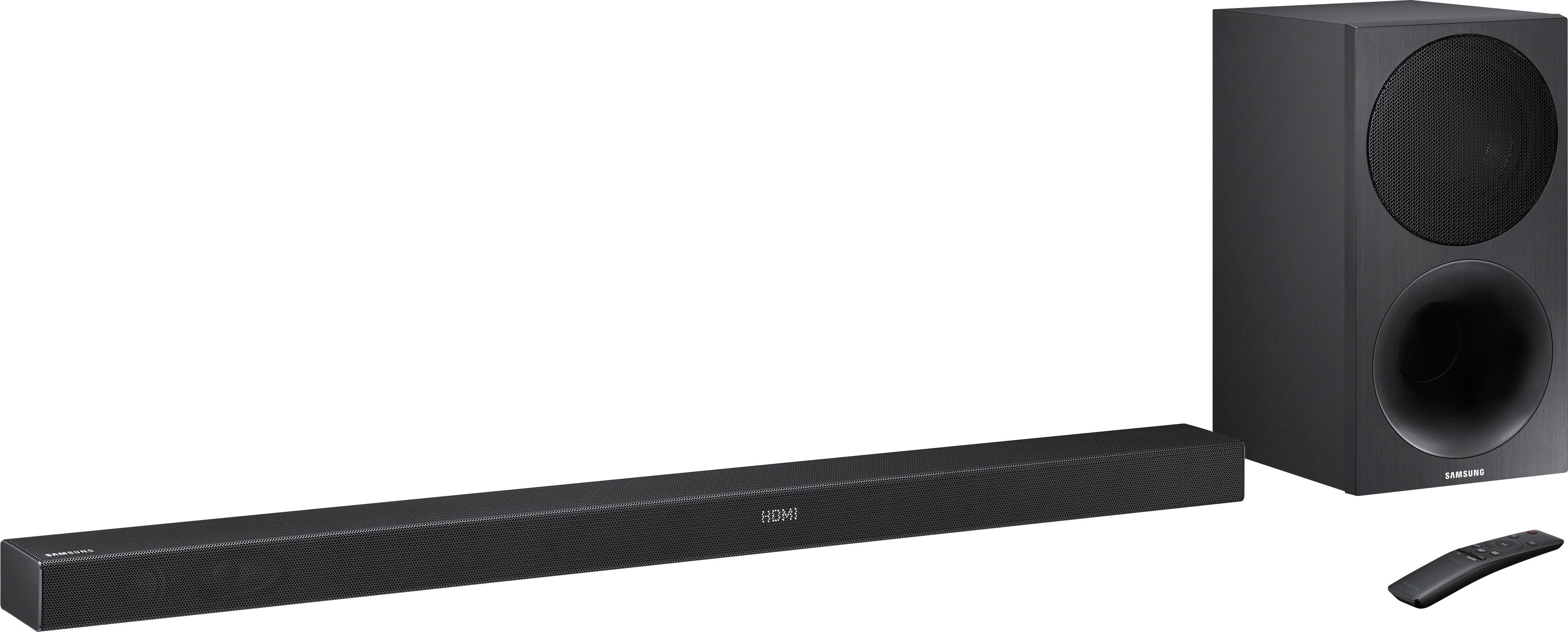
A:AnswerThe curve and the price. I have the curved tv, but i got the straight sound bar duebto price. It sits below the tv on a shelf. TV is wall mounted so it doesnt matter to me.
A:AnswerPer the reply of hooking up HDMI and messing with tv sound settings.
Can you also do this via Fiber optic? my TV doesnt have HDMI.
will this still help bring sub volume up?
A:AnswerTurn off the soundbar. press in on the volume button dont toggle it press the button in after 5 or 6 seconds the soundbar will link. Now turn on the soundbar the rear speaker unit should go solid blue instead of blinking.