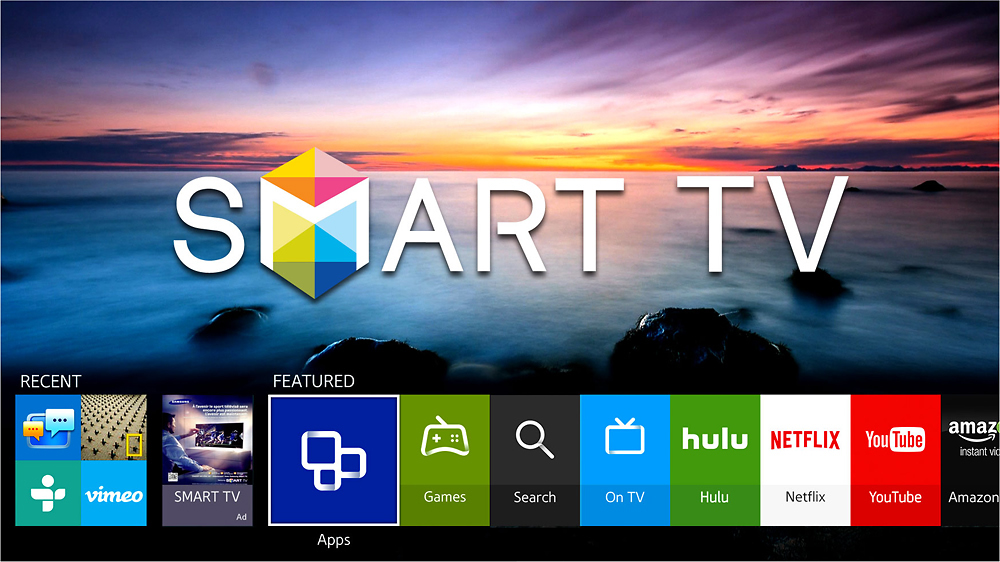
A:AnswerI got mine because it's a smart TV I use the built in Amazon, Netflix and Hulu. We are both because of medical issues stay at home and all three in addition to cable. as far as a web browser it's not the best. I can thou mirror my laptop to my TV... hope this helps, Blair
A:AnswerIn the initial setup of the TV, it will ask you whether you want to use a wired internet connection or wireless. choose wireless with the remote and follow the on screen prompts to finish the wireless setup.
If you happened to skip this step, press menu on your remote. Go to network, then network setup. Choose again, whether you want wired or wireless internet connection, and follow the on screen prompts.
A:AnswerHi AdamB,
Despite what other answers you may have already looked at, you can trust my "Answers". Yes this model supports the pairing of "Bluetooth" audio devices. I've paired many different speakers with this model. In adddition you can use the built-in TV speakers and the "Bluetooth" speakers at the same time for a full and rich sound experience. Hope this helps "Answer" your concerns.
AVTechMan
30yrs Experience
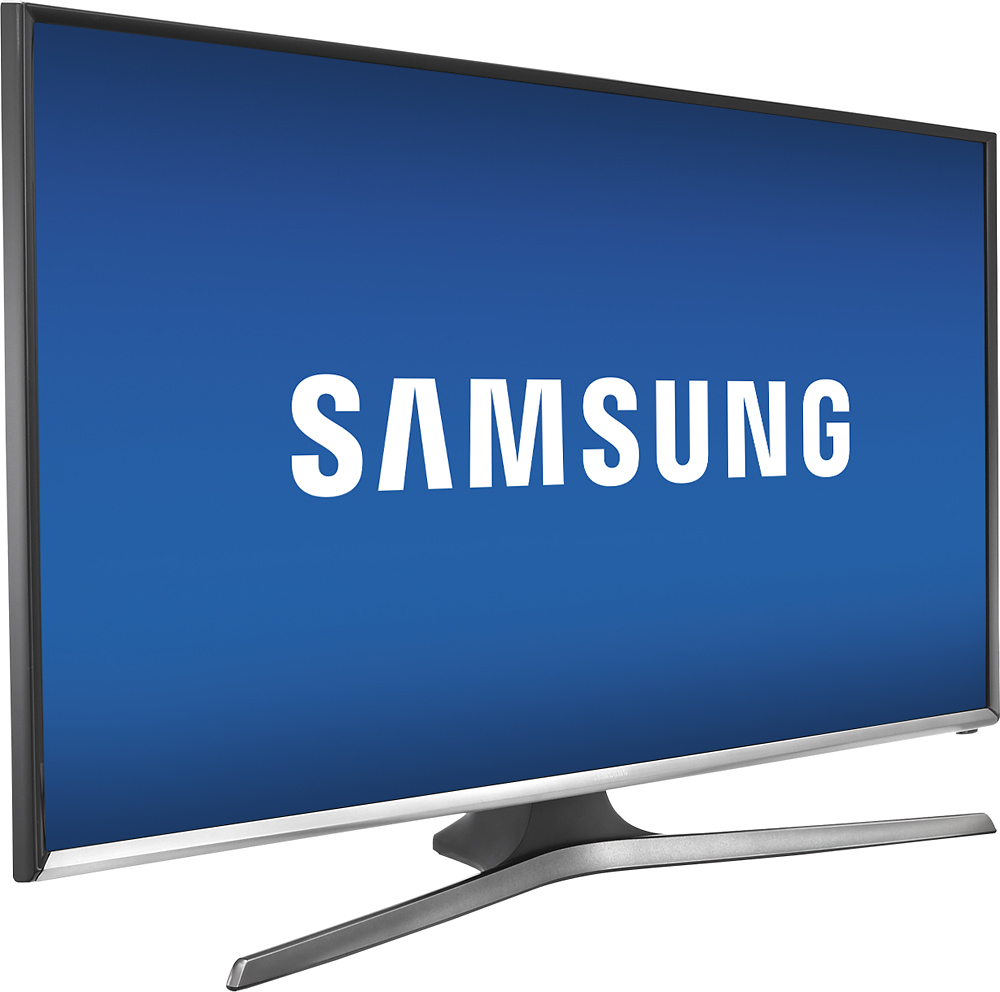
A:AnswerThe dimensions can be found under the "Specifications" tab.
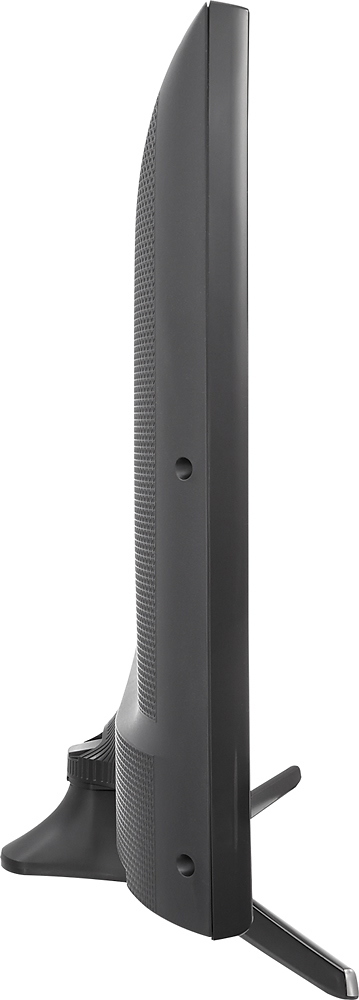
They are as follows:
Product Height With Stand 18.6 inches
Product Depth With Stand 8.2 inches
Product Height Without Stand 16.7 inches
Product Depth Without Stand 2.6 inches
Product Weight With Stand 11.2 pounds
Product Weight Without Stand 10.4 pounds
Width 28.4 inches
A:AnswerIf you have Spectrum cable just down load the Spectrum tv app on the samsung tv and you are good to go as long as you have good wifi reception, no cable no box in that room. You will still need to have Spectrum cable service though. The Spectrum app tv guide is a bit tricky to use but once you use it a couple of times you will get the gang of it.
A:AnswerYes it is Bluetooth compatible. I use mine with a small Samsung Bluetooth sound bar that is the same width as the TV. Pairs beautifully and sounds great.