A:AnswerThere’s a chance you may be pushing down on the left volume button rather than flicking it upwards, just as you would have to flick the right button up (or down) to change channels — hope that helps!
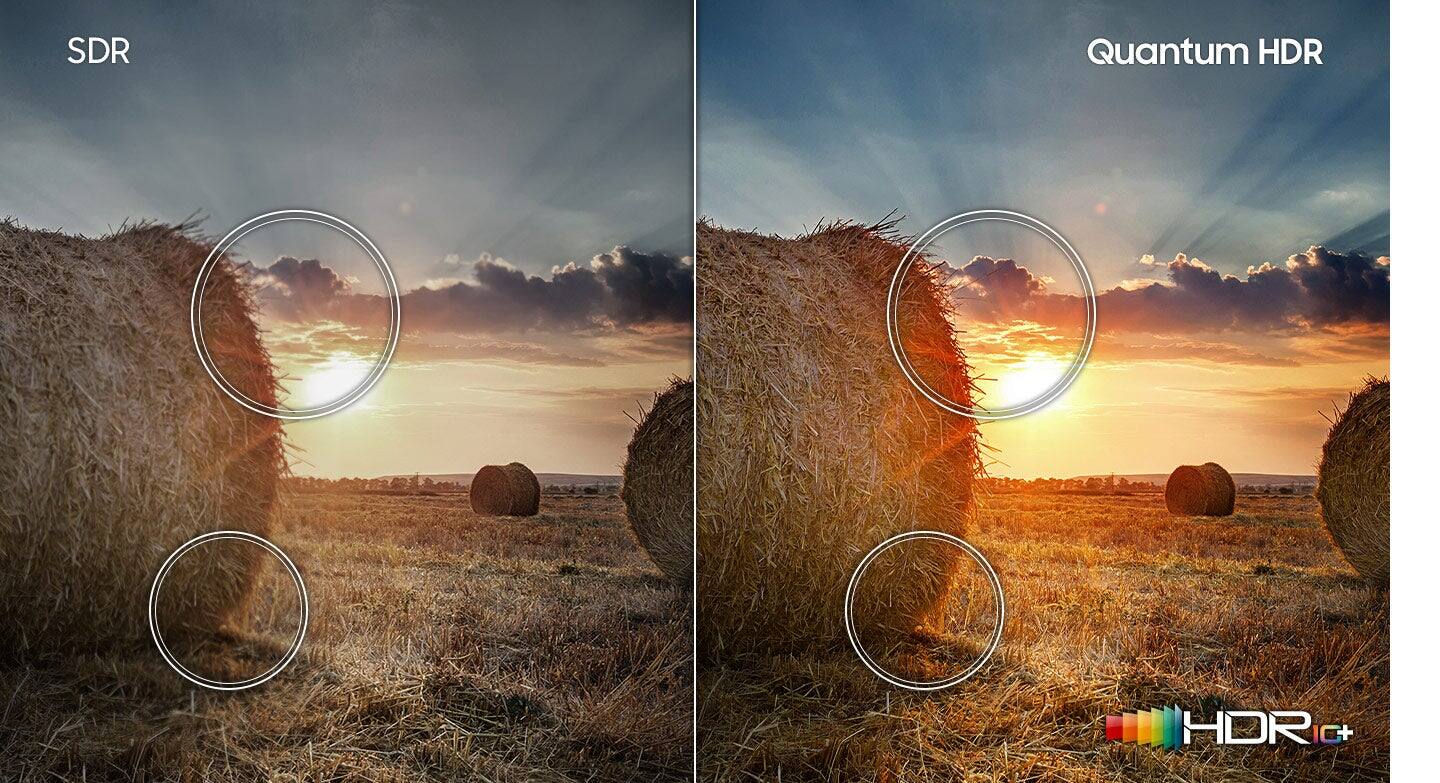
A:AnswerYES...Go to Settings, Picture, and change the setting from Standard Mode to Dynamic Mode. The "Dynamic" setting makes the picture brighter and clearer in bright in-room sunlight conditions. It's a GREAT feature. R
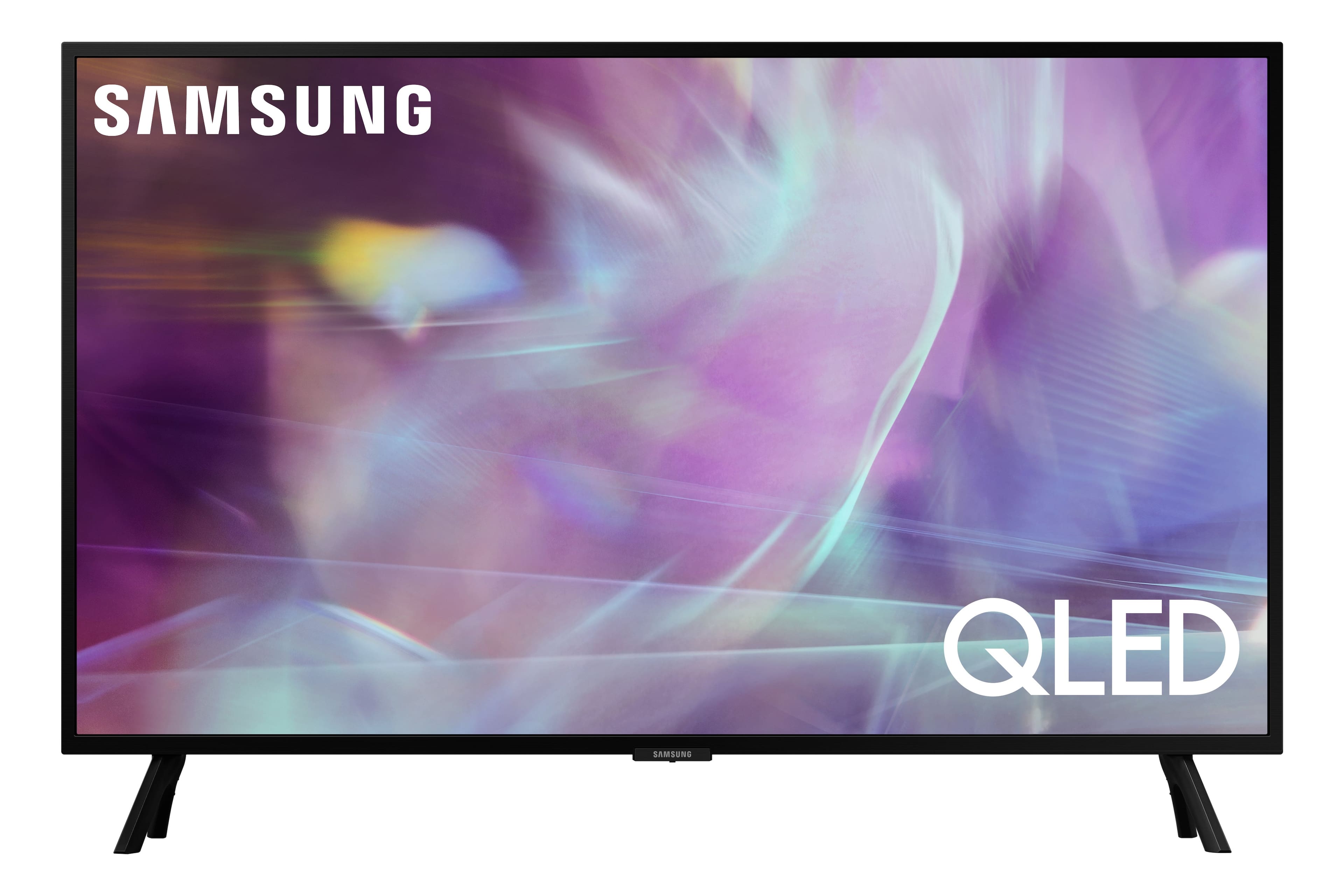
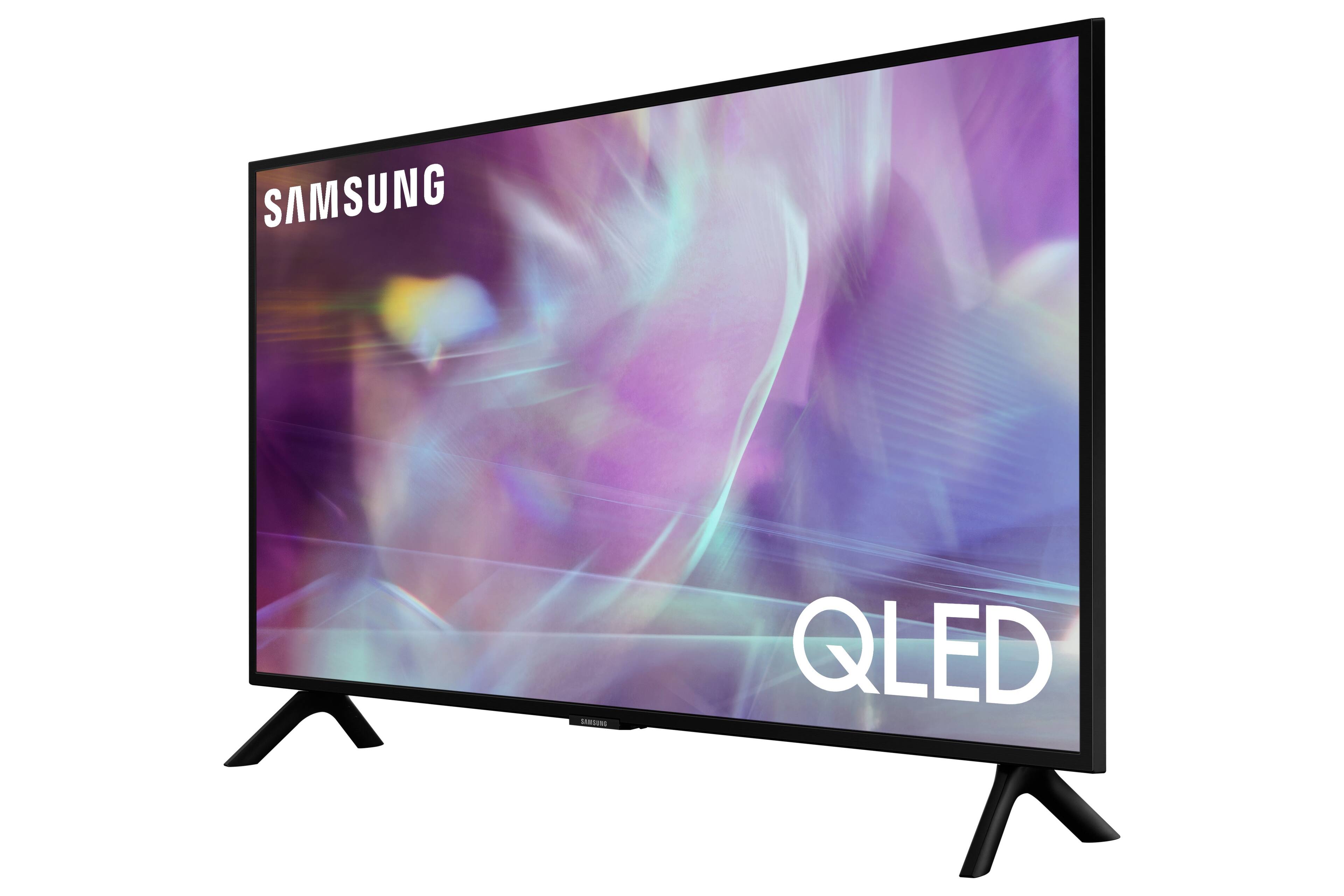
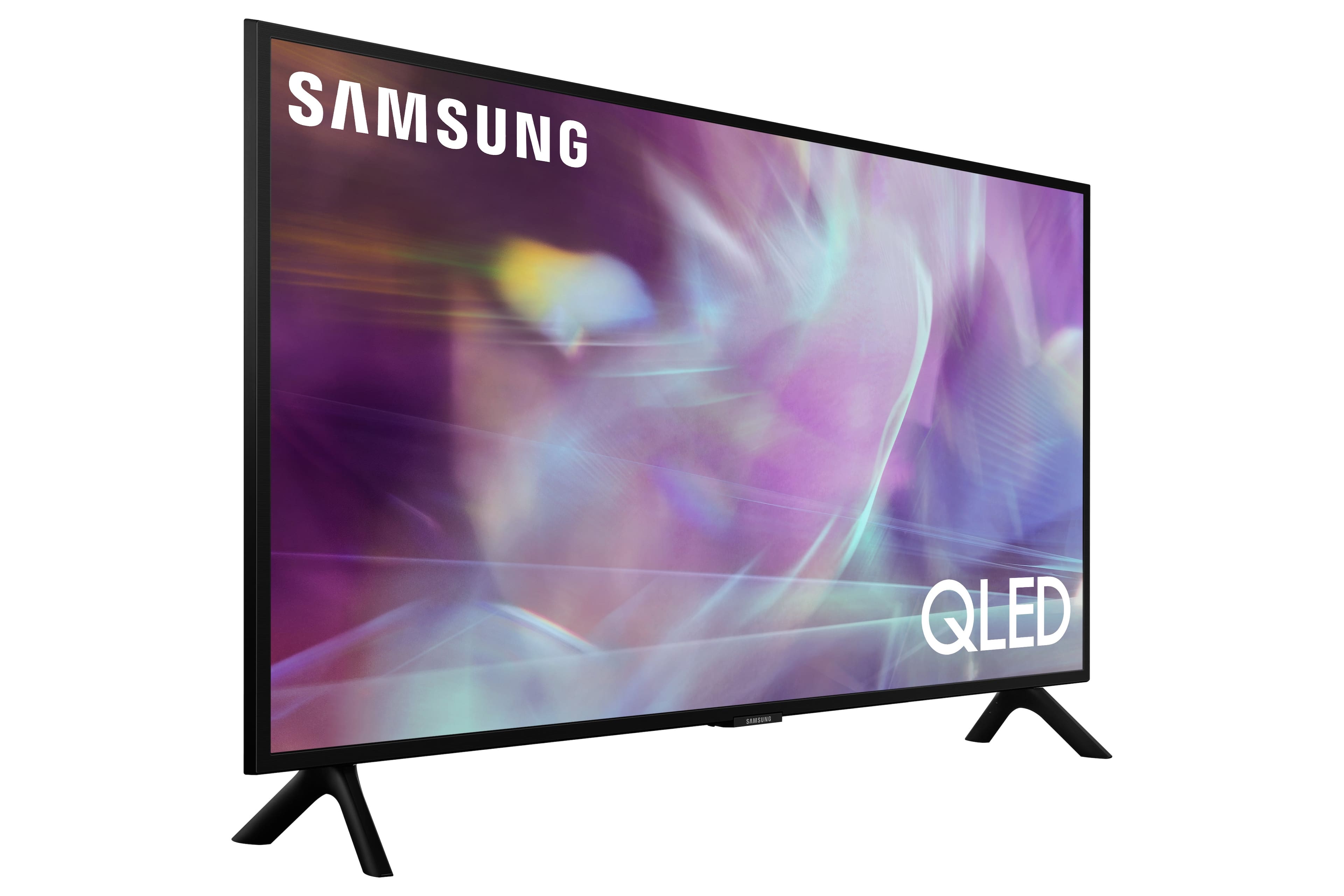
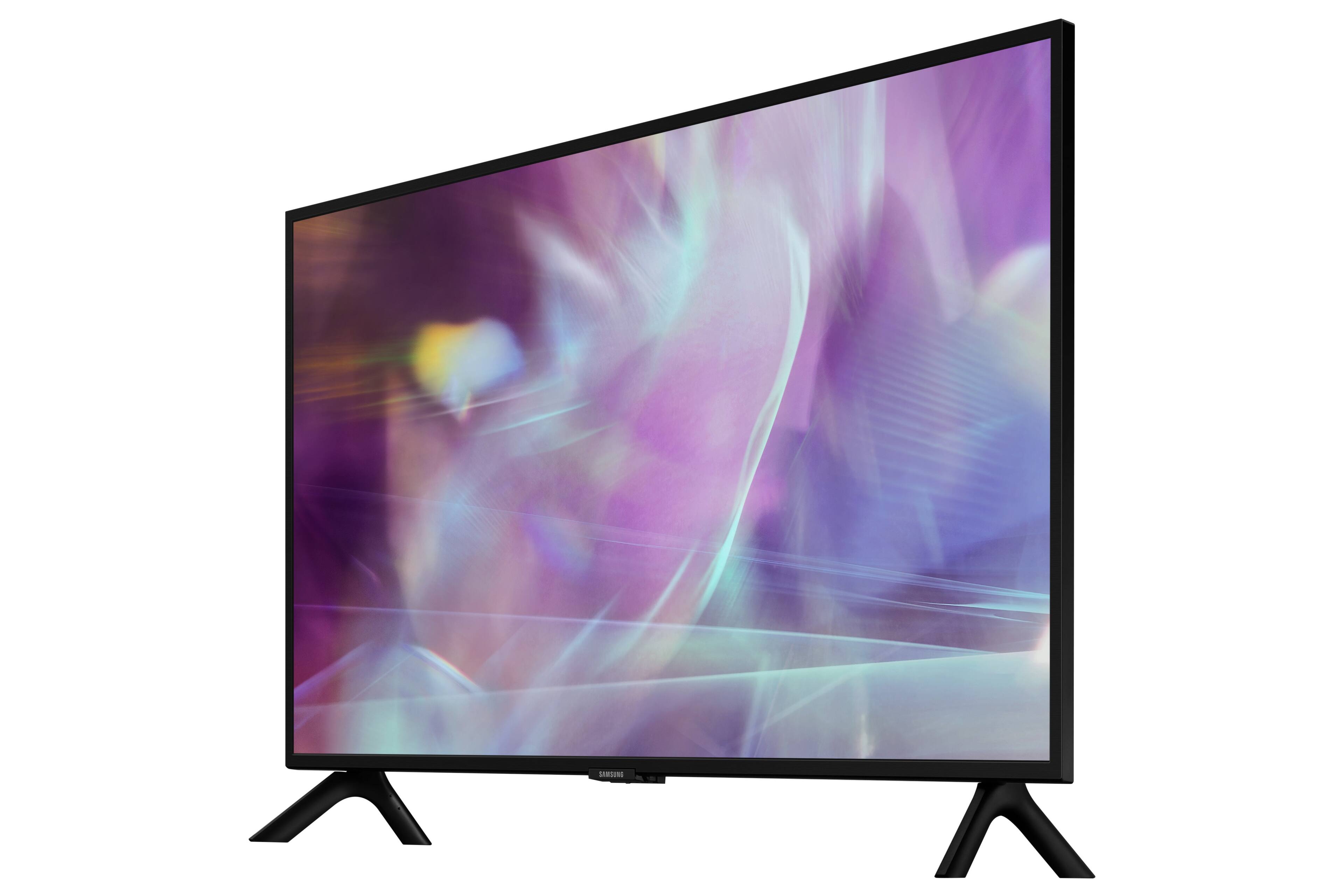
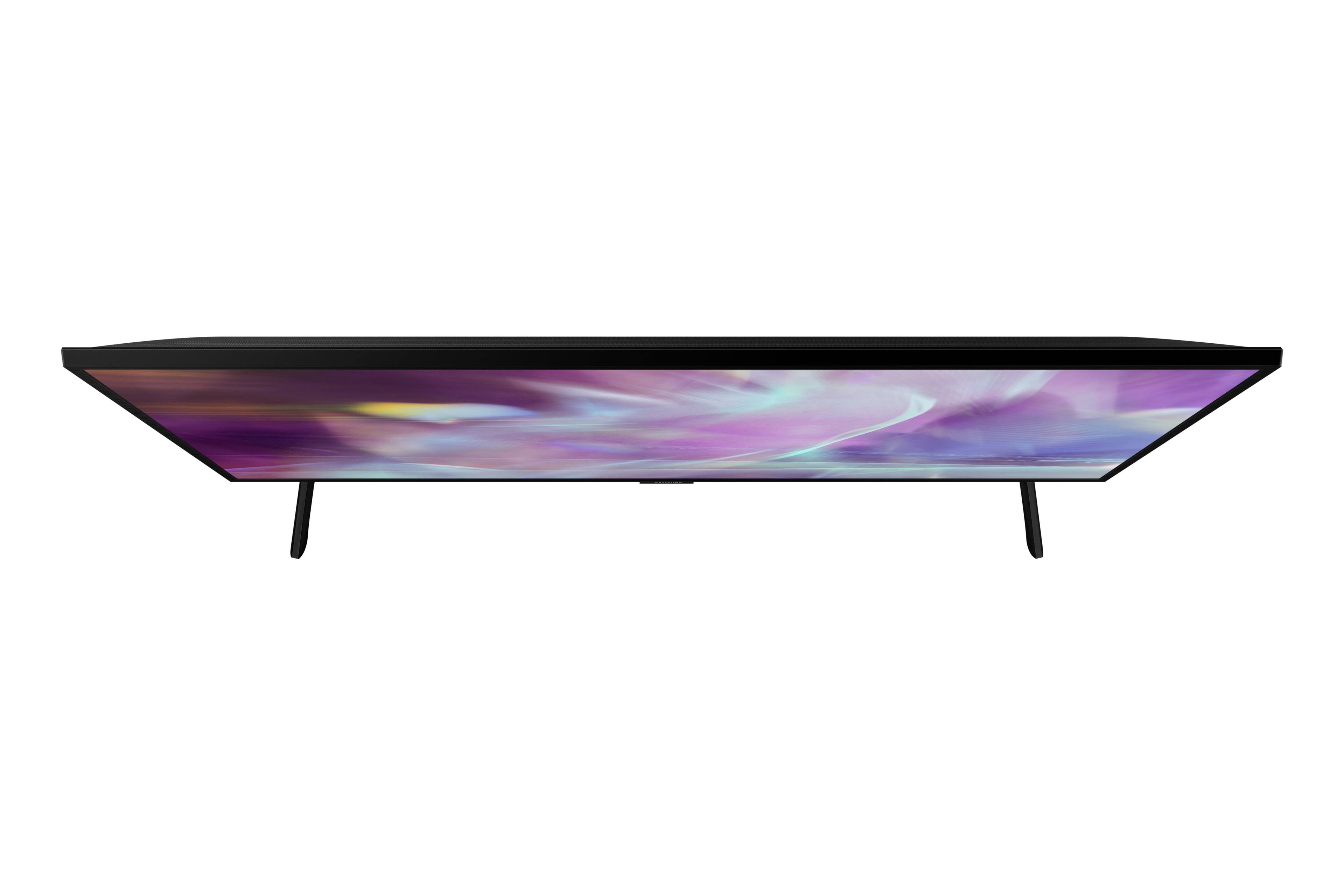
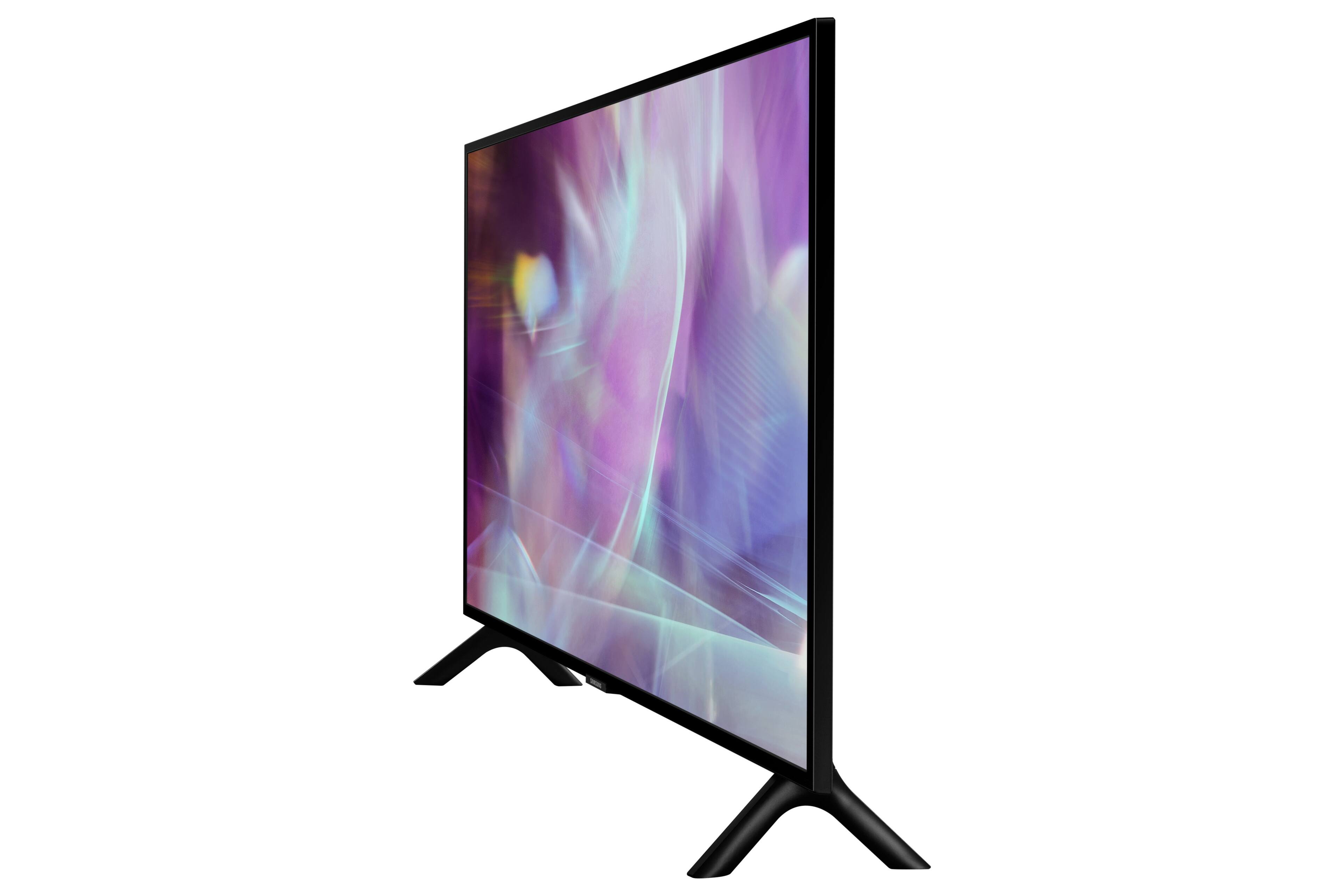
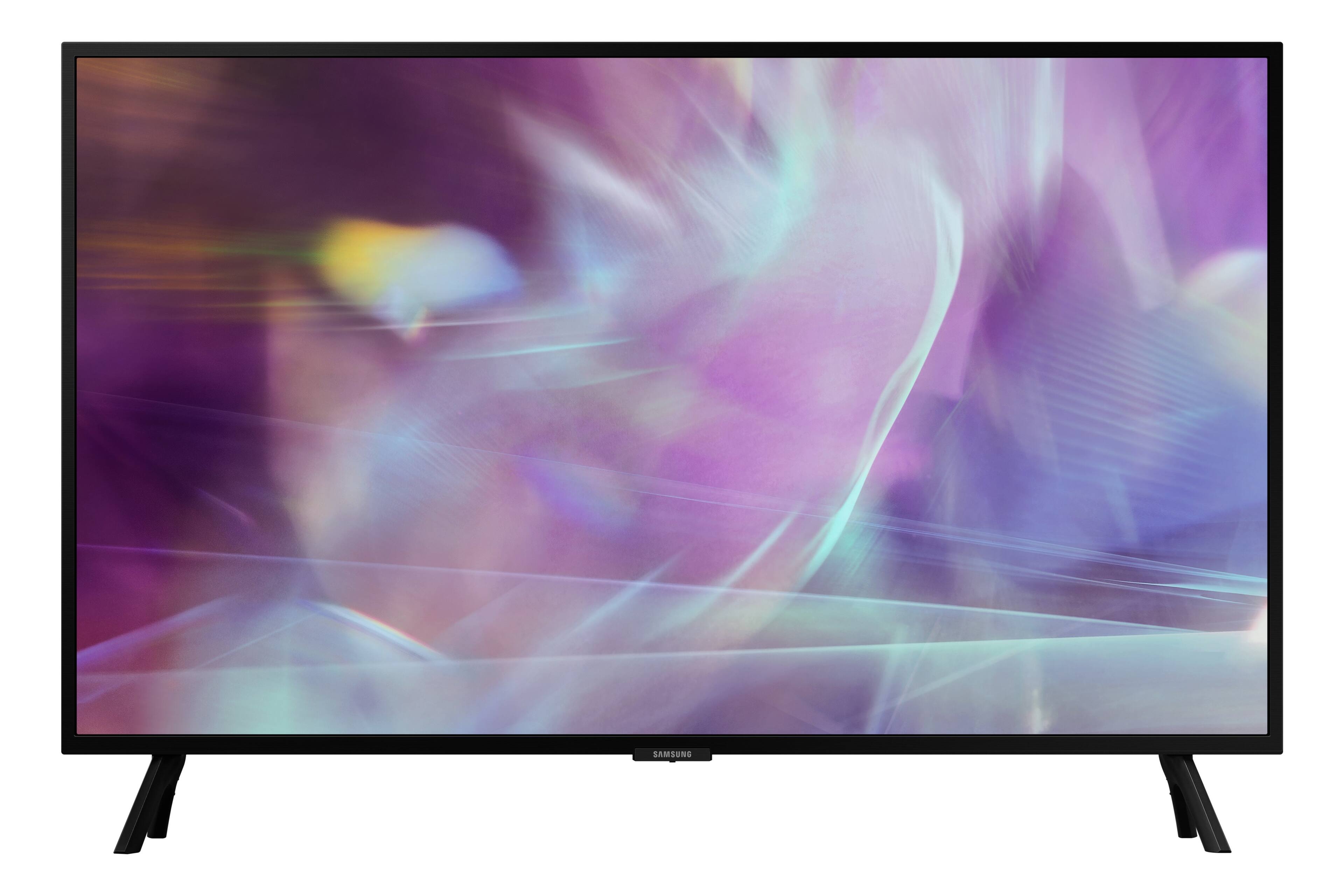
A:AnswerRichM - The Q60A is a Smart TV that features a built-in App Store, allowing you to choose and download from hundreds of available apps such as Hulu, Netflix, Prime Video, and more.
~ Samsung Specialist
A:AnswerHi icodyonline,
Any Samsung IR remote will work with your Q60A TV as well as most universal remotes or you can always control your tv with the Smart Things App. Make sure when purchasing a remote that it specifies that it is compatible with Samsung TVs.
^Brie
^Brie
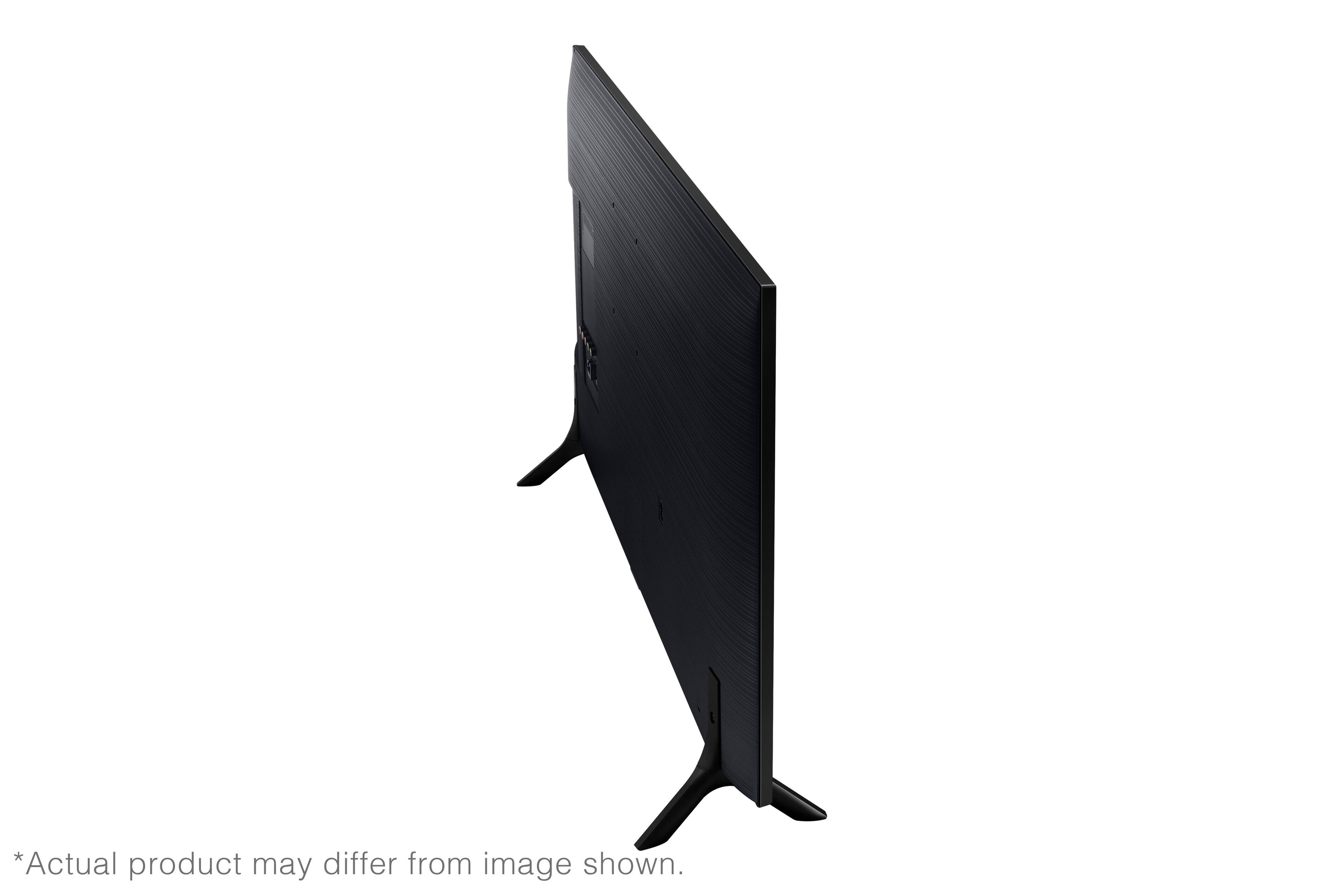
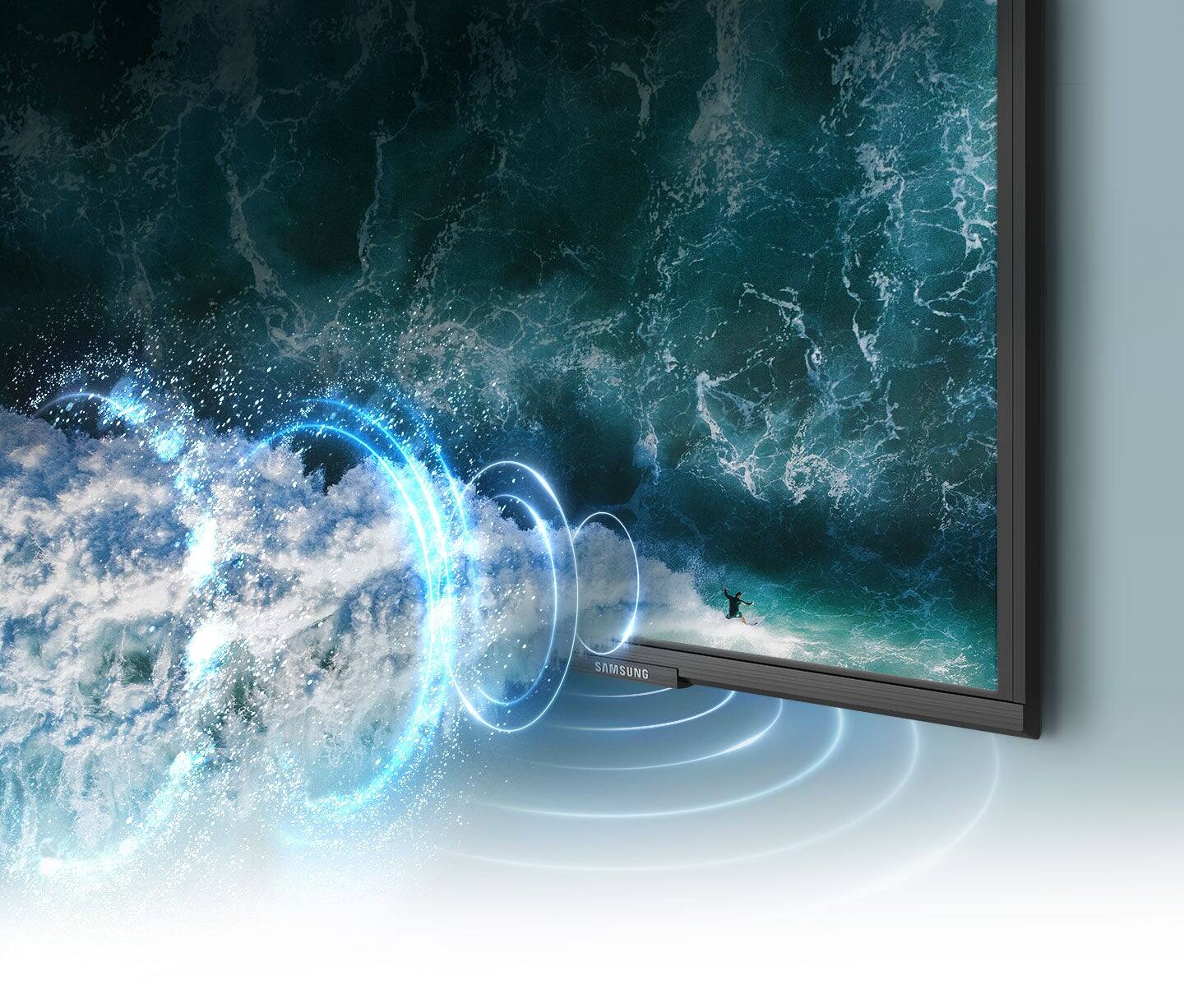
A:AnswerHi jns007 - You can connect an external audio device to the Q60A TV. Additionally, you can turn off the TV speakers by selecting the external audio source you wish to use instead of the built-in speakers. ^Gina
A:Answerrichkris - When pressing the '123' key (located in the upper right corner) on your TV's remote, this will prompt an on-screen numerical keypad. From there, you'll be able to select the channel numbers you'd like. ^Gina
A:AnswerHi Victor! While you can give a hands-free command to Alexa to turn off the Q60A TV, you will need to connect an additional Alexa device (such as an Echo Show or Dot) to give hands-free commands to turn the TV on. ^Gina