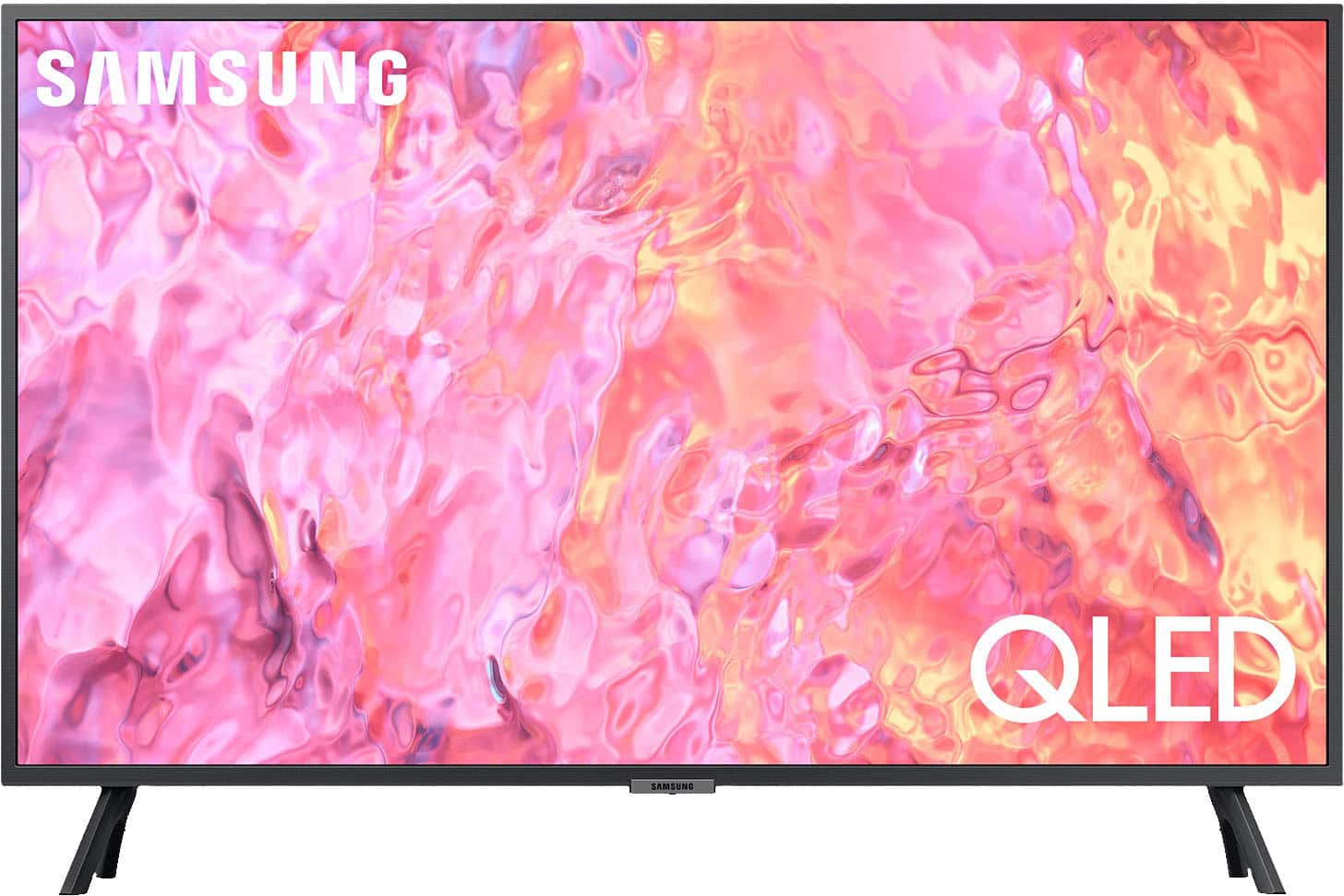
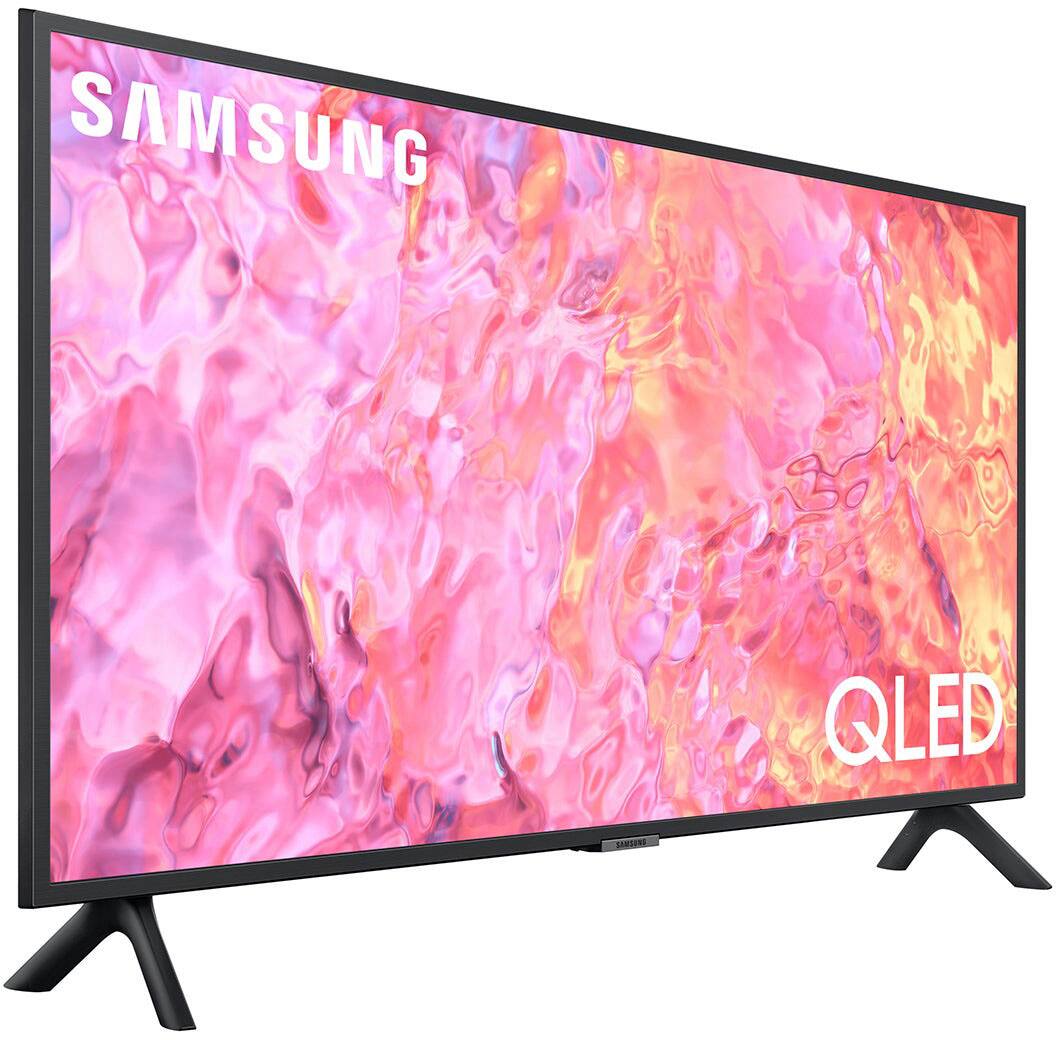
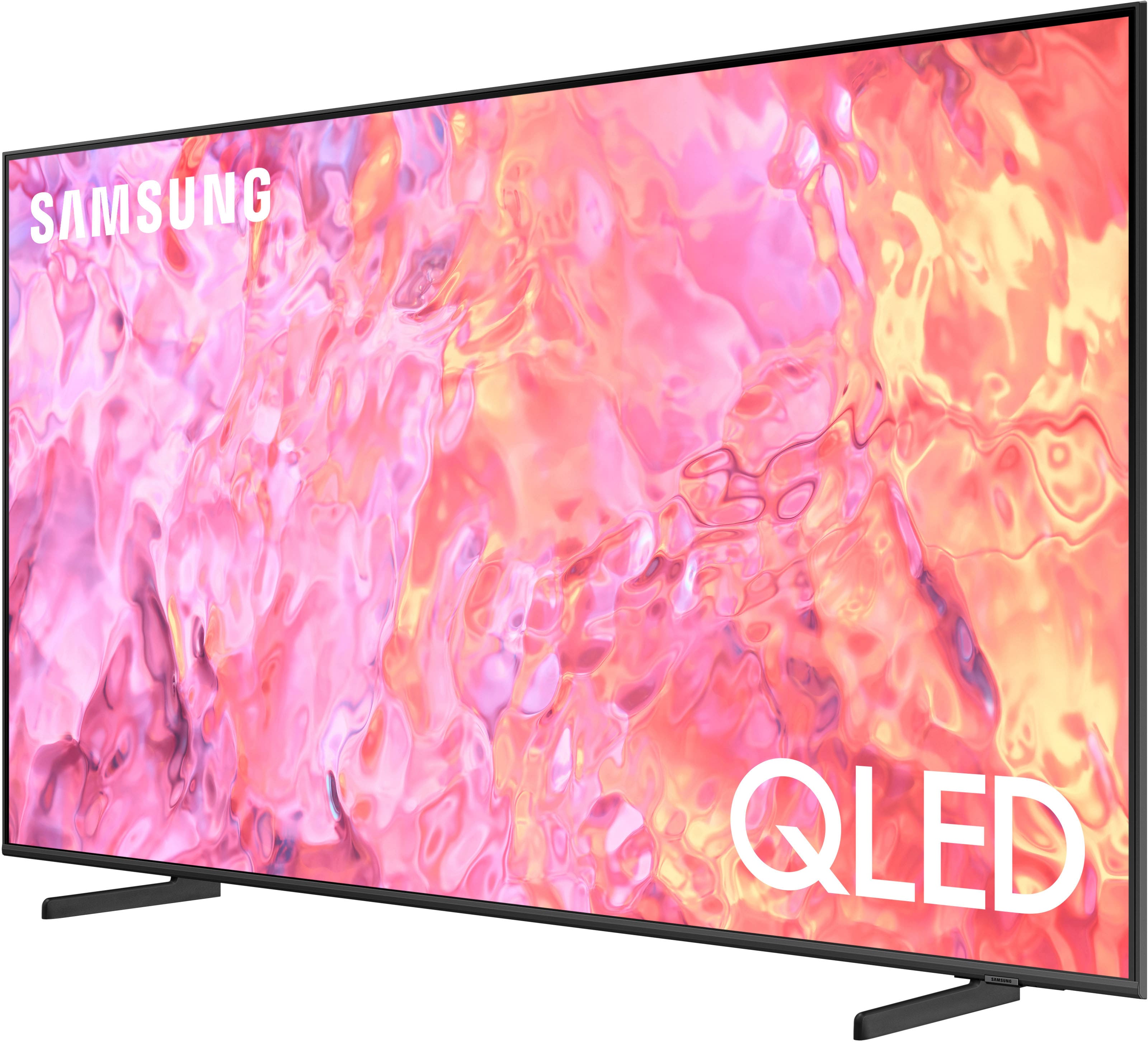
A:AnswerCertainly! The Samsung 32" Class Q60C QLED 4K UHD Smart Tizen TV offers a range of smart features, including app support. Here’s what you need to know:
Smart Features: The Q60C TV utilizes the Tizen smart interface, which allows you to access various apps and services. You can download and use apps just like you would on a phone or tablet1.
Samsung Account: To access the full range of smart features, including streaming services, games, and smart home functionality, you’ll need a Samsung Account. If you choose not to log in with your Samsung Account, you’ll still be able to connect to terrestrial TV (if your TV has tuners) and external devices via HDMI23.
Fire TV App: Unfortunately, the Fire TV app is not natively available on Samsung TVs. However, you can still stream content by connecting external devices (such as a Fire TV Stick) to the TV via HDMI. If you specifically want to use the Fire TV app, you’ll need a separate Fire TV Stick or similar device.
A:AnswerThis Samsung TV has ATSC 1.0 not ATSC 3.0 NextGen TV. There are other Samsung TVs that have ATSC 3.0 but again not this one. Some TVs have 3.0 but mostly more expensive TVs especially OLED TVs. Do a Google internet search for ATSC 3.0 and you'll find a lot of info on this subject.
A:AnswerCertainly! Let’s break it down:
1. DIRECTV App on Samsung Smart TV:
The DIRECTV App is available for Samsung Smart TVs. You can use it to watch live TV and on-demand content without needing a traditional TV box.
To install the DIRECTV App on your Samsung TV:
Press Home on your remote to open the Samsung Smart Hub.
Enter DIRECTV STREAM in the search box.
Choose DIRECTV STREAM, then select Install1.
Keep in mind that the performance of DIRECTV STREAM with Samsung smart TVs natively might be suboptimal. Consider using an external streaming device like a Fire Stick, Roku, or Apple TV for better results.
2. Fire TV App on Samsung Smart TV:
If you’re looking for the Fire TV App, it’s not directly available on Samsung Smart TVs.
However, you can still access Fire TV content by using an external Fire TV Stick or similar streaming device. These devices connect to your TV’s HDMI port and provide access to various streaming services, including Amazon Prime Video and other Fire TV apps.
Remember that the DIRECTV App and Fire TV App are separate services, so choose the one that aligns with your preferences and needs. Enjoy streaming!
A:AnswerThe gaming mode on the Samsung 32" Class Q60C QLED 4K UHD Smart Tizen TV enhances your gaming experience by reducing video processing and input lag, resulting in a smoother and clearer picture.
However, this TV does not support advanced gaming features like Variable Refresh Rate (VRR), G-Sync, or FreeSync12.
If you’re looking for those features, you might want to explore other models.
A:AnswerYes, the Samsung 32" Class Q60C QLED 4K UHD Smart Tizen TV is equipped with a built-in ATSC 1.0/Clear QAM digital tuner for receiving digital broadcasts.
This means you can enjoy over-the-air (OTA) television content without the need for an external tuner or antenna12.
If you choose not to log in, you’ll have access to OTA channels via the tuner or antennas, as well as external devices connected via HDMI2. Happy watching!
A:AnswerThe Samsung Q60C is an entry-level quantum dot LED (QLED) TV. While it offers good color accuracy and low input lag, it lacks HDMI 2.1 ports1.
Unfortunately, it doesn’t have any HDMI 2.1 ports, which means it won’t support features like 4K @ 120Hz or Variable Refresh Rate (VRR) for gaming.
However, if you’re primarily using your Xbox Series X, you can connect it to any of the three HDMI 2.0 ports available on the TV.
Just keep in mind that you won’t get the full benefits of HDMI 2.1 features with this particular TV. Enjoy your gaming!
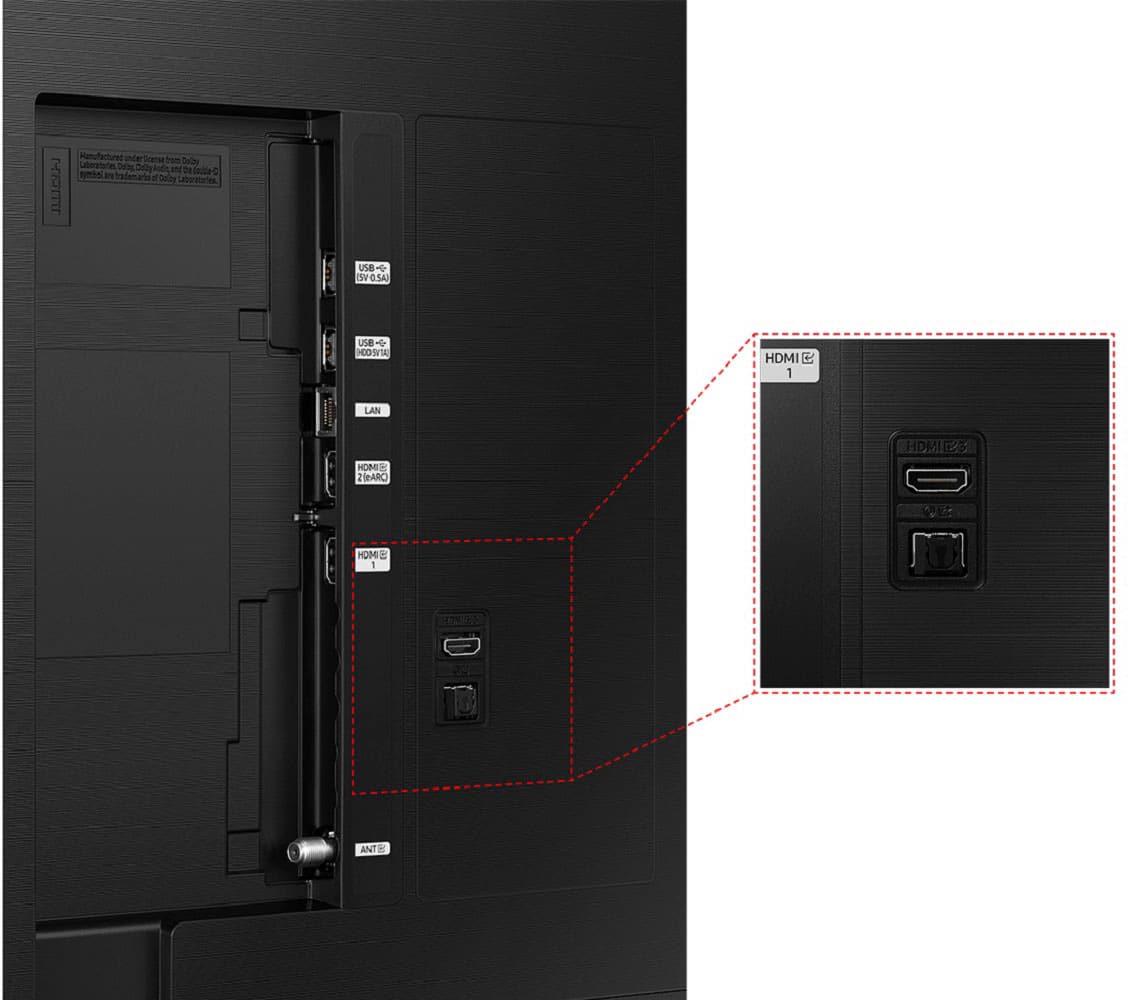
A:AnswerThe Samsung 32" Class Q60C QLED 4K UHD Smart Tizen TV unfortunately does not have HDMI 2.1 ports.
It features three HDMI 2.0 ports, which support up to 4K resolution at 60Hz12.
If you specifically need HDMI 2.1 capabilities, you might want to explore other TV models that offer this feature.
However, if you’re looking for a secondary or tertiary set for gaming or guest rooms, the Q60C should suffice with its good color accuracy and low input lag.
A:AnswerI apologize for the inconvenience you’re experiencing with your Samsung Q60C TV and Apple Air Pods. Let’s troubleshoot this issue together:
Ensure Bluetooth is Enabled:
Go to your TV’s settings menu.
Navigate to the Bluetooth section and make sure it’s turned on.
If it’s already enabled, proceed to the next step.
Pairing Process:
Put your Air Pods in pairing mode by opening the case and holding the button on the back until the LED blinks white.
On your TV, search for available Bluetooth devices.
When your Air Pods appear, select them to pair.
Check Compatibility:
Confirm that your Air Pods are compatible with your Samsung Q60C TV. Some older models may not support certain Bluetooth profiles.
If your Air Pods are compatible, try pairing them again.
Update Firmware:
Check if there’s a firmware update available for your TV. Sometimes updates address compatibility issues.
Go to the Samsung support website and search for your TV model to find any available updates.
Reset Bluetooth Settings:
In your TV settings, locate the Bluetooth section.
Reset the Bluetooth settings to default.
Pair your Air Pods again.
Distance and Obstacles:
Ensure your Air Pods are within a reasonable range of the TV (usually up to 30 feet).
Remove any obstacles (walls, furniture) that might interfere with the Bluetooth signal.
Test with Other Devices:
Pair your AirPods with another Bluetooth device (e.g., smartphone, tablet) to verify they’re working correctly.
If they work with other devices, the issue may be specific to the TV.
Remember that some Samsung TVs have limitations when it comes to Bluetooth audio profiles. If you’ve tried all the steps above and still face issues, consider using a wired connection or an external Bluetooth transmitter/receiver.
For more specific guidance, refer to your TV’s user manual or contact Samsung customer support1. I hope this helps you get your Air Pods connected successfully!
A:AnswerSGHiggs - Yes, you can connect a cable box; you can also take advantage of the built-in streaming and cable provider apps available in the App Store.
~ Samsung Specialist