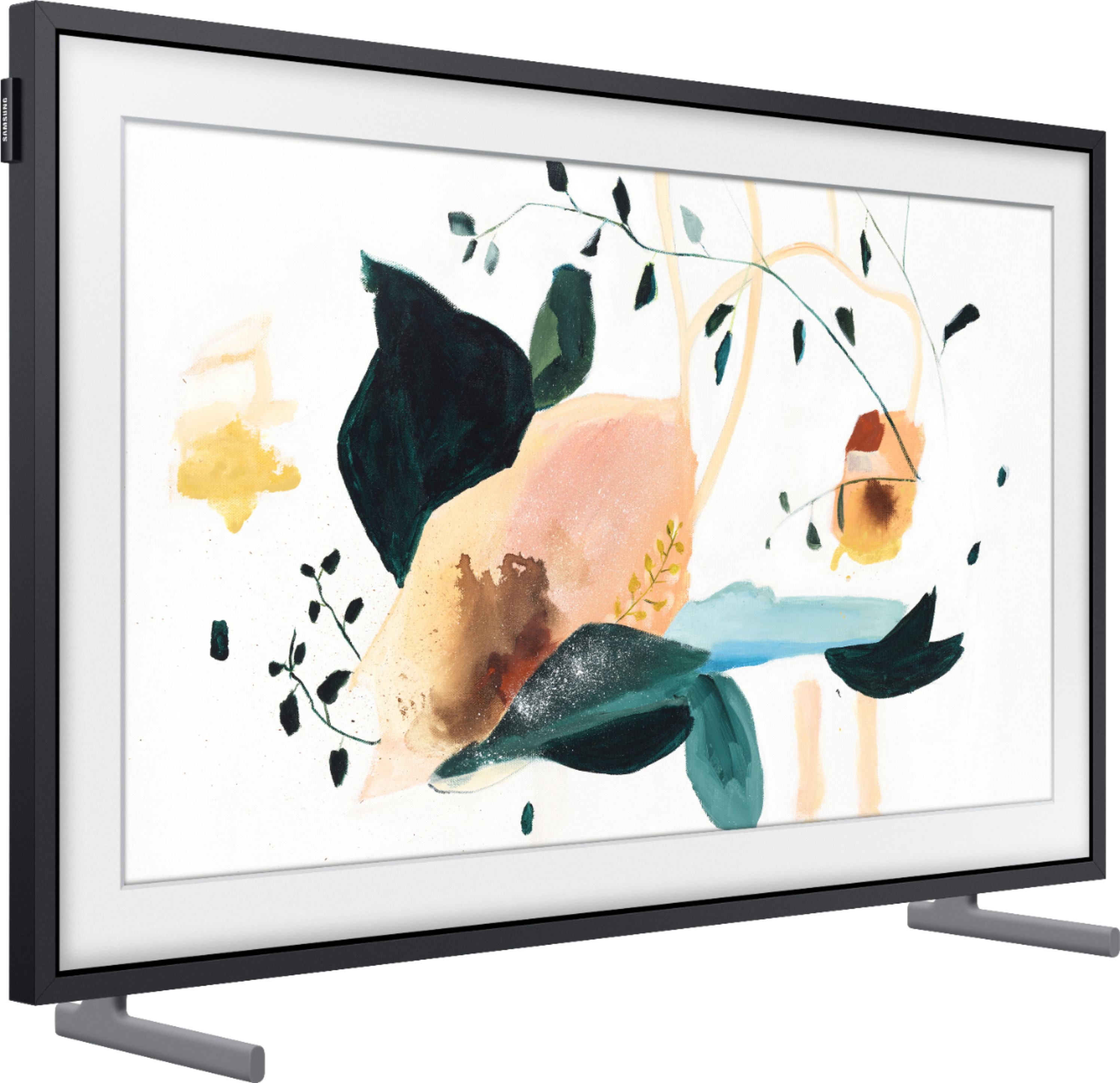
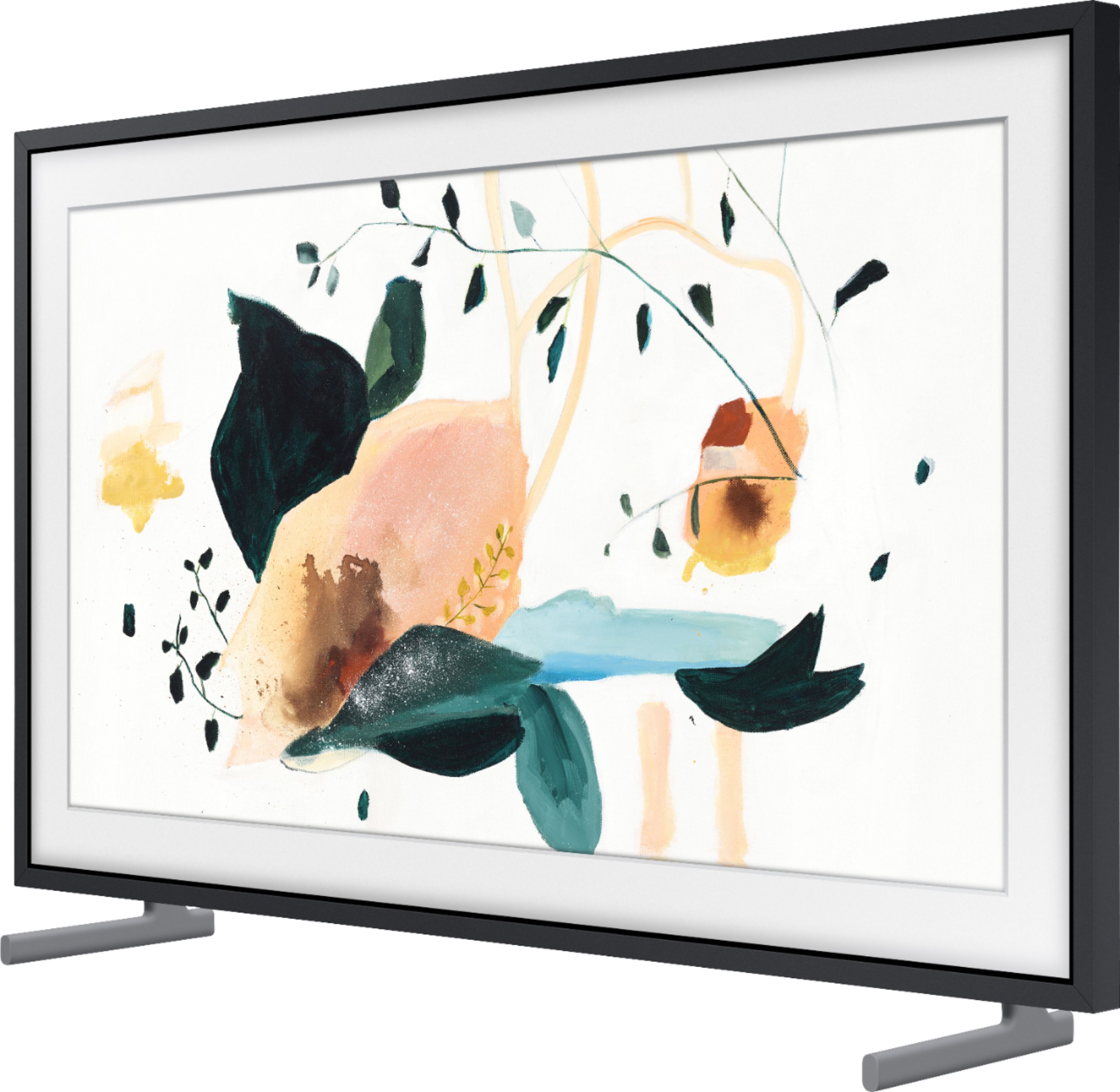
A:AnswerHi cvallent50 - You sure can! The 32" Frame is a Bluetooth enabled TV which will allow you to seamlessly pair it with other Bluetooth devices. ^Gina
A:AnswerHi Cody - The Frame TV features HDMI and Optical inputs, as well as wireless Bluetooth and Wi-Fi connectivity; if your soundbar features any of these inputs, you sure can connect it to The Frame TV. ^Gina
A:AnswerIvanVL - For further assistance in choosing a coax cable that best fits your installation needs, please contact or visit your local Best Buy. ^Gina
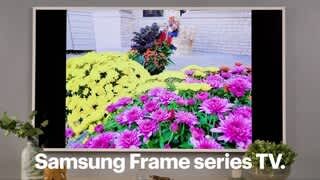
A:AnswerI purchased the 32 inch 2020 version specifically for the motion sensor. I got the frame completely setup and learned that the version I had purchased doesn't have the new motion sensing feature. I was going to take it down and return to store however I loved the look and install so I have just left it. I intend to purchase another one someday with the motion sensor. I actually use this as a security camera monitor in my main hallway so I wanted the motion to come on at night when I went to the kitchen or bath so I could see my cameras and light up the path. Now I just leave the frame on most nights on the cameras and switch to art mode in the day time when I'm woke to enjoy random artwork and pictures of family which I have uploaded. I still believe without the motion sensor I got a great deal and it was super easy to install since I mounted in hallway with a front door closet adjacent to it. I just simply mounted and placed the power supply box on the shelf in the closet dropped a power supply extension cord down into the closet from the attic space and it looks AWESOME...!
A:AnswerI'm afraid Samsung Customer Support works from the same incomplete manuals that I have access to online and don't have any real answers. The two issues I have: I've read in places that the shortest interval between changing artwork is 10 minutes, and 2) Some users have also said that the 32" 2020 model will only stay in Art Mode for a maximum of 4 hours before turning off. I would prefer image changes every couple of minutes and for the screen to remain in Art Mode until I manually turn it off.
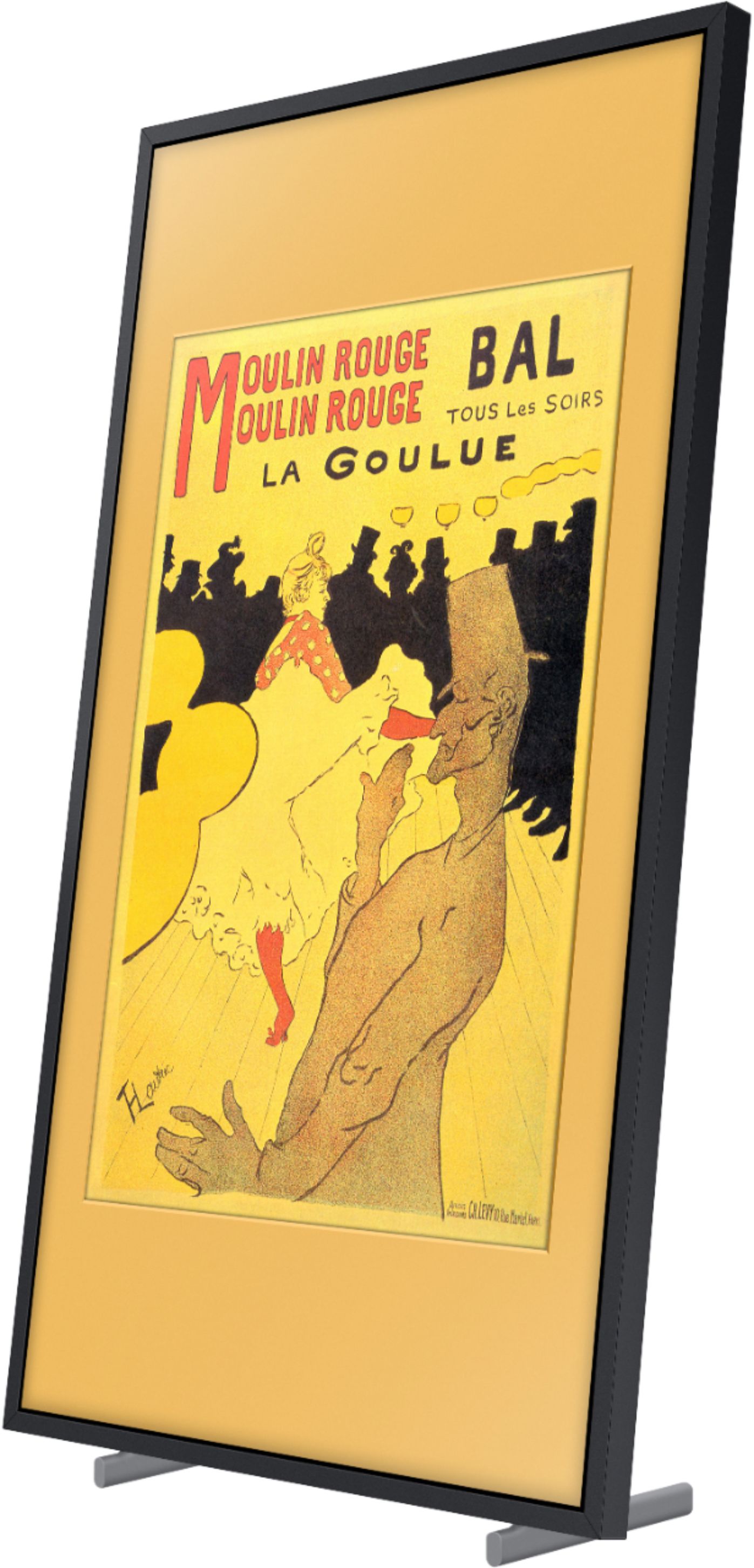
A:AnswerMinimum time for art to rotate on the frame is 10 minutes. I haven't uploaded any photos that are vertical I have all of my art framed to fit the full screen of the frame horizontal. There is a YouTube video that shows you how to change the picture size of your photos on the SMARTTHINGS APP to fit the frame. I do have one phone that I recall of my daughter that is vertical and I put a mat around the photo enhance the photo .....so it can be done....but pictures in full screen beauty look so much better than just using partial part of the screen. Each picture you add to your art can be customized with background colors and different mats. It's really fun,easy and you can quickly loose track of time playing with your artwork.
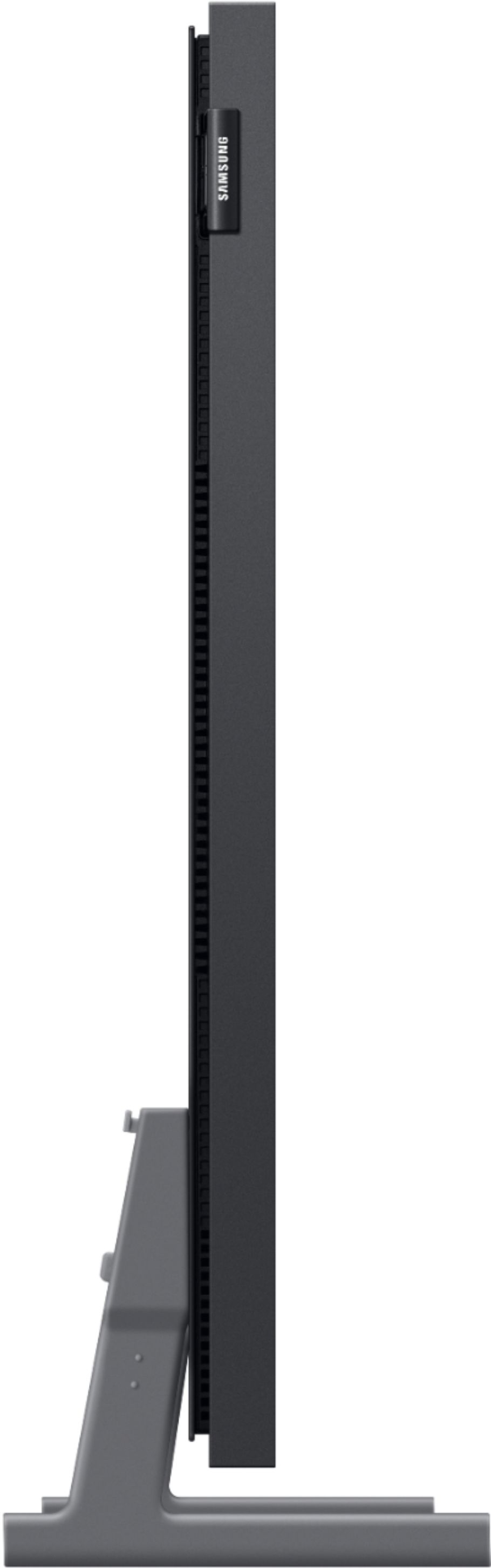
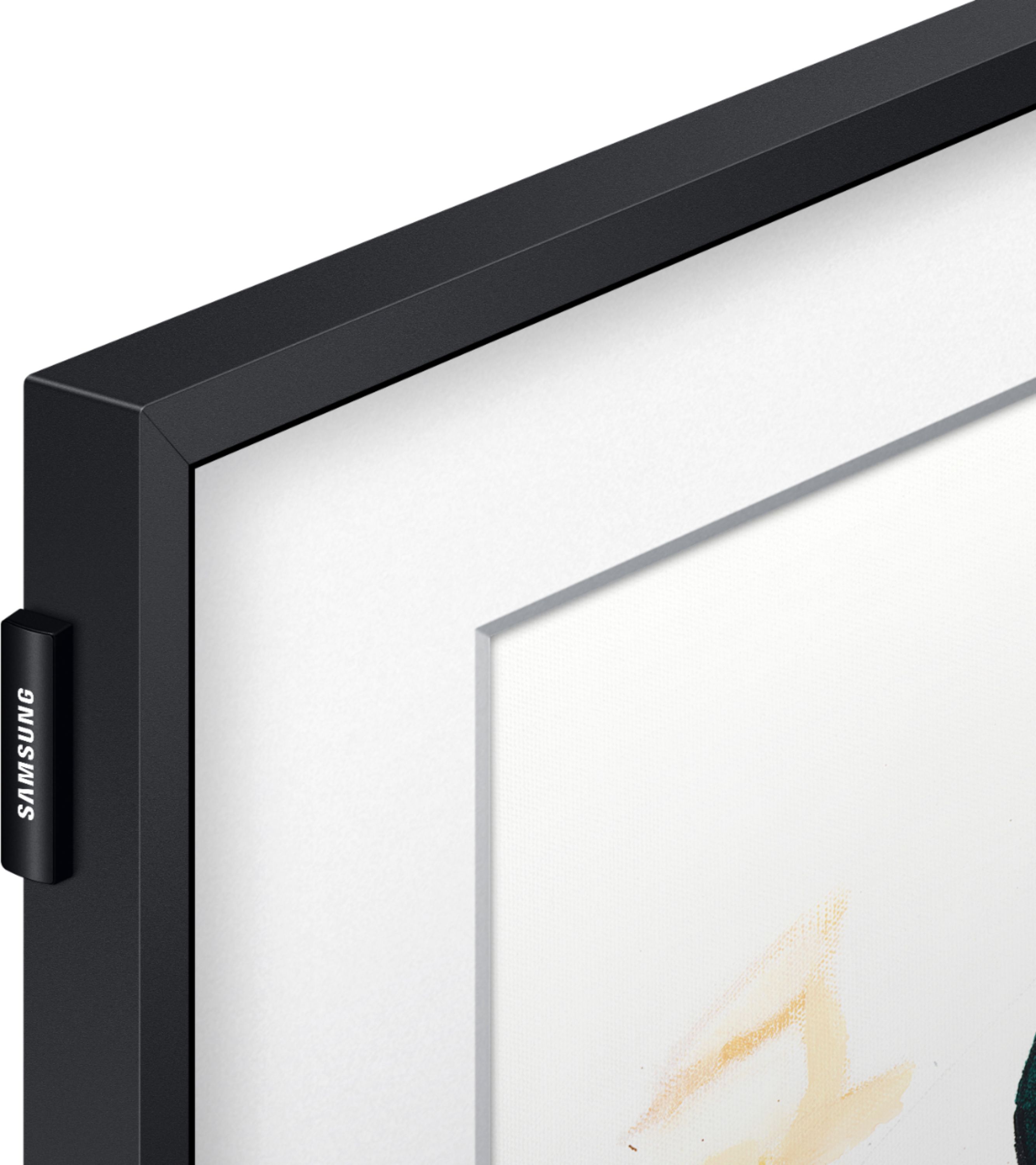
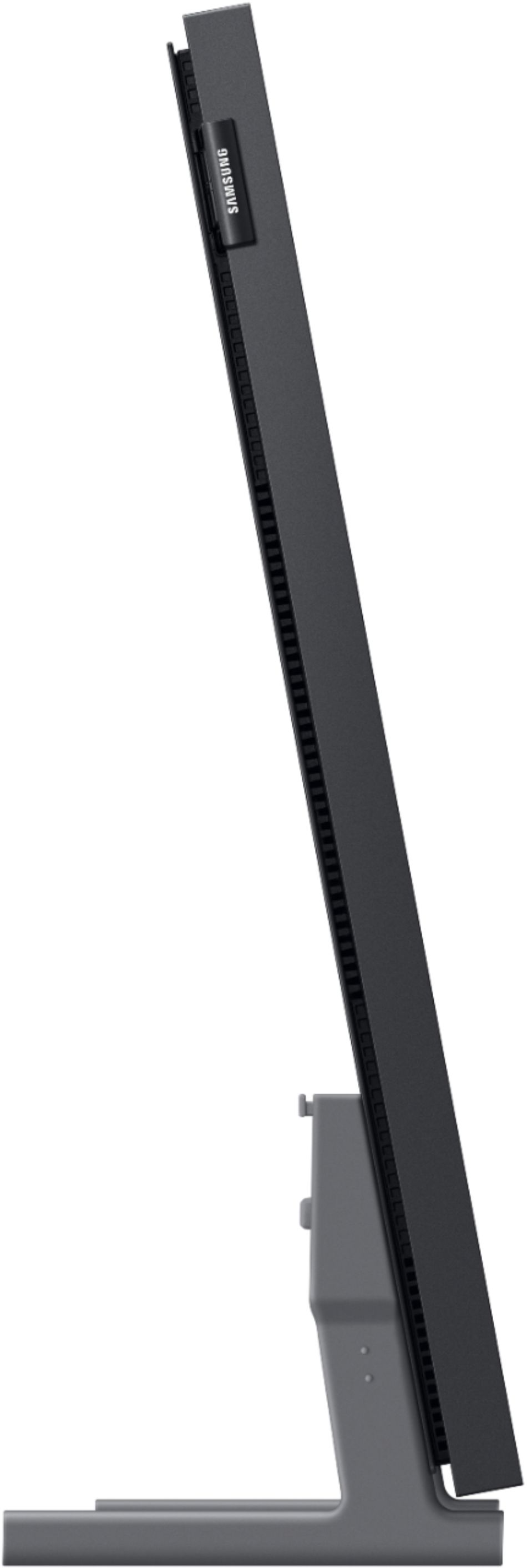
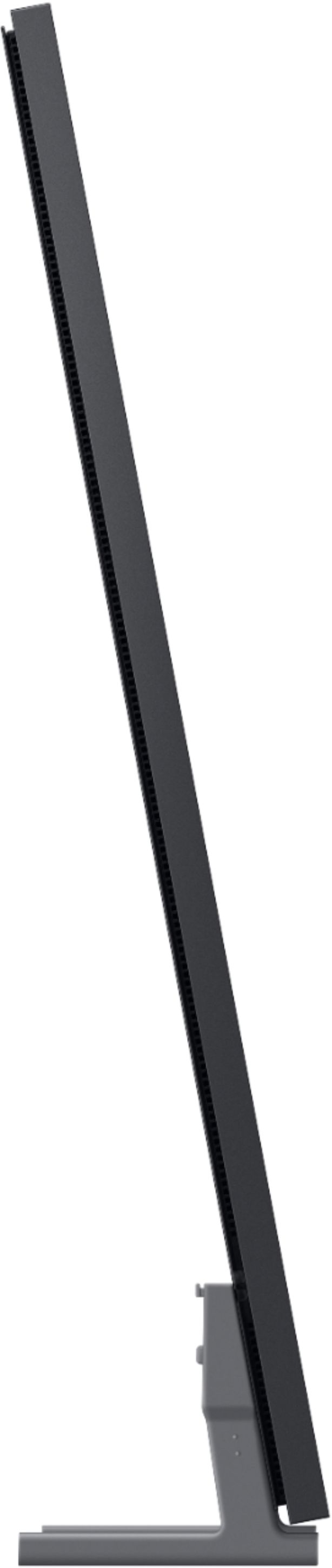
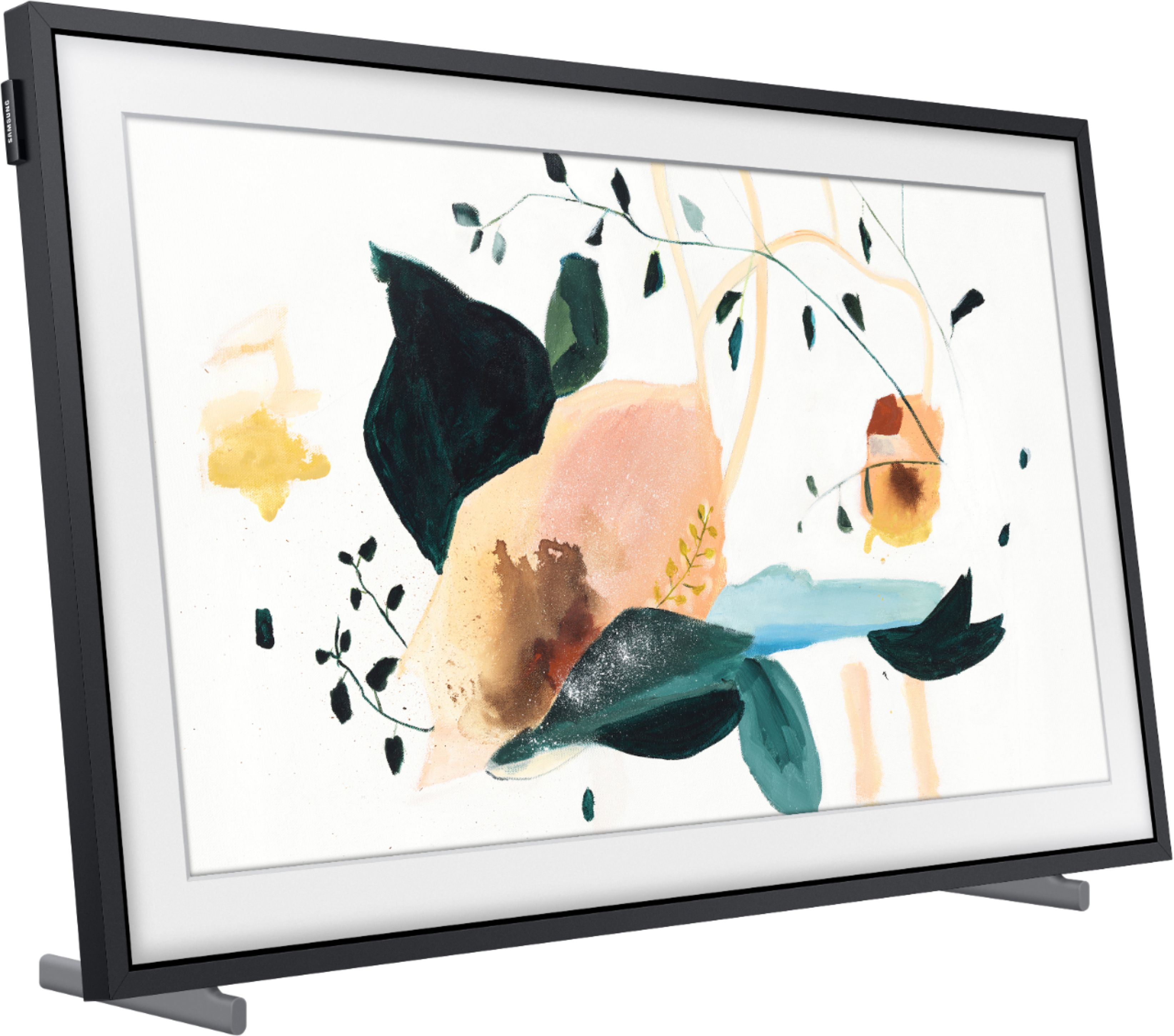
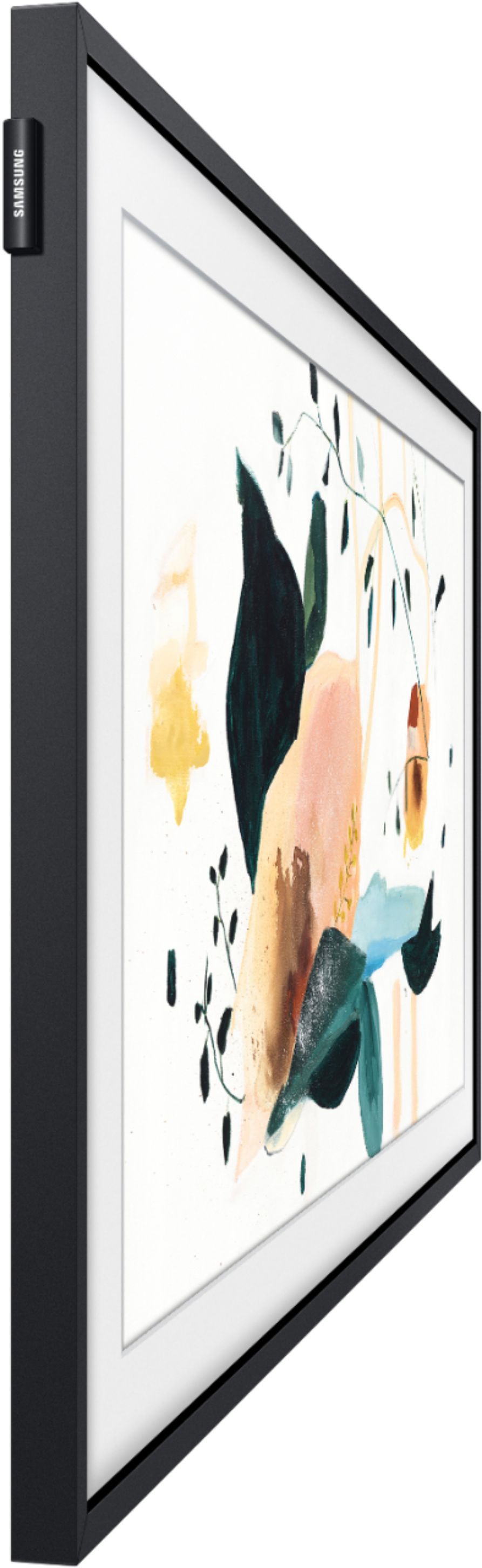
A:AnswerEverything comes in the box. There is no angling the frame....! It's whole concept is to sit flush,flat against the wall so it really looks like a picture frame when you have it in art mode. If you need a TV for viewing with an angle you will need to purchase a flat screen with a VESA mount that has tilt and left and right swivel. You will save money by just buying a regular flat screen with vesa mounting capabilities. The FRAME is for mostly to display art it has a great picture for TV viewing when looking at it from straight on but since I only have the 32 inch I generally just use the FRAME for art mode or to monitor security cameras or ring doorbell.etc.
A:AnswerRVViewer - So we can best assist you with your question, please reach out to Samsung Support at: 1-800-SAMSUNG (ask for TVs), available 8AM - 12AM EST, 7 days a week, or Chat with us on Samsung.com: https://www.samsung.com/us/support/contact/ ^Gina

A:AnswerFW - The Frame 32" does not have VESA support and is only compatible with the included No-Gap Wall Mount. If you are looking to mount a Frame TV with a swivel mount, all sizes 43" and higher are VESA compliant. ^Gina

A:AnswerHi Katy, the 32” Frame (LS03T) TV does not support mirroring to your Samsung Family Hub Refrigerator. This feature is available in our 43” Frame (LS03A) and larger as well as in our Q70A 4K QLED models and higher. ^Val