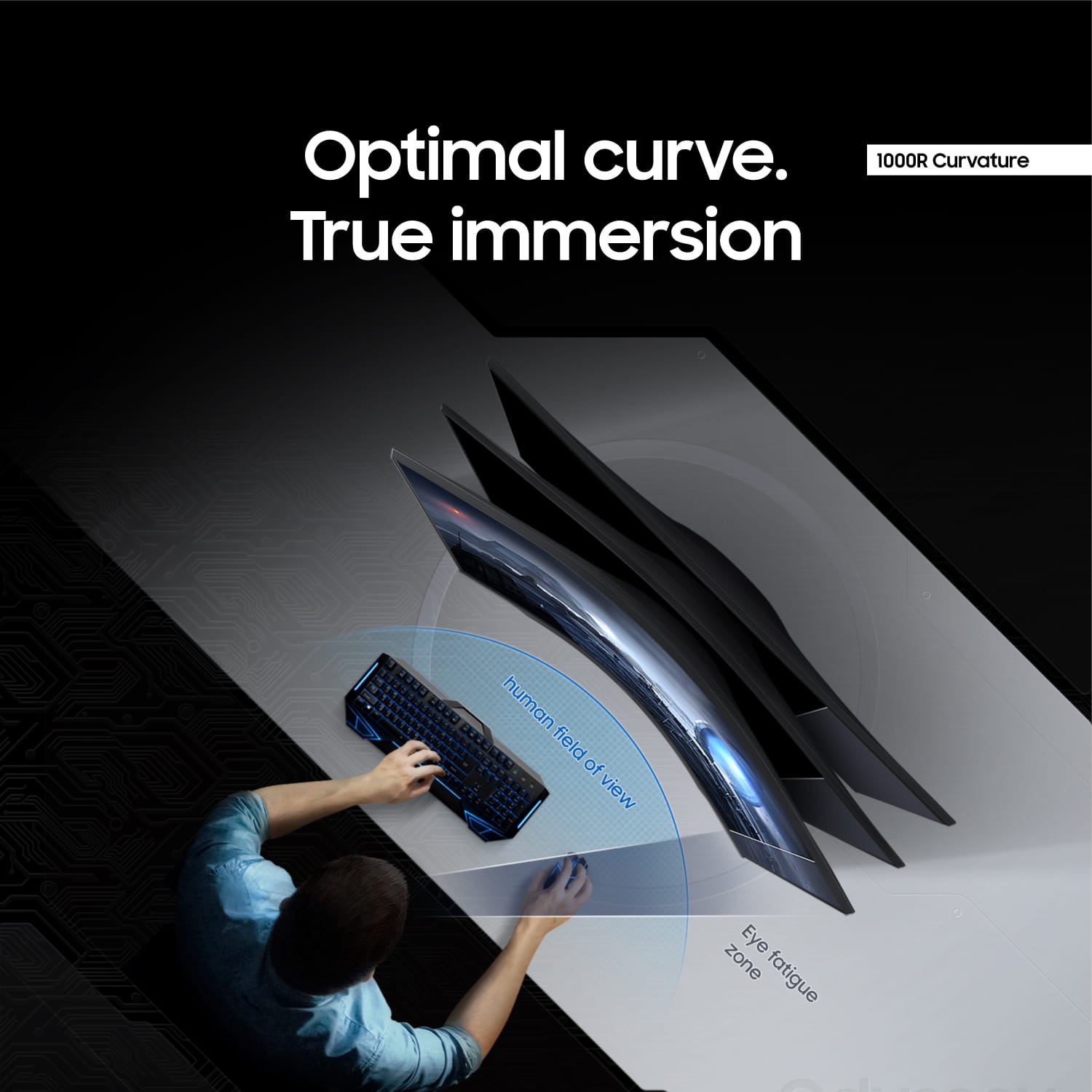
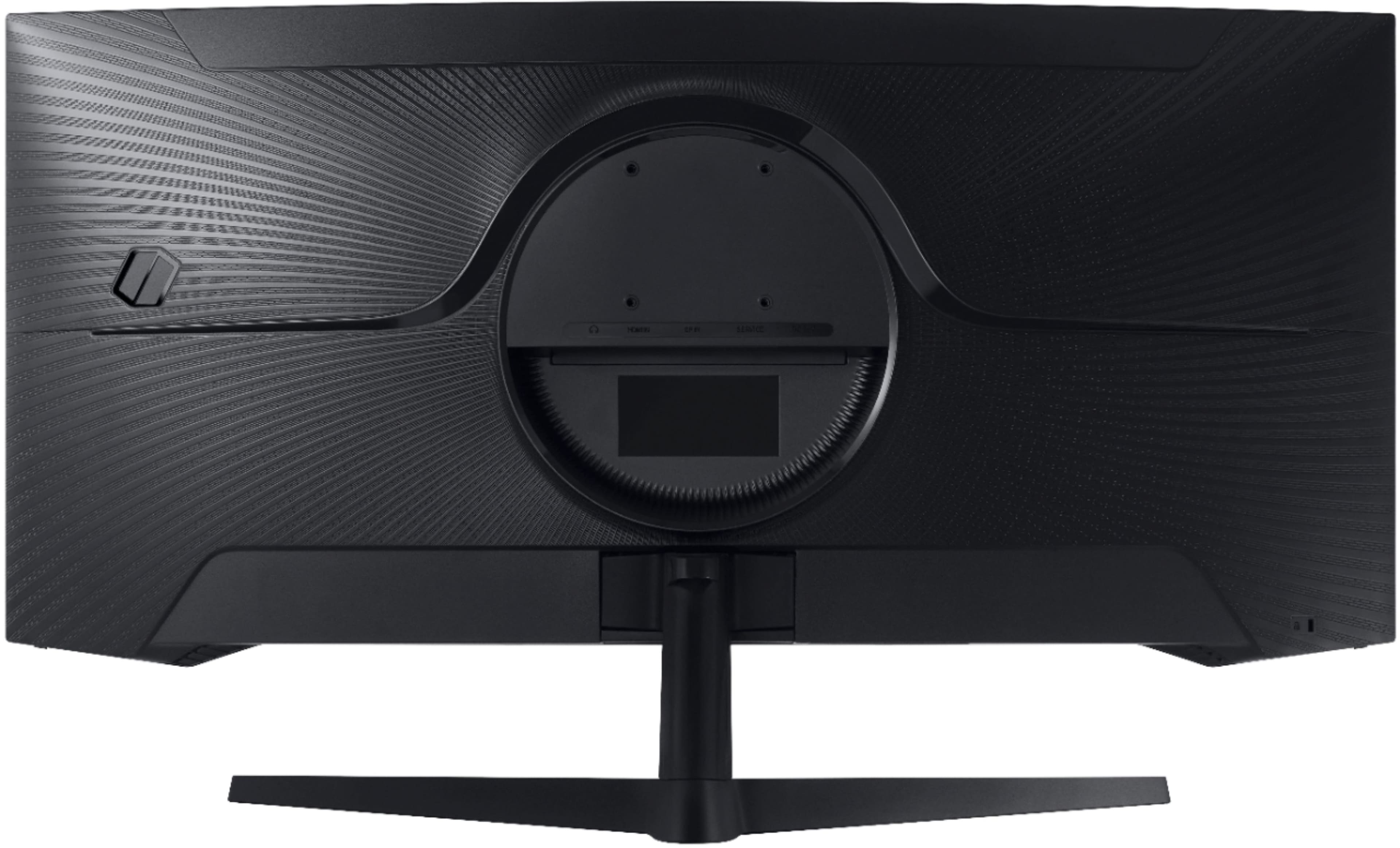
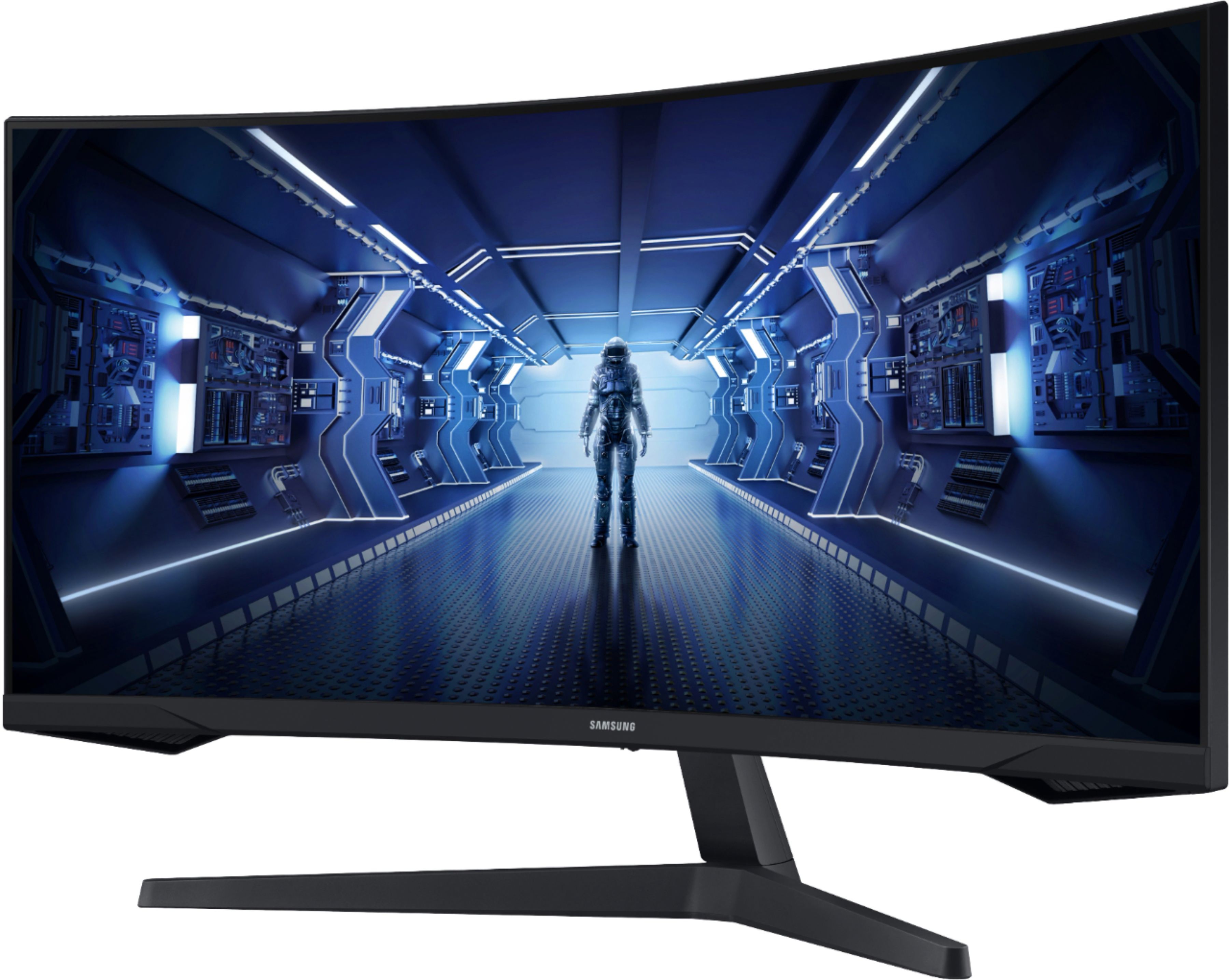
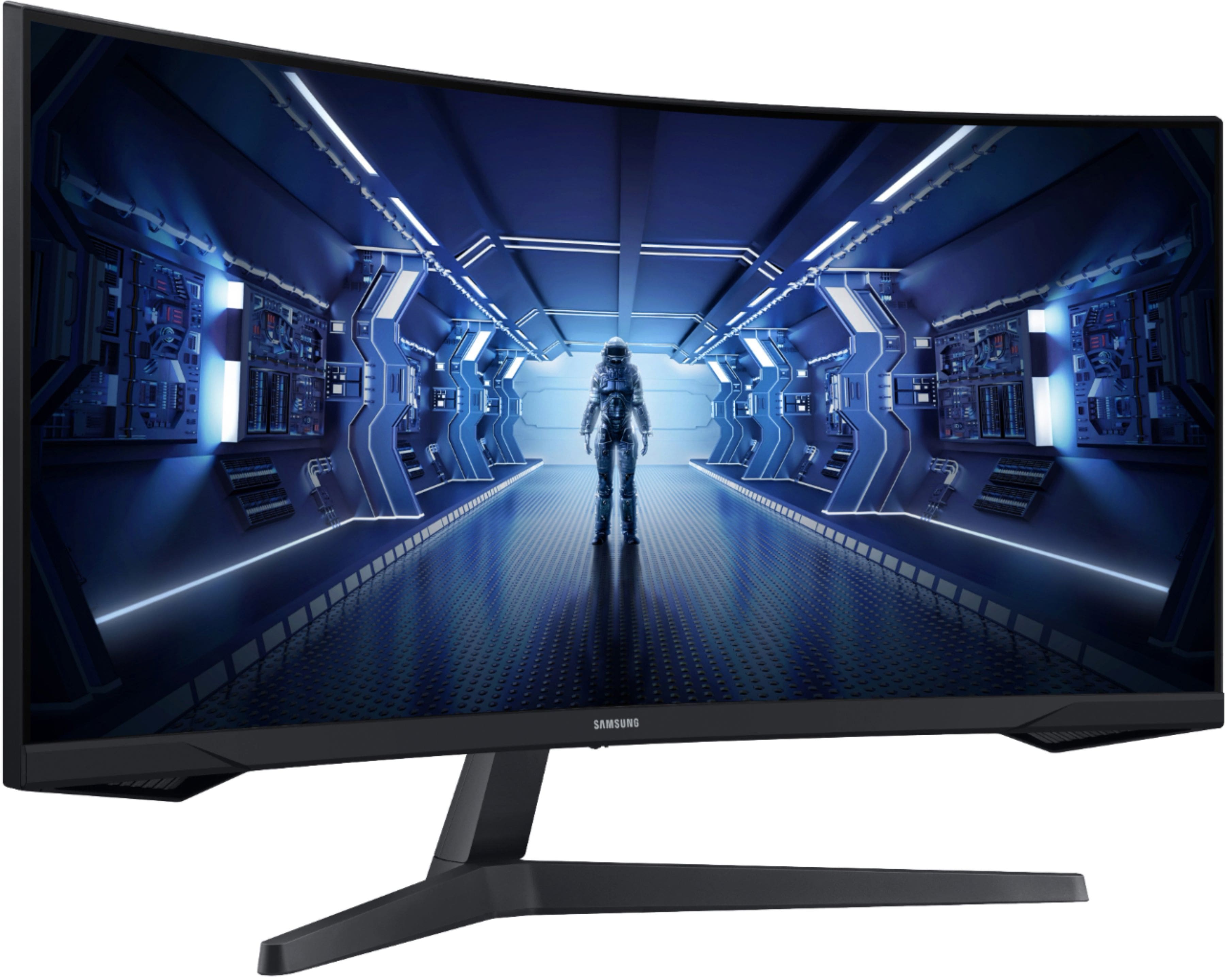
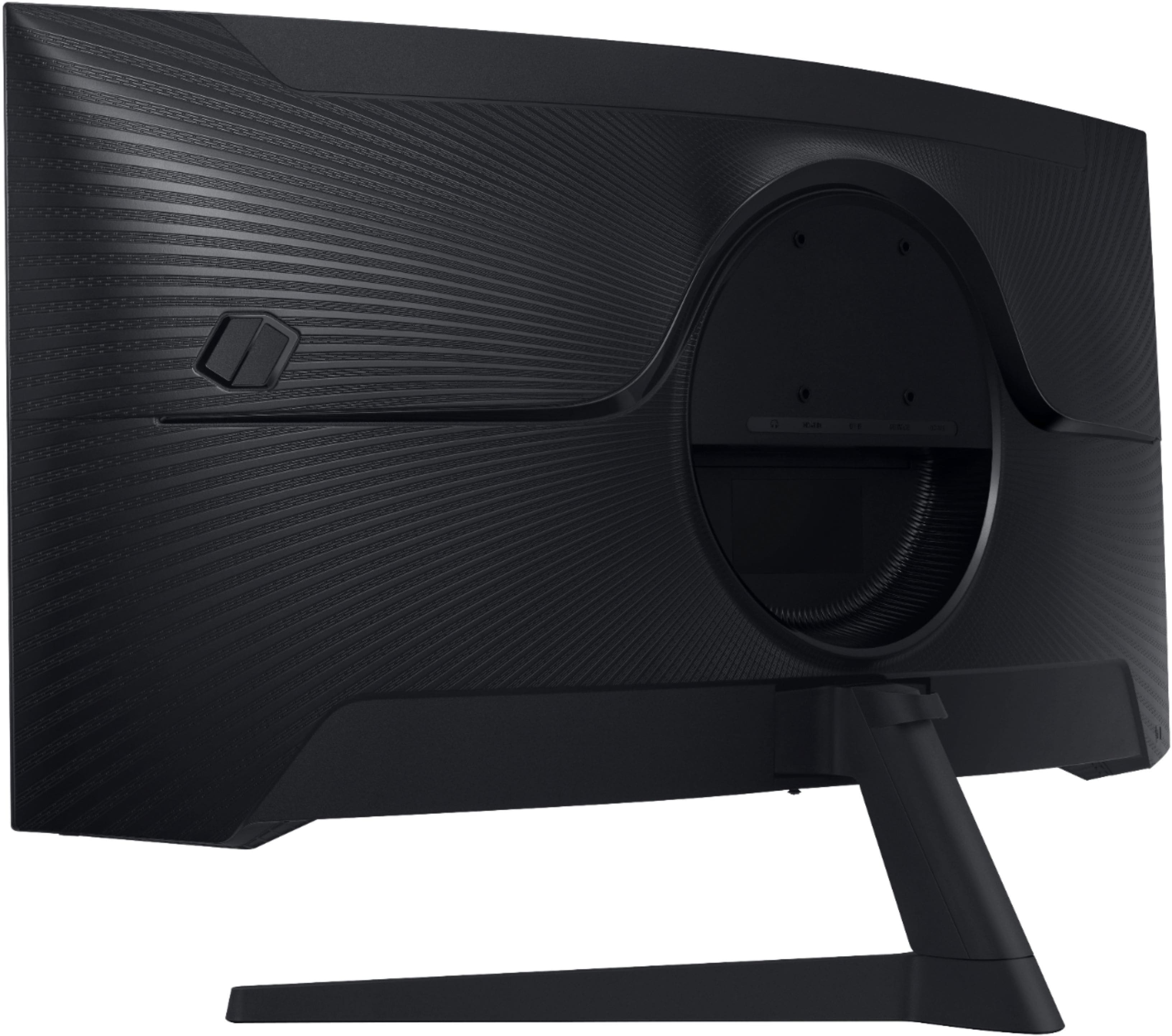
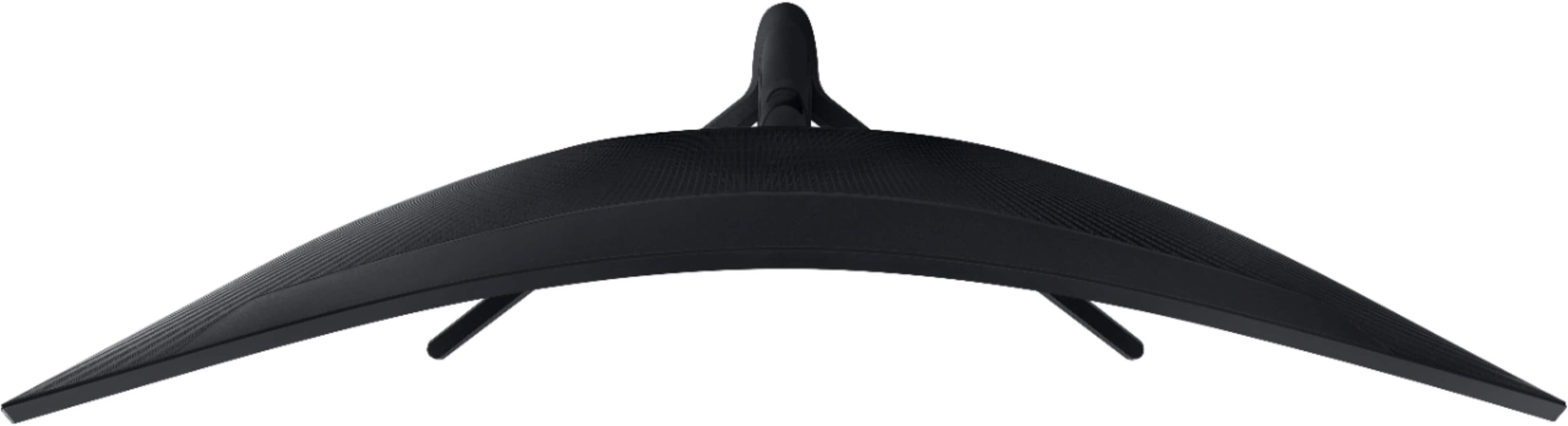
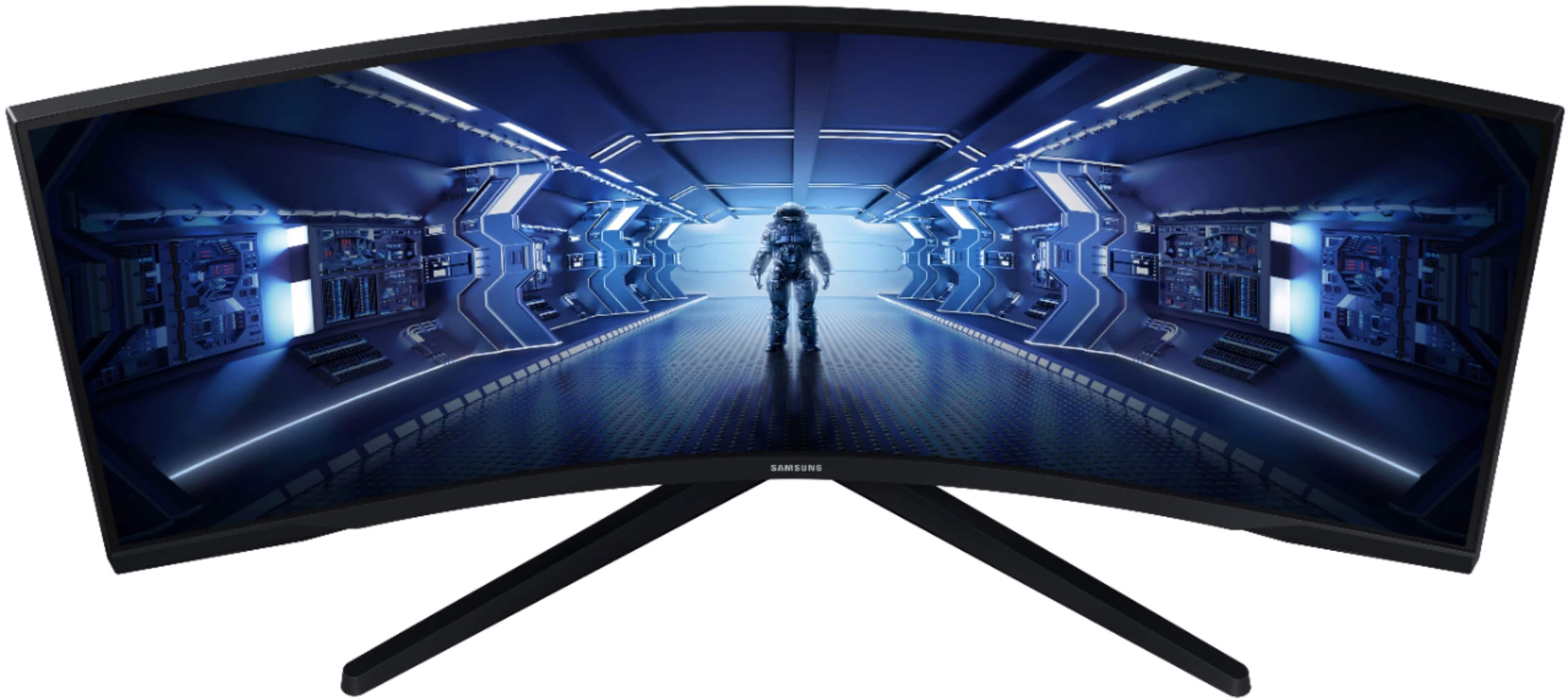
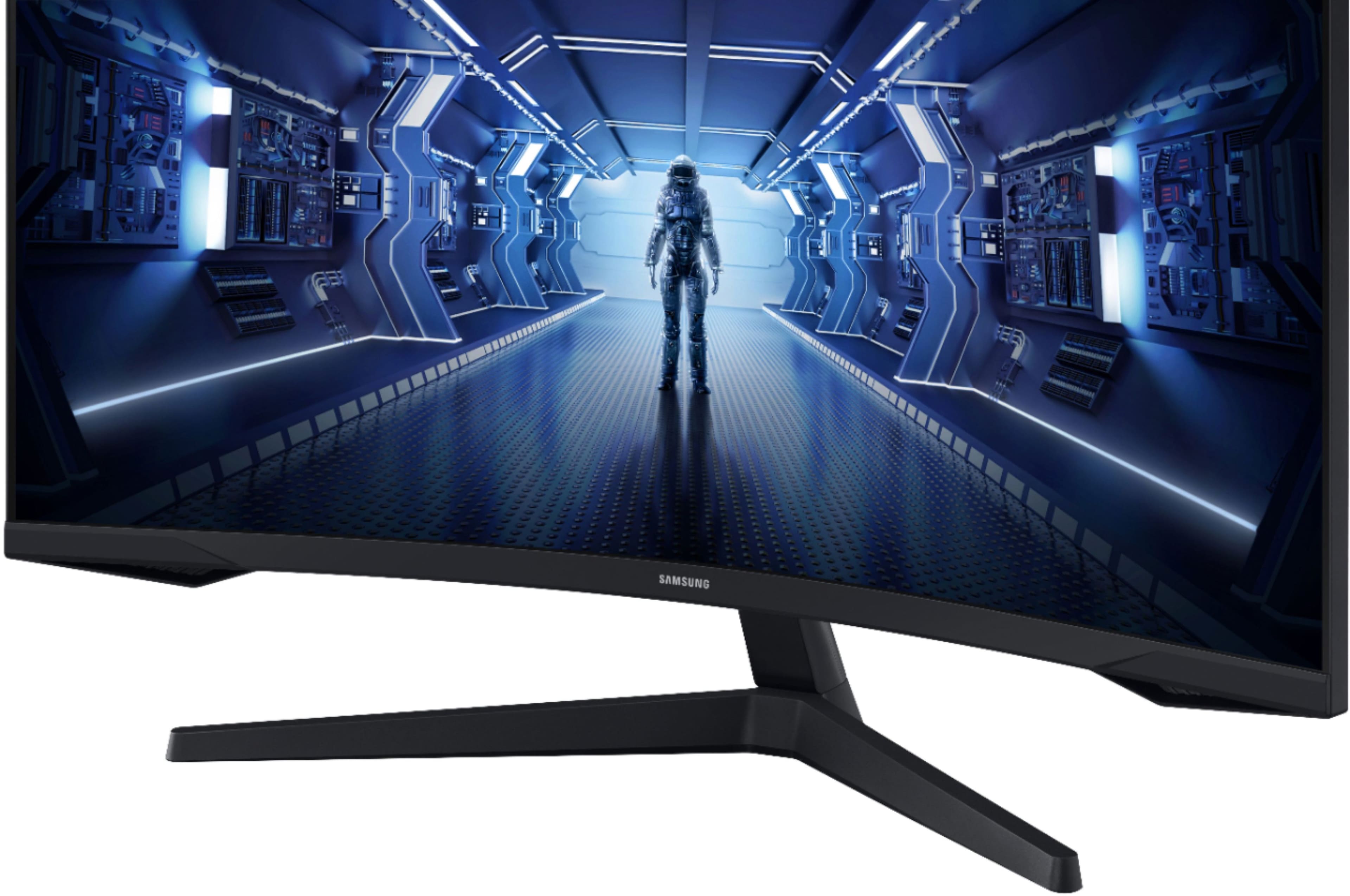
A:AnswerThank you for your question! This monitor doesn't come with a keyboard and mouse. Be sure to check out the Samsung Smart Keyboard Trio 500 and Slim Bluetooth Mouse on the Samsung website to accessorize your new monitor!
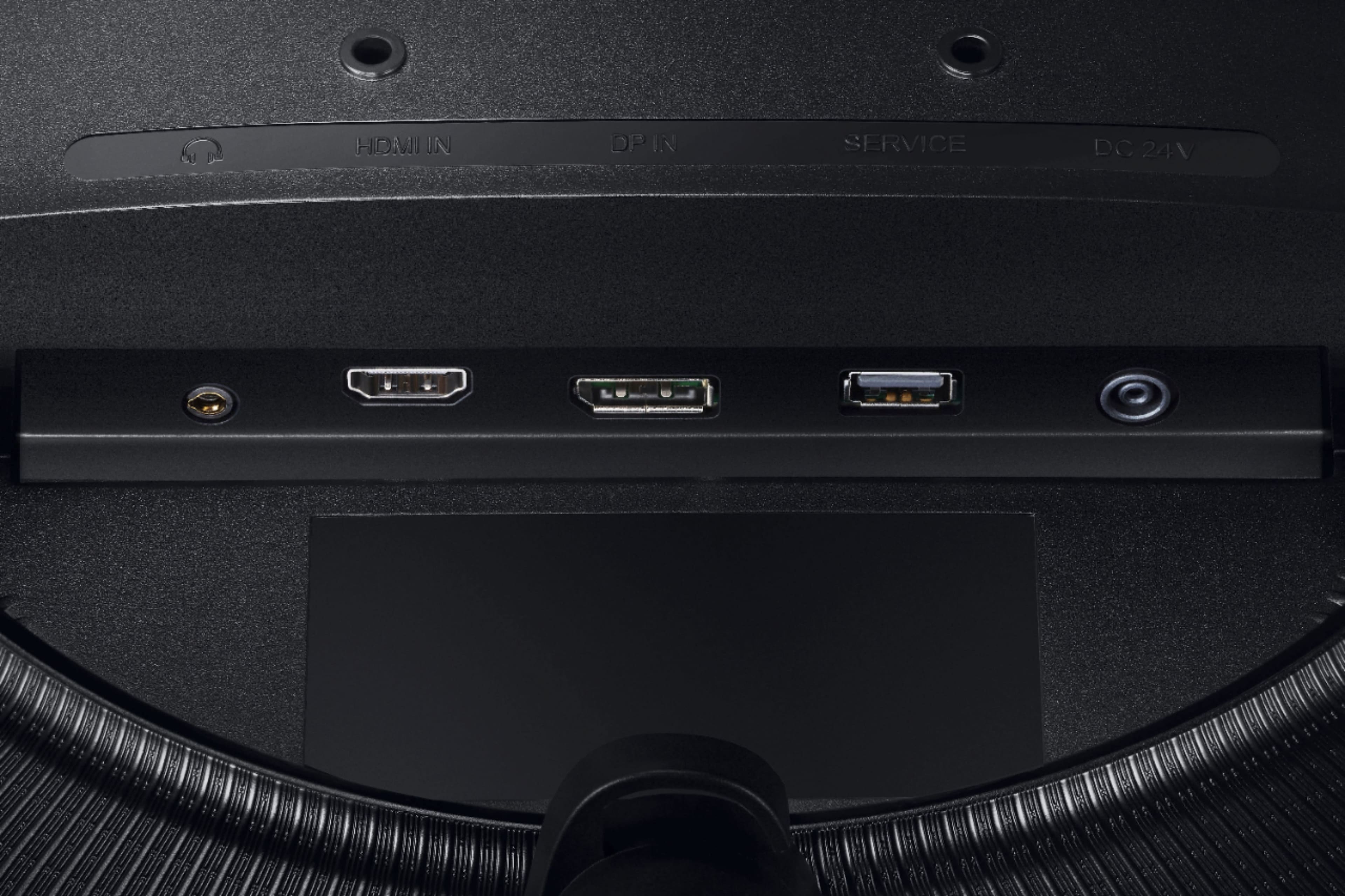
A:AnswerThank you for your question! This monitor does not feature built-in speakers or microphone. We recommend checking out the Samsung M-series smart monitors or one of our Odyssey premium gaming monitors for the functionality you are looking for.
A:AnswerThank you for your question! To connect a keyboard and mouse, you have a couple of options. You can utilize a USB dongle adapter to connect the PC to a wired keyboard and/or mouse. Another option is to use a blue tooth mouse to connect your devices.
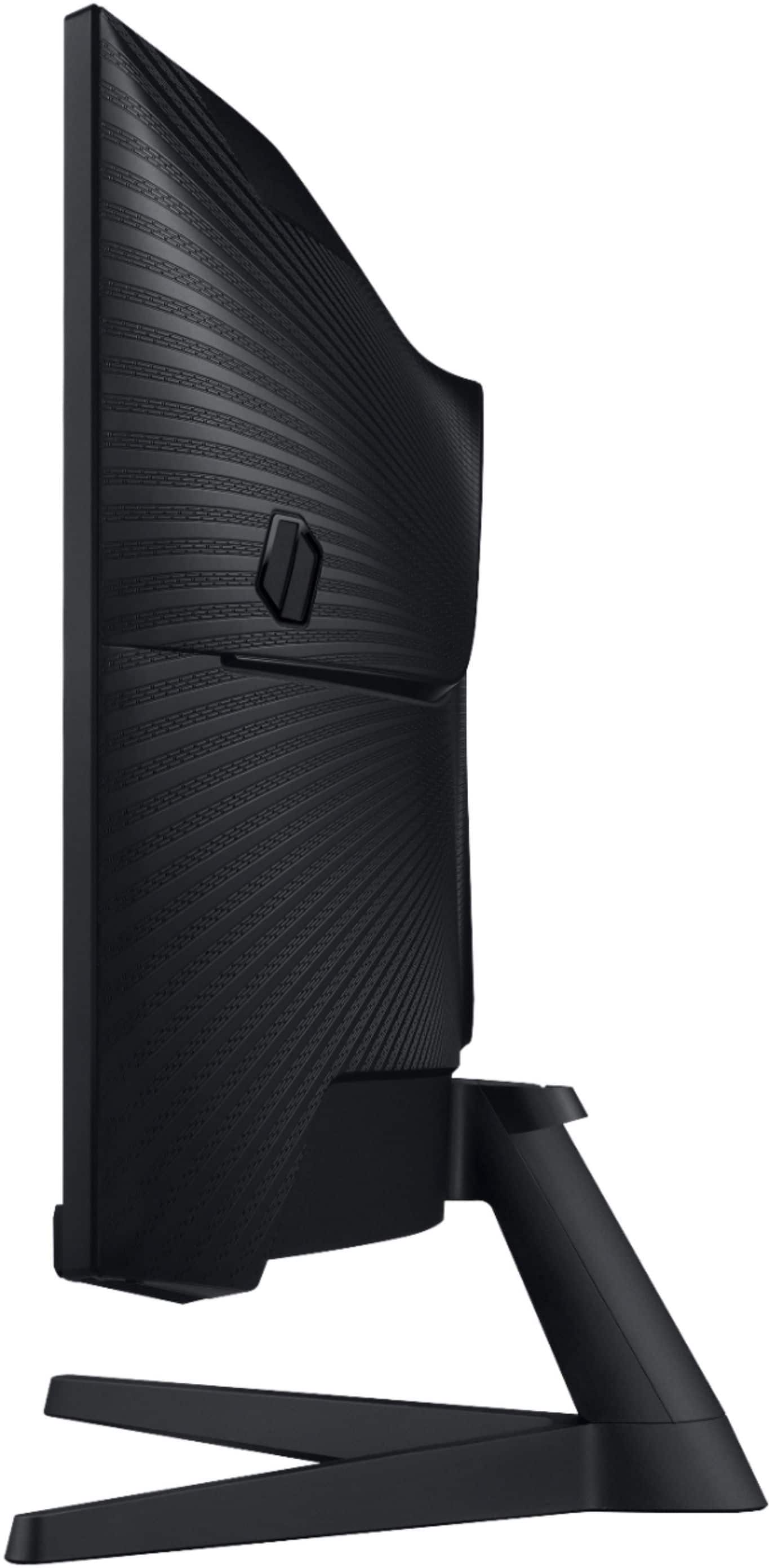
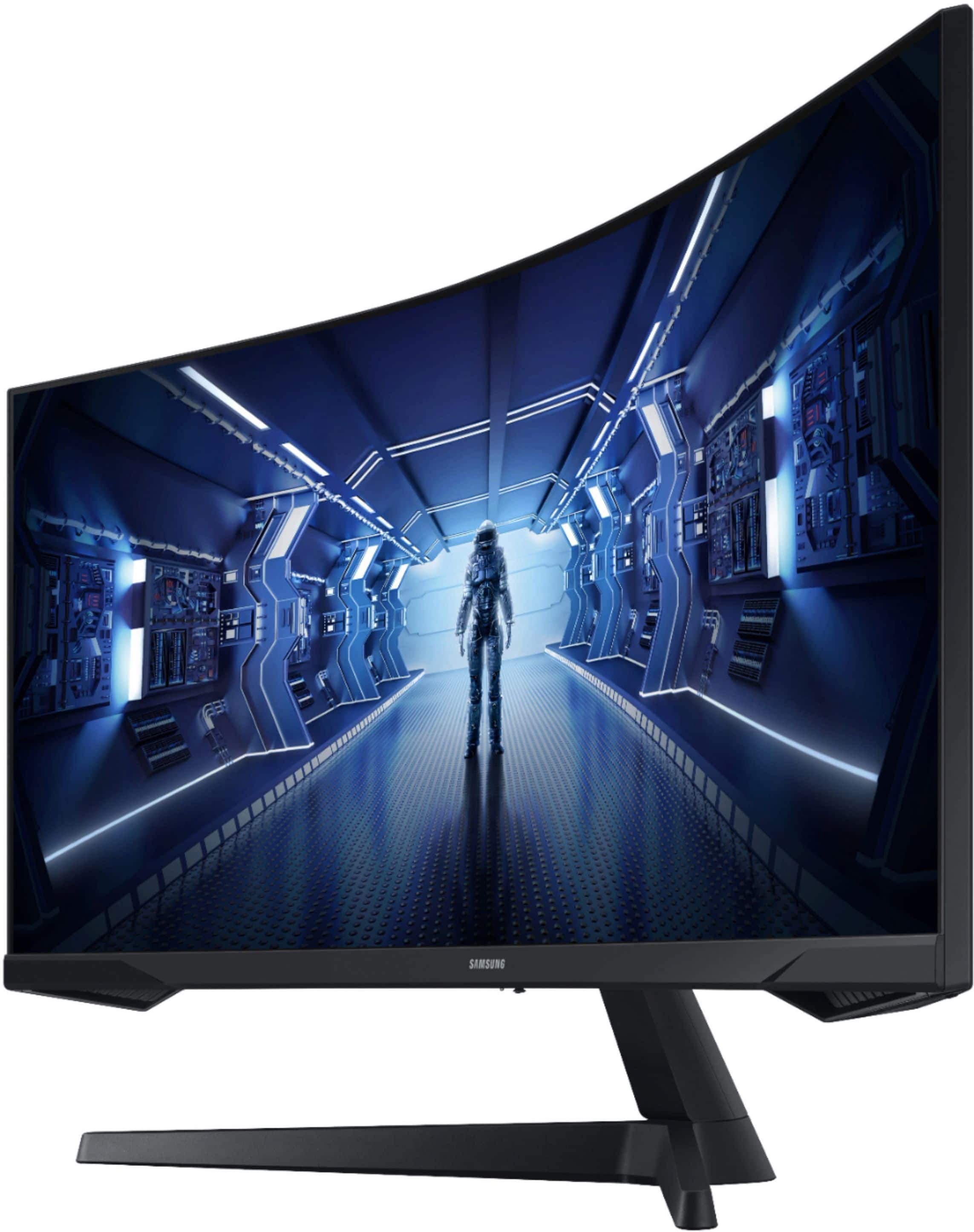
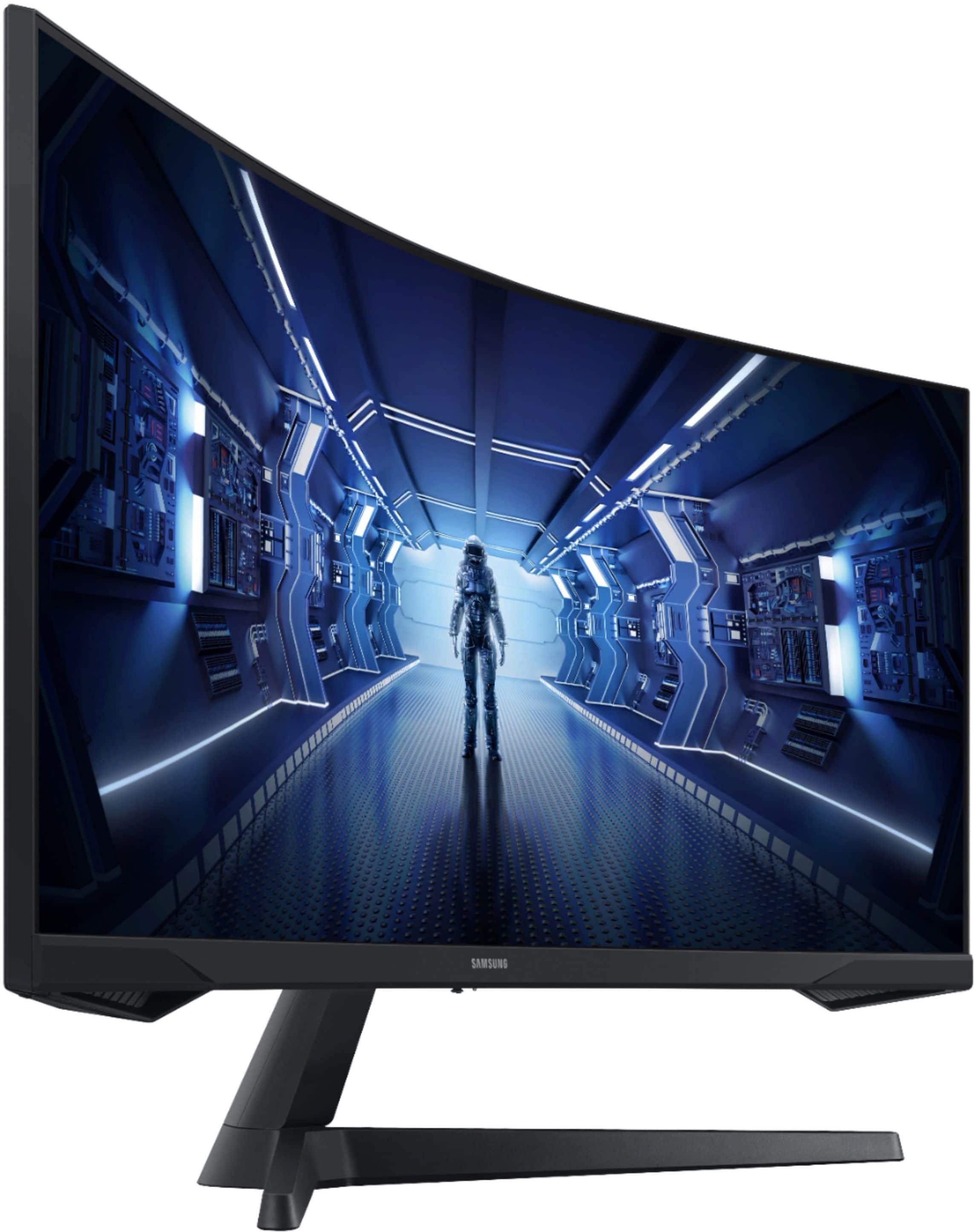
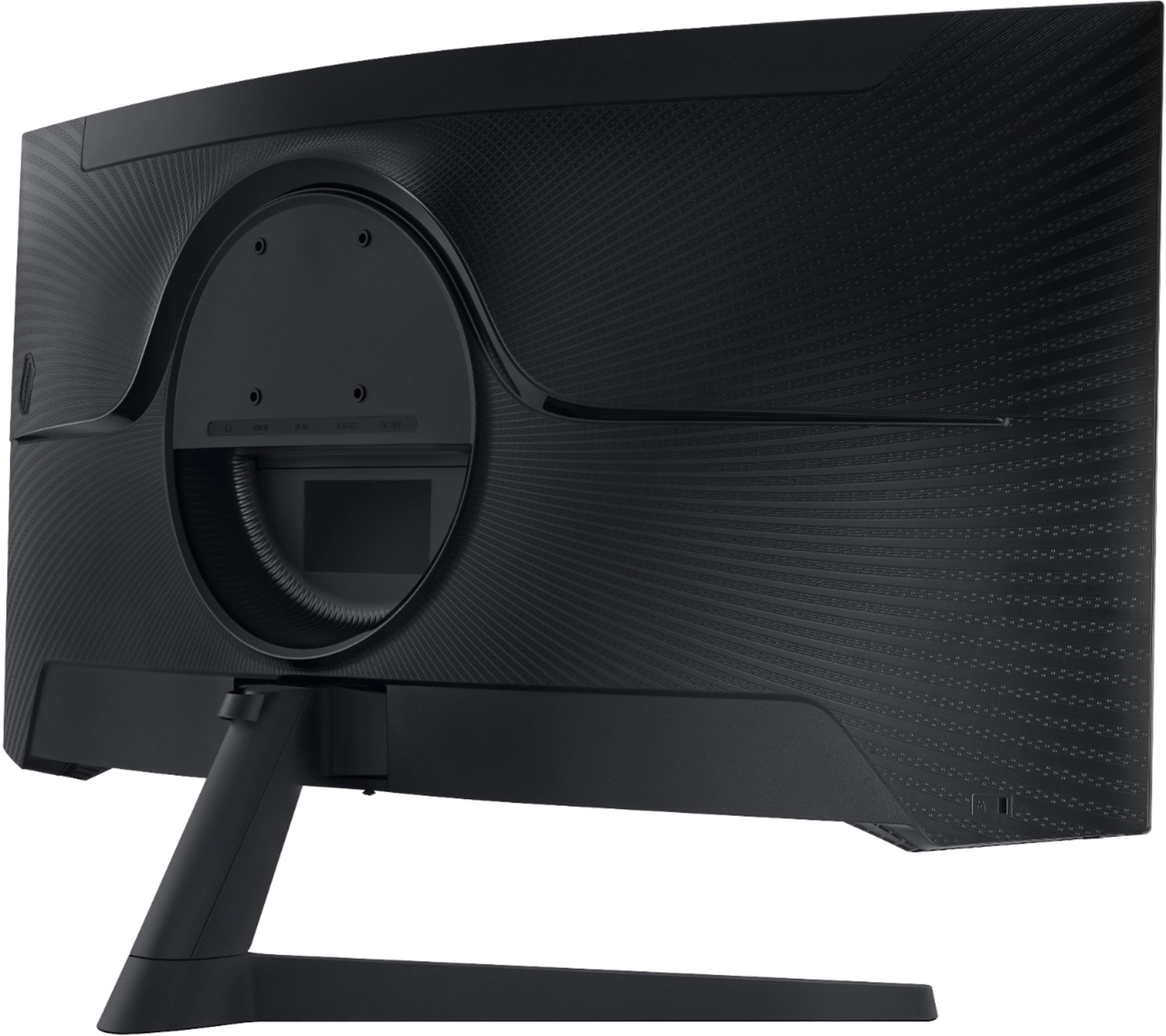
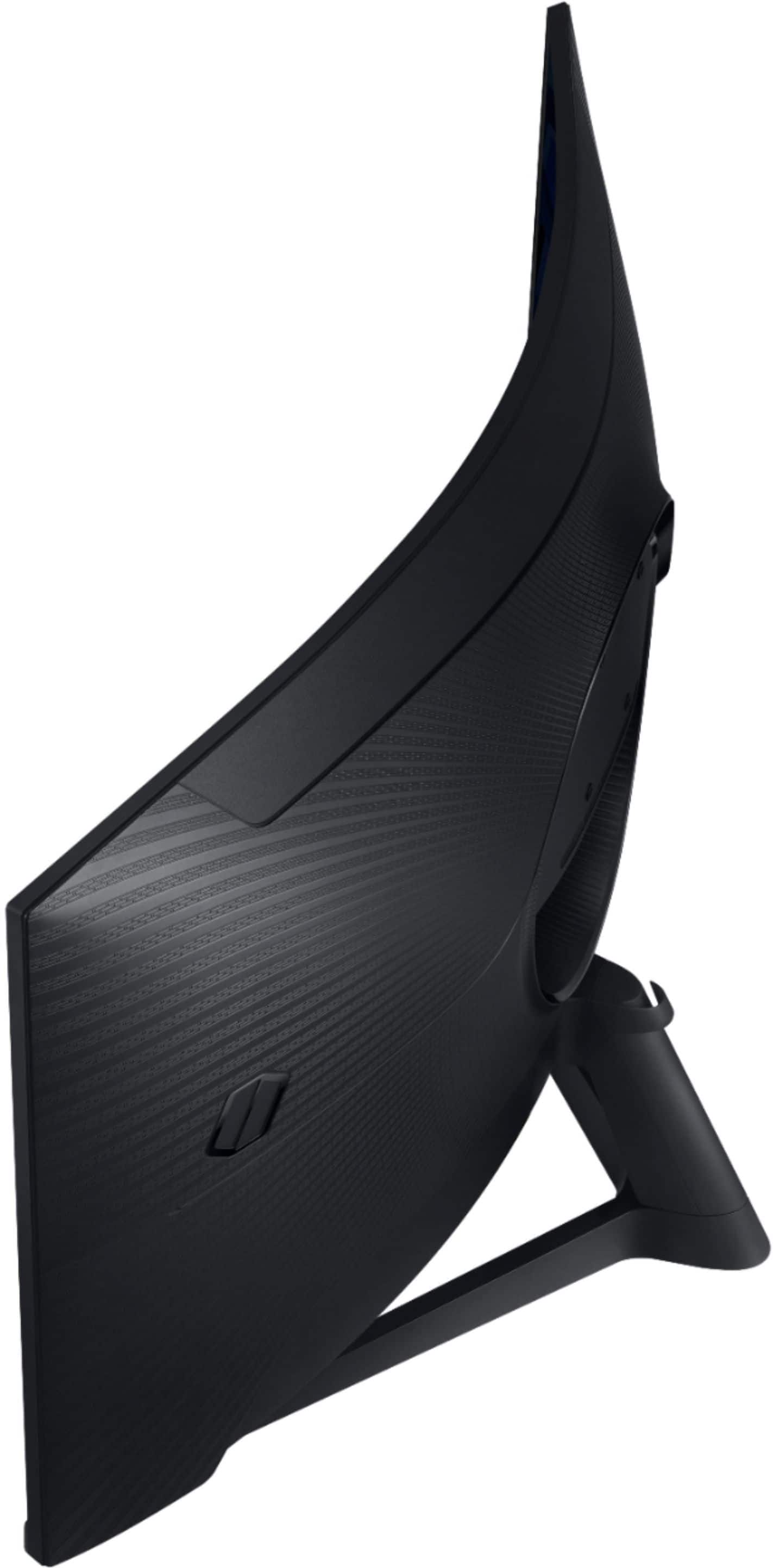
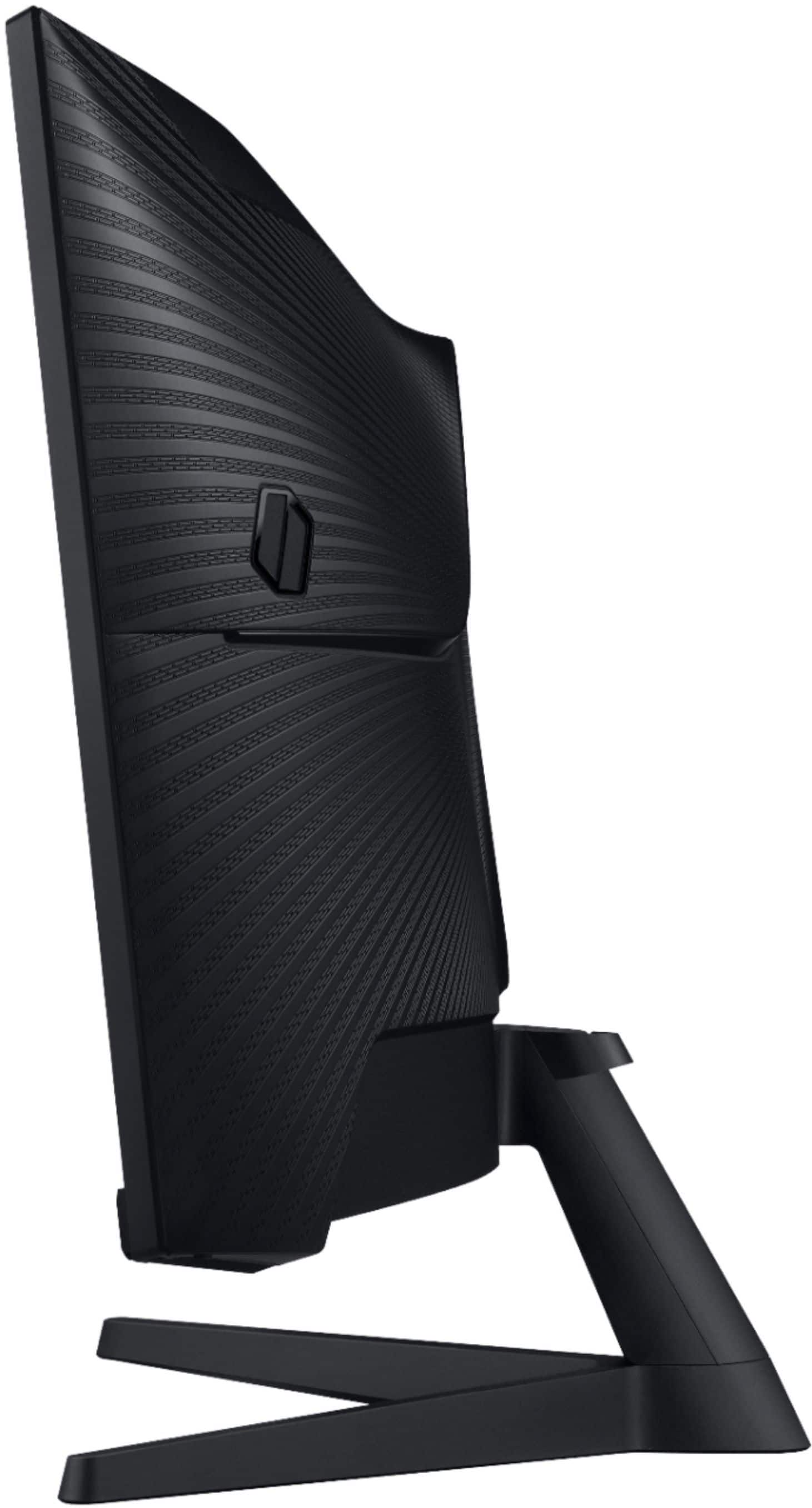
A:AnswerNot with the included stand. The monitor stand that came with mine is non adjustable and sits low only allowing for horizontal mounting. I actually don’t like it. I had to prop the stand up on a few financial books for it to be at desired viewing height.
A good graphics card can display any monitor vertical, but with the curve and the length I wouldn’t recommend this one. Try a flat LG or msi for that.
A:AnswerThere is a YouTube video that addresses these questions. As I recall, the diaper helps, but the gold safety pin doesn’t necessitate the base guitar. It was a nice effect, tho’.
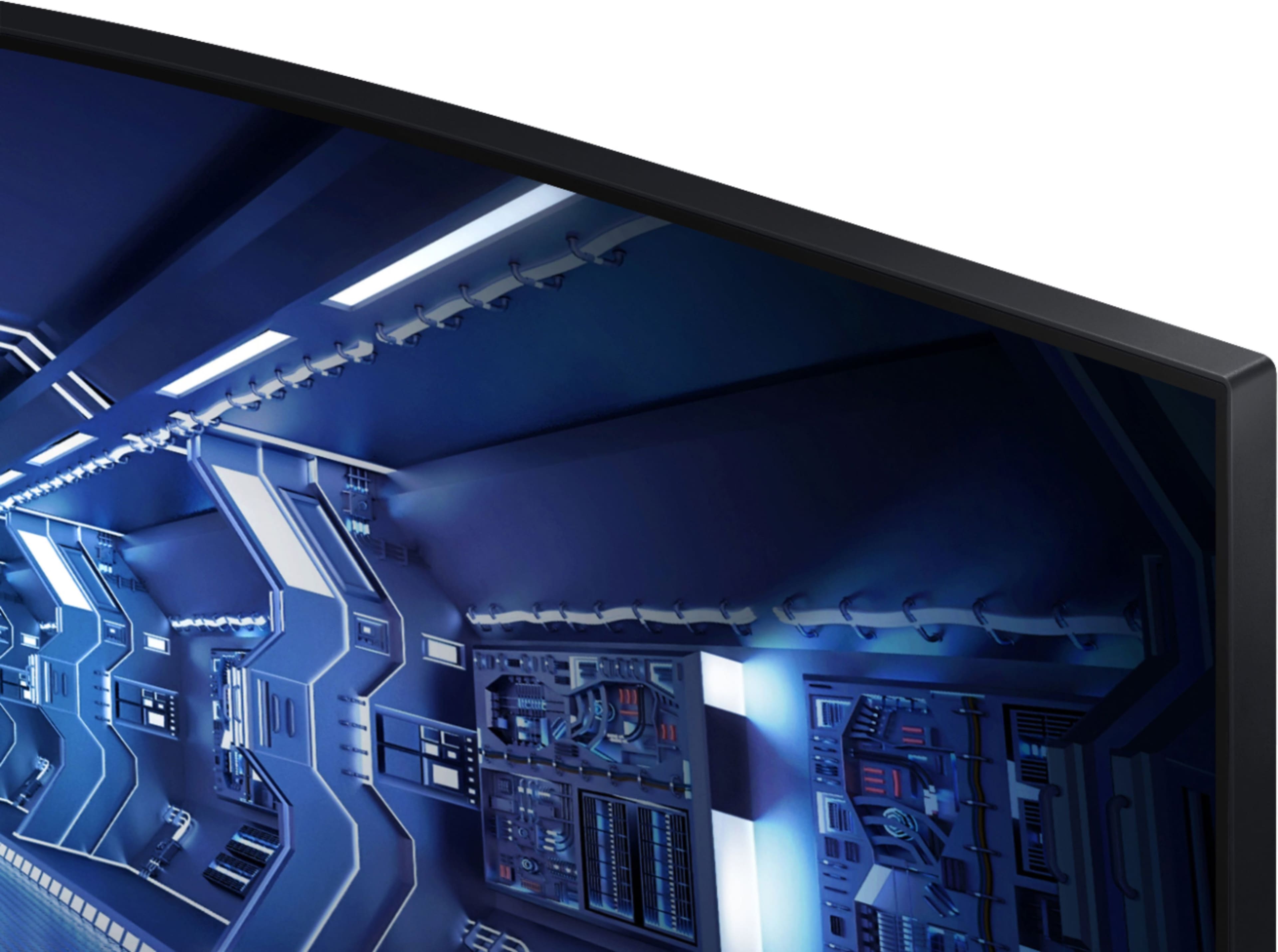
A:AnswerI use both a Windows machine and a MacBook - the resolution looks fine to me, I use a dock which allows 4k video and the screen looks crisp with both systems.